

 DownloadFeather Standalone Client Mod
Get the files on 9Minecraft
Guides
Step-by-step, in-game.
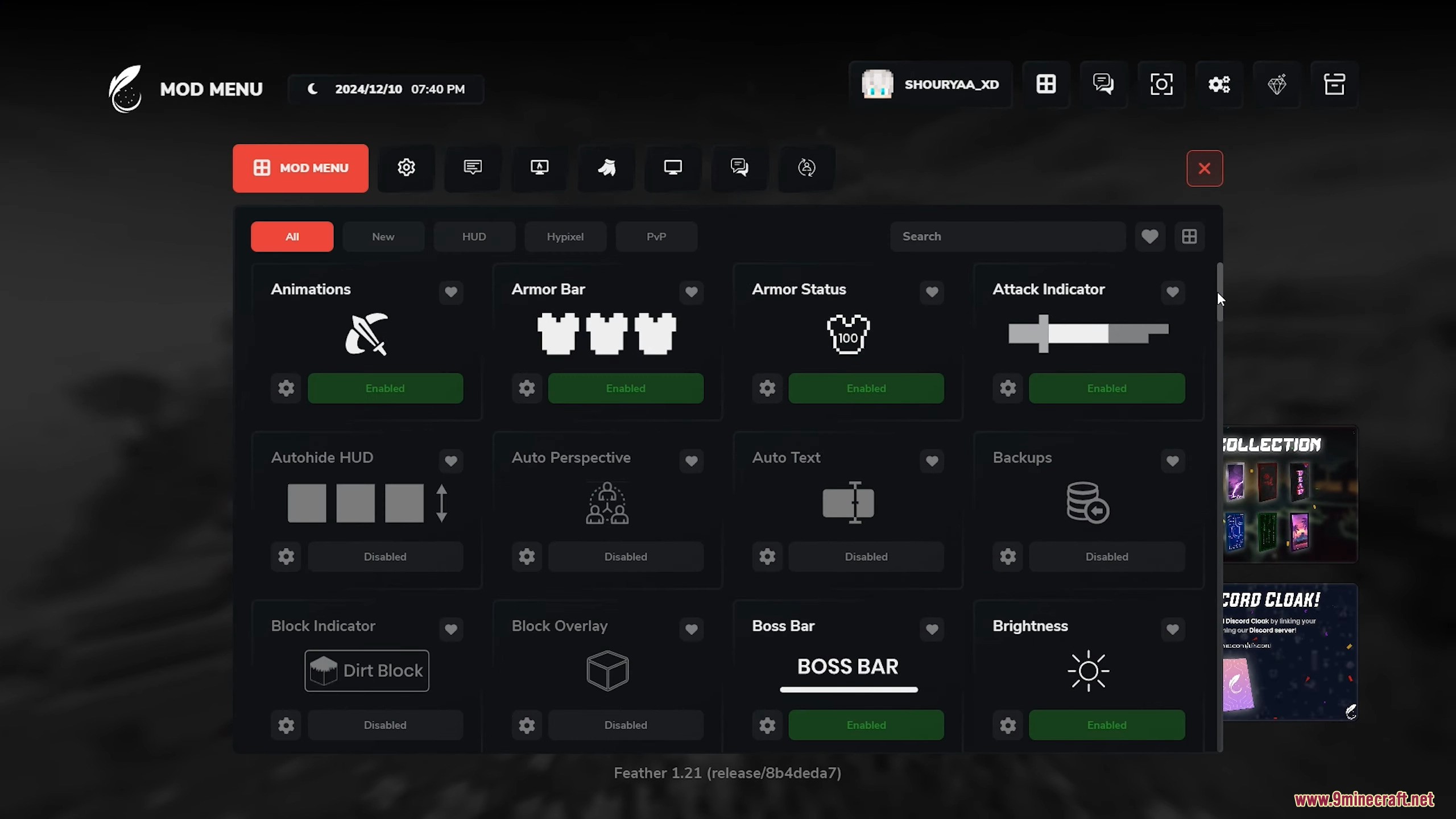
Customize HUD and Visual ElementsOpen HUD Configuration Feather Standalone allows customization of on-screen elements. Access the mod settings menu…Enable Performance OptimizationsAccess Performance Settings Feather Standalone includes built-in performance mods that improve frame rates and reduce…Troubleshoot Mod Conflicts and CrashesCheck Mod Compatibility Feather Standalone is designed to work standalone, but conflicts can occur with other mods or…Use Cosmetics and CapesAccess Cosmetics Menu Feather Standalone includes cosmetic features for character customization. Open the mod menu…
Frequently asked questions
How do I launch the mod after installing it?
Open the Feather Standalone Client launcher and select your desired Minecraft version, then click Play. The mod will load with all its features enabled by default.
Why is my game still running slowly even with this mod?
Check the Performance Optimizations guide to enable rendering tweaks and chunk loading settings. Also verify your Java allocation is sufficient and that conflicting mods aren't running alongside Feather.
Can I use Feather with other mods?
Feather is designed as a standalone client, so adding other mods can cause conflicts. If you want additional functionality, check the mod conflicts guide to see which mods are known to work together.
How do I turn off the HUD elements I don't want?
Open the HUD customization menu (usually accessible in-game via a settings key) and toggle off individual elements like coordinates, FPS counter, or minimap to suit your preference.
See all 10 Feather Standalone questions ›
Gallery
5 images from the Feather Standalone Client Mod page.
You May Also Like
Wikis that share the most with this one
Wikis on the same theme: light
More client wikis on the site
The most downloaded mods that have a wiki here
A few wikis from each of the other kinds