

 DownloadMeteor Client Mod
Get the files on 9Minecraft
Guides
Step-by-step, in-game.
How to Bind Modules and Set Up Macros in Meteor ClientKeybinds let you toggle a module instantly instead of opening the GUI every time, and macros let one key run a whole…How to Configure the HUD and On-Screen Info in Meteor ClientThe HUD shows live information over your game view, and it is fully rearrangable. Enabling HUD Elements Open the GUI…How to Open and Navigate the Meteor Client GUIThe GUI is the control center for everything in Meteor Client, so learning to open and move around it is the first…How to Use Meteor Client's Utility Modules for Everyday PlayBeyond combat and movement, Meteor Client ships many quality-of-life utilities that automate boring tasks. Finding…
Frequently asked questions
How do I open the meteor client menu?
Press the Right Shift key by default to toggle the ClickGUI open and closed. If that key is already taken by another mod or your OS, you can rebind it in the Meteor settings under the keybinds section.
How do I bind a module to a key?
Open the ClickGUI, find the module, and click the small keybind icon next to its name, then press the key you want. You can also use the .bind command followed by the module name and key in chat.
Whats the difference between meteor and other clients
Meteor is an open-source utility client focused on QoL features, a customizable HUD, and a macro system rather than blatant combat cheats. Its module system and rendering are designed to feel modern and smooth compared to older clients.
How do I use commands in meteor client?
Type a period followed by the command name in chat, like .help to see the command list. Commands let you toggle modules, change settings, and manage friends without opening the GUI.
Gallery
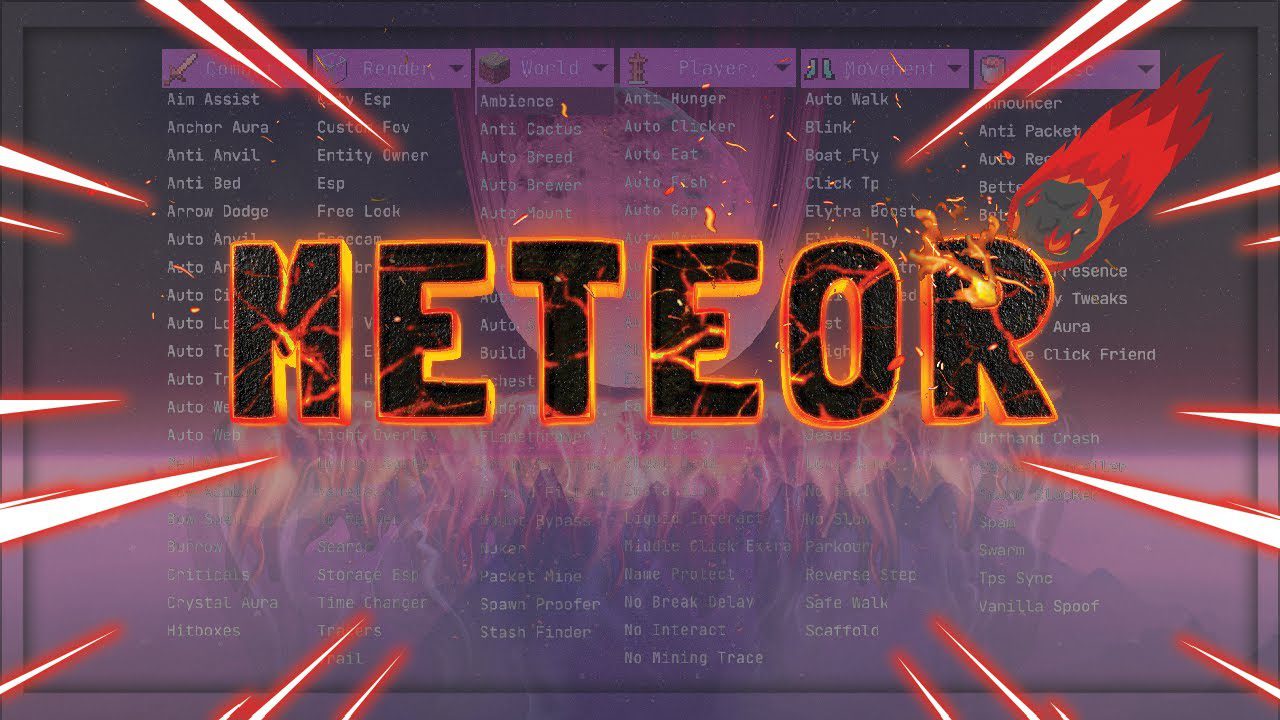
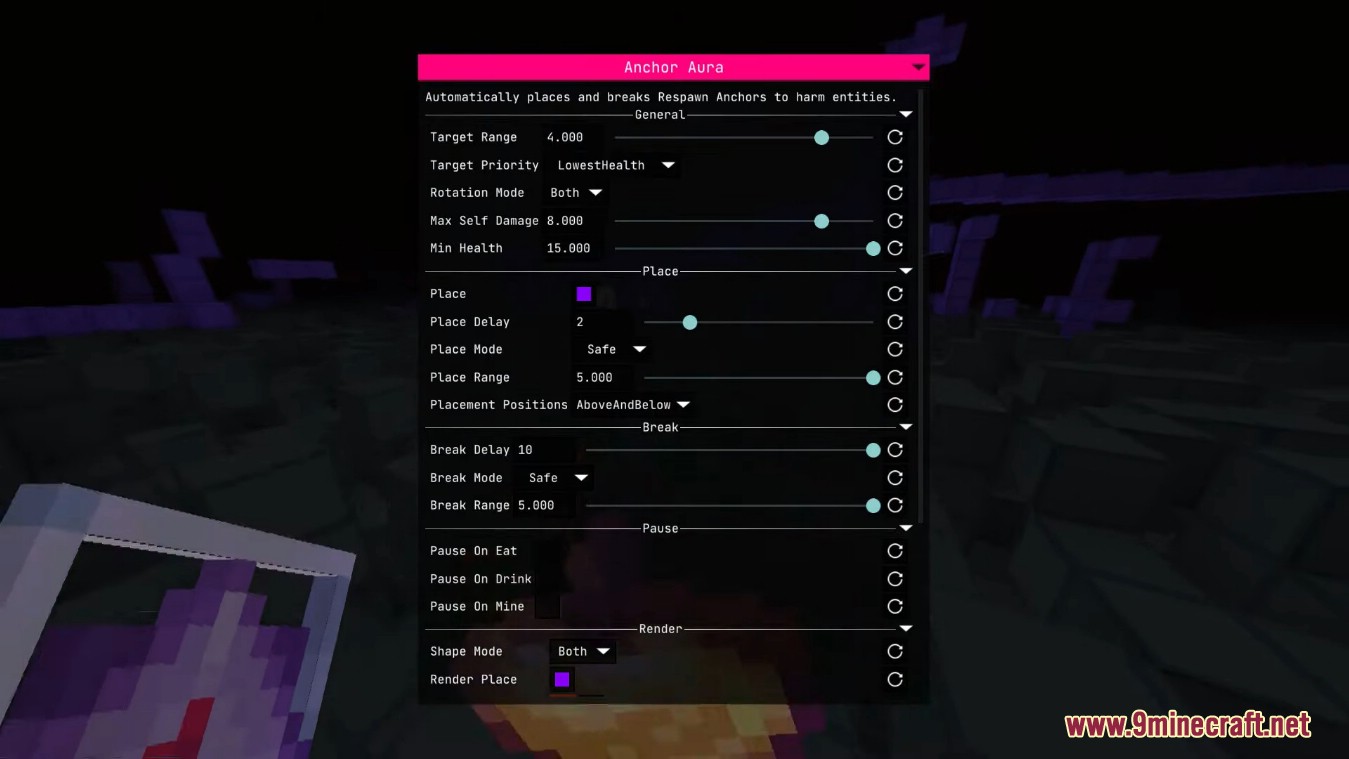
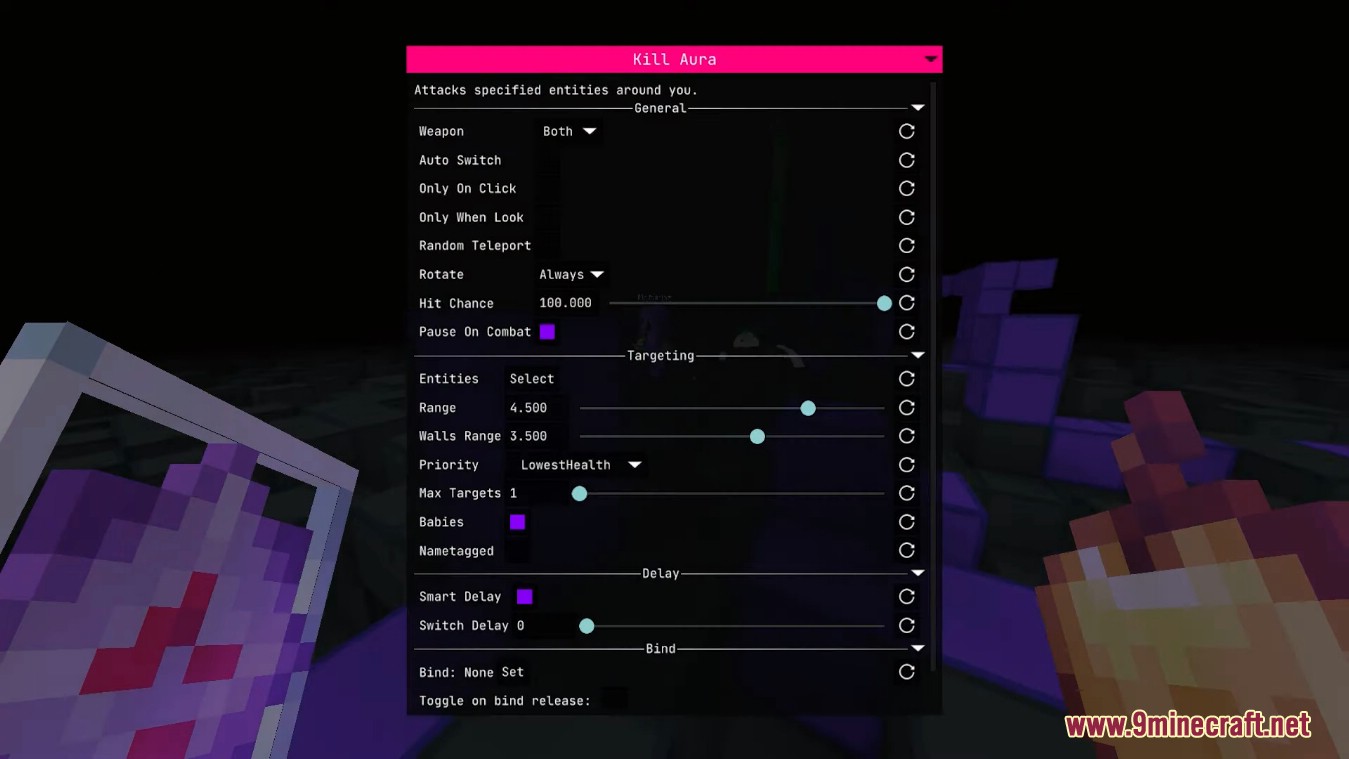
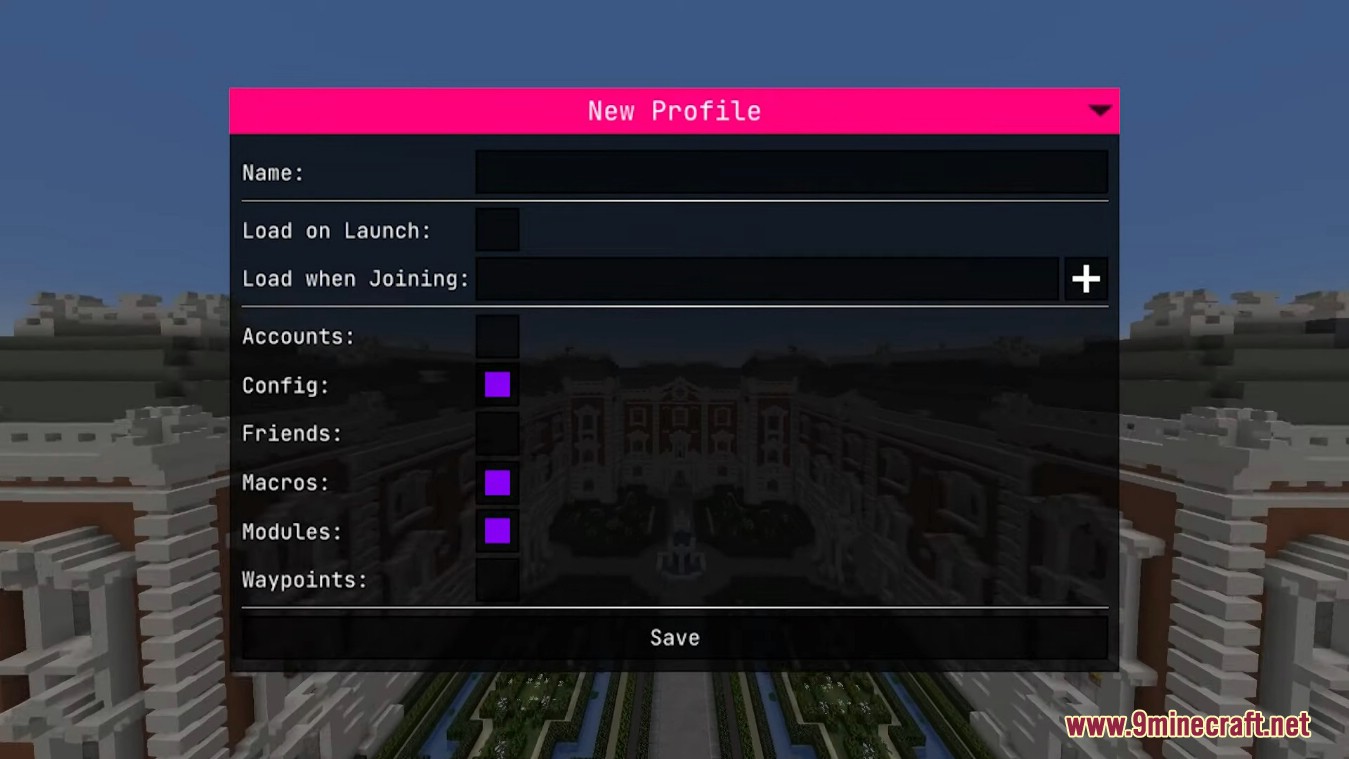
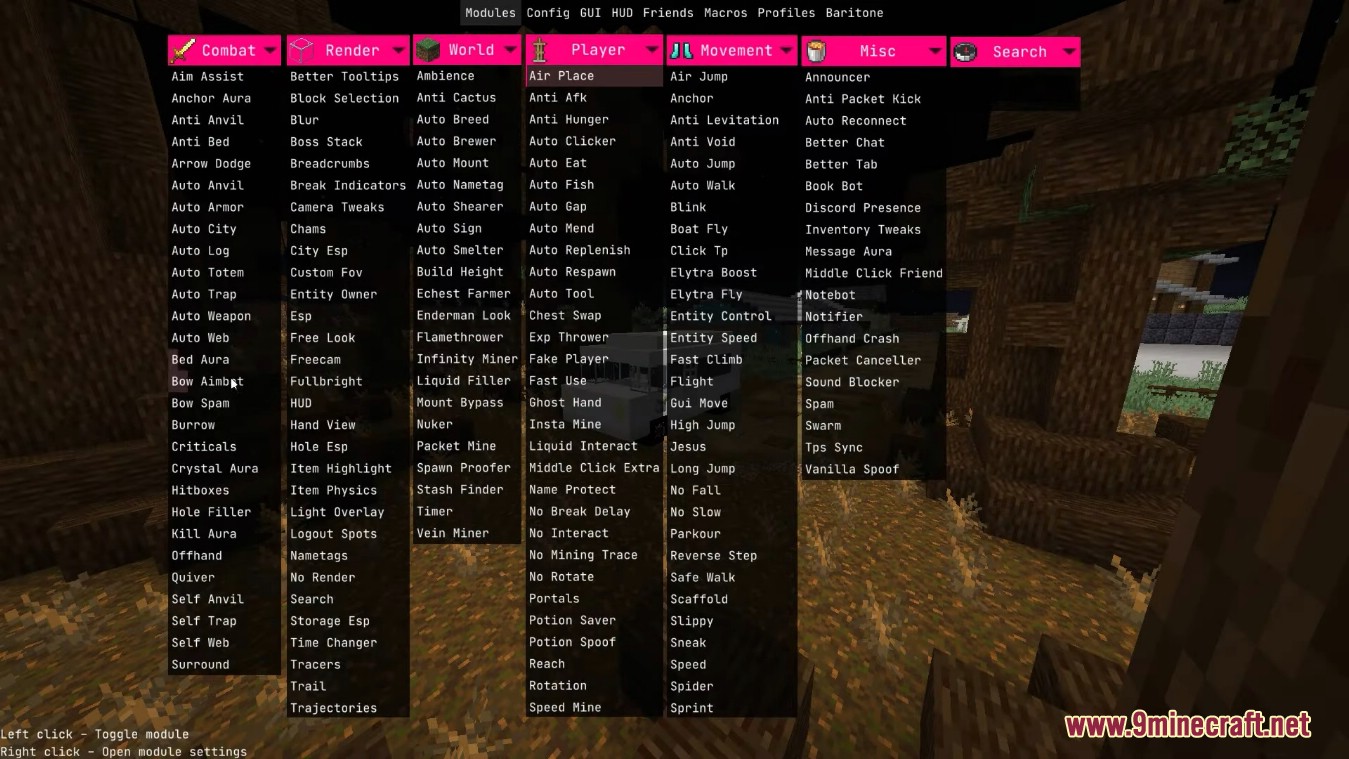
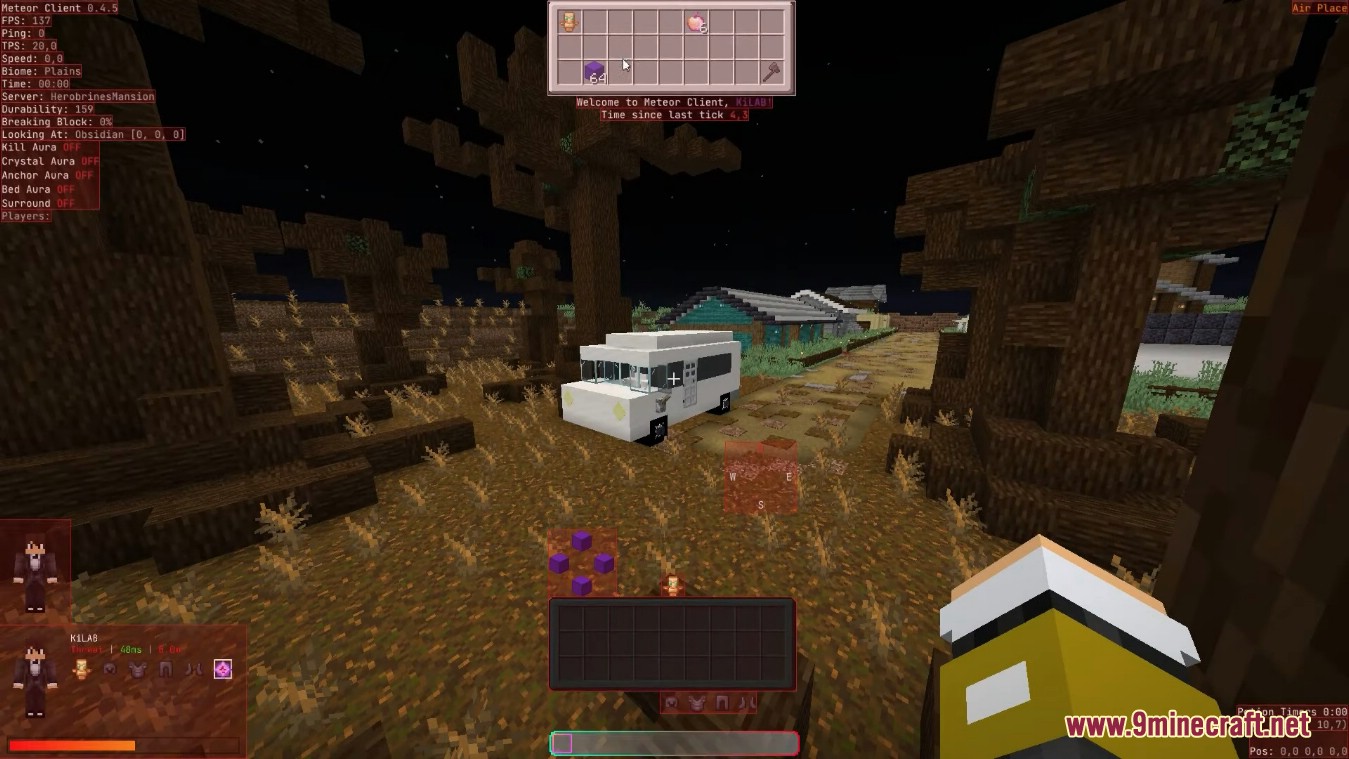
12 images from the Meteor Client Mod page.

You May Also Like
Wikis that share the most with this one
More client wikis on the site
The most downloaded mods that have a wiki here
A few wikis from each of the other kinds