

 DownloadDama Client Mod
Get the files on 9Minecraft
Guides
Step-by-step, in-game.
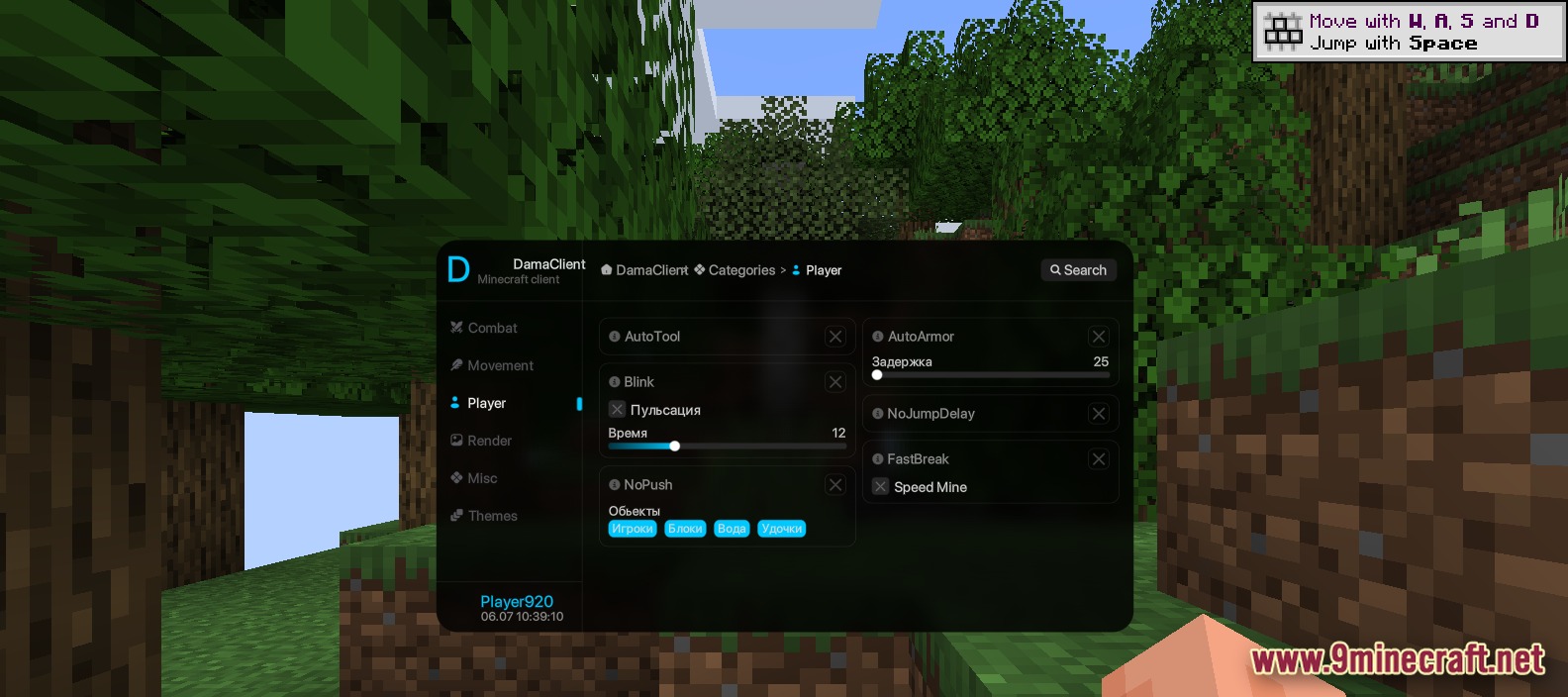
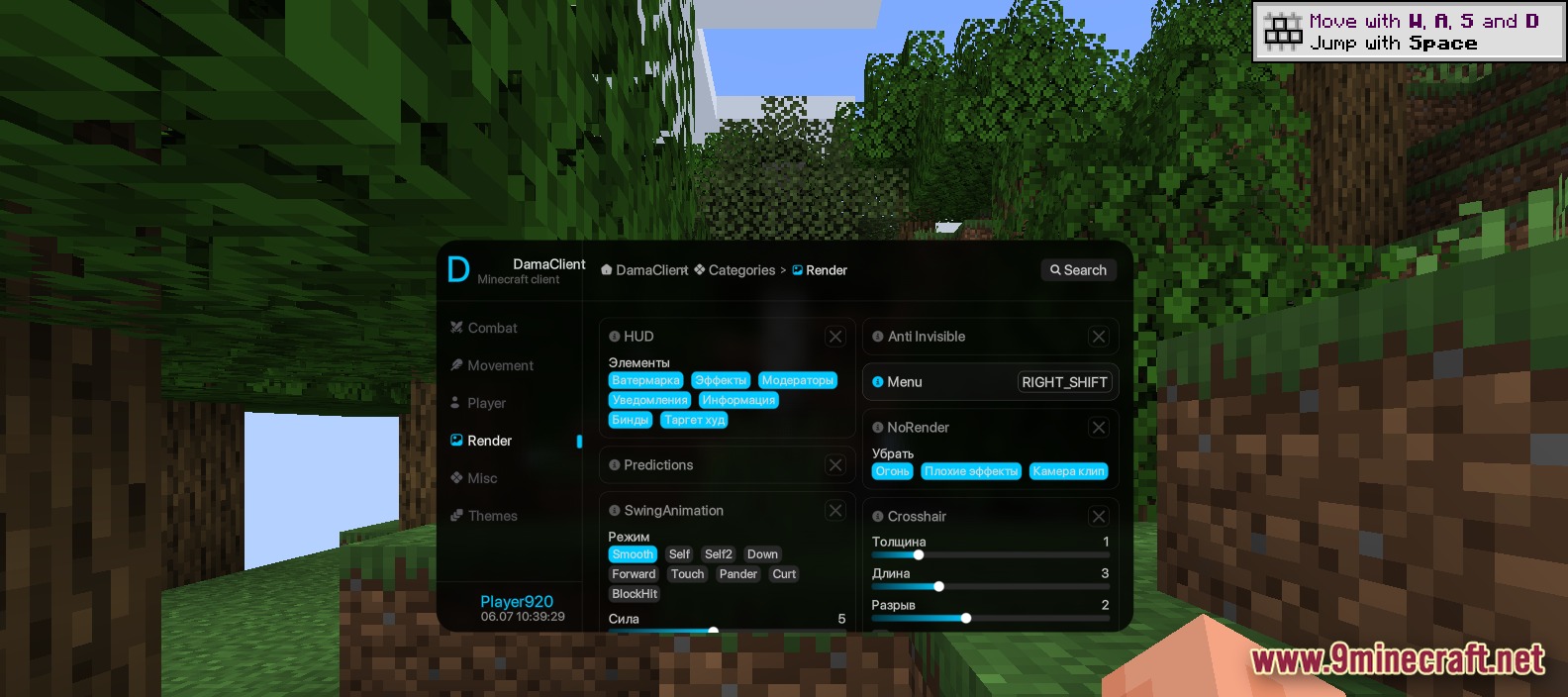
Customize Your HUD and CrosshairDama Client's render settings let you personalize your screen layout and crosshair appearance to match your playstyle…Optimize Block Breaking with AutoToolAutoTool automatically selects the best tool for each block you target, eliminating the need to manually swap between…Set Up AutoSwap for CombatAutoSwap automatically equips defensive items when you need them most, keeping your hands free for weapons and tools…Use the Search Bar to Find Tools QuicklyWith over 60 tools available, the search bar helps you locate specific features without scrolling through every…
Frequently asked questions
How do I open the Dama Client menu?
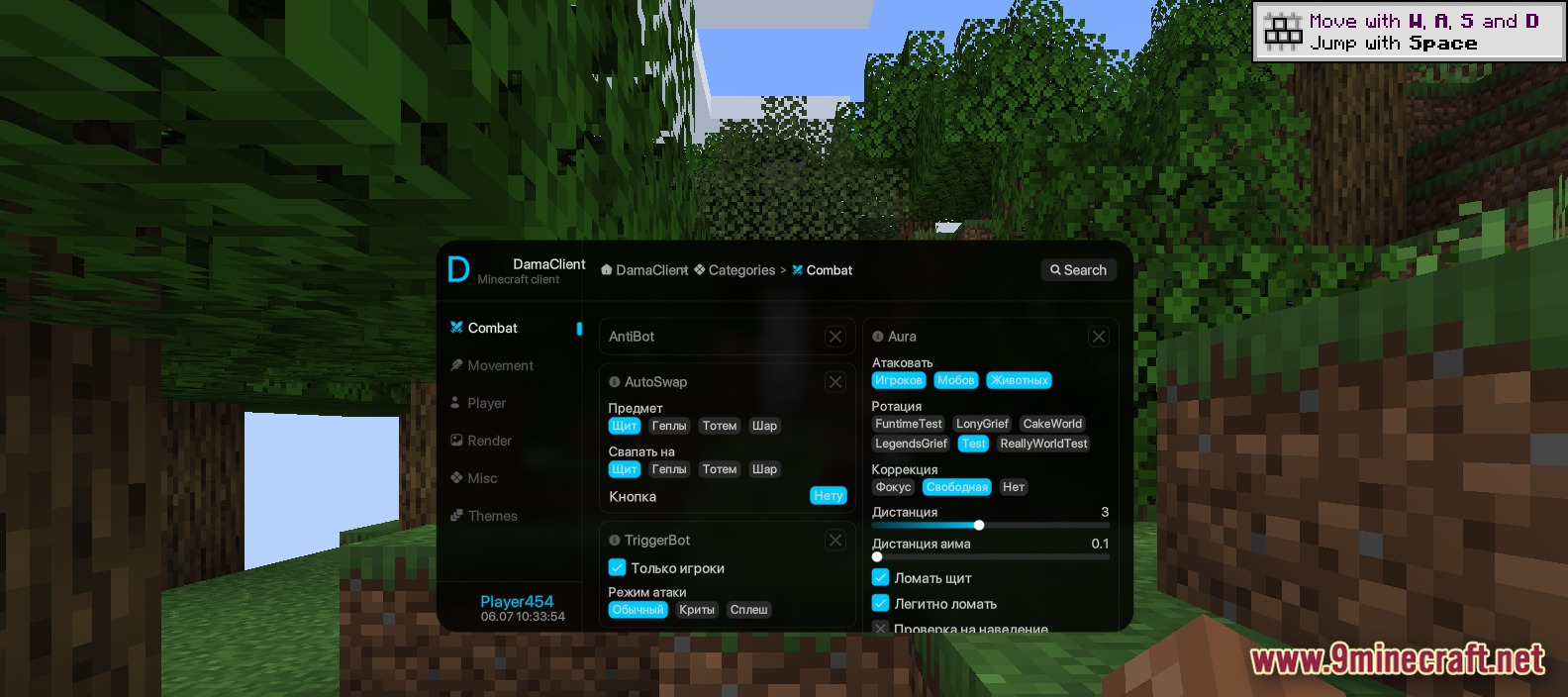
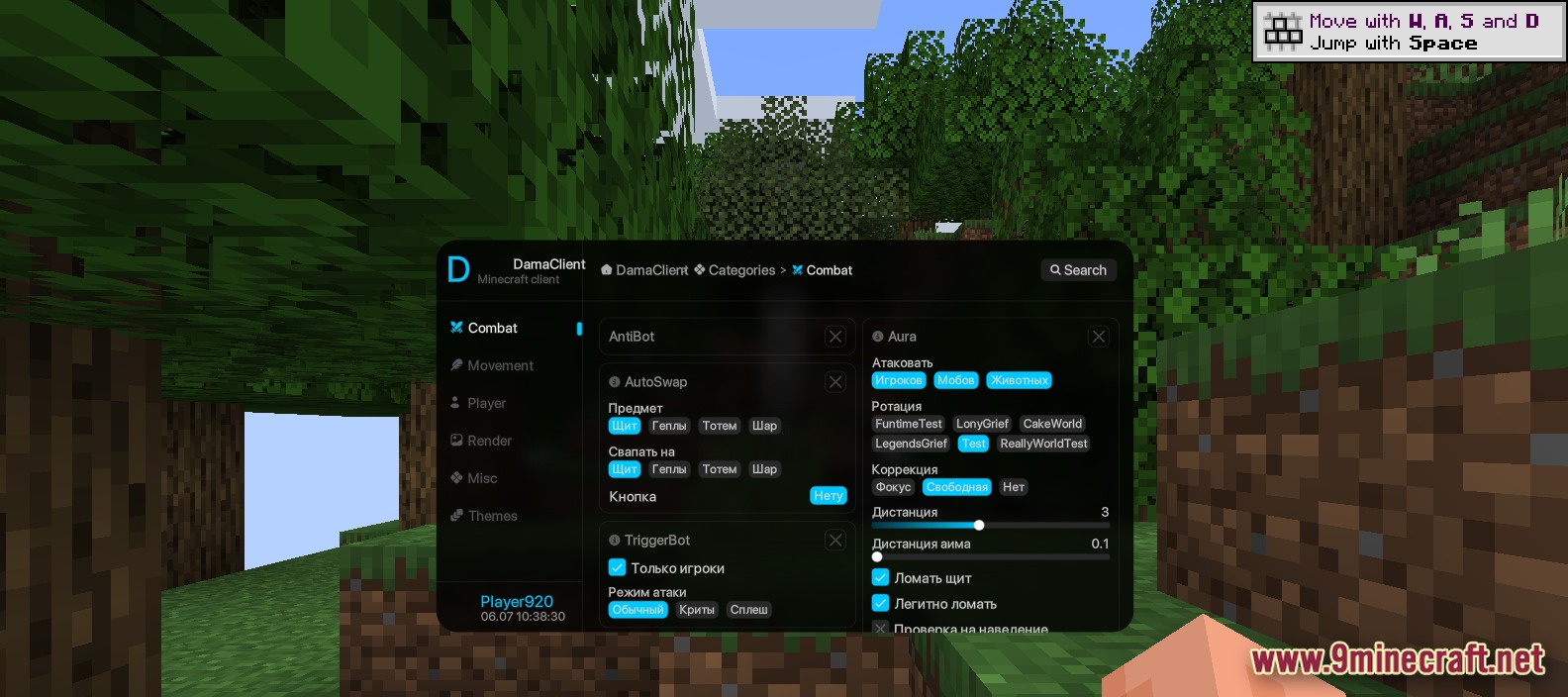
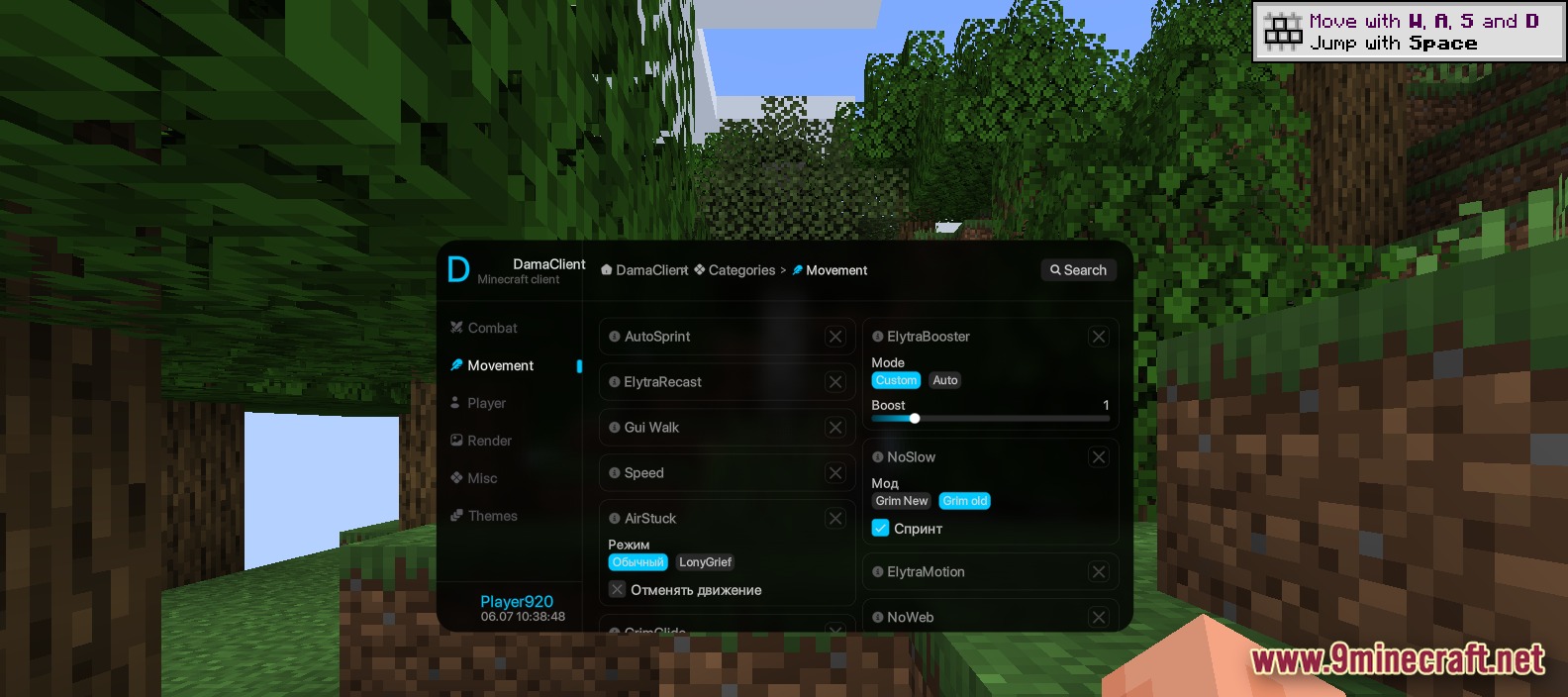
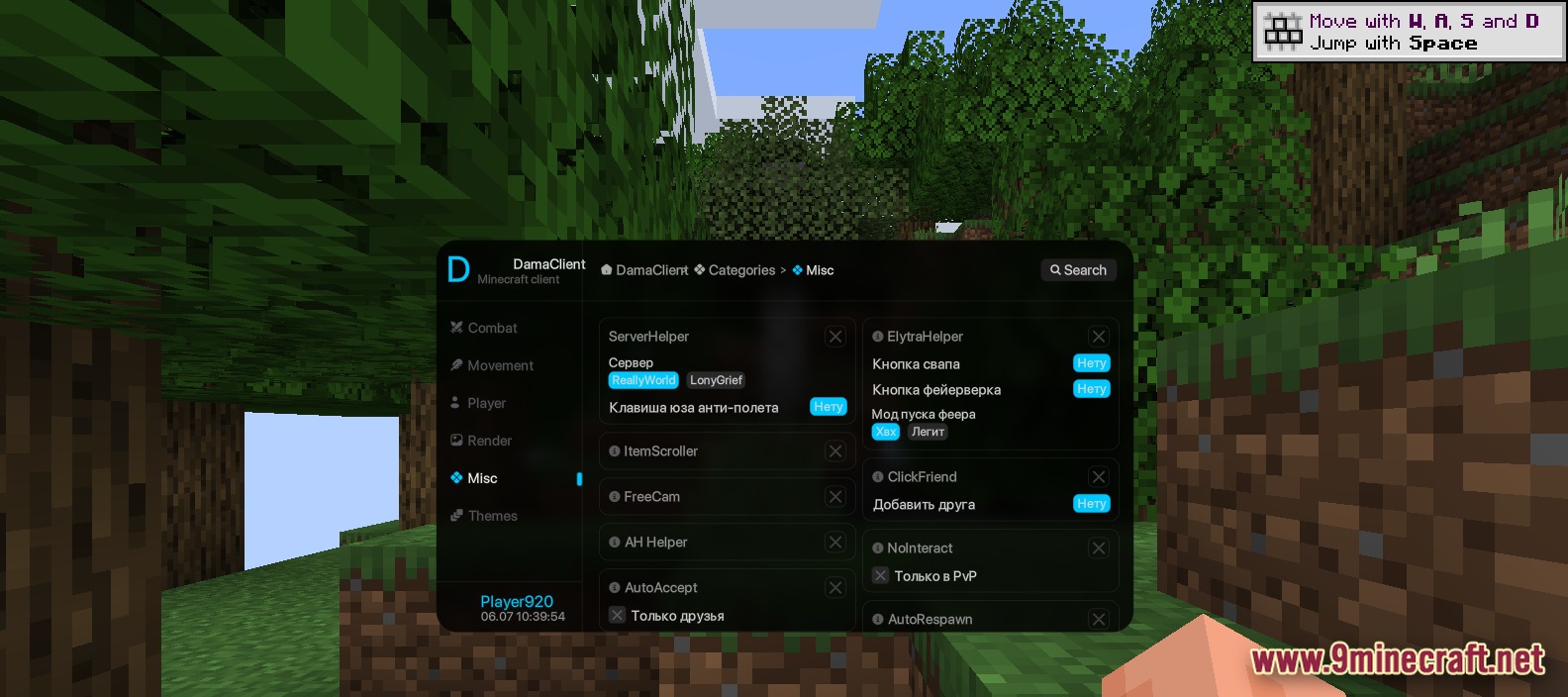
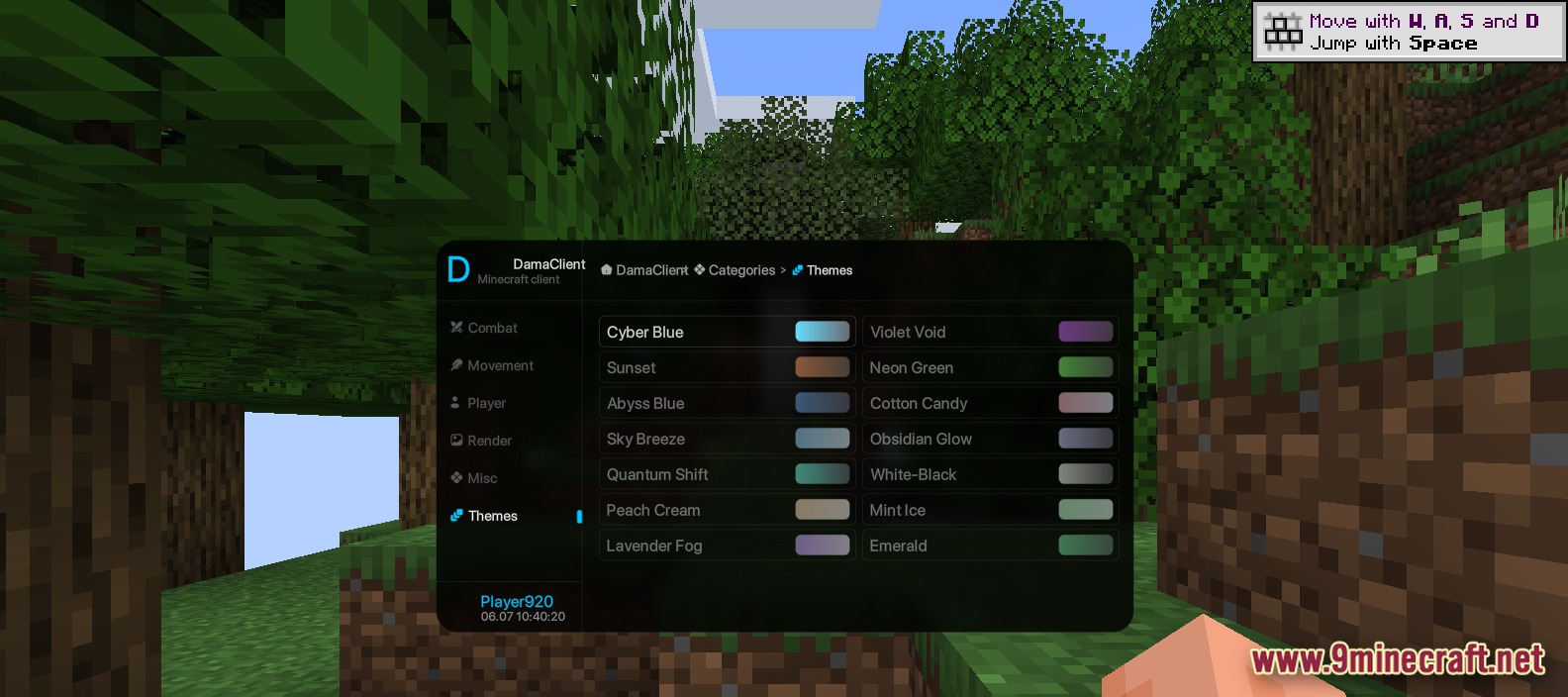
Press the Right Shift key to open the main menu. The menu will display all your tools sorted into categories on the left side.
Can I turn off individual tools without uninstalling the mod?
Yes, click the toggle button next to any tool in the menu to turn it on or off. You can enable and disable tools as needed during gameplay.
What's the difference between AutoSwap and AutoTool?
AutoSwap automatically puts combat items like shields, totems, or golden apples in your hand when you need them. AutoTool picks the best mining tool (pickaxe, axe, or shovel) for the block you're about to break.
How do I find a specific tool if there are over 60 features?
Use the search bar at the top of the menu to type the tool name. The menu will instantly filter and show only matching tools.
Gallery
8 images from the Dama Client Mod page.
You May Also Like
Wikis that share the most with this one
Wikis on the same theme: cat
More client wikis on the site
The most downloaded mods that have a wiki here
A few wikis from each of the other kinds