

 DownloadGrizzly Client Mod
Get the files on 9Minecraft
Guides
Step-by-step, in-game.
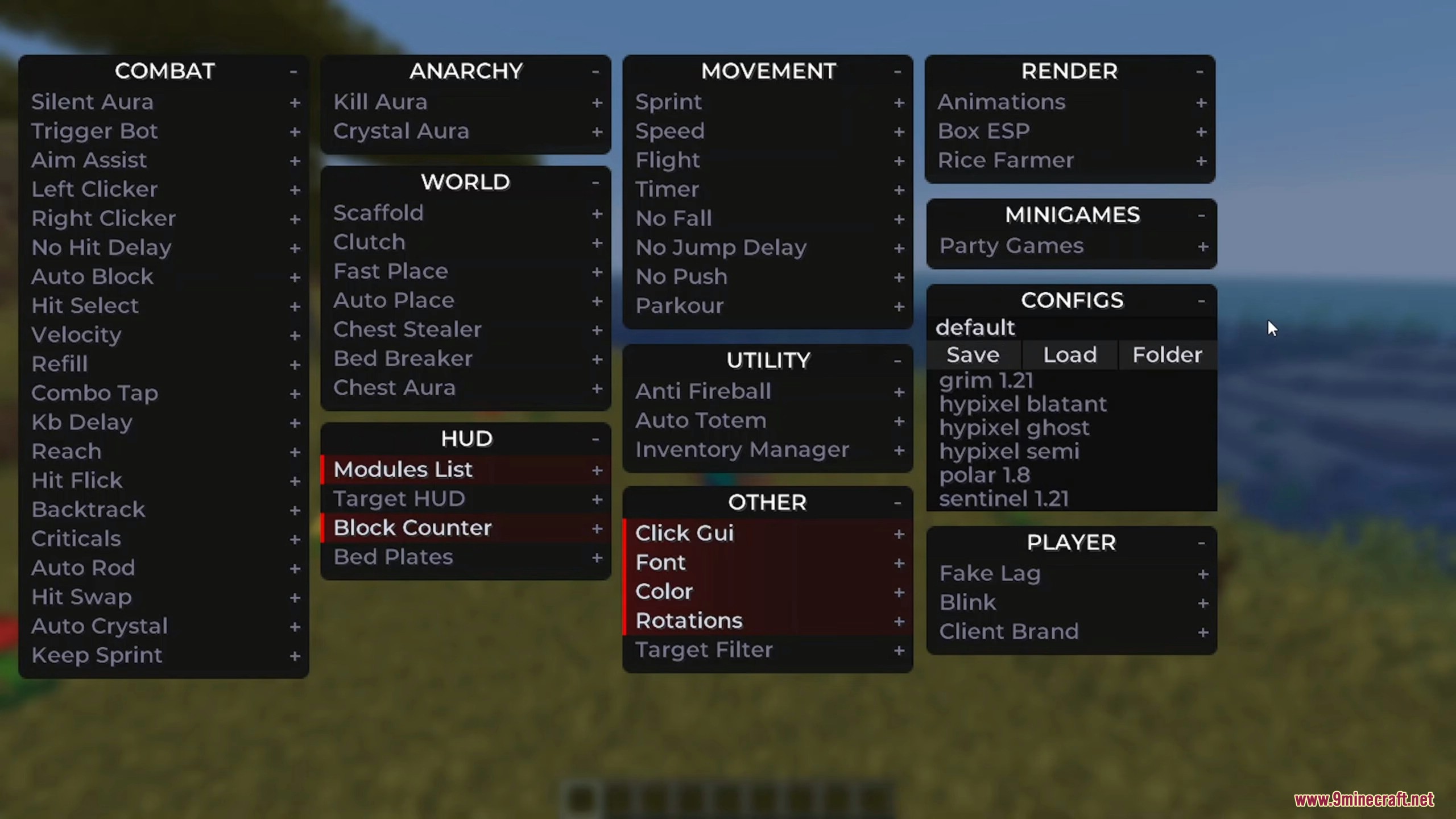
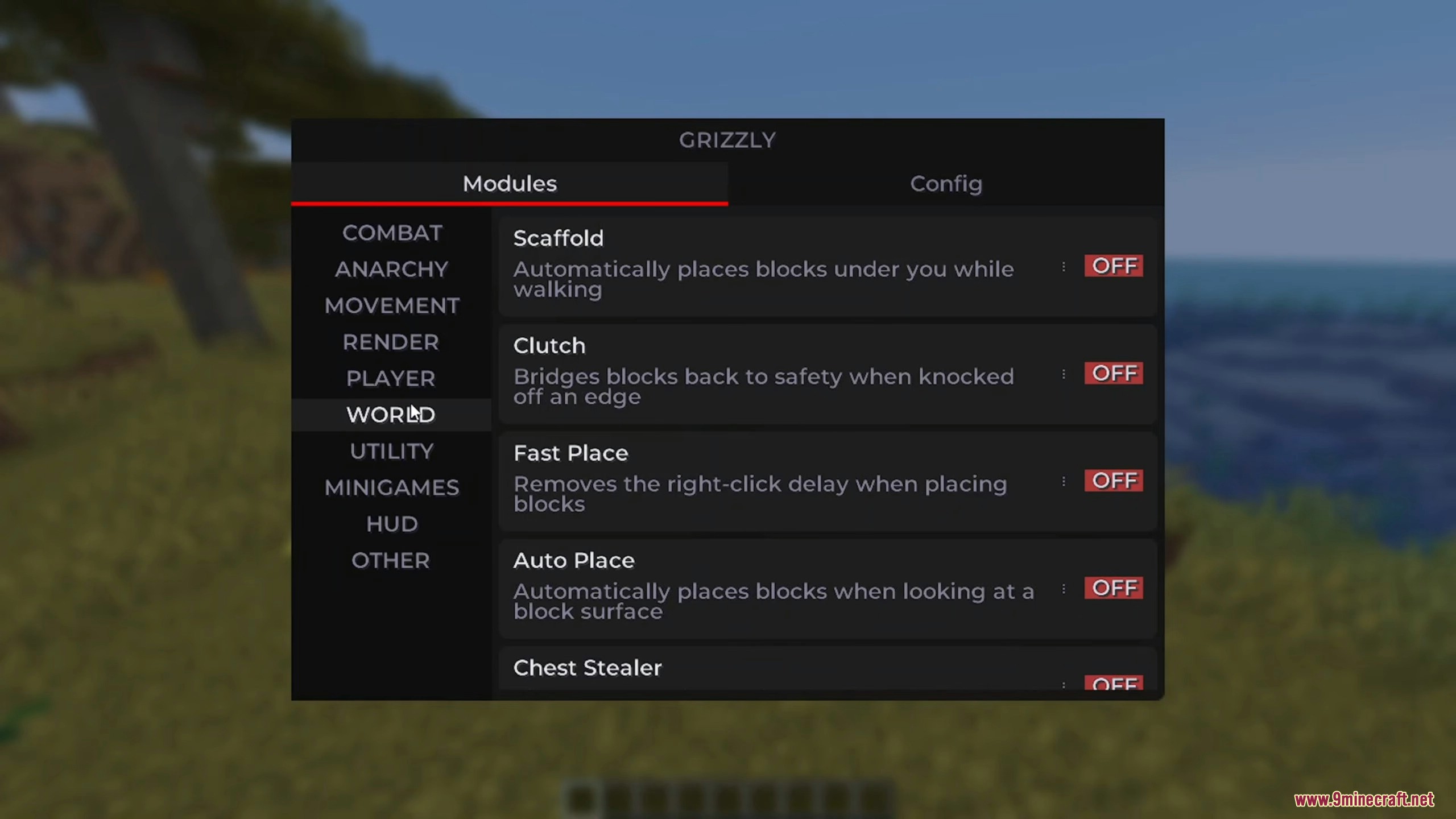
Configure Your HUD DisplayAccess HUD Settings Open the mod menu and find the HUD or Interface section. Here you can customize what information…Load and Customize Server ConfigurationsAccess Pre-Made Configs Open the mod menu and navigate to Configurations or Settings. You'll find a list of pre-built…Set Up Combat Modules for PvPEnable Core Combat Modules Open the mod menu and navigate to the Combat section. Enable Silent Aura to automatically…Use Scaffold to Build Bridges AutomaticallyActivate Scaffold Module Open your mod menu and locate the World Utilities section. Enable the Scaffold module. This…
Frequently asked questions
How do I turn on modules in Grizzly Client?
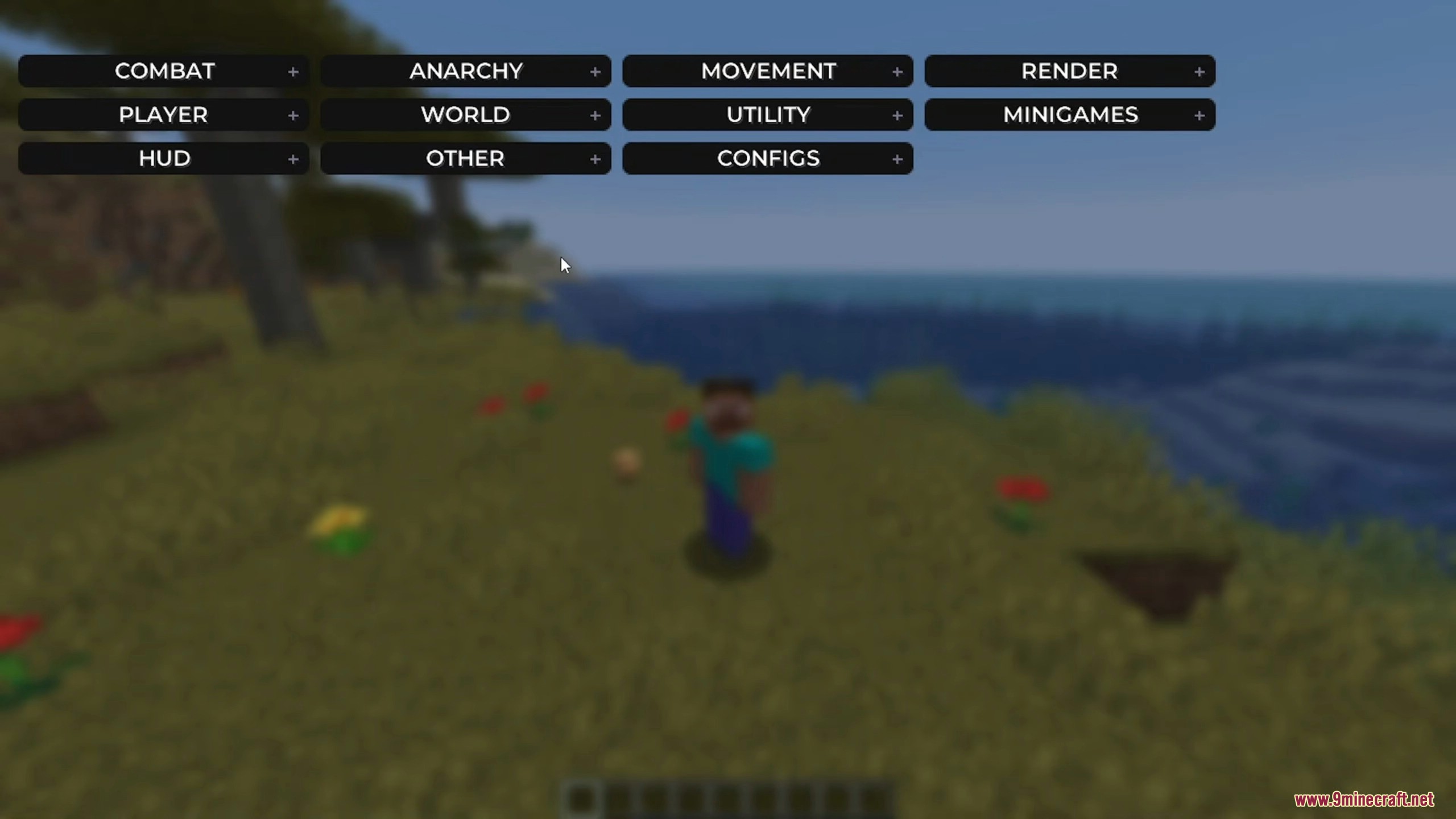
Open the mod menu (default keybind varies by setup) and you'll see a list of available modules. Click or toggle any module to activate it—active modules will be highlighted and appear on your HUD if you have that enabled.
What's the difference between Silent Aura and Aim Assist?
Silent Aura automatically targets and attacks nearby enemies without visibly turning your head toward them, while Aim Assist helps you aim at targets more accurately when you attack manually. Use Silent Aura for passive combat and Aim Assist when you want more control.
How do I use Scaffold without it breaking constantly?
Make sure you have building blocks in your hotbar, enable the Scaffold module, and position yourself at the edge of a surface. The module will automatically place blocks beneath you as you move forward—adjust the module's settings if it's placing blocks too slowly or too aggressively.
See all 10 Grizzly questions ›
Gallery
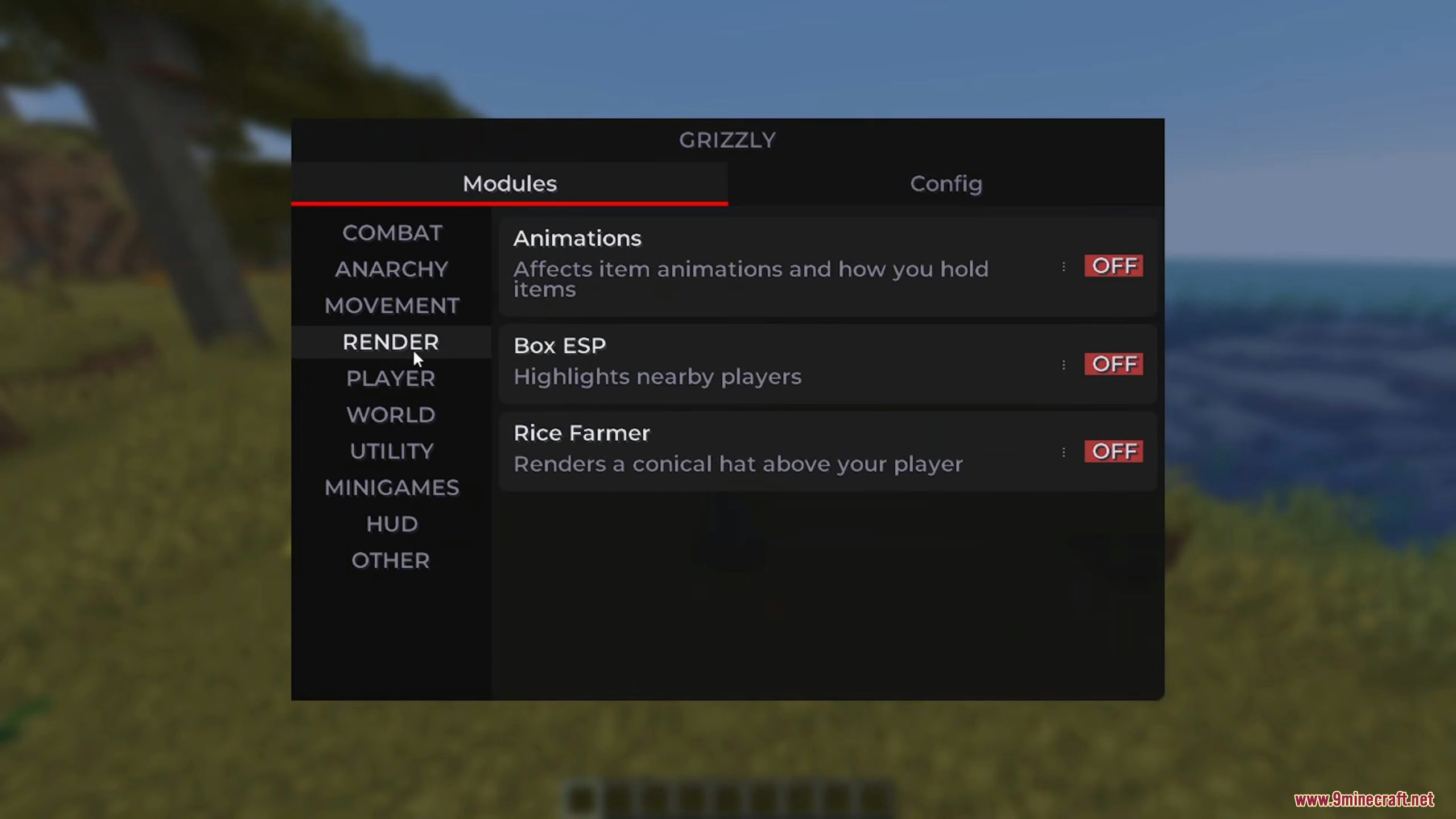
5 images from the Grizzly Client Mod page.
You May Also Like
Wikis that share the most with this one
More client wikis on the site
The most downloaded mods that have a wiki here
A few wikis from each of the other kinds