

 DownloadDark Client
Get the files on 9Minecraft
Guides
Step-by-step, in-game.
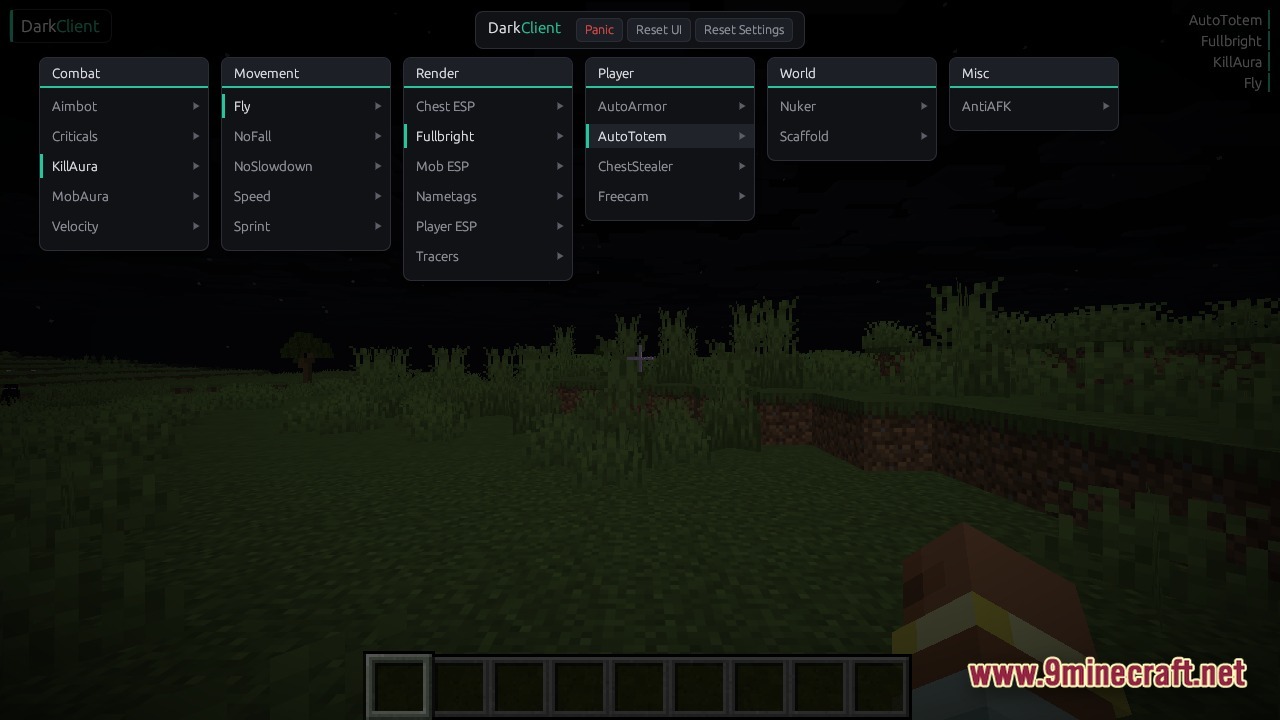
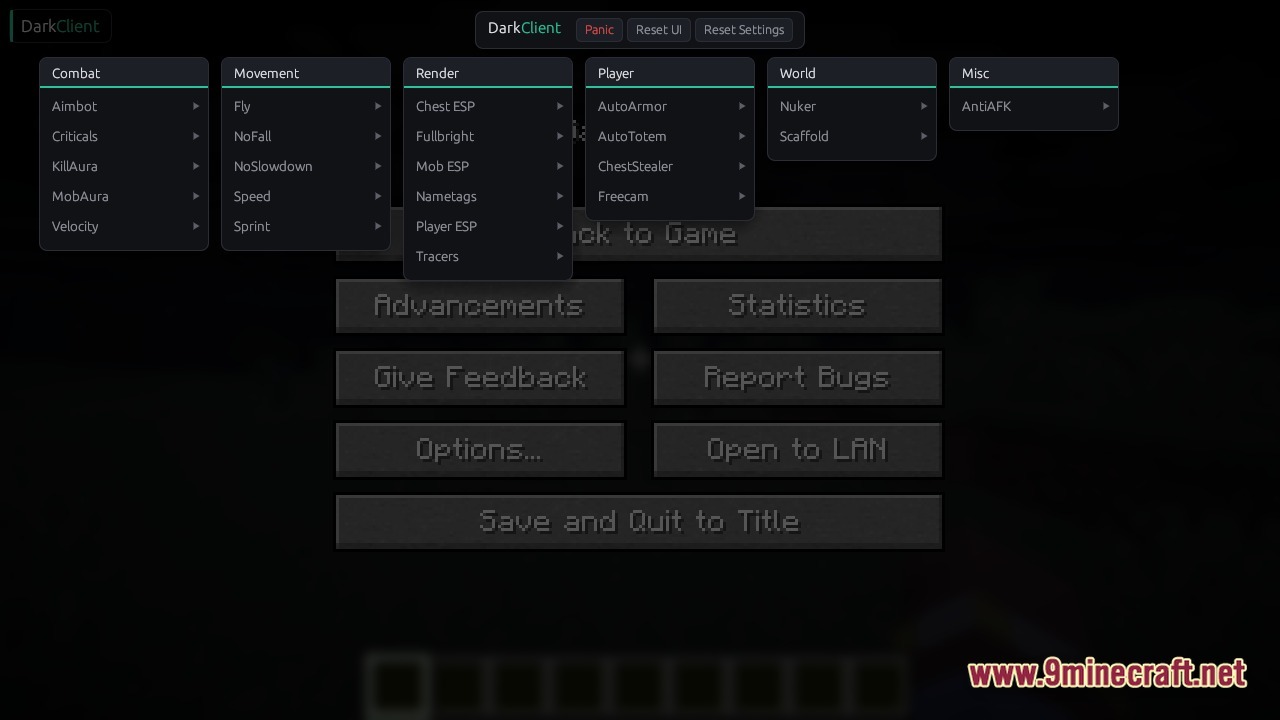
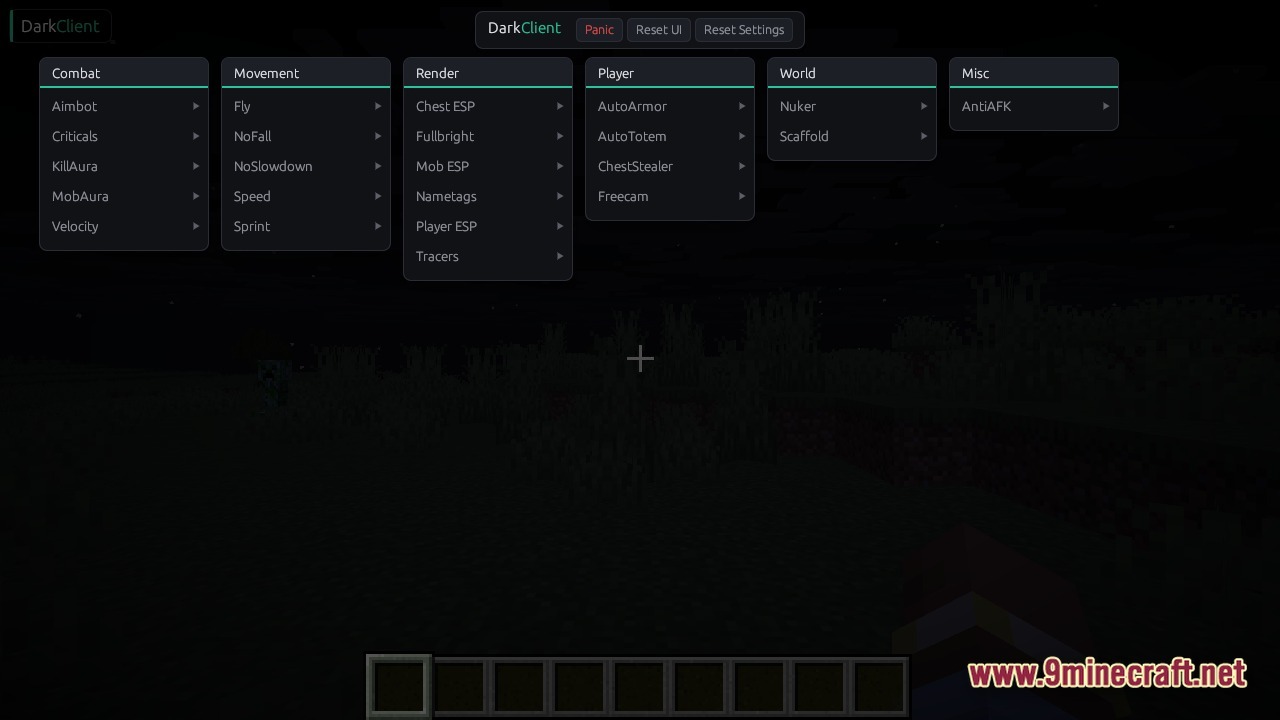
Locate Players and Chests Through WallsOpen the Render Menu Press Right Shift and navigate to Render modules. This section contains all visual highlighting…Navigate Caves Without Torches Using Night VisionAccess Render Modules Press Right Shift to open the Dark Client menu and find the Render section. This is where…Set Up Your First Combat ModuleEnable Auto-Targeting Once you've injected Dark Client and loaded into a world, press Right Shift to open the menu.…Survive Long Falls Without Taking DamageLocate the Fall Damage Module Press Right Shift to open your menu and navigate to Movement modules. Find the fall…
Frequently asked questions
Why isn't the menu opening when I press right shift?
Make sure you injected the client after reaching the main menu, and that the injection completed without errors. If the menu still won't appear, try restarting your game and running the injector again as administrator.
Can I use this on multiplayer servers?
Yes, Dark Client works on multiplayer servers, but be aware that servers with anti-cheat systems may detect and flag certain modules like combat assistance or ESP features. Use at your own risk on servers with strict rules.
Do I need to re-inject every time I start the game?
Yes, you need to run the injector and click Inject each time you launch Minecraft. The injection loads the client into your current game session only.
What do I do if the injector can't find my game?
Make sure your game is running and has reached the main menu before clicking Scan. If it still doesn't detect the game, try running the injector as administrator and ensure your game launcher is fully loaded.
Gallery
4 images from the Dark Client page.
You May Also Like
Wikis that share the most with this one
More client wikis on the site
The most downloaded mods that have a wiki here
A few wikis from each of the other kinds