

 DownloadCustom Client Brand Mod
Get the files on 9Minecraft
Guides
Step-by-step, in-game.
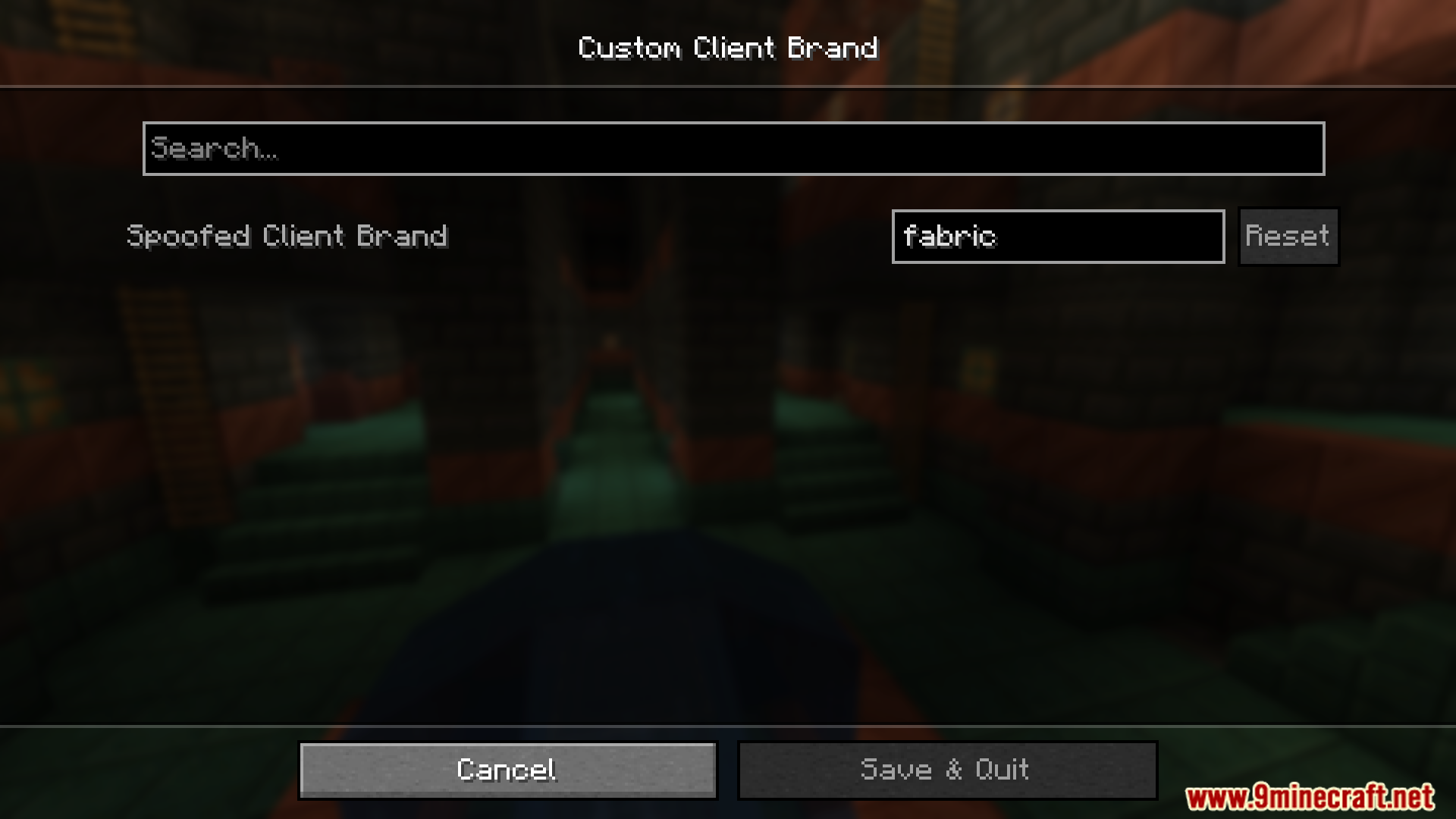
Change Your Client Brand NameAccess Mod Menu Open your game and press the Mod Menu key (default: O ). Search for "Custom Client Brand Mod" in the…Reset Your Brand to DefaultOpen Mod Settings Press the Mod Menu key and navigate to Custom Client Brand Mod's configuration screen. Clear Custom…Spoof Your Client Brand on Multiplayer ServersUnderstand Brand Spoofing This mod allows you to send a different minecraft:brand string to servers than your actual…Use Custom Brands for Server Testing and DevelopmentSet Up Test Brands If you're developing a server or testing brand-detection systems, use this mod to simulate…
Frequently asked questions
How do I open the mod settings to change my brand name?
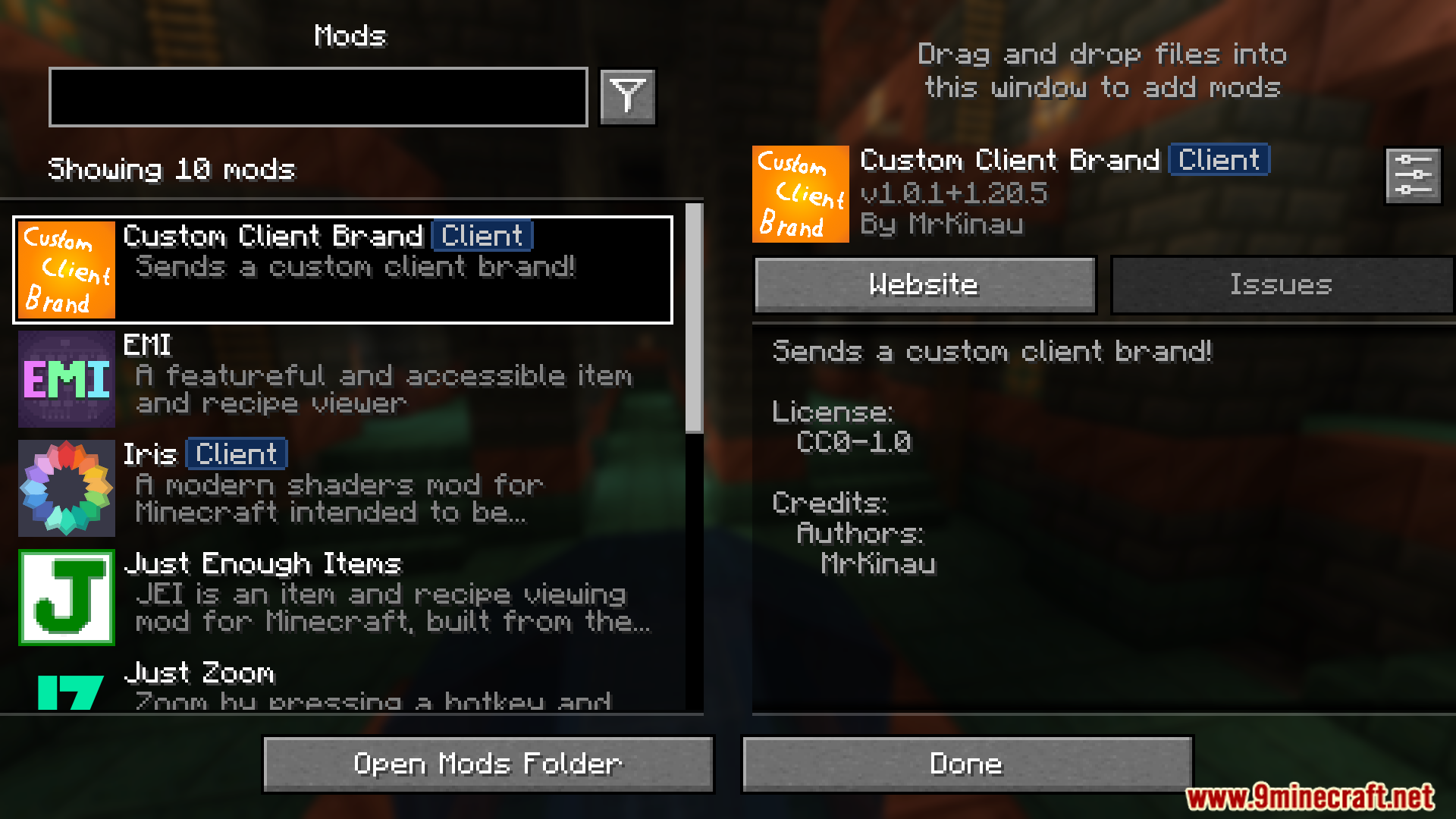
Open Mod Menu from your main menu or pause screen, find Custom Client Brand Mod in the list, and click the settings icon or mod name to access the brand customization options.
What happens if I set a custom brand name on a multiplayer server?
The server receives your custom brand string instead of the default "vanilla" identifier when you log in, which can be useful for testing or identifying modded clients in server logs.
Can servers detect that I'm using this mod?
Servers can only detect your custom brand if they check the minecraft:brand string; the mod itself doesn't add any other identifying markers unless your custom brand name reveals it.
See all 10 Custom Client Brand questions ›
Gallery
3 images from the Custom Client Brand Mod page.

You May Also Like
Wikis that share the most with this one
More client wikis on the site
The most downloaded mods that have a wiki here
A few wikis from each of the other kinds