

 DownloadFire Client Mod
Get the files on 9Minecraft
Guides
Step-by-step, in-game.
Make Small Items Easier to SeeEnable Item Scale Enhancement Fire Client includes a feature that renders certain small items larger on your screen,…Mute Annoying In-Game SoundsAccess Sound Settings Fire Client includes a sound muting module that lets you silence specific in-game sounds…Save and Share Your Inventory as a KitCreating a Kit Kits let you save your current inventory setup and share it with friends instantly. Open your…Track Coordinates Across DimensionsEnabling Coordinates Display The Coordinates Display module shows your current X, Y, Z position on screen at all…
Frequently asked questions
How do I open the Fire Client Mod menu?
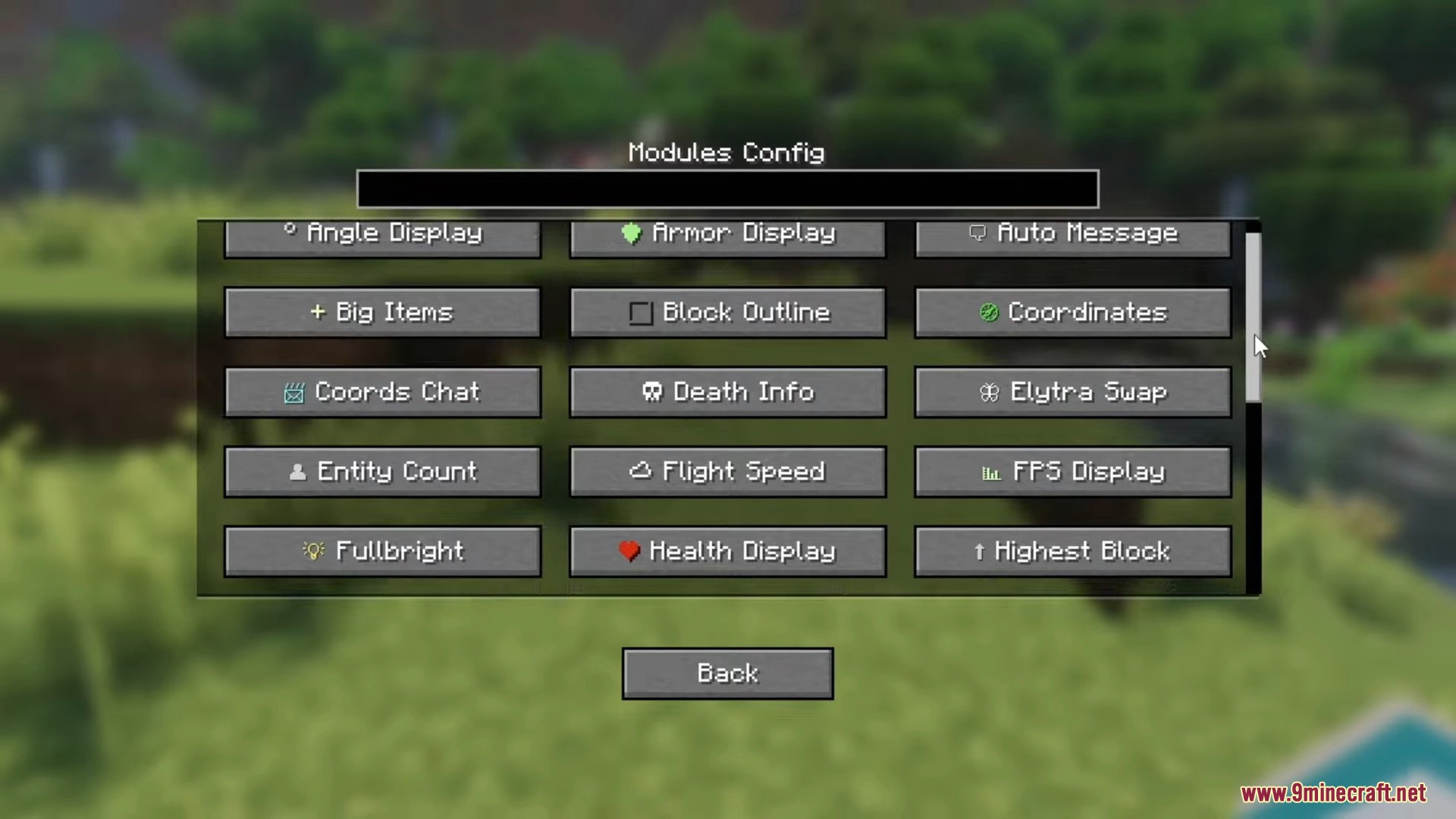
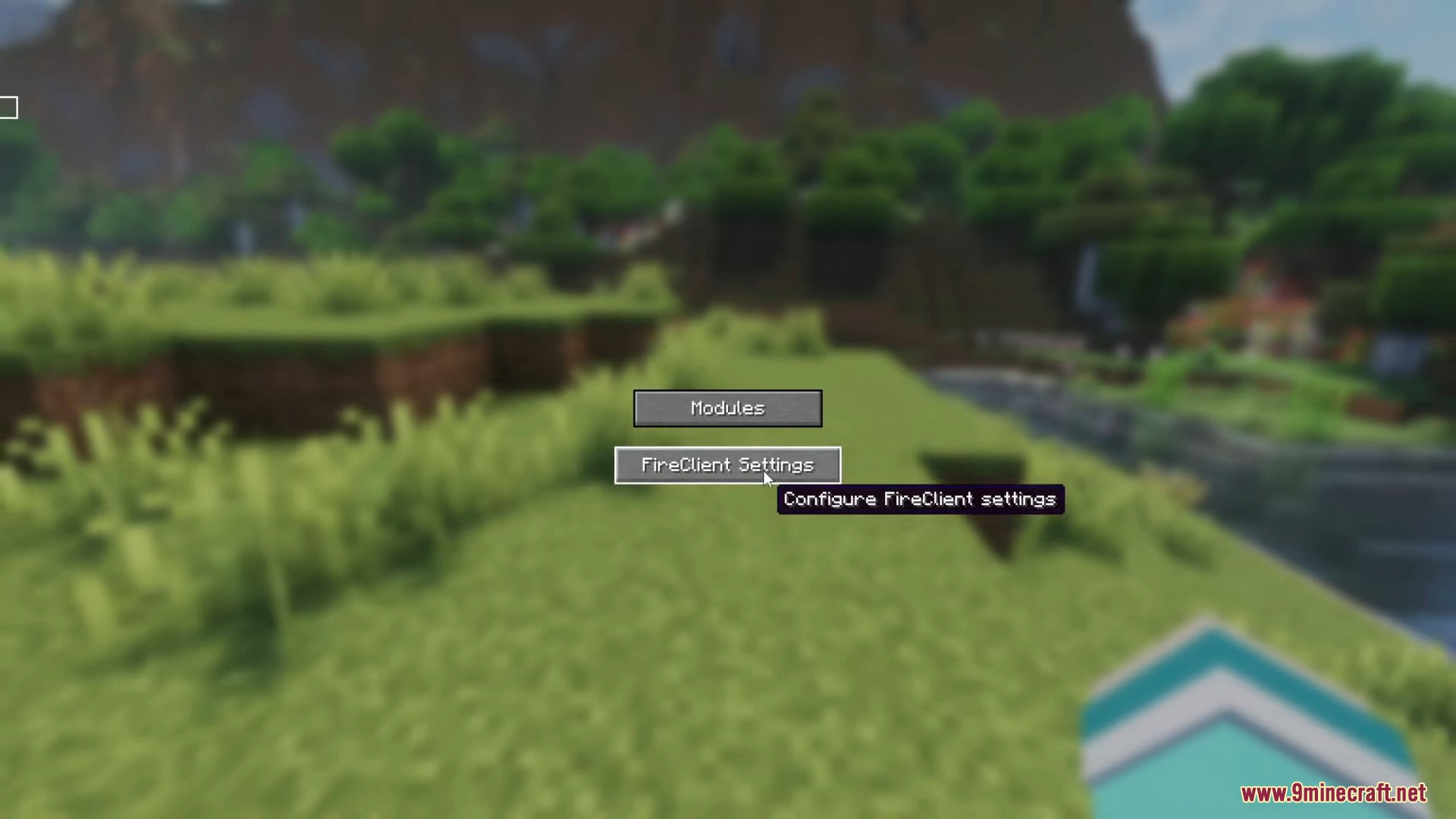
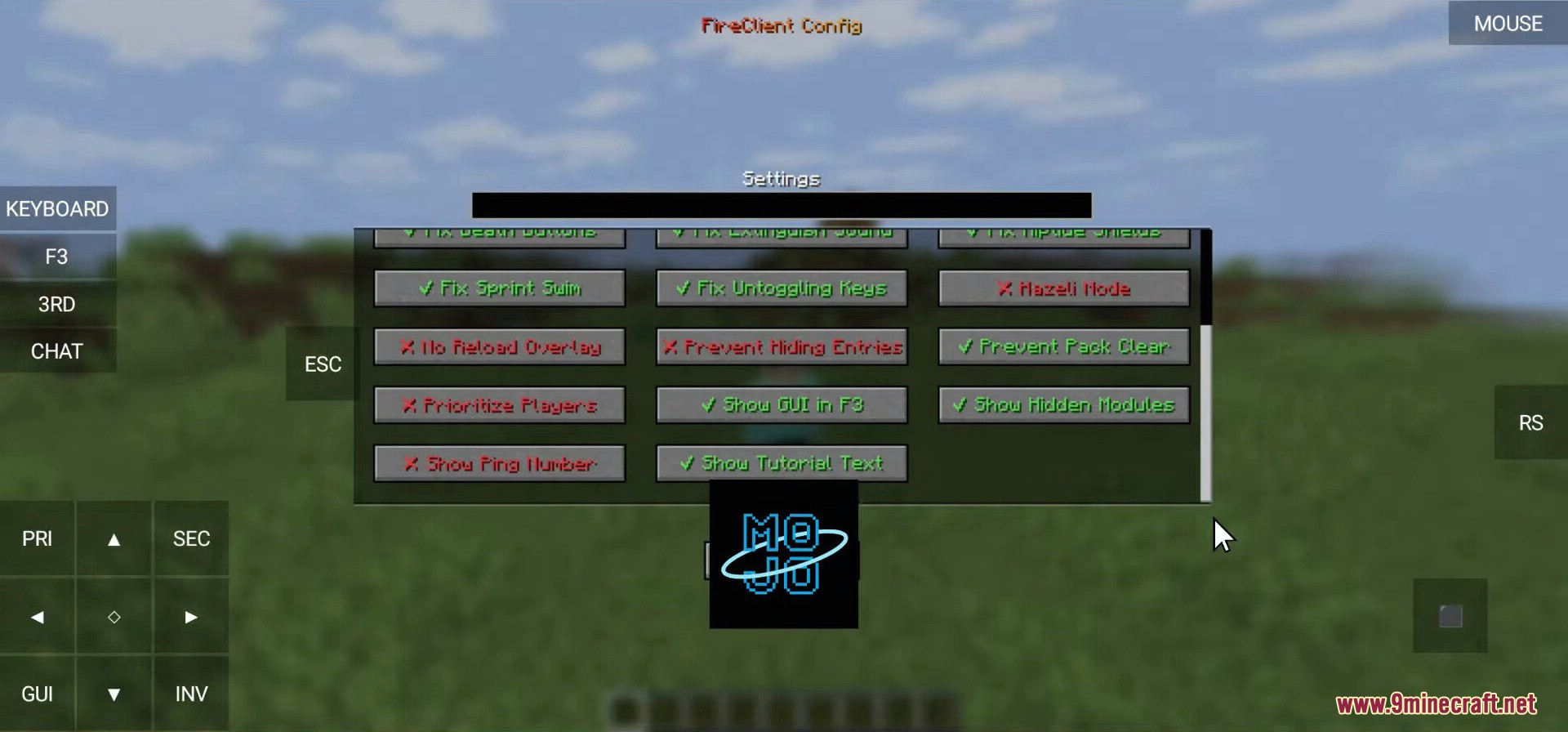
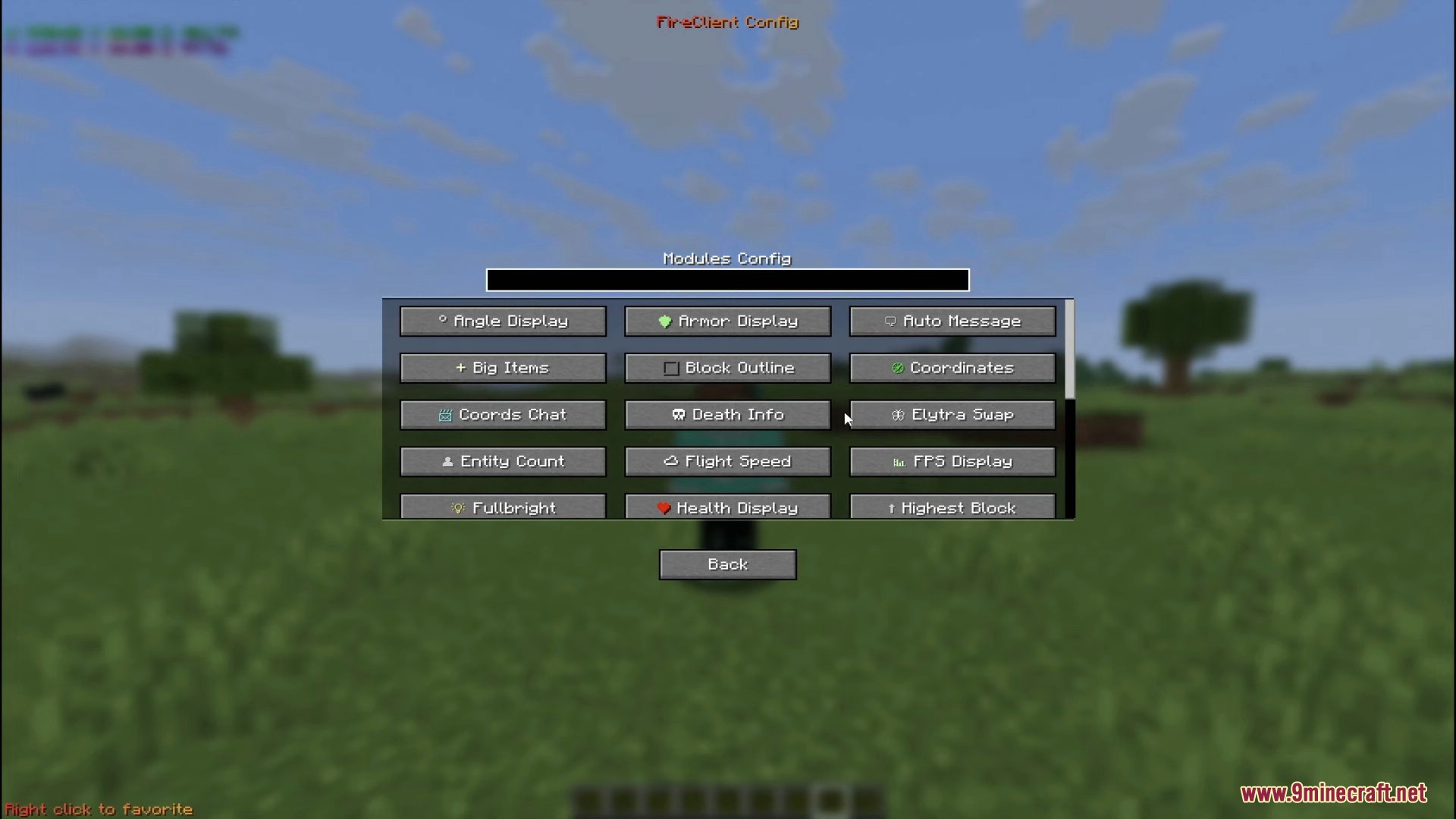
Press the mod's keybind (configurable in your controls settings) to open the main menu. From there you can access all modules, settings, and features.
How do I save my inventory as a kit?
Open the Kits module, click 'Save Kit', give it a name, and confirm. Your current inventory will be saved and can be loaded anytime or shared with other players.
Can I share kits with players who don't have the mod?
No, players need Fire Client Mod installed to load kits. However, you can share kit files or clipboard codes with other mod users, and they can import them directly.
Why aren't my coordinates showing up?
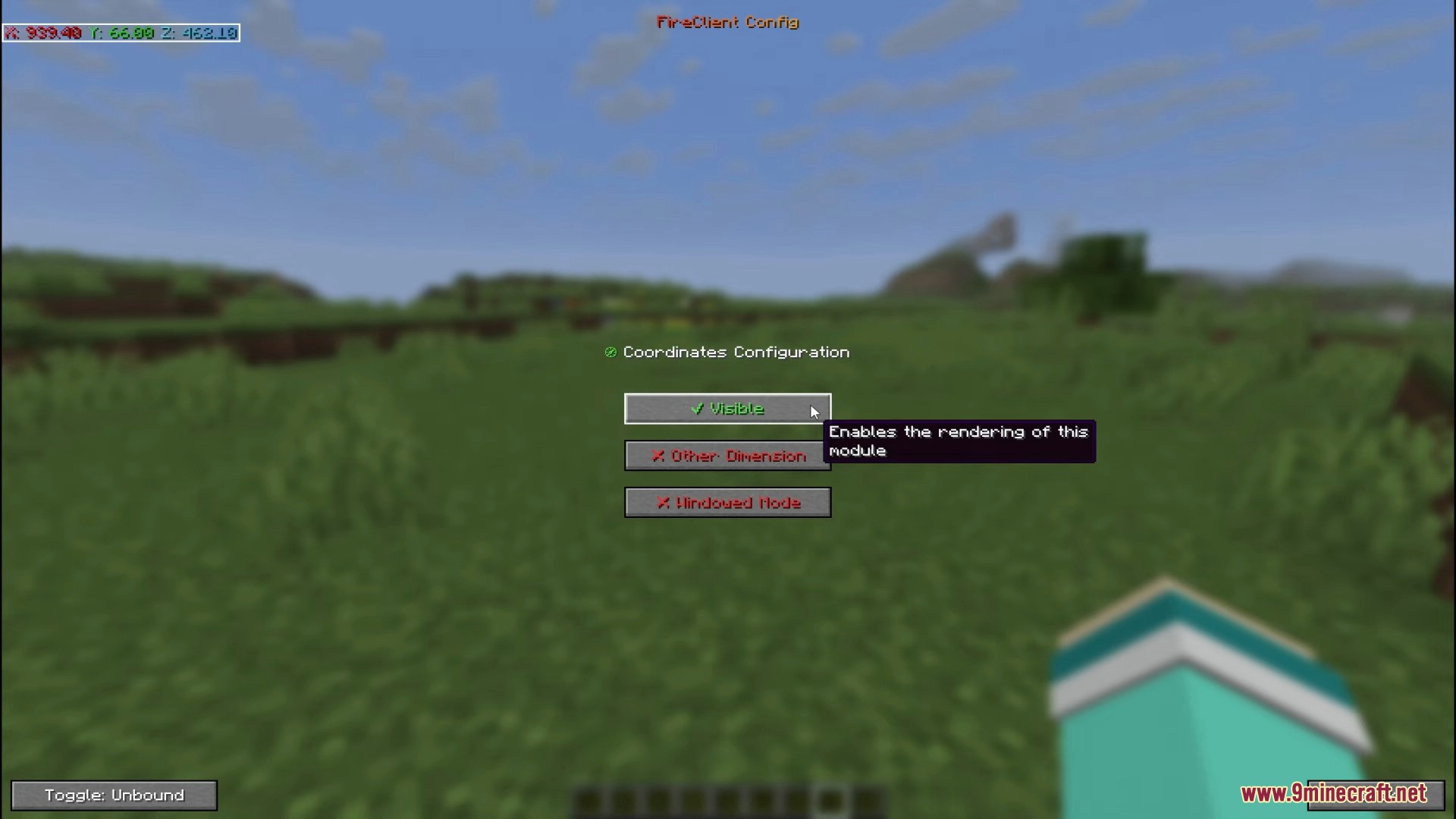
Make sure the Coordinates Display module is enabled in your settings. Check that it's not hidden off-screen by adjusting the position settings, and verify the module isn't disabled in the config.
Gallery
12 images from the Fire Client Mod page.
You May Also Like
Wikis that share the most with this one
More client wikis on the site
The most downloaded mods that have a wiki here
A few wikis from each of the other kinds