

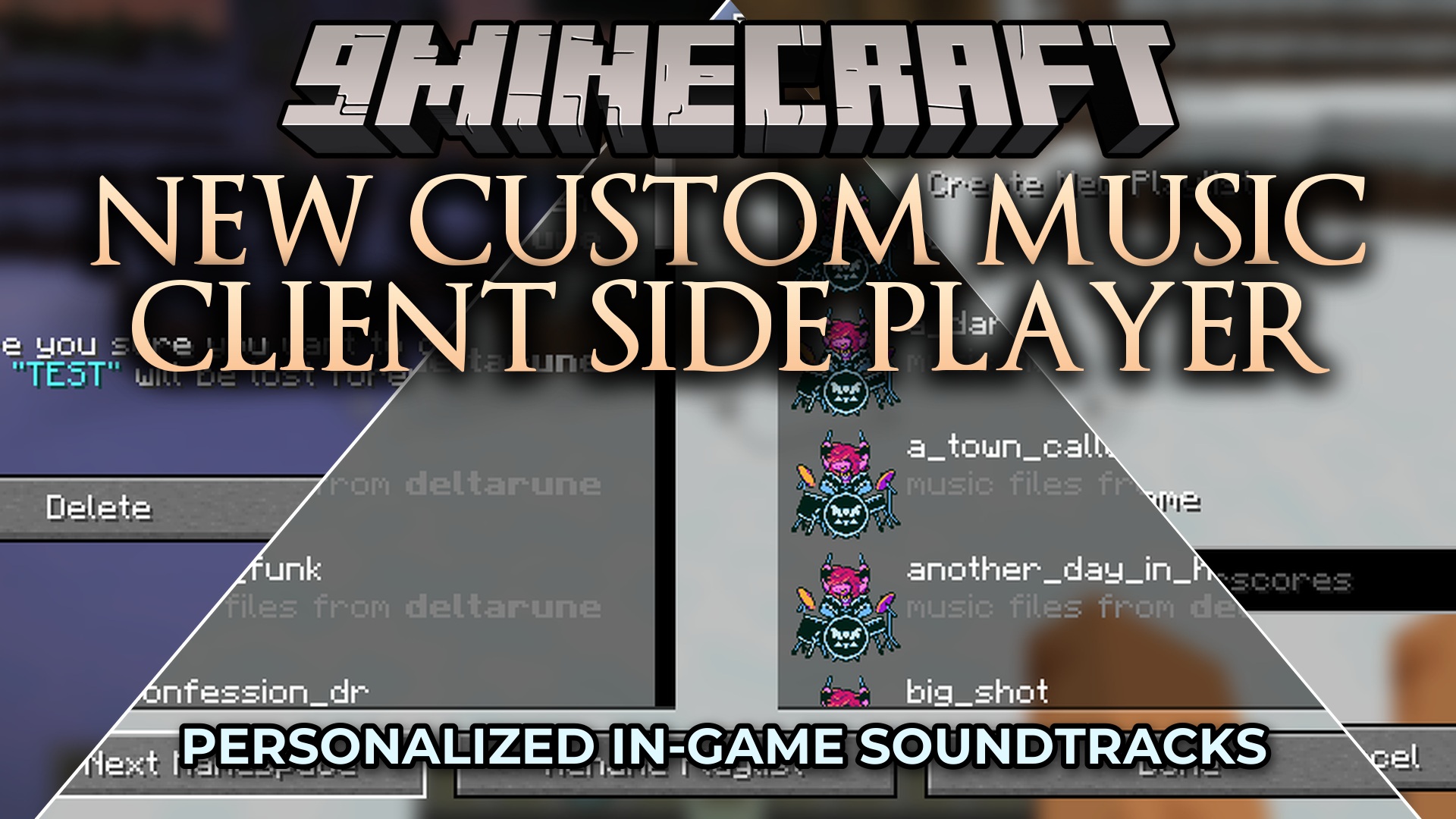
 DownloadNew Custom Music Client Side Player Mod
Get the files on 9Minecraft
Guides
Step-by-step, in-game.
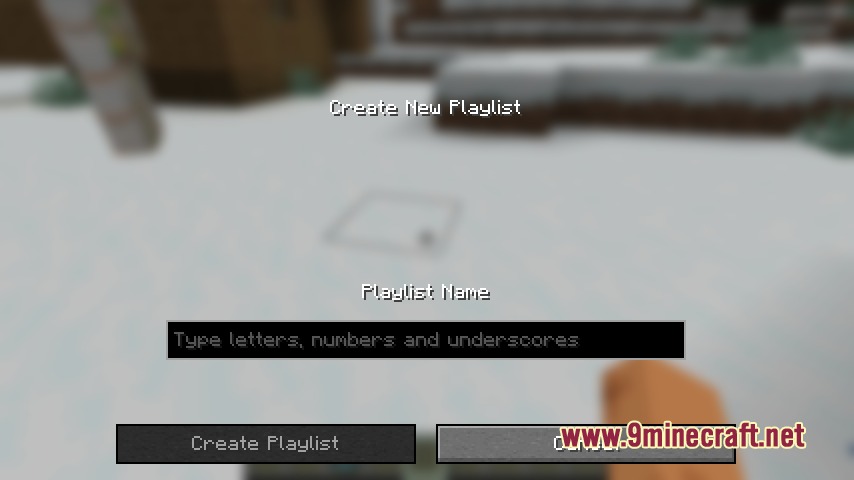
Create and Organize Your First PlaylistOpen the Music Player Press the designated music player key (default binding varies by installation) to open the…Find and Play Music from Specific Resource PacksUnderstand Namespace Organization The mod automatically sorts your music by namespace, which corresponds to the…Loop a Single Song ContinuouslyFind Your Track Open the music player and browse your music library. You can search by namespace if you know which…Use Keyboard Shortcuts to Control Music While PlayingLearn Your Keybinds Open the mod's settings or controls menu to see all available keyboard shortcuts. Common controls…
Frequently asked questions
How do I open the music player?
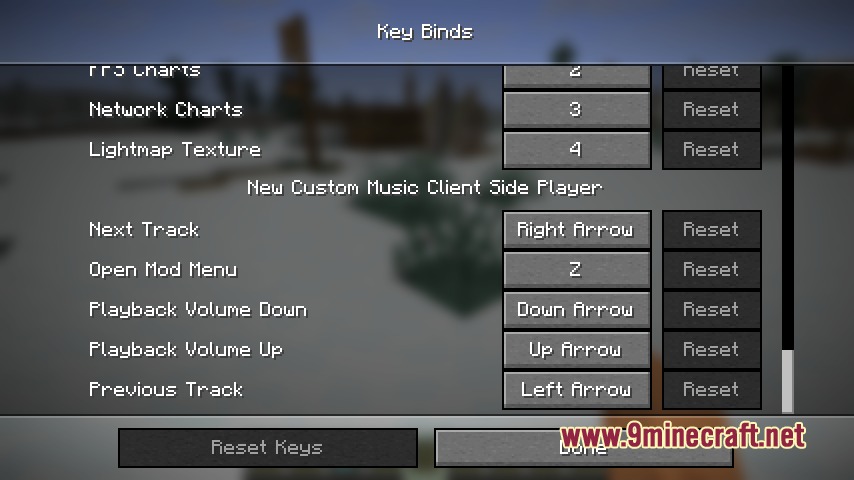
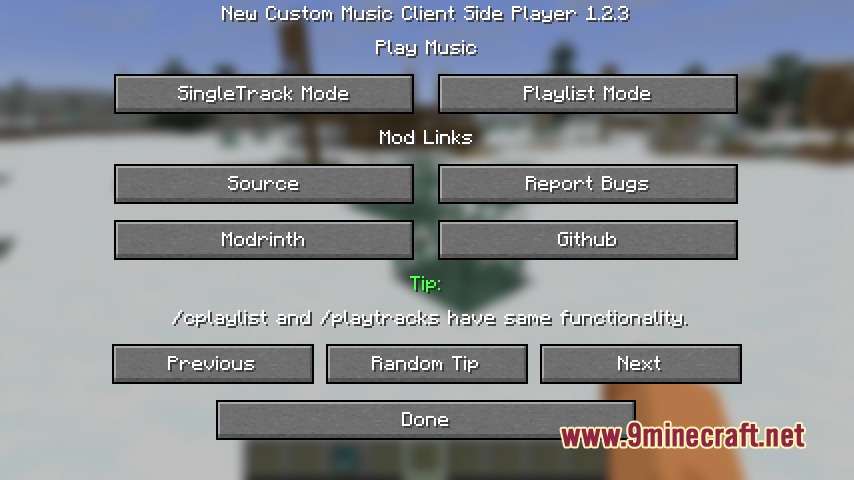
Press the default keybind (usually a configurable key) to open the music player interface. You can change this keybind in your controls settings if needed.
Where does the mod find my music files?
The mod reads music from your resource packs' music folders. Make sure your audio files are placed in the correct directory within your resource pack structure, and the resource pack is enabled in your world or launcher settings.
What audio formats does this mod support?
The mod supports standard Minecraft-compatible audio formats like OGG Vorbis and WAV files. Check that your music files are in one of these formats before adding them to your resource packs.
Can I play music while Minecraft's default music is still on?
Yes, but you may want to disable Minecraft's default music in your sound settings to avoid overlap. You can toggle this in the game's options menu under Music & Sound.
See all 10 New Custom Music Client Side Player questions ›
Gallery
9 images from the New Custom Music Client Side Player Mod page.
You May Also Like
Wikis that share the most with this one
More client wikis on the site
The most downloaded mods that have a wiki here
A few wikis from each of the other kinds