

 DownloadHydra Client Mod
Get the files on 9Minecraft
Guides
Step-by-step, in-game.
Enable and Configure Combat ModulesOpening the Combat Tools Press Right Shift to open the ClickGUI menu. Look for the combat-focused column on the left…Join Older Minecraft Servers with Your Current VersionHow Cross-Version Play Works Hydra Client integrates ViaFabricPlus, which lets you connect to servers running older…Optimize Game Performance with Built-in HooksUnderstanding Hydra's Performance Features Hydra Client includes built-in optimization hooks that integrate with…Use Baritone for Automated Mining and PathfindingAccessing Baritone Commands Hydra Client bundles Baritone pathfinding, giving you automated navigation and mining…
Frequently asked questions
How do I open the Hydra Client menu?
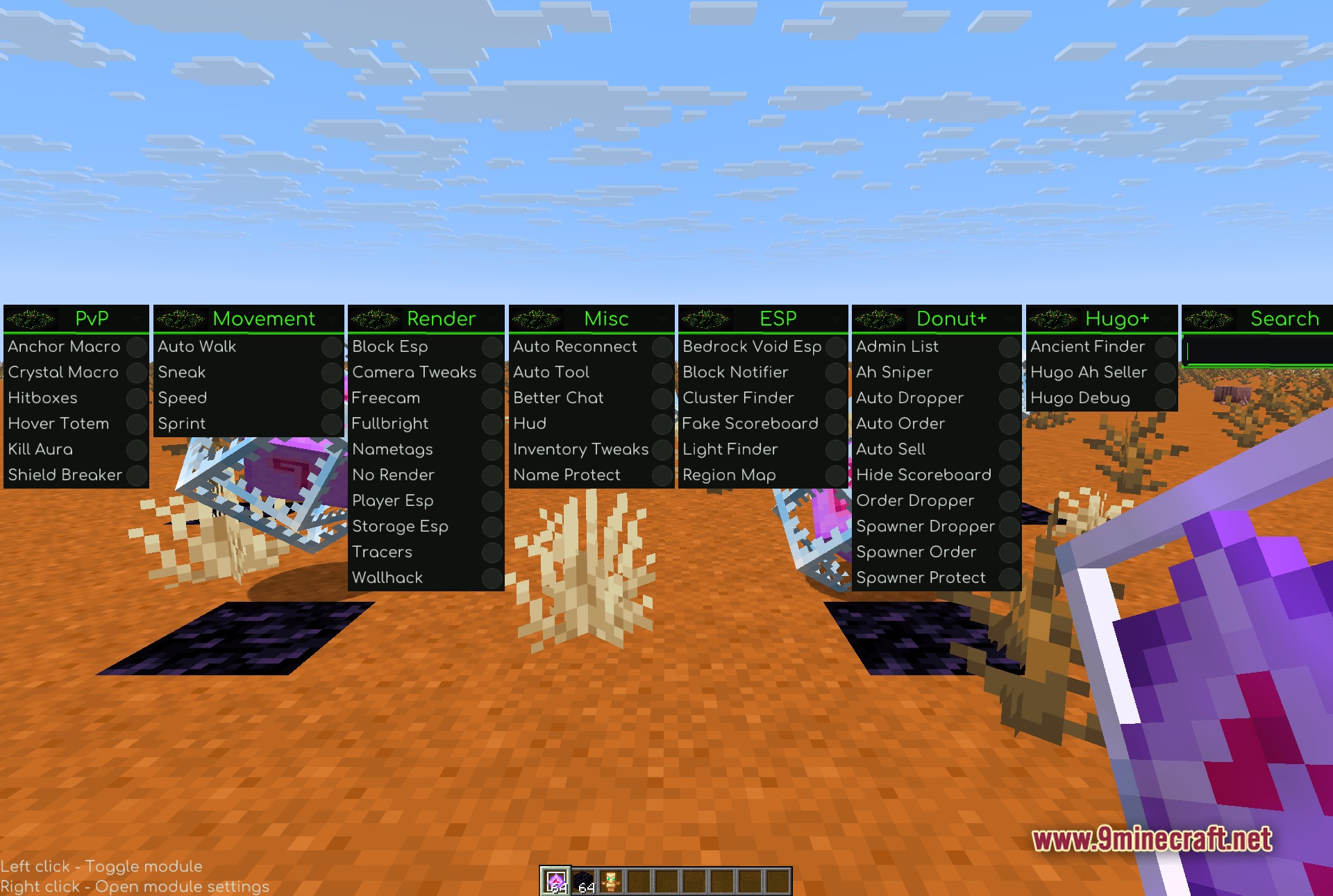
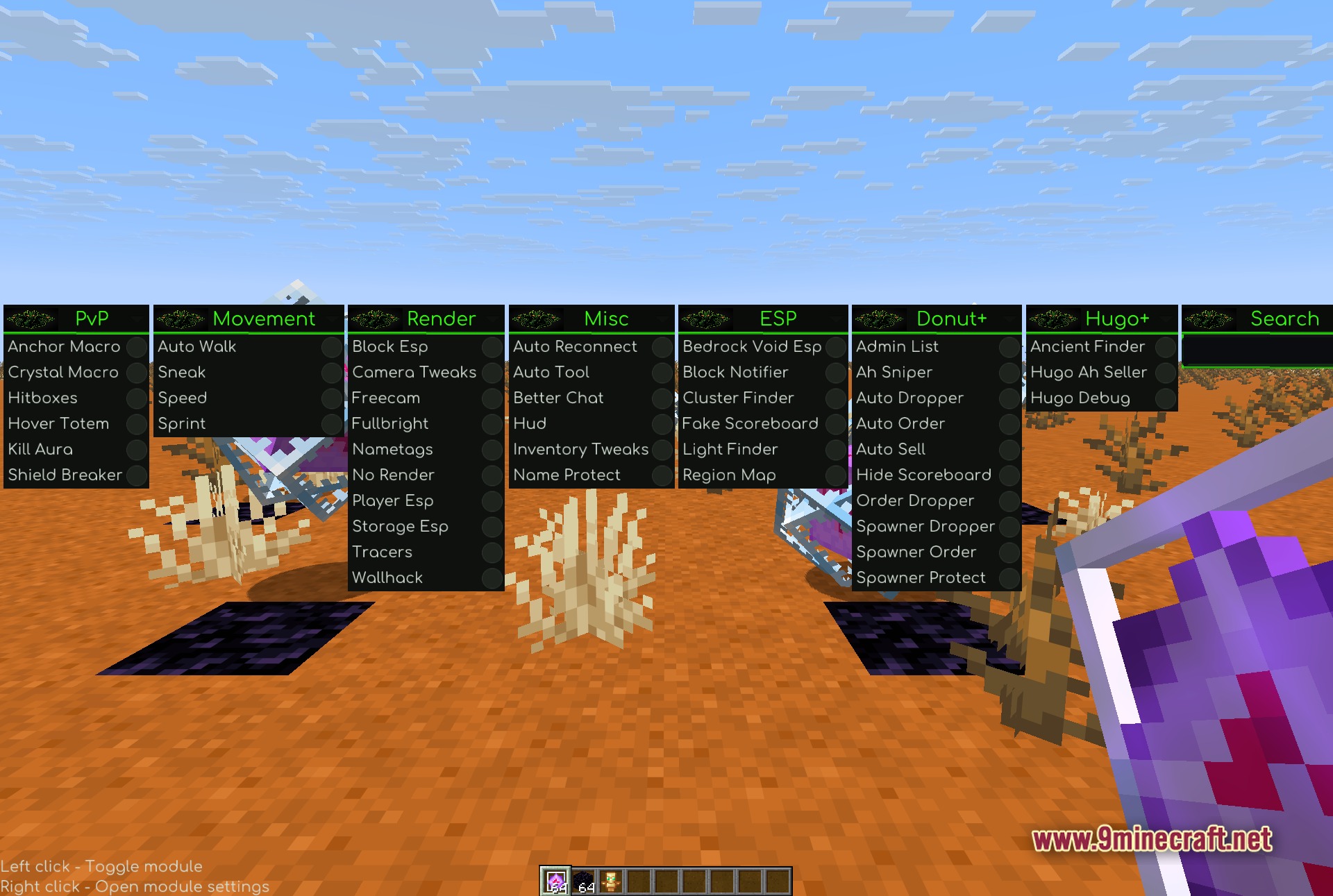
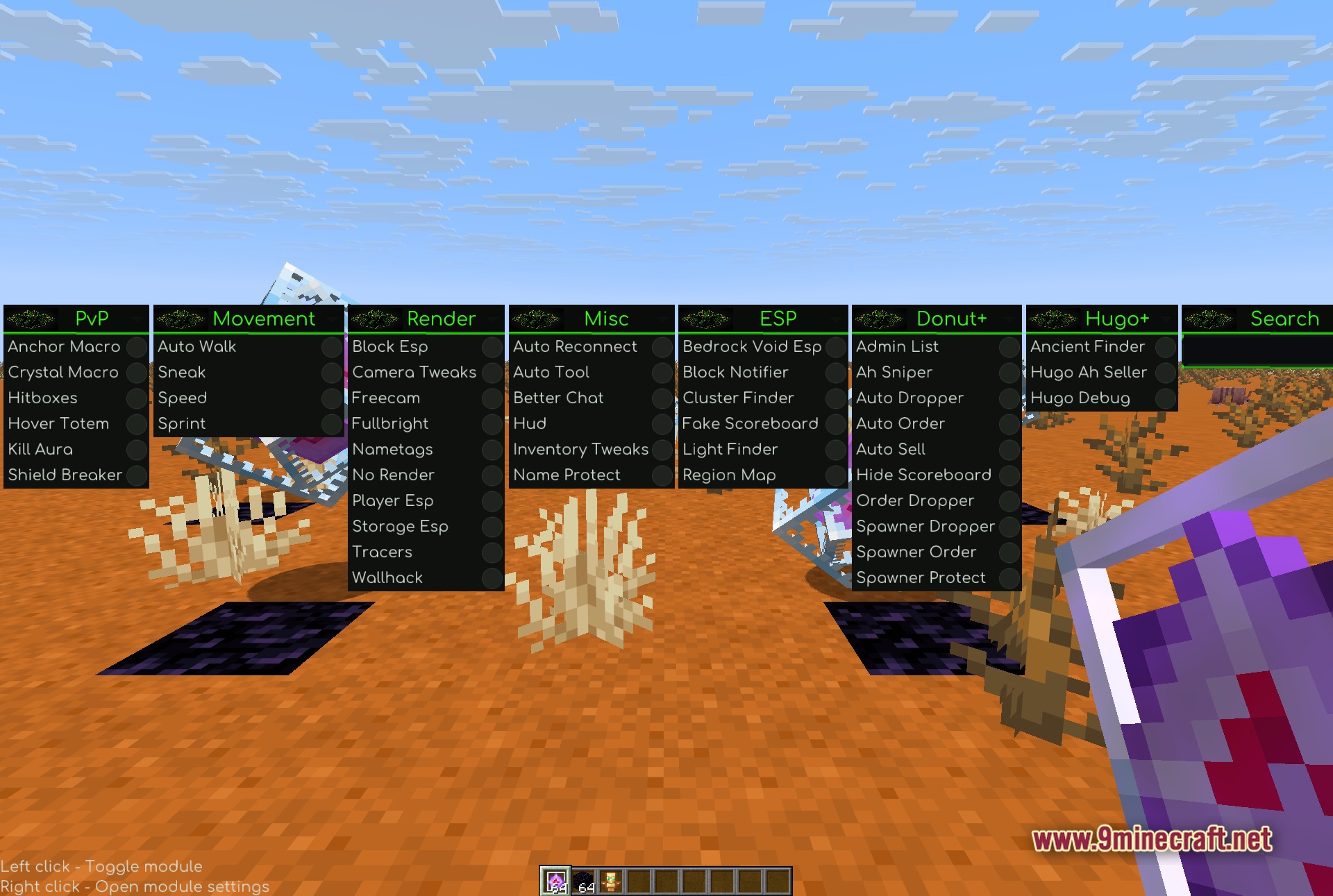
Press Right Shift to open the ClickGUI menu. The menu displays all available tools organized into columns for easy navigation.
Can I customize which modules show up in my menu?
Yes, right-click any tool in the ClickGUI to access its settings and configure how it behaves. You can enable, disable, or adjust individual modules to suit your playstyle.
What is Baritone and how do I use it?
Baritone is an automated pathfinding tool bundled with Hydra Client that lets you set waypoints or target blocks, and your character will automatically walk or mine to reach them. Access it through the ClickGUI menu and right-click to configure your goals.
How do the performance optimizations work?
Hydra Client includes built-in hooks for Sodium and Lithium, which are optimization mods that improve rendering and game logic performance. These hooks integrate automatically when those mods are present to keep your game running smoothly.
Gallery
5 images from the Hydra Client Mod page.
You May Also Like
Wikis that share the most with this one
More client wikis on the site
The most downloaded mods that have a wiki here
A few wikis from each of the other kinds