

 DownloadCRZ Client Mod
Get the files on 9Minecraft
Guides
Step-by-step, in-game.
Frequently asked questions
How do you open the CRZ Client Mod menu?
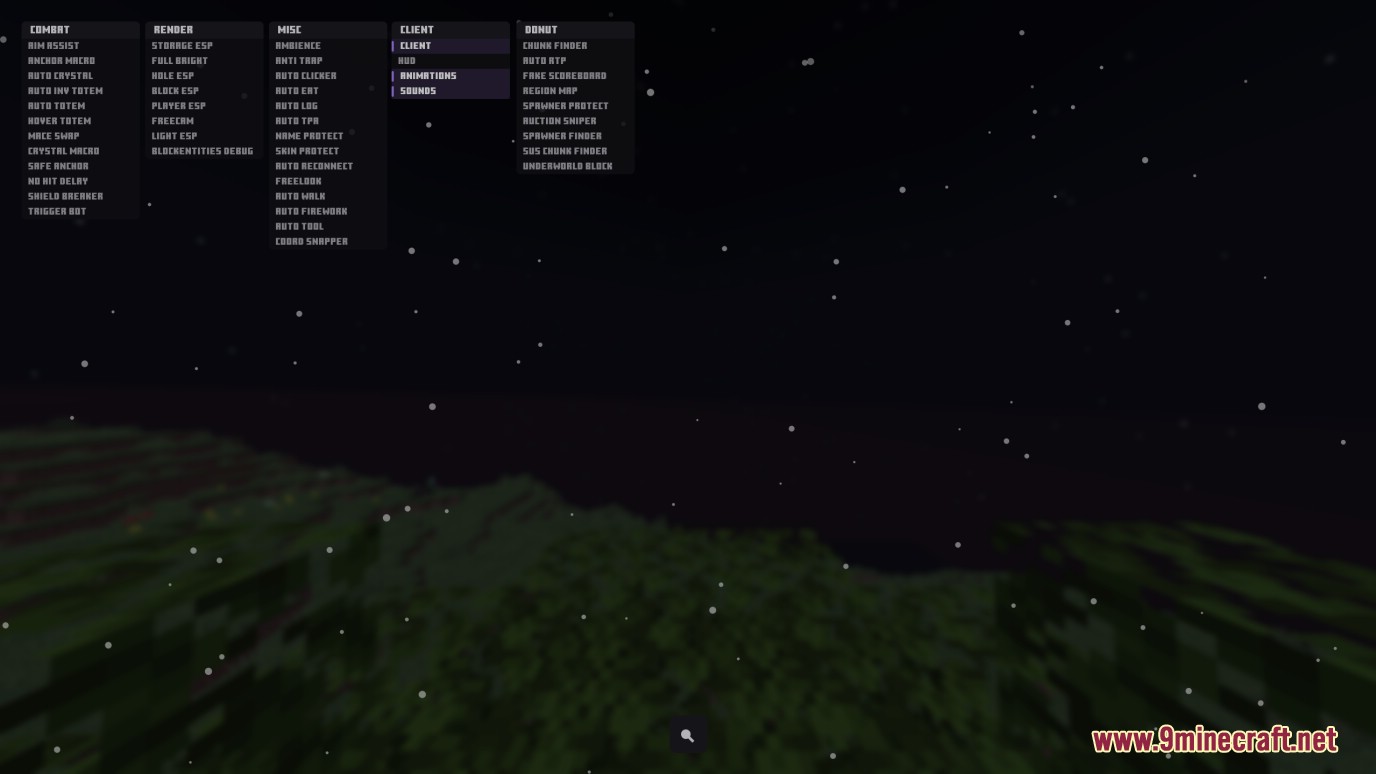
Press Right Shift to open or close the client menu and access all available features.
What combat tools does CRZ Client Mod provide?
The mod includes automatic crystal placement and breaking, instant shield and totem swapping, automatic aiming and weapon swinging, attack speed reduction, and quick mace switching.
Can CRZ Client Mod help you find hidden enemy bases?
Yes, the mod scans the world for suspicious chunks that might hide secret underground bases and draws boxes around chests and shulker boxes to help you find hidden loot.
What vision and tracking features does the mod offer?
CRZ Client Mod highlights other players through walls, illuminates dark caves and nighttime areas, allows you to move your camera away from your body to look around safely, and points out safe holes during crystal combat.
Gallery
2 images from the Crz Client Mod page.
You May Also Like
Wikis that share the most with this one
More client wikis on the site
The most downloaded mods that have a wiki here
A few wikis from each of the other kinds