

 DownloadCRE Client Mod
Get the files on 9Minecraft
Guides
Step-by-step, in-game.
Execute the Instant Anchor Combo in PvPUnderstanding Instant Anchor Combo The Instant Anchor Combo places a Respawn Anchor and triggers its explosion in…Master the AirAnchor Trick for Mid-Air CombatWhat Is the AirAnchor Trick? The AirAnchor Trick allows you to place and detonate Respawn Anchors while airborne,…Set Up Auto Crystal Break for Instant DefenseEnable Auto Crystal Break Auto Crystal Break automatically destroys enemy crystals the moment they spawn, giving you…Use Smart AutoTotem to Survive Critical MomentsActivate Smart AutoTotem Smart AutoTotem automatically equips and uses a Totem of Undying when your health drops…
Frequently asked questions
How do I open the CRE Client Mod menu?
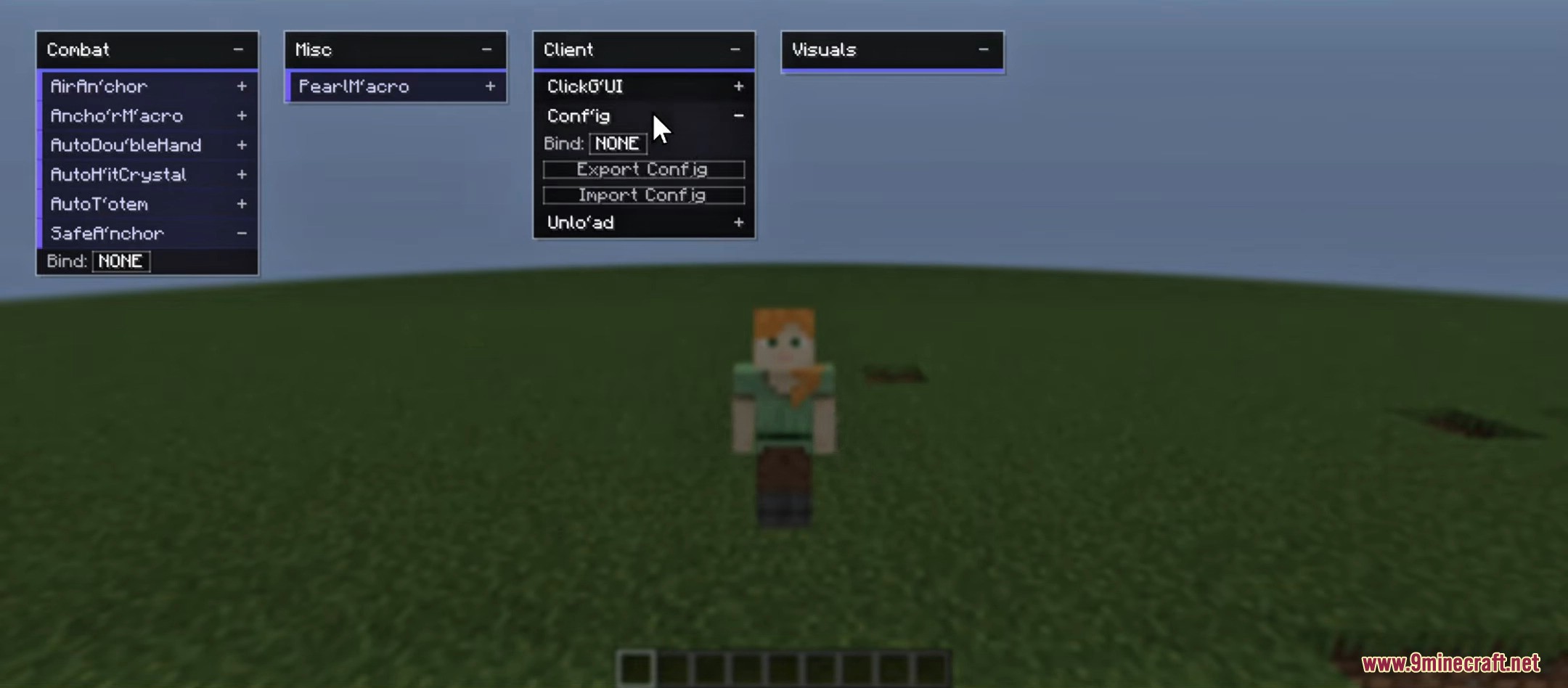
Press Right Shift to open or close the client menu. From there you can access and configure all available features including Auto Crystal Break, Smart AutoTotem, and other combat utilities.
What's the difference between Auto Crystal Break and the Instant Anchor Combo?
Auto Crystal Break automatically destroys crystals the moment they appear for defensive purposes. The Instant Anchor Combo is an offensive technique that combines fast anchor placement and detonation in sequence for burst damage.
How do I set up Smart AutoTotem?
Open the client menu with Right Shift, navigate to Smart AutoTotem settings, and enable it. The feature will automatically activate when your health drops to critical levels, using a totem from your inventory to save you.
Can I customize the GUI colors and layout?
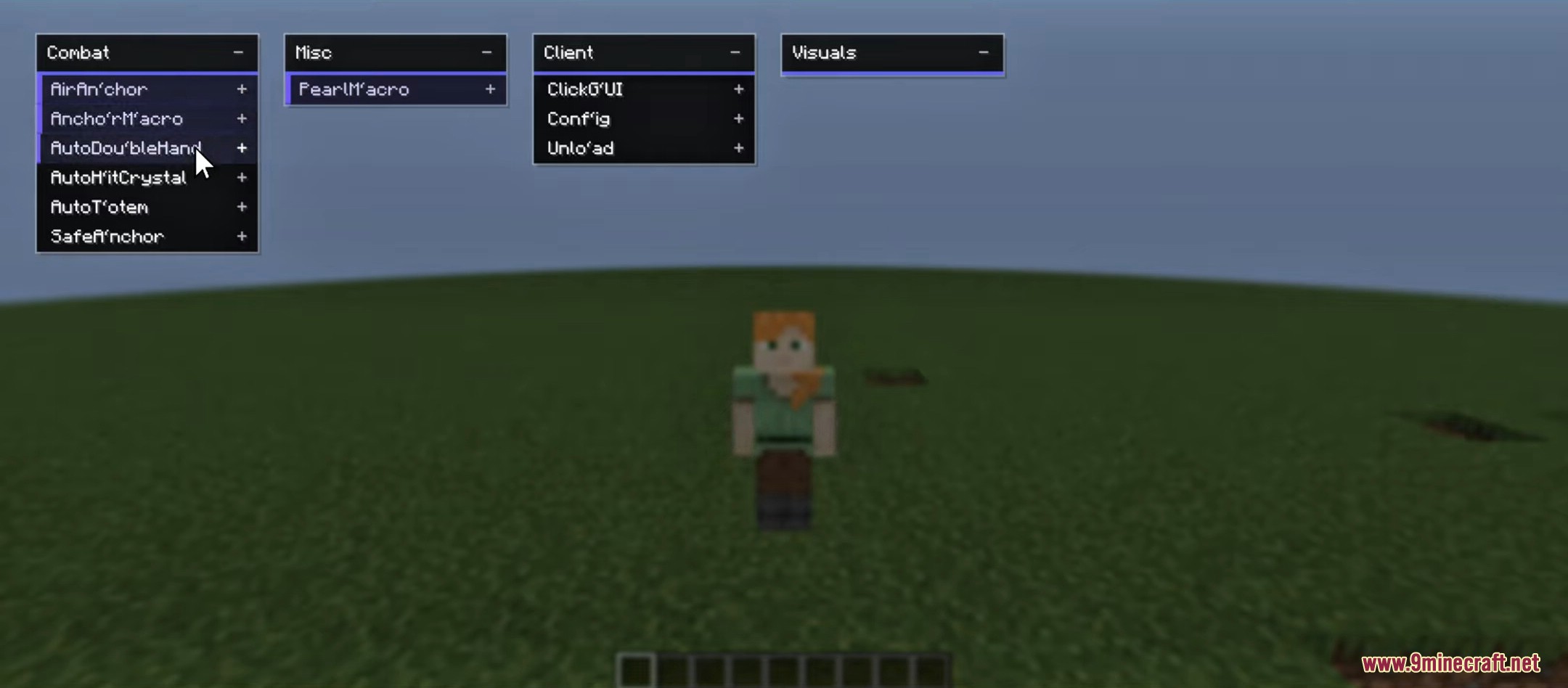
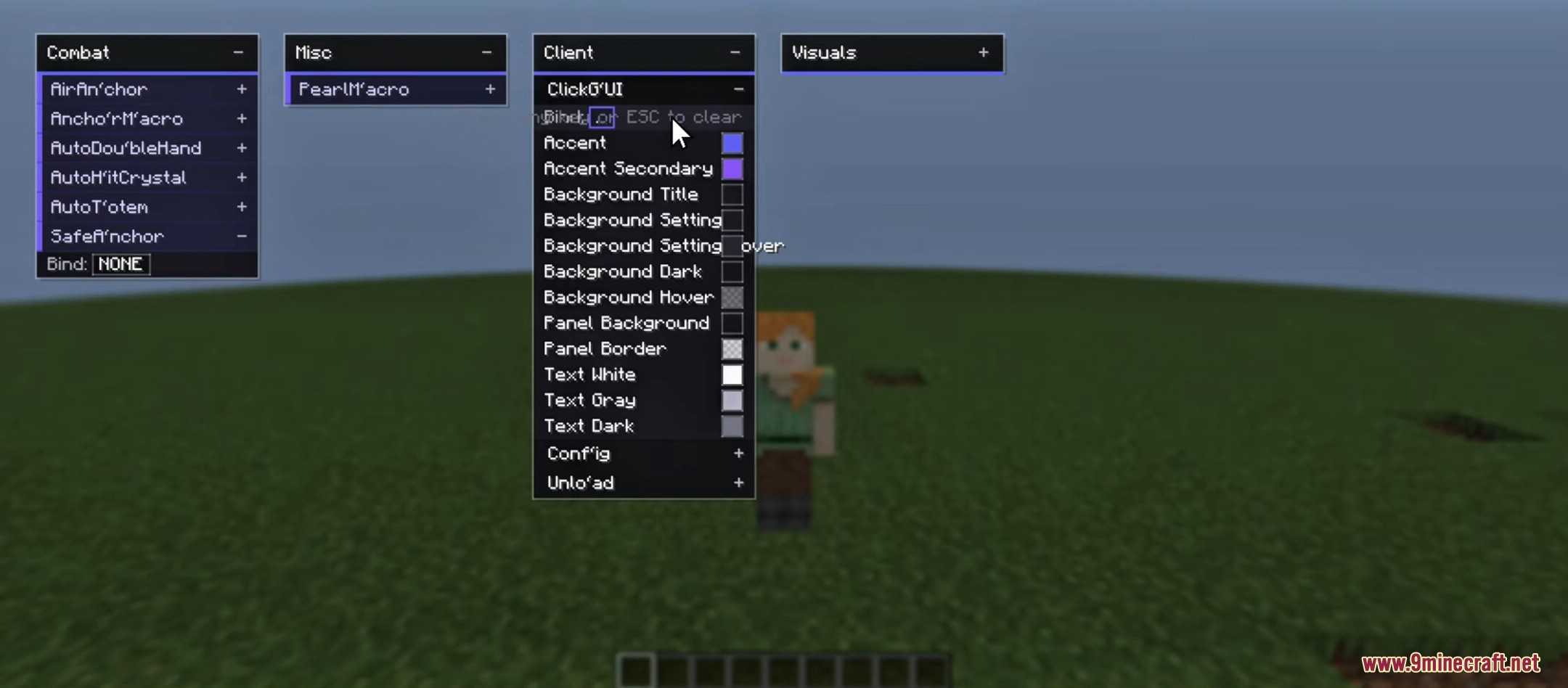
Yes, the Custom ClickGUI is fully editable. Access it through the client menu to adjust the dark UI theme, reposition elements, and personalize controls to your preference.
Gallery
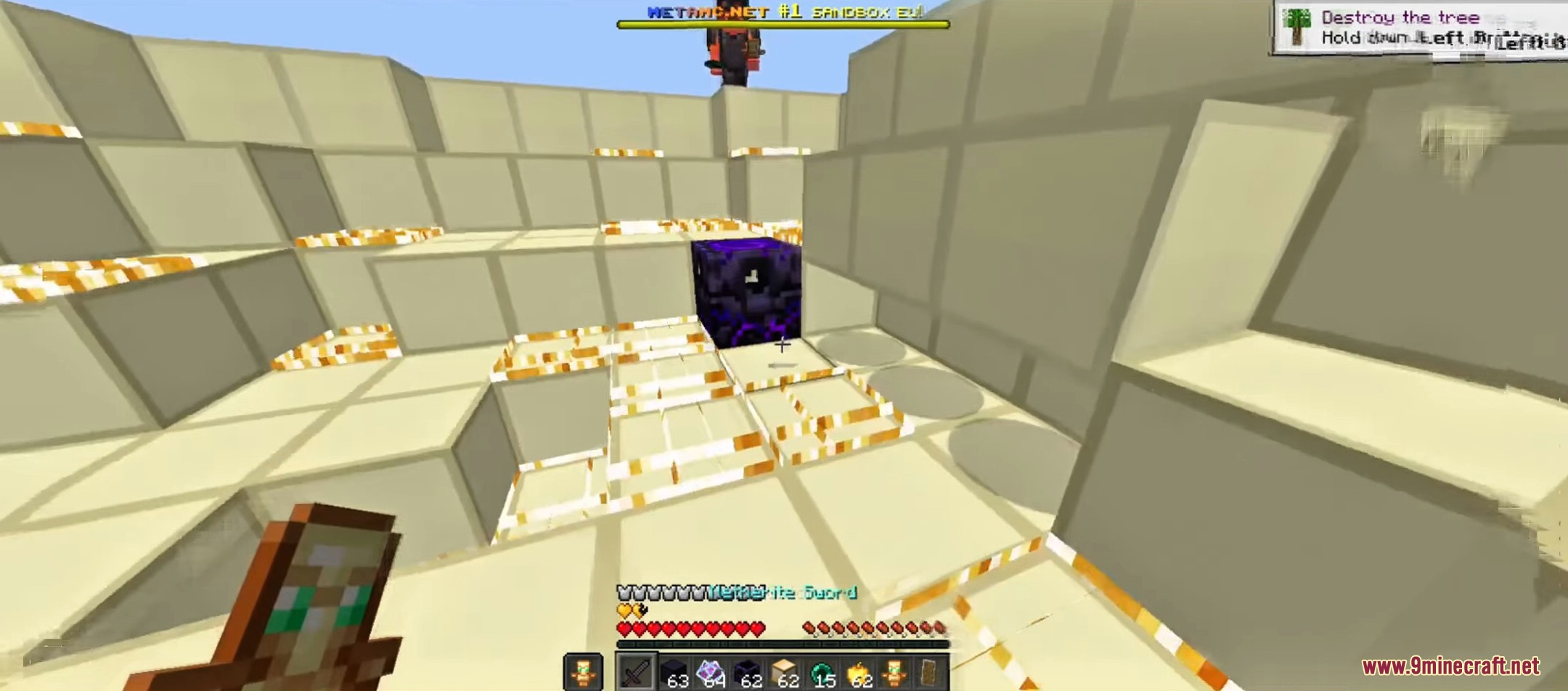
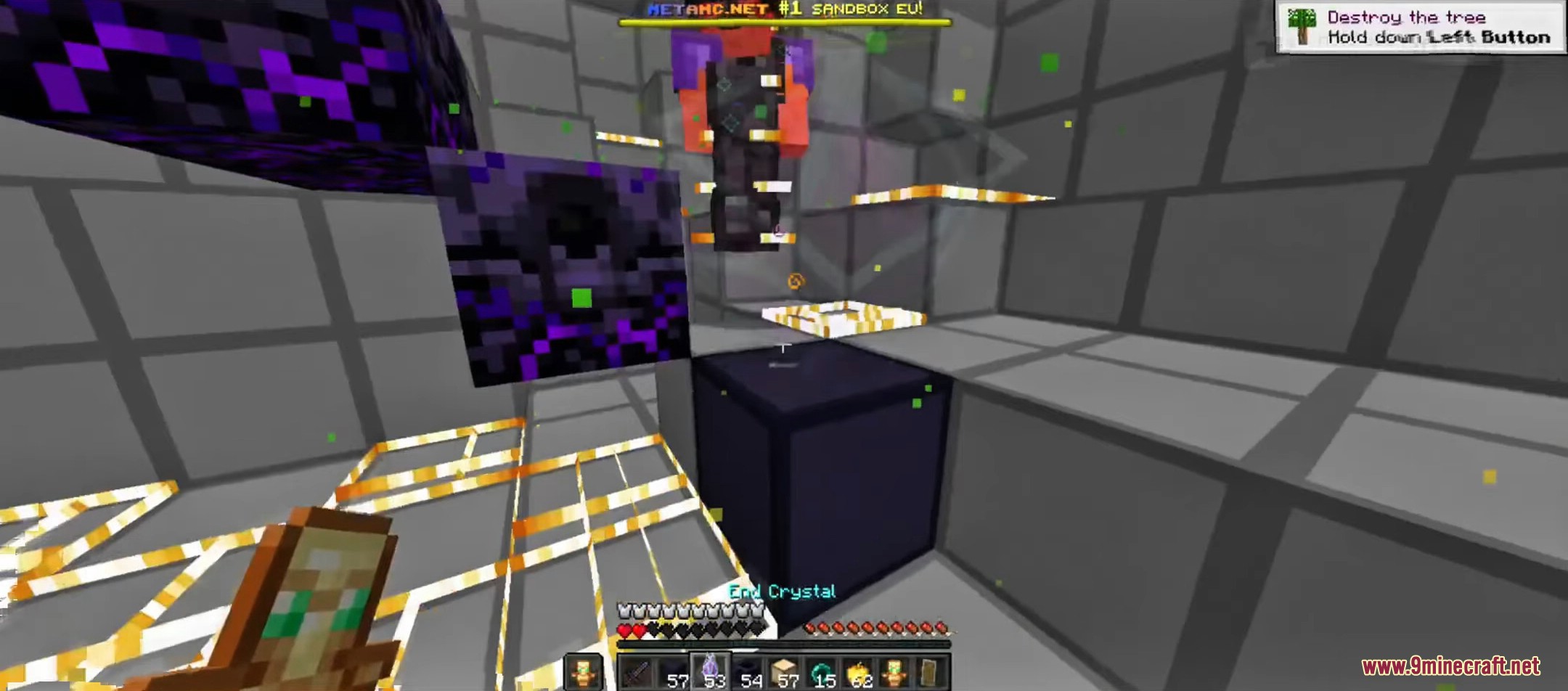
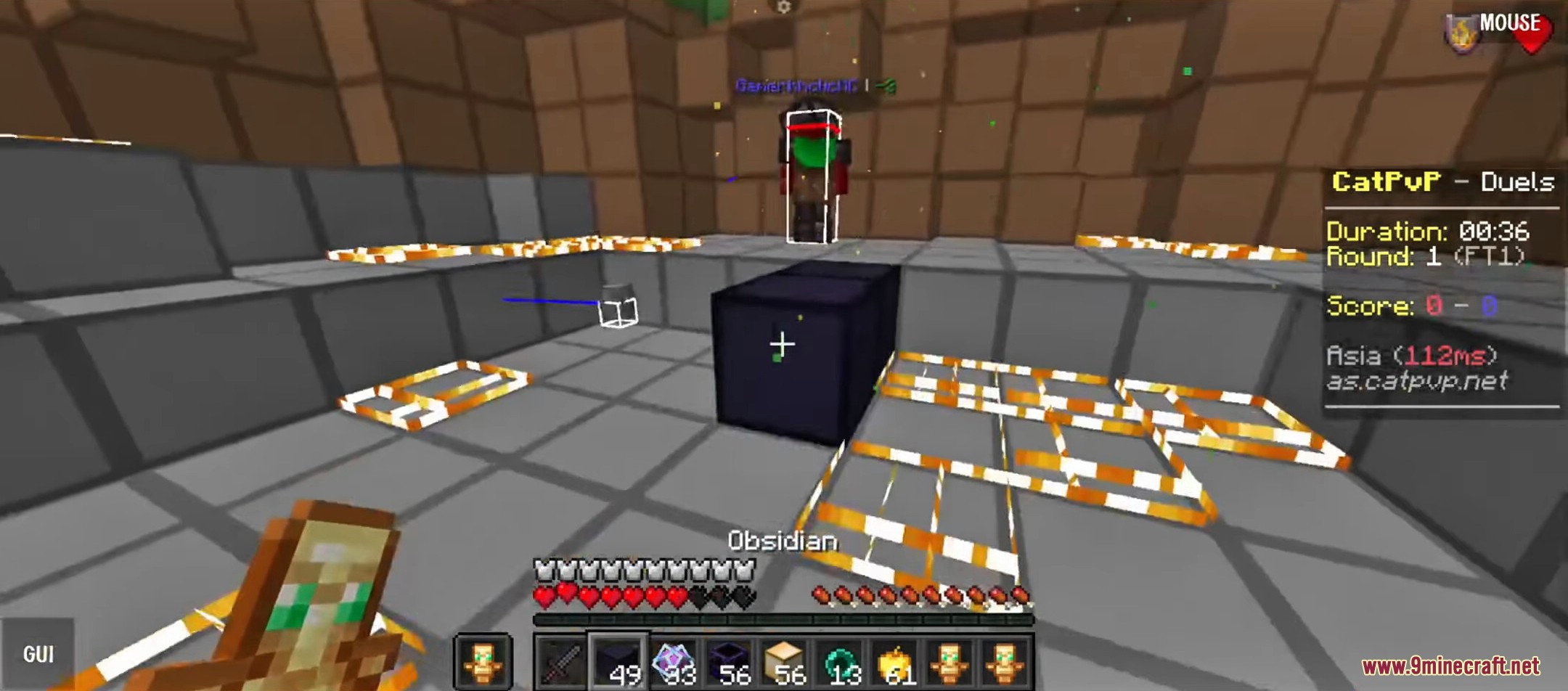
7 images from the Cre Client Mod page.
You May Also Like
Wikis that share the most with this one
More client wikis on the site
The most downloaded mods that have a wiki here
A few wikis from each of the other kinds