

 DownloadCOI Client Mod
Get the files on 9Minecraft
Guides
Step-by-step, in-game.
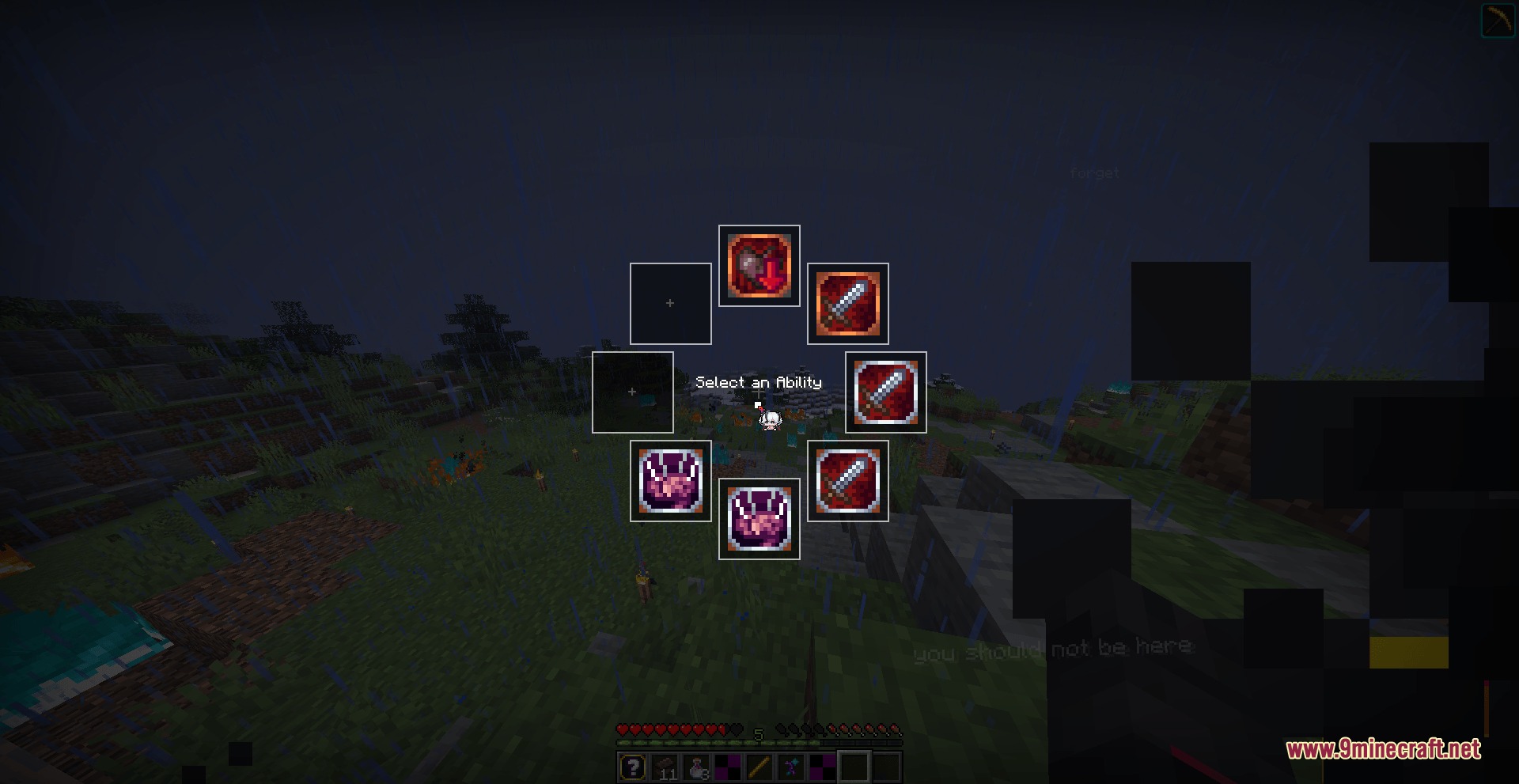
Cast Ritual Magic Using Gesture DrawingActivate Gesture Mode Hold Left Alt to enter gesture-casting mode. Your mouse cursor becomes active for drawing, and…Monitor and Respond to Sanity LossRead Your Sanity Bar The on-screen madness bar displays your current sanity level in real time. Watch this bar during…Set Up Your Ability HotkeysOpen the Configuration Menu Press K to open the COI Client Mod settings panel. This is where you customize which…Use the Radial Wheel for Quick Power SwitchingAccess the Radial Menu Hold down G to bring up a circular selection wheel displaying your available pathway…
Frequently asked questions
How do I open the mod menu to change my settings?
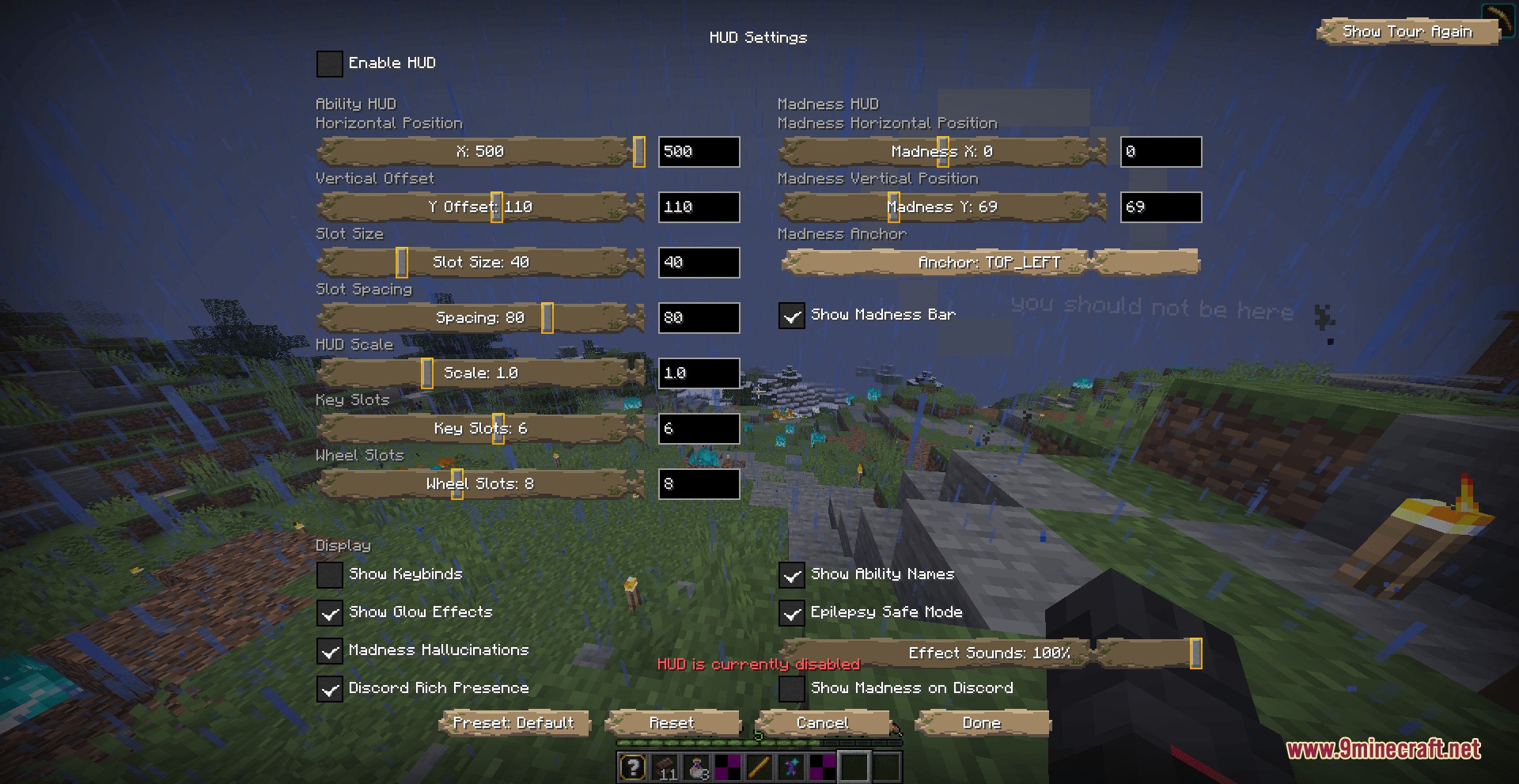
Press K to open the COI Client Mod menu. From there you can adjust your ability HUD position, scale, and rebind your hotkeys to suit your playstyle.
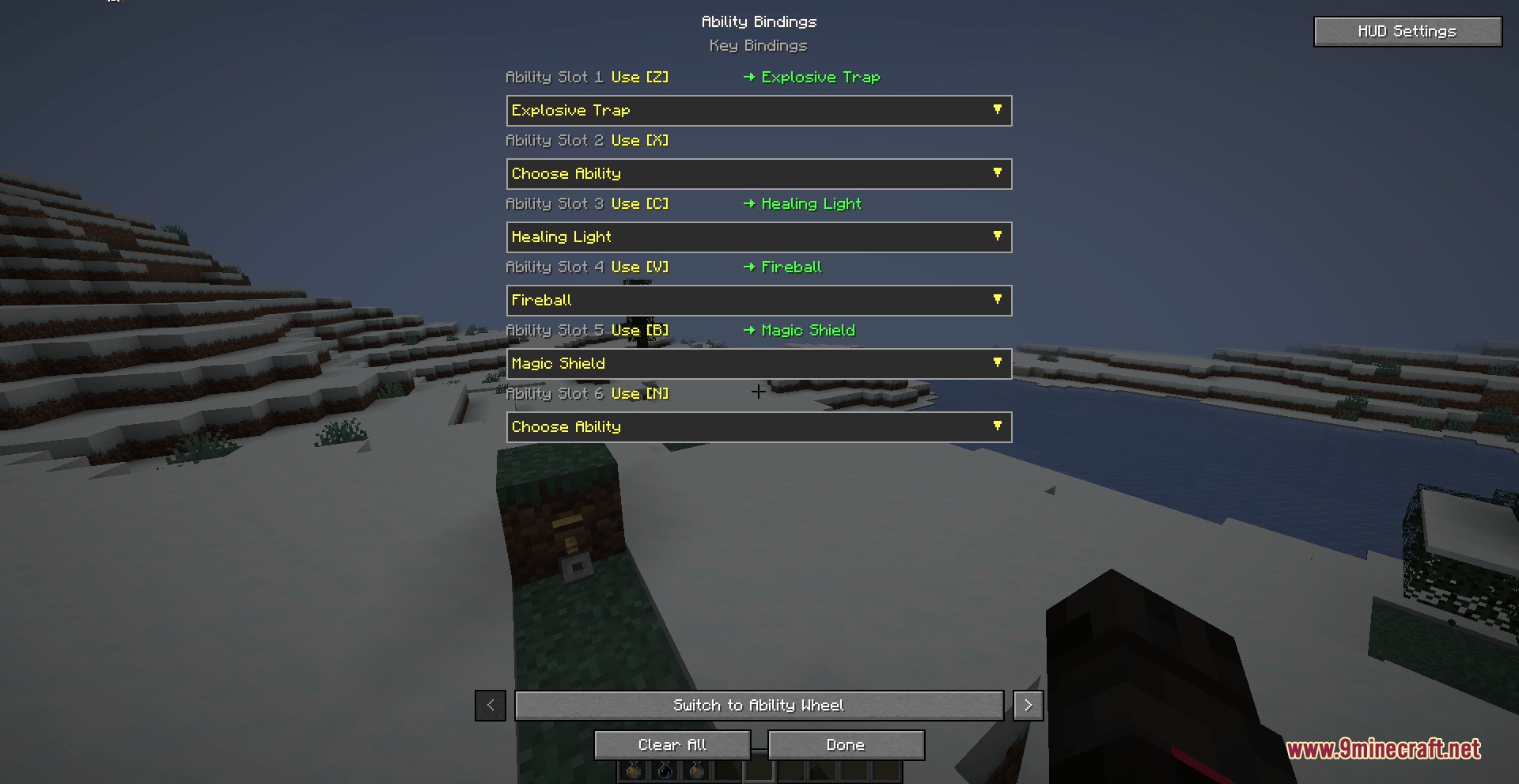
Can I change which abilities are mapped to which keys?
Yes, open the menu with K and adjust your key bindings. You can map up to six active ability slots to any keys between Z and N, or customize them further based on your preference.
What's the fastest way to switch between different powers in combat?
Hold G to open the radial selection wheel, which lets you pick an active power instantly without opening the full menu. This is much faster than pressing individual hotkeys when you need to adapt mid-fight.
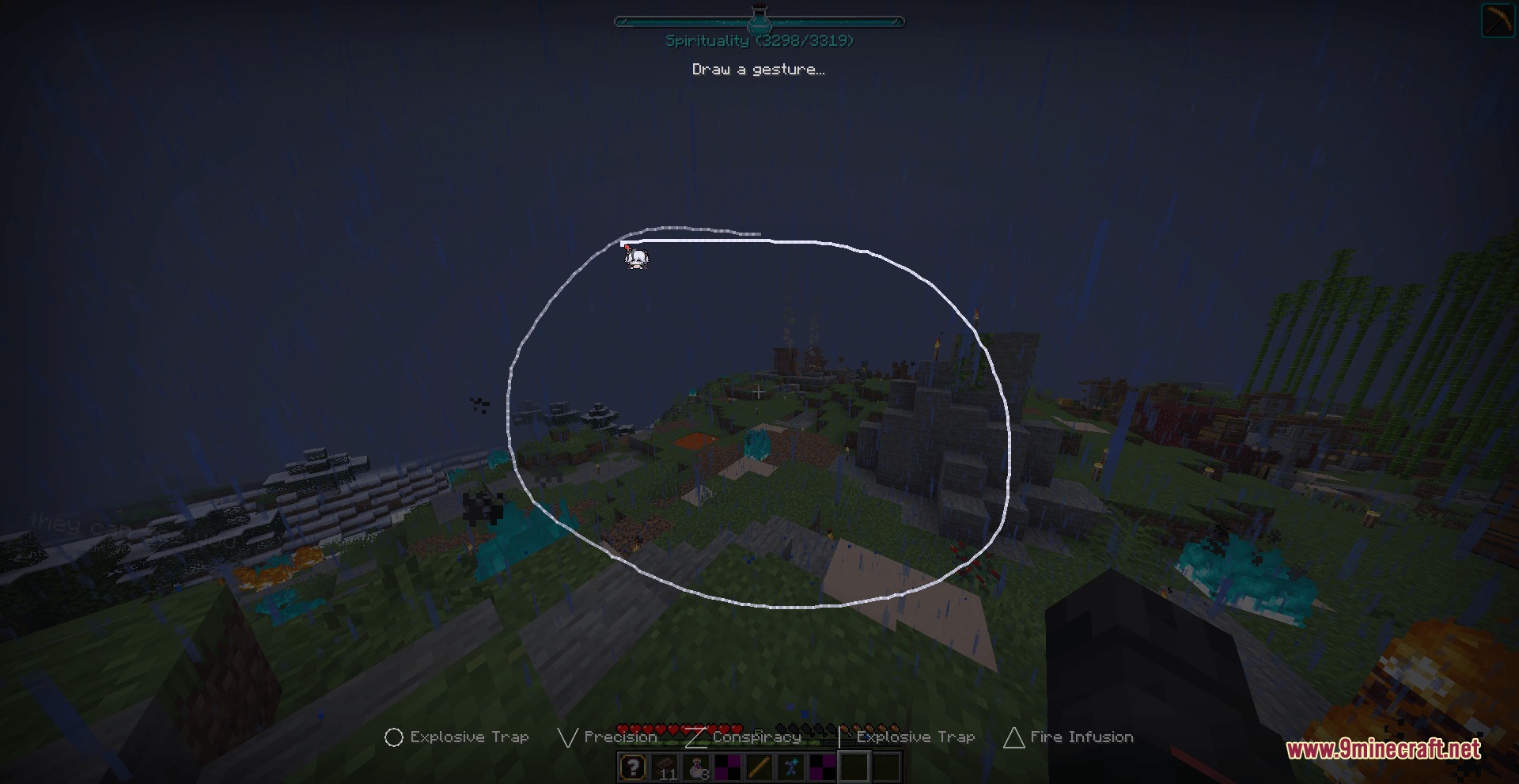
How does gesture casting work and when should I use it?
Hold Left Alt and move your mouse to draw ritual shapes like circles, lines, and triangles on your screen. Release to cast the gesture; this is useful for powers that require specific ritual patterns as an alternative to hotkey casting.
Gallery
7 images from the Coi Client Mod page.

You May Also Like
Wikis that share the most with this one
More client wikis on the site
The most downloaded mods that have a wiki here
A few wikis from each of the other kinds