

 DownloadDashpanels
Get the files on 9Minecraft
Guides
Step-by-step, in-game.
Connect Multiple Panels with Control CablesPlacing Control Cables Craft Control Cables and place them in a line from one Control Panel to another. These cables…Set Up Your First Control PanelCreating and Placing the Panel Craft a Control Panel block and place it anywhere in your base. This block serves as…Troubleshoot Redstone Signal IssuesChecking Cable Connections If a module isn't controlling your machine, verify that the Stripped Cable is properly…Use Dashpanels with ComputerCraftRecognizing the Panel as a Peripheral When you have both Dashpanels and ComputerCraft installed, your Control Panel…
Recipes
Every recipe the mod adds, grouped by how it is made.
Items
 Cable Stripper
 Control Lever
 Indicator Bulb
 Joystick
 Key
 Key Switch
 Momentary Switch
 Navball
 Paint Brush
 Panel Wrench
 Push Button
 Switch
Blocks
 Ceiling Control Panel
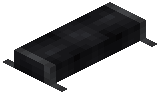 Control Cable
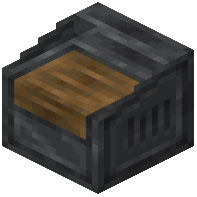 Control Panel
 Knob
 Label
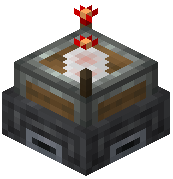 Panel Link
 Seven Segment
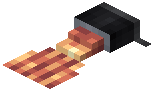 Stripped Cable
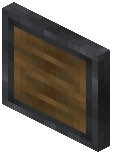 Wall Control Panel
Configuration
Every setting in the mod config file, with what it changes.
| Option | What it does |
|---|---|
click_for_module_hold | Click for Module Hold |
default_skin_palette | Default Skin Palette |
module_tooltips_hud | Disable Module Tooltips When Hud is Hidden |
show_module_tooltips | Show Module Tooltips |
Frequently asked questions
How do I start using Dashpanels?
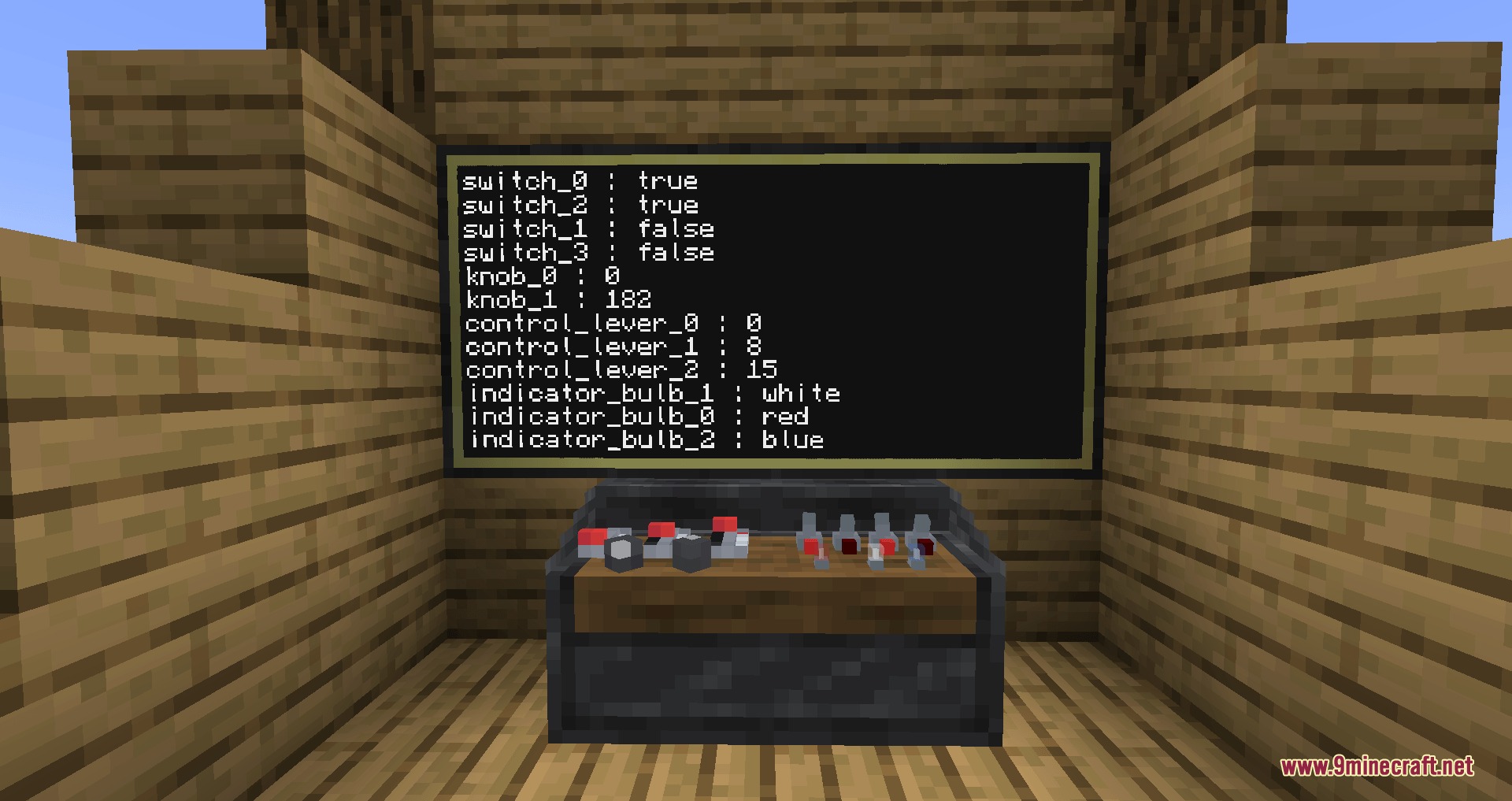
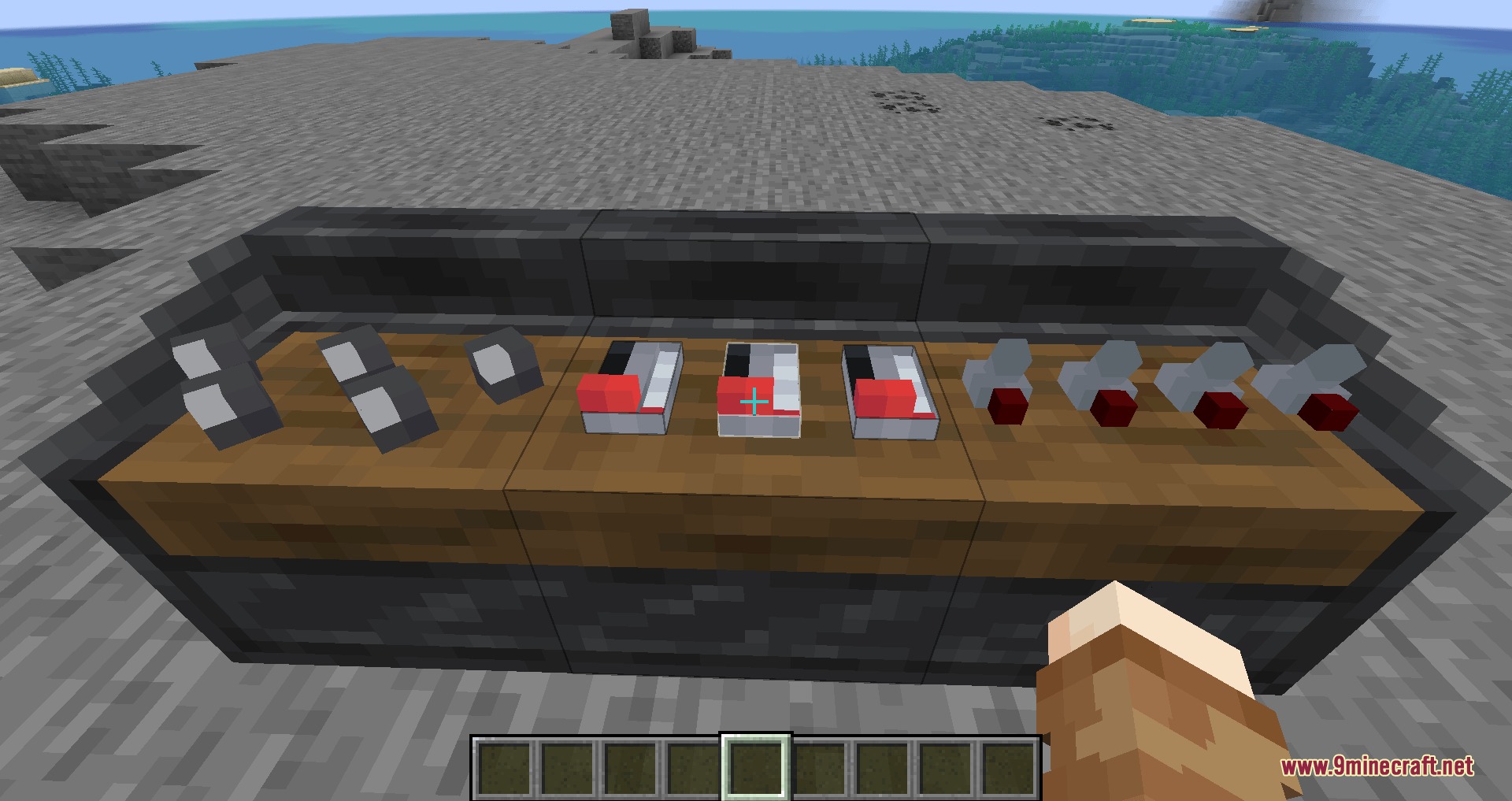
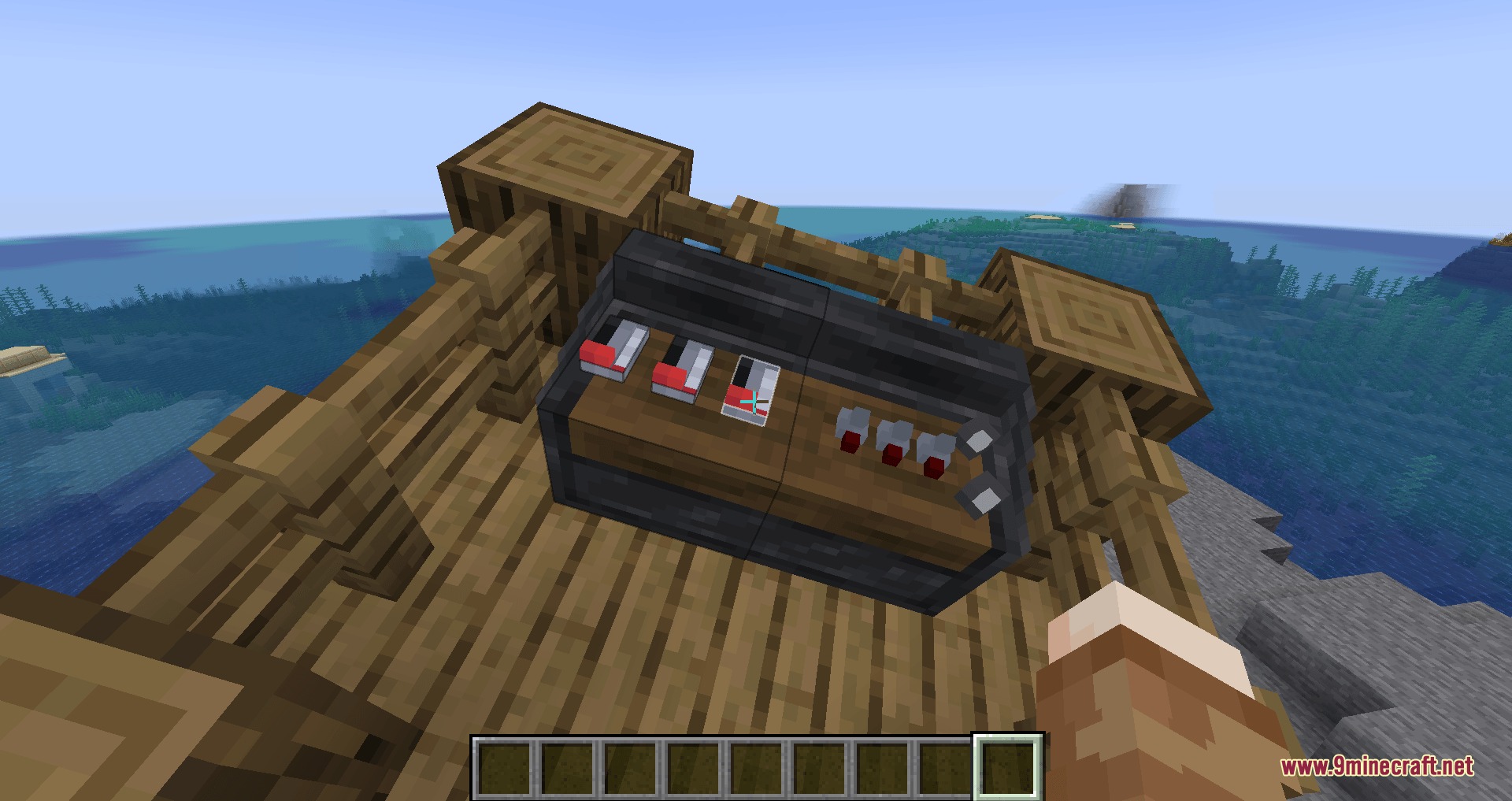
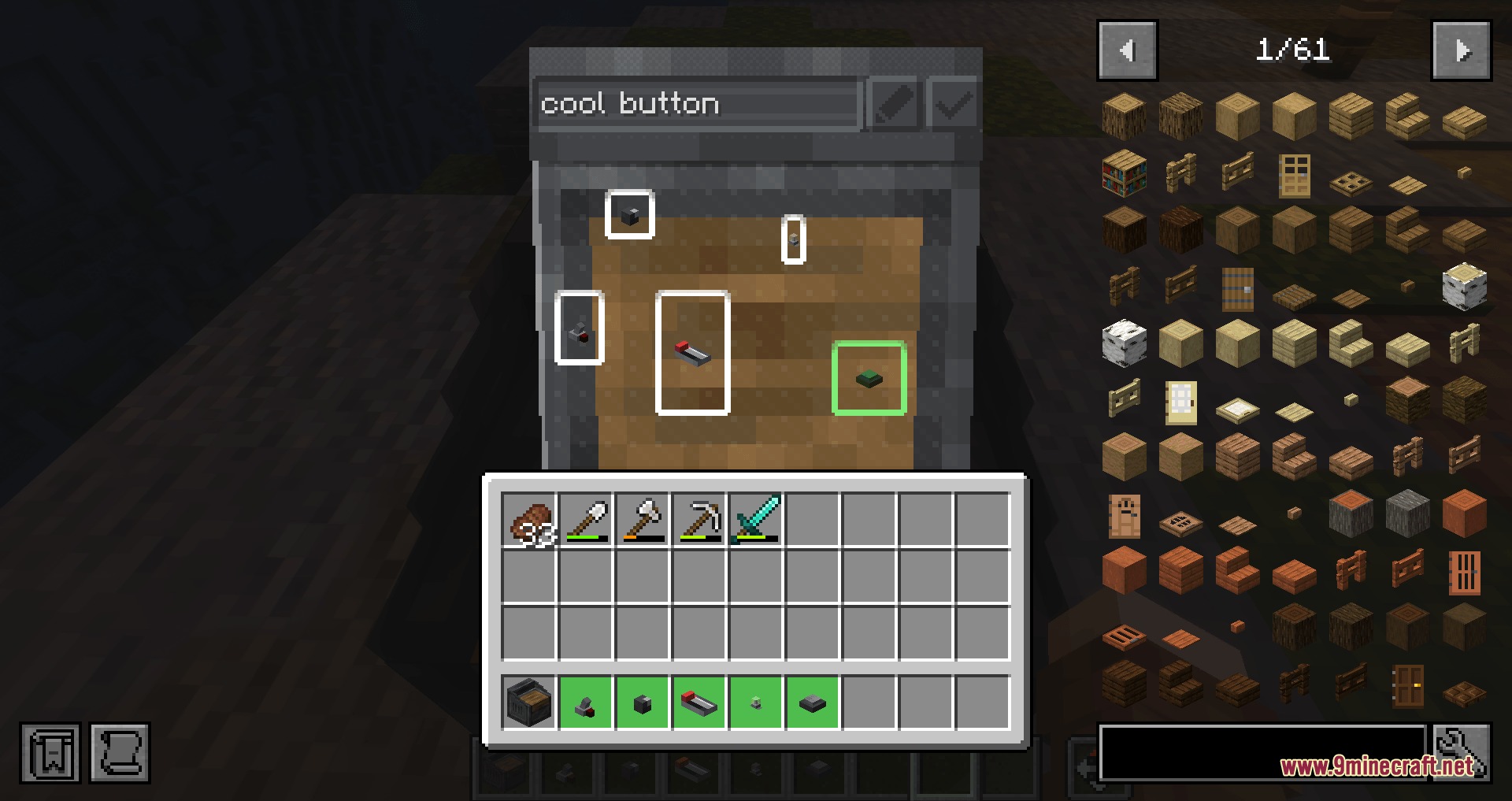
Craft a Control Panel block and place it down, then hold nothing and Shift + Right-click it to open the attachment menu. Add modules like bulbs, levers, or knobs from your inventory to build your control interface.
What's the difference between Control Cables and Stripped Cables?
Control Cables are the main wiring that connects panels together across your base. Stripped Cables branch off from Control Cables and connect directly to individual modules to send or receive redstone signals.
How do I connect a module to a cable?
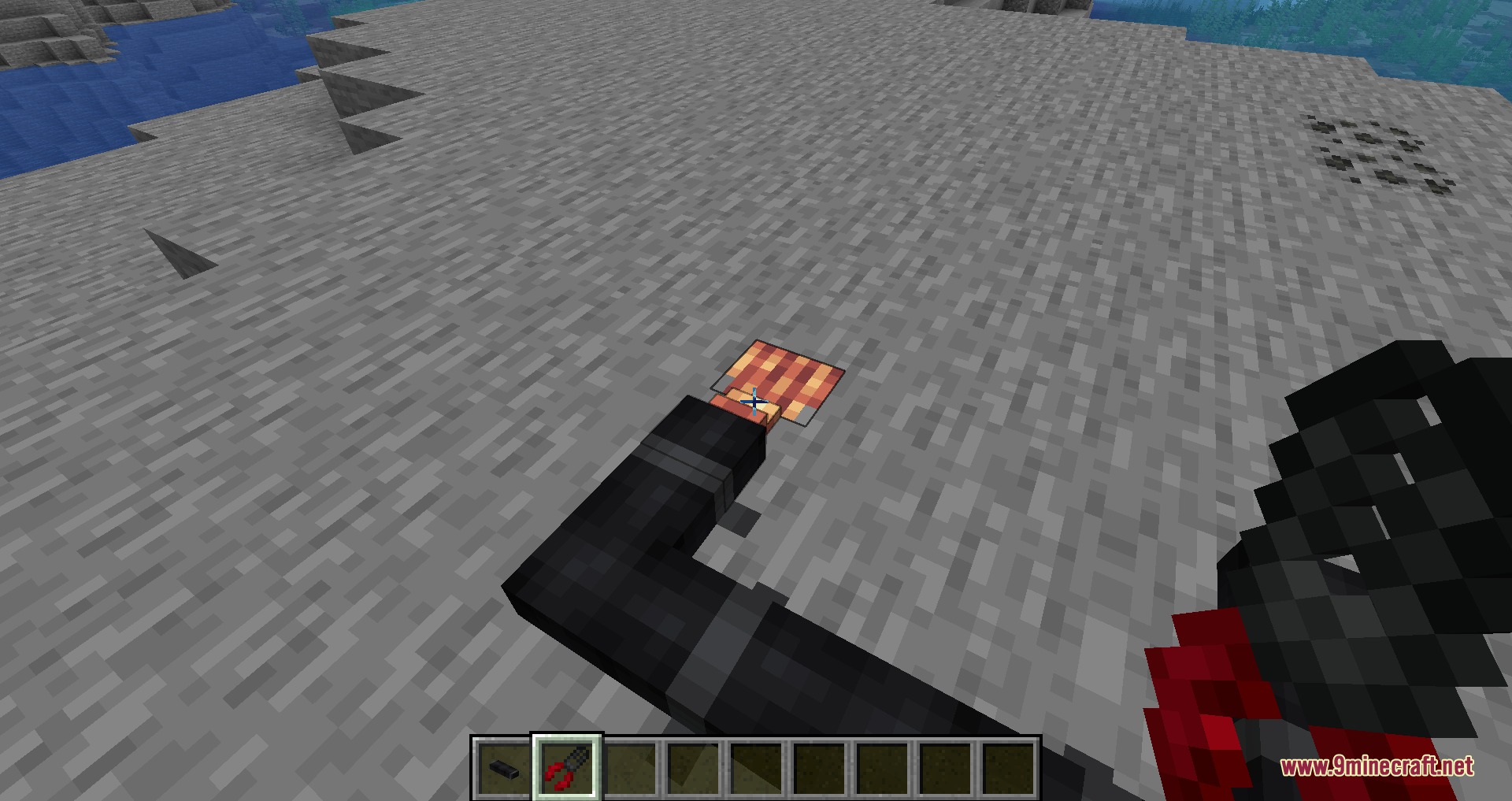
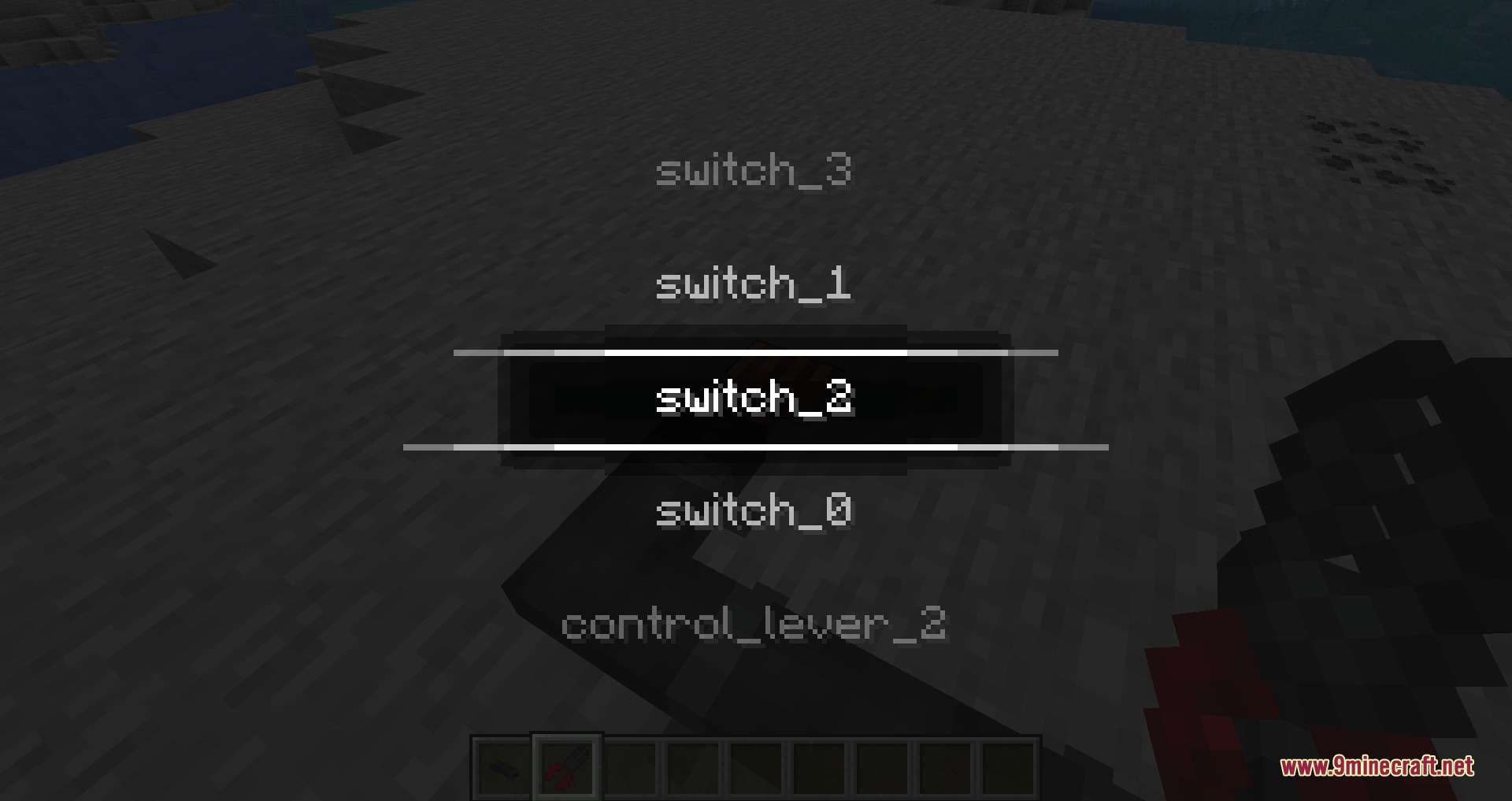
Right-click a Control Cable with the Cable Stripper tool to create a Stripped Cable, then Right-click that Stripped Cable again with the tool to select which module it connects to.
Can I remove and reuse cables?
Yes, Shift + Right-click any cable with the Cable Stripper tool to pick it back up and place it elsewhere.
Why isn't my redstone signal working?
Make sure your Stripped Cable is properly connected to both a Control Cable and a module using the Cable Stripper tool. Check that the module itself is attached to the Control Panel by Shift + Right-clicking the panel.
Can I use Dashpanels with ComputerCraft?
Yes, Control Panels work as ComputerCraft peripherals, allowing you to read and control modules through Lua scripts for advanced automation.
How do I organize multiple panels?
Use Control Cables to link panels together, and dye your bulb modules different colors to visually organize which switches control which machines.
Does this mod work with Create?
Yes, the mod adds an exclusive block designed to make link connections easier when using Create mod alongside Dashpanels.
Will Dashpanels work if I'm using Sable mod for sublevels?
Yes, Control Panels function normally on sublevels when playing with Sable mod, so your redstone systems will work across different levels.
What modules can I add to a Control Panel?
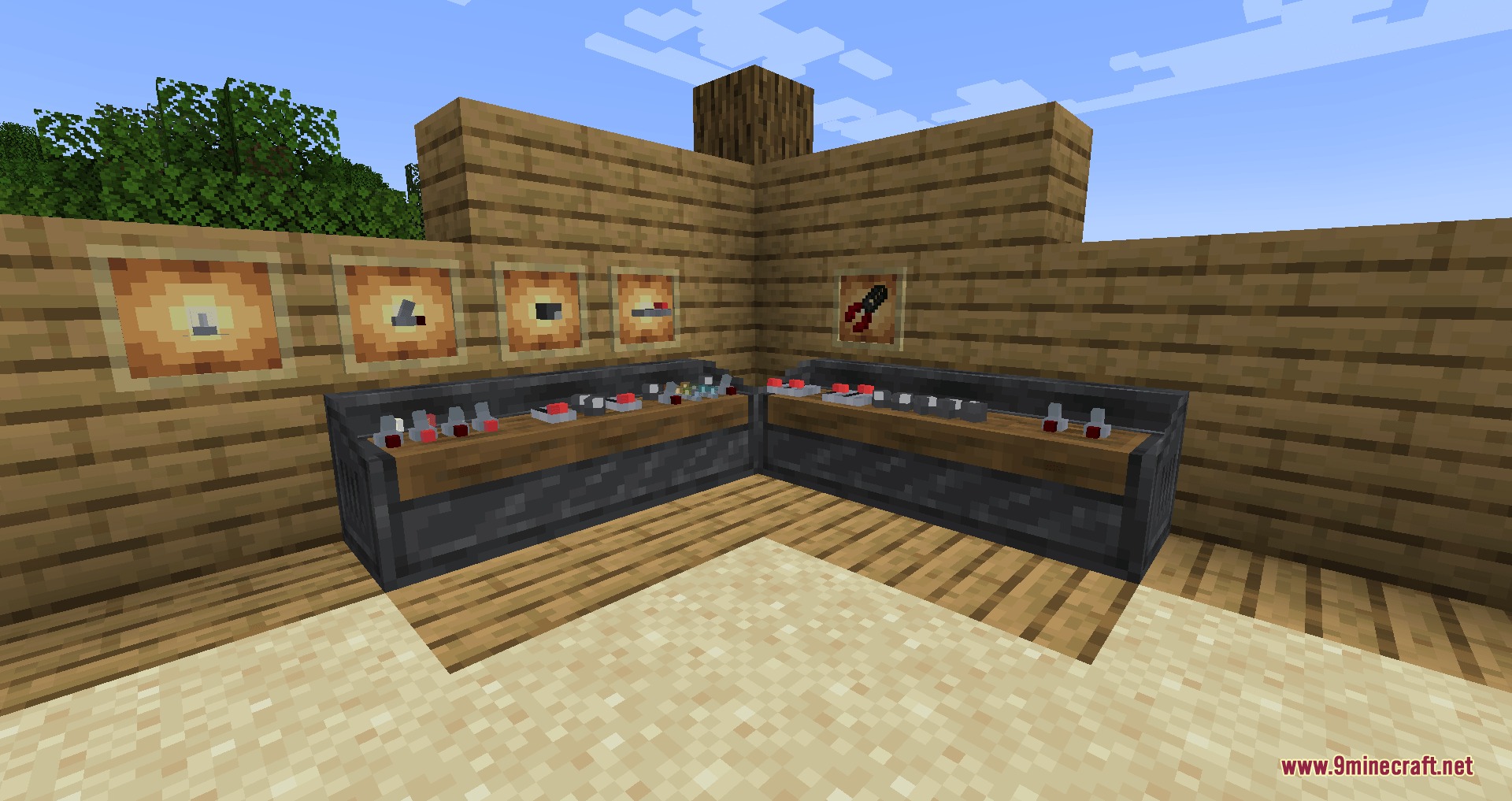
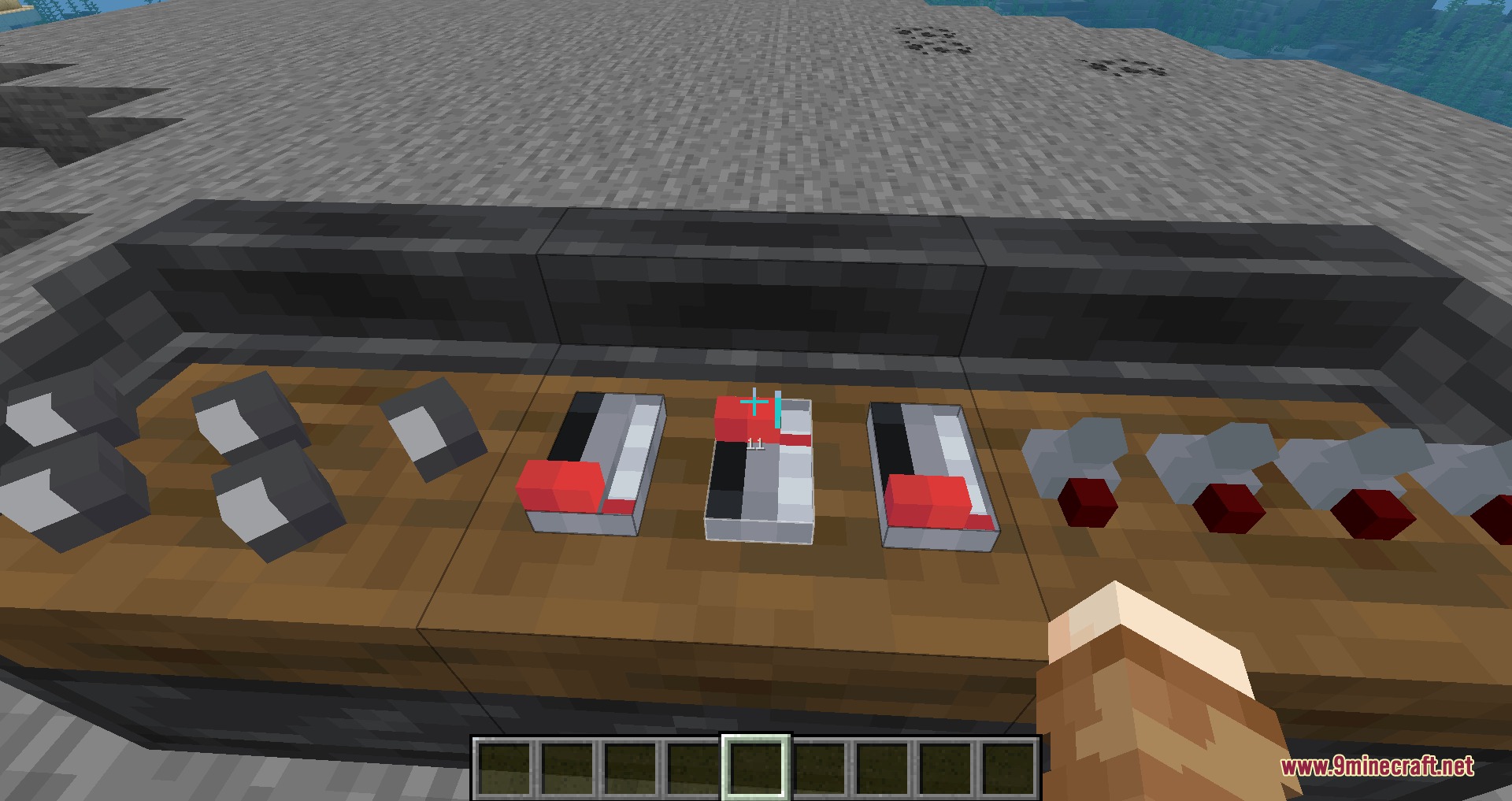
You can add bulbs (which can be dyed different colors), levers, knobs, and other redstone modules to control different aspects of your machines from one panel.
Gallery
9 images from the Dashpanels Mod page.
You May Also Like
Wikis that share the most with this one
Wikis on the same theme: cat
More mod wikis on the site
The most downloaded mods that have a wiki here
A few wikis from each of the other kinds