

 DownloadClient Side Noteblocks Mod
Get the files on 9Minecraft
Guides
Step-by-step, in-game.
How to Make Note Block Music Play Instantly on a High-Ping ServerThe Problem With Server Round-Trips Every note block you trigger normally waits for a round trip to the server before…How to Reduce Lag From Large Note Block Music MachinesWhere the Lag Comes From Big note block builds fire many notes in a short time. Each note normally involves a server…How to See Which Note a Note Block Is Set To Using Resource PacksWhy You Cannot Normally See the Pitch A placed note block looks identical no matter what note it holds. You have to…How to Stop Note Block Sounds From Doubling or EchoingWhy You Hear Doubled Notes Without this mod, a note block click sends a packet to the server, and the server tells…
Frequently asked questions
How do I turn on the mod?
The mod works automatically once installed—there's nothing to enable in-game. Just place and click note blocks as normal, and sounds will play client-side instead of waiting for the server.
Why do my note blocks still sound delayed on a server?
The mod only affects sounds triggered on your own client, so note blocks played by other players or by redstone you don't directly interact with may still come through the server. Make sure the mod is actually loaded on your client, since it does nothing if it's only on the server.
Why do I hear note block sounds twice?
Doubling happens when both the client-side sound and the server-relayed sound play. The mod includes sound filtering to suppress the server duplicate, but if you still hear echoes, check that no other sound-related mod is also intercepting note block events.
Does this mod work in singleplayer?
Yes, it reduces lag and makes playback snappier in singleplayer too, though the effect is most noticeable on multiplayer servers with latency.
See all 10 Client Side Noteblocks questions ›
Gallery
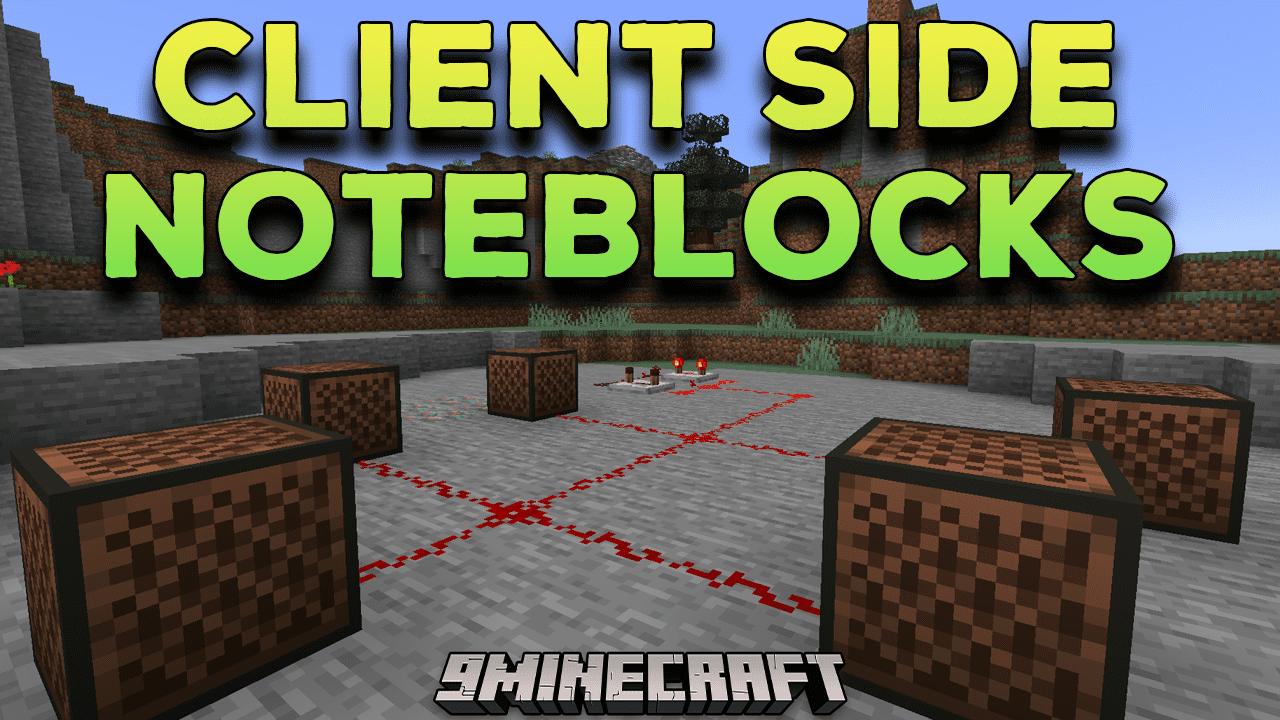
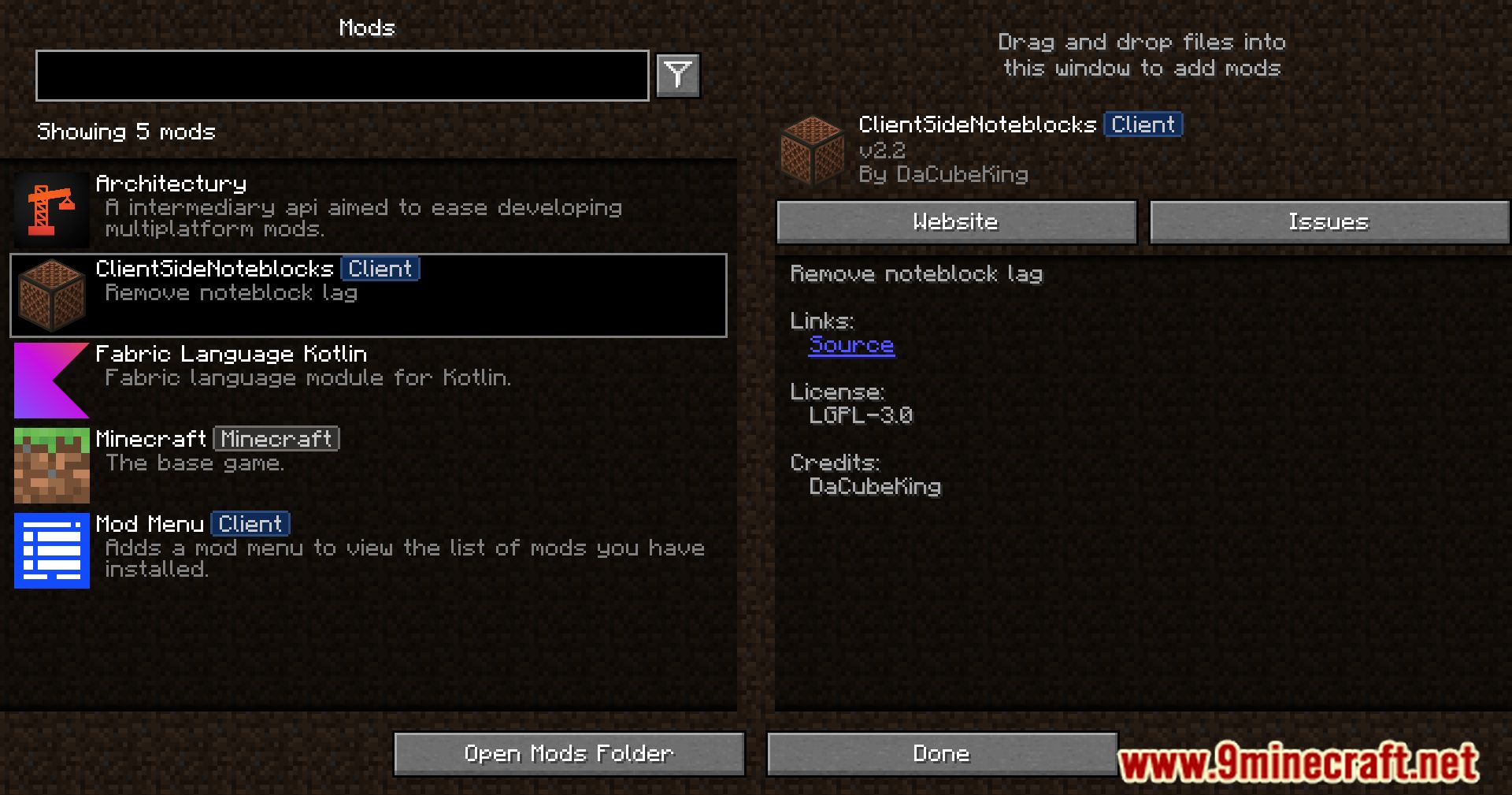
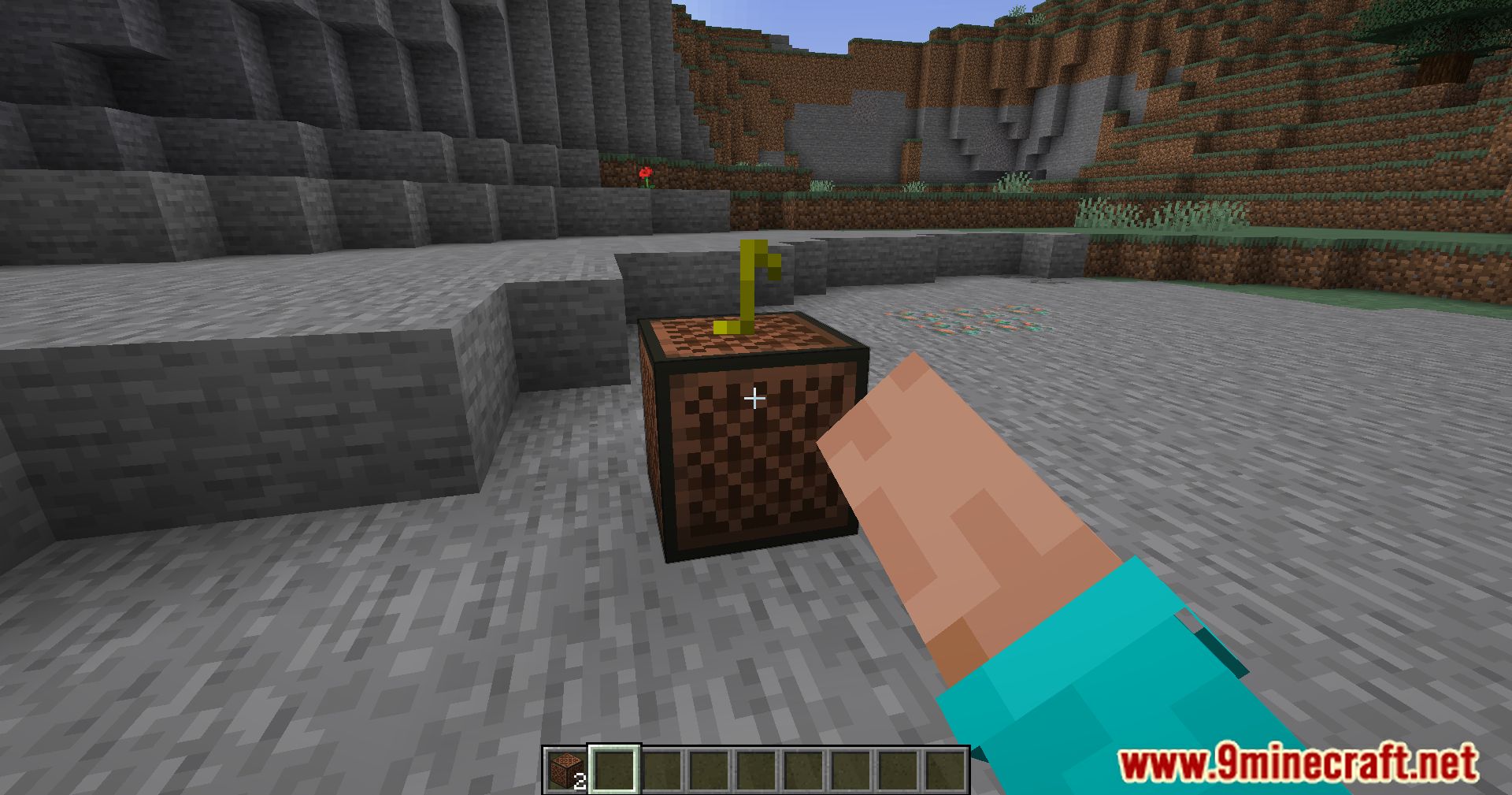
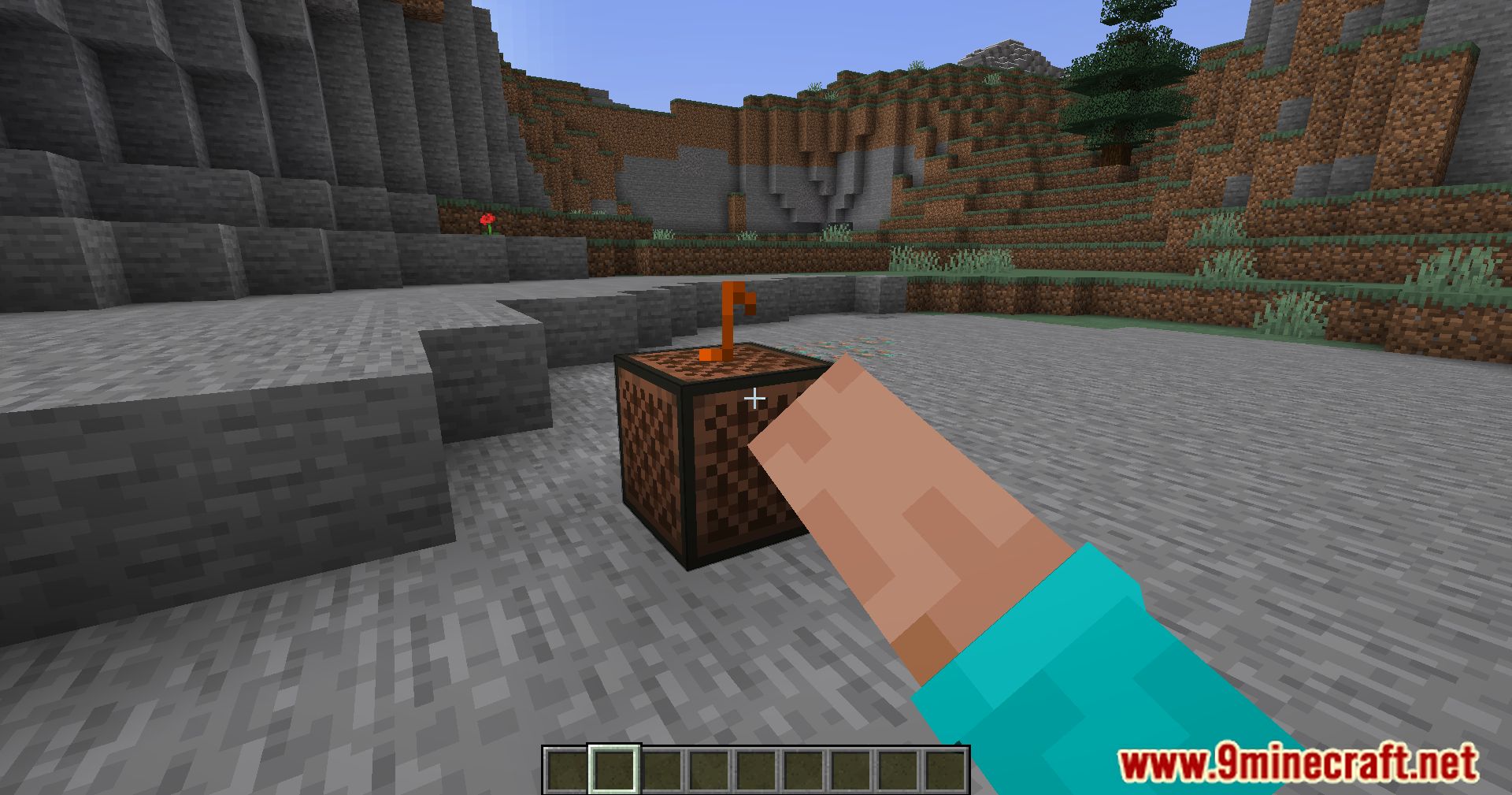
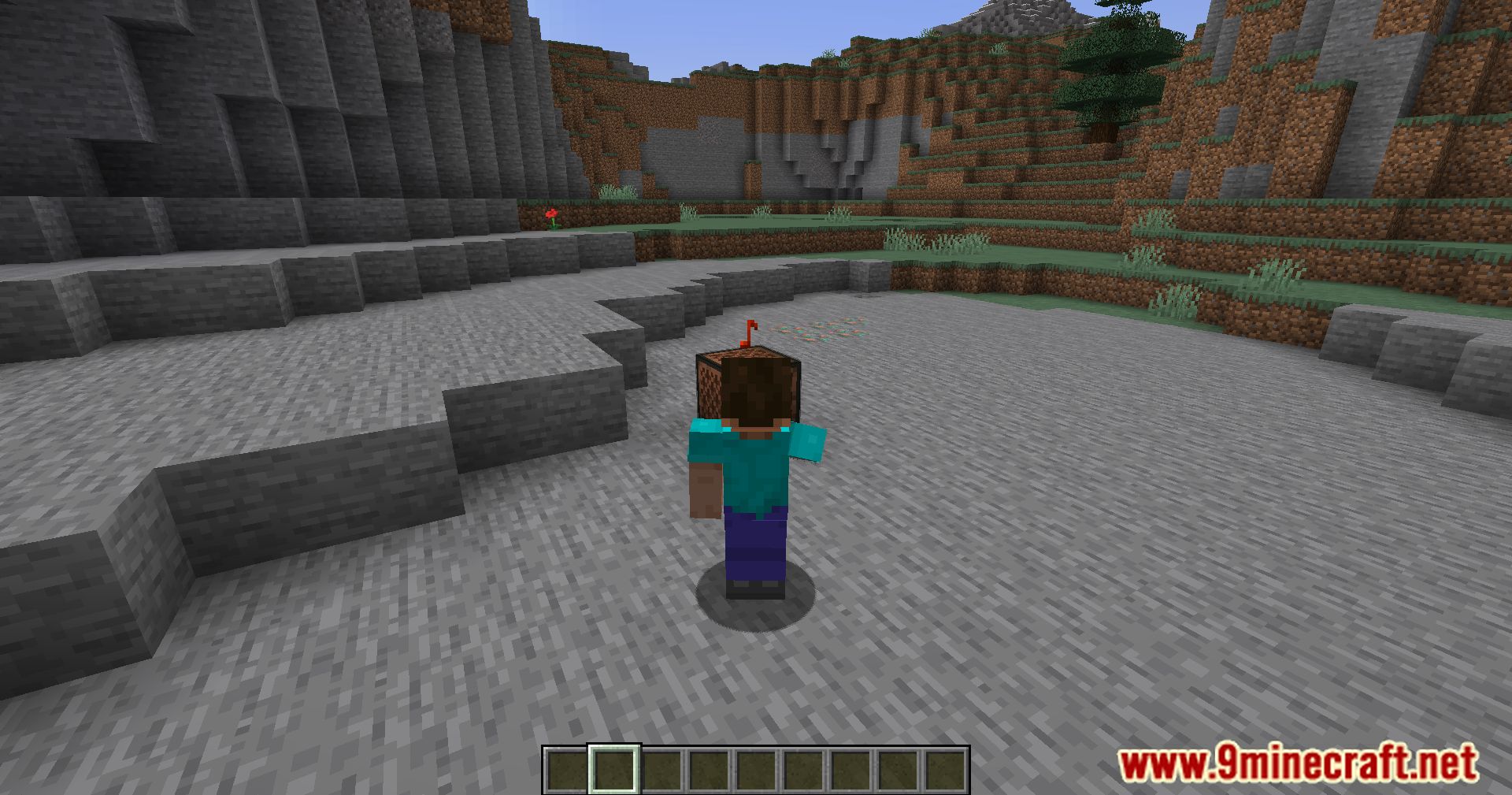
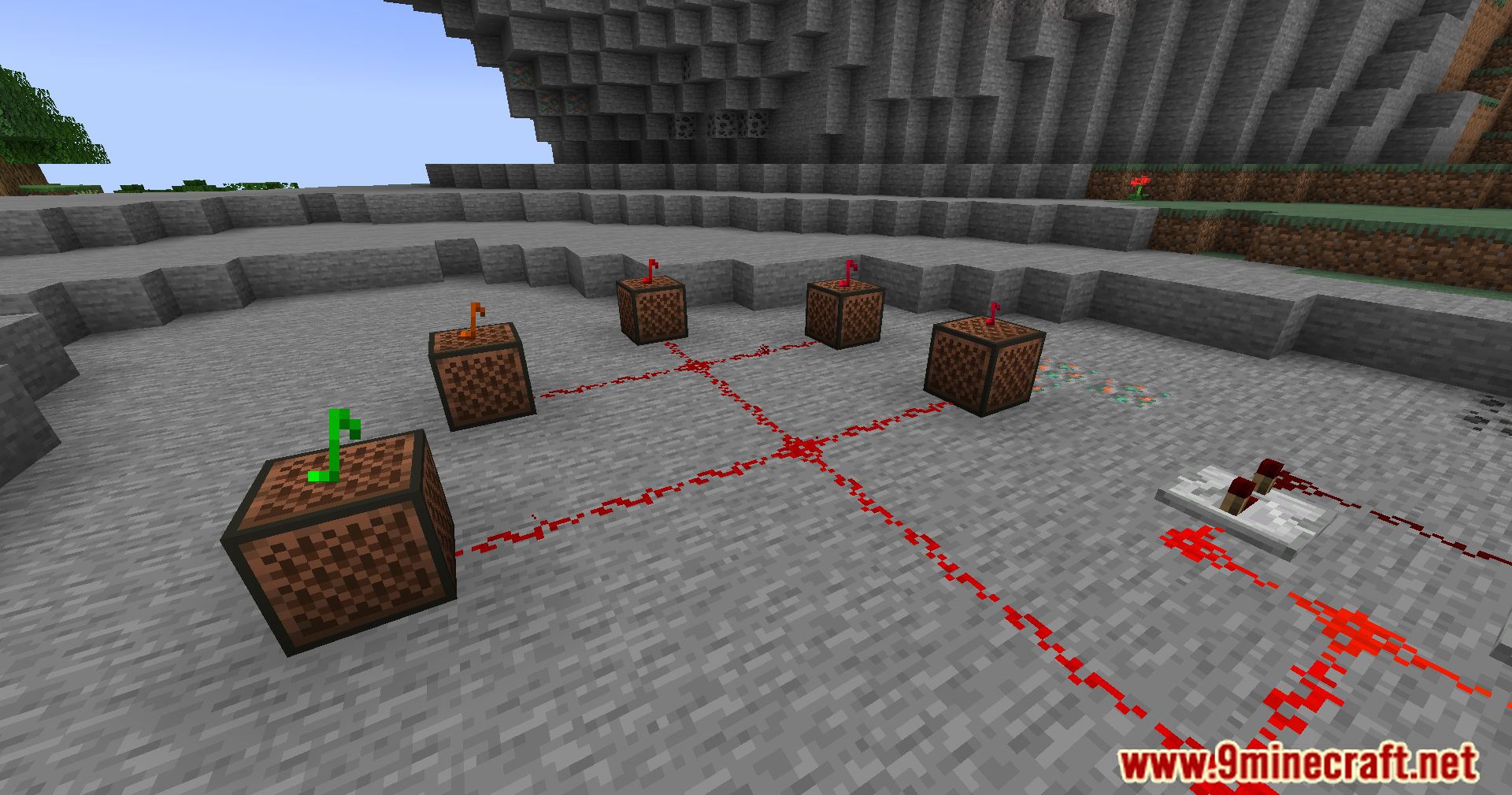
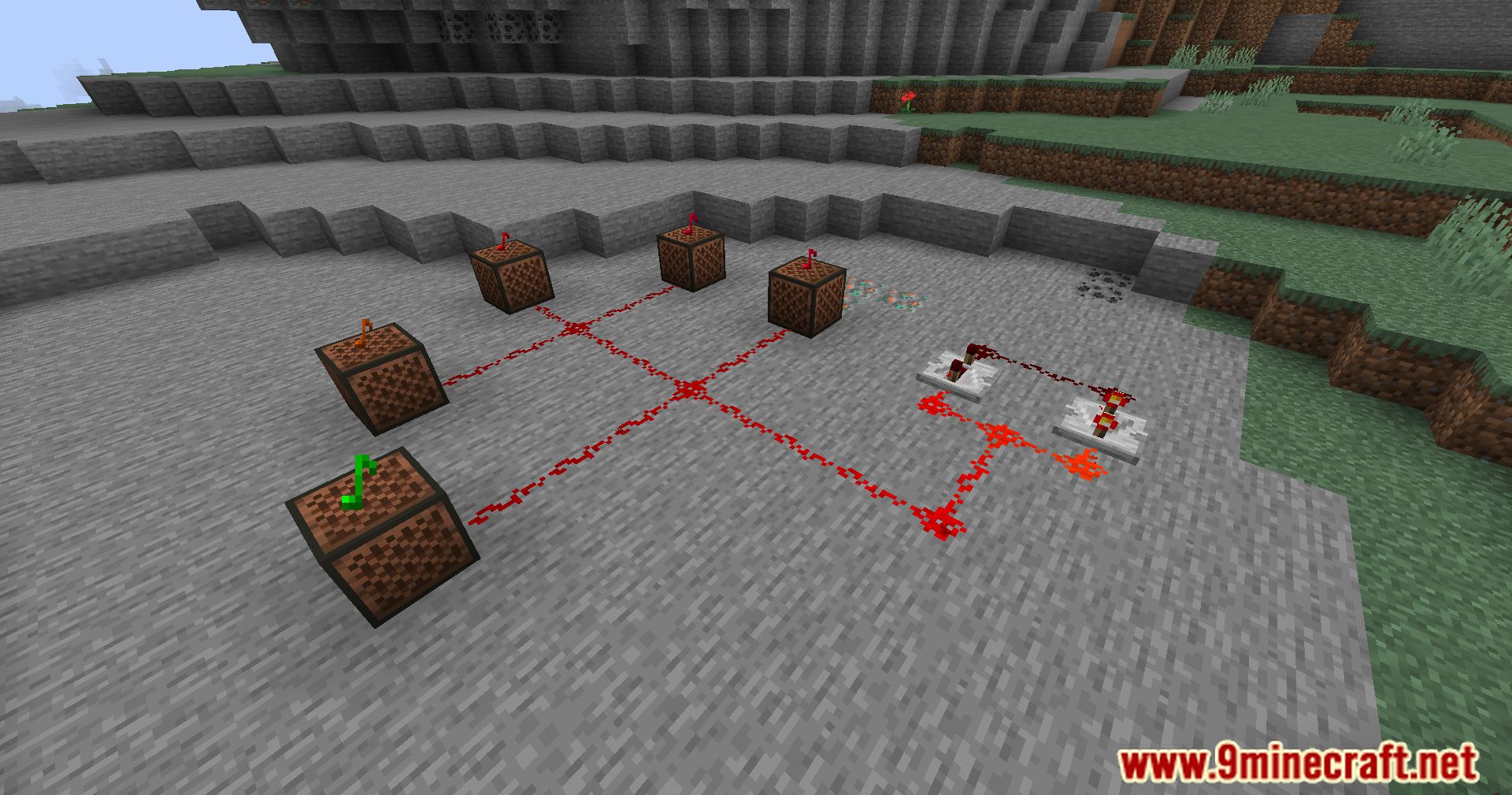
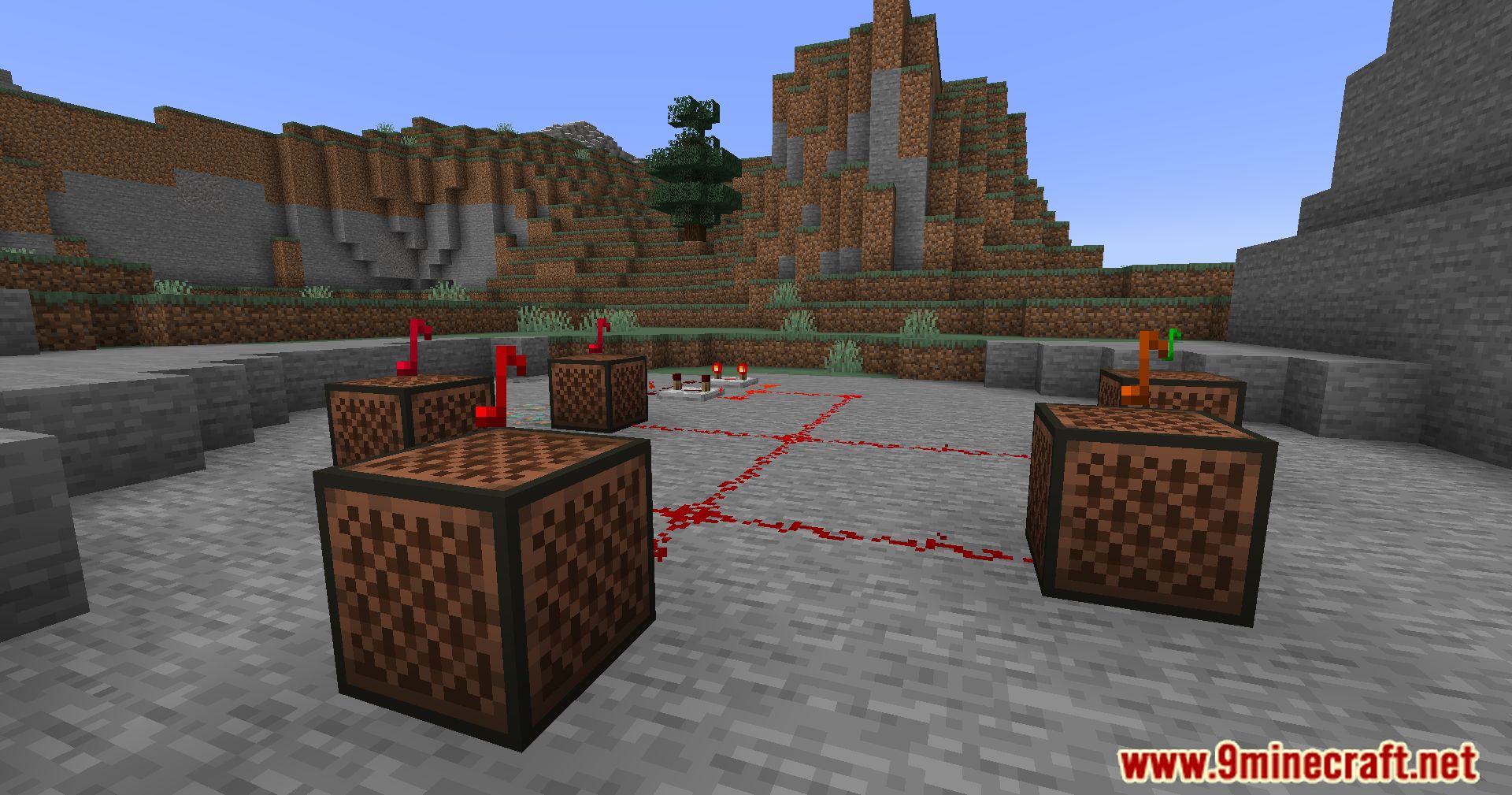
12 images from the Client Side Noteblocks Mod page.
You May Also Like
Wikis that share the most with this one
More client wikis on the site
The most downloaded mods that have a wiki here
A few wikis from each of the other kinds