

 DownloadClient Kits Mod
Get the files on 9Minecraft
Guides
Step-by-step, in-game.
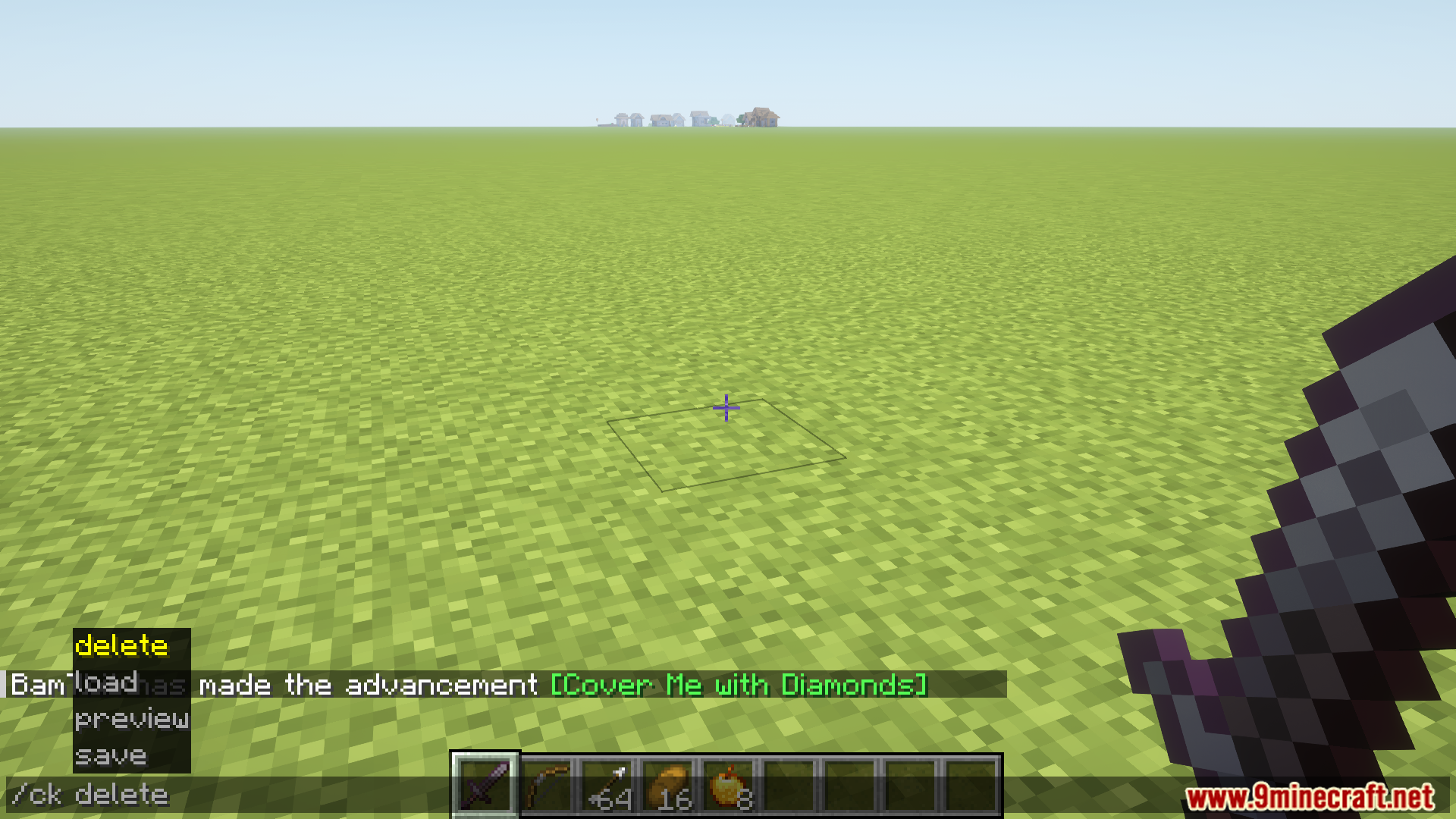
Delete a Kit and Manage Your Kit FilesRemoving Unwanted Kits When you no longer need a kit, delete it to keep your kit folder organized. Steps: 1. Open…Load a Saved Kit Into Your InventoryRequirements and Loading Loading a kit requires Creative mode access . You must be in Creative mode or have operator…Preview a Kit Before Loading ItChecking Kit Contents Safely Preview lets you see what items and quantities are in a kit without actually loading it…Save Your Current Inventory as a KitUsing the Save Command To preserve your current inventory for later use, use the save command. This captures…
Frequently asked questions
How do I start using Client Kits?
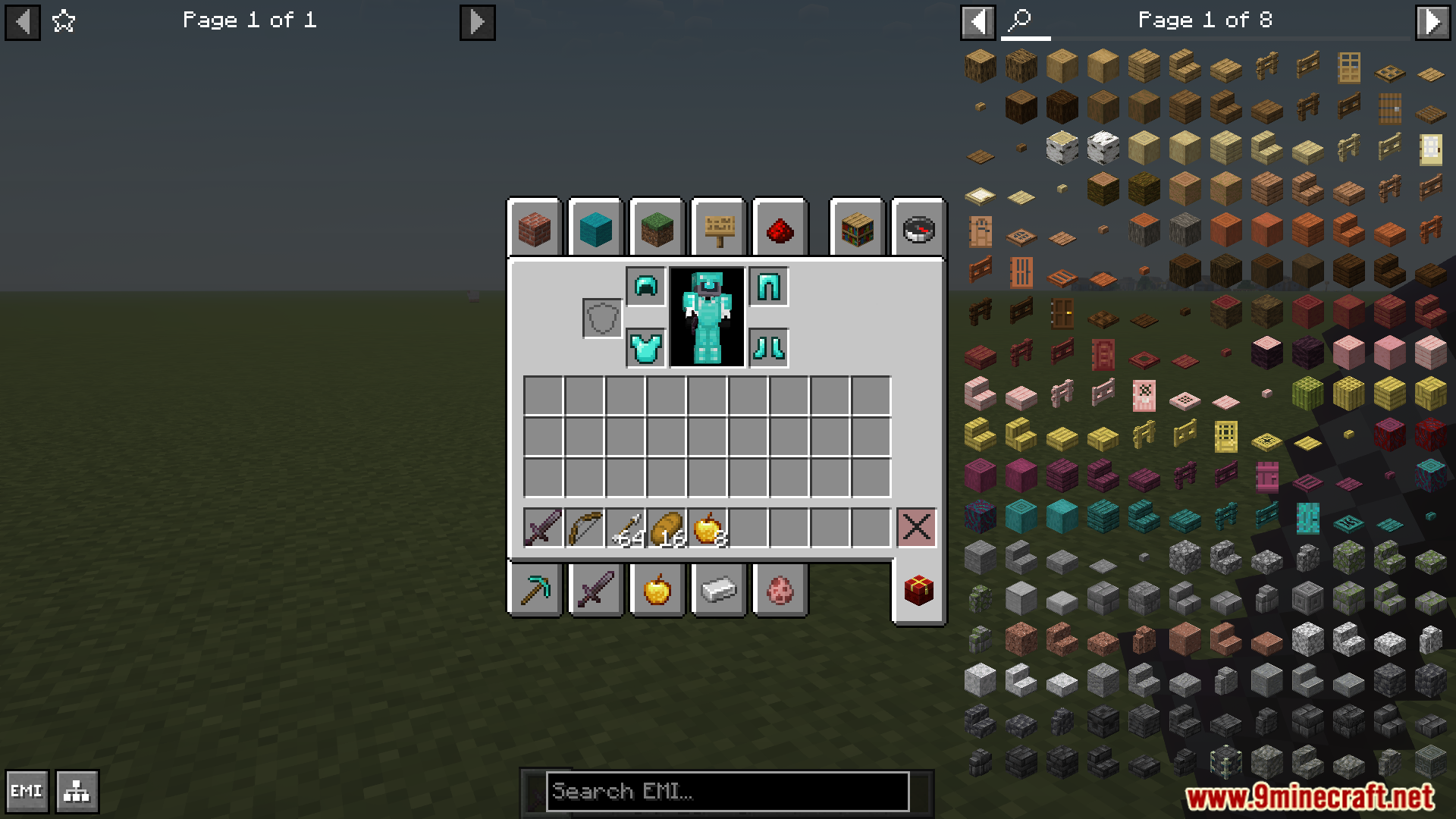
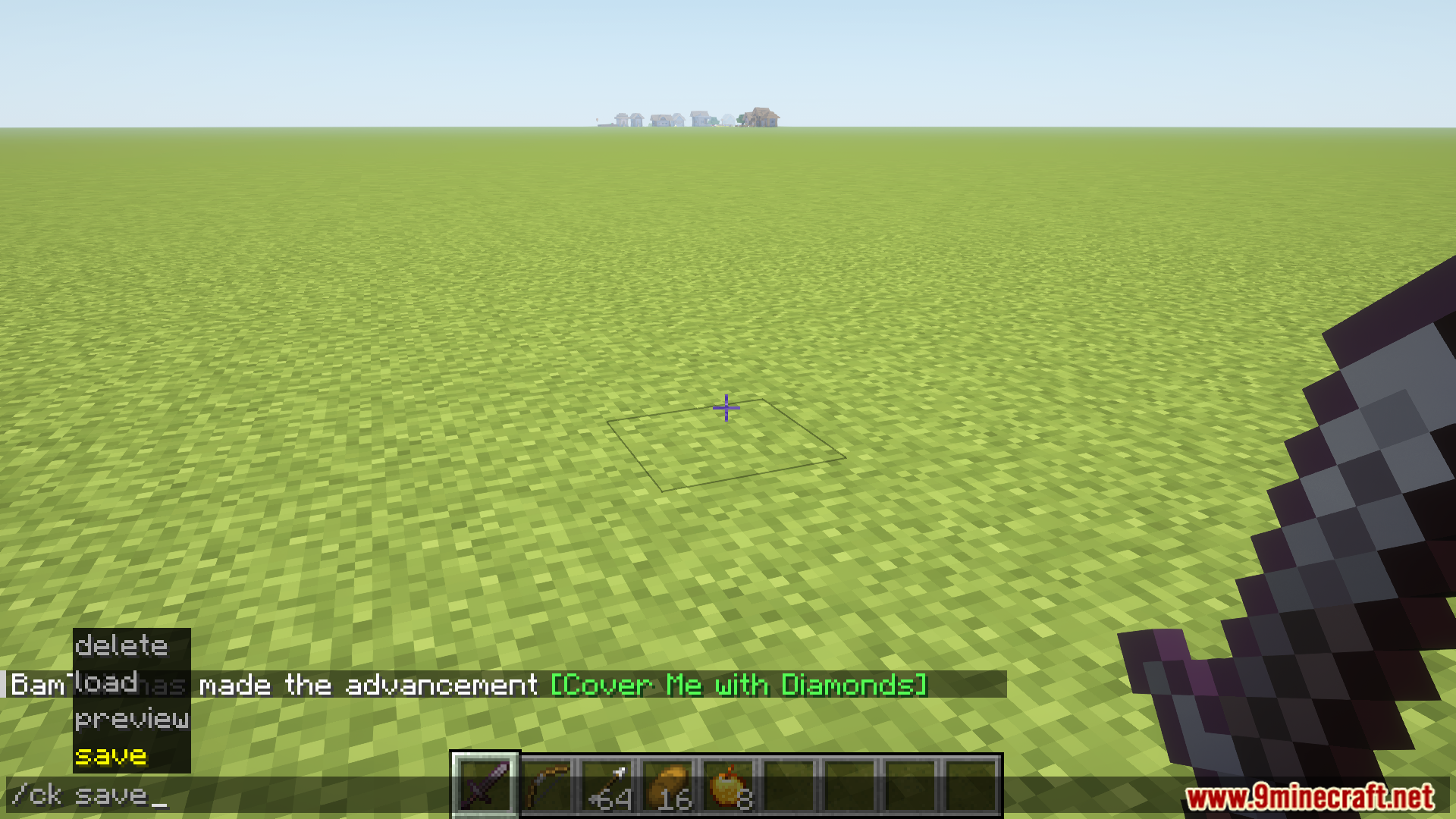
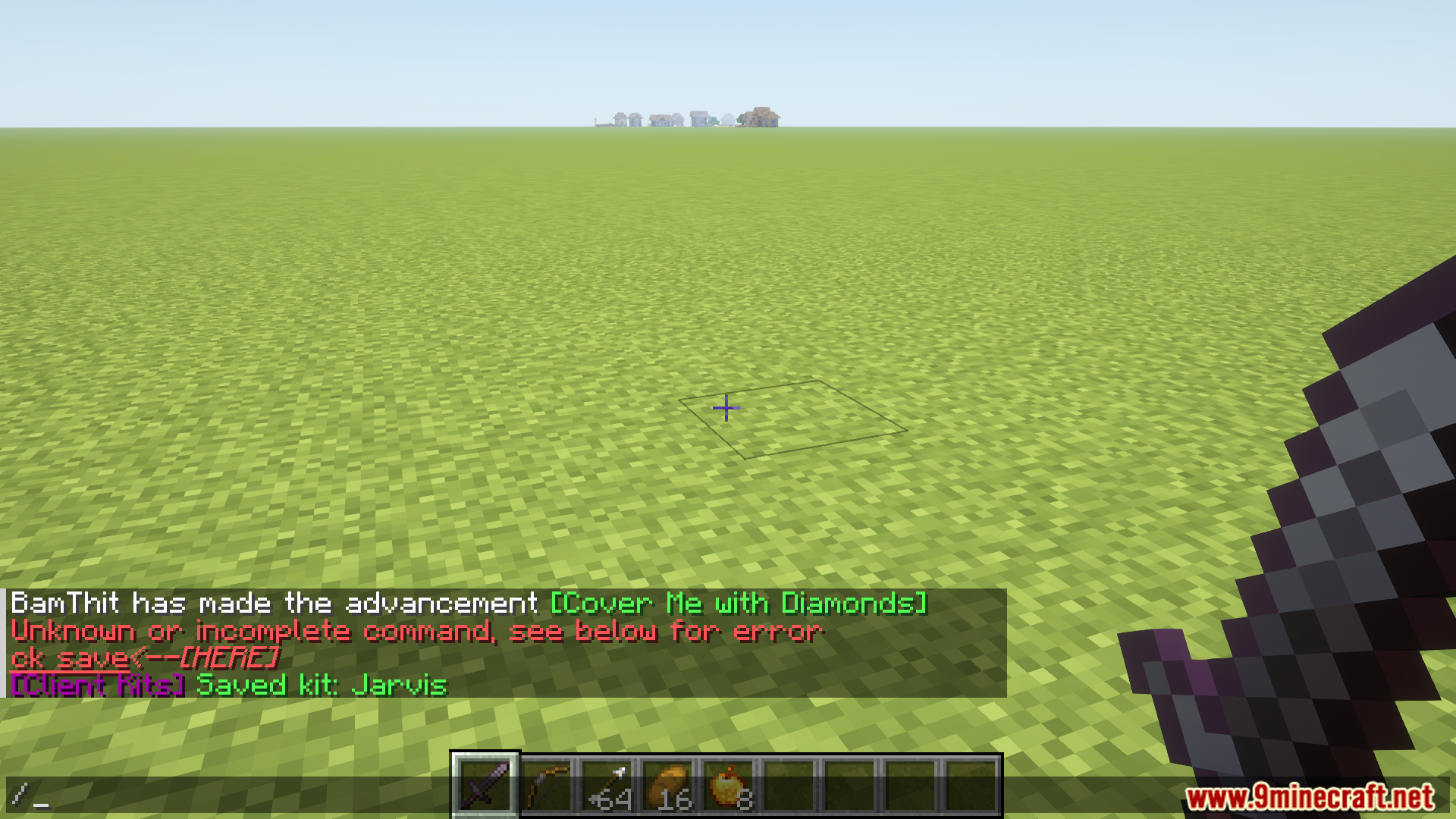
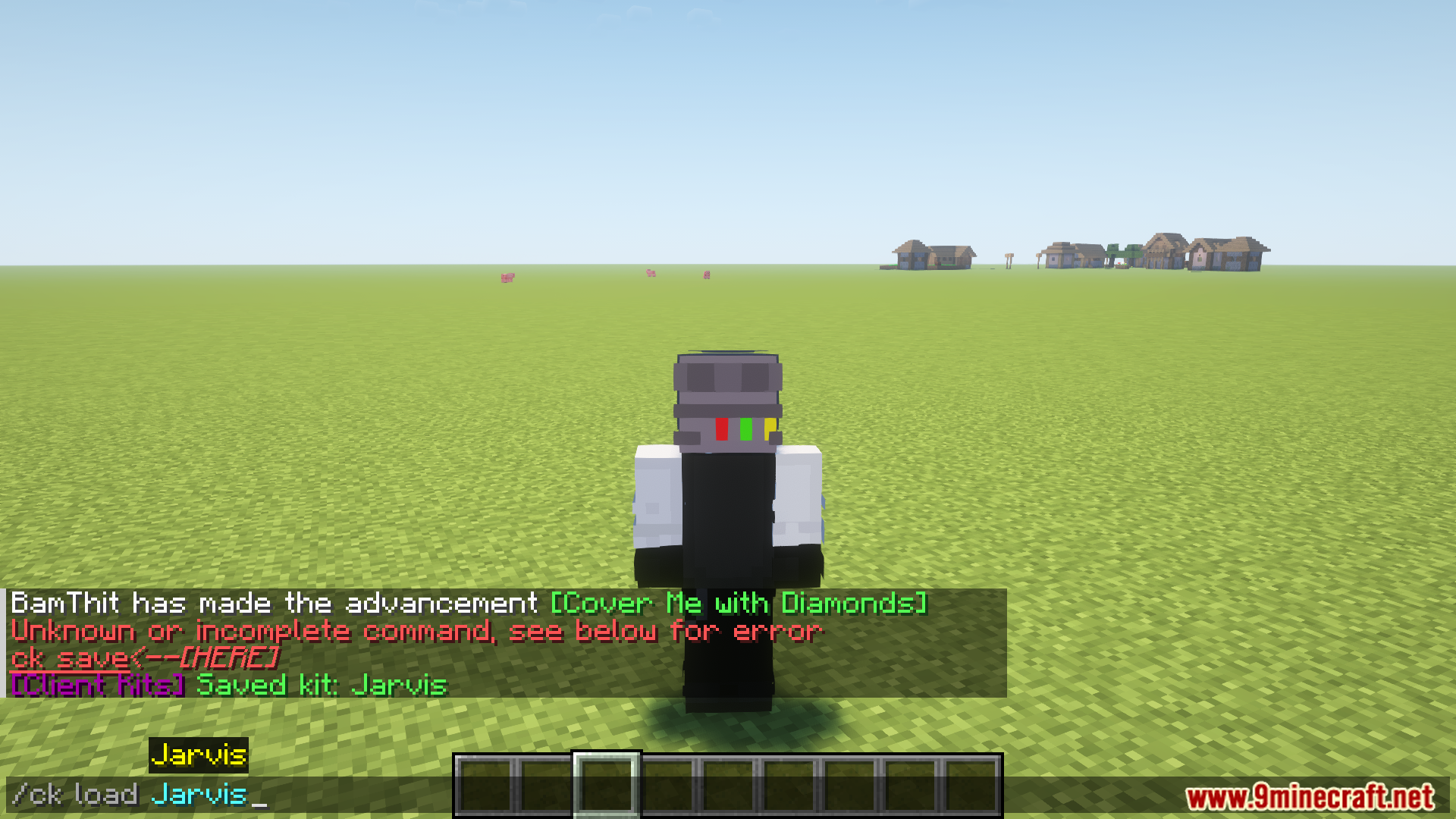
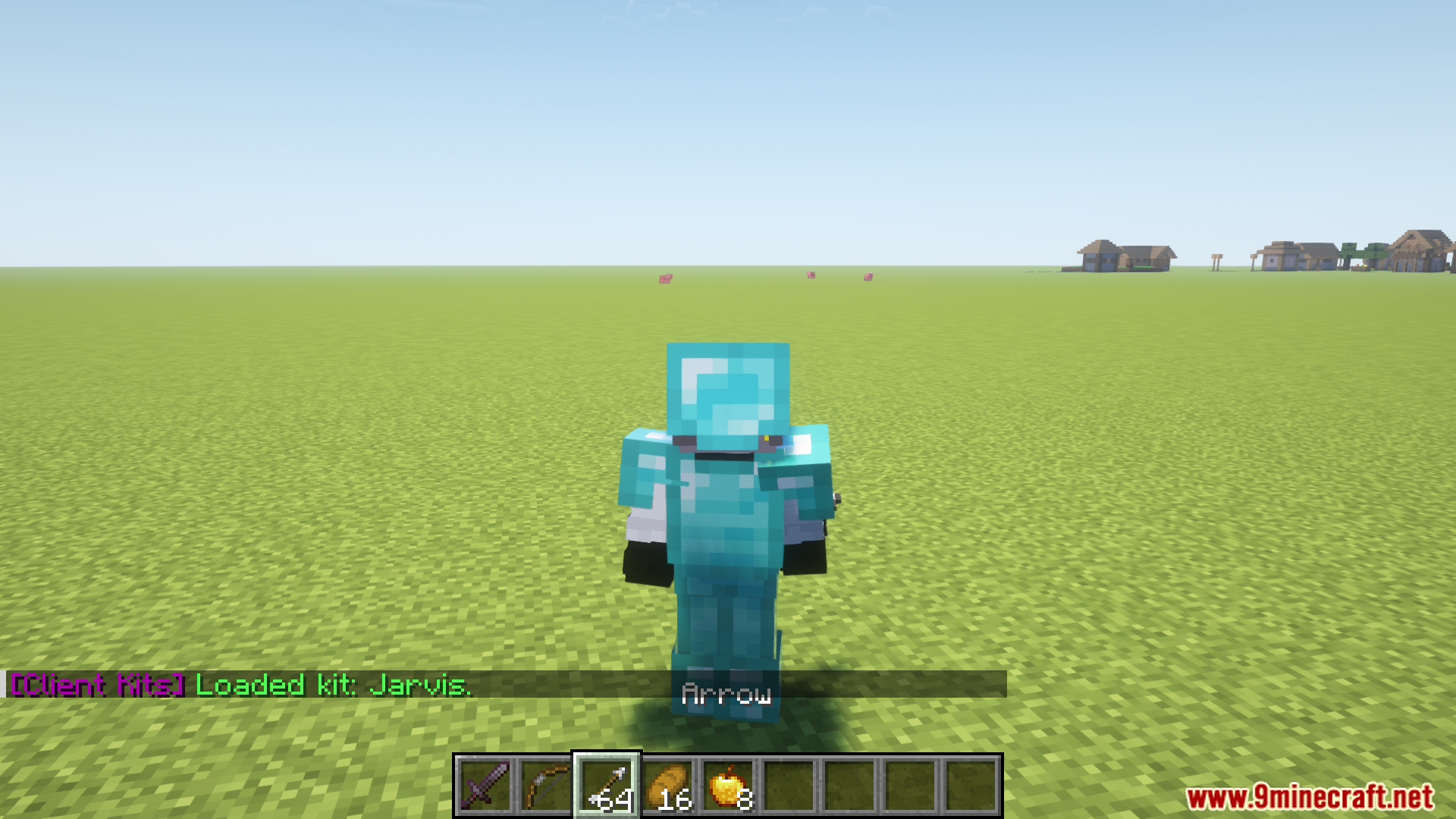
Open your inventory and use the save command to create your first kit from your current items. The mod will store it in your .minecraft/config/ClientKits folder, and you can then load, preview, or delete it anytime using the provided commands.
Do I need to be in creative mode to save a kit?
No, you can save kits in any game mode. However, you do need creative mode access to load a kit into your inventory.
Can I use kits on multiplayer servers?
Yes, kits work on multiplayer servers as long as you have the mod installed on your client. The kit files are stored locally, so you can transfer them between servers by copying the kit files from your ClientKits folder.
What happens if I delete a kit by mistake?
Deleted kits are permanently removed from your system unless you created a backup. Always back up important kits by copying the kit files from .minecraft/config/ClientKits to another location before deleting.
See all 10 Client Kits questions ›
Gallery
12 images from the Client Kits Mod page.
You May Also Like
Wikis that share the most with this one
More client wikis on the site
The most downloaded mods that have a wiki here
A few wikis from each of the other kinds