

 DownloadClient Side Crystals Mod
Get the files on 9Minecraft
Guides
Step-by-step, in-game.
Enable Client-Side Crystal RenderingAccess Mod Settings Open your mod configuration menu. This is typically done through your mod loader's settings…Improve Crystal PvP ResponsivenessUnderstand the Advantage Client-side crystal rendering eliminates the visual delay caused by ping. In PvP situations,…Troubleshoot Crystals Not Appearing InstantlyVerify Mod Installation Confirm that Client Side Crystals Mod is properly installed and loaded. Check your mod folder…Understand Client-Side vs Server-Side Crystal BehaviorWhat Client-Side Rendering Does When you place a crystal, the mod immediately shows it on your screen. This is purely…
Frequently asked questions
How do I turn on the mod after installing it?
Open your mod settings or config menu in-game and look for the Client Side Crystals option, then toggle it to enabled. The mod will start working immediately without requiring a restart.
Why do crystals still take time to appear even with this mod?
The mod only handles the visual appearance on your client—the server still needs to process and confirm the crystal placement. If you're experiencing delays, it's likely server-side lag rather than a mod issue.
Does this mod work on servers or only single-player?
The mod works on both servers and single-player, but the server doesn't need the mod installed for it to function. Your client will show crystals instantly regardless of whether the server has it.
Can I use this in PvP servers or will I get banned?
This mod is client-side only and doesn't give you unfair advantages—it just makes your client match what the server already knows. Check your specific server's rules, but most servers allow client-side visual mods.
See all 10 Client Side Crystals questions ›
Gallery
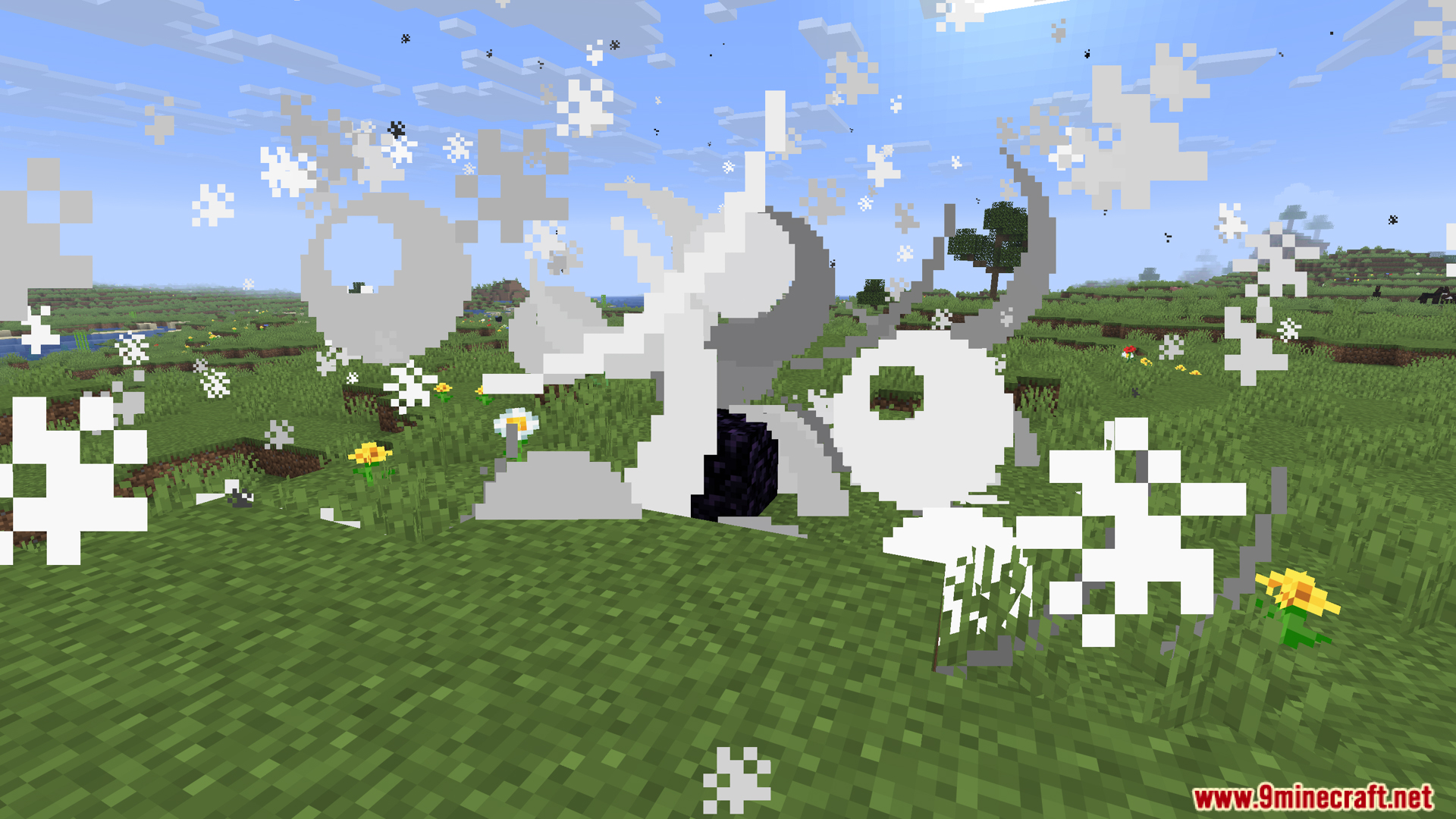
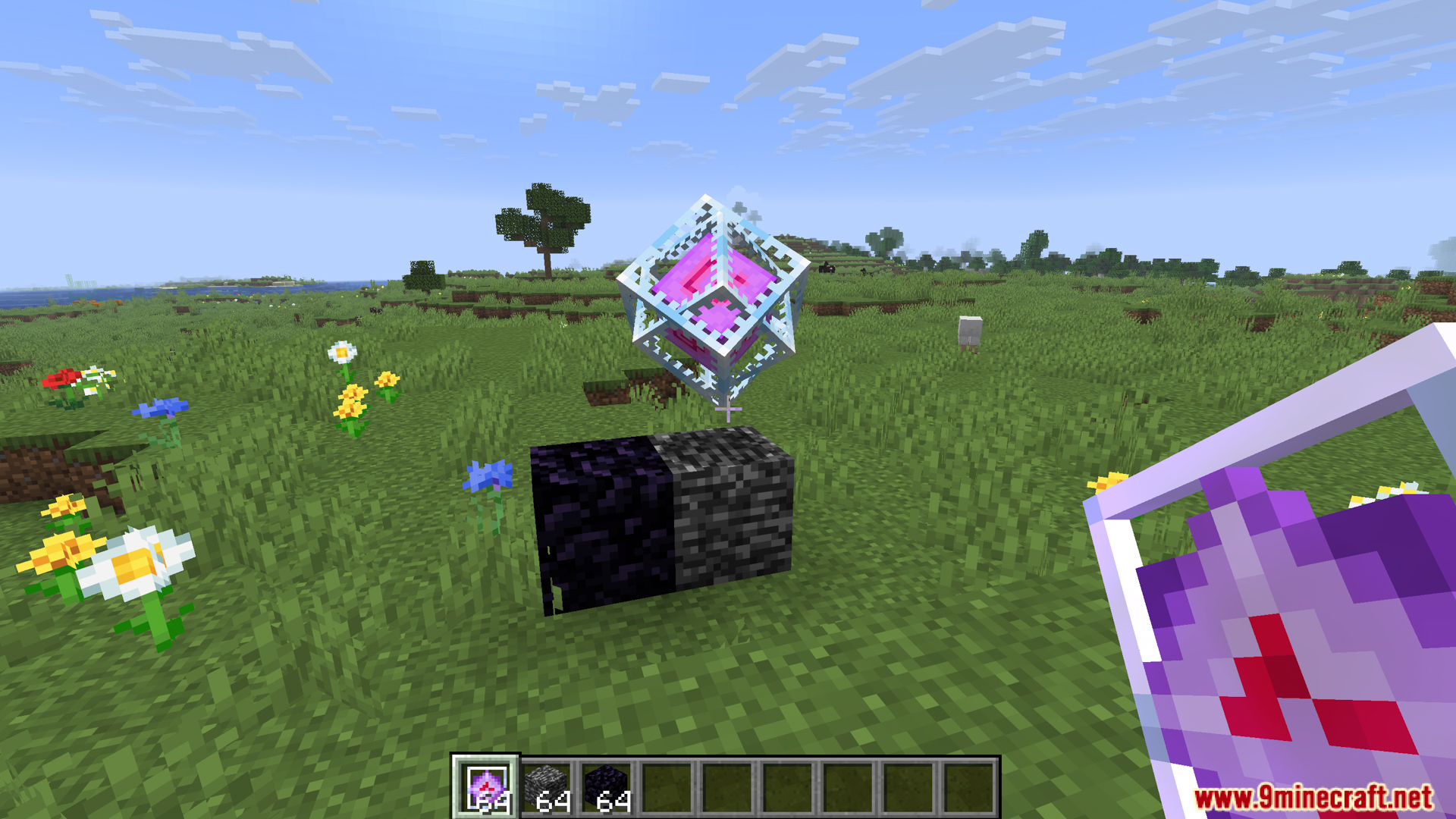
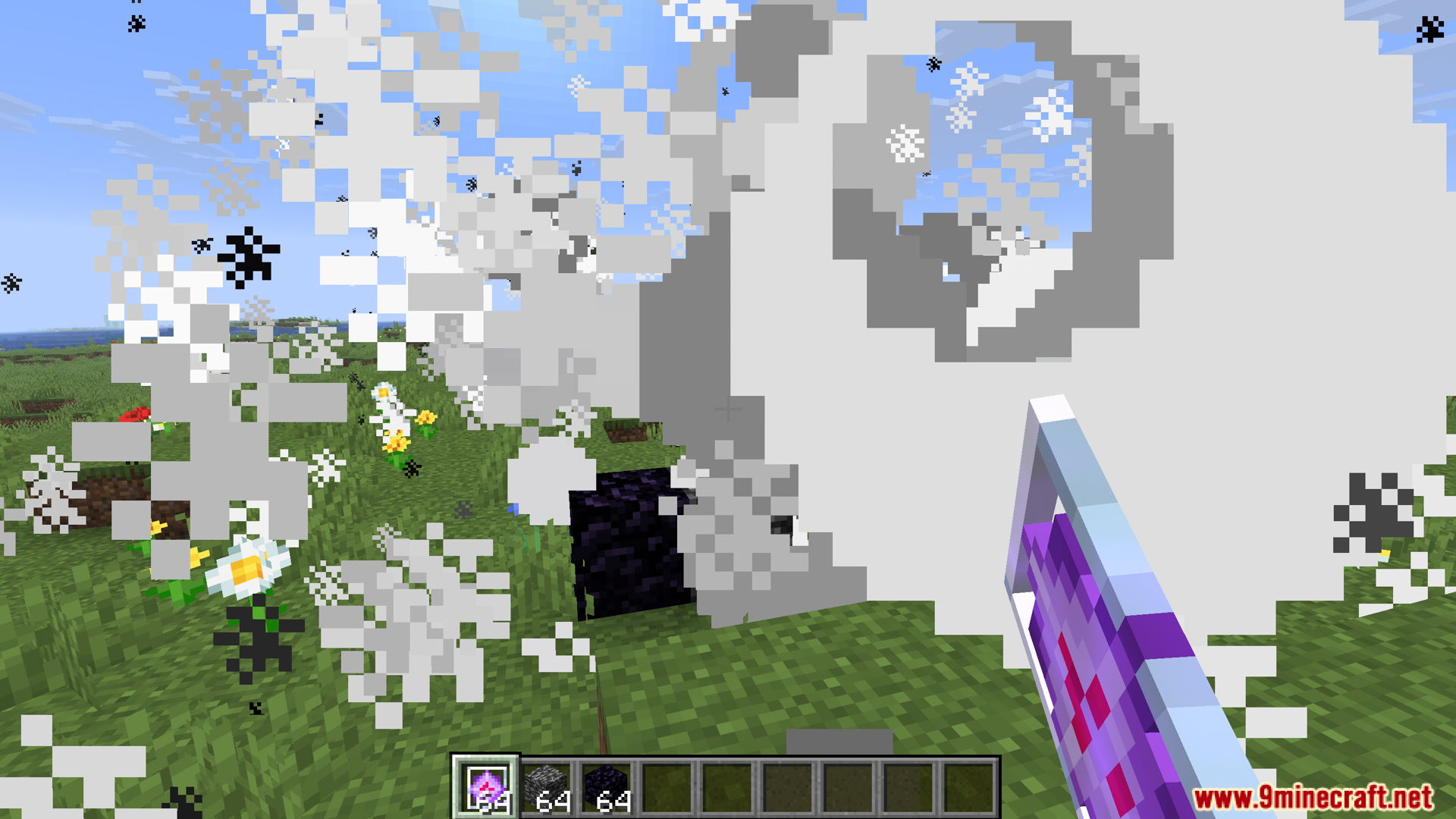
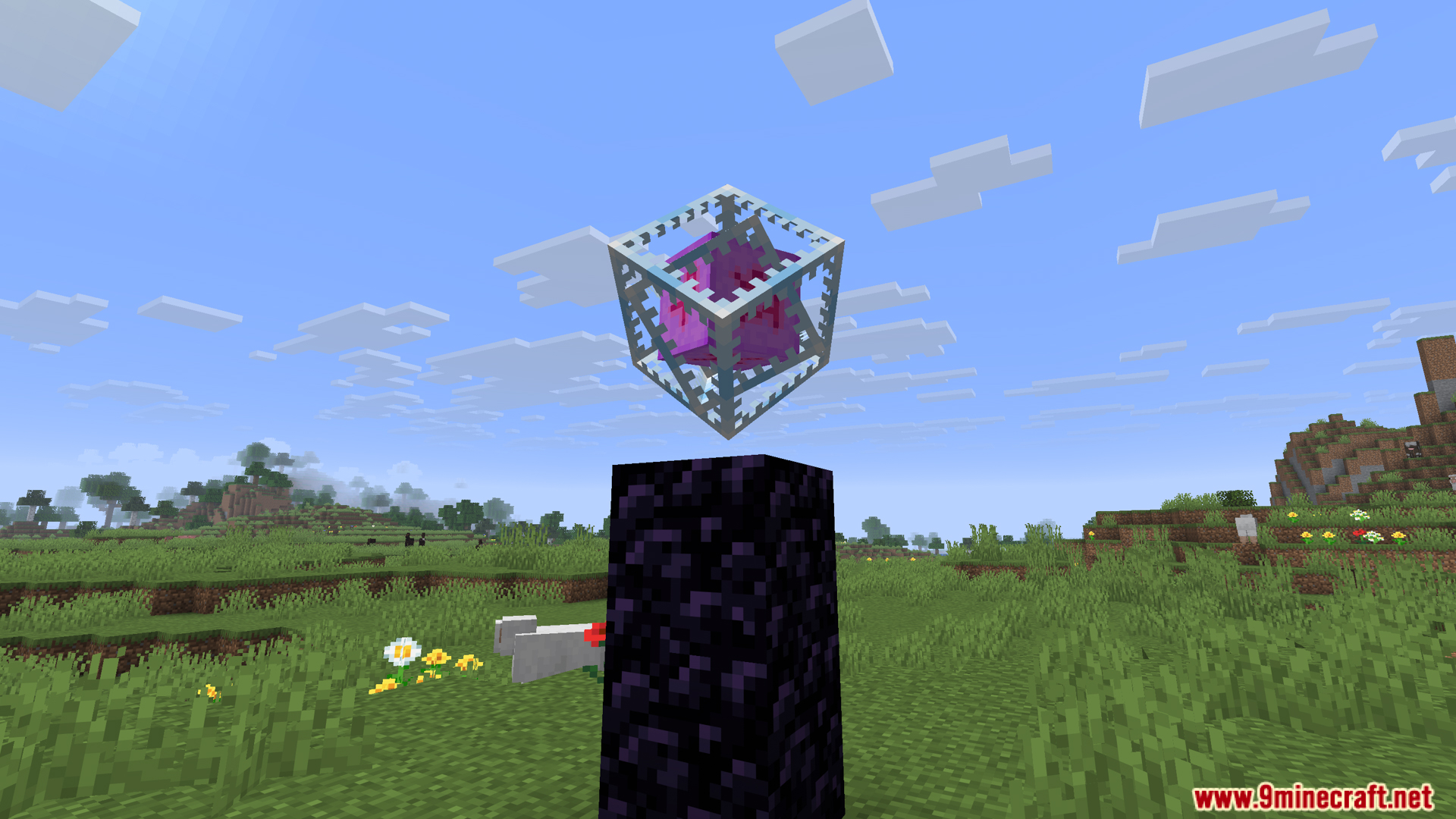
10 images from the Client Side Crystals Mod page.
You May Also Like
Wikis that share the most with this one
More client wikis on the site
The most downloaded mods that have a wiki here
A few wikis from each of the other kinds