

 DownloadTlauncher
Get the files on 9Minecraft
Guides
Step-by-step, in-game.
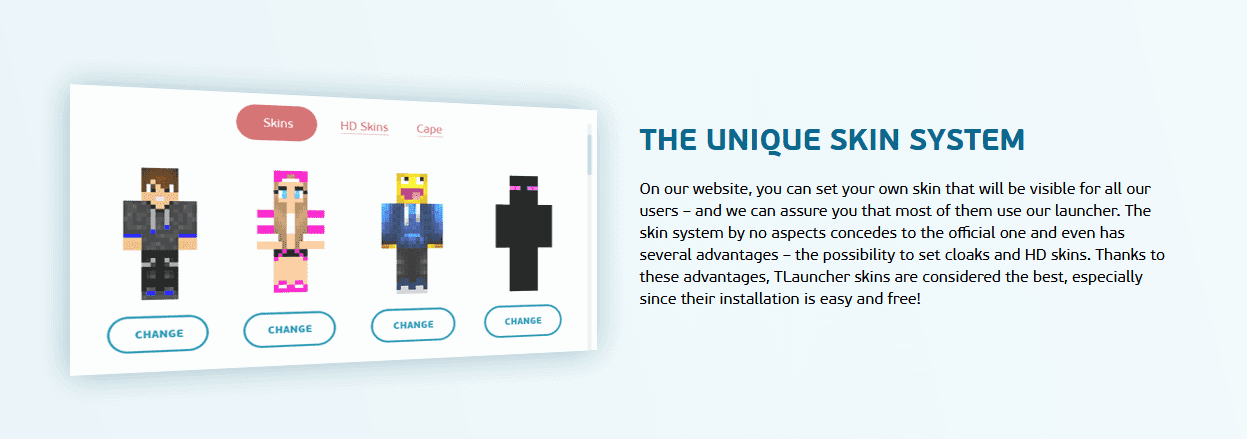
Customize Skins and Character AppearanceApplying a Custom Skin TLauncher includes built-in skin customization options. In the launcher settings, find the…Install and Configure Mods in TLauncherAdding Mods to Your Instance TLauncher allows you to install mods for different Minecraft versions. Navigate to your…Play Multiplayer on Local NetworksSetting Up LAN Play TLauncher supports local multiplayer through LAN (Local Area Network) connections. Launch your…Switch Between Different Minecraft VersionsSelecting a Version TLauncher's main advantage is access to multiple Minecraft versions. In the launcher window,…
Frequently asked questions
How do I create a new game instance in Tlauncher?
Click the plus icon or 'Add Instance' button in the launcher, select your desired Minecraft version from the list, choose a name and folder location, then click Create. The launcher will download the necessary files automatically.
Can I play on servers with Tlauncher?
You can join local network multiplayer servers and some public servers, but many official servers may reject TLauncher connections due to authentication differences. Check the server's rules before attempting to join.
Why won't my mods load in Tlauncher?
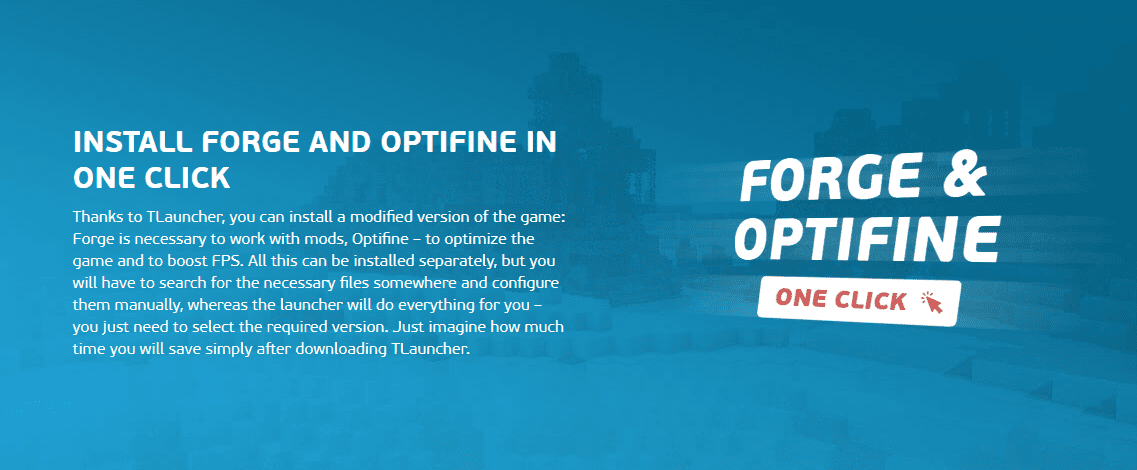
Ensure the mods are compatible with your selected Minecraft version and placed in the correct mods folder for that instance. Conflicting mods or missing dependencies can also prevent loading—check mod descriptions for requirements.
How do I allocate more RAM to Tlauncher?
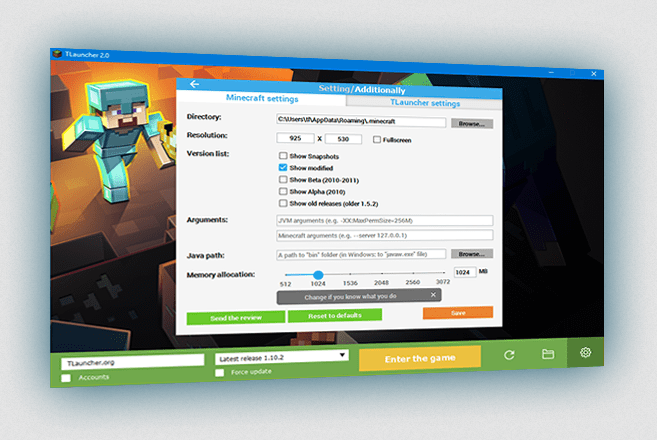
Open the instance settings, locate the JVM arguments or memory allocation option, and increase the maximum RAM value. More RAM helps with performance when using multiple mods or playing on large worlds.
See all 10 Tlauncher questions ›
Gallery
4 images from the Tlauncher page.
You May Also Like
Wikis that share the most with this one
Wikis on the same theme: cat
More mod wikis on the site
The most downloaded mods that have a wiki here
A few wikis from each of the other kinds