

 DownloadVibes2019shaders
Get the files on 9Minecraft
Guides
Step-by-step, in-game.
Adjust Shadow Intensity and SoftnessAccess Shader Settings Press the shader settings key (default: O ) while in-game to open the configuration menu. This…Customize Day and Night LightingAccess Lighting Controls Open the shader configuration menu by pressing O in-game. Navigate to sections labeled…Enable or Disable Foliage WavingOpen Shader Configuration Press the shader menu key (default: O ) while playing to access shader options. The menu…Optimize Shader Performance on Low-End HardwareReduce Shadow Distance Open the shader settings menu ( O key) and locate the shadow distance slider. Lowering this…
Frequently asked questions
How do I turn on the shader after installing it?
The shader activates automatically once installed—you should see the visual changes (softer shadows, adjusted lighting) the next time you load a world. If you don't see changes, check that the mod is enabled in your mod loader's configuration.
Can I use this with other shader mods?
No, running multiple shader mods together causes conflicts and visual glitches. Disable or remove other shaders before using Vibes2019shaders.
Why does my FPS drop when I enable foliage waving?
Foliage waving adds extra calculations for leaf and plant movement; if performance suffers, disable it in the shader settings or lower your render distance to compensate.
How do I make shadows darker or lighter?
Open the shader settings menu (usually accessible from video settings) and look for shadow intensity or shadow softness sliders to adjust darkness and edge softness to your preference.
See all 10 Vibes2019shaders questions ›
Gallery
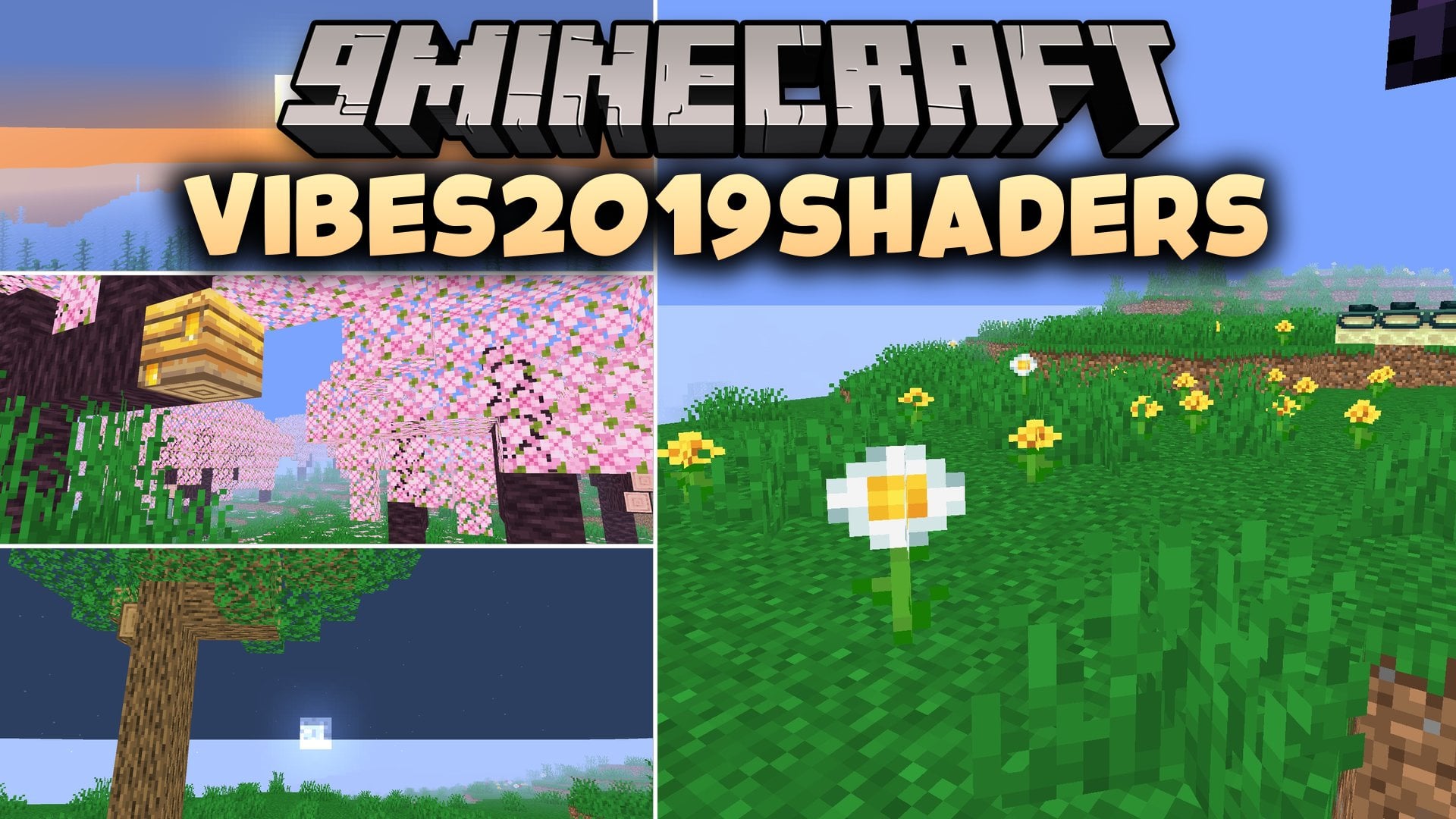
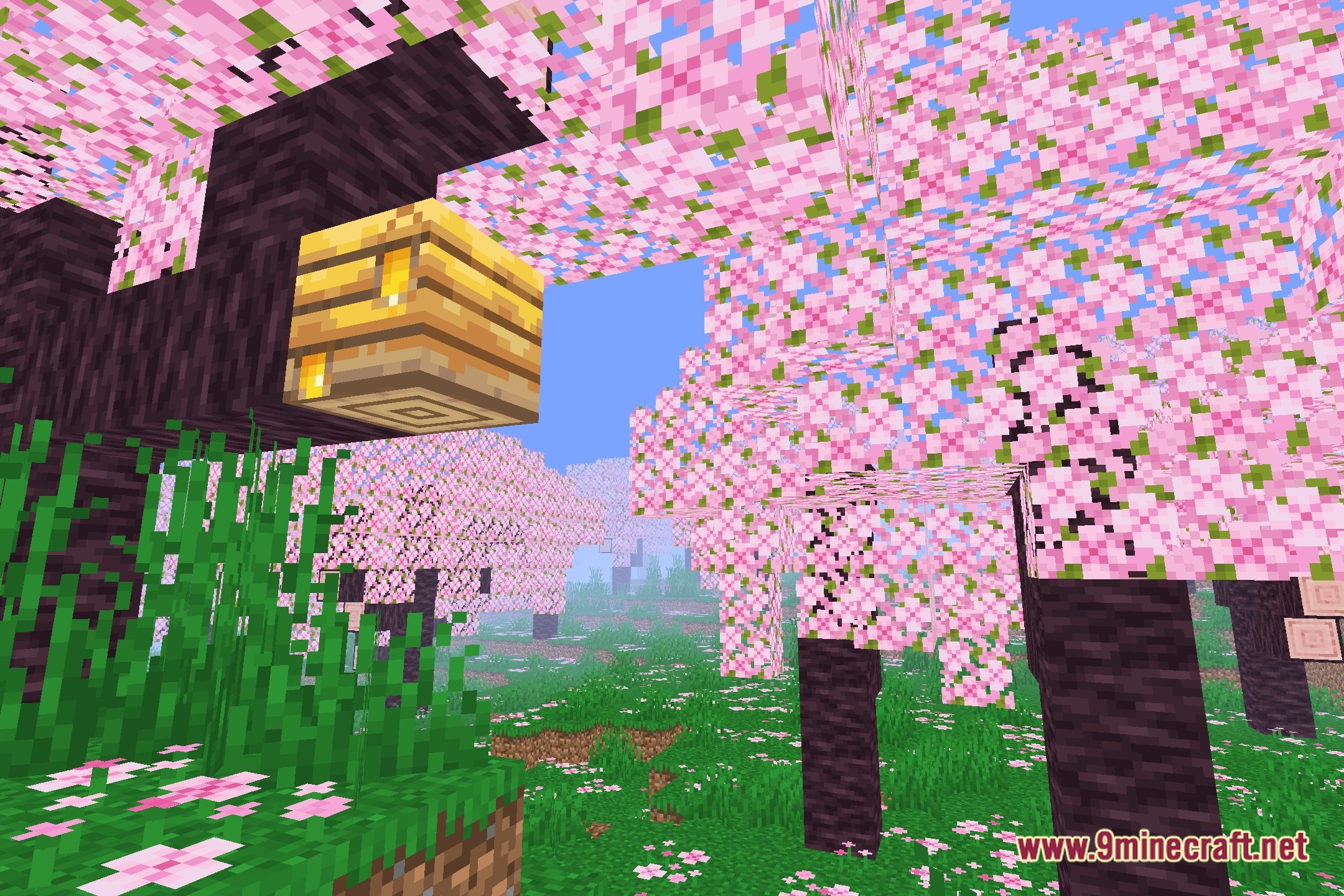
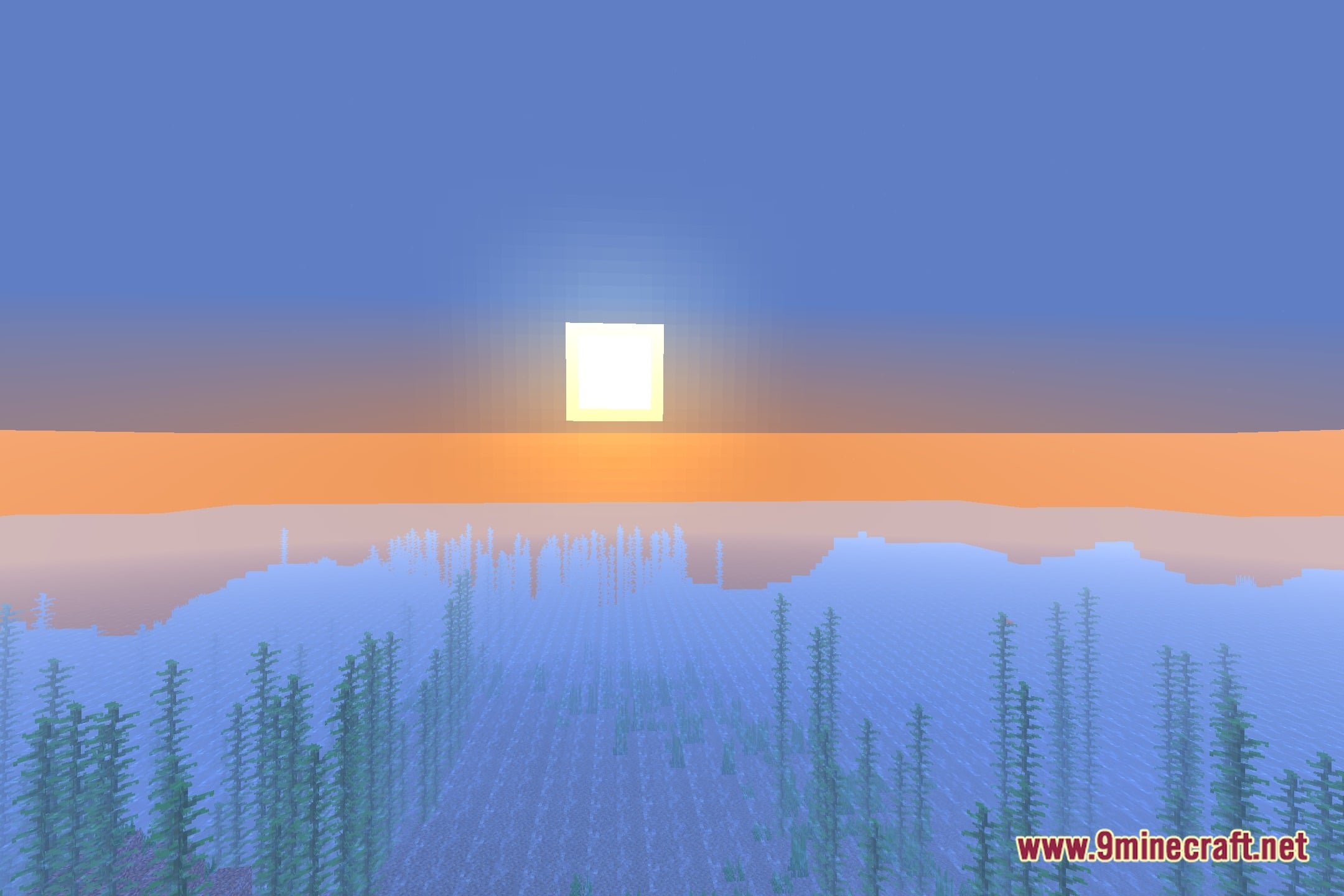
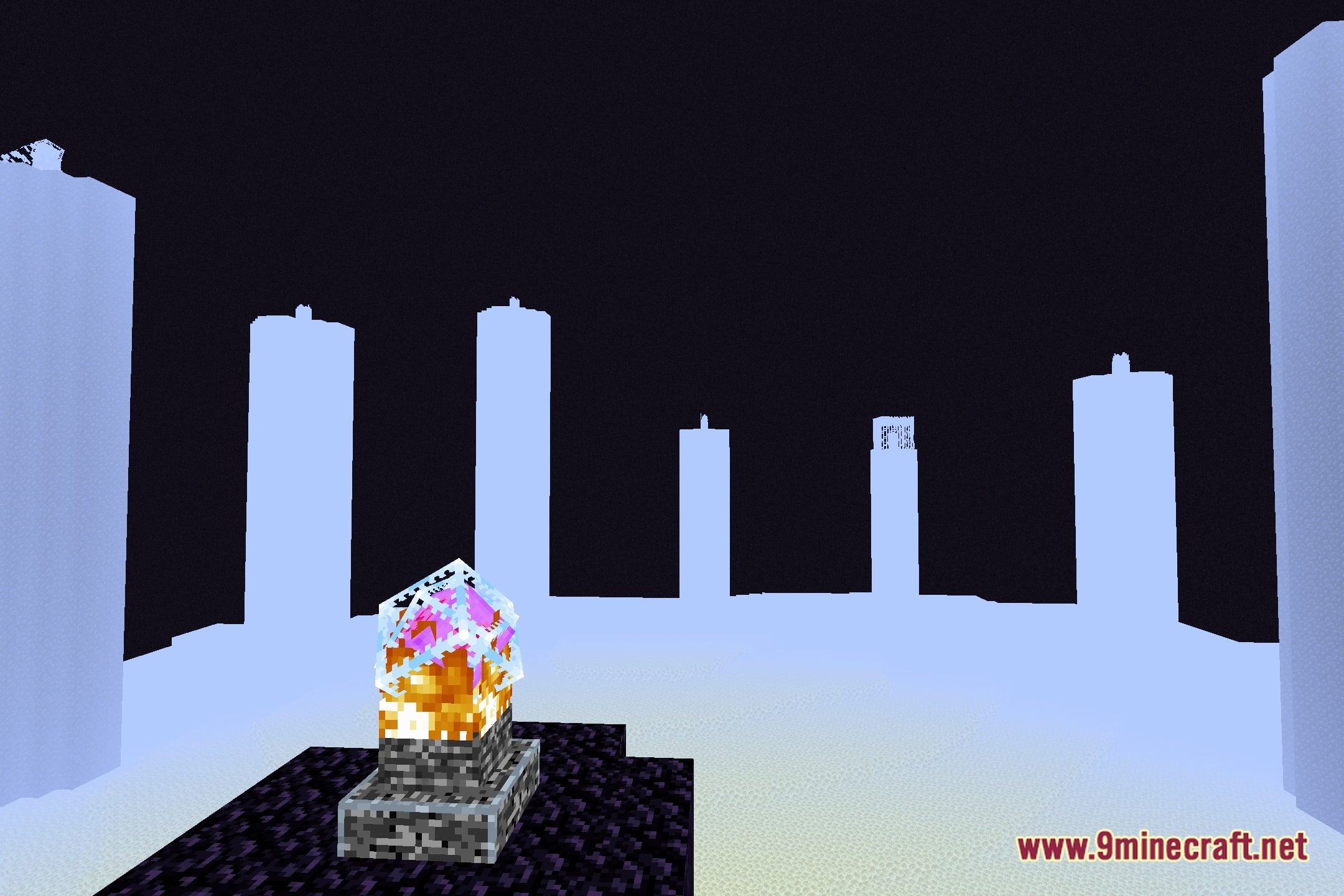
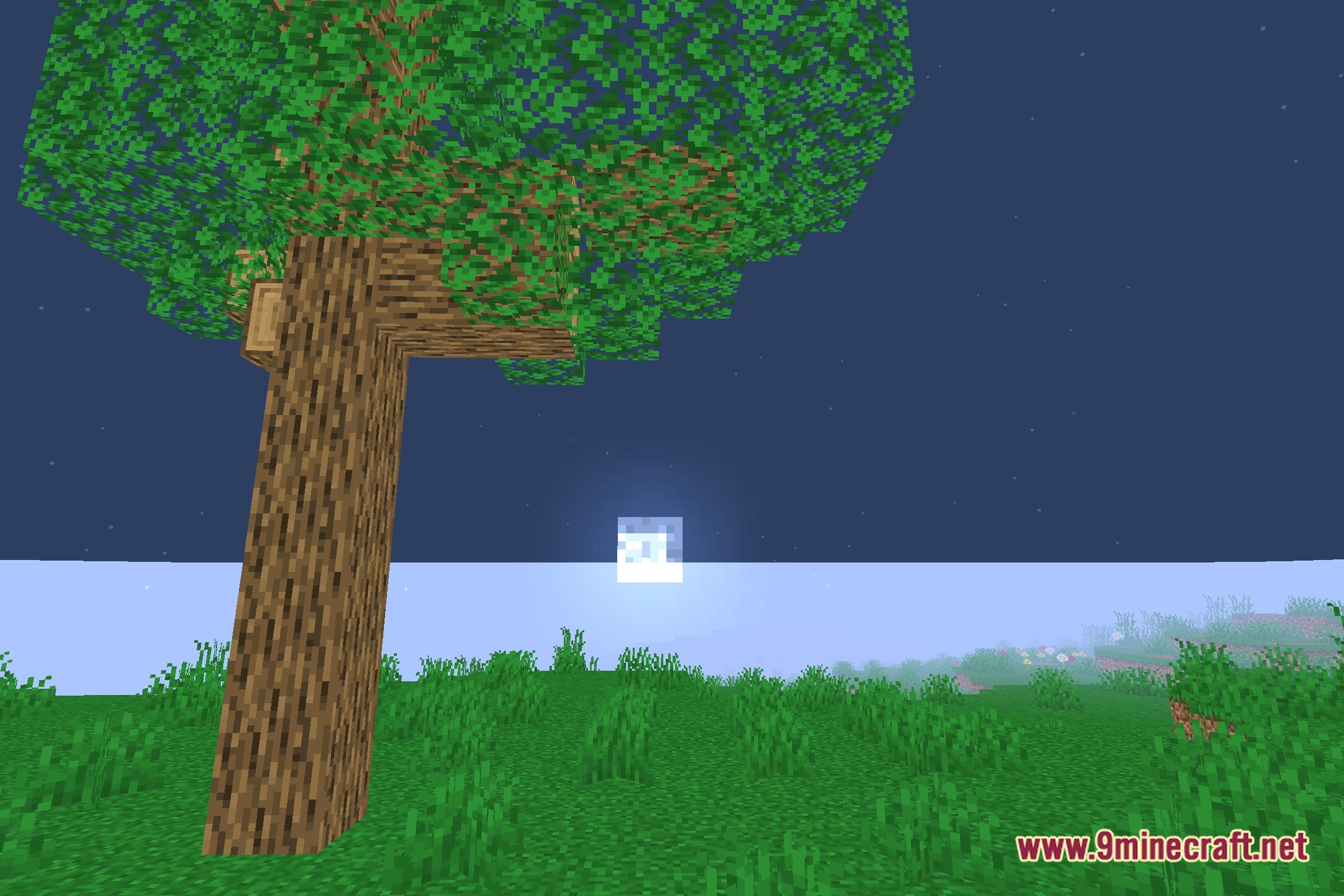
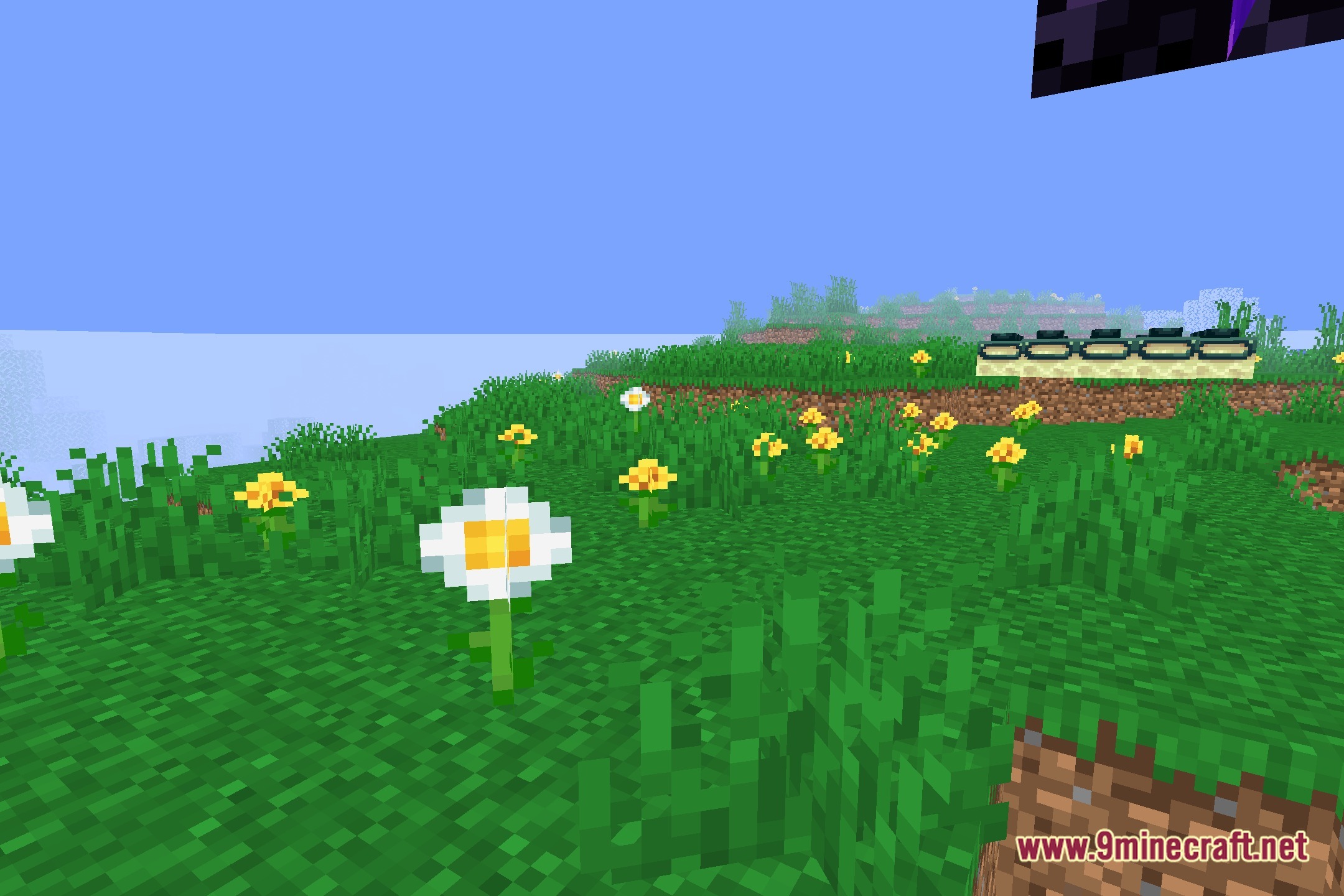
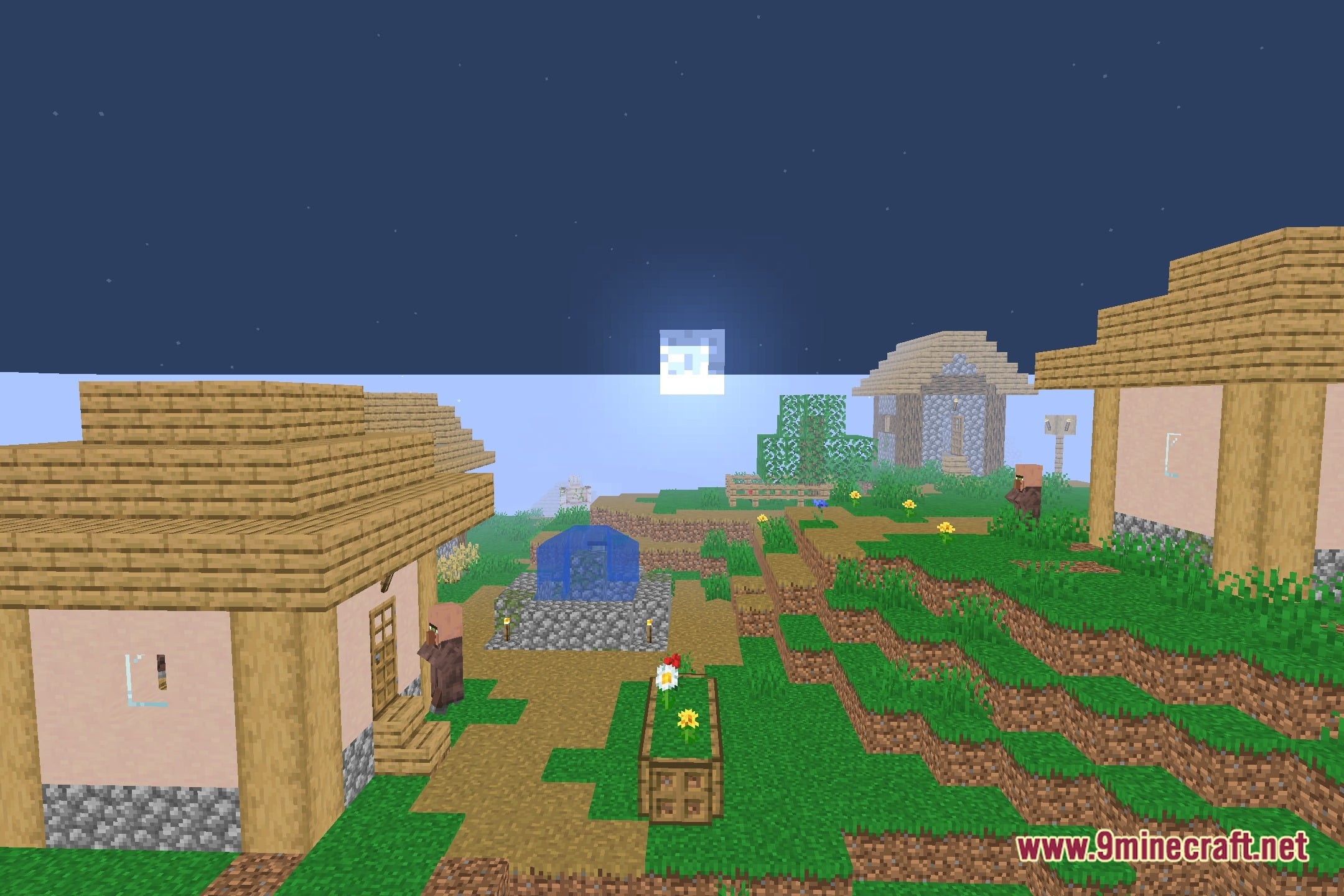
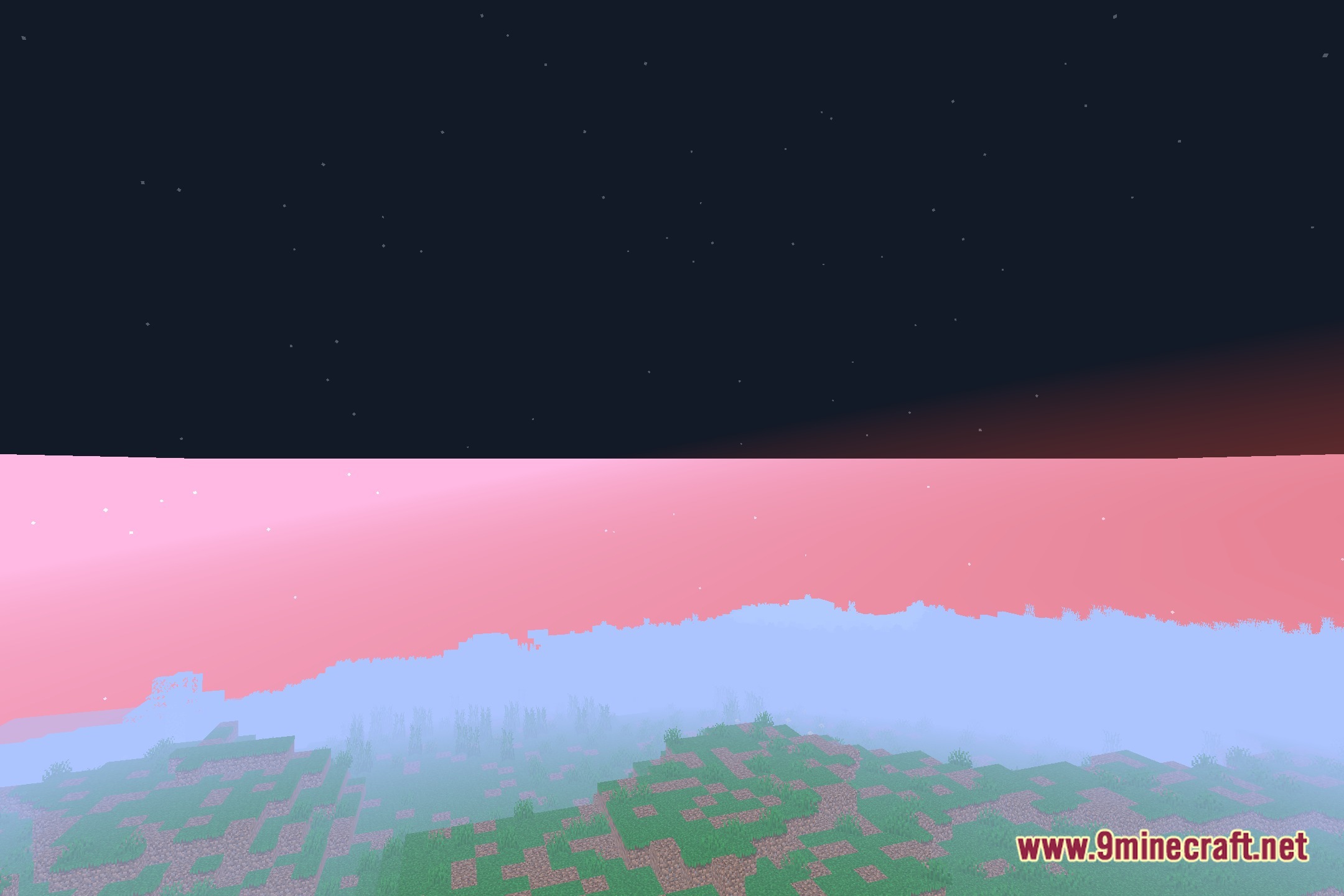
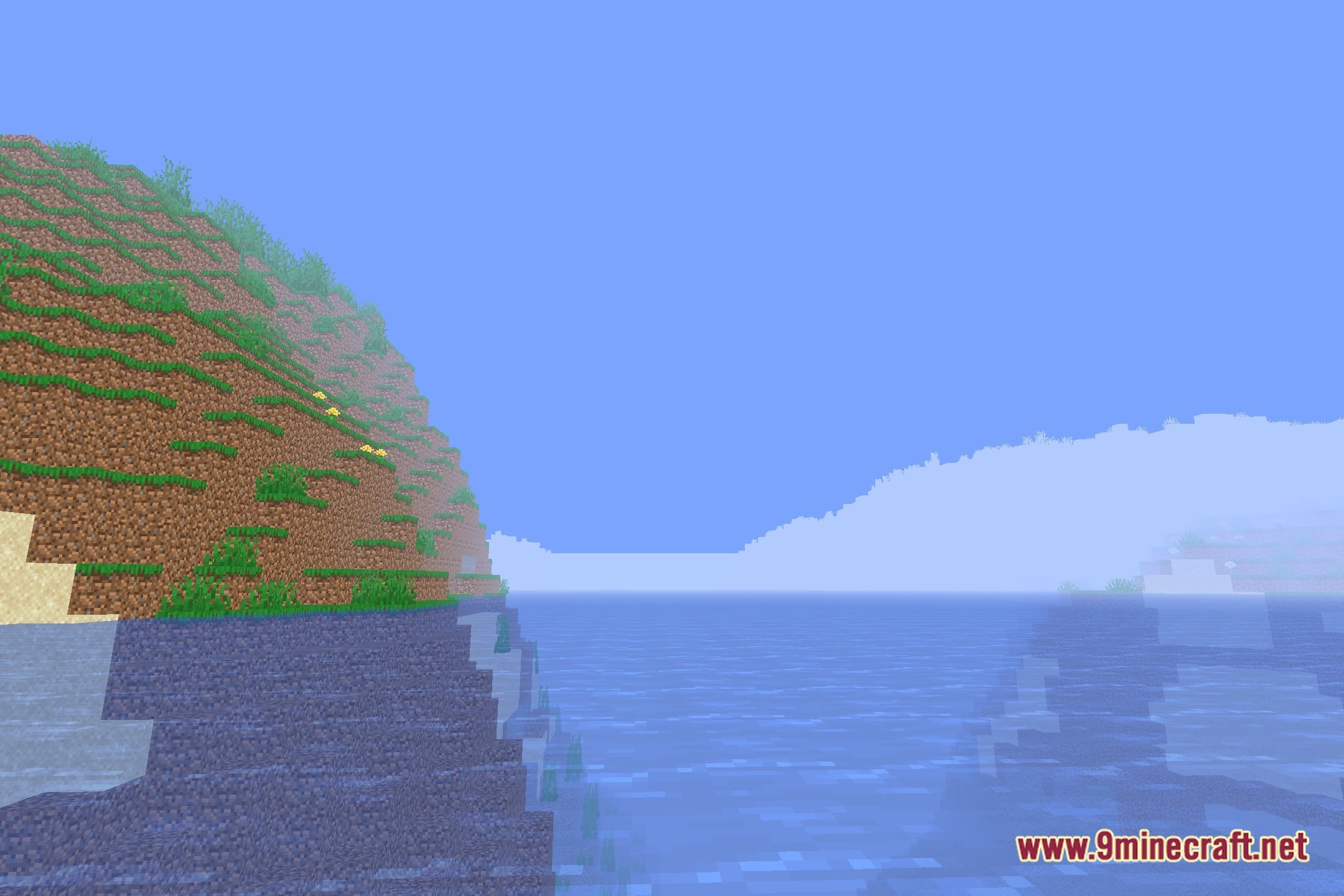
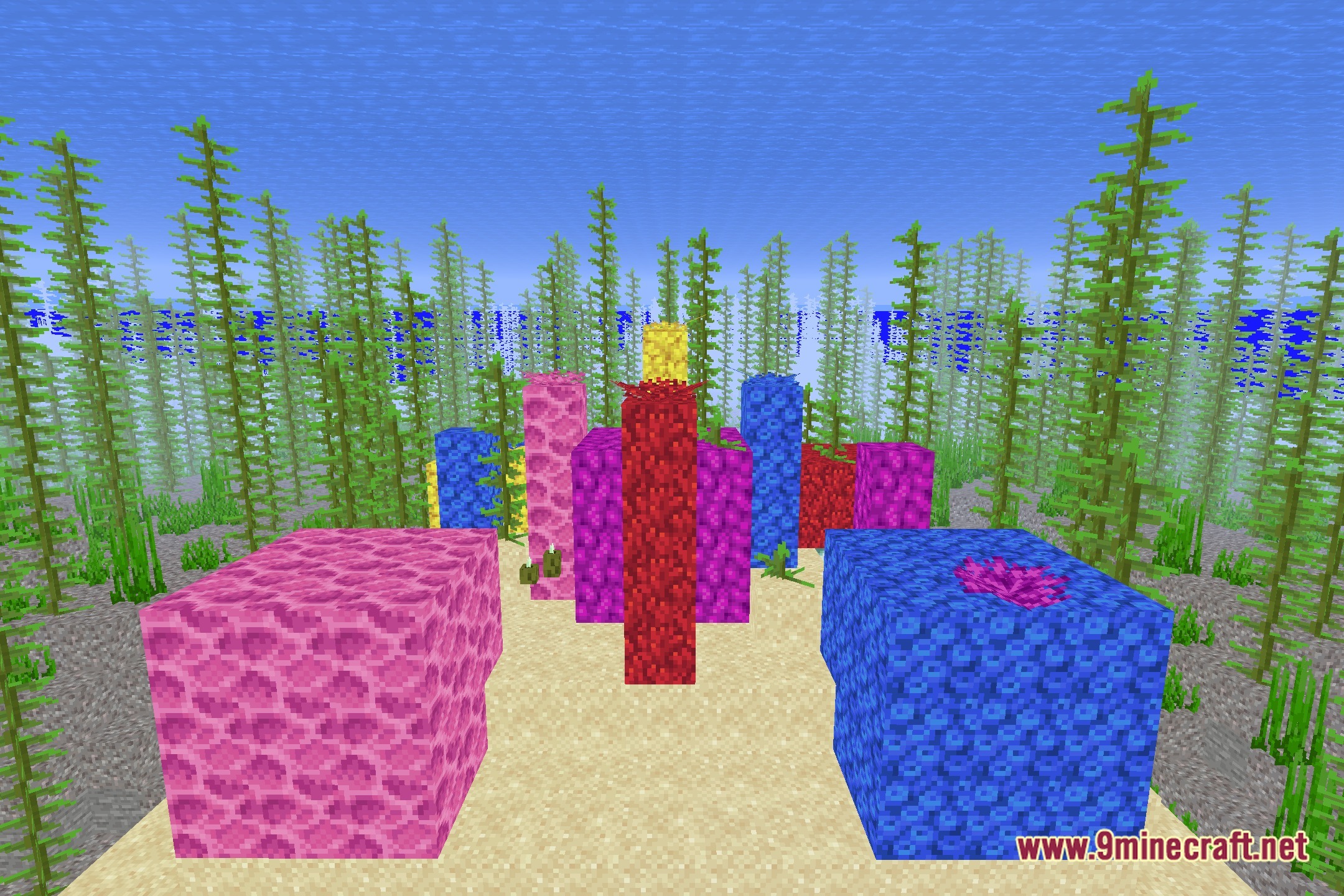
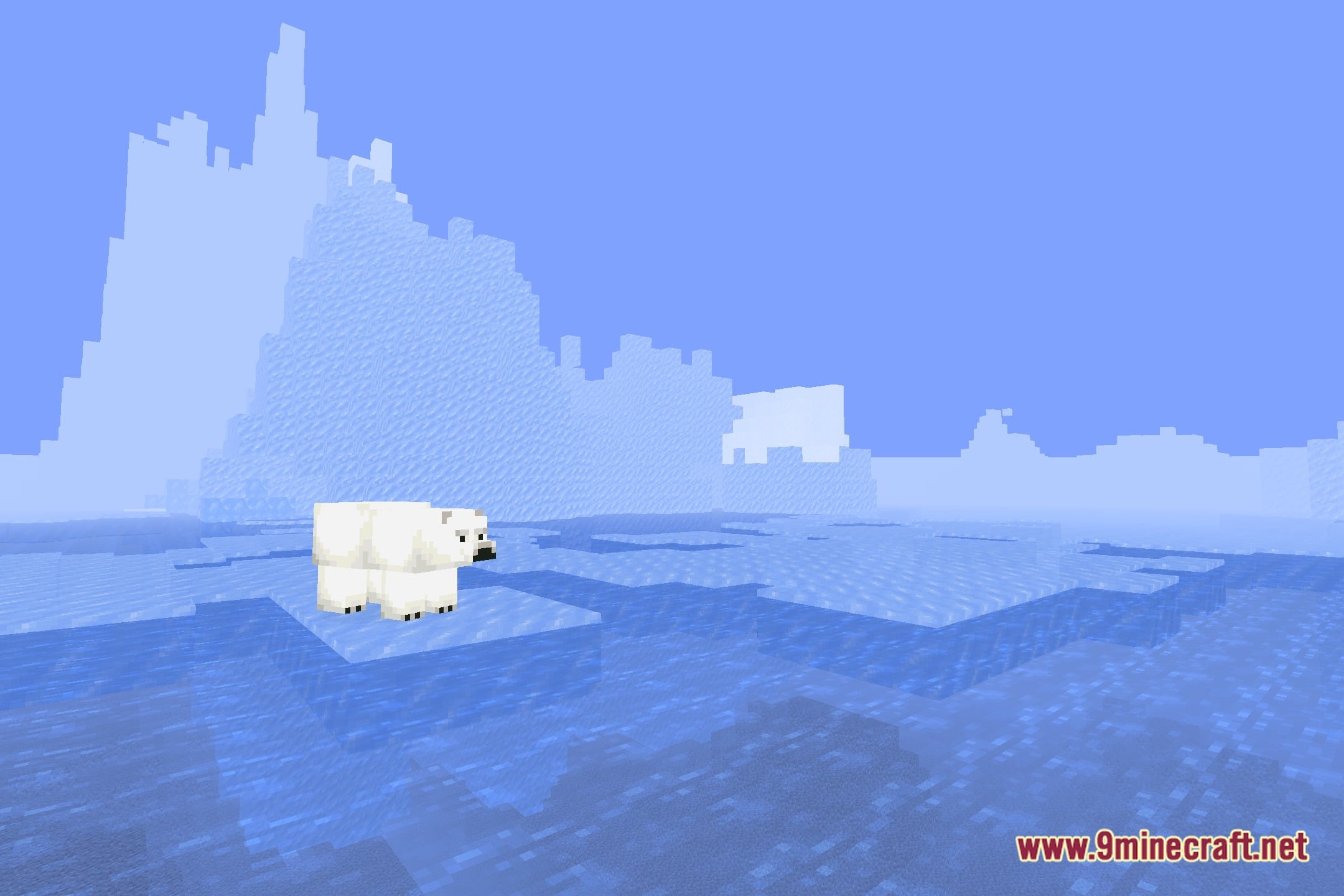
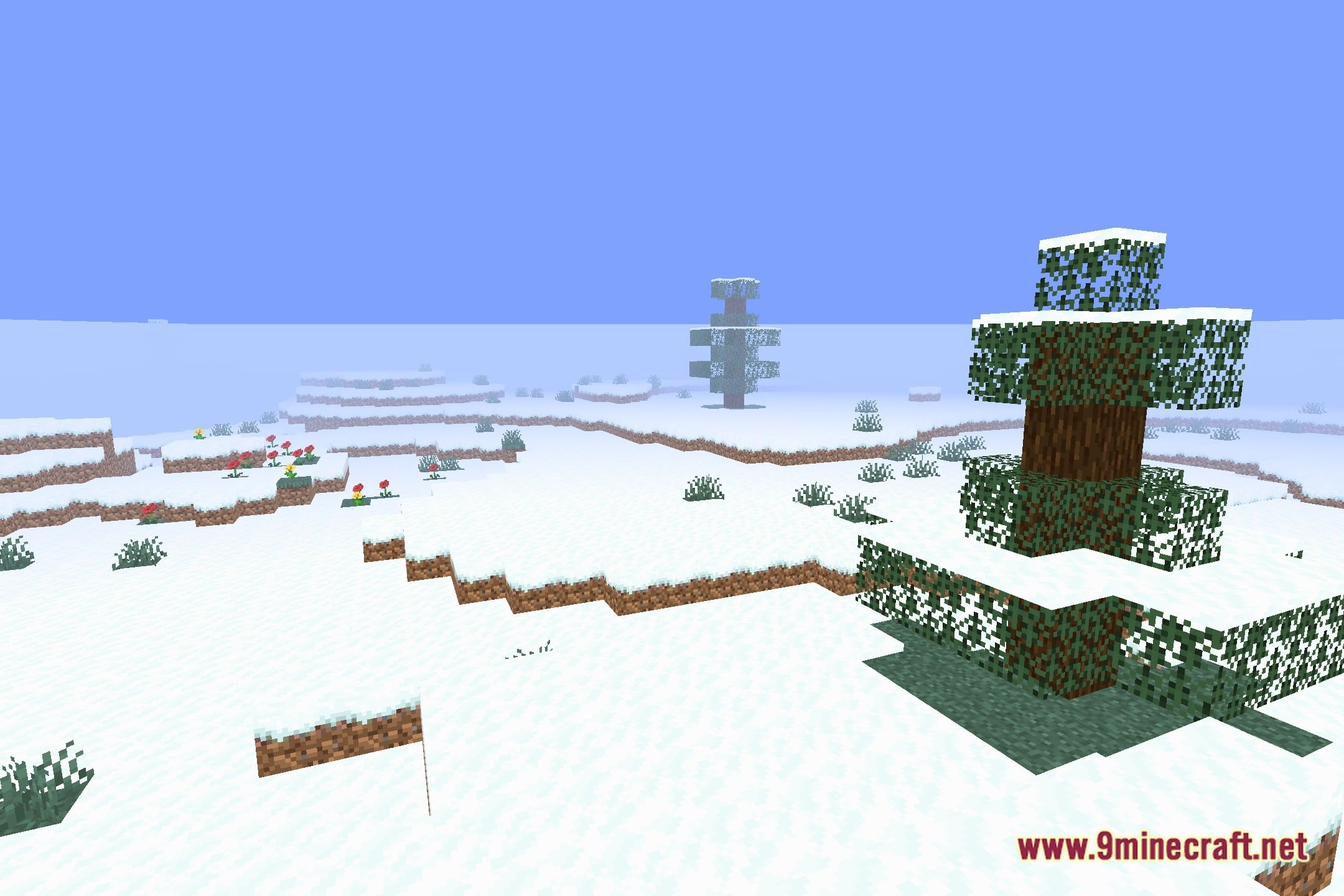
12 images from the Vibes2019Shaders Shaders page.
You May Also Like
Wikis that share the most with this one
Wikis on the same theme: light
More shader wikis on the site
The most downloaded mods that have a wiki here