

 DownloadVeylora Shaders
Get the files on 9Minecraft
Guides
Step-by-step, in-game.
Adjust Shadow Quality and SoftnessAccess Shader Settings Open the shader options menu by pressing the designated key (usually accessed through your…Configure Volumetric Clouds and Sky AppearanceAccess Cloud Settings Open the shader options and navigate to the cloud or sky section. Veylora Shaders provides…Enhance Water Reflections and RealismLocate Water Settings Access the shader configuration menu and find the water or reflection section. Veylora Shaders…Optimize Bloom and Light Source GlowFind Bloom Settings In the shader configuration menu, locate the bloom, glow, or light emission section. This…
Frequently asked questions
How do I enable the shader after installing it?
Open the Options menu in-game, select Video Settings, then Shaders. Find Veylora Shaders in the list and click it to activate. You'll see the cinematic lighting and effects apply immediately.
Why do my shadows look too harsh or too soft?
Open the shader options (usually by clicking the Settings button next to the shader name in Video Settings) and adjust the shadow softness slider. Higher values create softer, more diffused shadows while lower values make them sharper and more defined.
Can I turn off bloom if it's too bright?
Yes, open the shader settings and look for the Bloom or Light Glow option. You can reduce the intensity slider or disable it entirely if you prefer a less luminous look around torches and light sources.
Does this shader work with other visual mods like Optifine or Sodium?
Veylora Shaders is designed to work with shader-compatible loaders. Check the mod's documentation for your specific loader version, as compatibility depends on whether you're using Optifine, Iris, or another shader-supporting mod.
See all 10 Veylora Shaders questions ›
Gallery
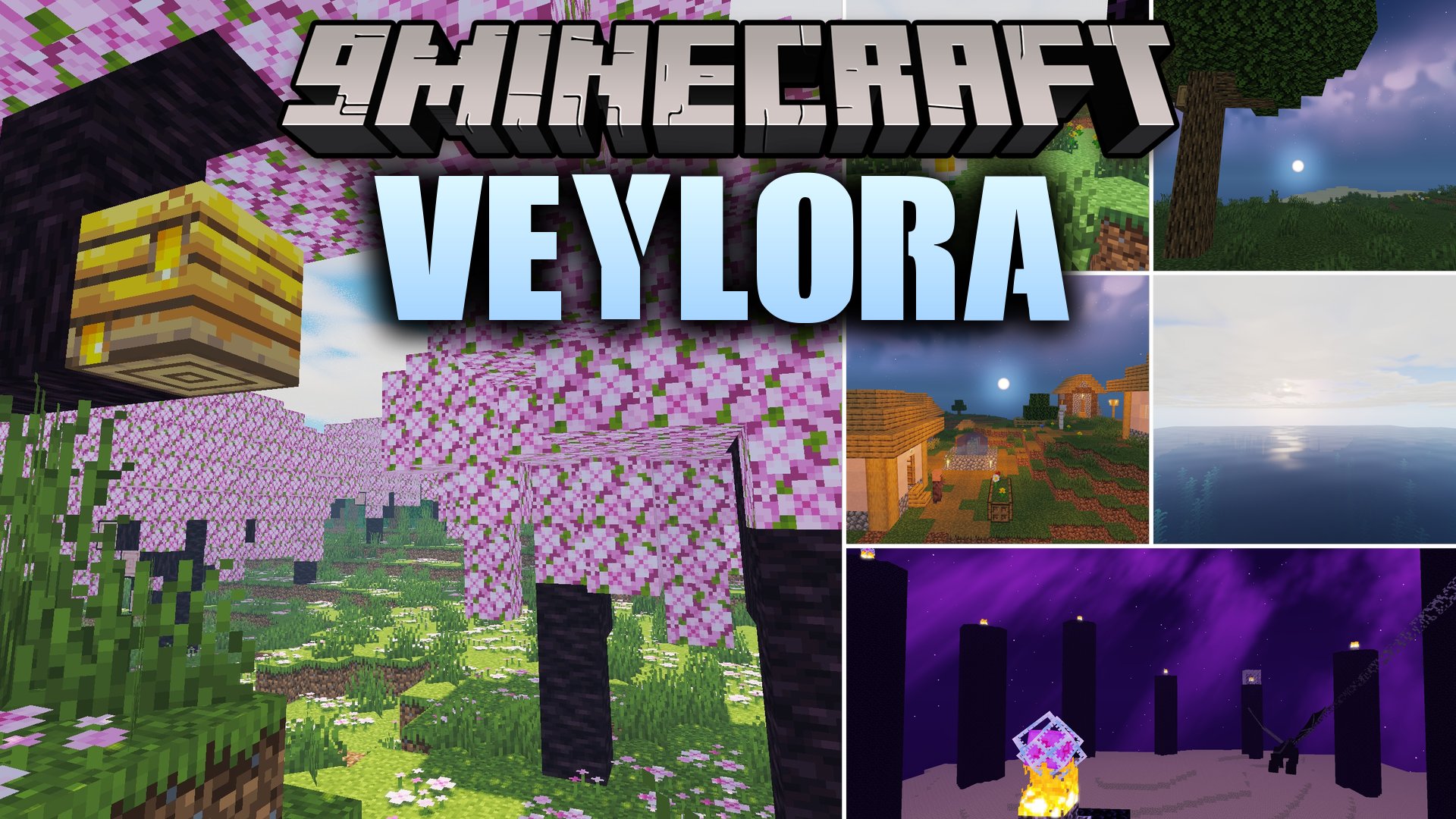
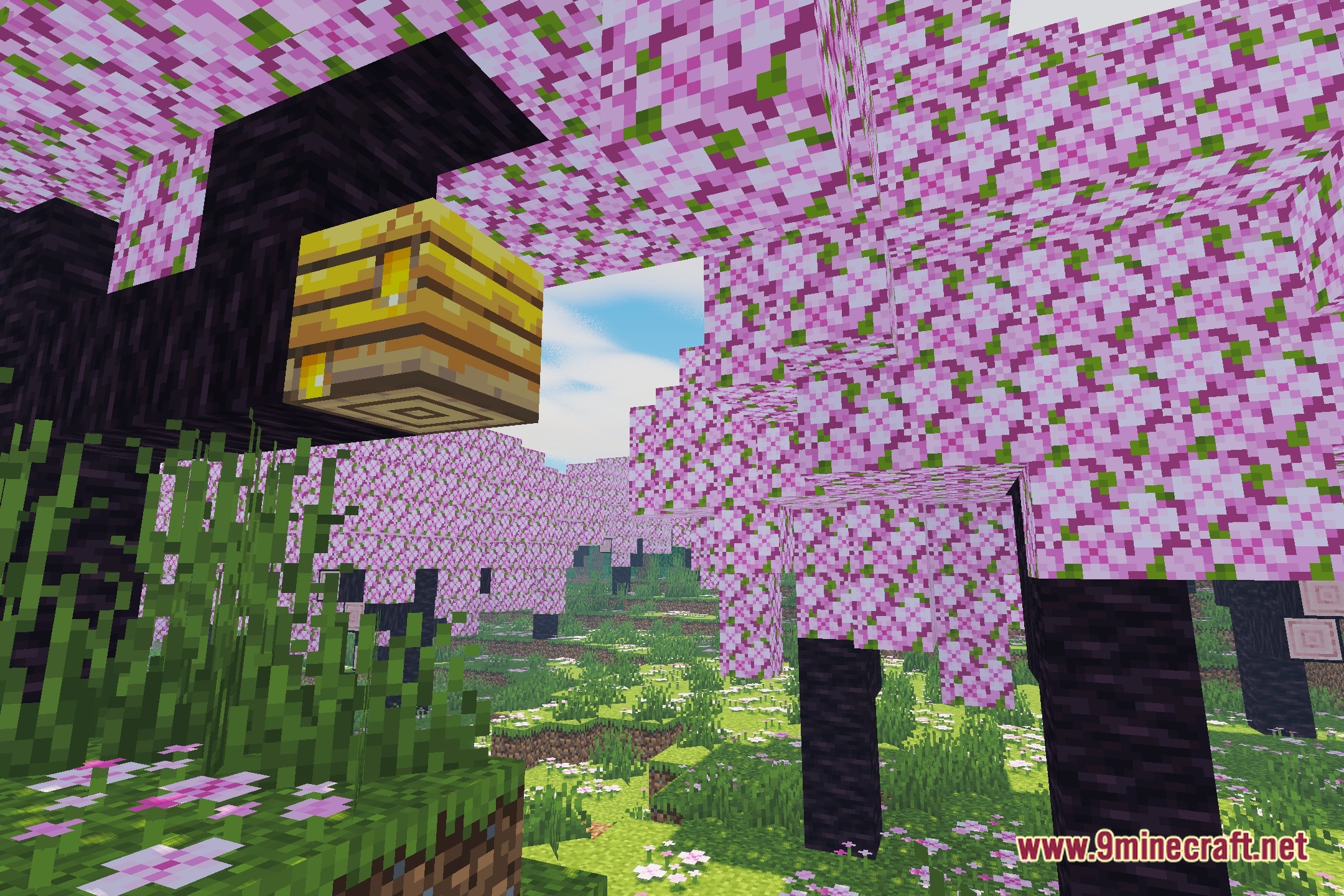
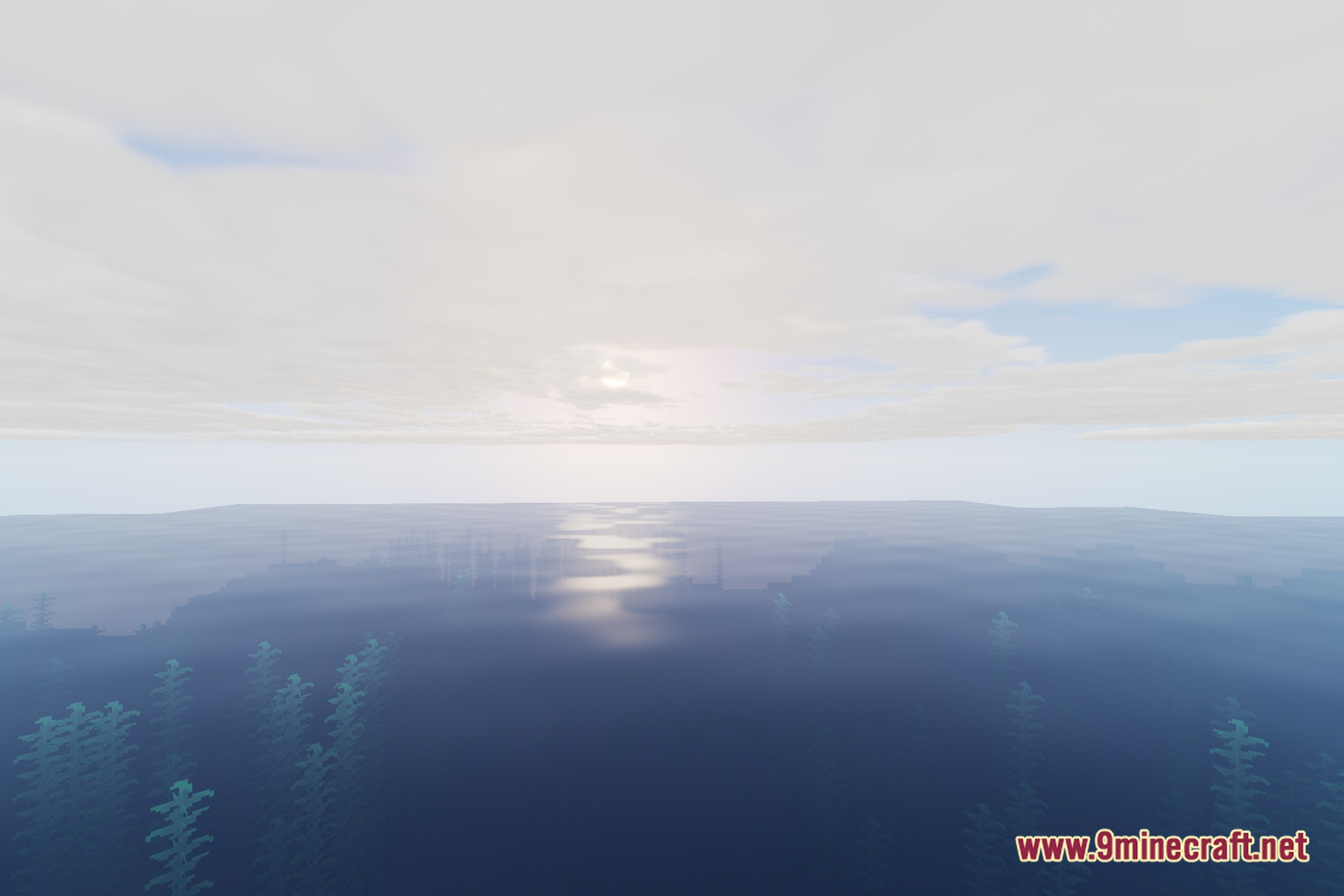
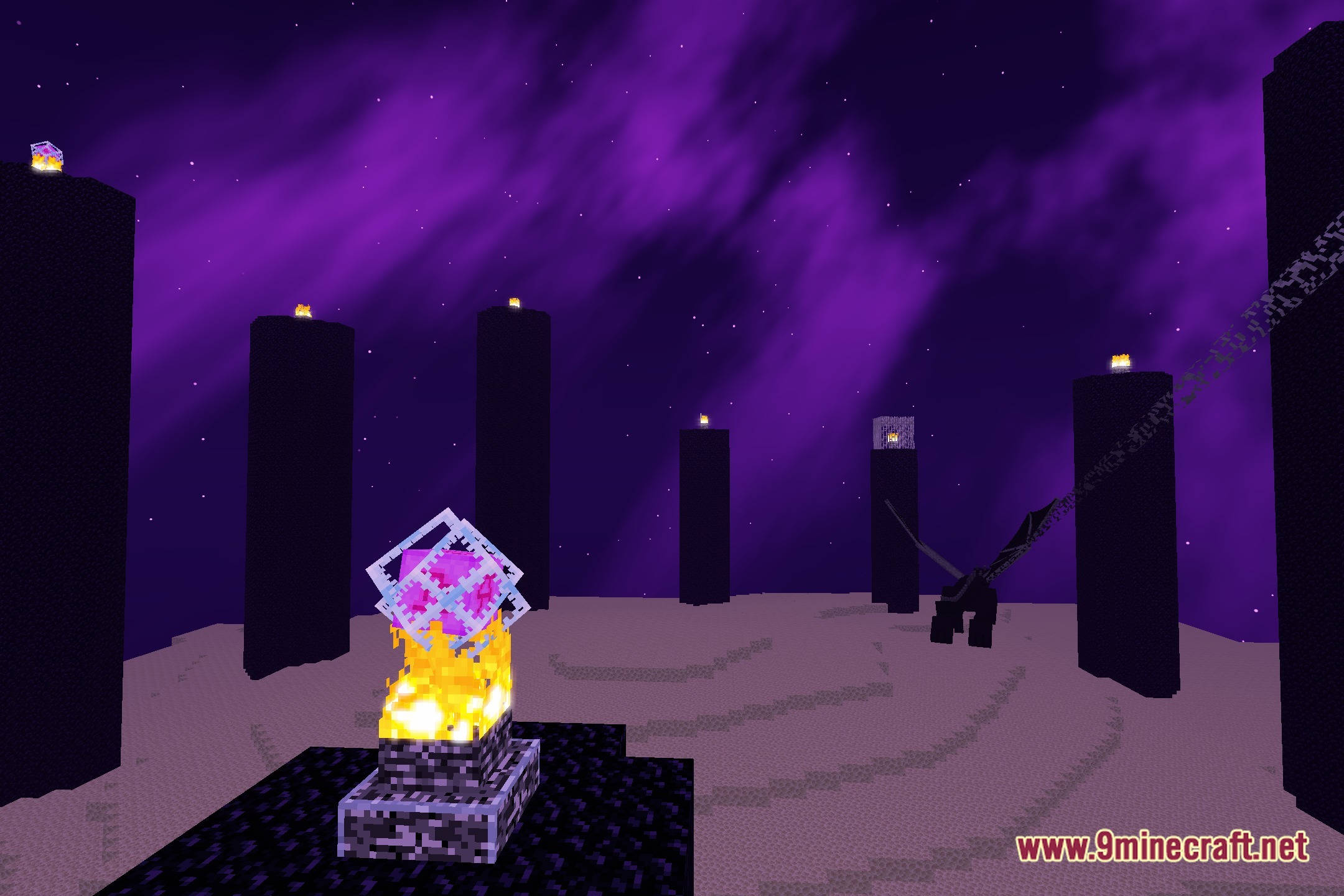
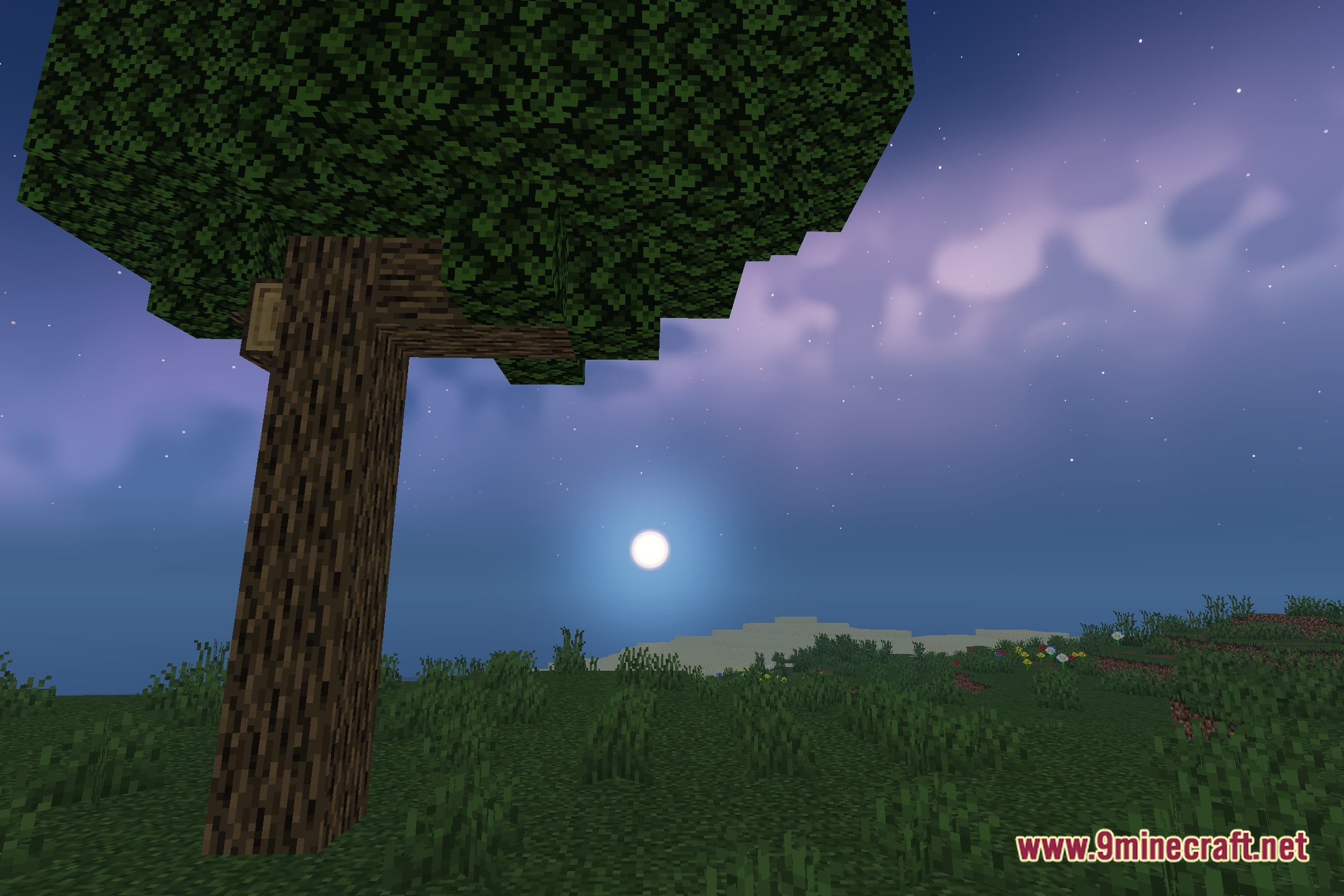
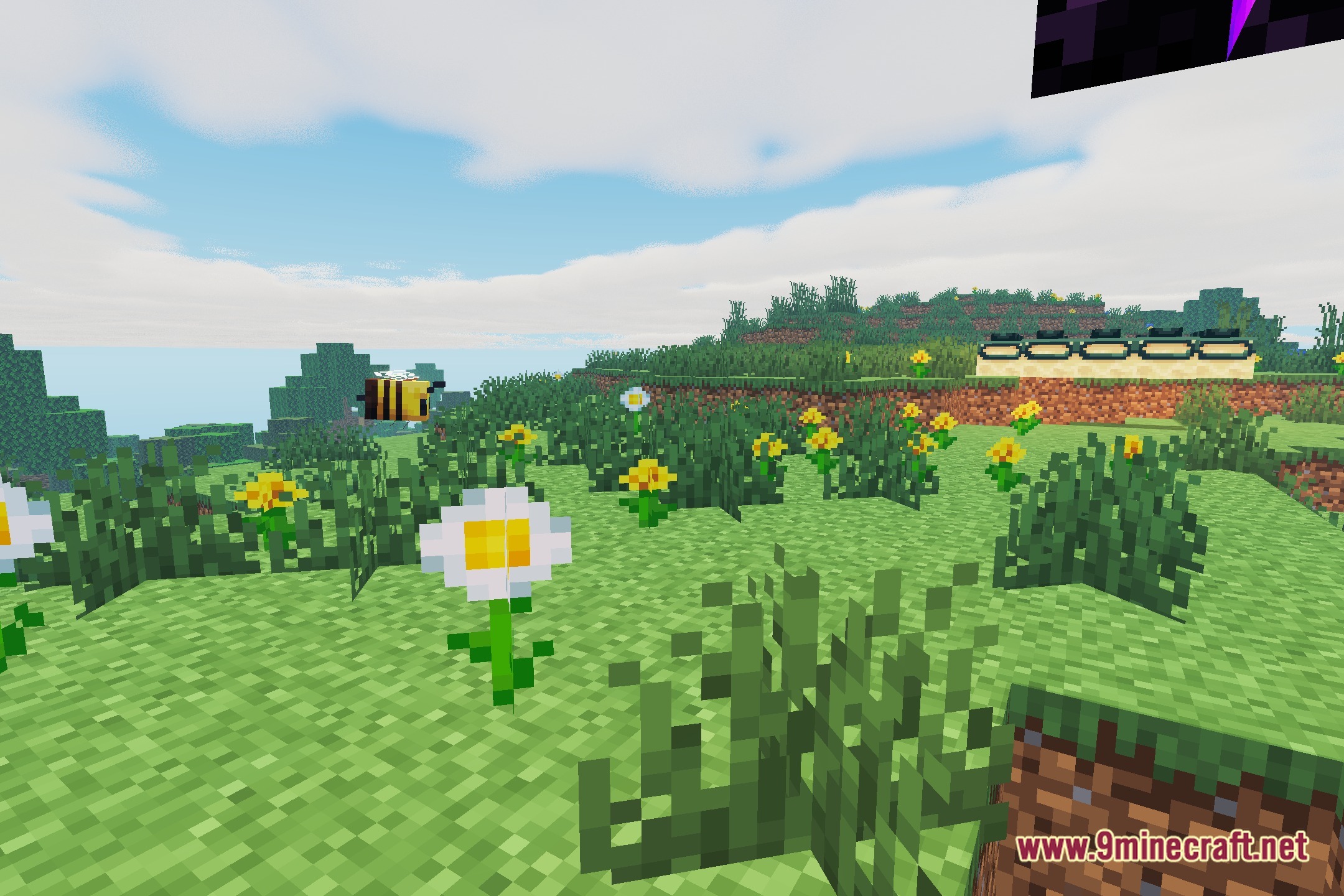
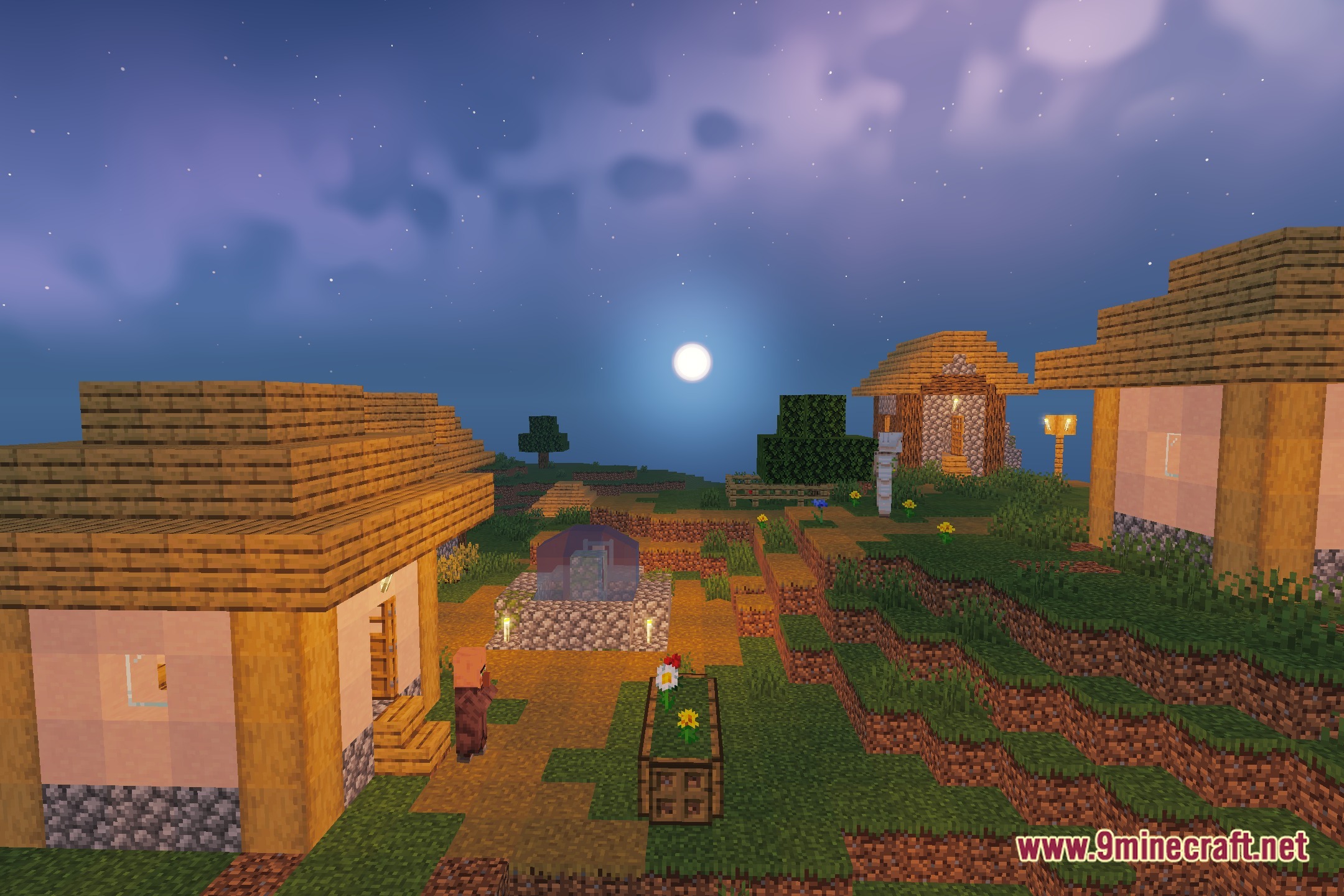
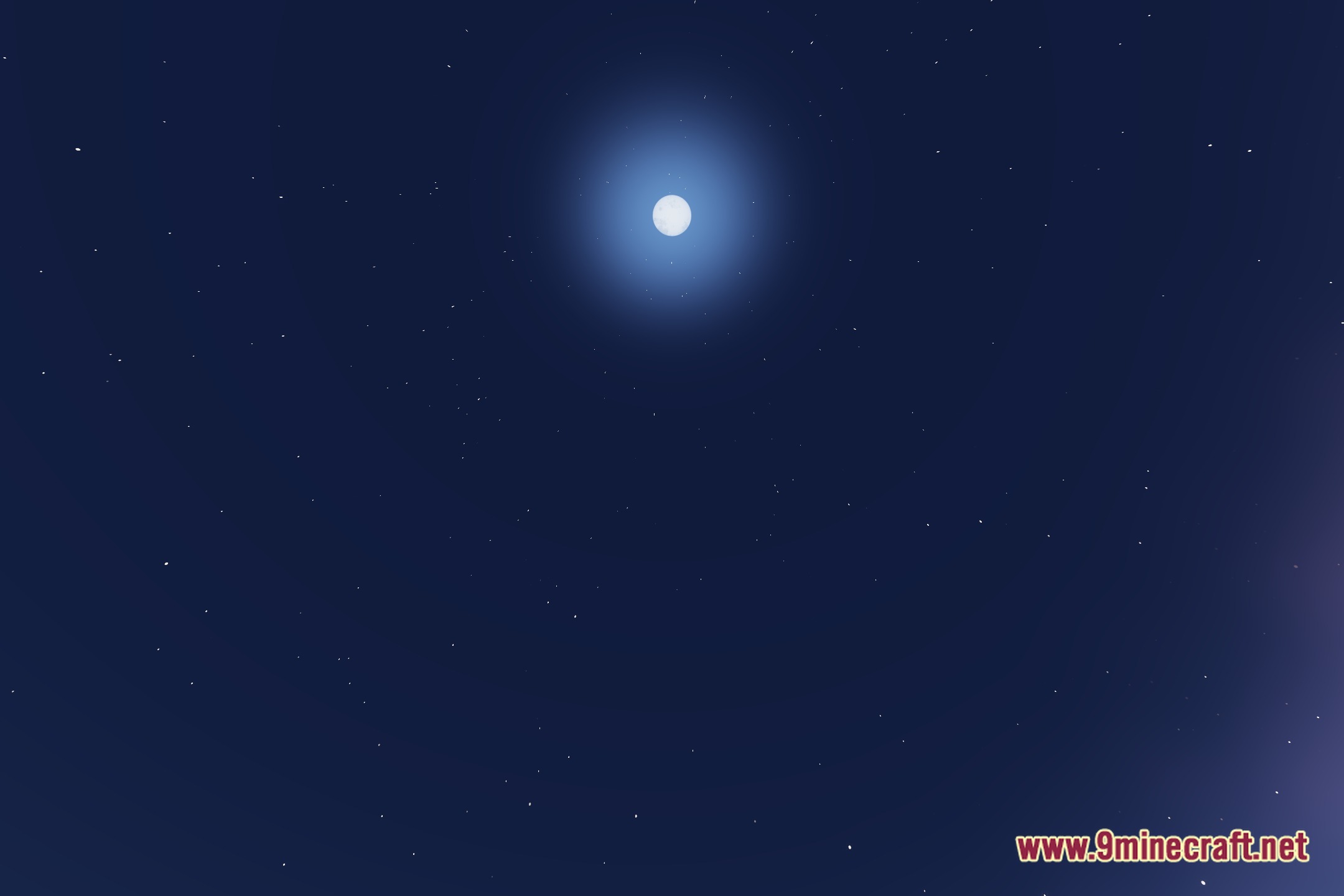
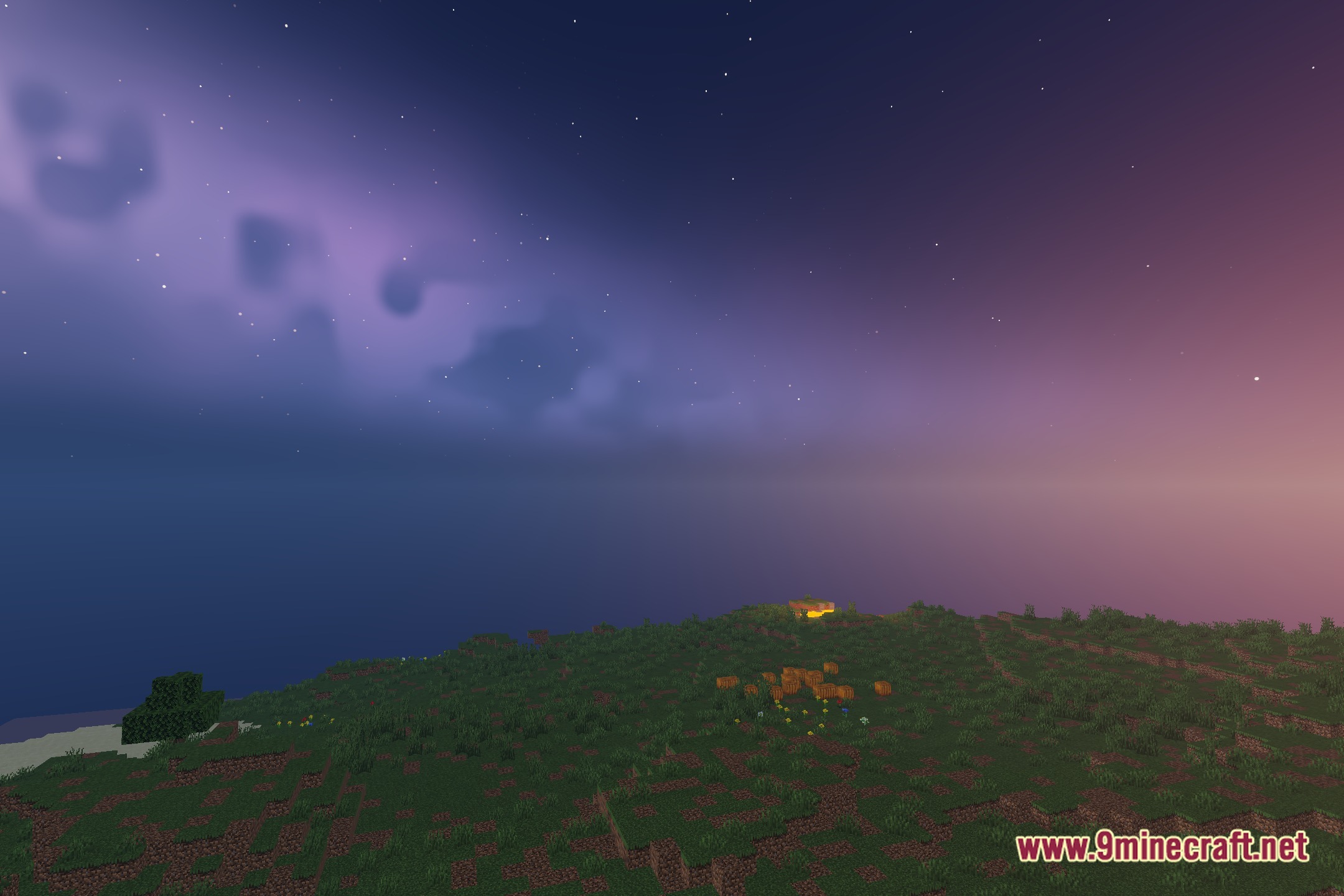
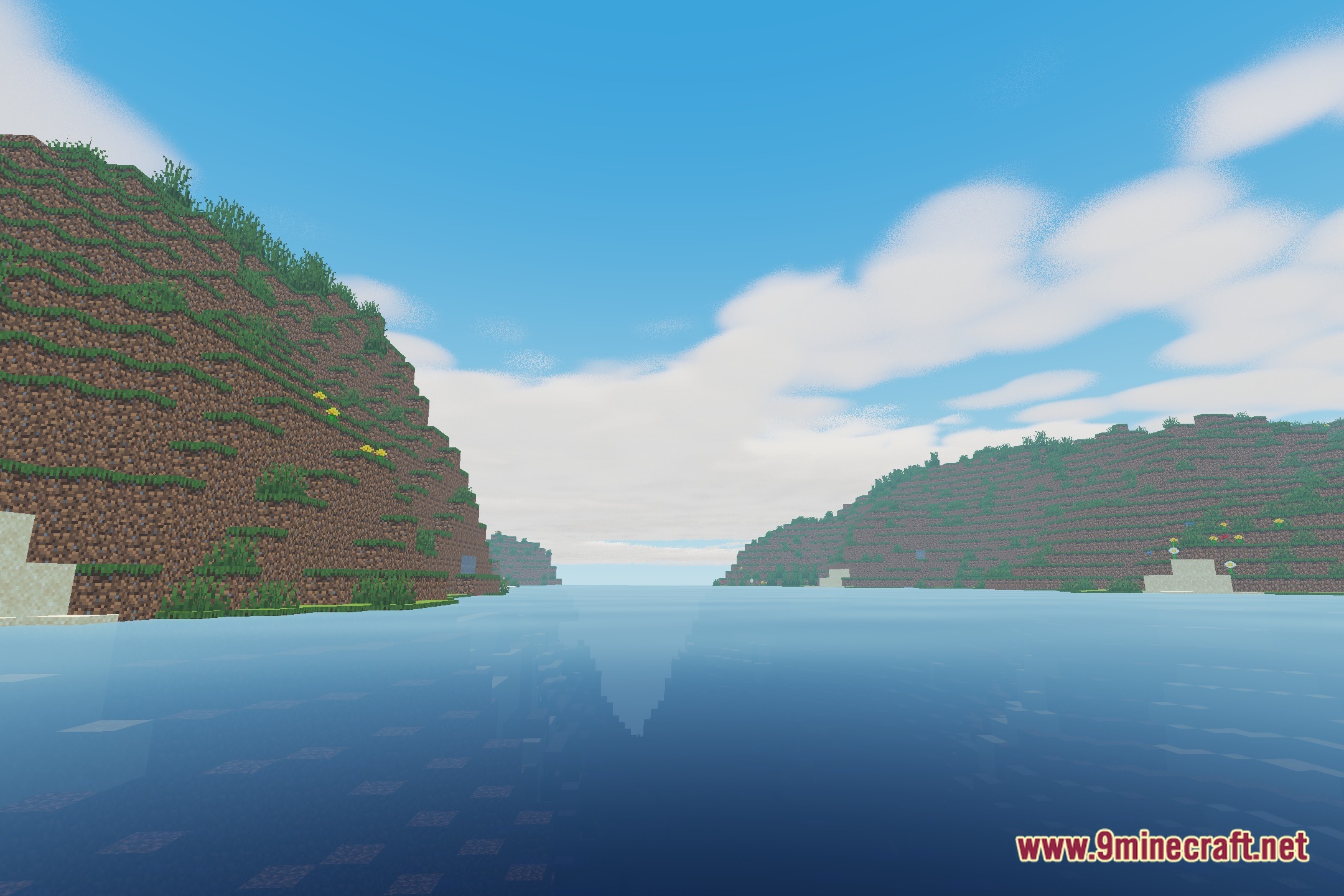
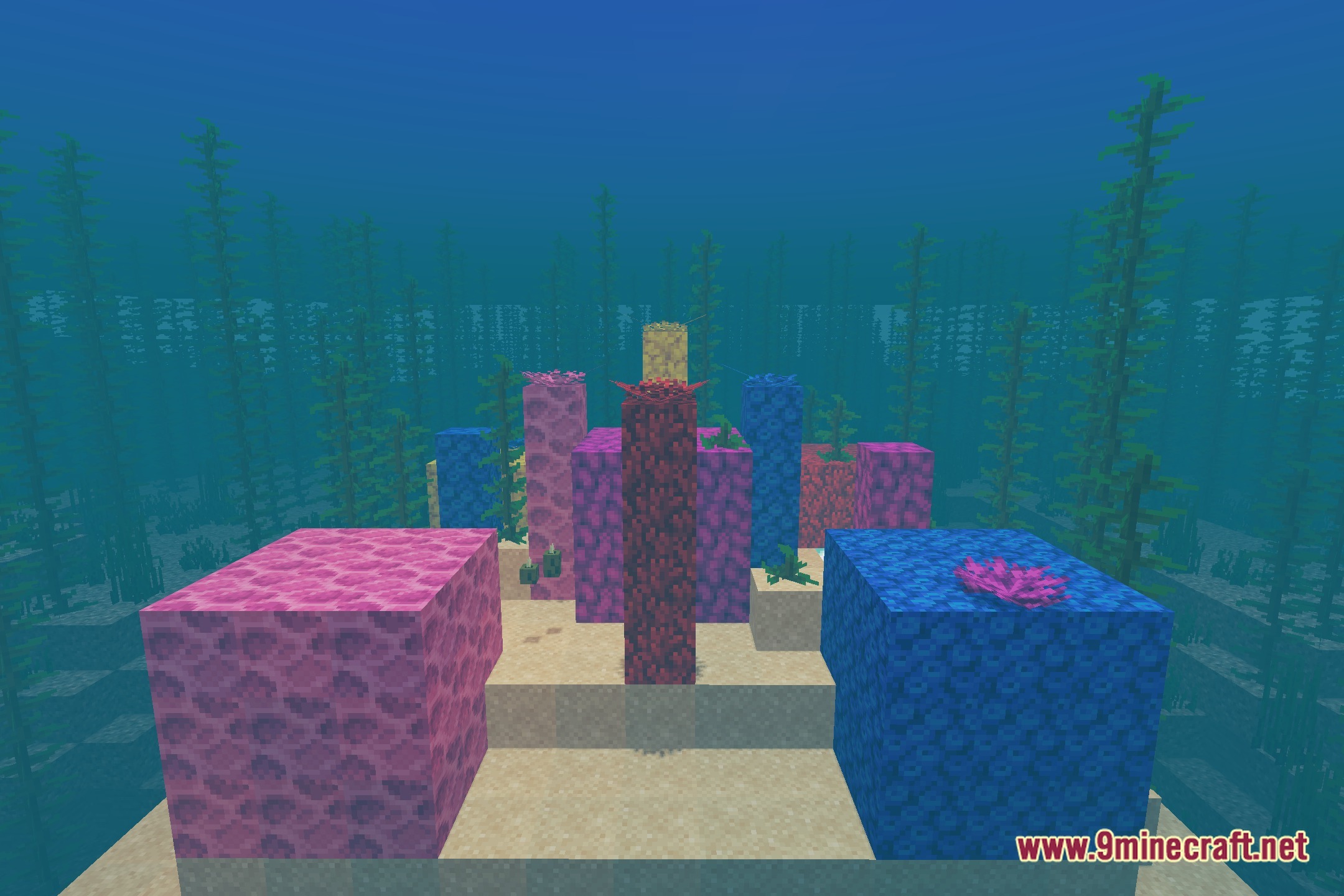
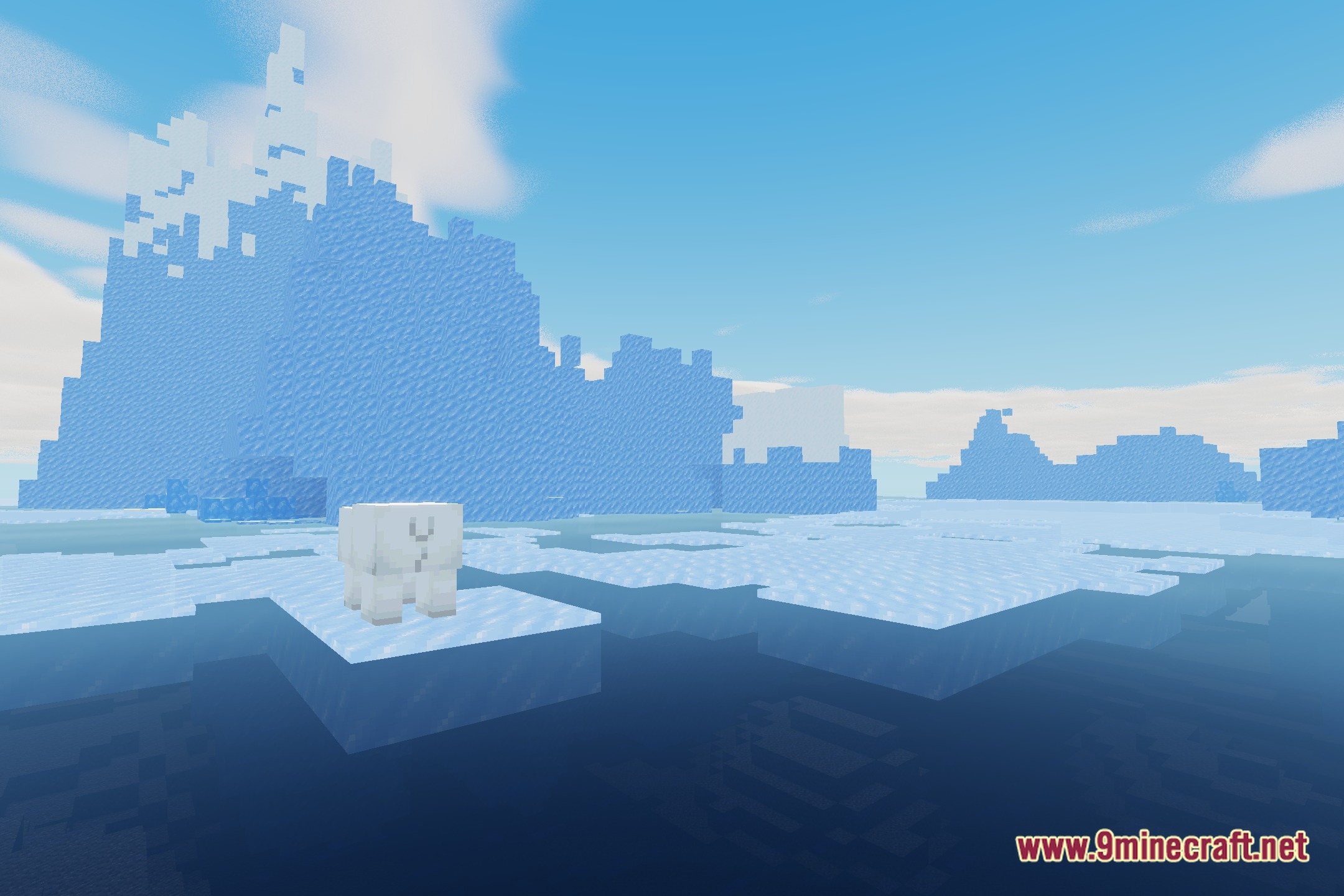
12 images from the Veylora Shaders page.
You May Also Like
Wikis that share the most with this one
Wikis on the same theme: light
More shader wikis on the site
 Velyra Grayscale Shaders
The most downloaded mods that have a wiki here