

 DownloadVHS44 Shaders
Get the files on 9Minecraft
Guides
Step-by-step, in-game.
Capture Screenshots and Videos with VHS44's Best LookChoose Optimal Lighting Conditions The shader looks most striking during twilight, in caves with strategic lighting,…Create Atmospheric Horror Builds with VHS44Choose Your Location Select a dark, isolated area for maximum creepy effect. Underground caves, abandoned structures,…Optimize VHS44 Performance on Low-End ComputersLower Shader Intensity Reduce bloom, distortion, and grain effects to their minimum acceptable levels. Even slight…Reduce VHS Distortion and Blur for Better VisibilityAccess Shader Settings Open your shader options menu while in-game. This is typically found in Video Settings >…
Frequently asked questions
How do I turn on VHS44 Shaders?
Open your Shader Options menu in-game, find VHS44 Shaders in the list, and select it. The effect applies immediately to your world.
Why does everything look so blurry with this shader?
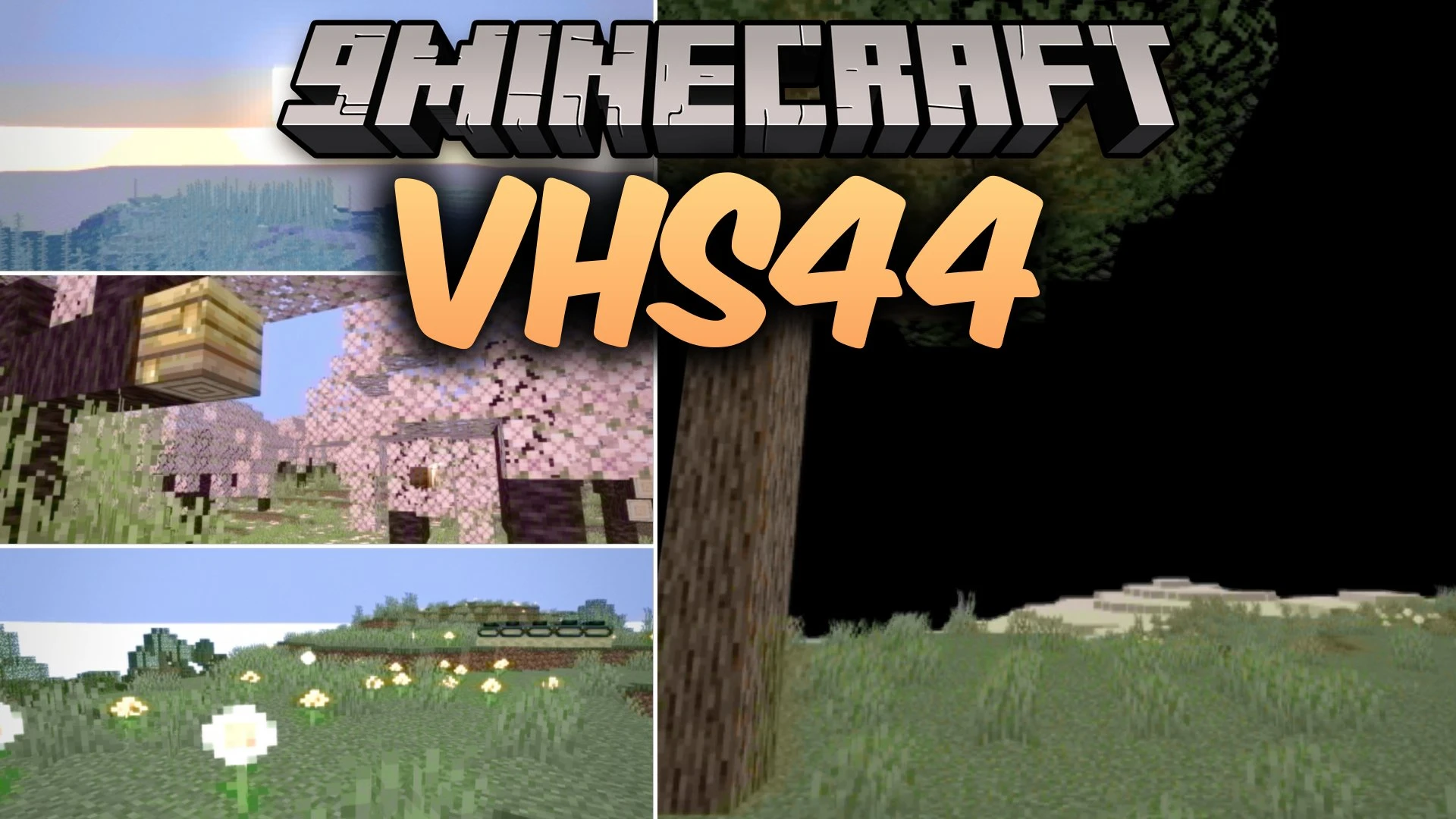
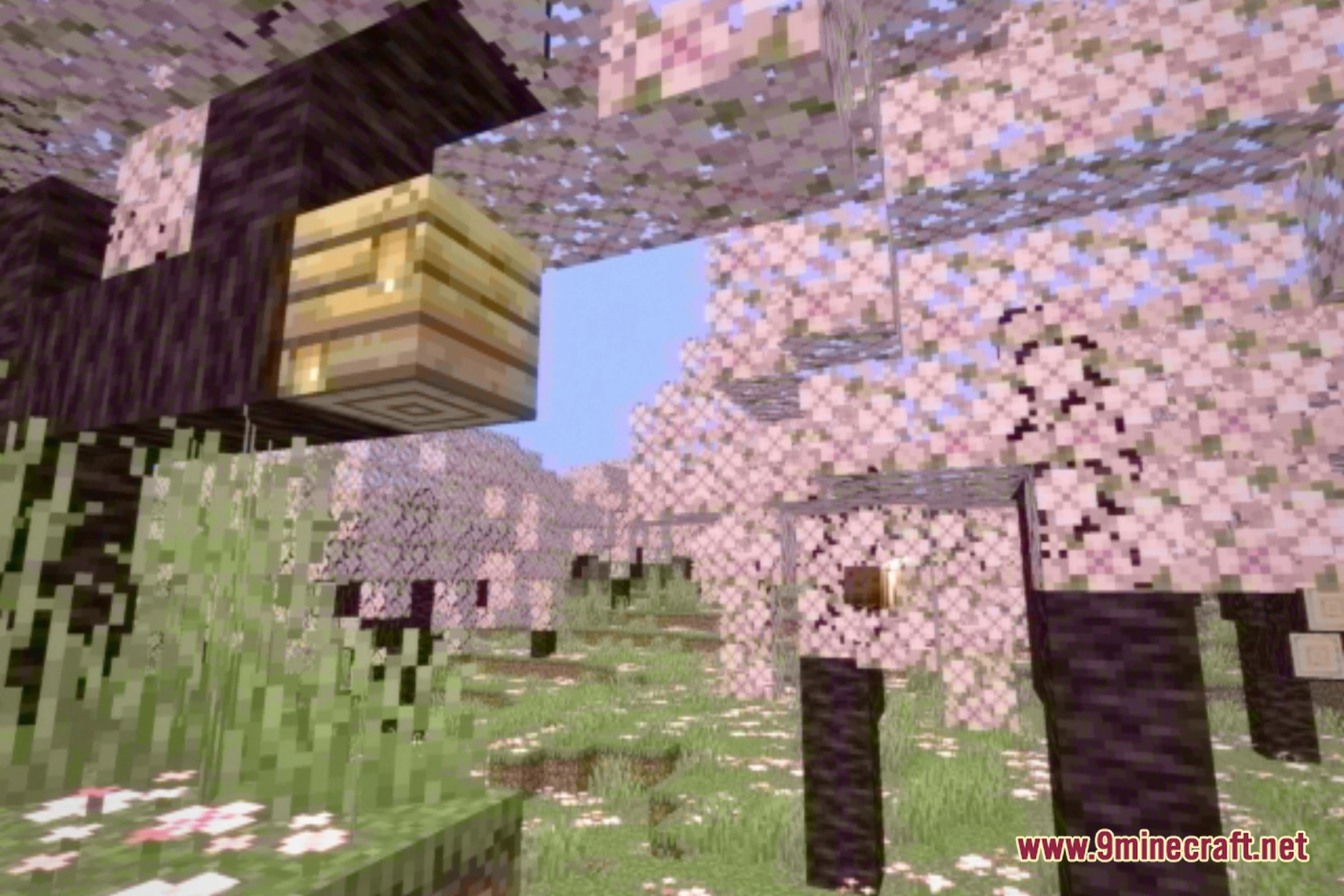
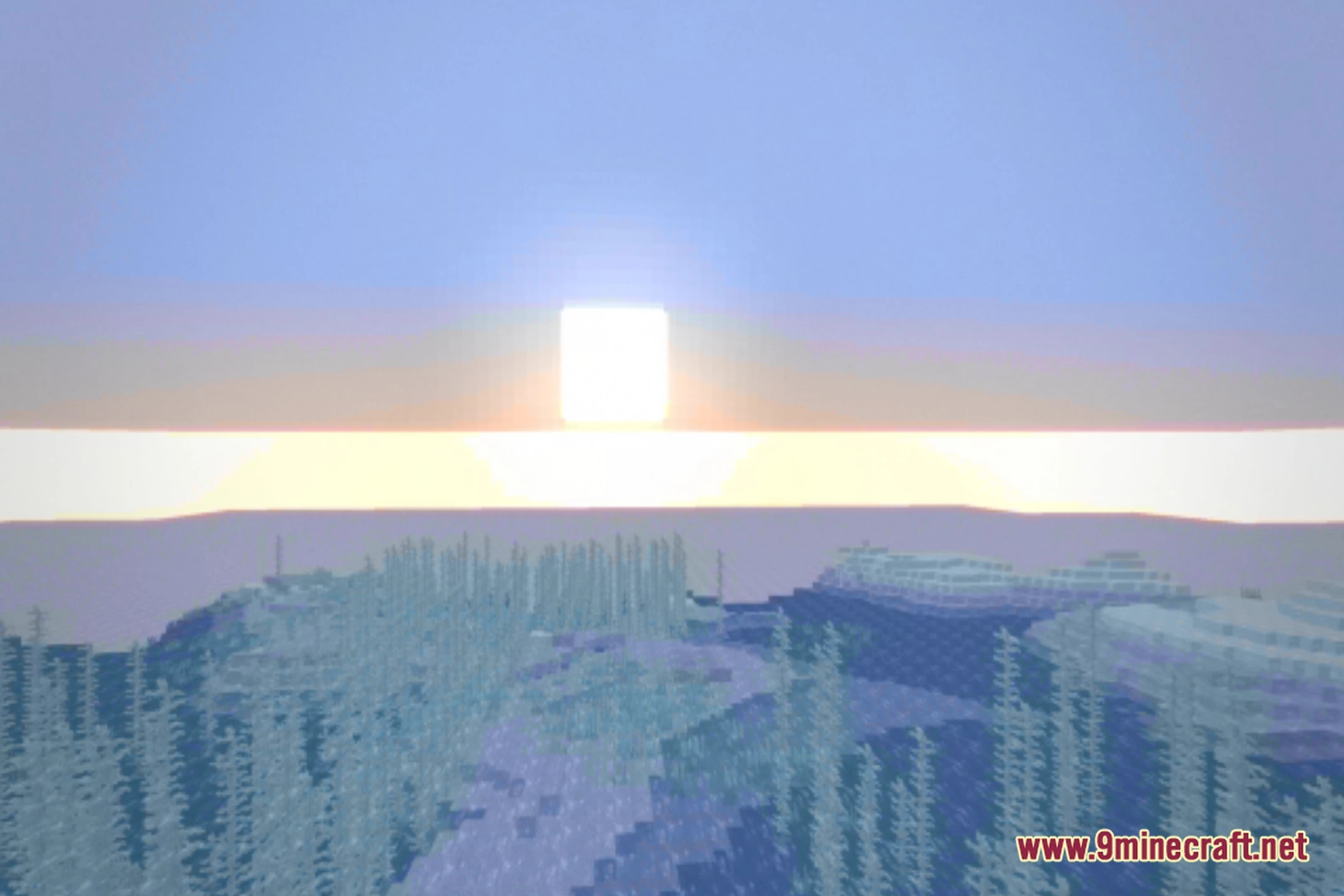
The blur is part of the VHS tape effect, but you can reduce it by adjusting the distortion and blur sliders in the shader settings to improve visibility while keeping the retro feel.
Can I use VHS44 with other mods?
Yes, VHS44 works with most mods since it's a shader pack, not a mod that changes gameplay. However, mods that heavily alter lighting or add custom particles may look unusual with the VHS effect applied.
My FPS drops a lot when I use this shader. How do I fix it?
Lower your render distance, disable or reduce bloom intensity in the shader settings, and make sure your graphics driver is updated. VHS44 is designed for low-end computers, so these tweaks should help significantly.
See all 10 VHS44 Shaders questions ›
Gallery
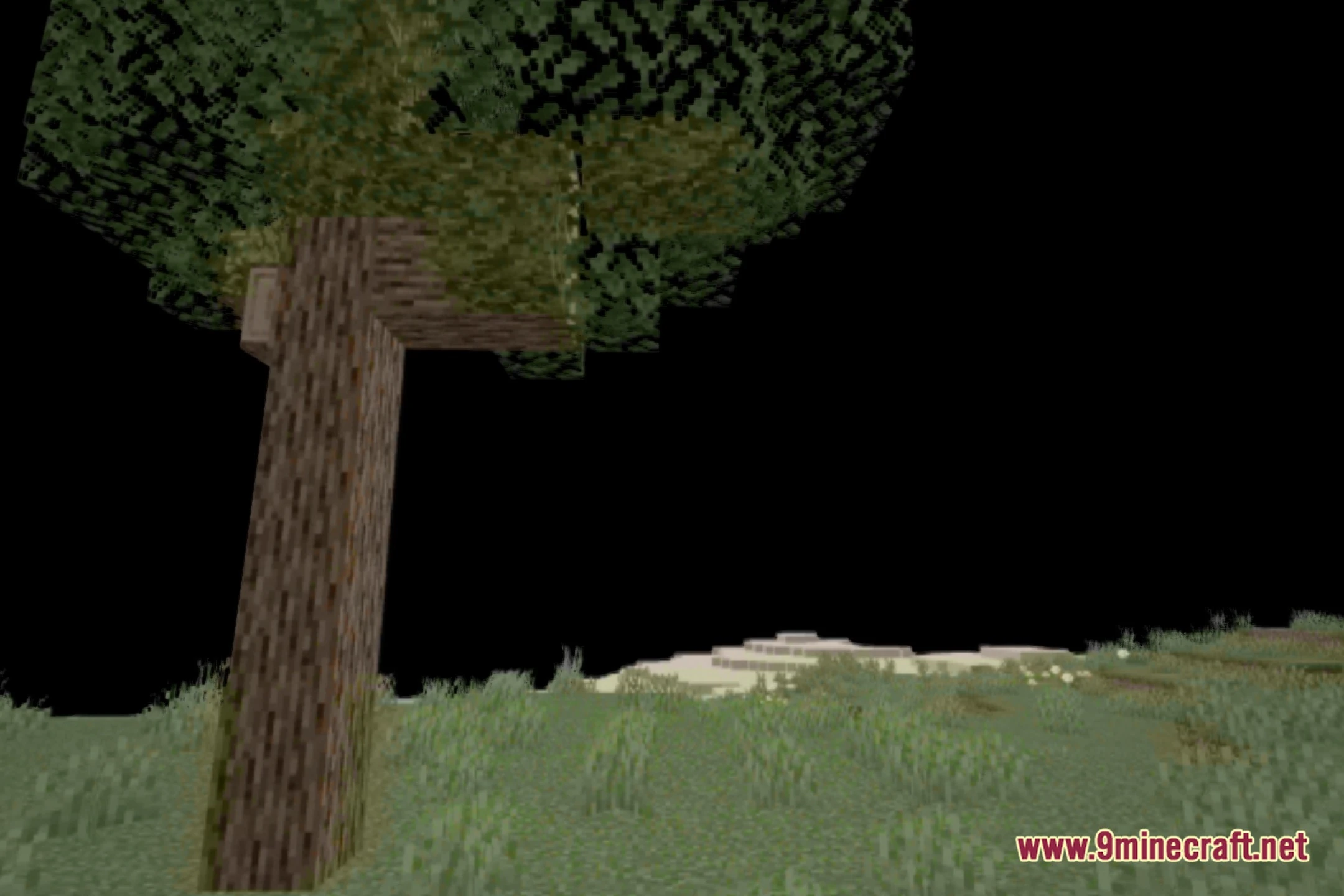
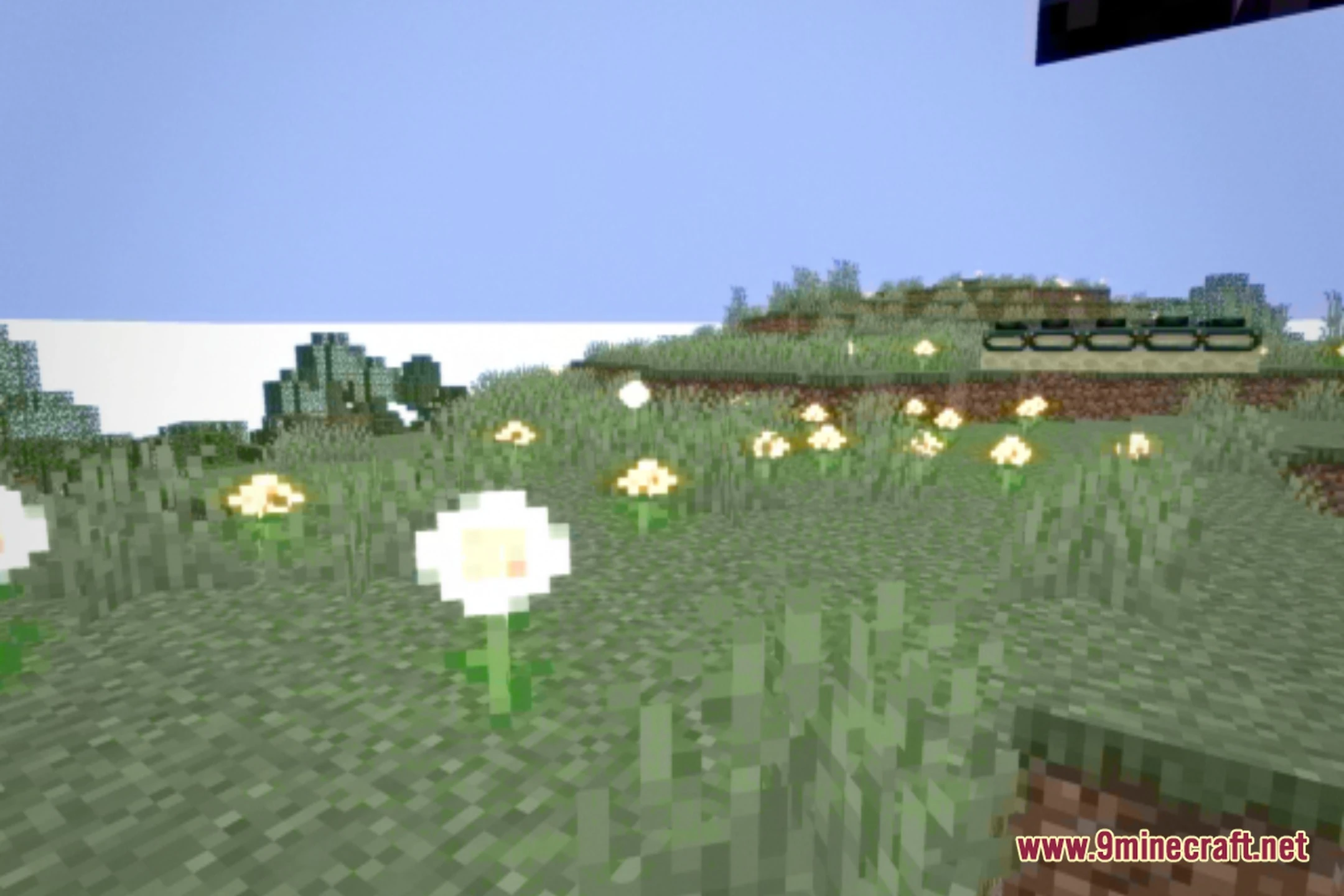
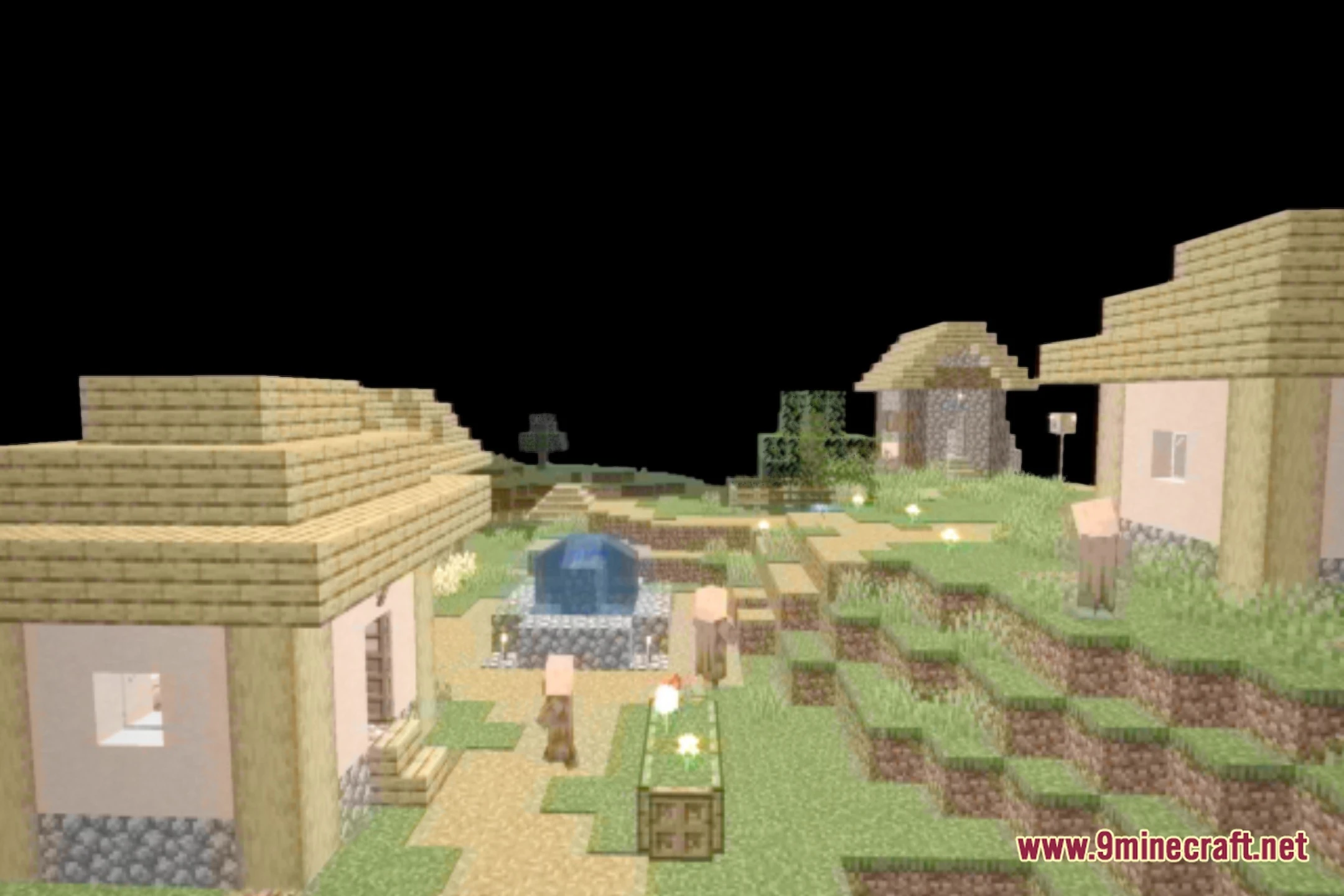
12 images from the Vhs44 Shaders page.
You May Also Like
Wikis that share the most with this one
Wikis on the same theme: light
More shader wikis on the site
The most downloaded mods that have a wiki here