

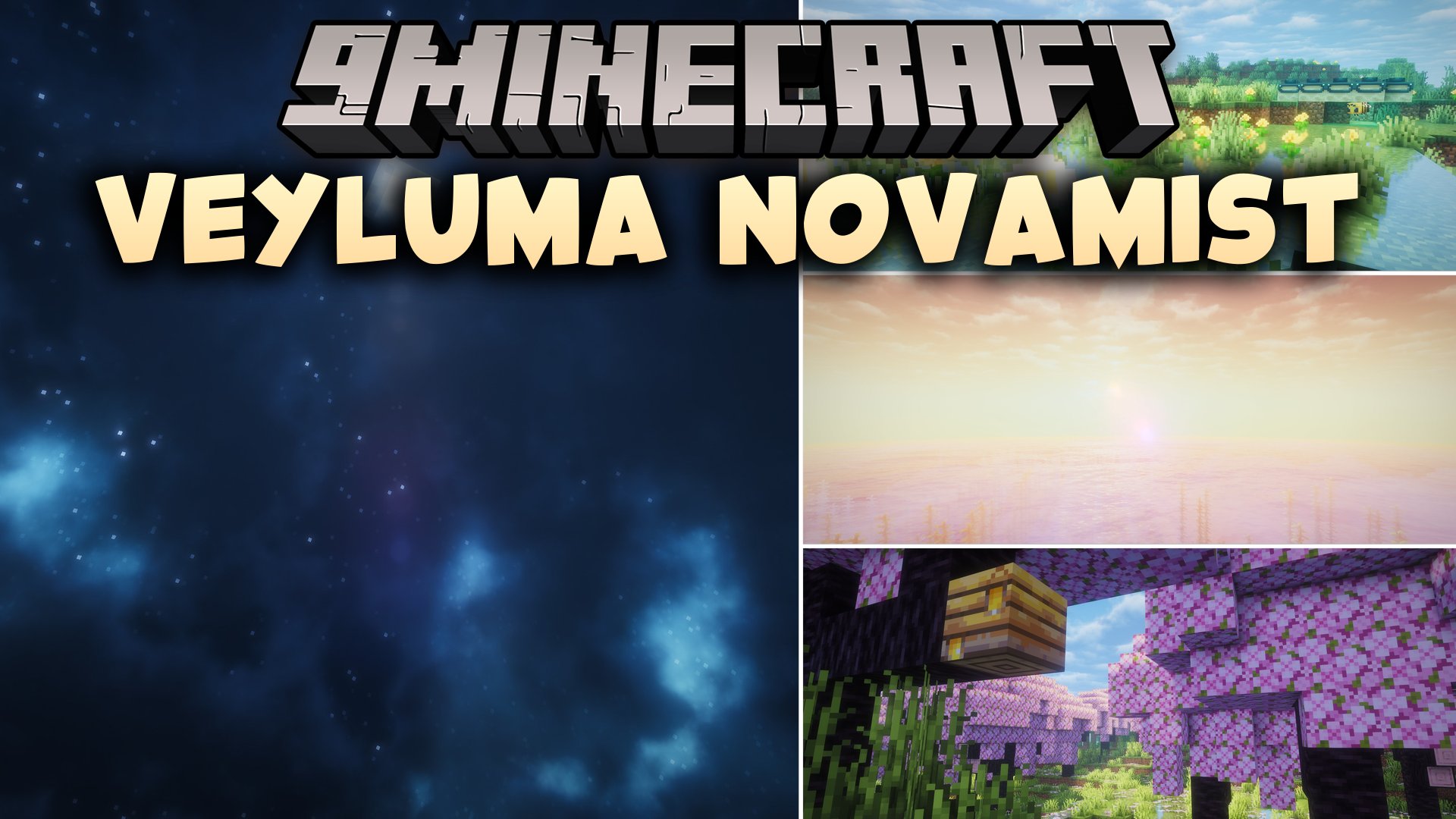
 DownloadVeyluma NovaMist Shaders
Get the files on 9Minecraft
Guides
Step-by-step, in-game.
Adjust Water Clarity and Depth PerceptionUnderstanding Water Rendering Veyluma NovaMist Shaders renders water with realistic depth and surface detail. If the…Enhance the Pearl-Blue AtmosphereCustomizing Sky and Lighting The signature pearl-blue atmosphere is a core feature of Veyluma NovaMist Shaders. You…Optimize Frame Rate on Lower-End HardwareWhy Performance Matters While Veyluma NovaMist Shaders is balanced for mid-range PCs, lower-end systems may…Reduce Glare and Adjust Brightness for Comfortable PlayManaging Visual Comfort Veyluma NovaMist Shaders' cinematic styling can sometimes create bright spots or glare,…
Frequently asked questions
How do I enable Veyluma NovaMist Shaders after installing it?
Open your Video Settings in-game, navigate to Shader Packs, and select Veyluma NovaMist from the list. The shader will apply immediately to your world.
Why does my game look washed out or too bright with this shader?
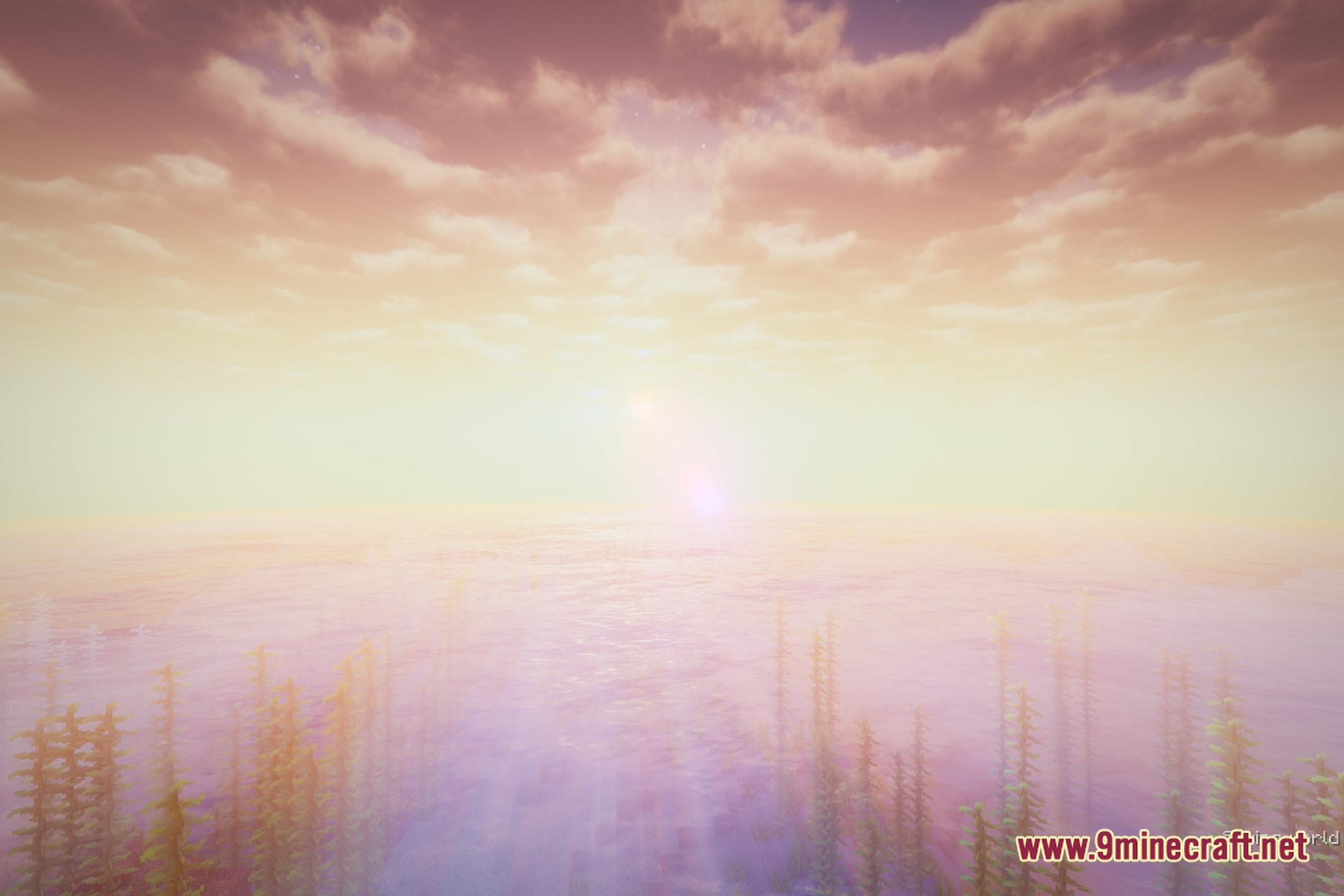
The pearl-blue atmosphere can feel intense at first. Adjust your brightness and gamma settings in the shader options, or reduce glare through the in-game Video Settings to find a comfortable balance.
Can I use Veyluma NovaMist with resource packs?
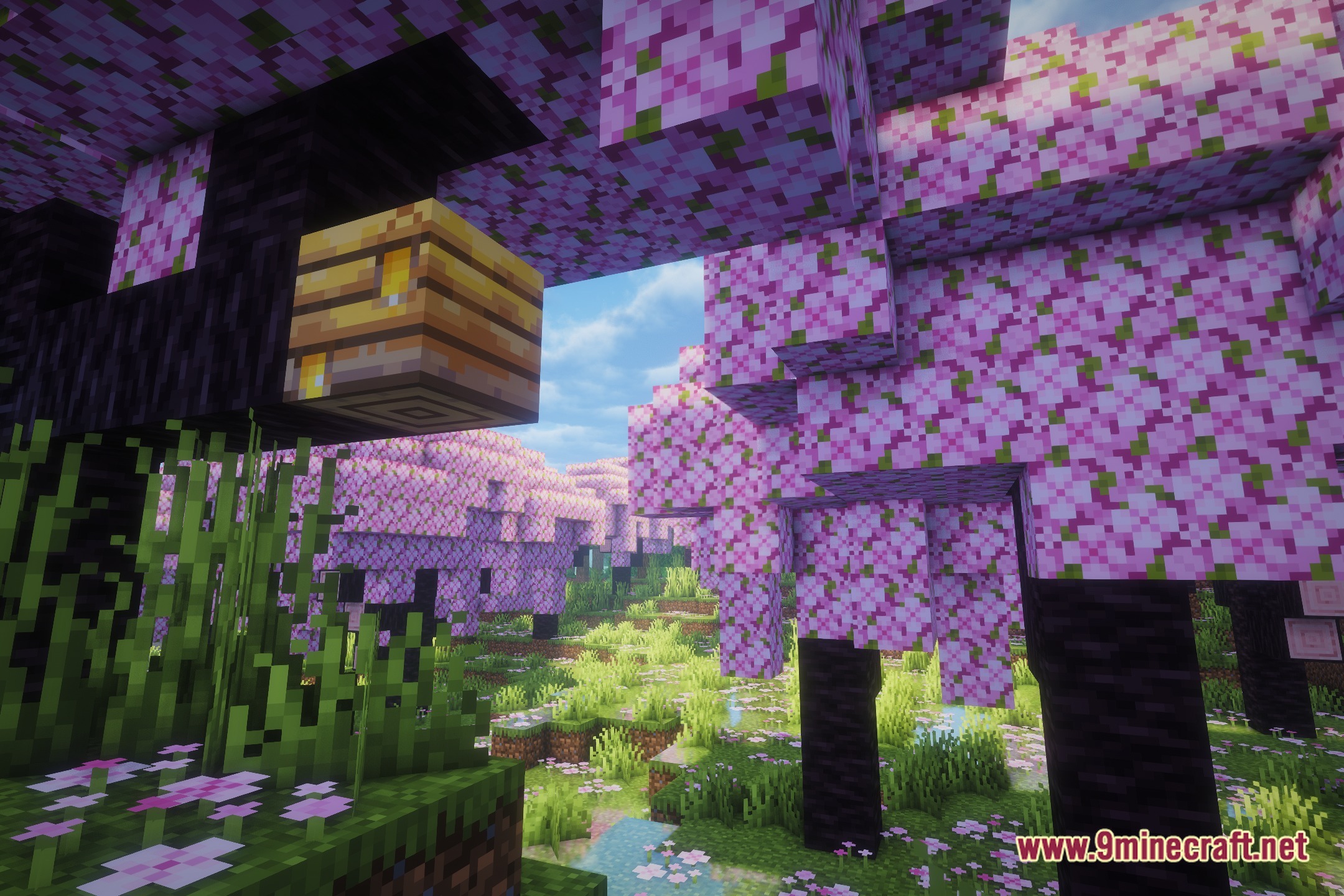
Yes, the shader works with most resource packs, though the matte terrain look is a core feature of this shader and will override glossy or reflective textures from packs.
My water looks murky or unclear. How do I fix this?
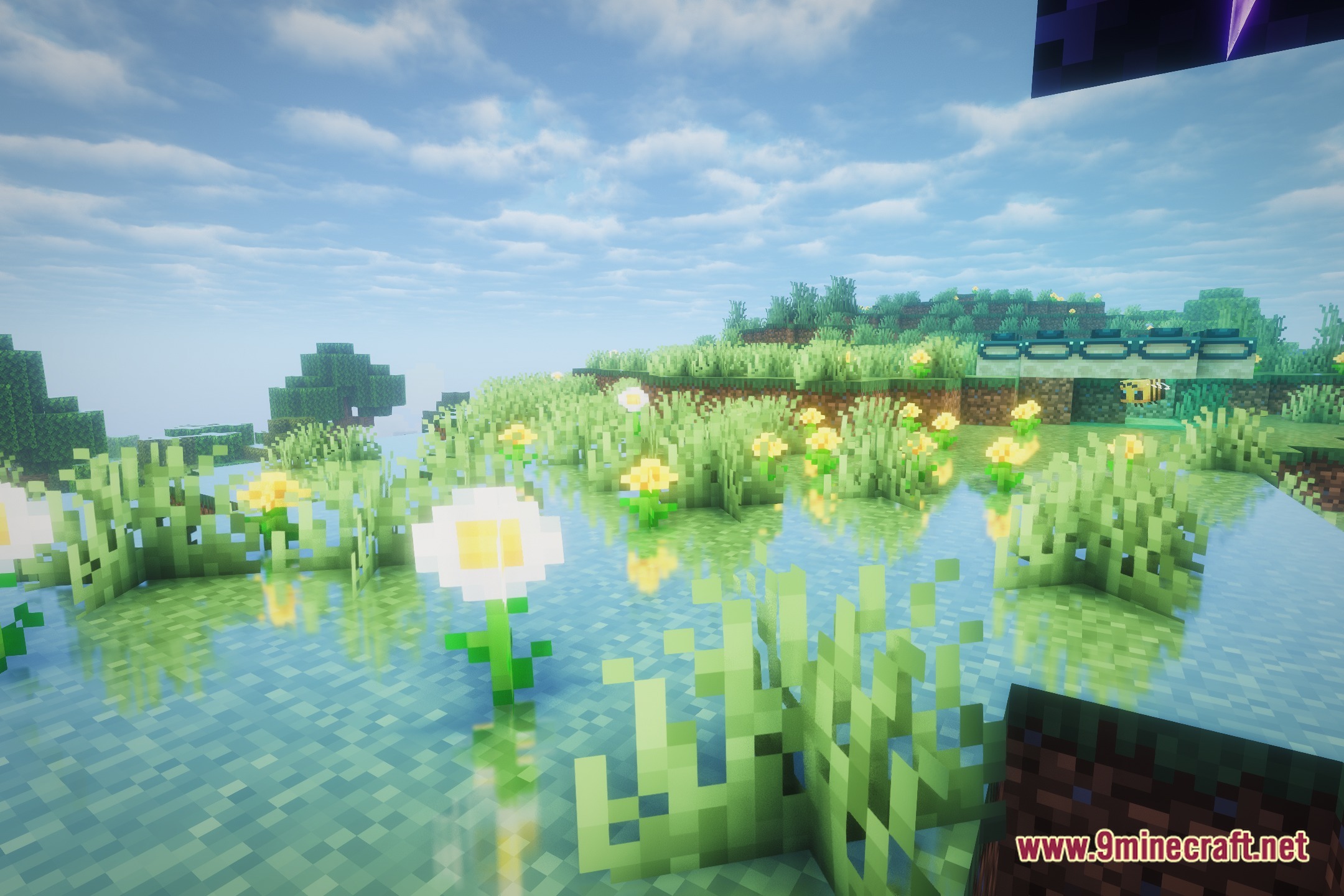
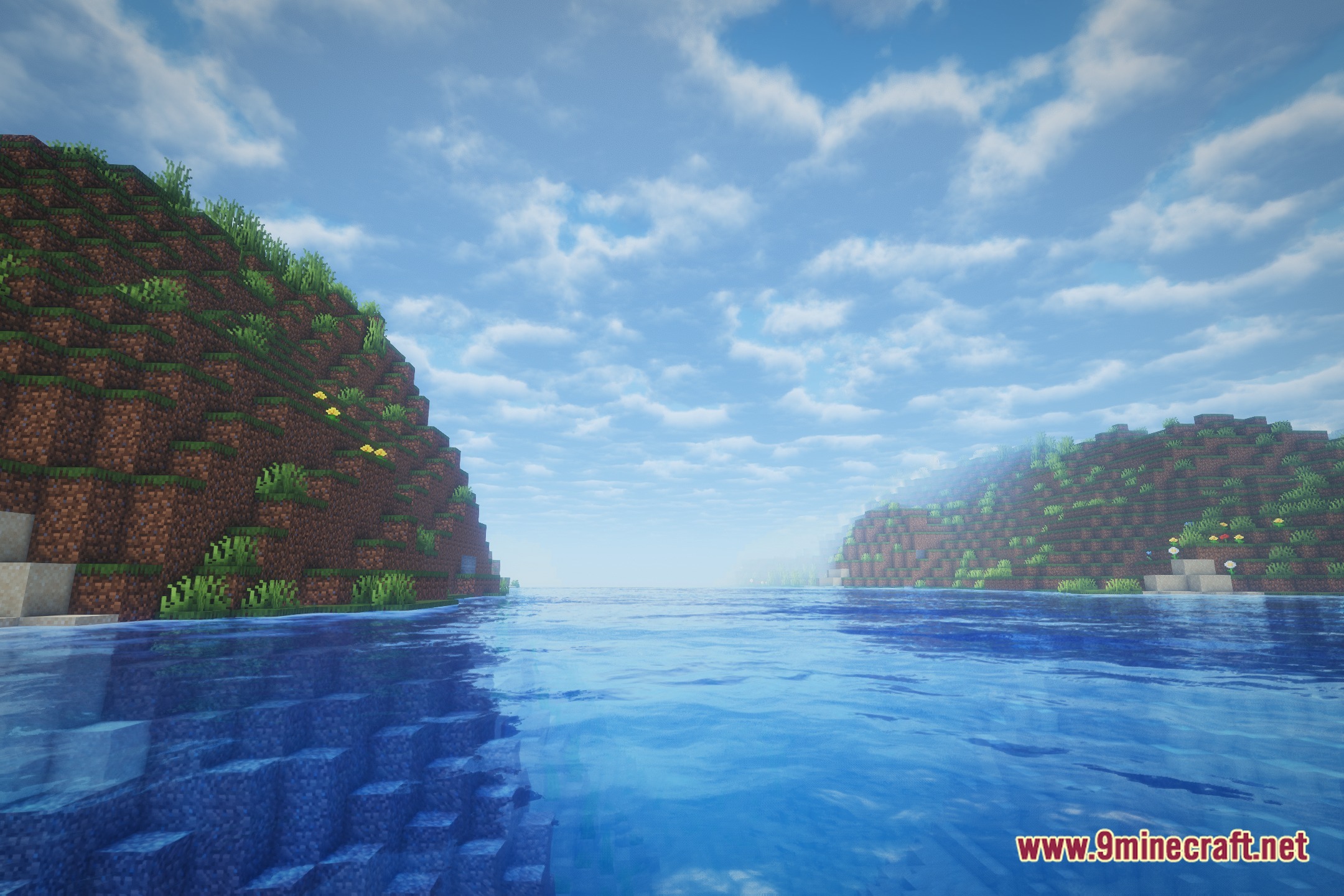
Check the shader's water clarity settings in the options menu—you can adjust depth perception and transparency to make water clearer or more opaque depending on your preference.
See all 10 Veyluma NovaMist Shaders questions ›
Gallery
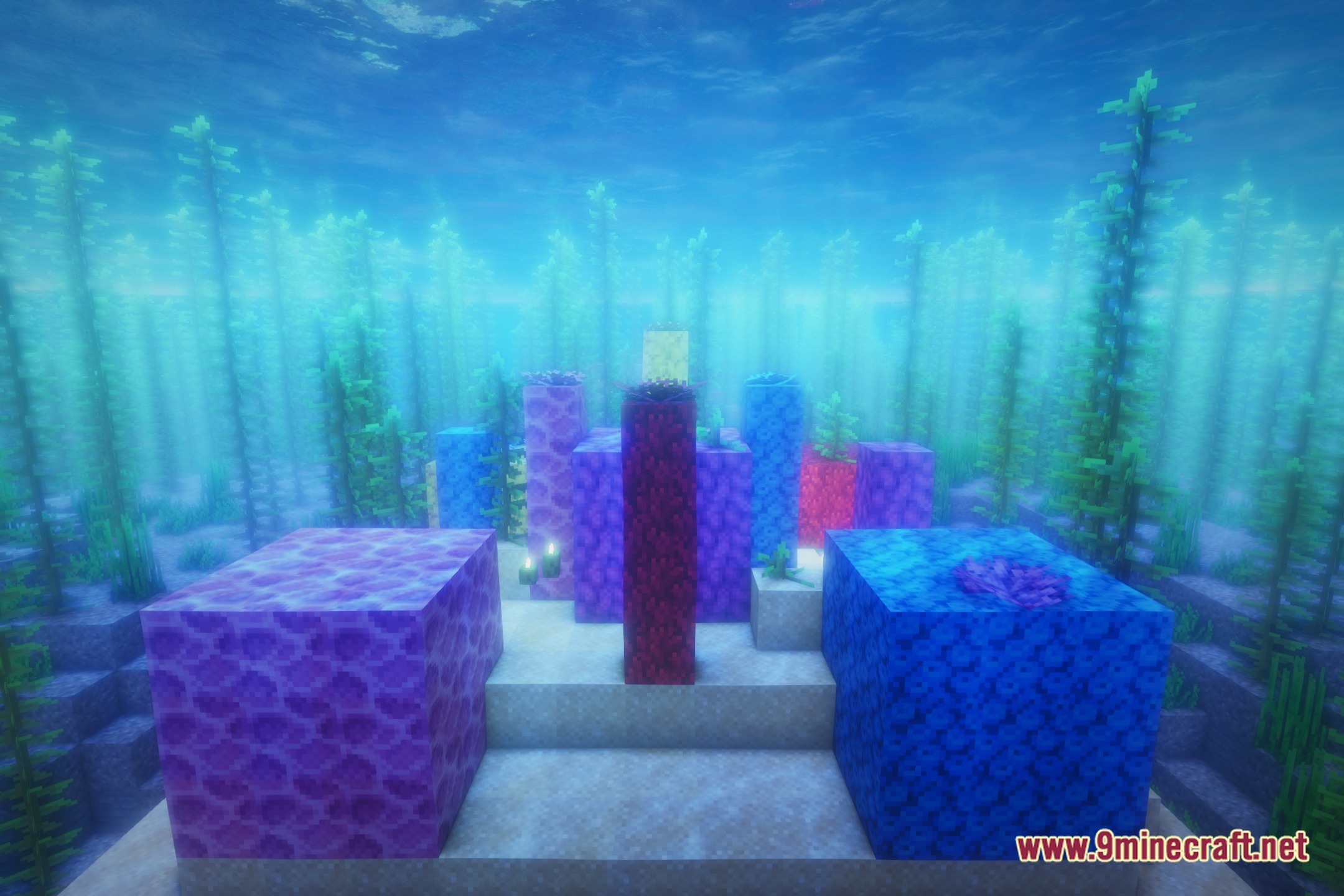
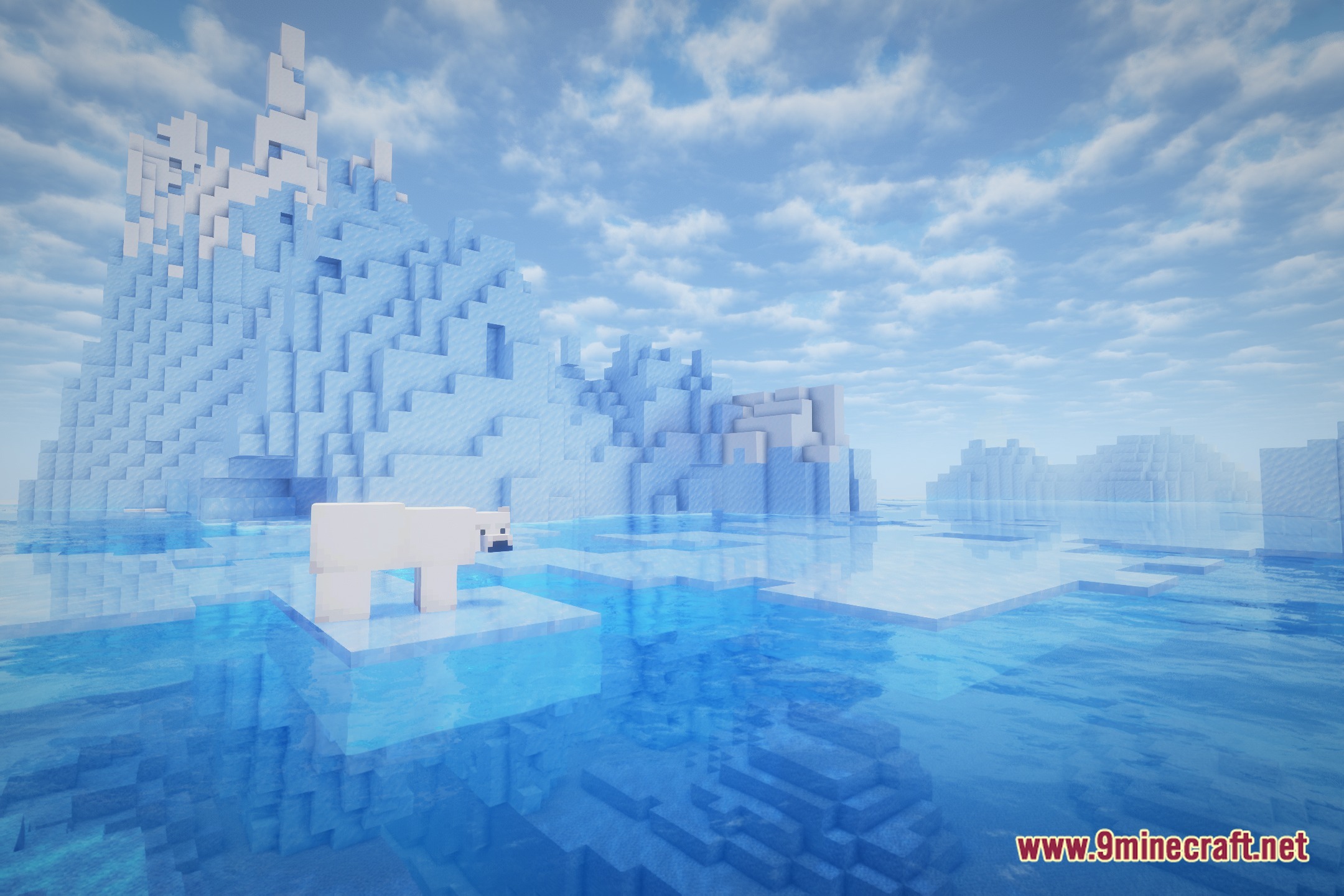
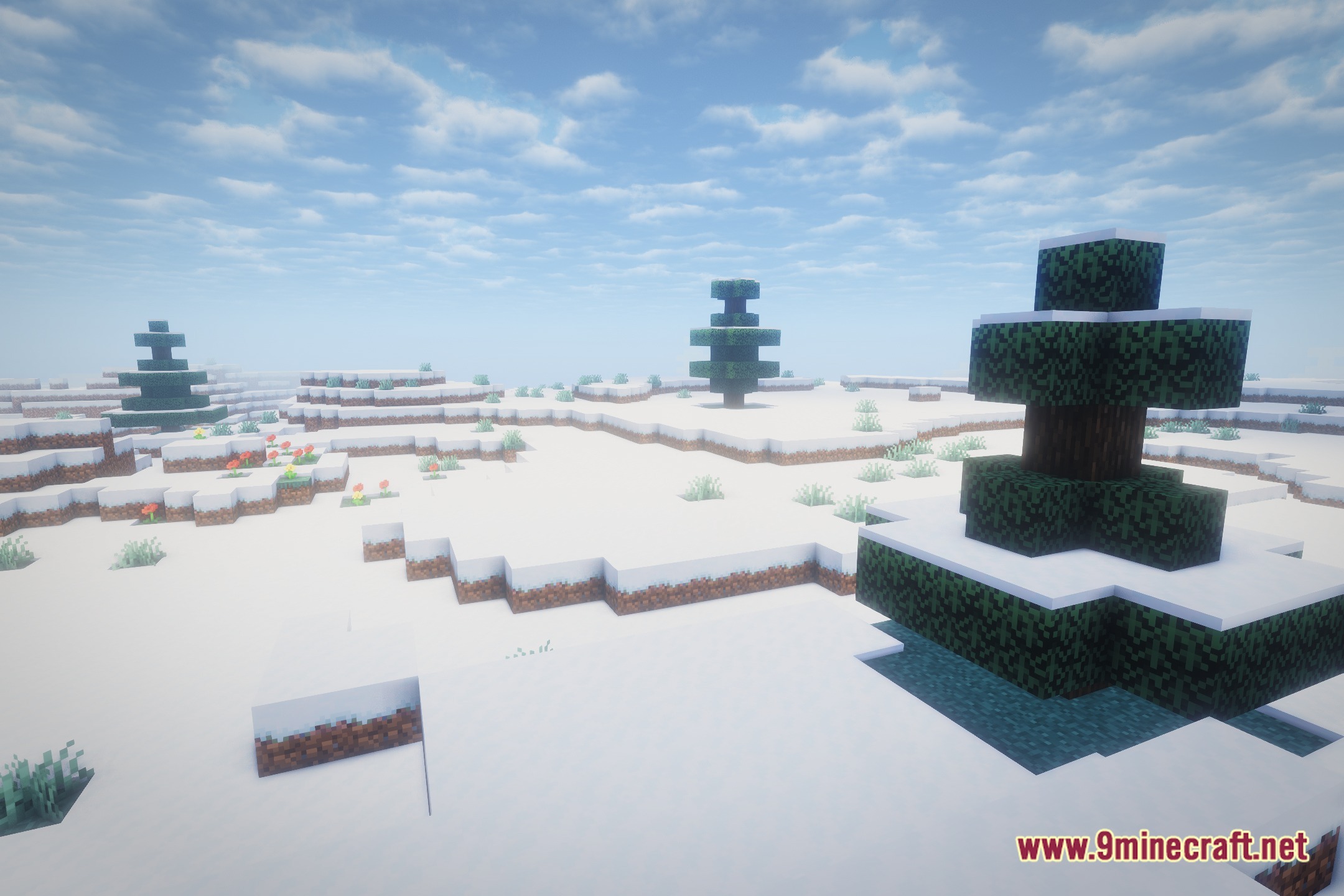
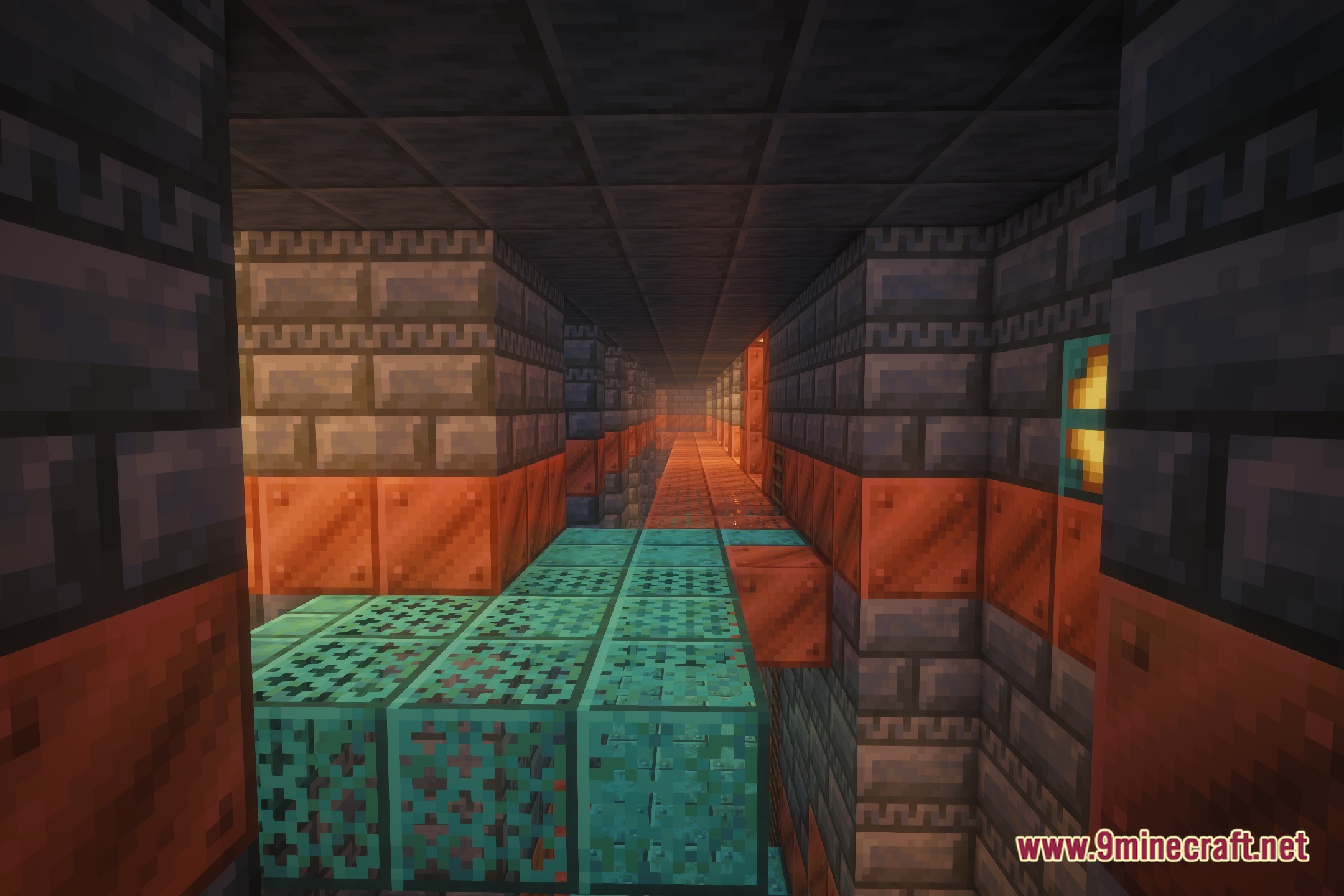
12 images from the Veyluma Novamist Shaders page.
You May Also Like
Wikis that share the most with this one
Wikis on the same theme: light
More shader wikis on the site
 Velyra Grayscale Shaders
The most downloaded mods that have a wiki here