

 DownloadVHS X BSL Shaders
Get the files on 9Minecraft
Guides
Step-by-step, in-game.
Adjust VHS Grain and Noise IntensityAccess Shader Settings Open the shader options menu by pressing the designated key (usually Right Shift + R or…Enhance the Found-Footage Horror AtmosphereLayer Multiple Visual Effects VHS X BSL combines several effects to create authentic found-footage horror. The shader…Fix Chromatic Aberration if It's Too DistractingLocate Chromatic Aberration Settings Open your shader options menu and search for Chromatic Aberration or Color Shift…Optimize Performance While Keeping VHS EffectsIdentify Performance-Heavy Effects VHS X BSL adds multiple visual layers: grain, scanlines, chromatic aberration, and…
Frequently asked questions
How do I turn on VHS X BSL Shaders after installing it?
Open your Shader Options menu in-game, navigate to the shader pack selection screen, and choose VHS X BSL Shaders from your available packs. The effects will apply immediately to your world.
Can I reduce the scanlines if they're too intense?
Yes, open the shader settings menu (usually by pressing a key in-game or through Options) and look for scanline intensity or screen effect options where you can lower the horizontal line visibility.
Why does my game feel laggy with this shader pack?
VHS X BSL Shaders includes several visual effects that demand GPU resources; try lowering shadow distance, disabling chromatic aberration, or reducing the grain intensity in the shader settings to improve performance.
Does VHS X BSL Shaders work with Optifine?
Yes, this shader pack is designed to work with Optifine, which is the most common way to run shaders in Minecraft.
See all 10 VHS X BSL Shaders questions ›
Gallery
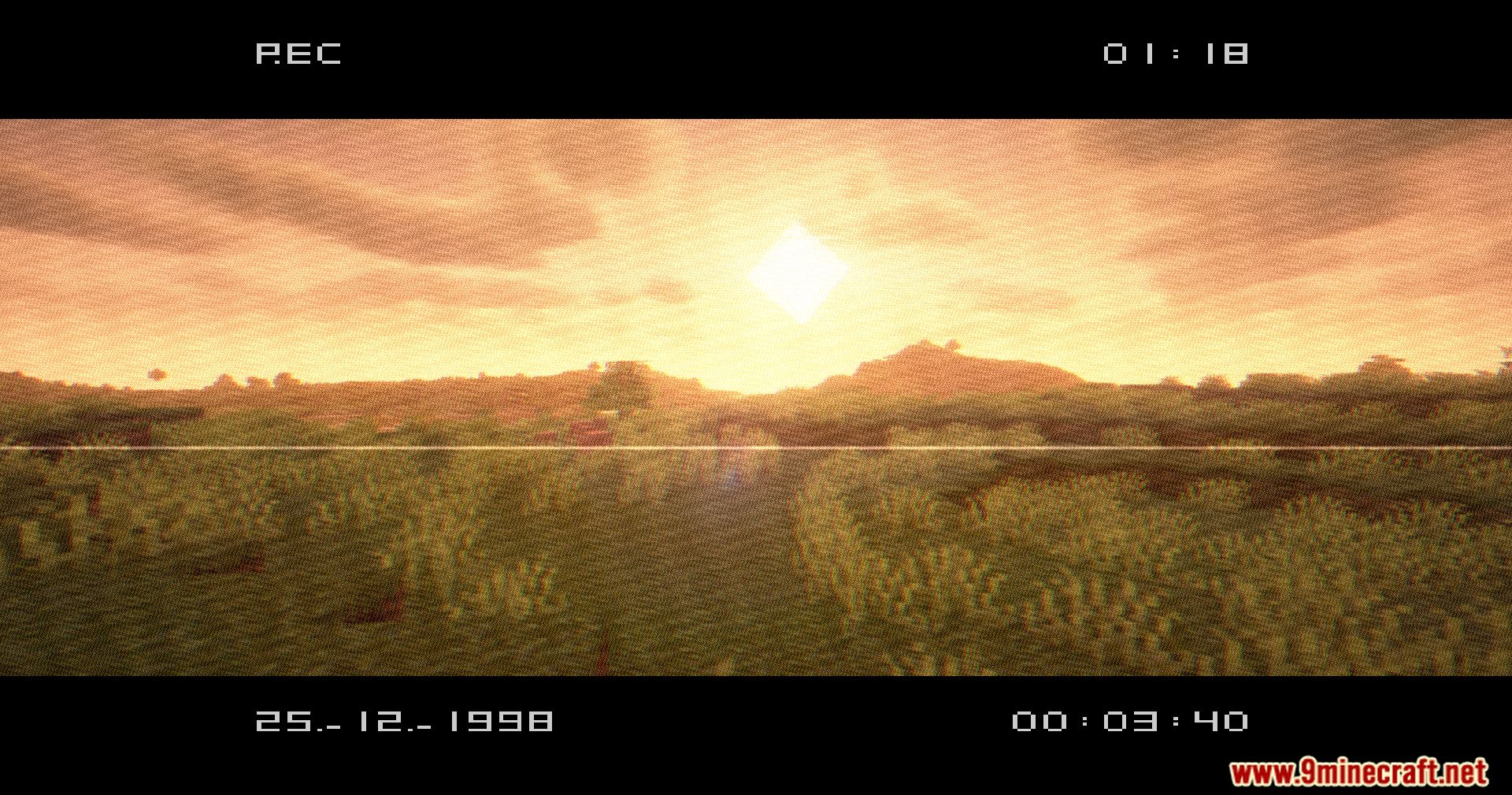
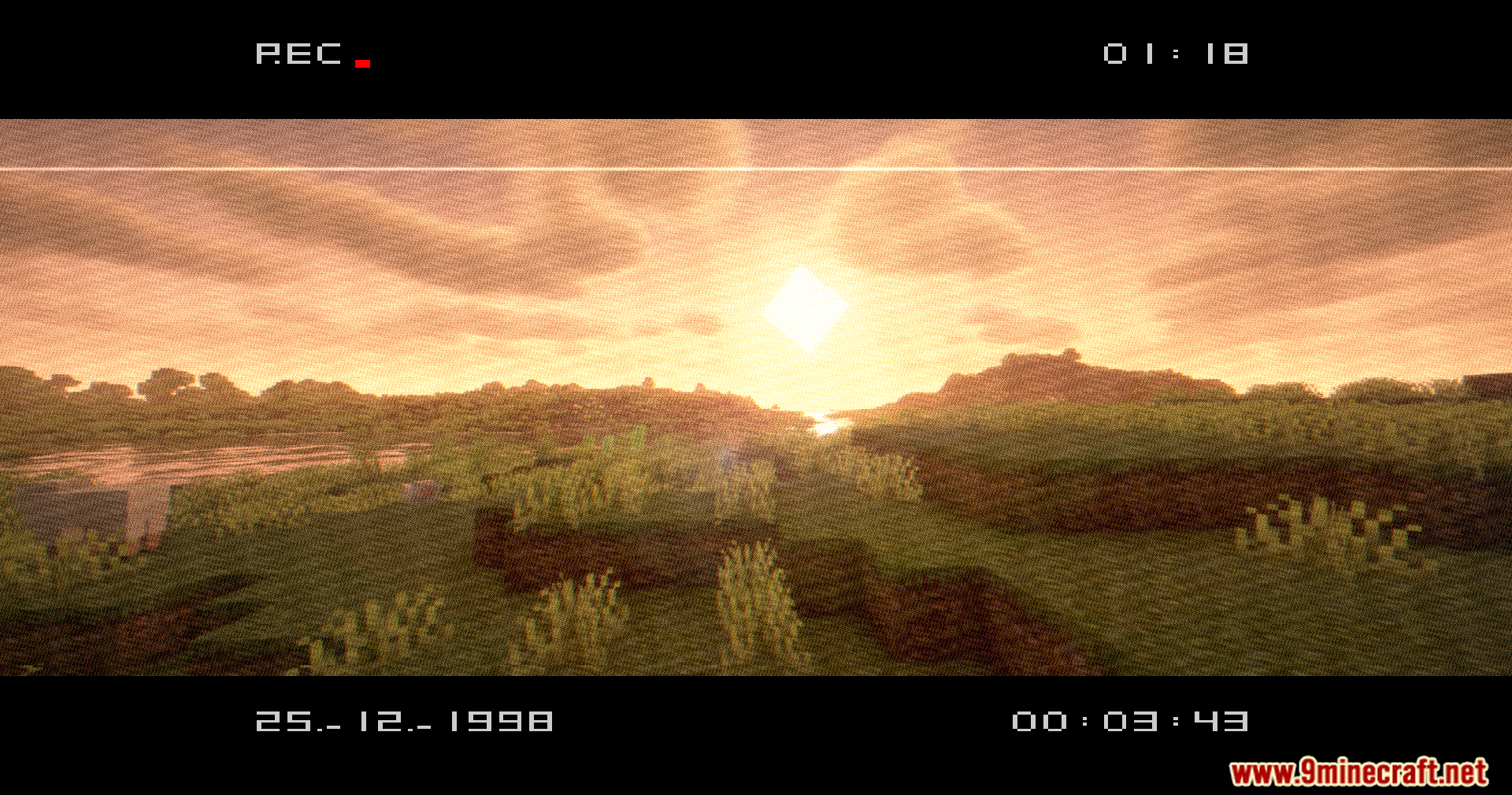
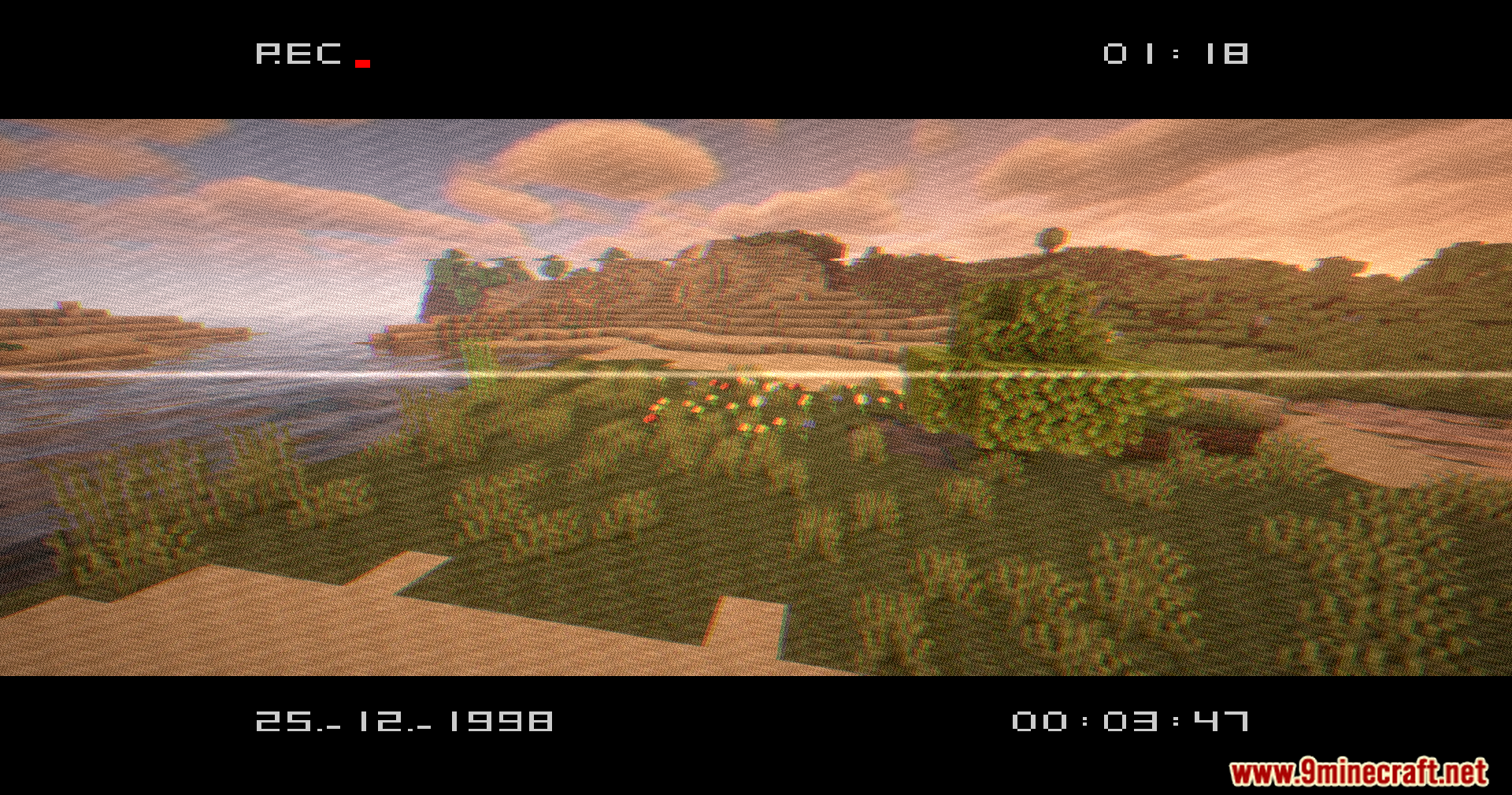
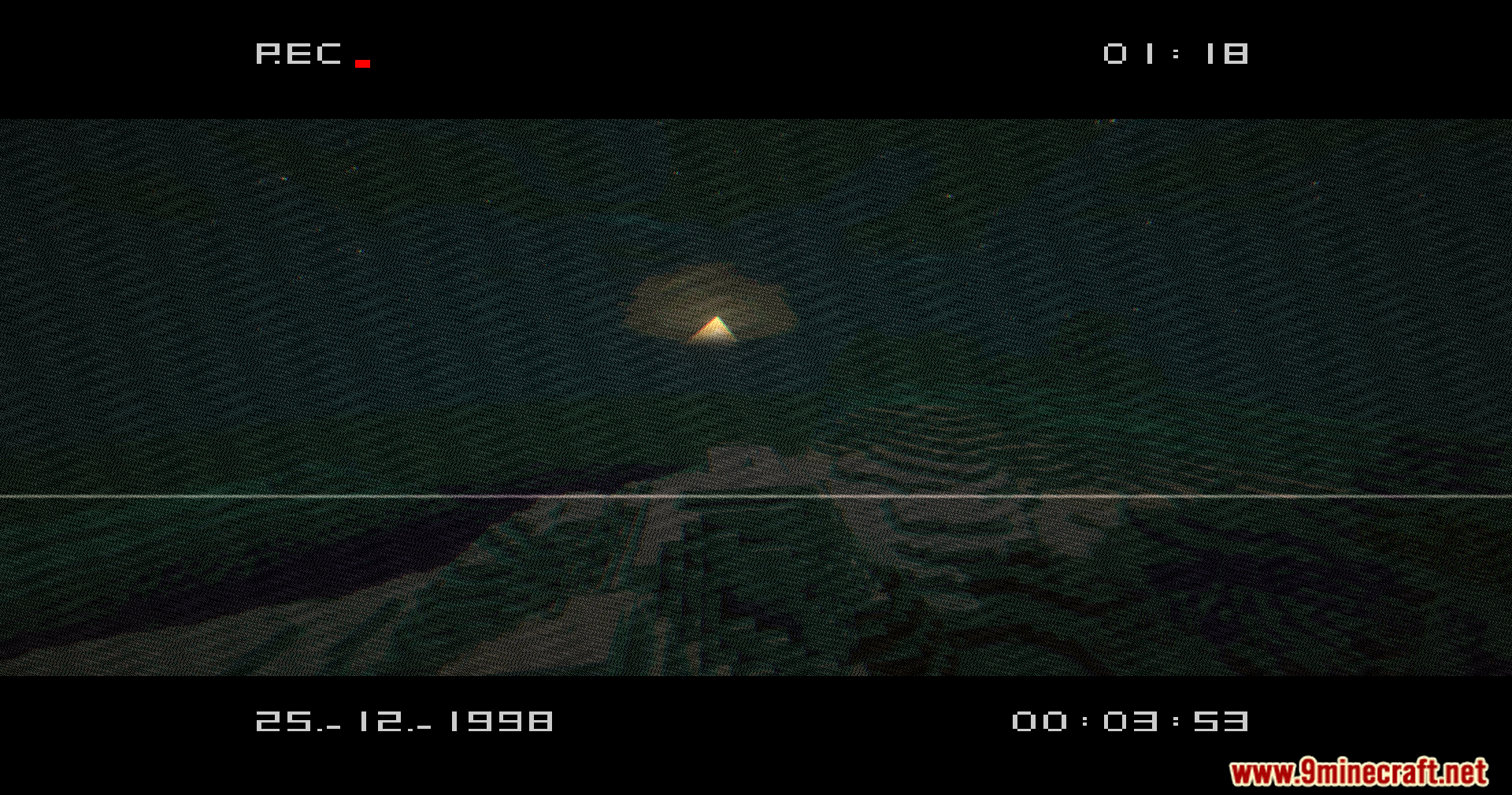
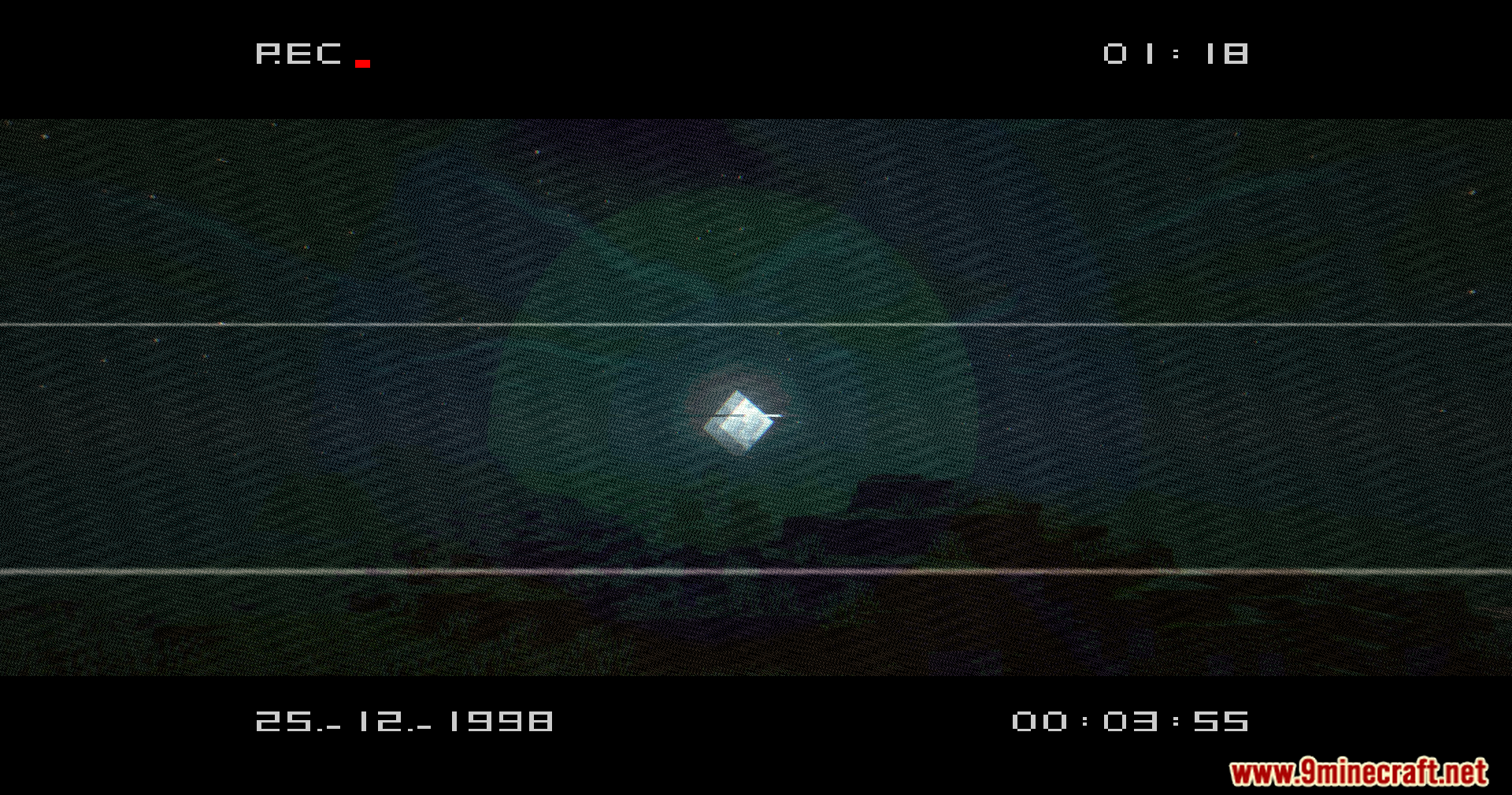
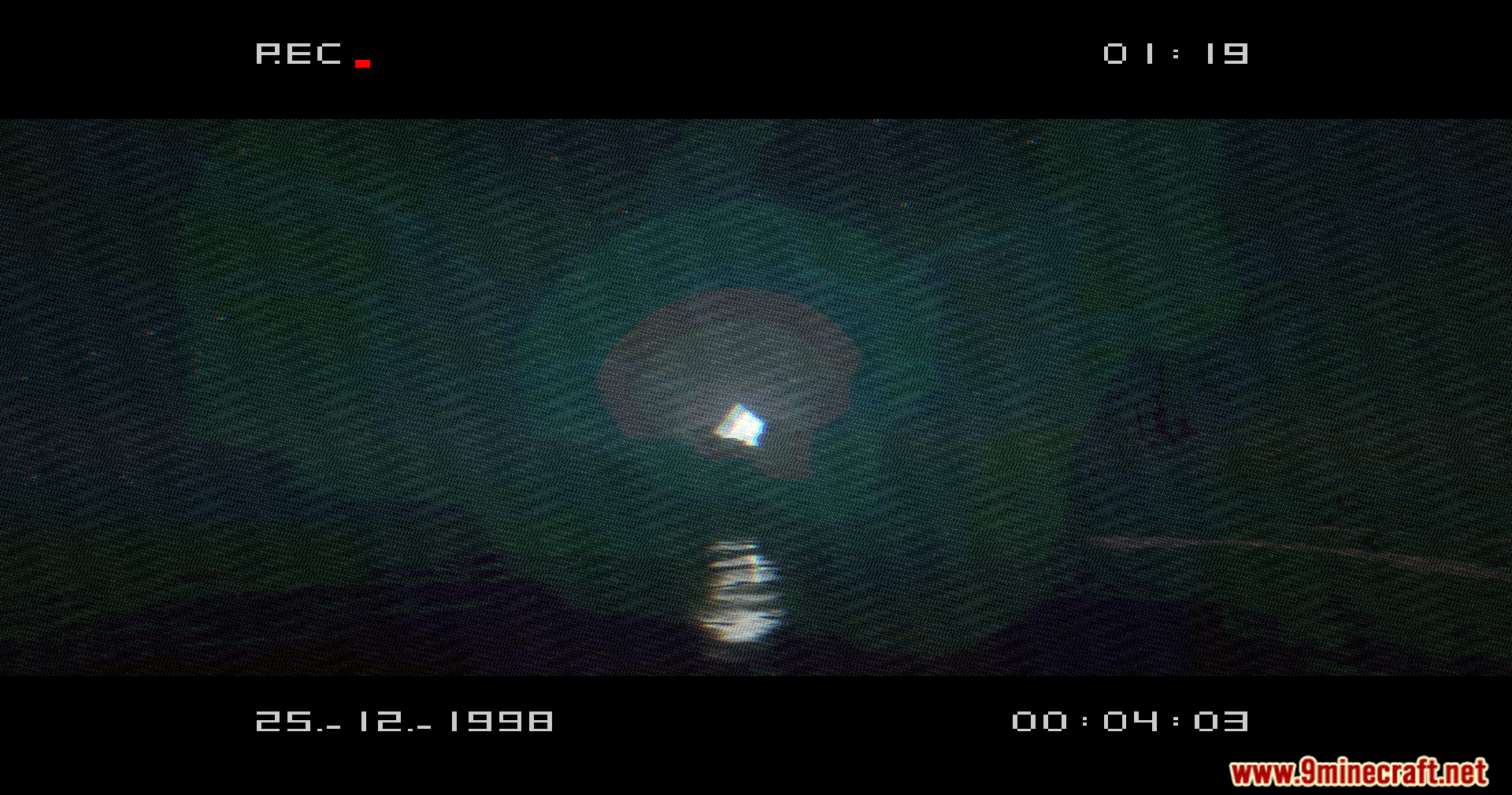
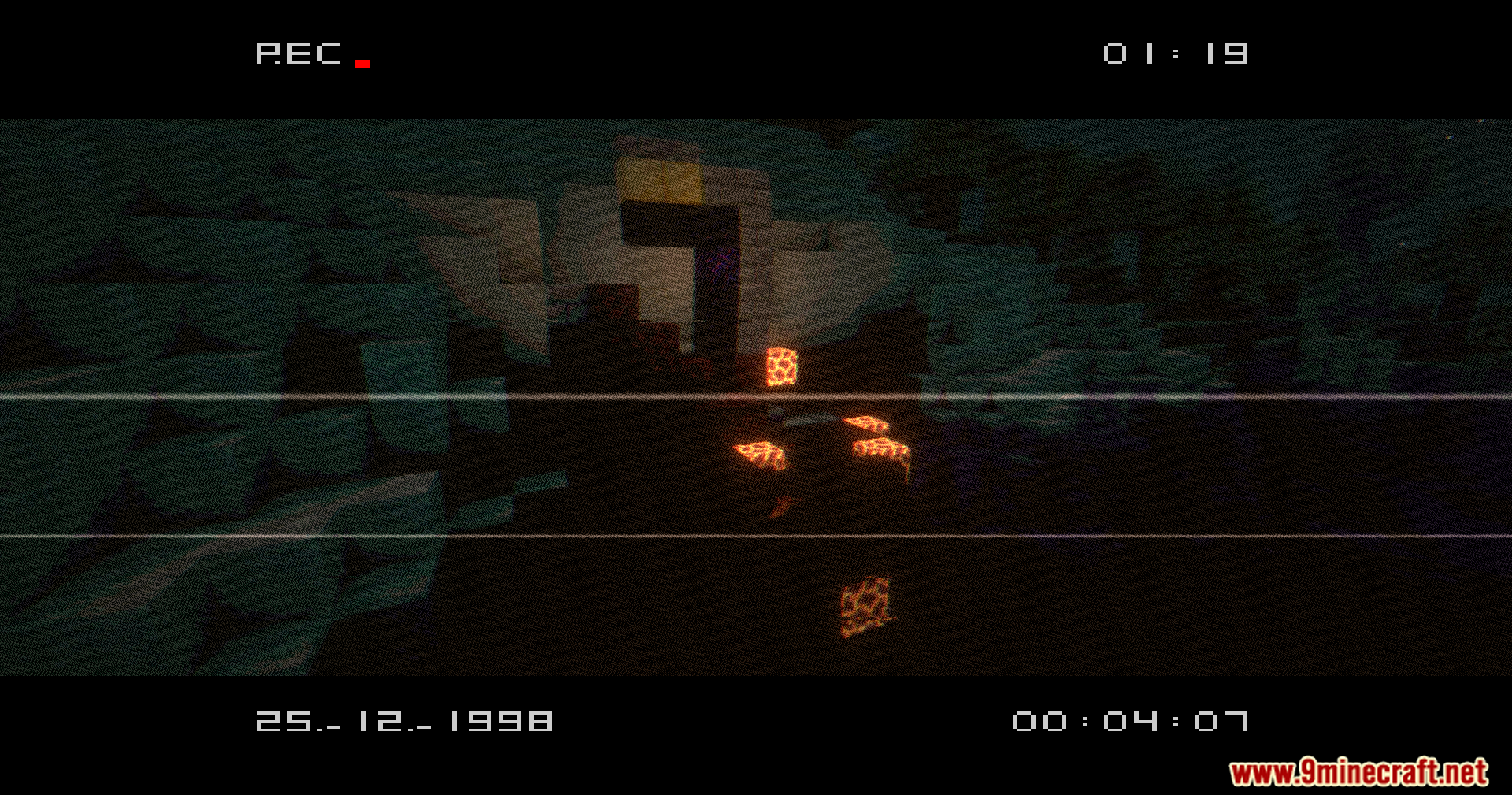
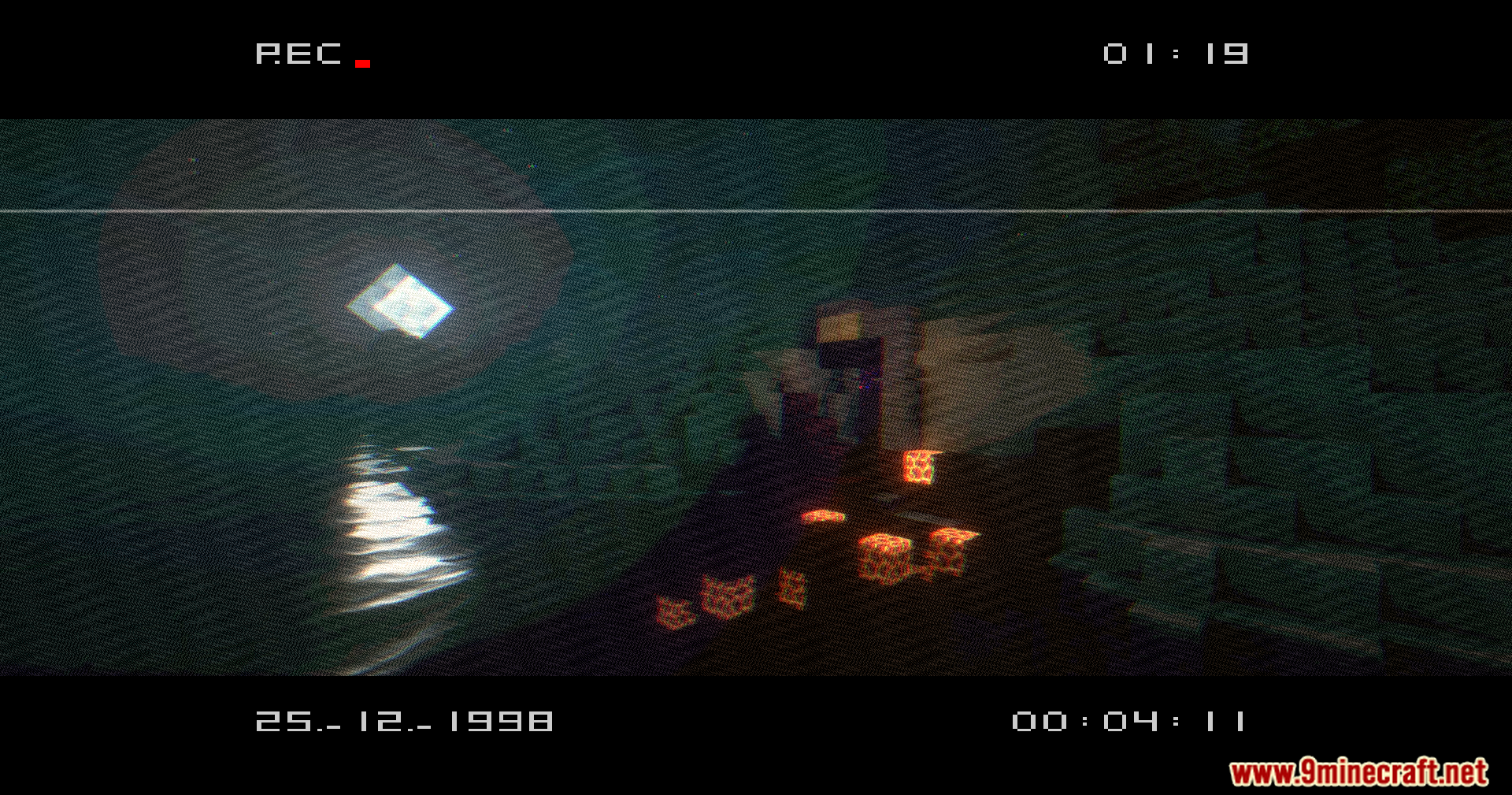
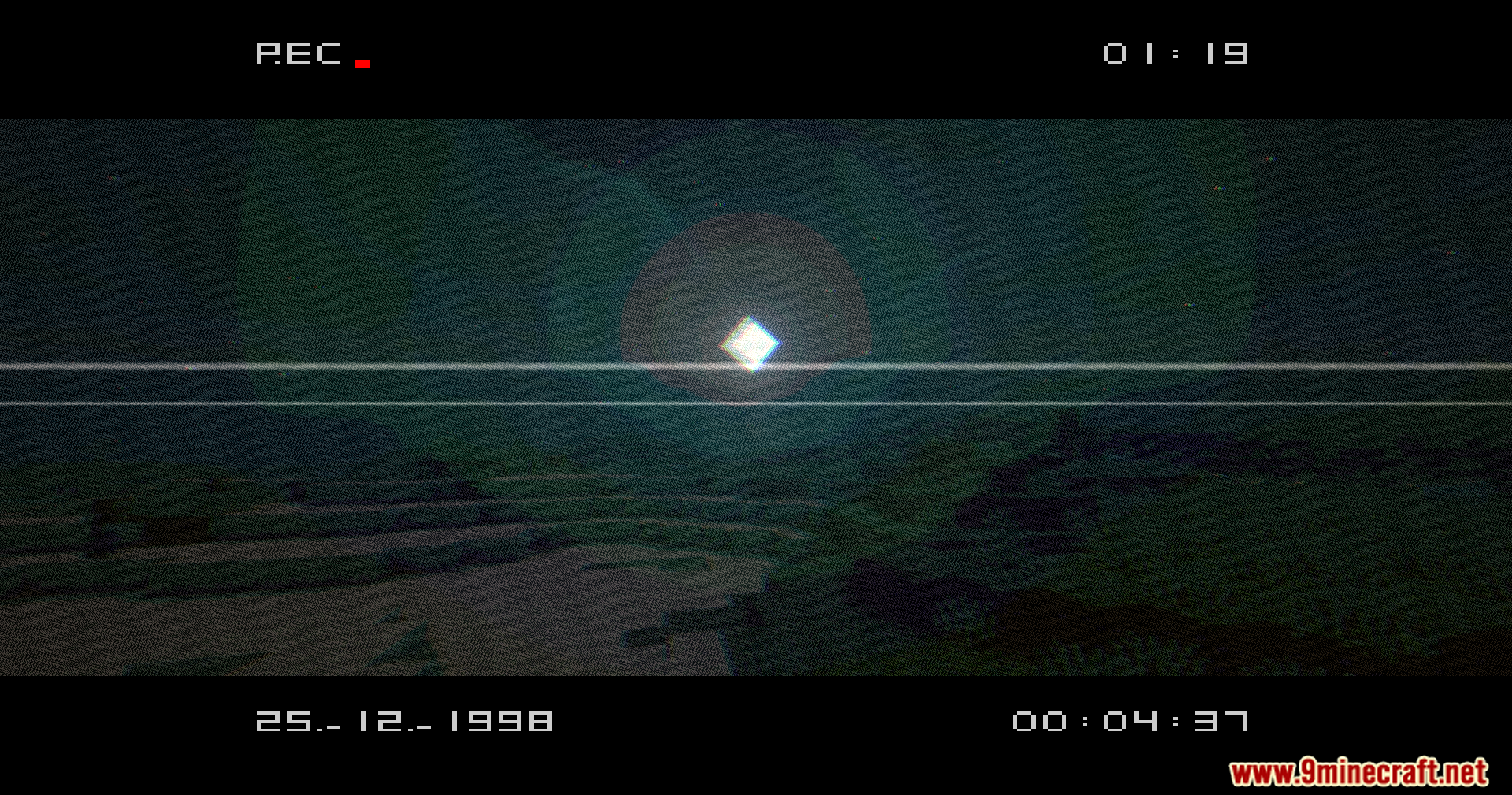
11 images from the Vhs X Bsl Shaders page.
You May Also Like
Wikis that share the most with this one
More shader wikis on the site
 Velyra Grayscale Shaders
The most downloaded mods that have a wiki here