

 DownloadUltra Realistic PBR Pack Shaders
Get the files on 9Minecraft
Guides
Step-by-step, in-game.
Adjust PBR Surface Reflections for Different Block TypesUnderstanding PBR Material Properties The physically-based rendering system in this shader pack calculates how light…Configure Sky and Dimension Lighting for Balanced VisibilityAccessing Lighting Controls The shader pack's filmic color grading system balances bright skies with dark caves. Open…Enhance Light Bounce and Indirect Lighting in Indoor SpacesUnderstanding Global Illumination Light bounce—also called indirect lighting—makes interior spaces more realistic by…Optimize Star and Sky Movement for Smooth AnimationUnderstanding Sky Animation Settings This shader pack features smooth star movement across the night sky instead of…
Frequently asked questions
How do I enable the shader pack after installing it?
Open Options > Video Settings > Shaders, then locate Ultra Realistic PBR Pack Shaders in your shaders folder and select it. The shaders will load on your next world load or when you press F3 + T to reload.
Why do some blocks look too shiny or reflective?
PBR surface reflections vary by block type—metals and smooth surfaces reflect more light than rough ones. If reflections feel too strong overall, check your shader settings for PBR intensity or surface roughness sliders and adjust them down.
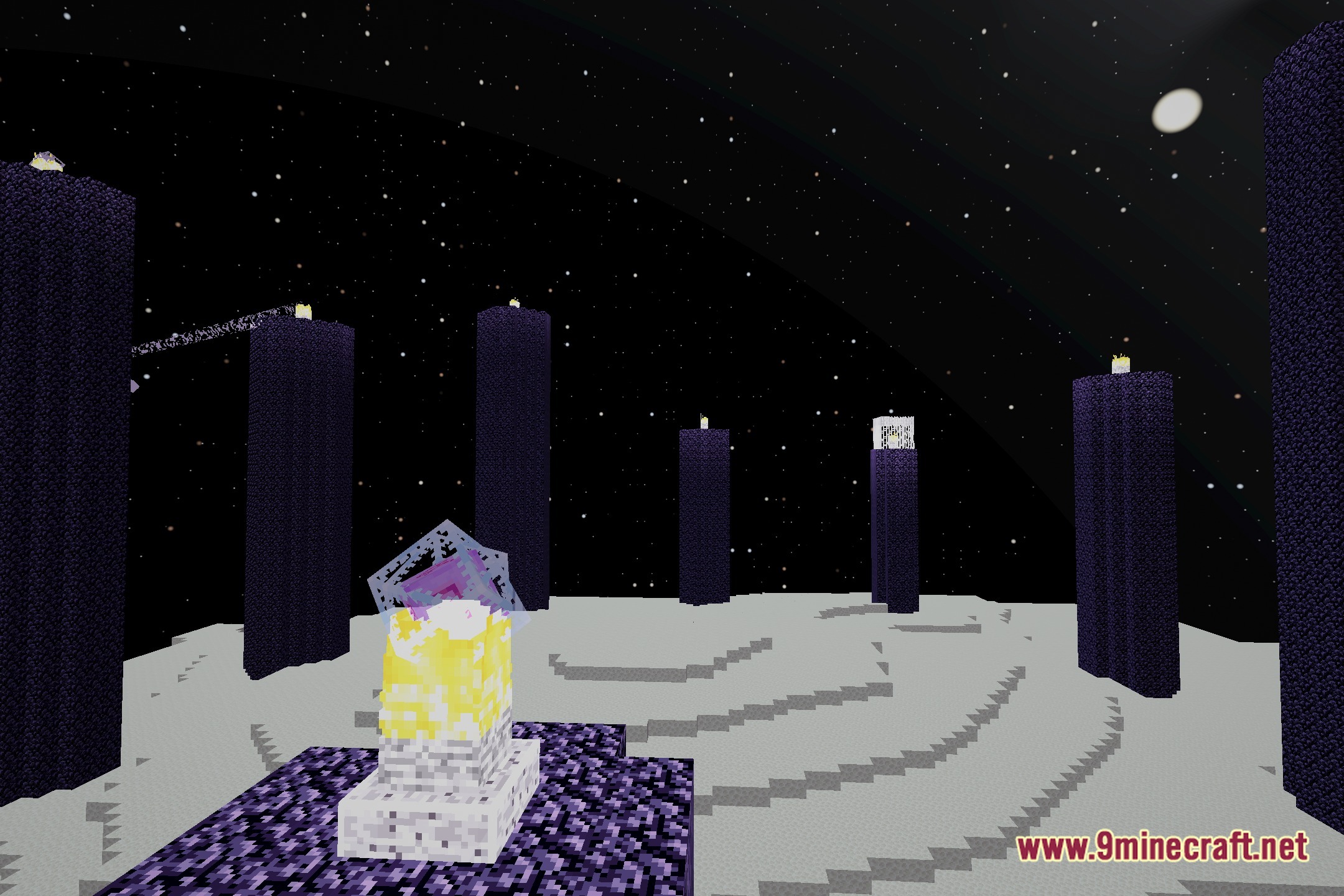
The End dimension sky looks wrong. Where's the Earth model?
The Earth model should appear as a rotating sphere in the End sky by default. If you don't see it, verify the shader is fully loaded, check that dimension-specific sky settings are enabled in the shader options, and ensure you're not in a modded dimension that overrides the sky.
My indoor spaces are too dark even with torches. How do I fix this?
Light bounce and indirect lighting may need adjustment—open the shader settings and look for options related to ambient light, light bounce strength, or indirect lighting radius, then increase these values to brighten enclosed spaces.
See all 10 Ultra Realistic PBR Pack Shaders questions ›
Gallery
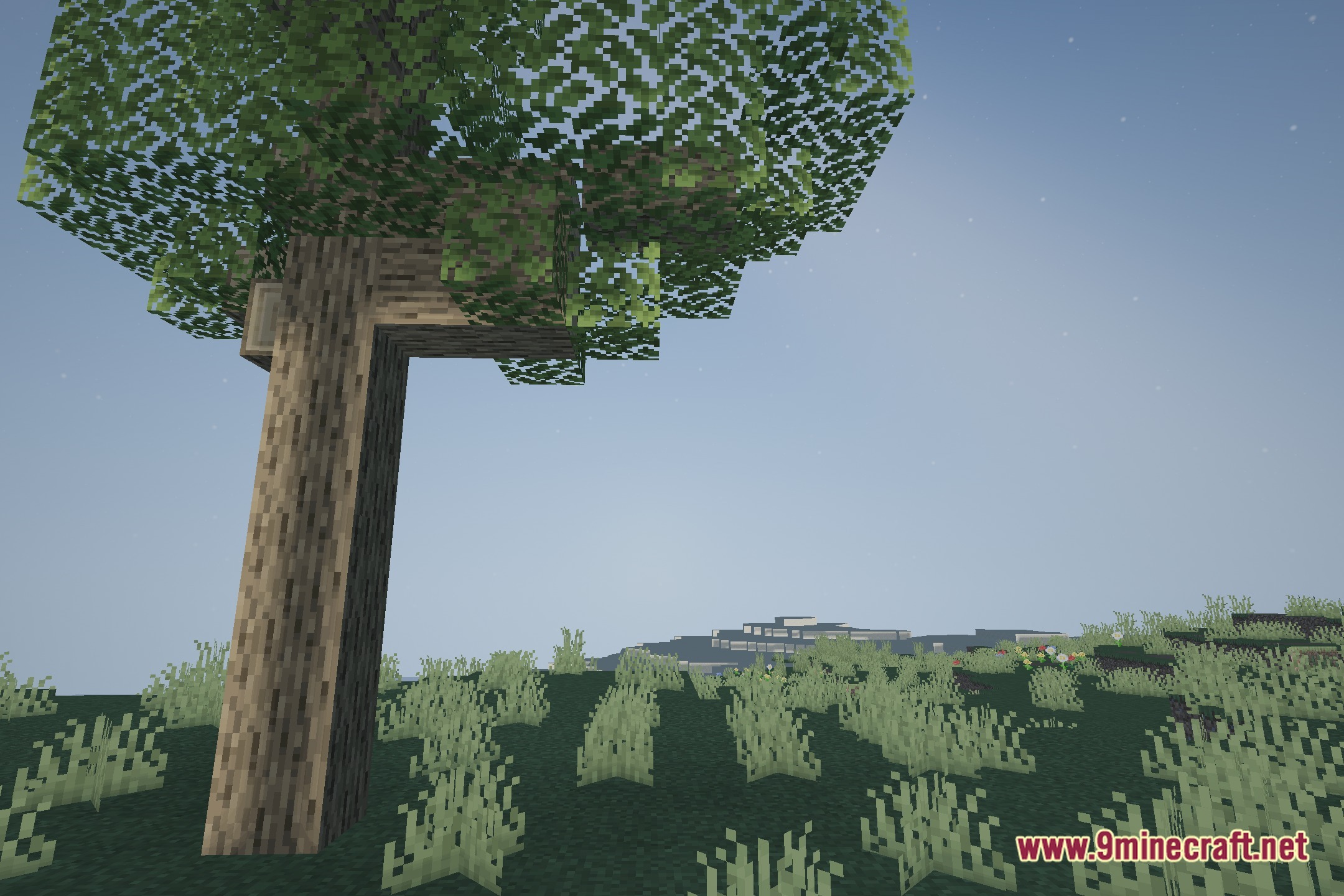
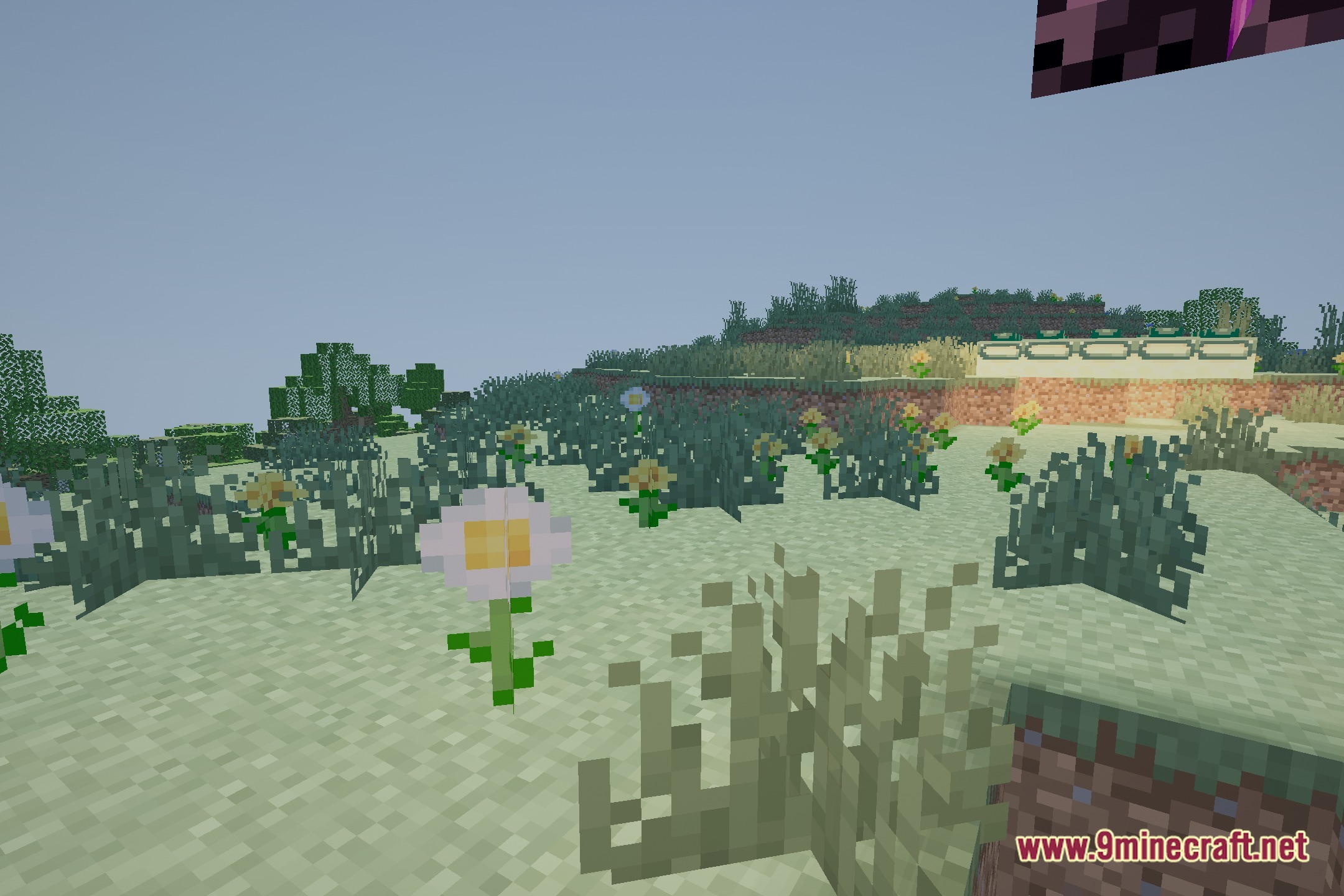
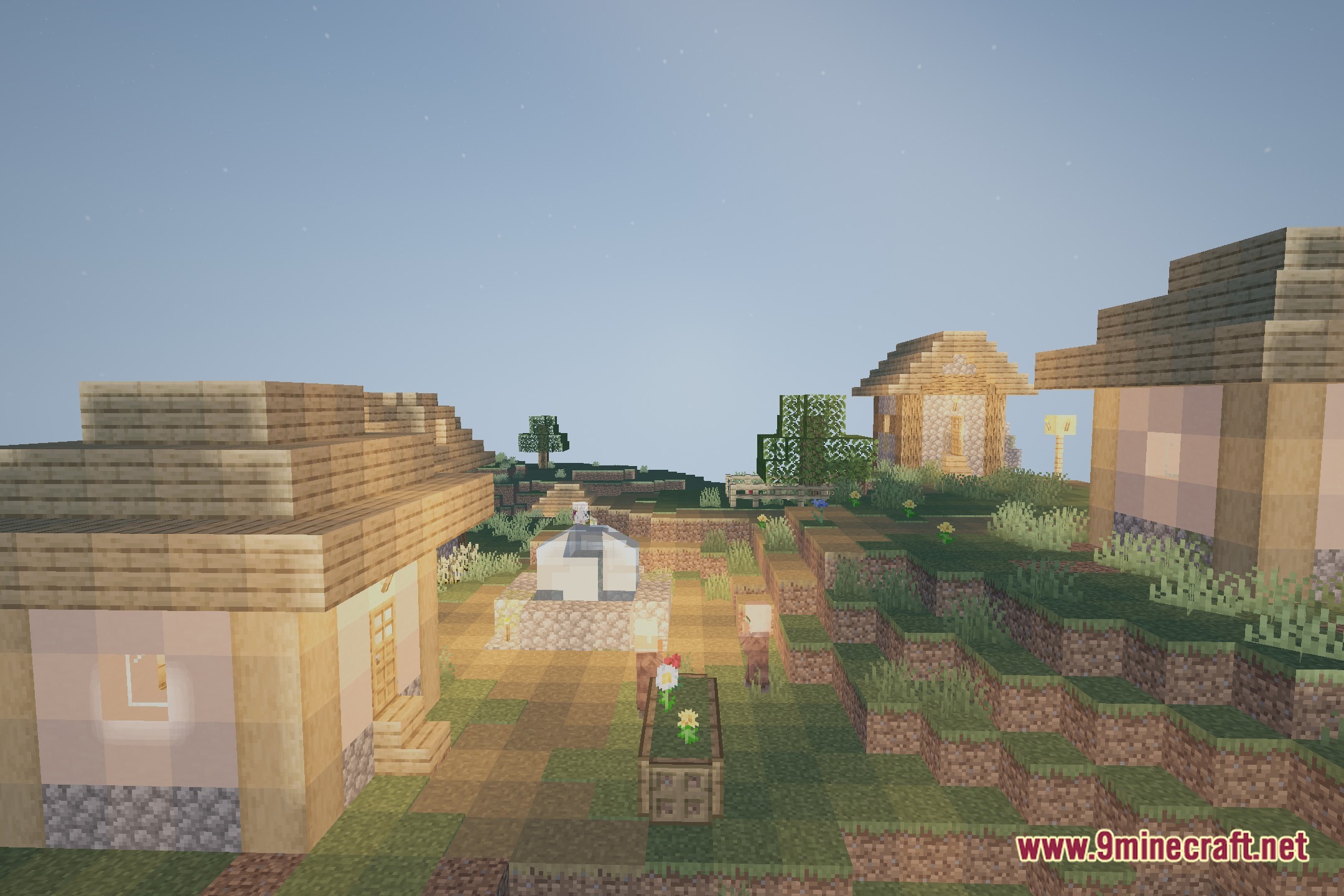
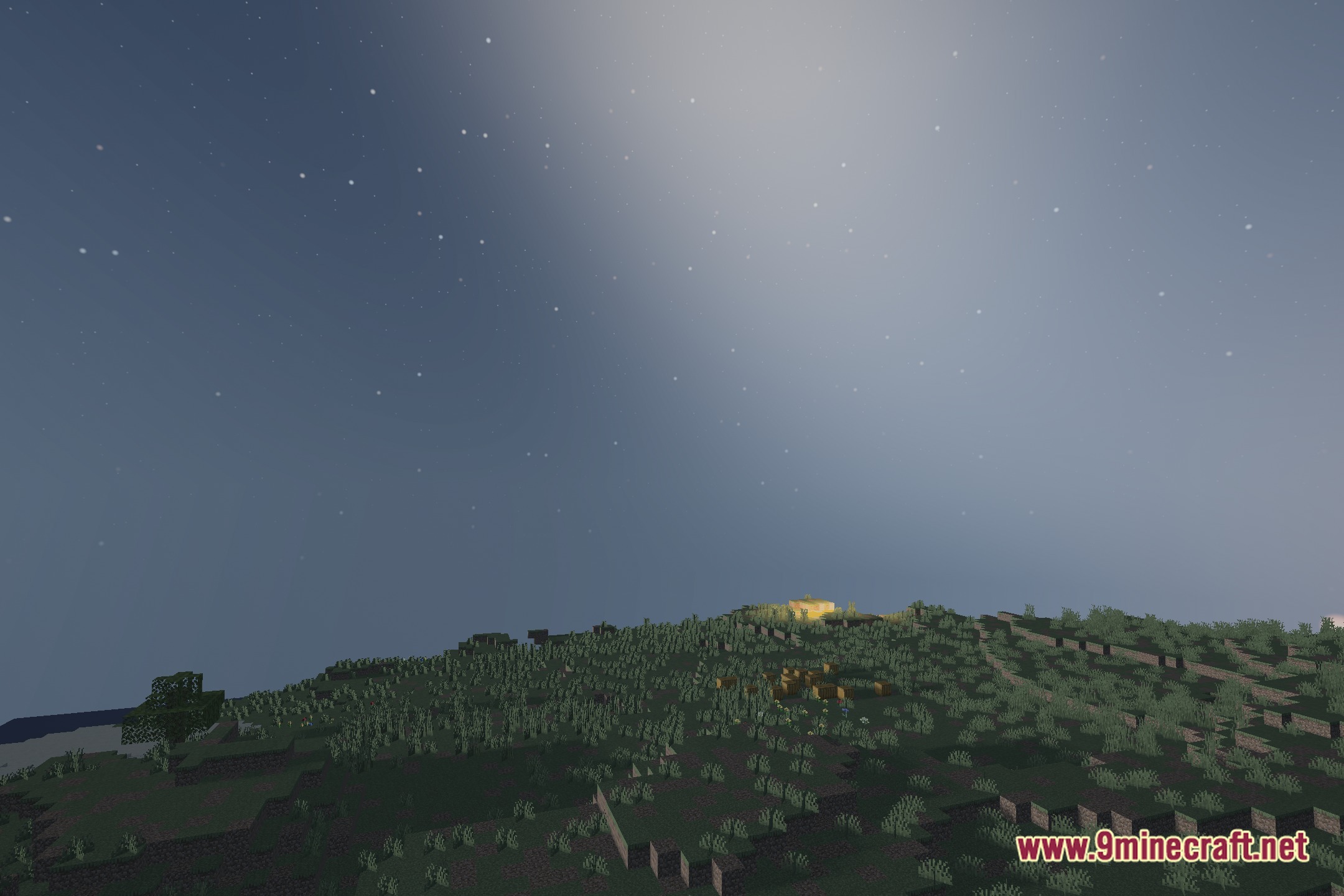
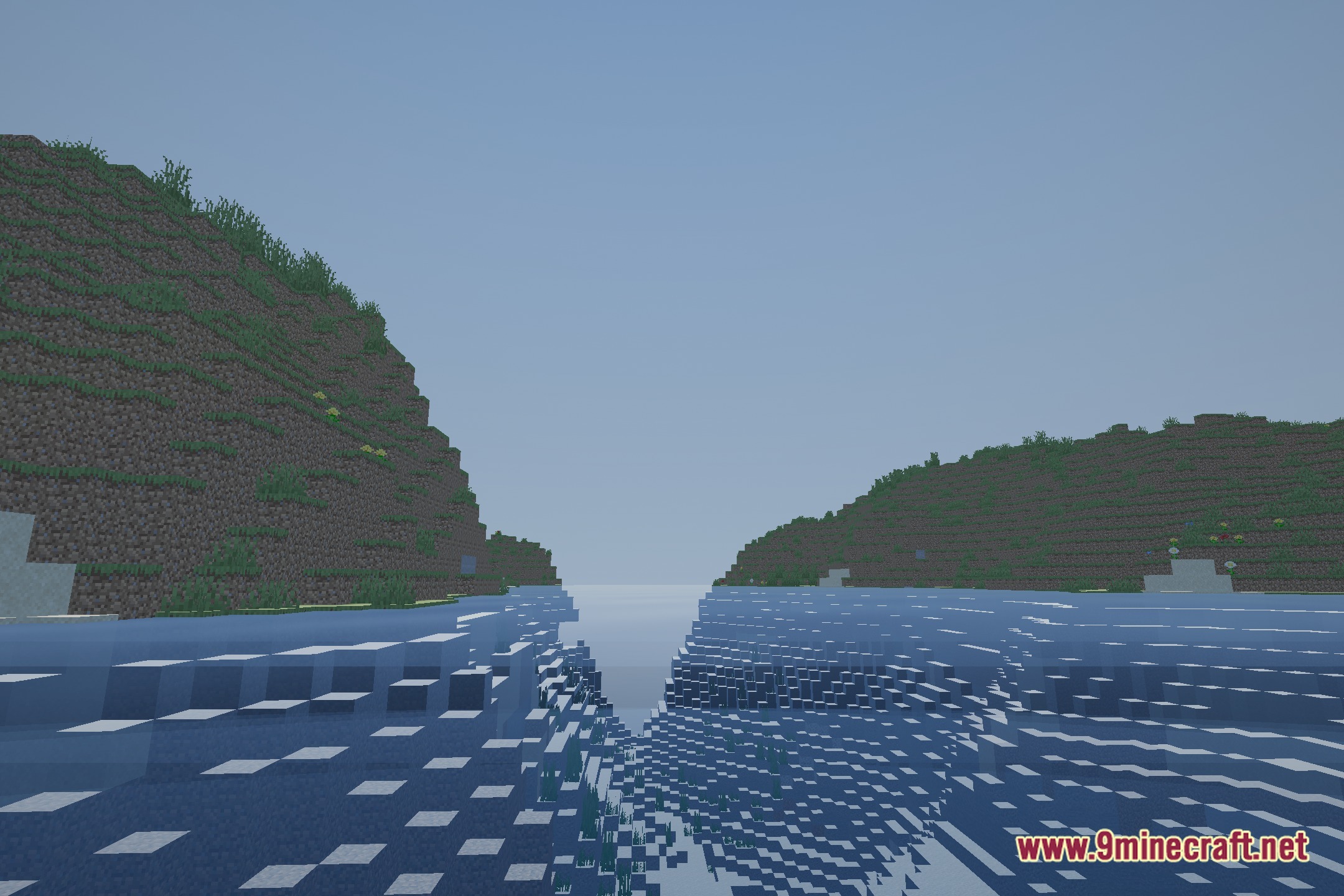
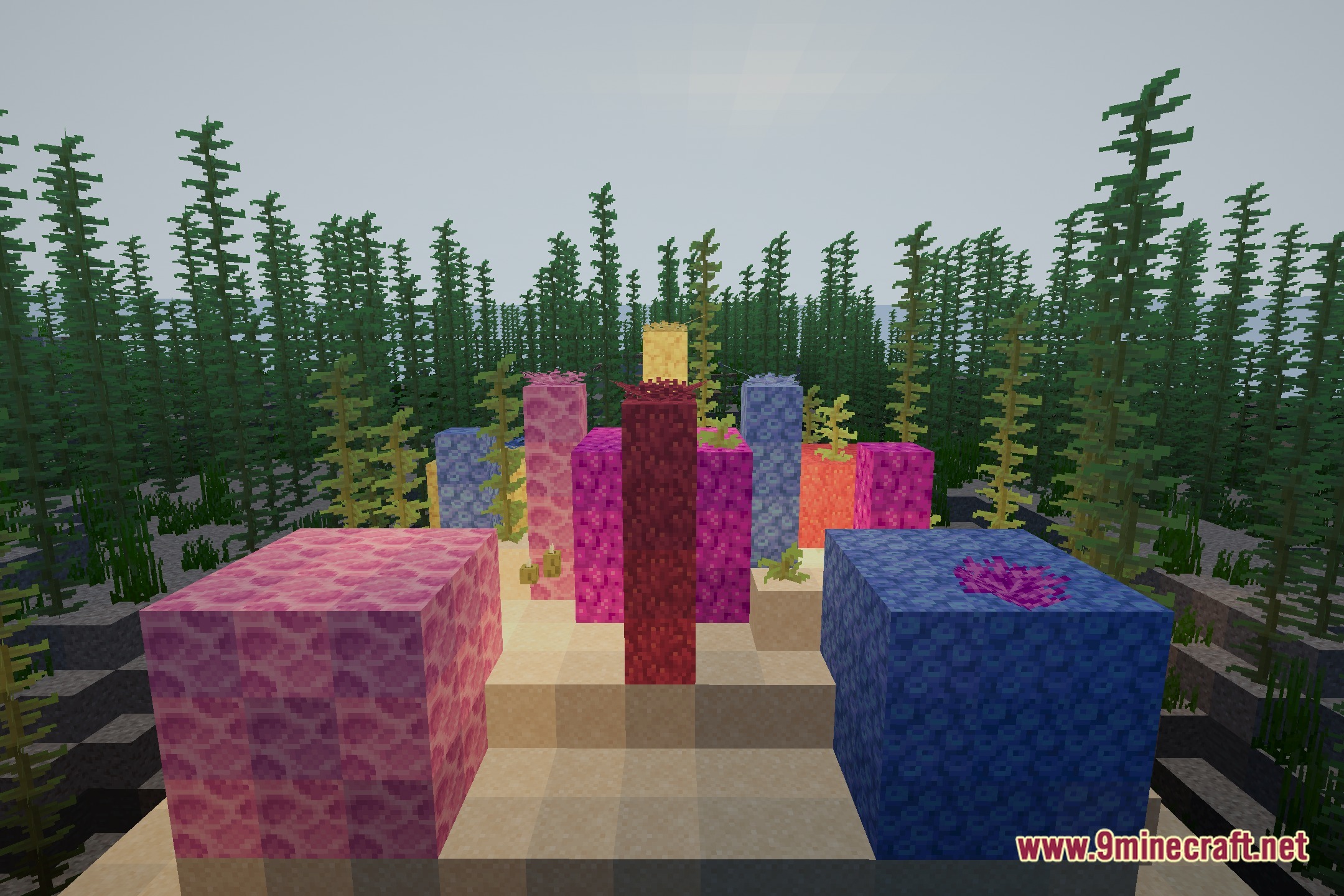
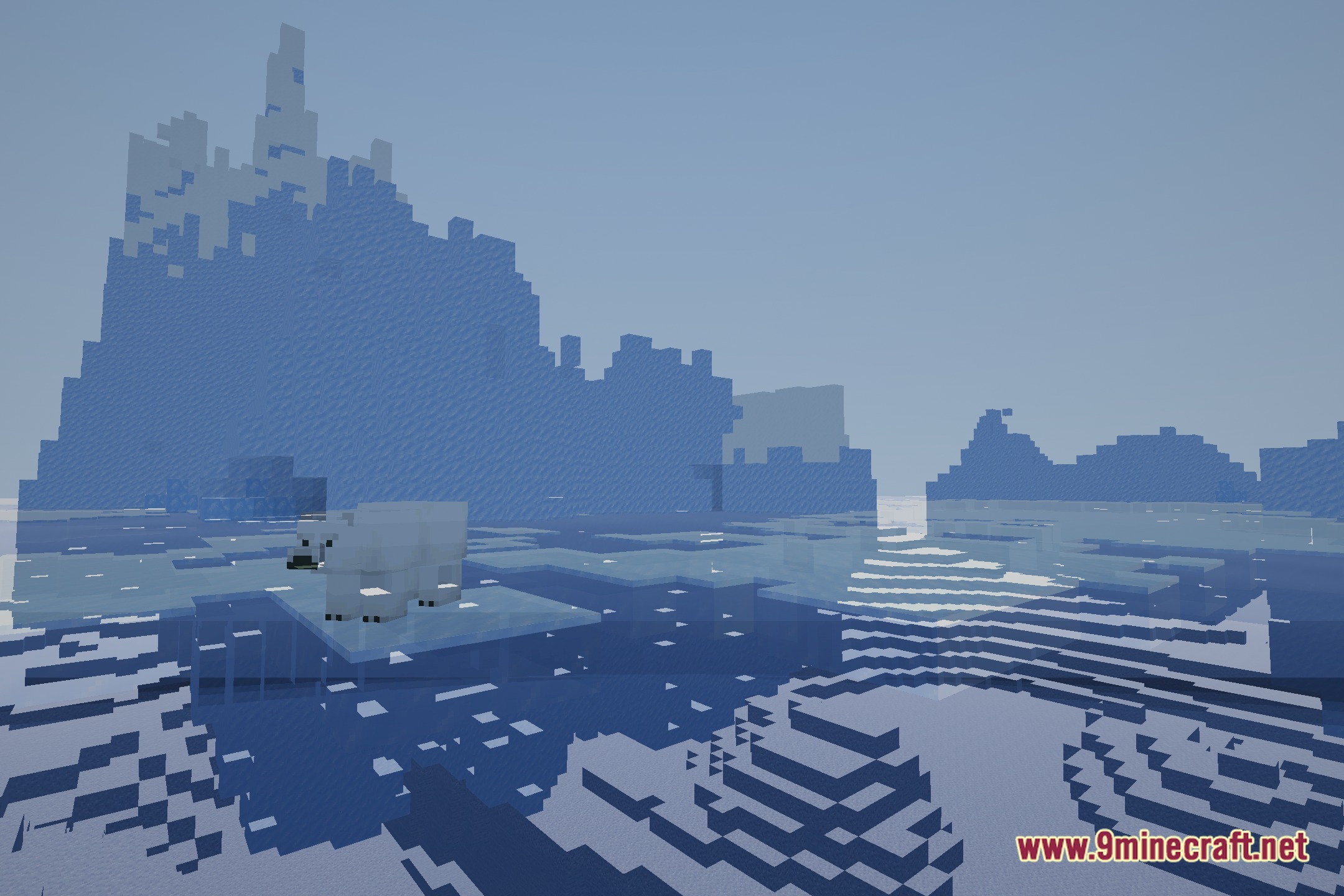
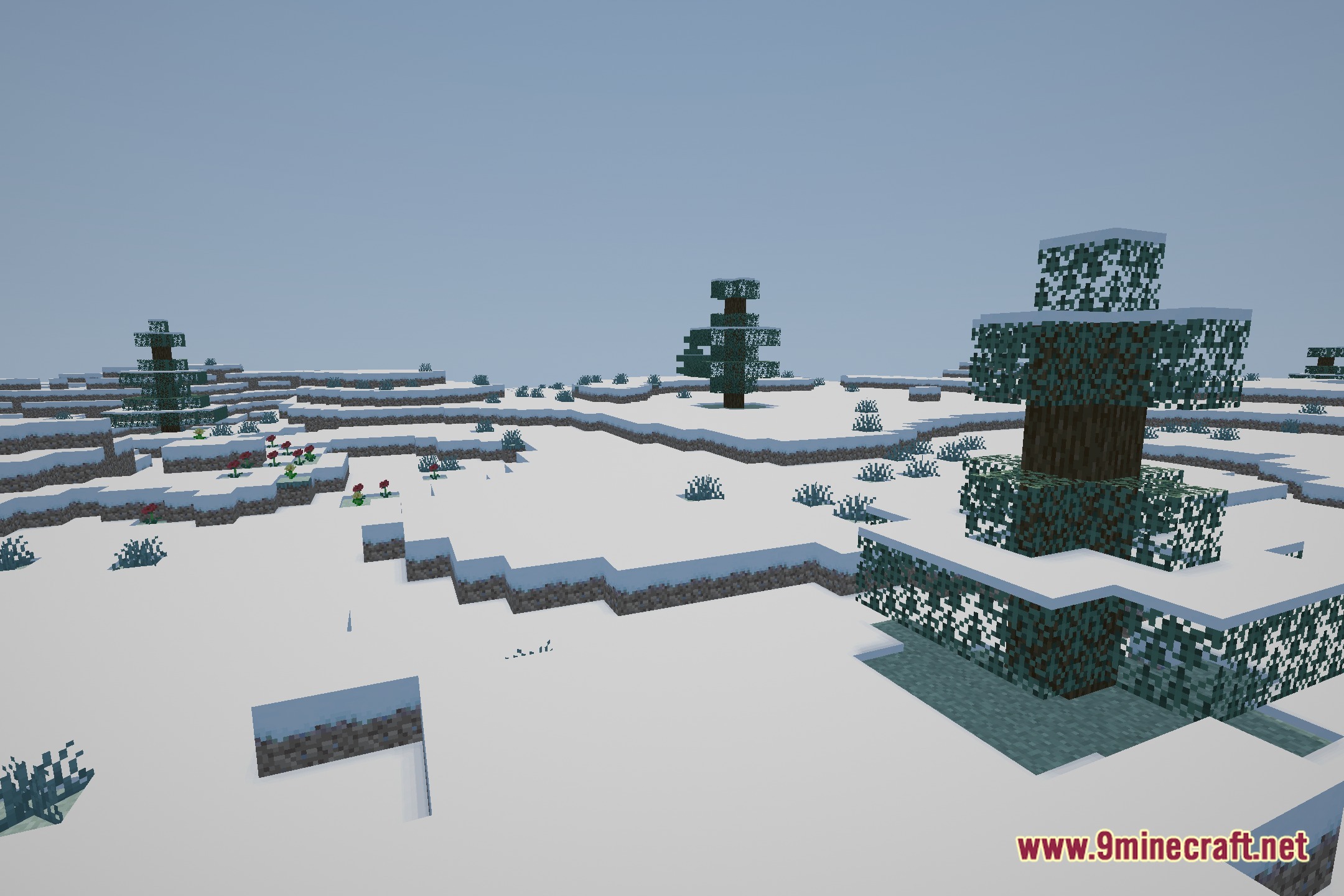
12 images from the Ultra Realistic Pbr Pack Shaders page.
You May Also Like
Wikis that share the most with this one
Wikis on the same theme: end
More shader wikis on the site
 Ugly High Contrast Shaders
 Toon Shades Shaders
The most downloaded mods that have a wiki here