

 DownloadTrueLightFX Lite Shaders
Get the files on 9Minecraft
Guides
Step-by-step, in-game.
Adjust Brightness and Color SaturationAccess Shader Settings Open the Shader Options menu while in-game. This is typically found in Video Settings >…Make Your Builds Look Better in Different LightingUnderstand Block Lighting Changes TrueLightFX Lite alters how sunlight and block light interact with surfaces. Blocks…Optimize Performance on Low-End HardwareReduce Quality Settings TrueLightFX Lite is designed to be lightweight, but you can squeeze out more performance. In…Troubleshoot Visual Glitches or Uneven LightingCheck for Conflicting Mods Some mods that alter rendering or lighting can conflict with shaders. If you notice…
Frequently asked questions
How do I enable the shader after installing it?
Open your video settings in-game, find the Shaders option, and select TrueLightFX Lite Shaders from the list. Apply the changes and the shader will activate immediately.
Will this shader work with my resource pack?
Yes, TrueLightFX Lite Shaders is designed to work alongside most vanilla-style resource packs. If you notice texture conflicts, try adjusting the shader's color saturation settings to better match your pack.
Why does my game still lag with this shader enabled?
Check that you're not running other heavy mods or shaders simultaneously, and lower your render distance if needed. You can also reduce brightness or disable optional lighting features in the shader settings to improve performance further.
Can I use this on a server or in multiplayer?
Yes, shaders are client-side only, so they won't affect other players or cause server issues. Everyone sees the world normally on their end unless they install the shader themselves.
See all 10 TrueLightFX Lite Shaders questions ›
Gallery
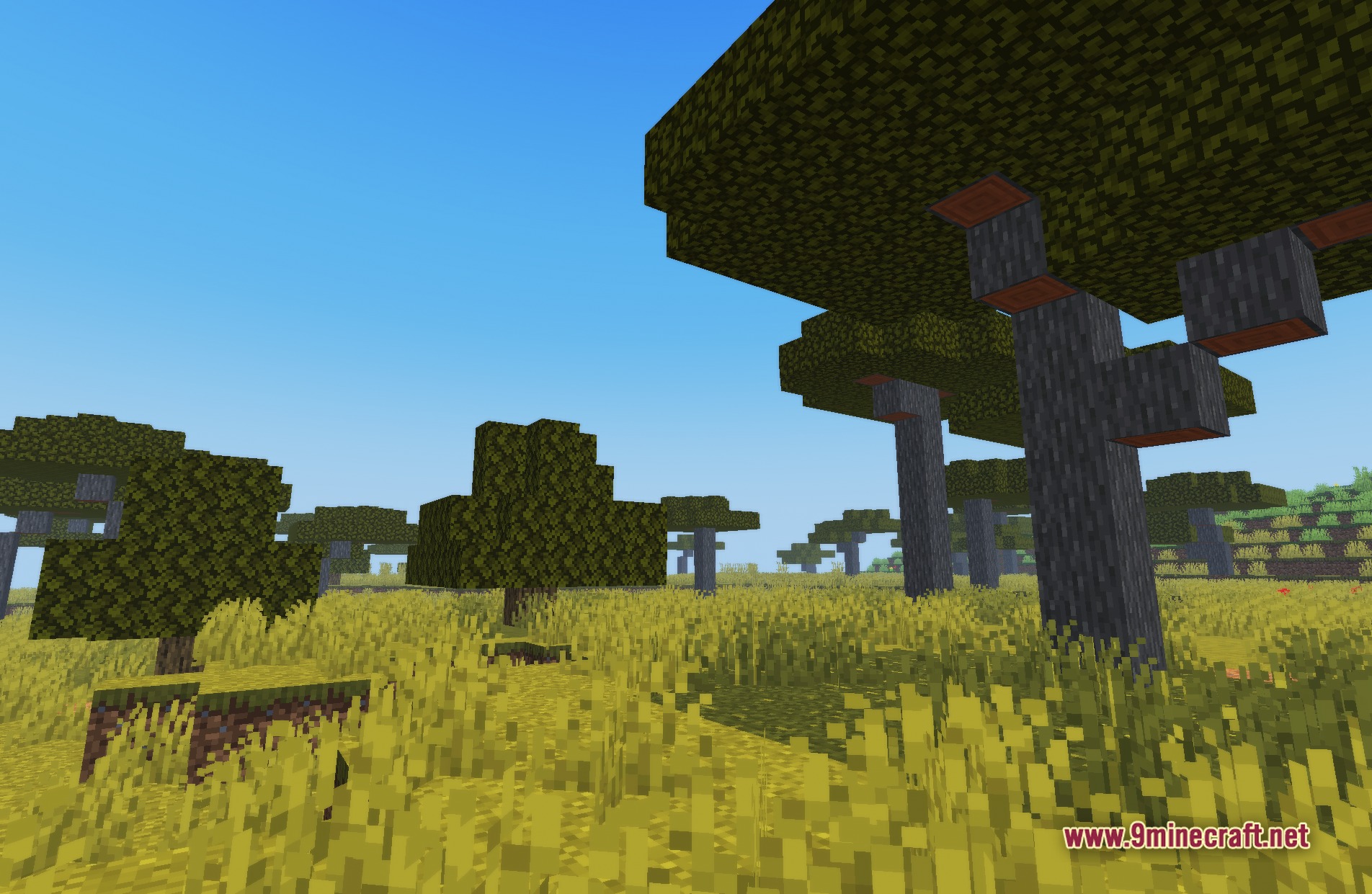
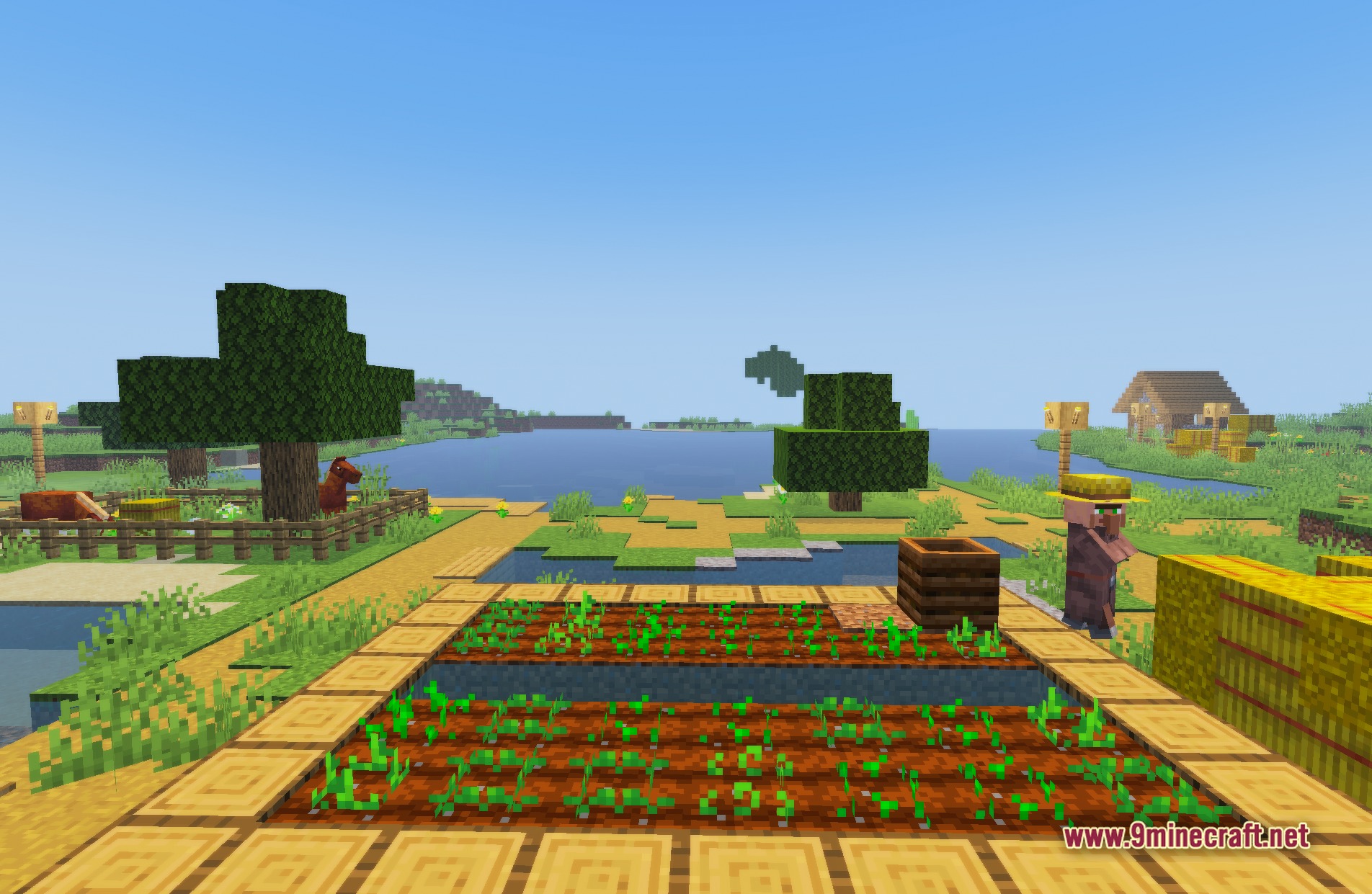
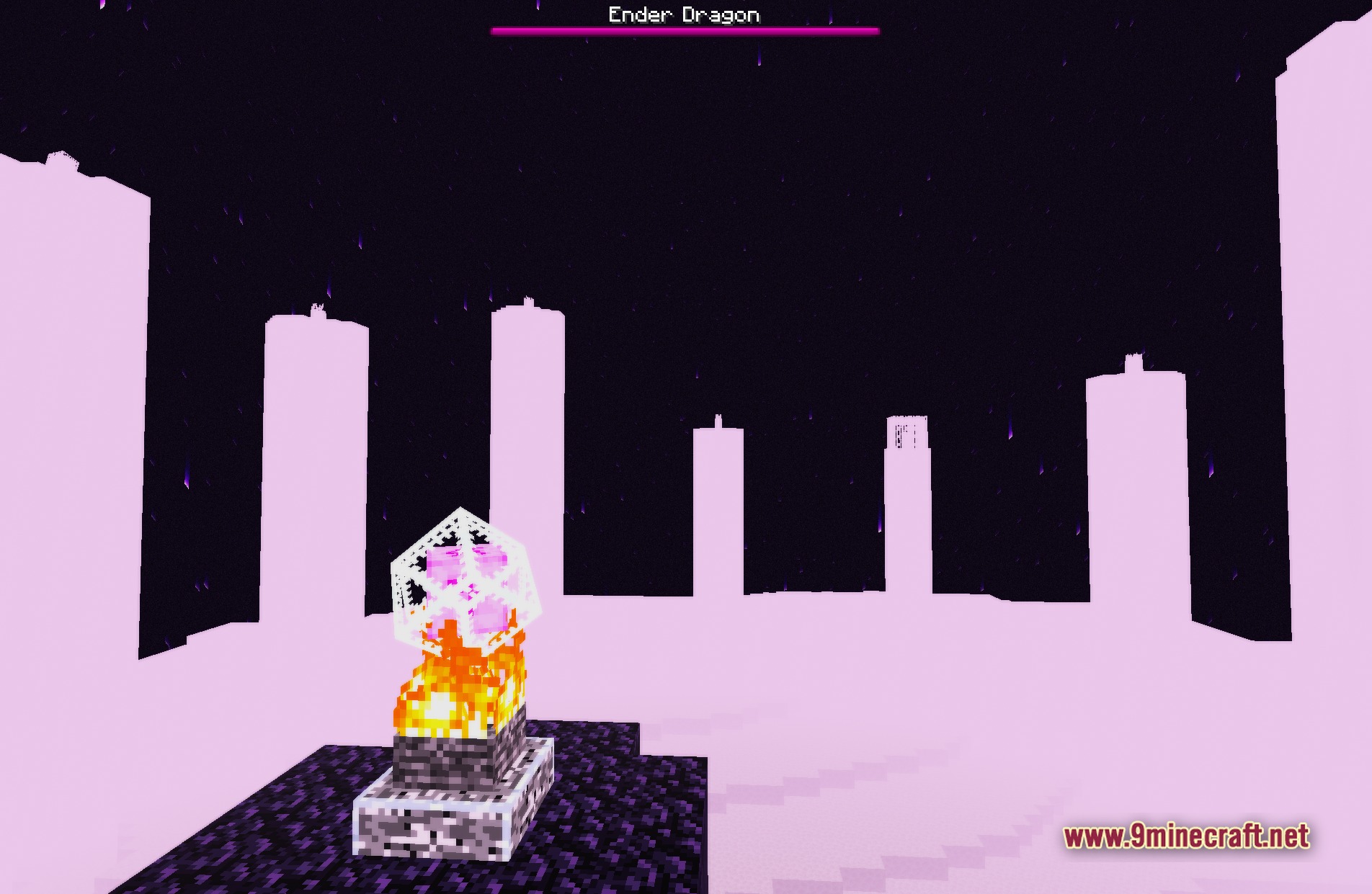
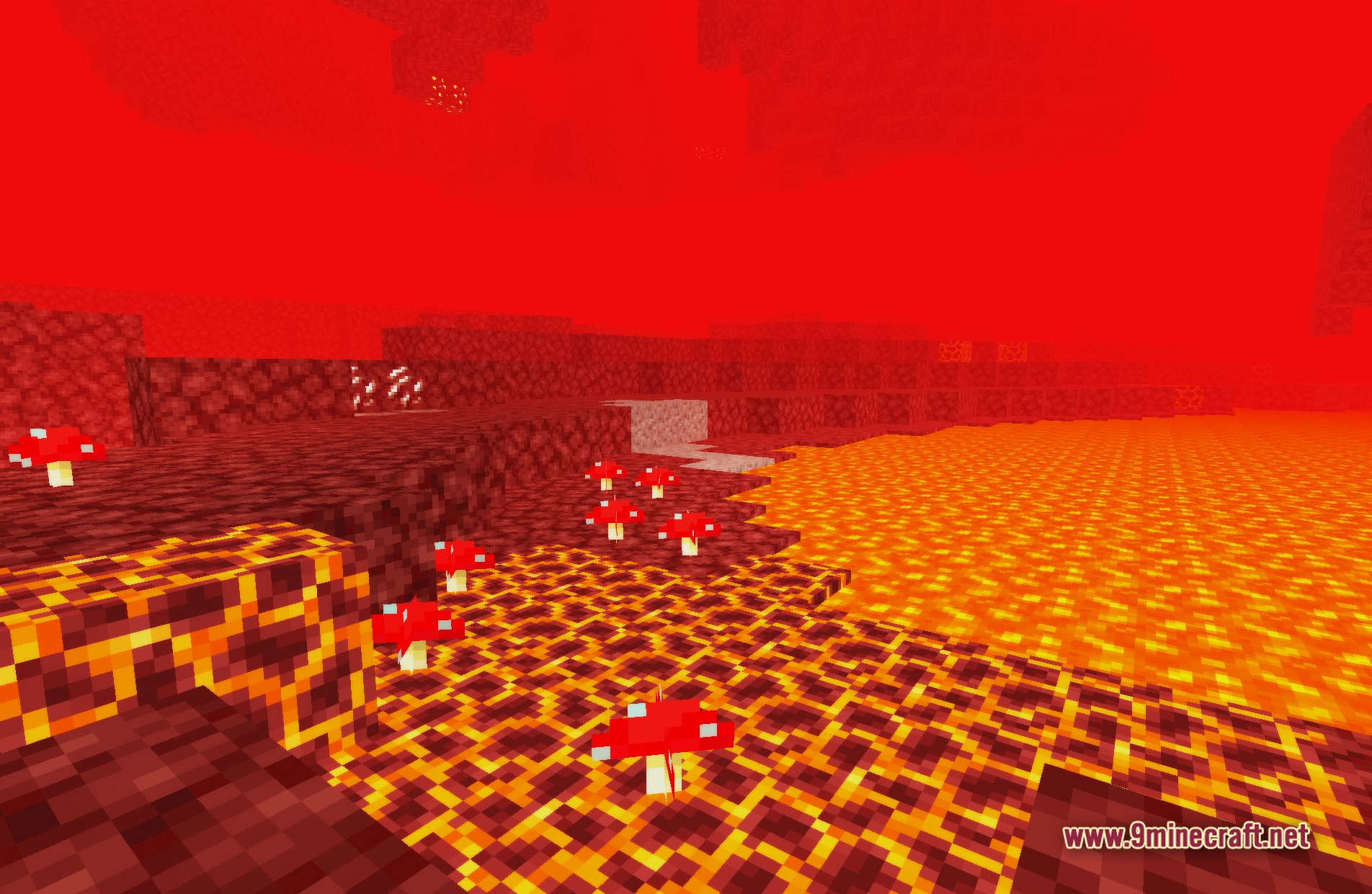
11 images from the Truelightfx Lite Shaders page.







You May Also Like
Wikis that share the most with this one
Wikis on the same theme: light
More shader wikis on the site
 Toon Shades Shaders
The most downloaded mods that have a wiki here