

 DownloadTAA Voxy Port Shaders
Get the files on 9Minecraft
Guides
Step-by-step, in-game.
Enable TAA and Reduce Edge AliasingAccessing Shader Settings Open your shader options menu while in-game. This is typically found in Video Settings →…Optimize Settings for Low-End HardwareReducing Shader Load Access Shader Options and disable any advanced features you don't need: ambient occlusion,…Troubleshoot Ghosting or Motion ArtifactsIdentifying Ghosting Ghosting appears as blurred or doubled edges that lag slightly behind your camera movement. This…Use TAA Voxy Port with the Voxy Level of Detail ModCompatibility Setup Ensure both TAA Voxy Port Shaders and the Voxy mod are installed and enabled. The shader pack is…
Frequently asked questions
How do I turn on TAA after installing this shader pack?
Open your shader settings menu in-game and look for the TAA or anti-aliasing option—it should be toggled on by default. If you don't see it, make sure the shader pack is actually selected in your shader folder.
What's the difference between TAA and regular anti-aliasing?
TAA (Temporal Anti-Aliasing) smooths jagged edges by analyzing frames over time rather than just the current frame, which reduces aliasing while using less processing power than traditional methods.
Do I need the Voxy mod installed to use this shader pack?
No—this shader works fine on its own for edge smoothing. The Voxy mod integration is optional and only activates if you have Voxy installed for its level-of-detail features.
Why do I see ghosting or blurry trails when I move my camera?
This is TAA ghosting, which happens when the shader holds onto previous frames too long. Try reducing the TAA intensity or motion blur settings in your shader options, or disable TAA temporarily to test if that's the cause.
See all 10 TAA Voxy Port Shaders questions ›
Gallery
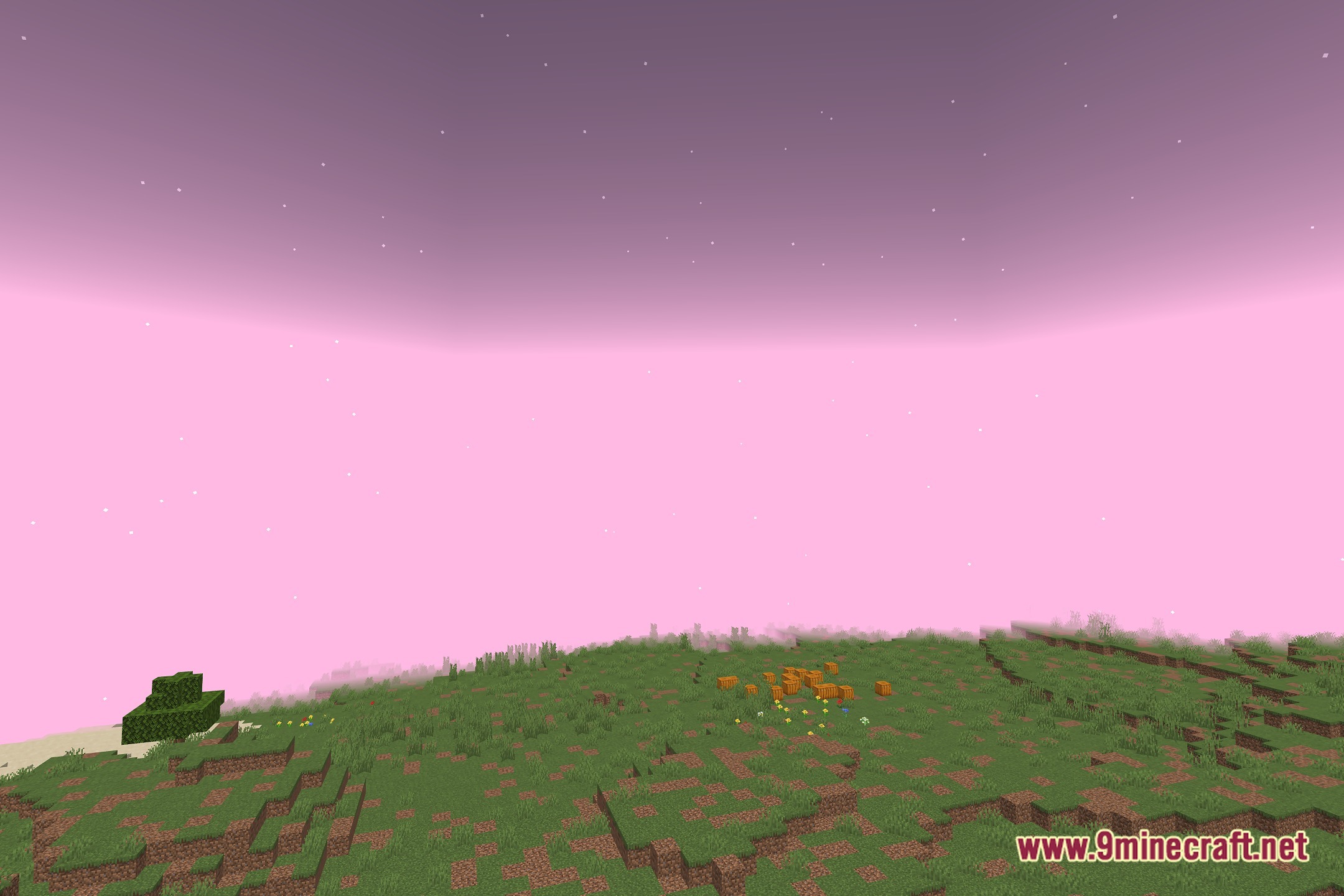
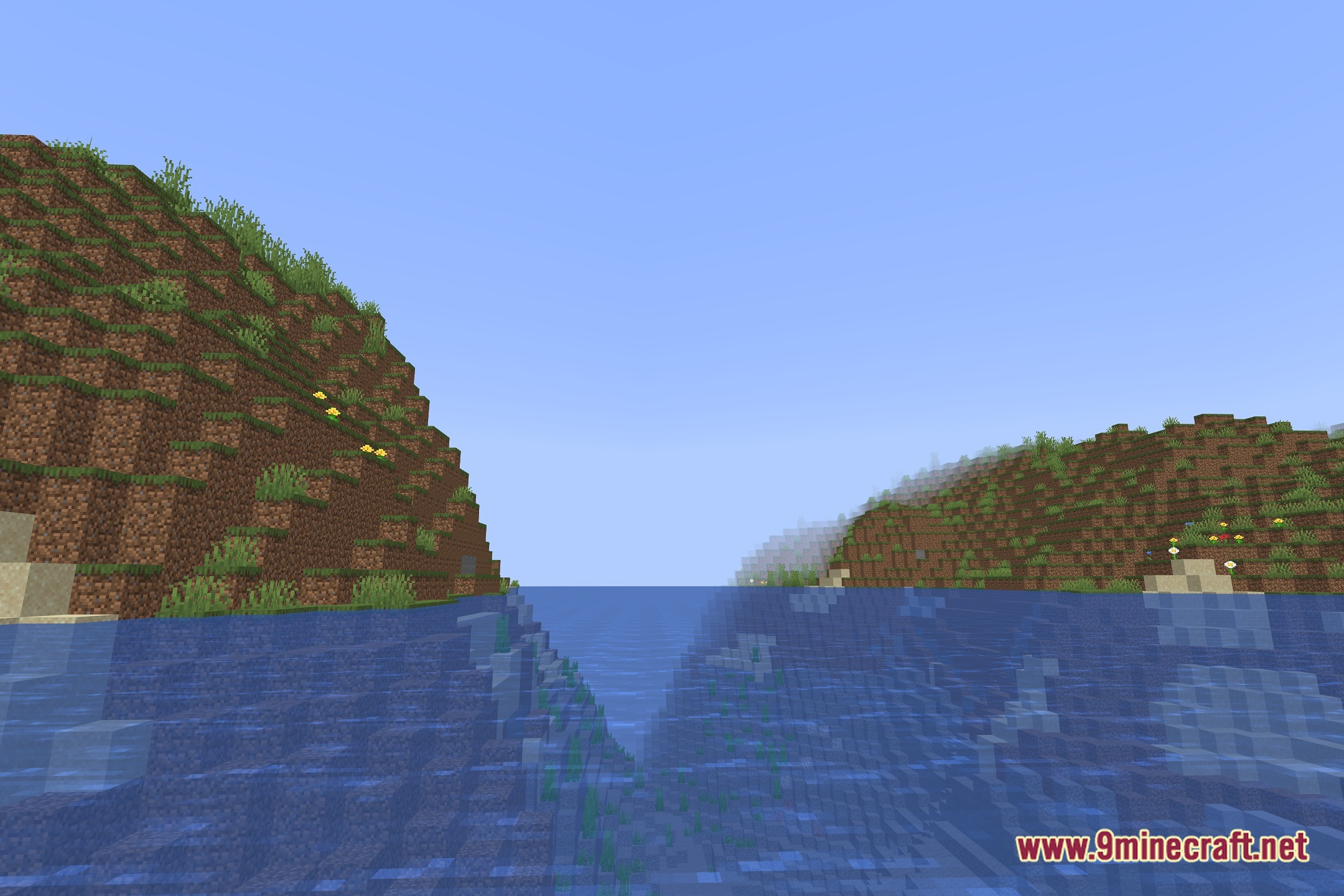
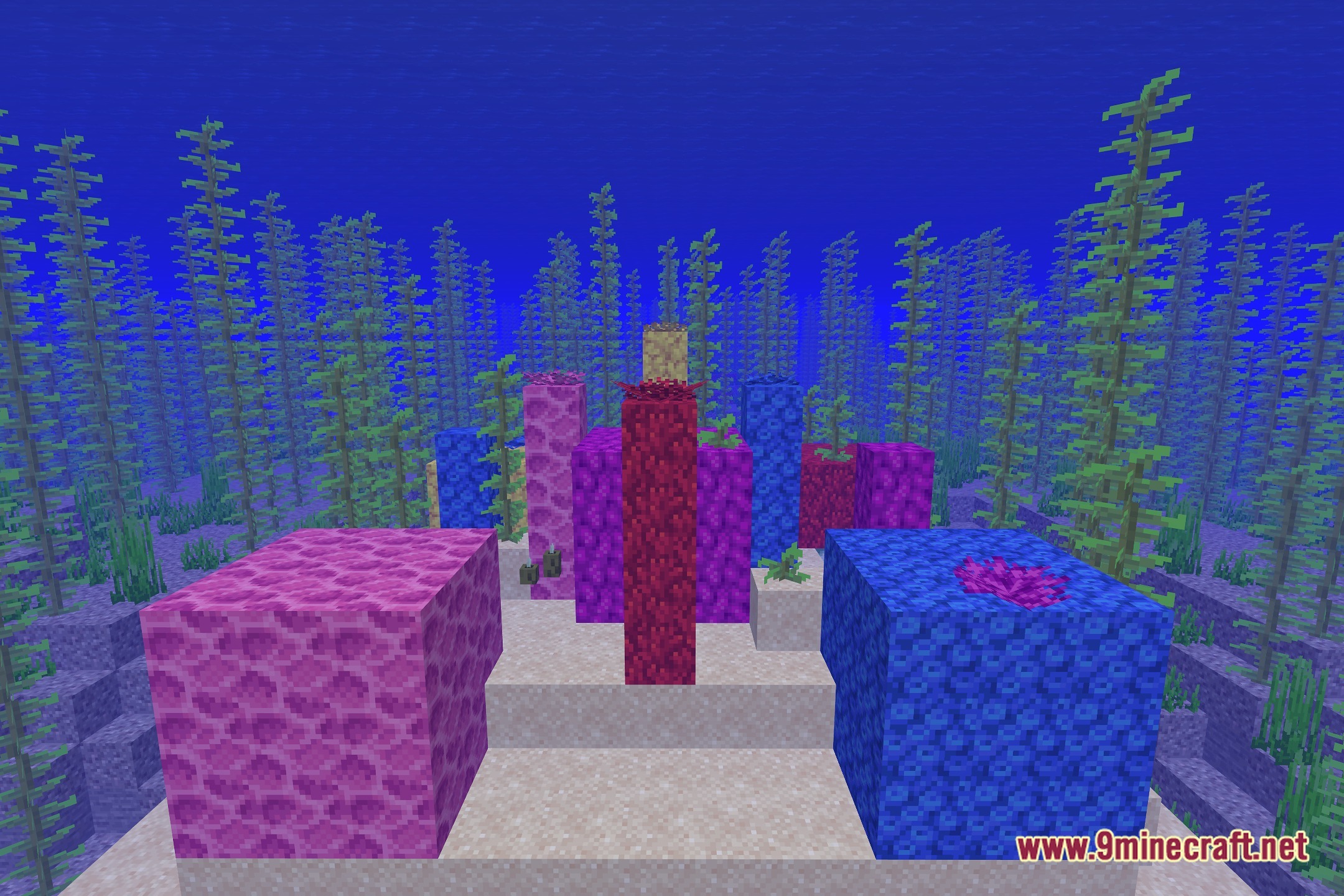
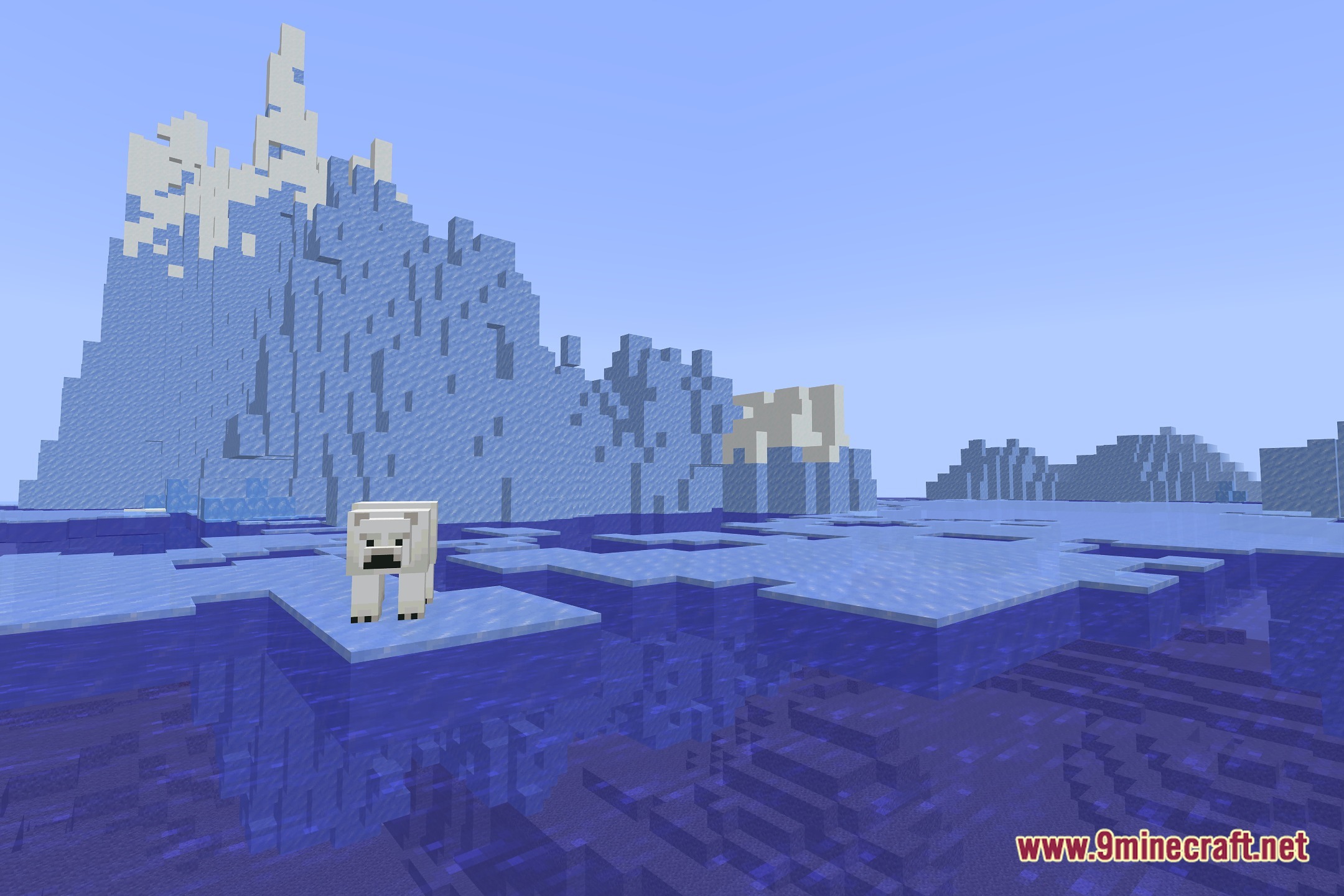
12 images from the Taa Voxy Port Shaders page.
You May Also Like
Wikis that share the most with this one
Wikis on the same theme: end
More shader wikis on the site
 Sursum Corda Renewed Shaders
 Sublime Visuals Shaders
The most downloaded mods that have a wiki here