

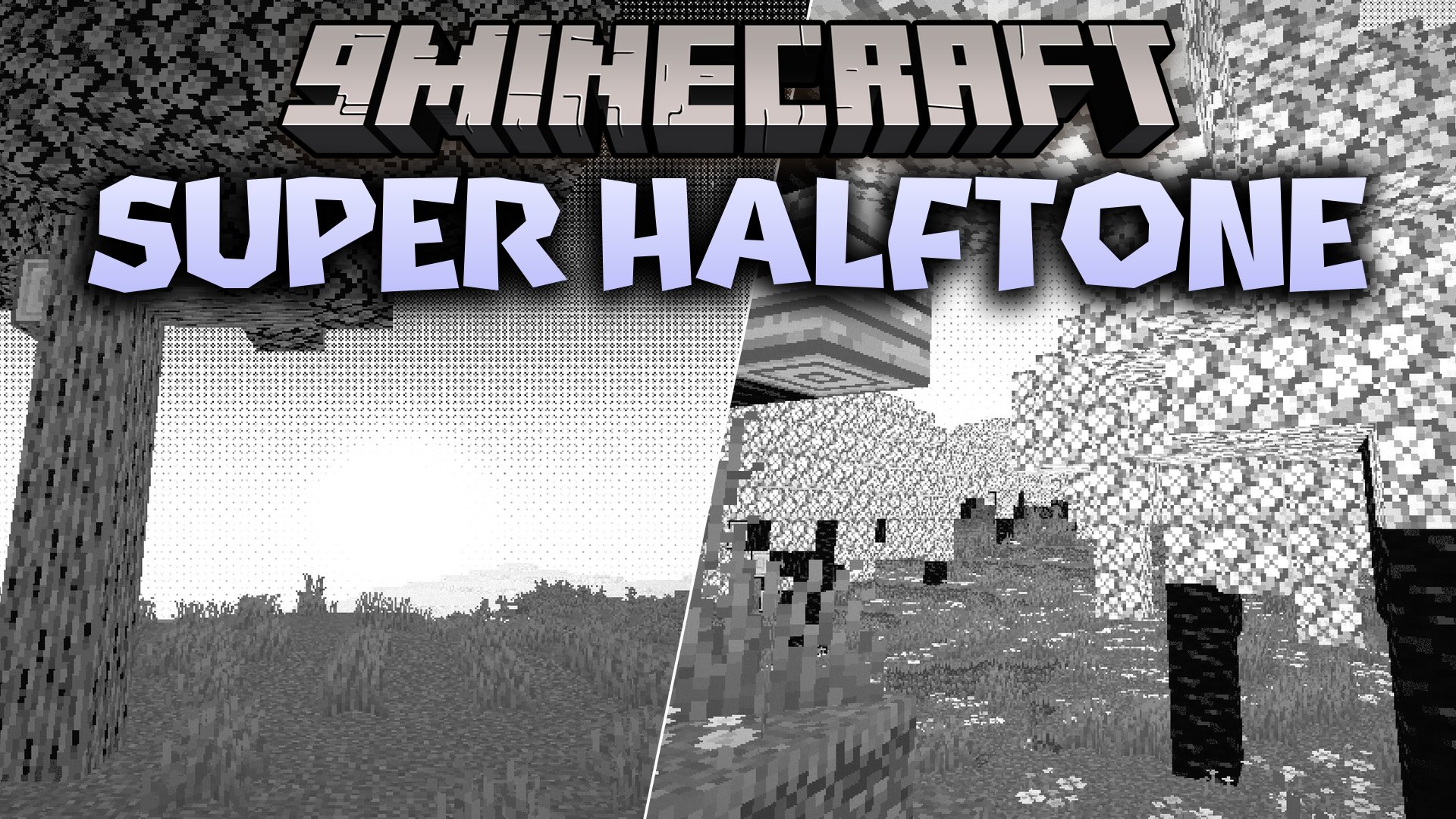
 DownloadSuper Halftone Shaders
Get the files on 9Minecraft
Guides
Step-by-step, in-game.
Adjust Halftone Dot Size and IntensityAccess Shader Settings Open the shader options menu while in-game. Press the key bound to shader settings (usually…Create a Consistent Manga Aesthetic Across Your WorldChoose Complementary Block Palettes Super Halftone Shaders works best when you use blocks with clear color contrast.…Optimize Performance on Low-End SystemsEnable Performance Mode Super Halftone Shaders is designed to run light on low-end hardware, but you can further…Troubleshoot Visual Artifacts or BandingIdentify the Problem If you notice strange color banding, flickering dots, or uneven halftone patterns across…
Frequently asked questions
How do I turn on the shader after installing it?
Open your graphics settings in-game, navigate to the Shaders option, and select Super Halftone Shaders from the list. The effect applies immediately to your world.
Can I use this shader with other visual mods like connected textures or custom resource packs?
Yes, Super Halftone Shaders works alongside most texture and visual mods, though custom resource packs may interact unpredictably with the halftone effect—test in a small area first.
Why do my dots look too big or too small?
Adjust the halftone dot size setting in the shader options menu; smaller values create finer detail while larger values produce a bolder comic book look.
The shader makes my game really laggy. What can I do?
Lower the dot intensity and reduce shadow quality in the shader settings, disable advanced lighting features if available, and ensure your render distance is set conservatively for your hardware.
See all 10 Super Halftone Shaders questions ›
Gallery
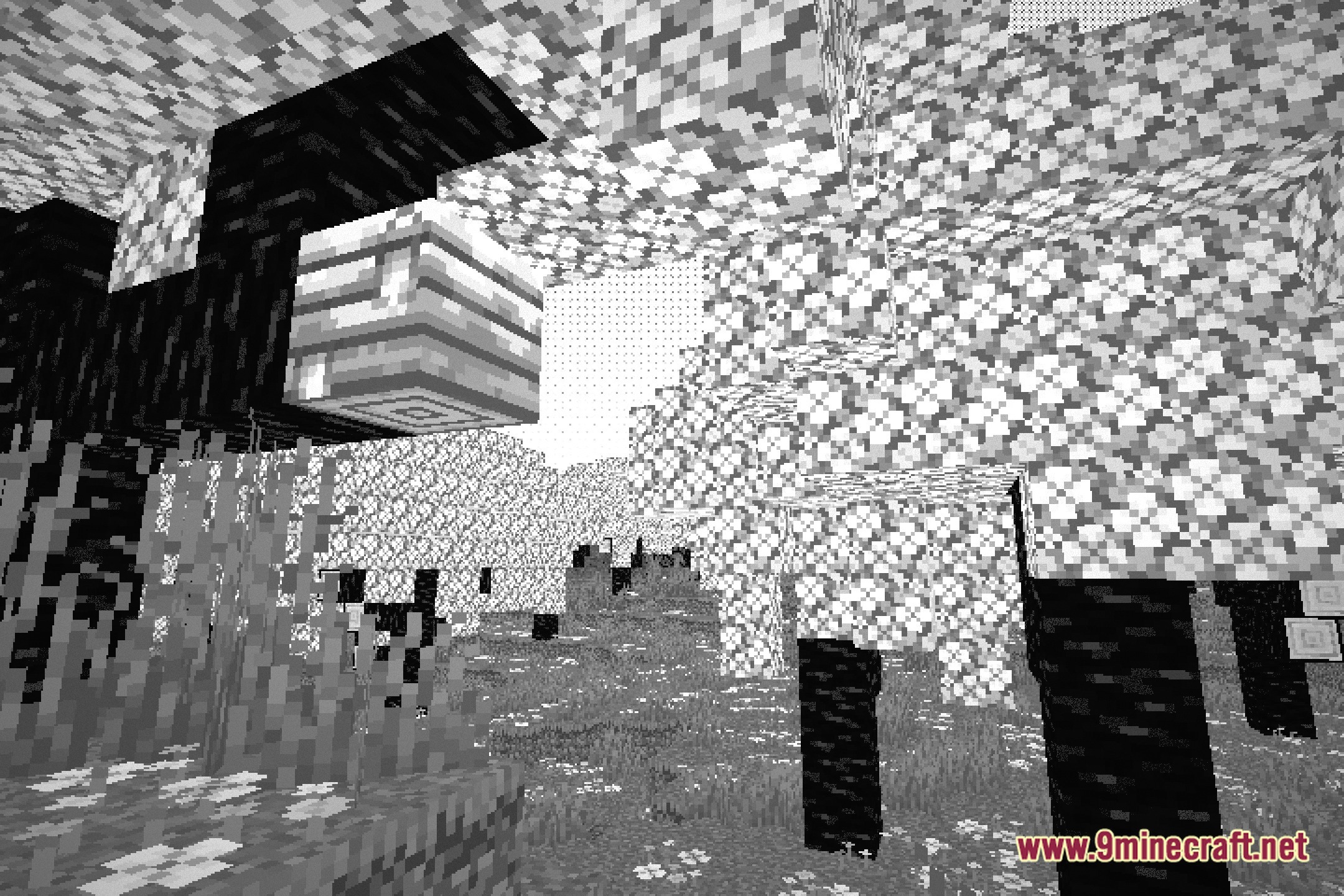
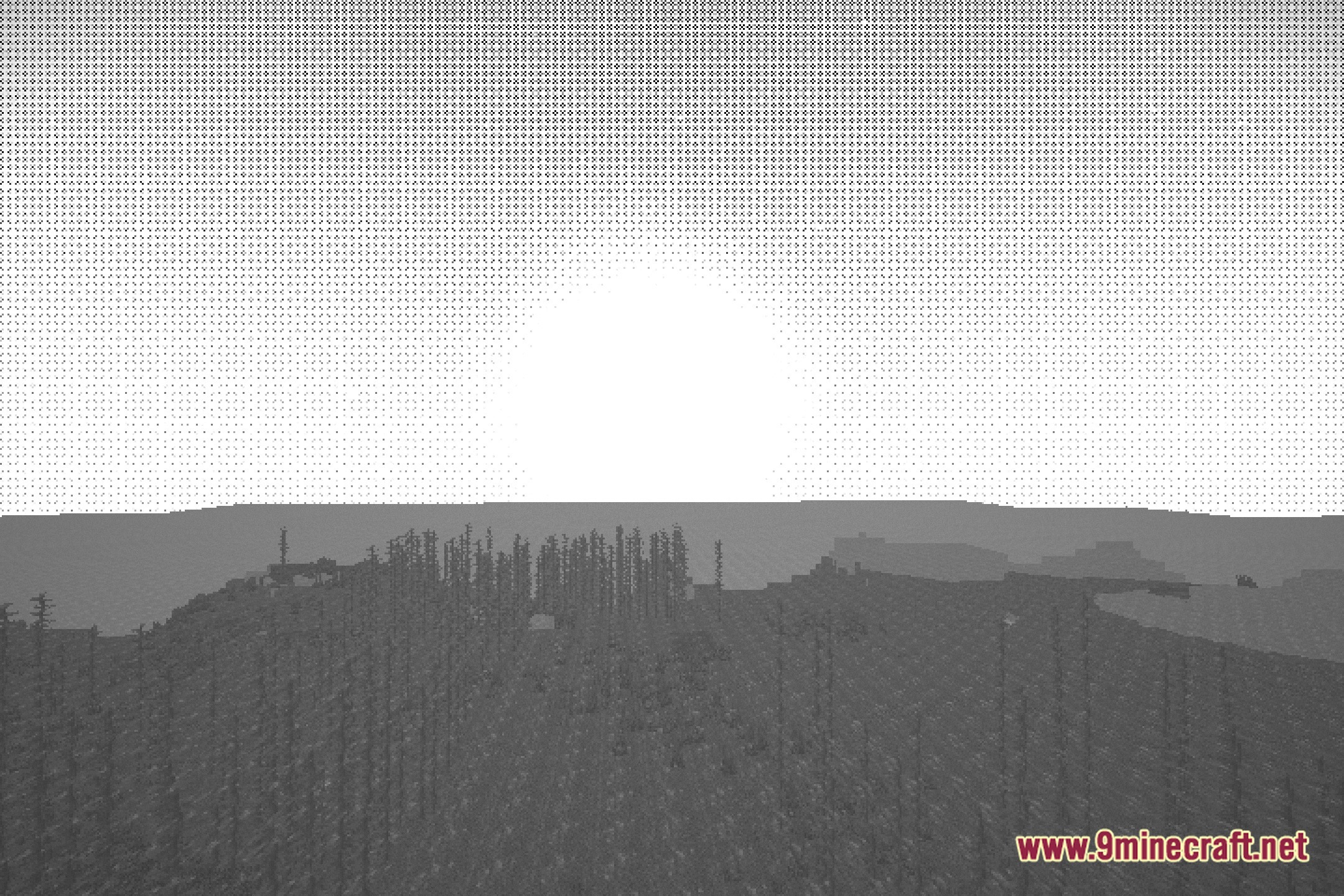
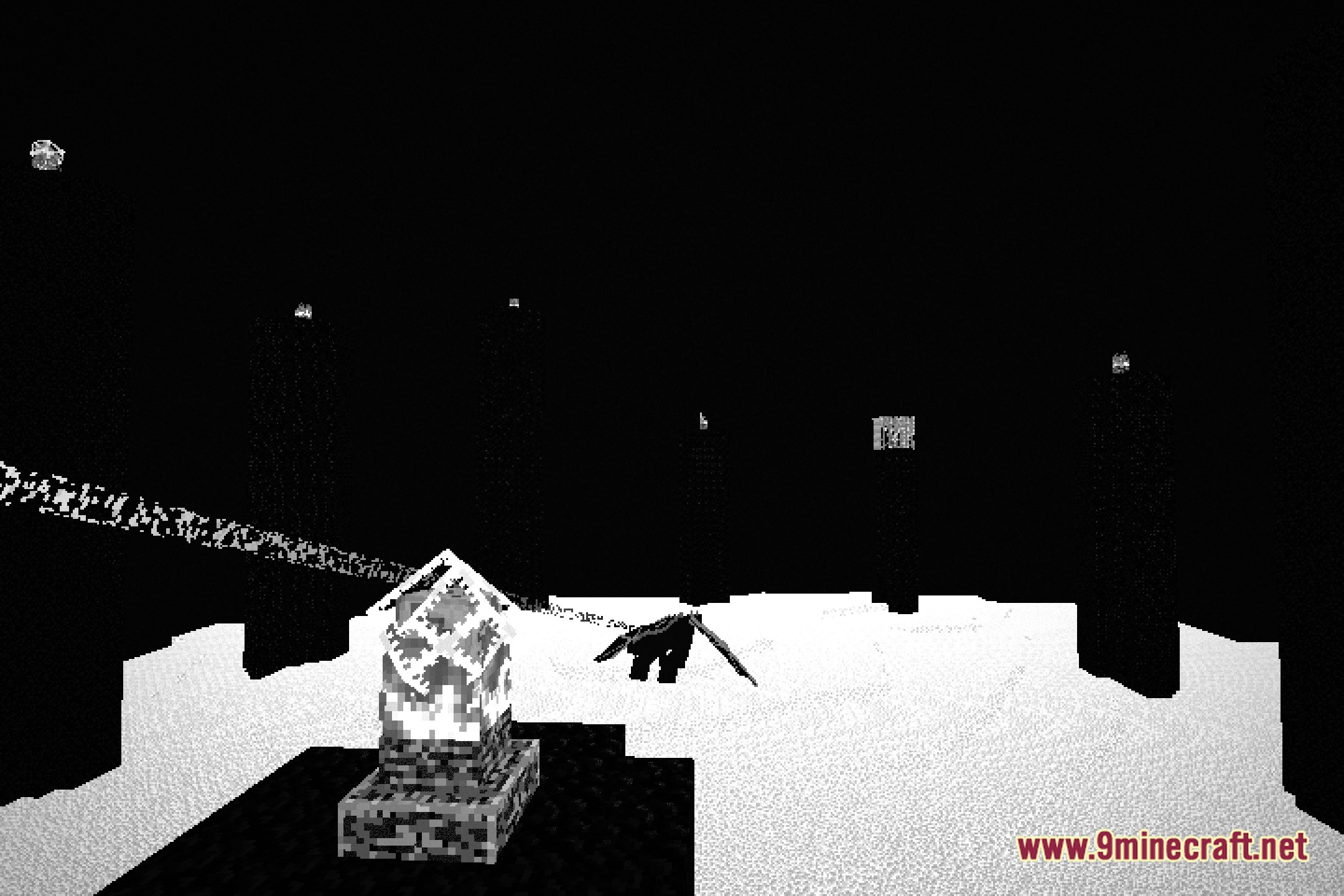
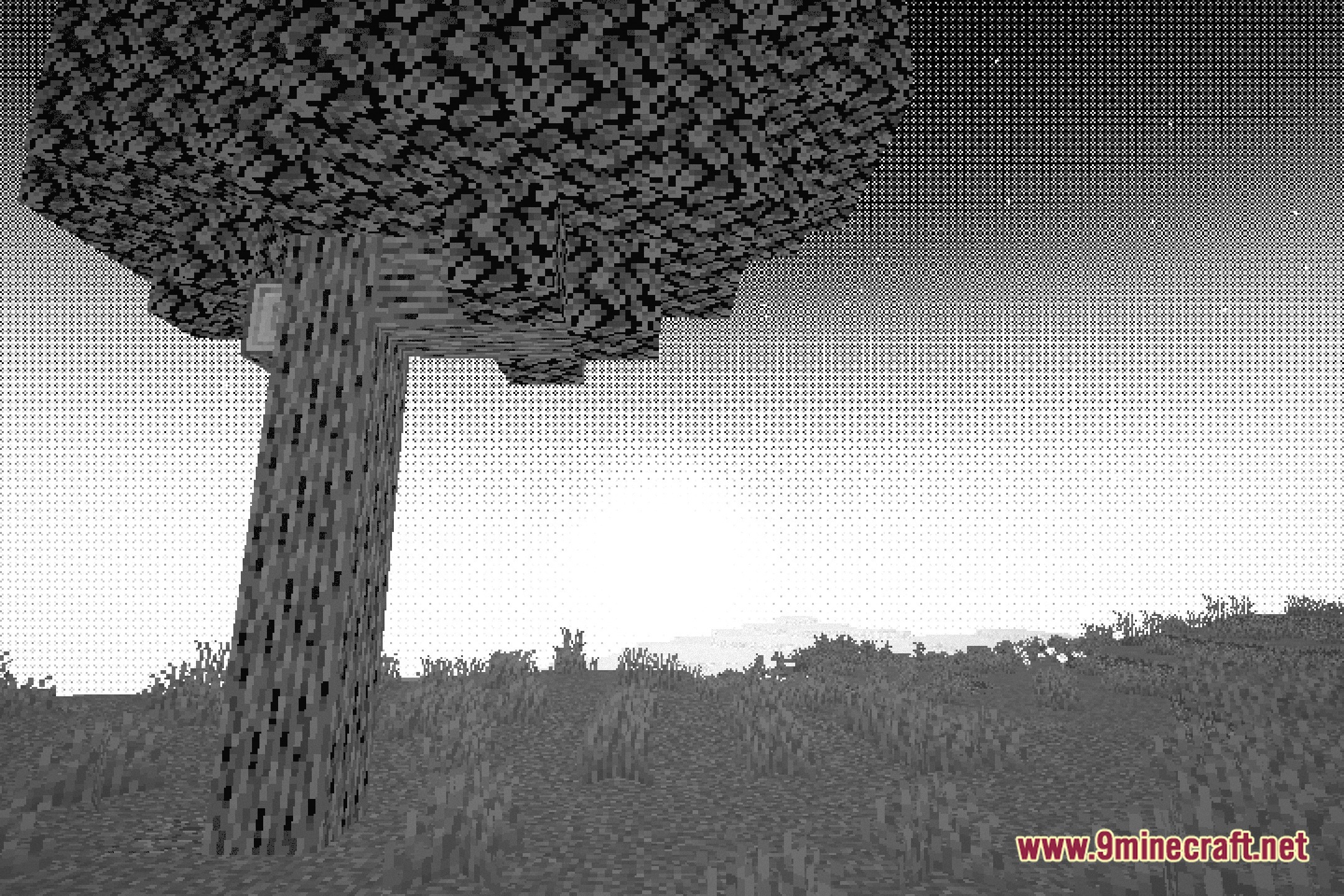
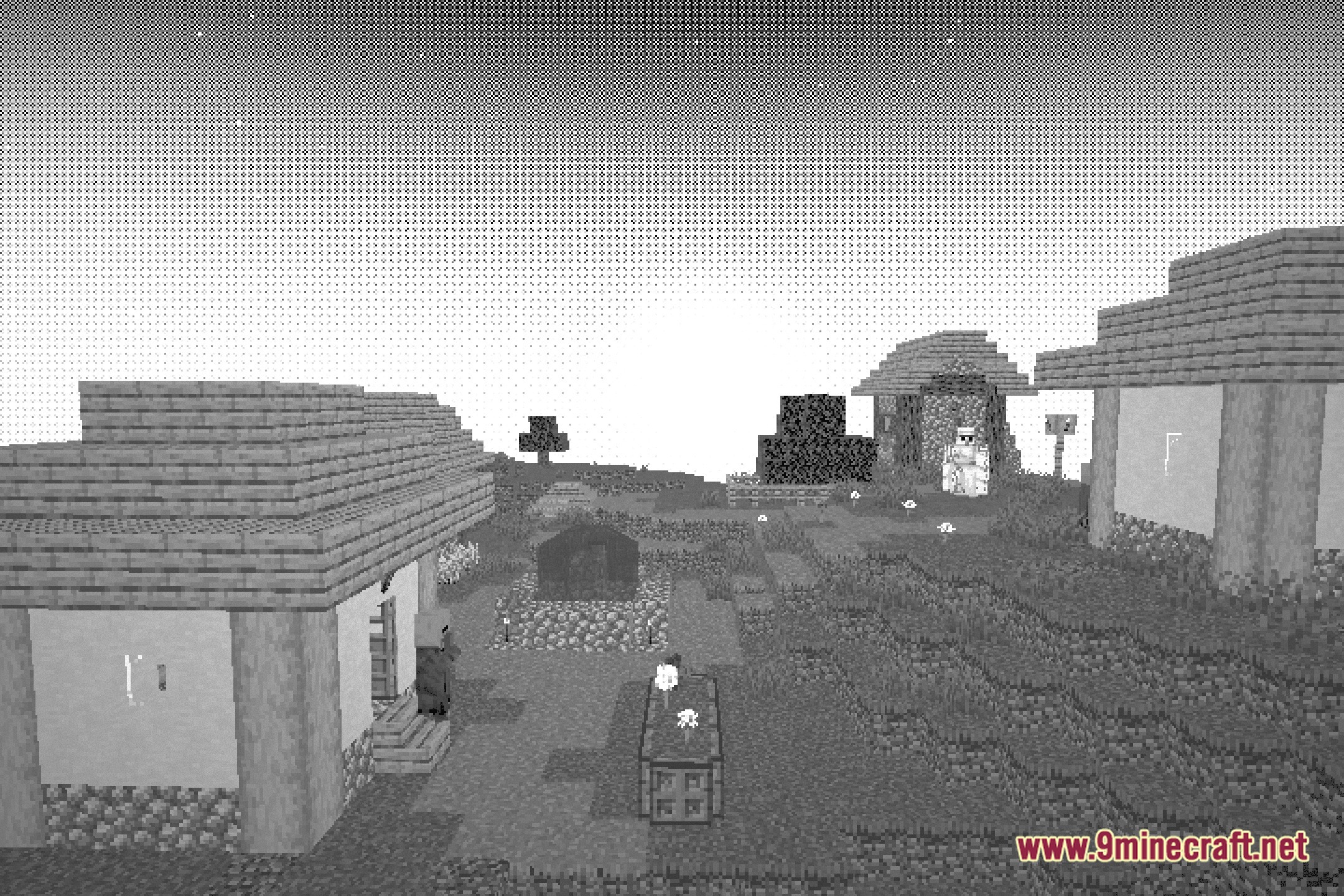
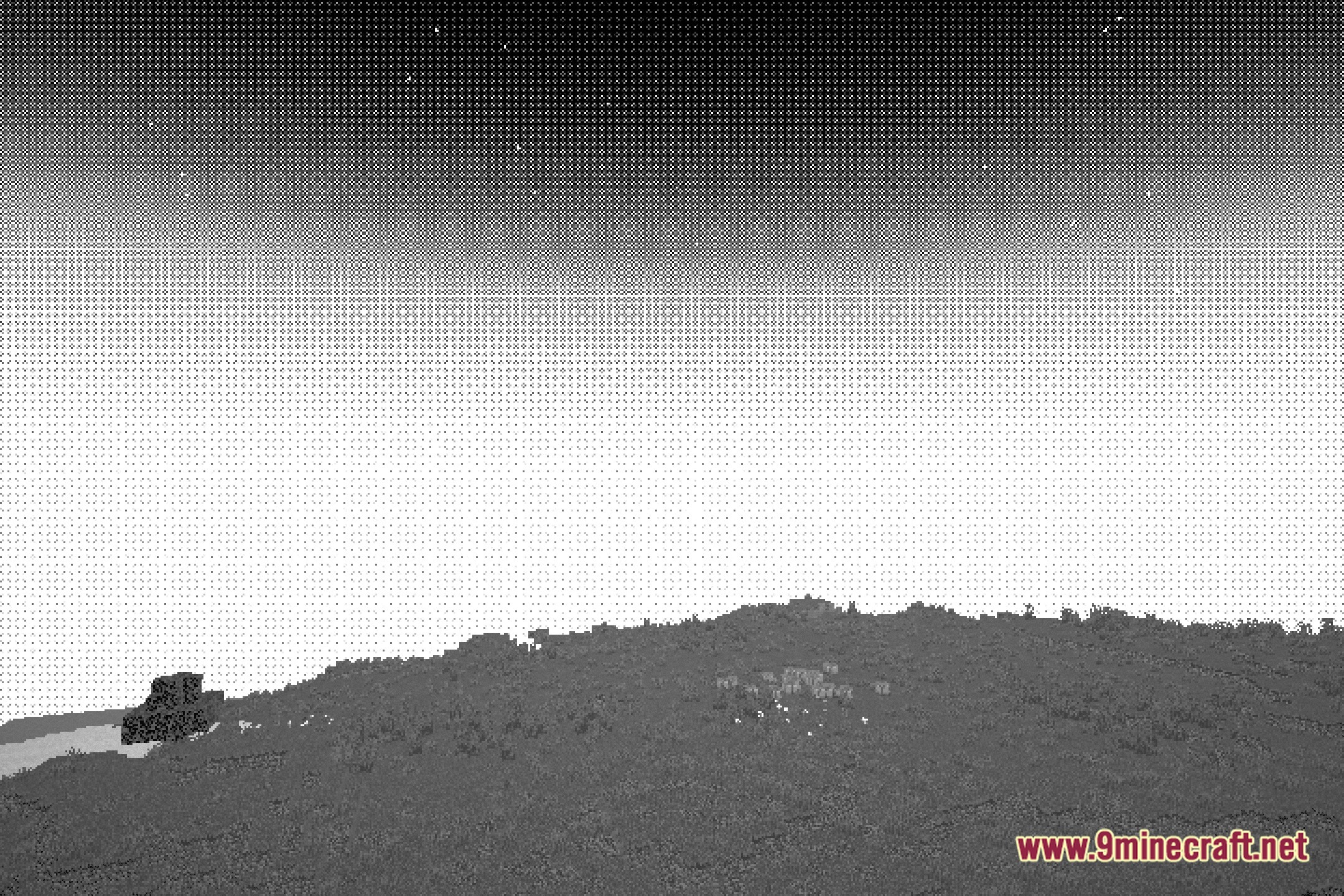
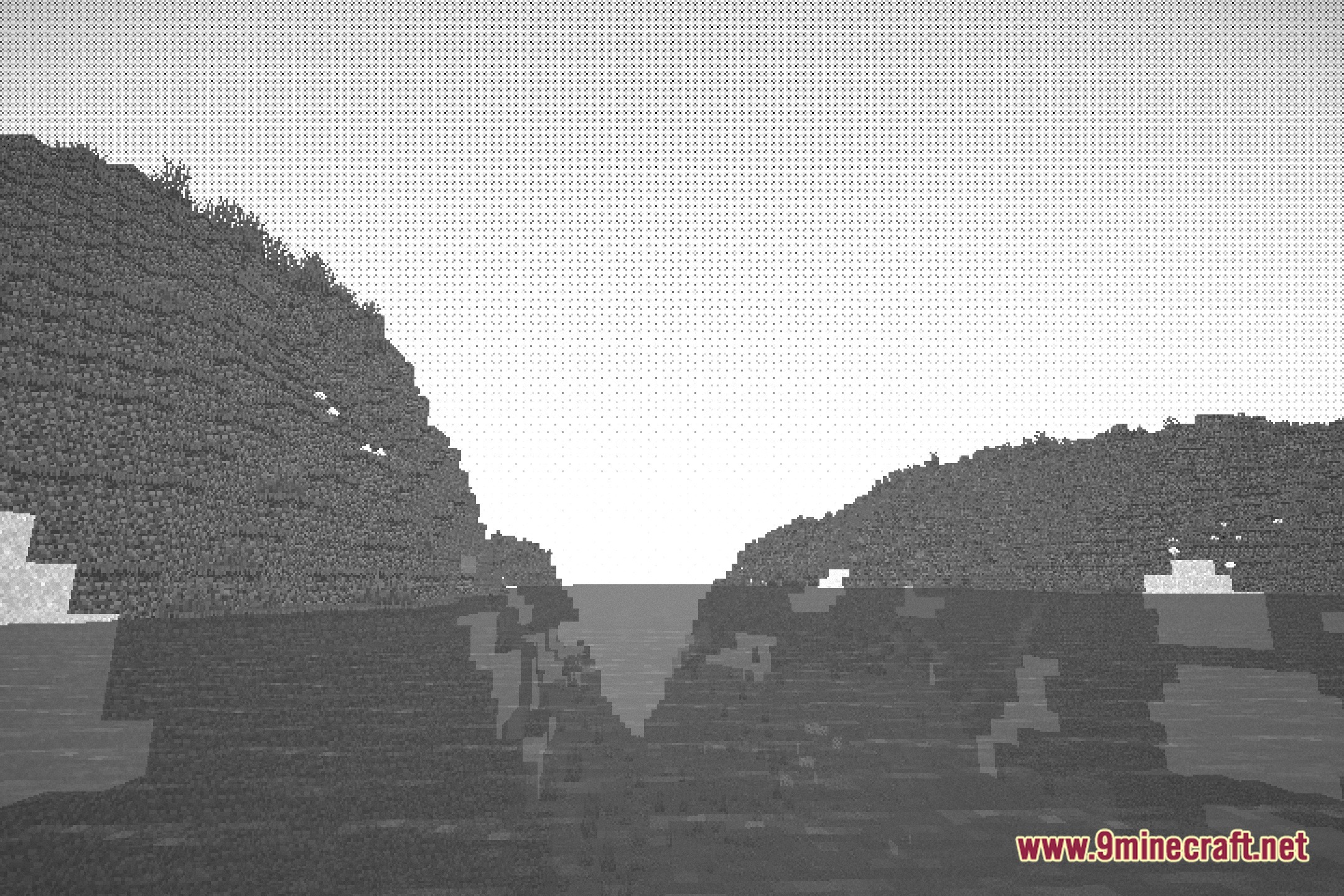
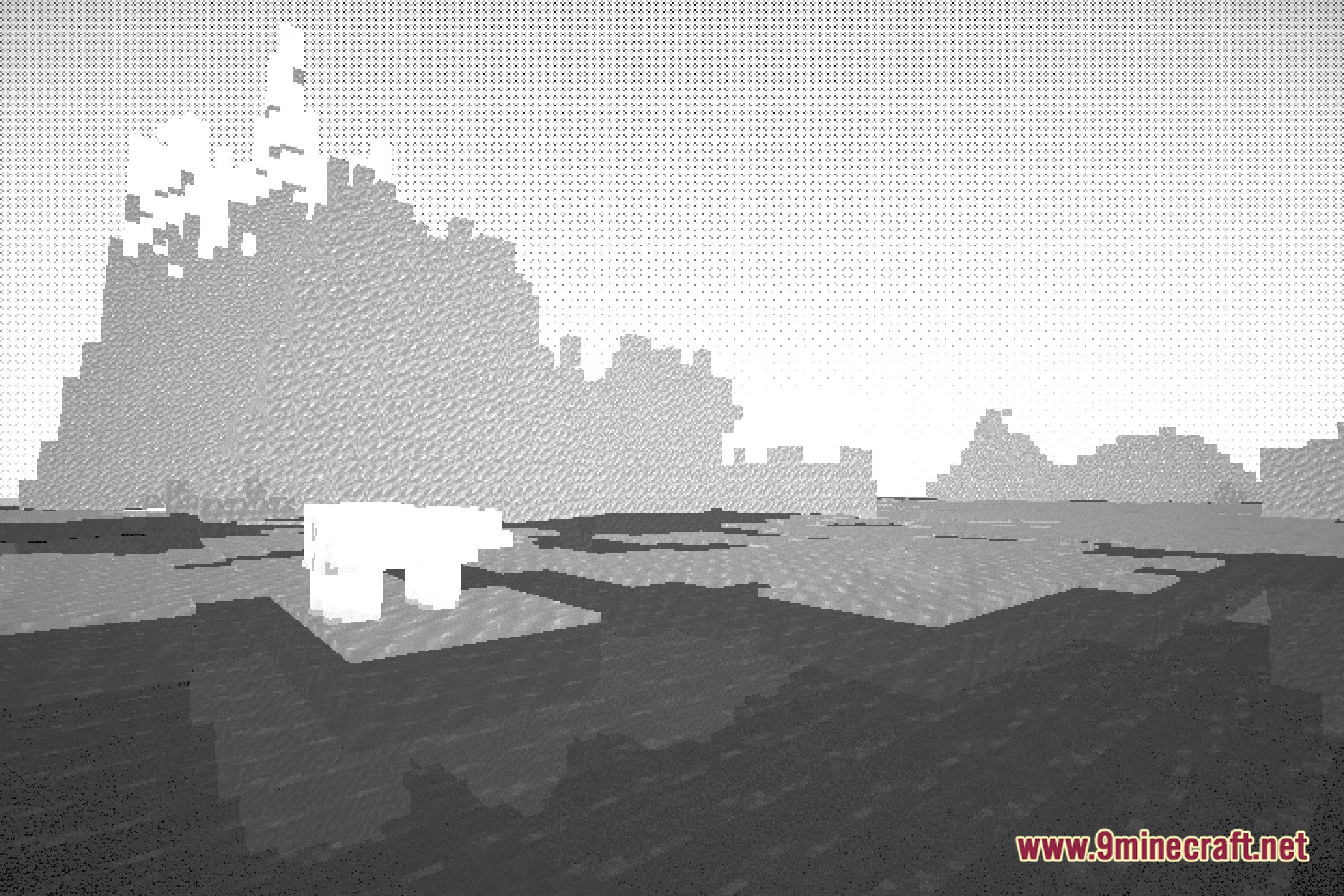
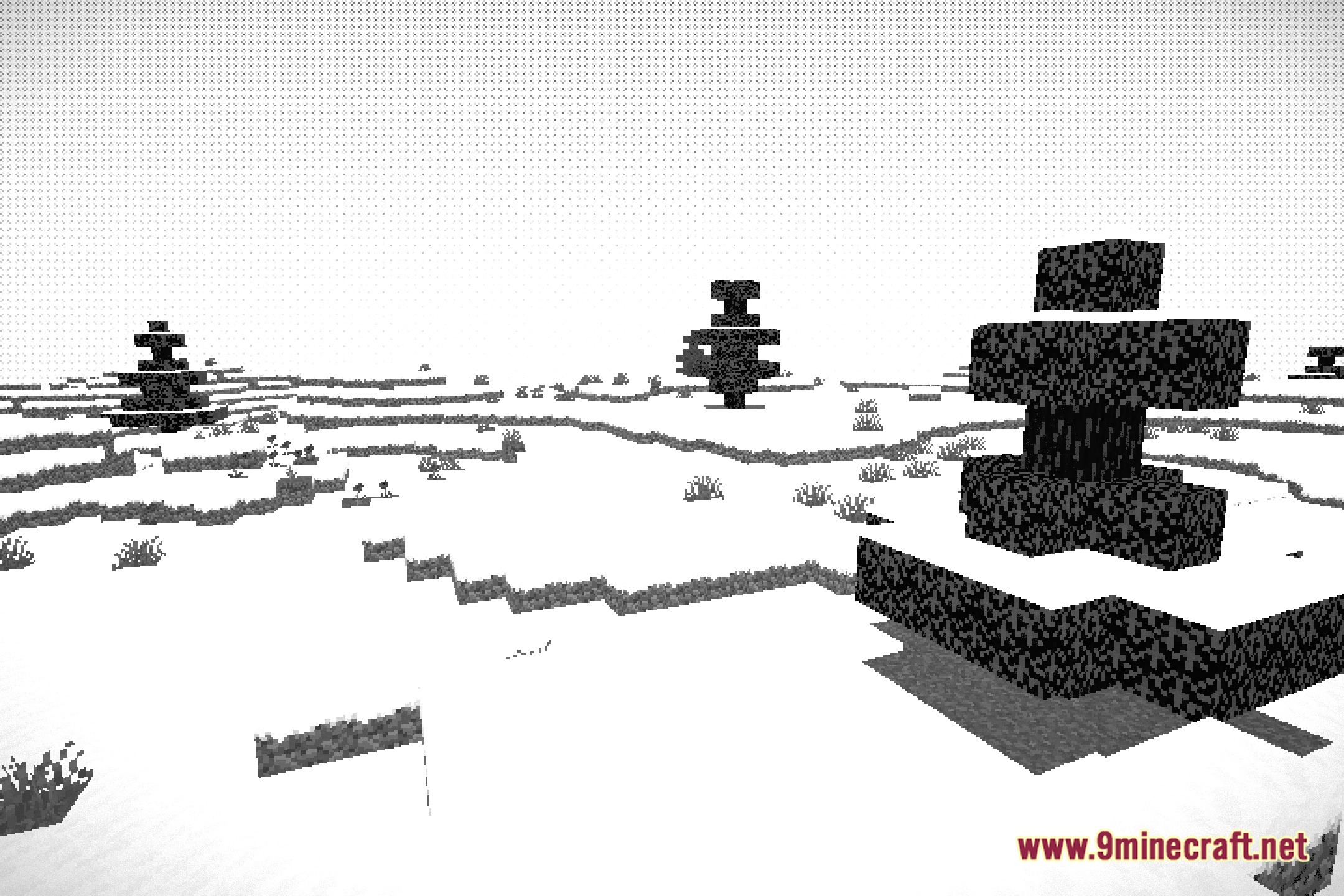
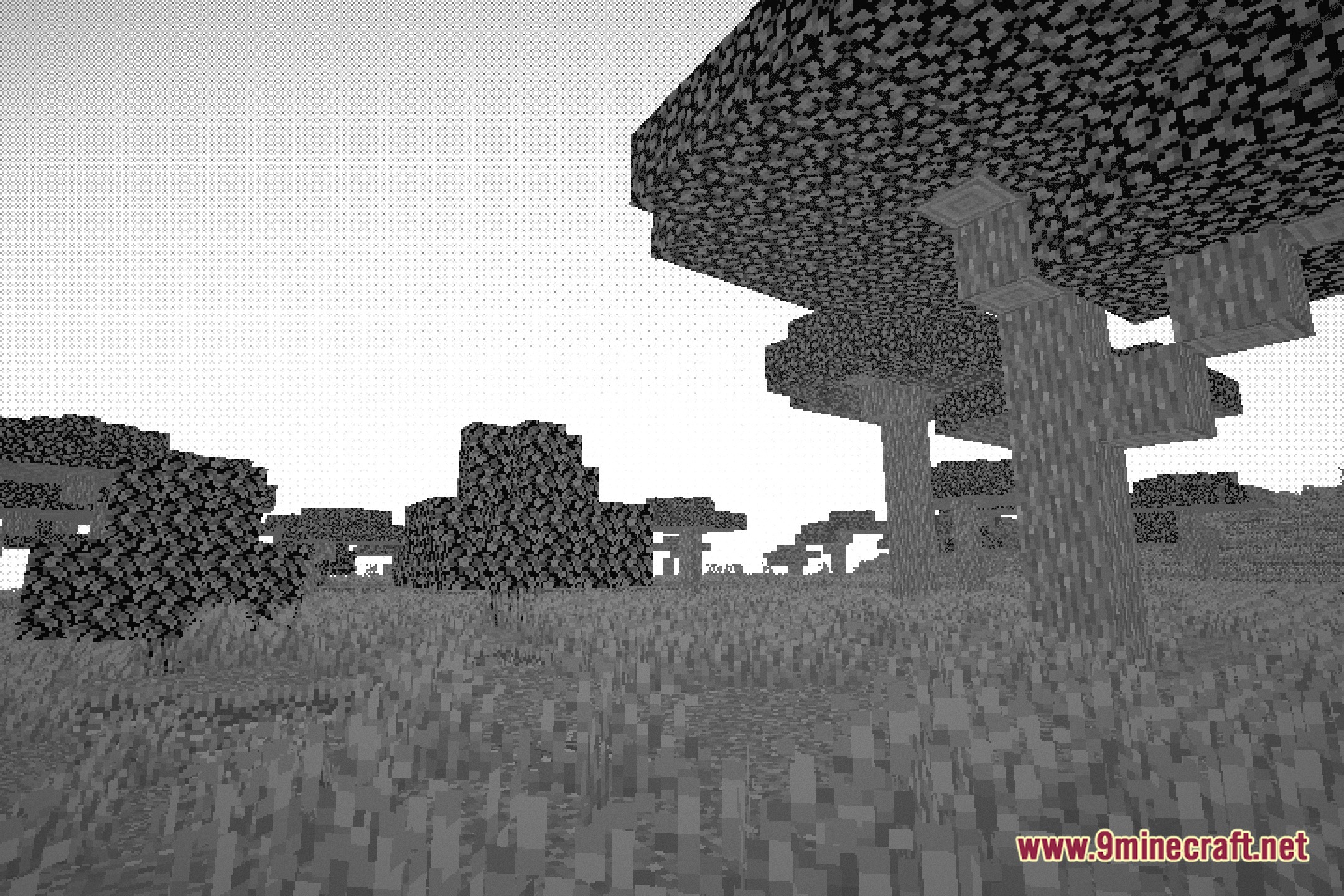
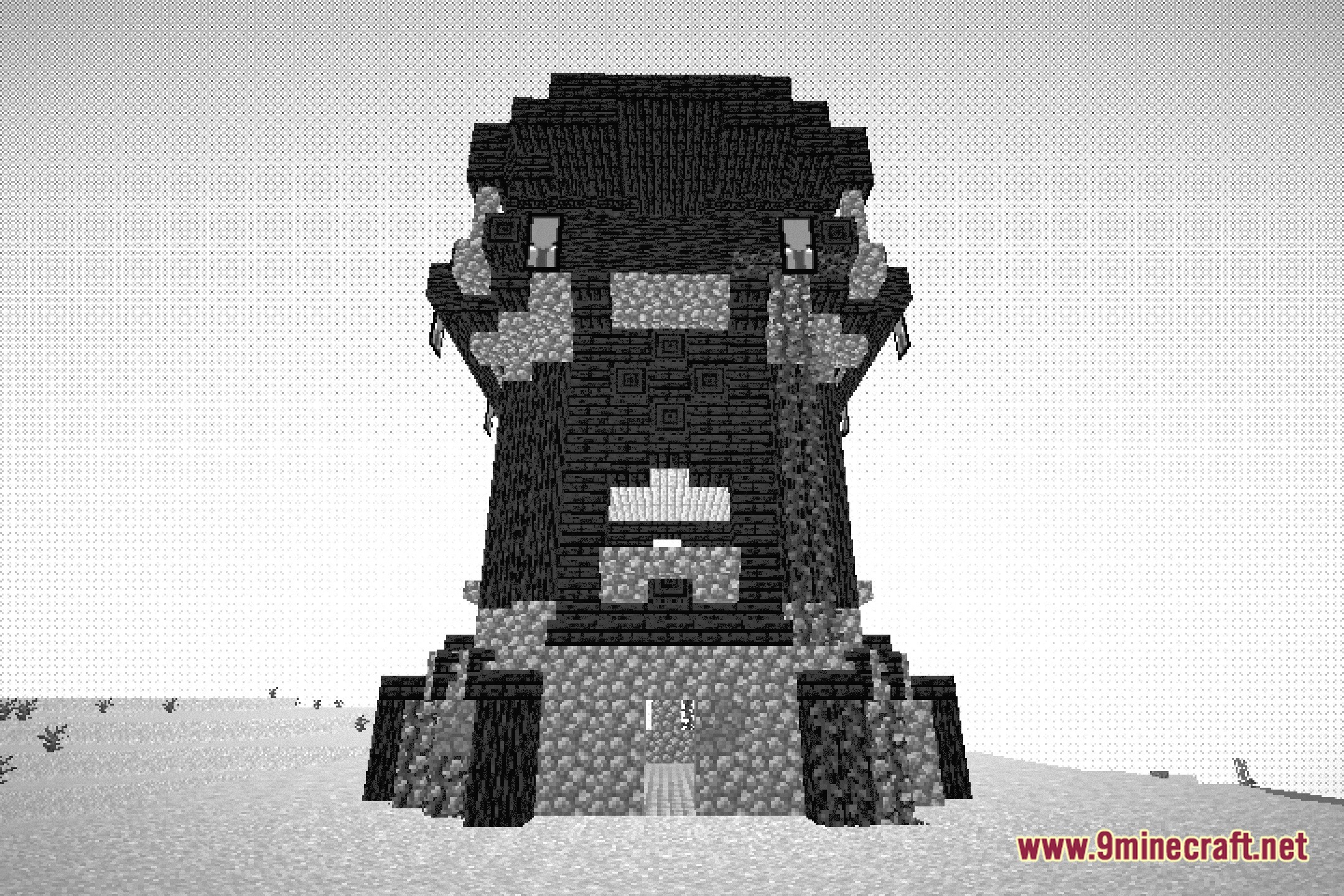
12 images from the Super Halftone Shaders page.
You May Also Like
Wikis that share the most with this one
More shader wikis on the site
 Sublime Visuals Shaders
 Storyloom Shaders
The most downloaded mods that have a wiki here