

 DownloadVoxy Extra Mod
Get the files on 9Minecraft
Guides
Step-by-step, in-game.
Blacklist Servers to Disable the ModAccess Blacklist Settings Open Video Settings and go to the Sodium options screen. Find the Voxy Extra configuration…Copy LOD Data into Flashback ReplaysUnderstand LOD in Replays Flashback replays are recordings of your gameplay. Without Level of Detail data, old…Remove Nether Fog for Better VisibilityAccess Video Settings Open your game and press Esc to open the pause menu. Navigate to Options → Video Settings .…Share Level of Detail Data Across Multiple ServersUnderstand Shared LOD Storage Voxy Extra allows you to use a single Level of Detail data folder for multiple…
Frequently asked questions
Where do I find the Voxy Extra Mod settings?
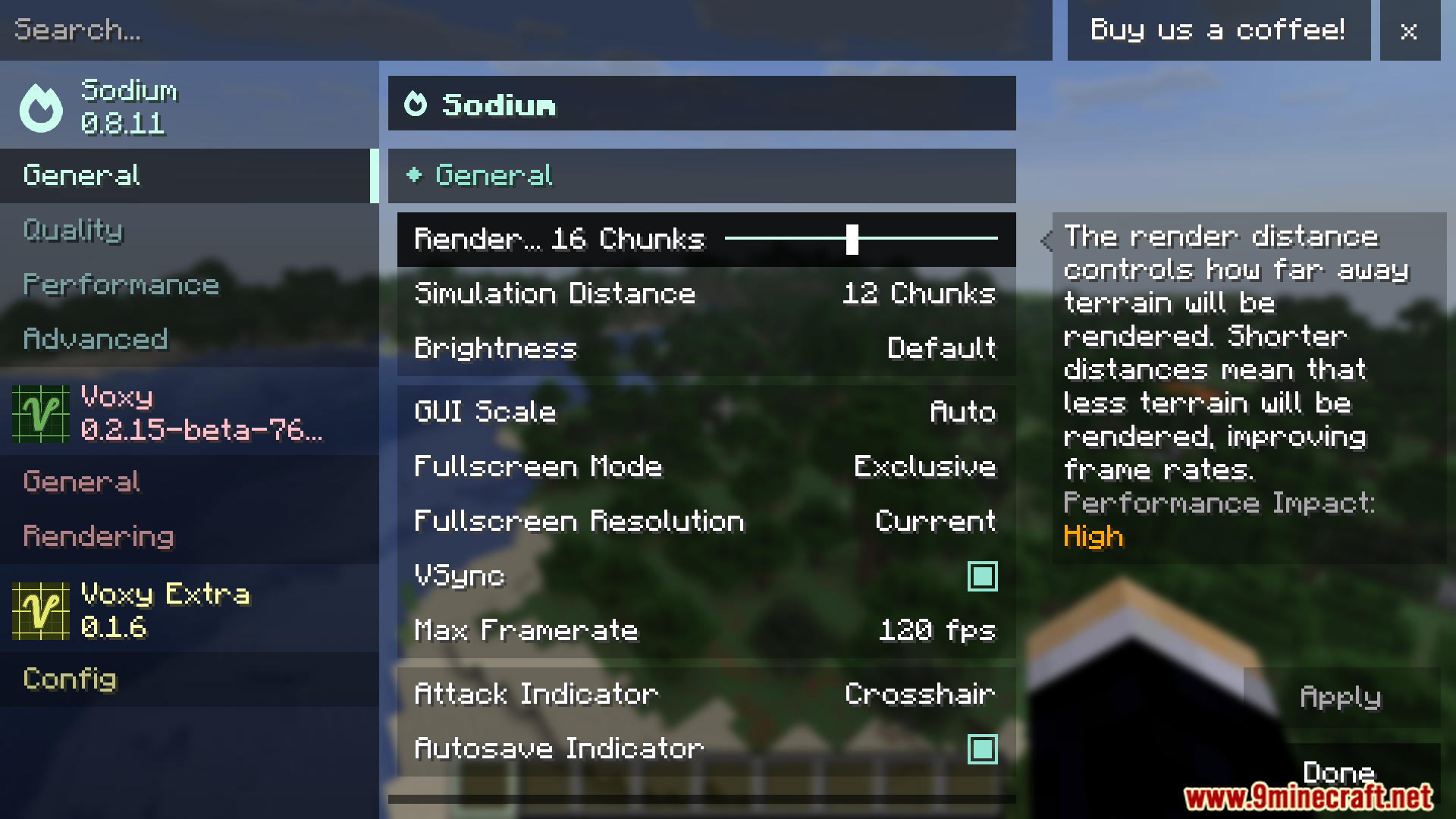
Open Video Settings in your game options, then find the Sodium options screen—the new Voxy Extra settings will appear there alongside your other video options.
How do I remove the red fog in the Nether?
Go to Video Settings > Sodium options and enable the environmental fog setting for Voxy Extra; this removes the thick Nether fog while keeping other fog effects intact.
Can I use old Flashback replays with this mod?
Yes—enable the LOD data copy feature in your Voxy Extra settings, and the mod will automatically copy Level of Detail data into your old recordings so they render correctly.
How do I stop the mod from running on certain servers?
Use the server blacklist feature in your Voxy Extra settings to add multiplayer server addresses; the mod will automatically disable itself when you join those servers.
See all 10 Voxy Extra questions ›
Gallery
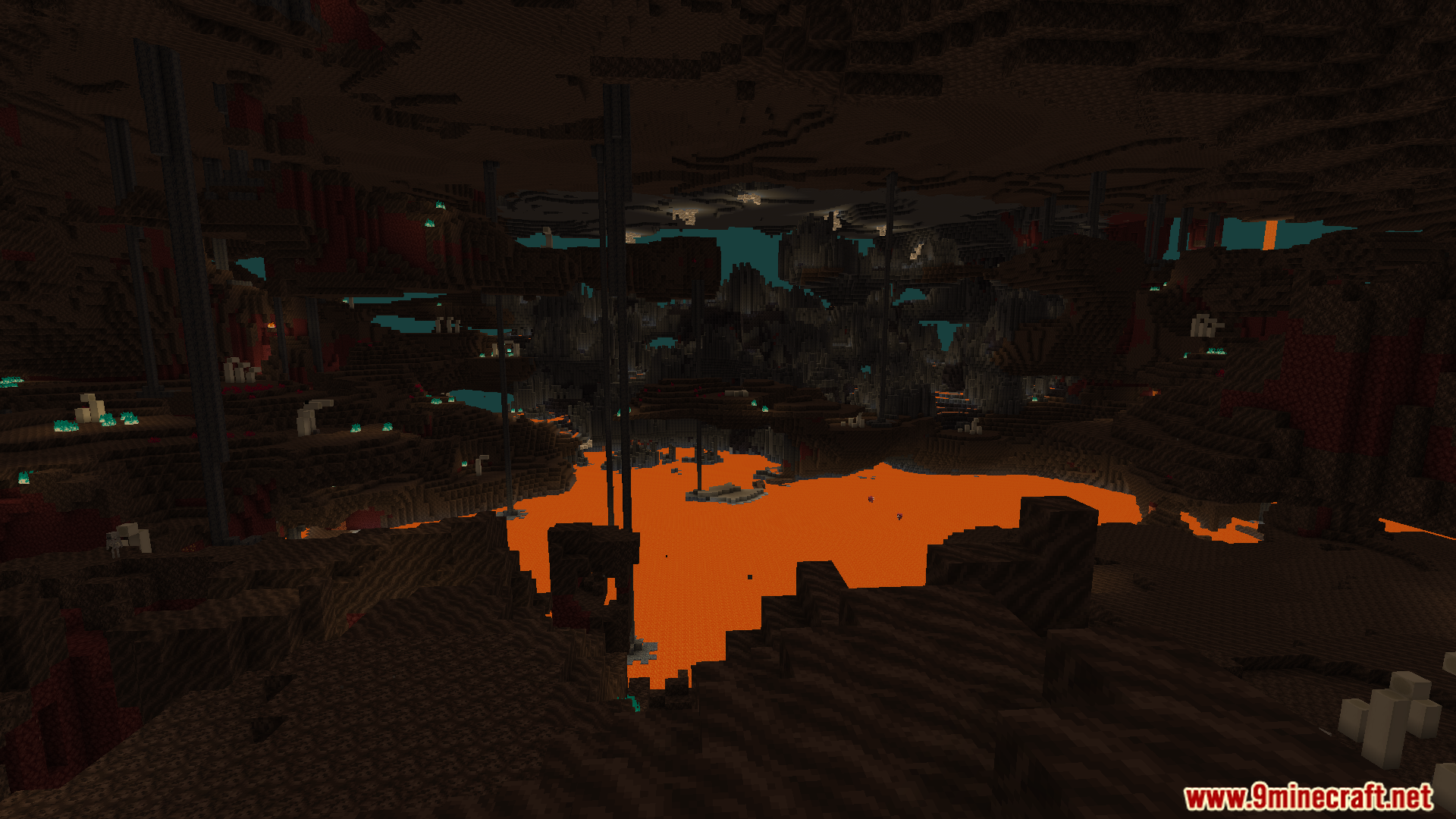
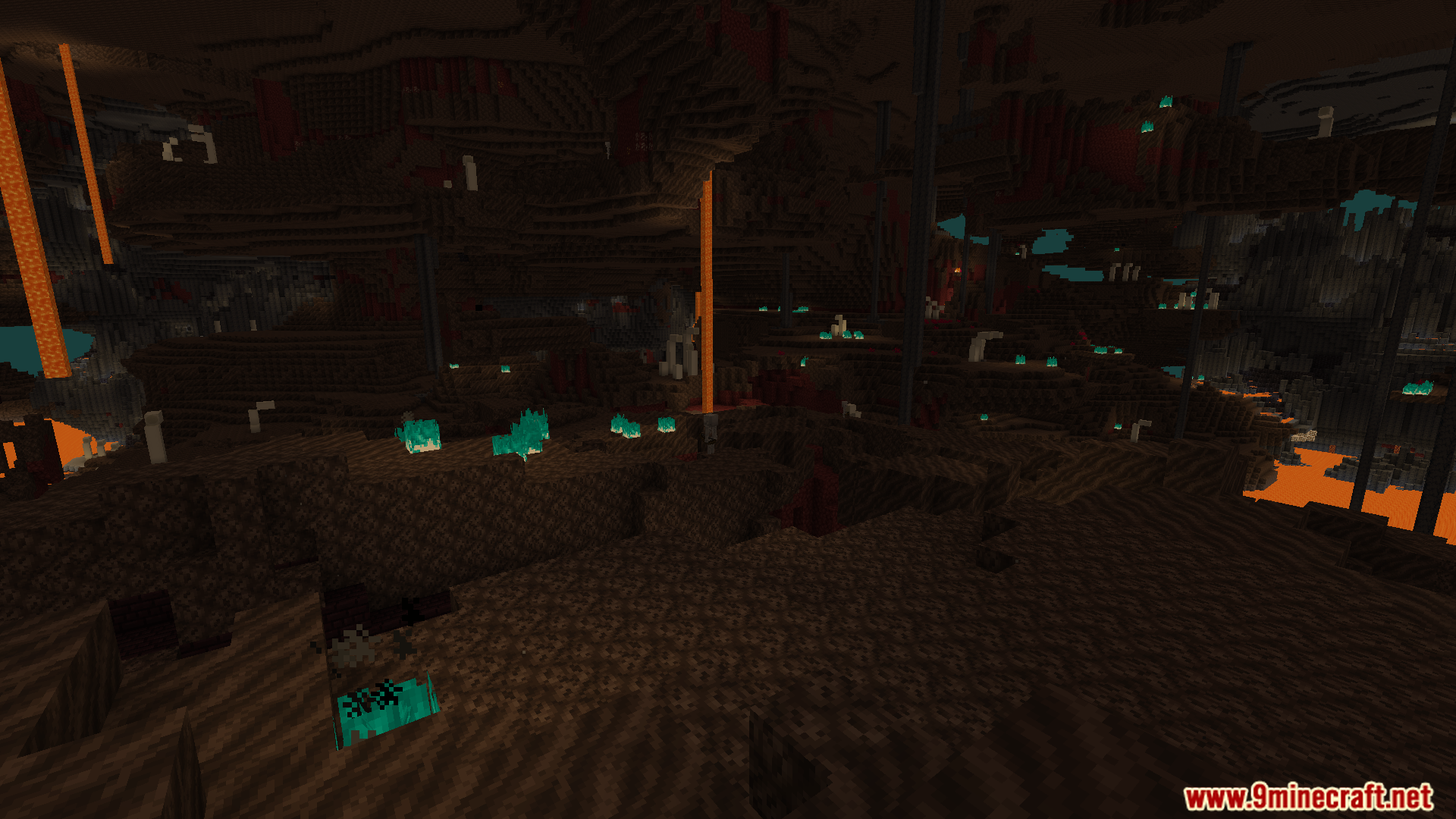
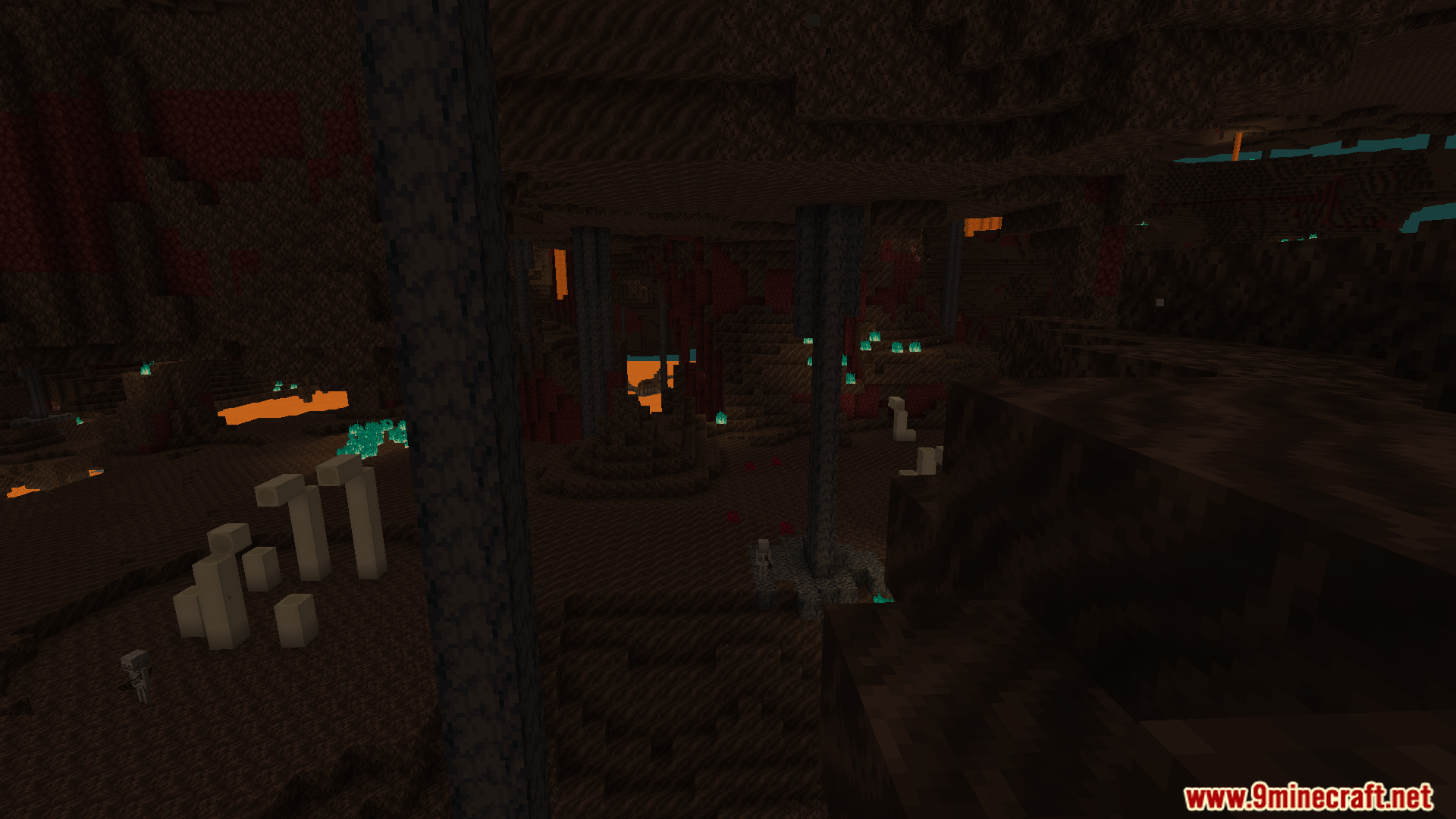
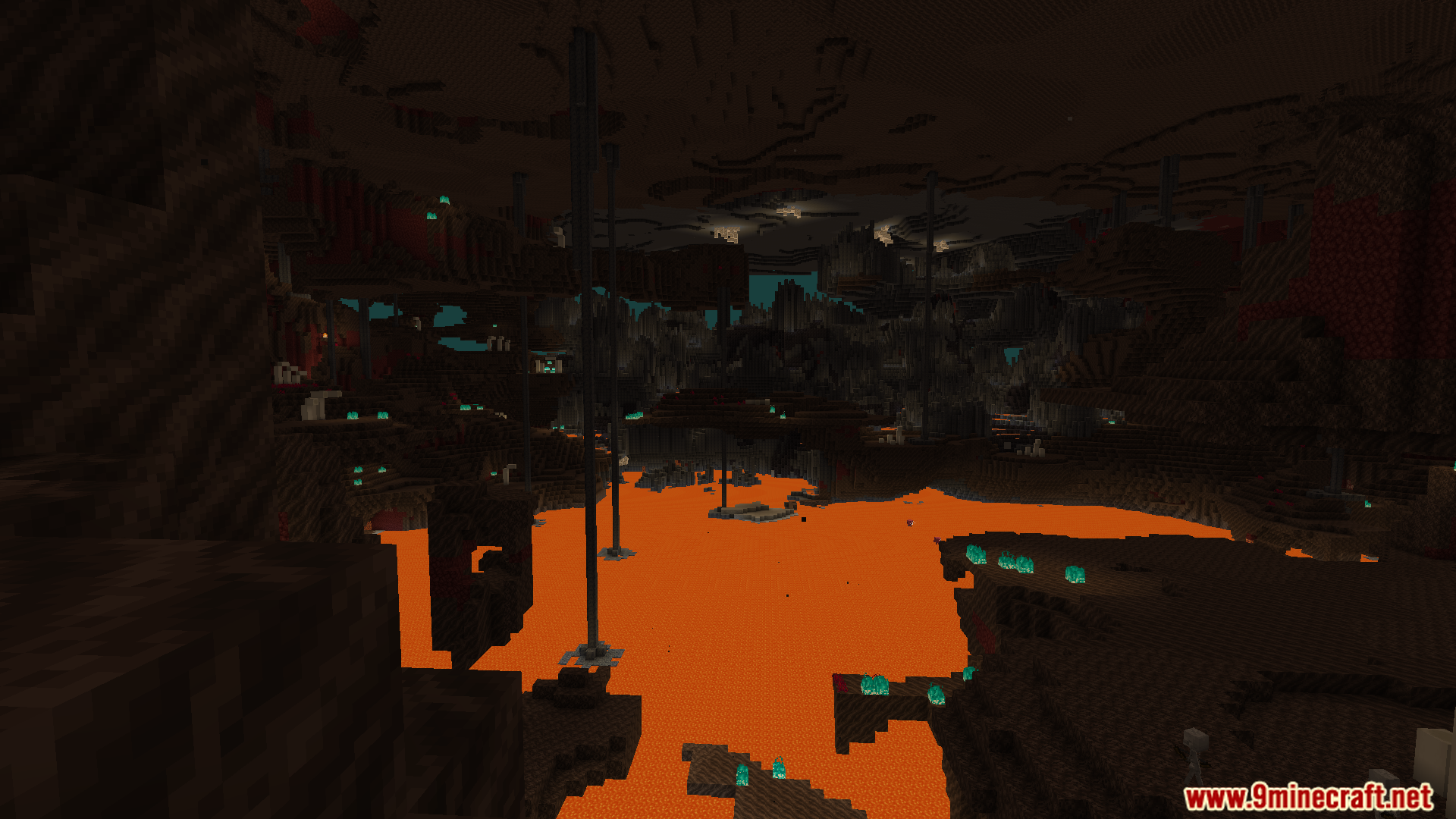
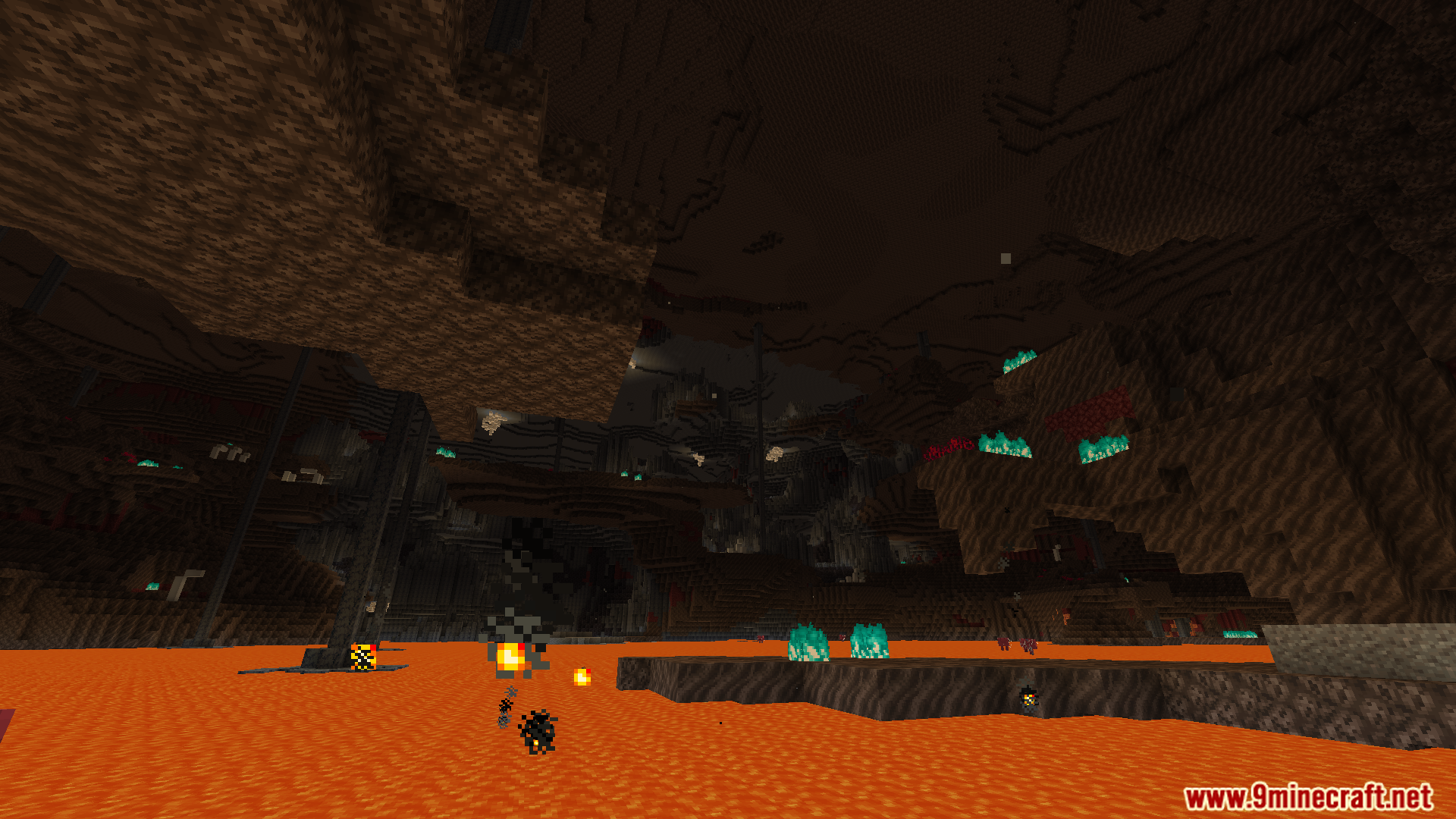
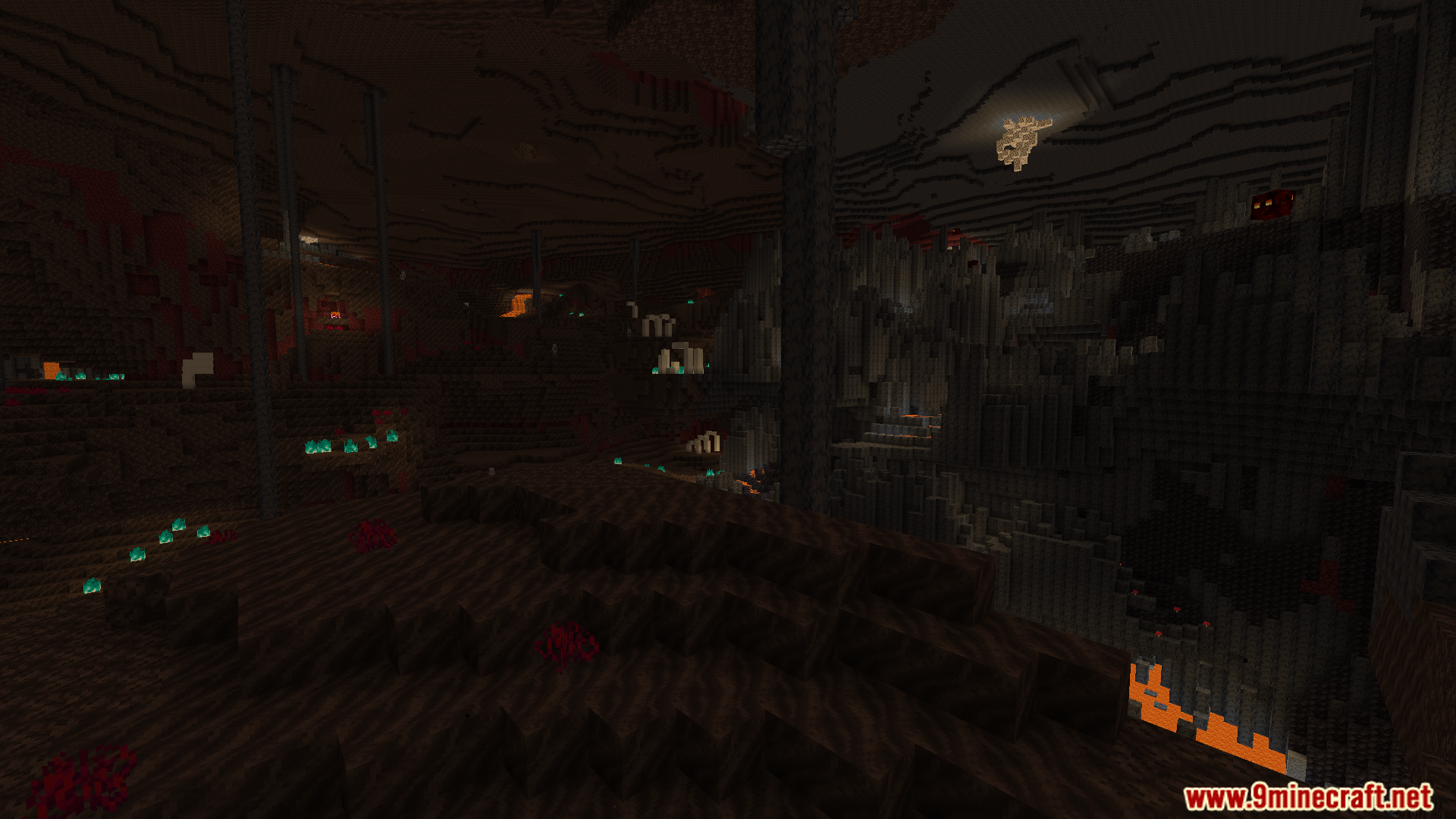
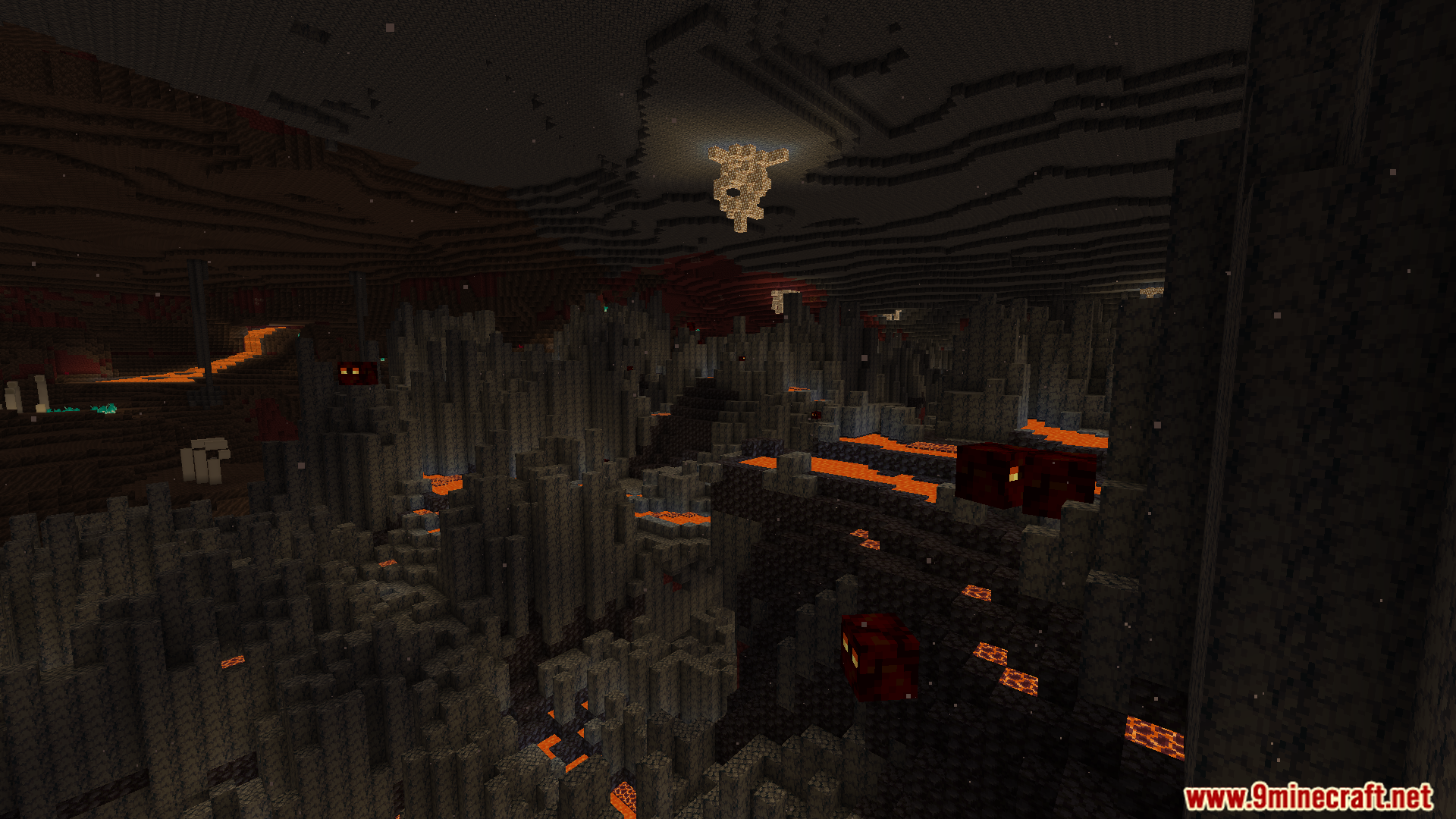
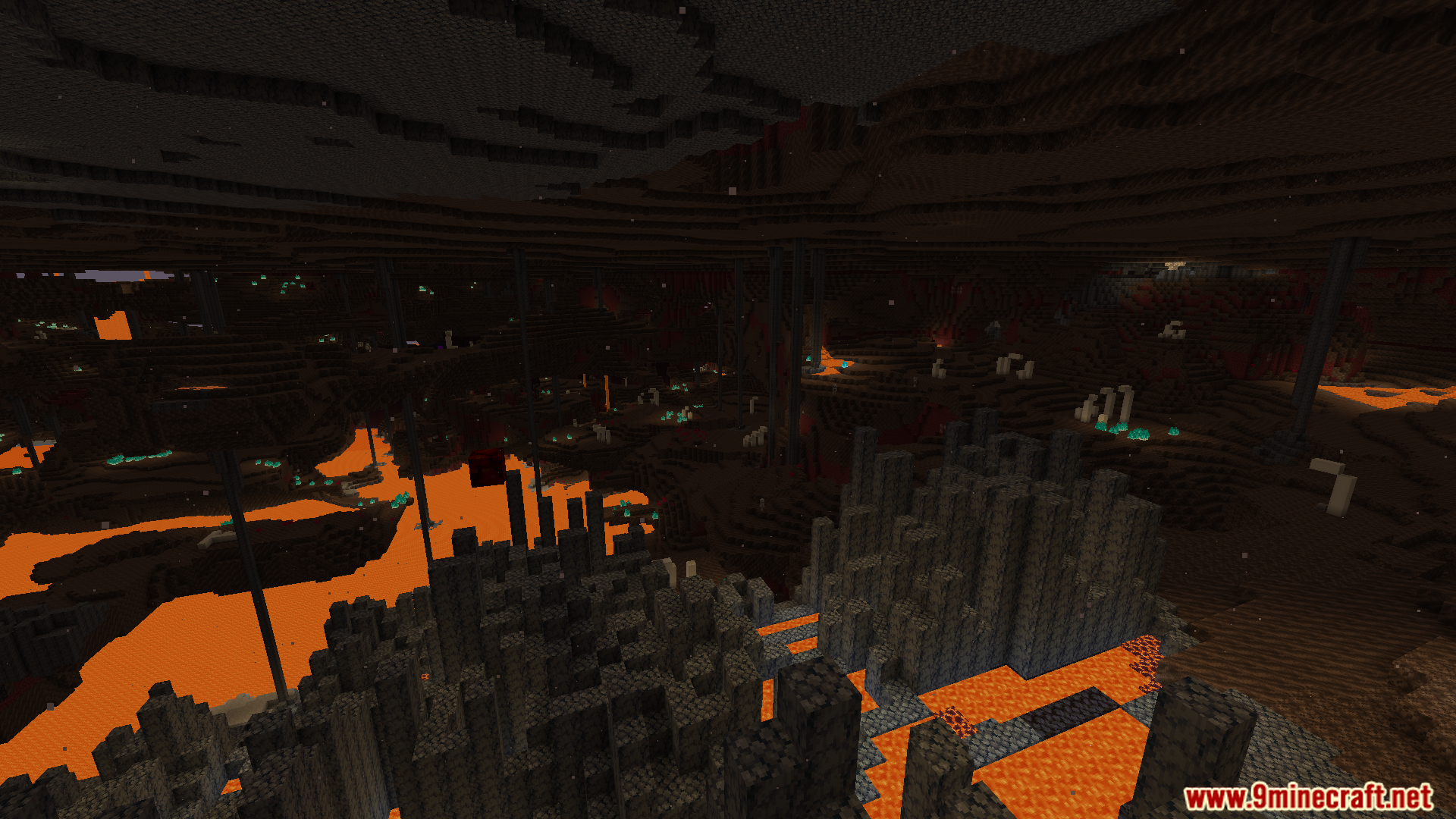
12 images from the Voxy Extra Mod page.
You May Also Like
Wikis that share the most with this one
More mod wikis on the site
The most downloaded mods that have a wiki here
A few wikis from each of the other kinds