

 DownloadSunlitshaders
Get the files on 9Minecraft
Guides
Step-by-step, in-game.
Adjust Shadow Intensity and SoftnessAccess Shader Settings Open the shader options menu by pressing Right Shift (or your configured key) while in-game,…Customize Sunrise and Sunset ColorsAccess Sky and Lighting Options Open shader settings and navigate to the sky or atmosphere section. This controls how…Enhance Water Reflections and ClarityLocate Water Settings Open shader options and find the water quality section. This controls reflection rendering and…Reduce Bloom and Glow EffectsOpen Bloom Settings Access shader options and locate the bloom or glow section. This controls the soft light halo…
Frequently asked questions
How do I enable Sunlitshaders after installing it?
Open the Shaders menu from Video Settings, then browse to your shaders folder and select Sunlitshaders from the list. The shader will apply immediately to your world.
Why does my world look too dark with this shader?
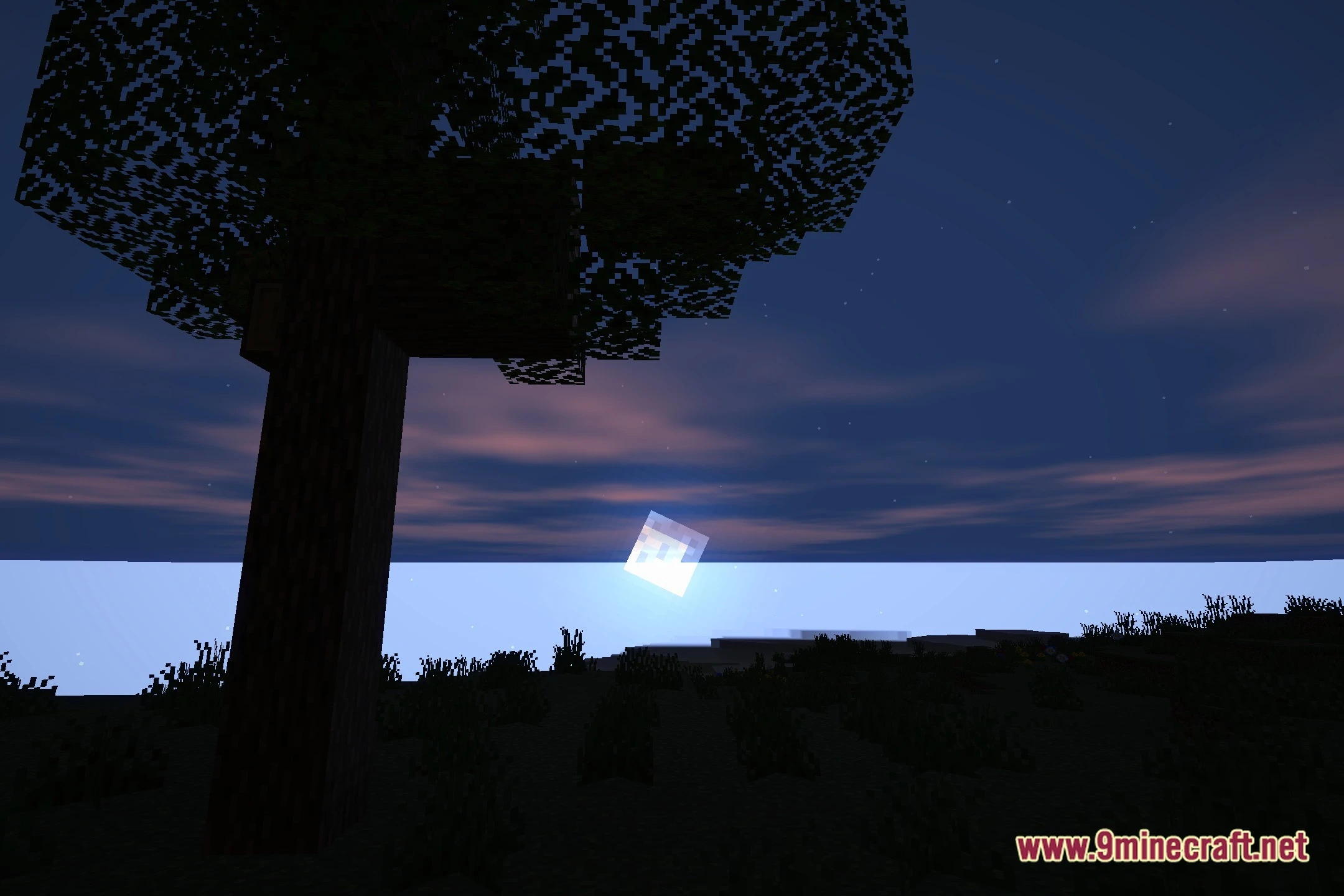
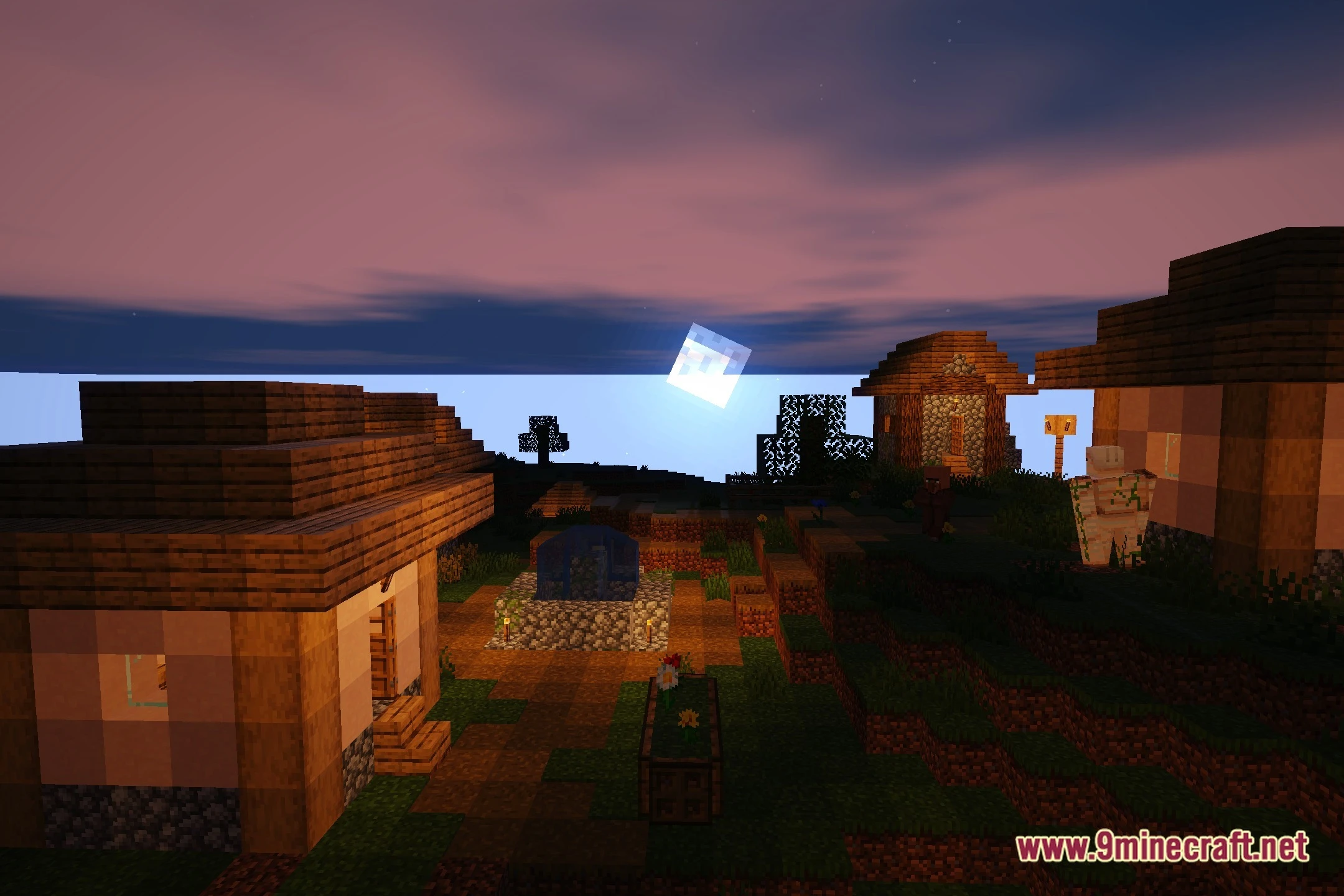
Sunlitshaders uses a darker, film-like mood by design. You can brighten your world by adjusting the shadow intensity in the shader settings, or by increasing your monitor's brightness.
Can I turn off the bloom effect?
Yes—open the shader options menu and look for bloom or glow settings, where you can reduce or disable the soft bloom effect around light sources.
Why is my water not reflecting light properly?
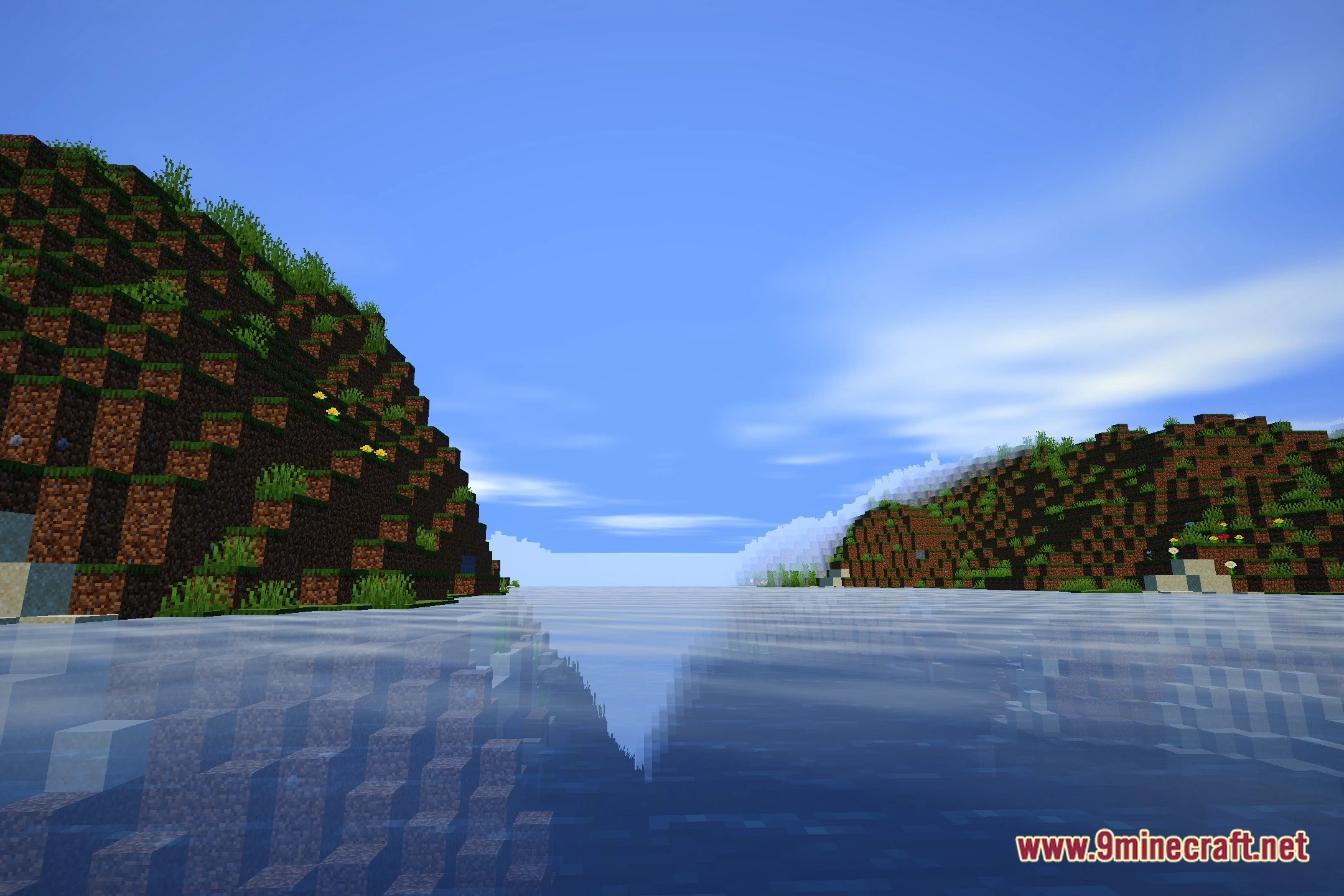
Water reflections depend on your shader settings and render distance. Check the water reflection options in the shader menu and ensure your render distance is set high enough to see reflective details.
See all 10 Sunlitshaders questions ›
Gallery
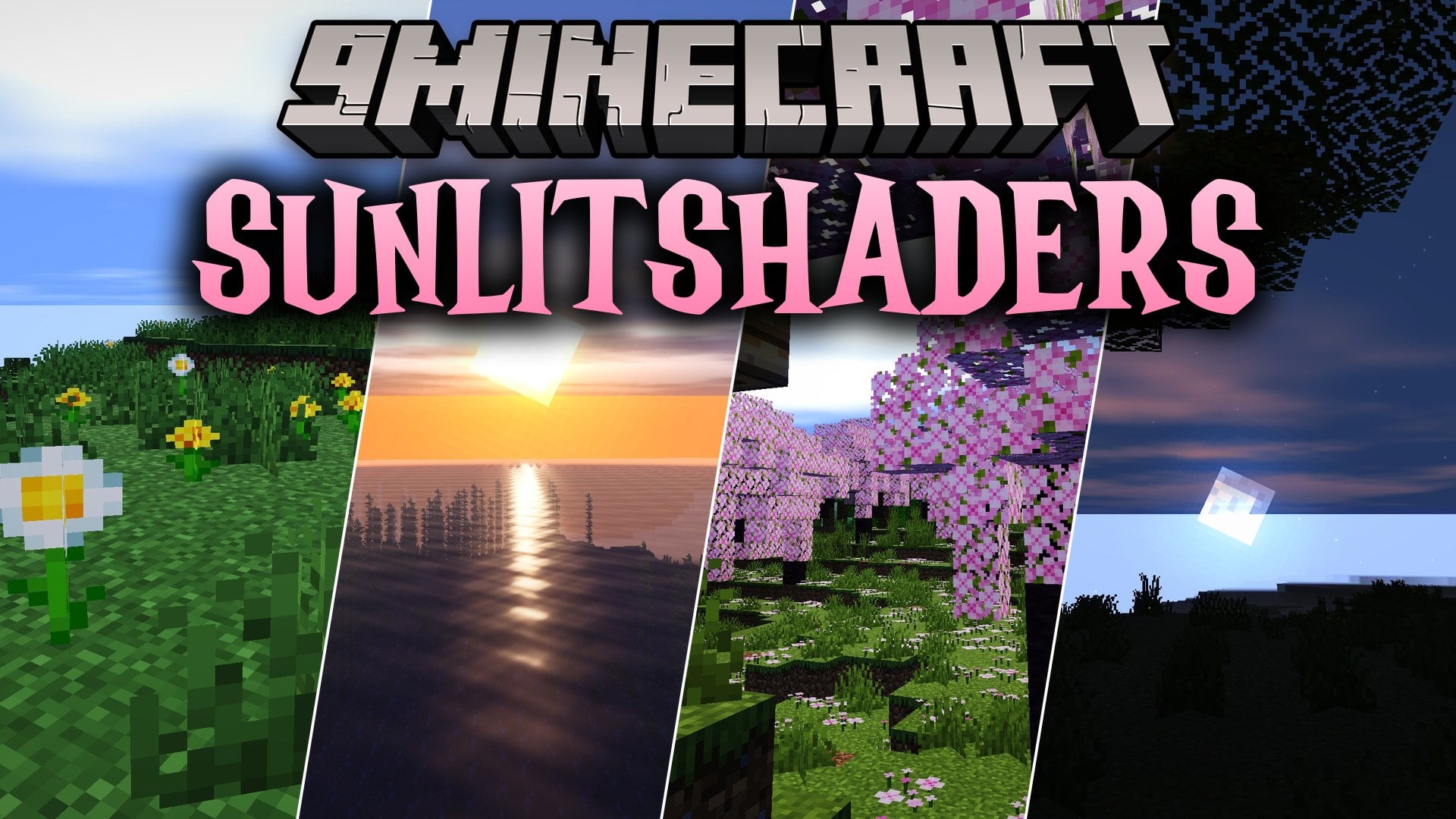
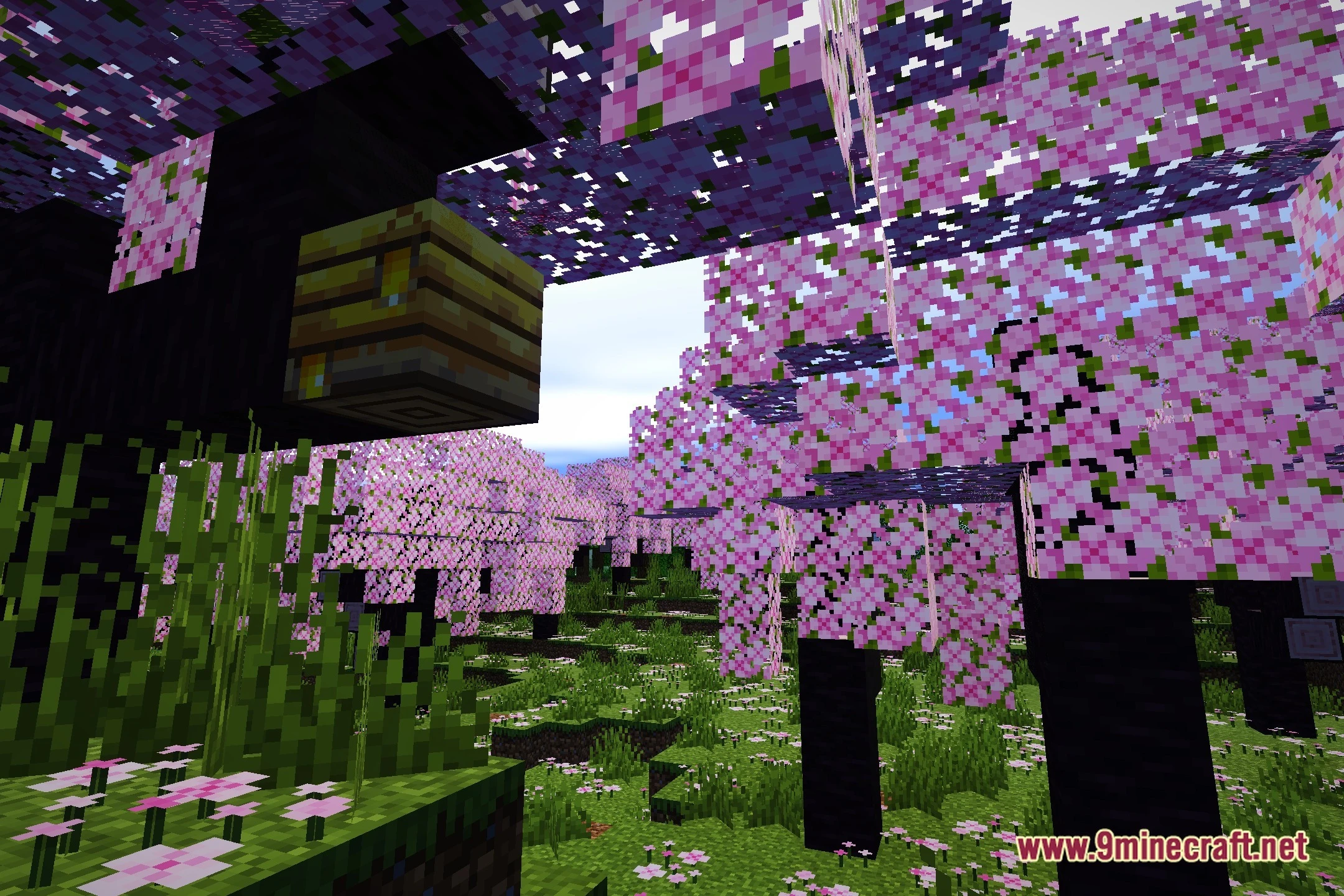
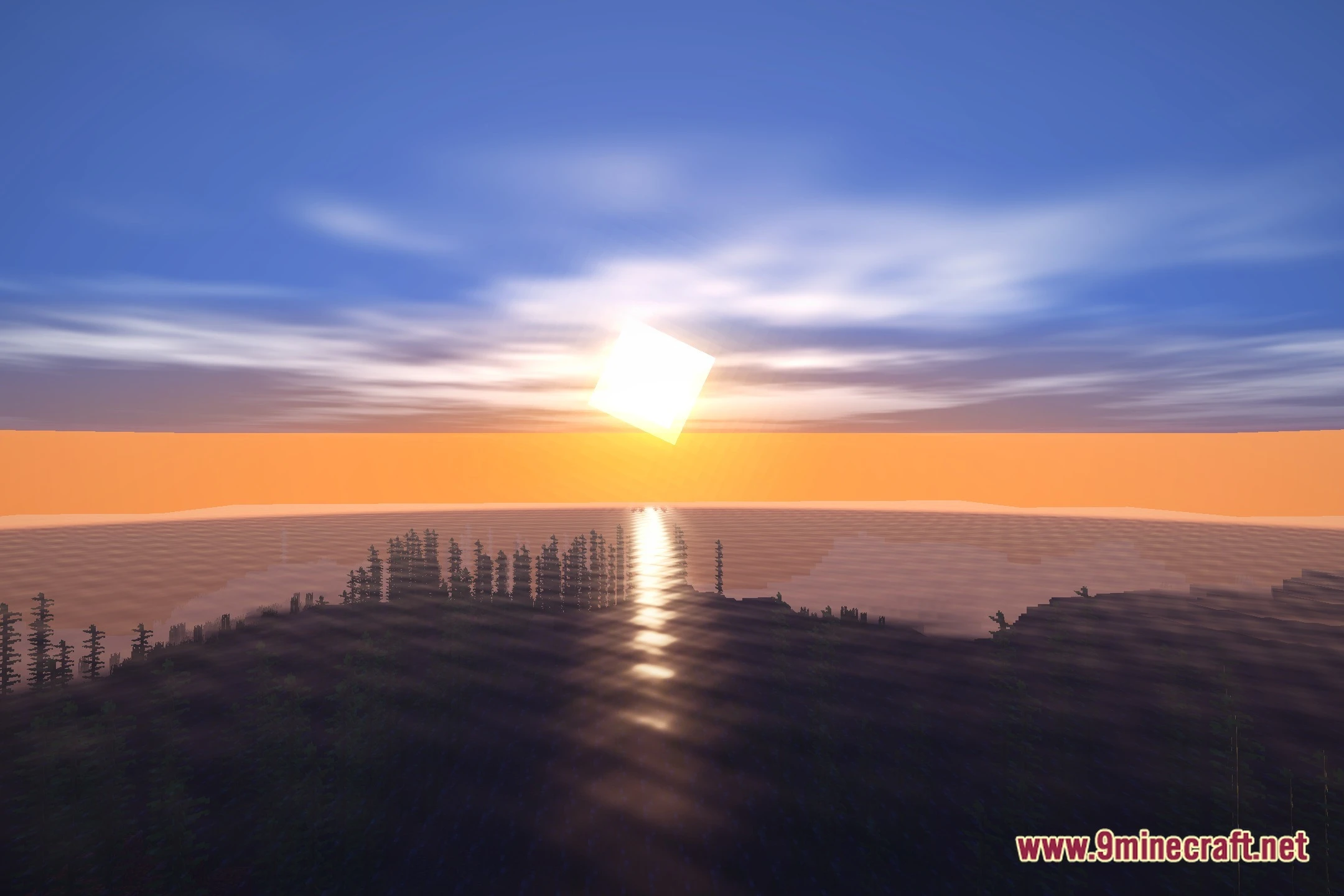
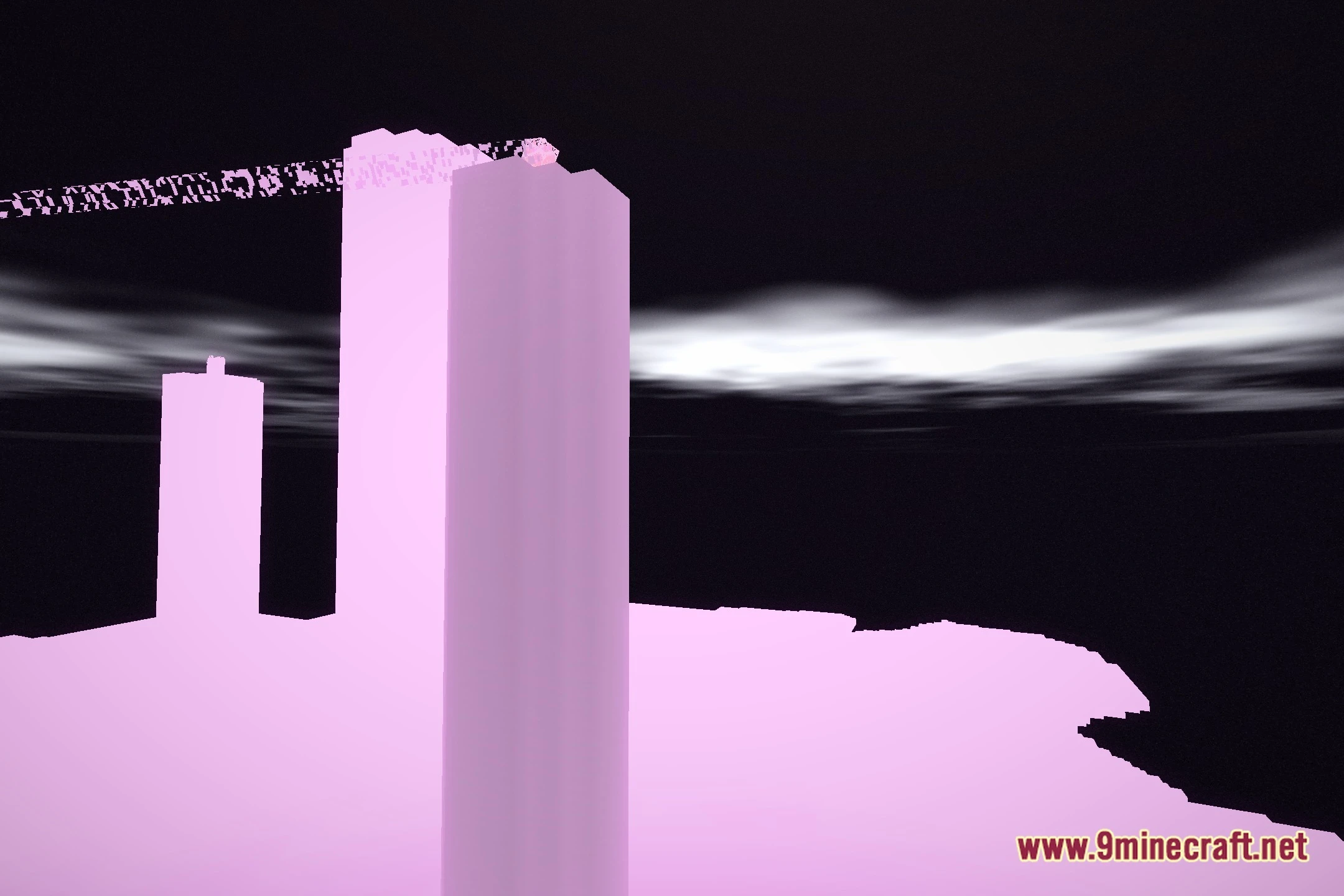
12 images from the Sunlitshaders Shaders page.
You May Also Like
Wikis that share the most with this one
Wikis on the same theme: light
More shader wikis on the site
 Sublime Visuals Shaders
 Storyloom Shaders
The most downloaded mods that have a wiki here