

 DownloadSimply Shaded Shaders
Get the files on 9Minecraft
Guides
Step-by-step, in-game.
Adjust Shader Brightness and ContrastAccess Shader Settings Open your in-game pause menu and navigate to Options → Video Settings → Shaders . Select…Make Colored Light Sources More Visible at NightUnderstand Colored Lighting Mechanics Simply Shaded applies colored glow to light-emitting blocks like torches,…Optimize Frame Rate on Low-End HardwareReduce Render Distance In Options → Video Settings , lower your render distance to 8-12 chunks. This is the single…Troubleshoot Uneven or Missing Colored LightingVerify Shader is Active Confirm Simply Shaded is selected in Options → Video Settings → Shaders . The shader name…
Frequently asked questions
How do I turn on the colored lighting after installing the shader?
Open your shader settings menu in-game (usually accessible from Video Settings) and enable Simply Shaded Shaders from the available shader list. The colored glow from light sources should appear immediately once activated.
Why aren't my light sources glowing with color?
Check that your shader is actually enabled in the Video Settings menu. If it's on but you still see no glow, try adjusting the brightness slider in the shader options—colored lighting may be too dim to see at default settings, especially during daytime.
Can I use this shader with other mods that add custom blocks?
My FPS dropped after enabling the shader. How do I fix this?
Simply Shaded is designed for low-end hardware, but you can boost performance further by lowering your render distance, disabling advanced lighting options in the shader settings, or reducing your resolution. Check the Optimize Frame Rate on Low-End Hardware guide for detailed steps.
See all 10 Simply Shaded Shaders questions ›
Gallery
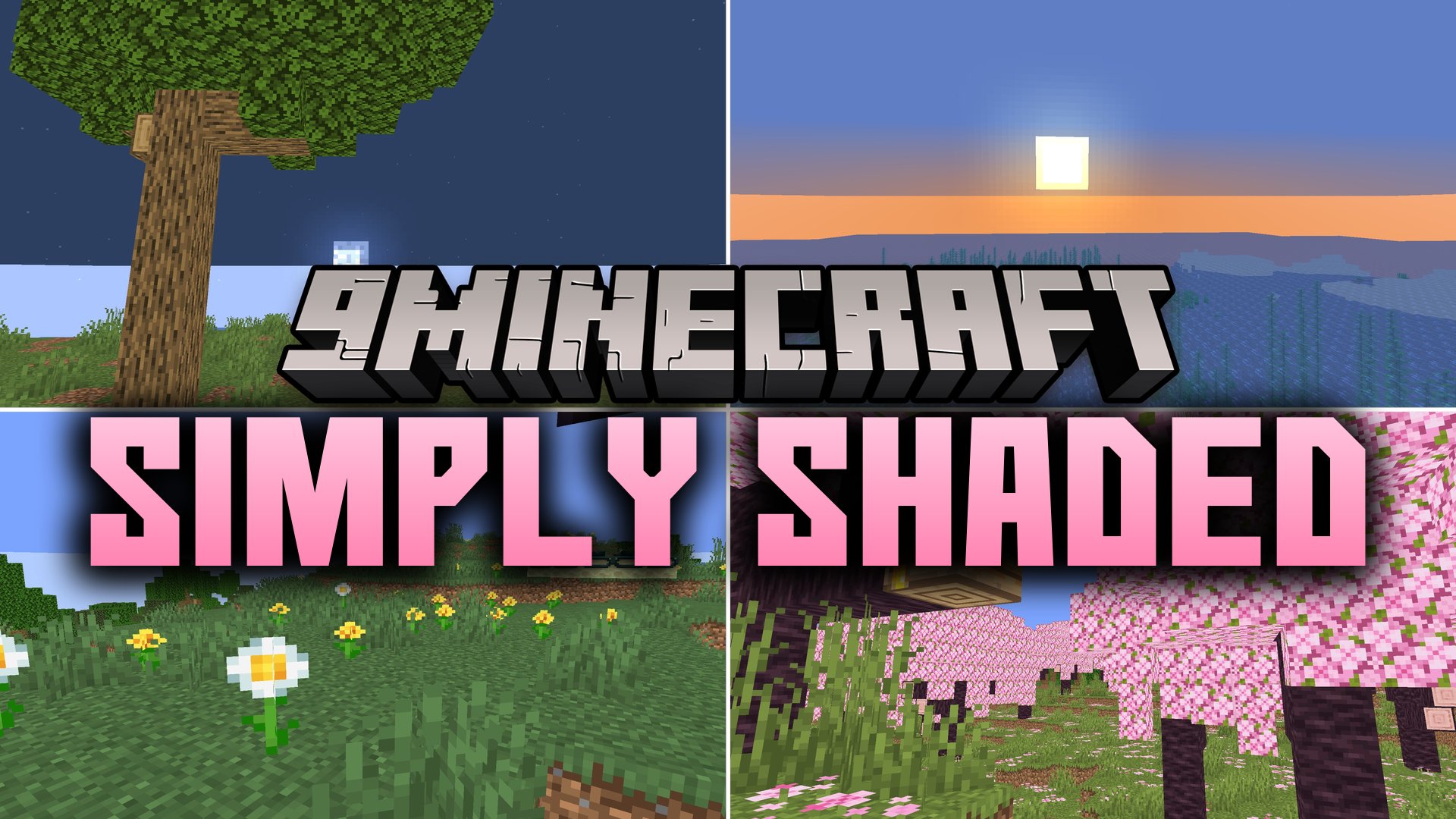
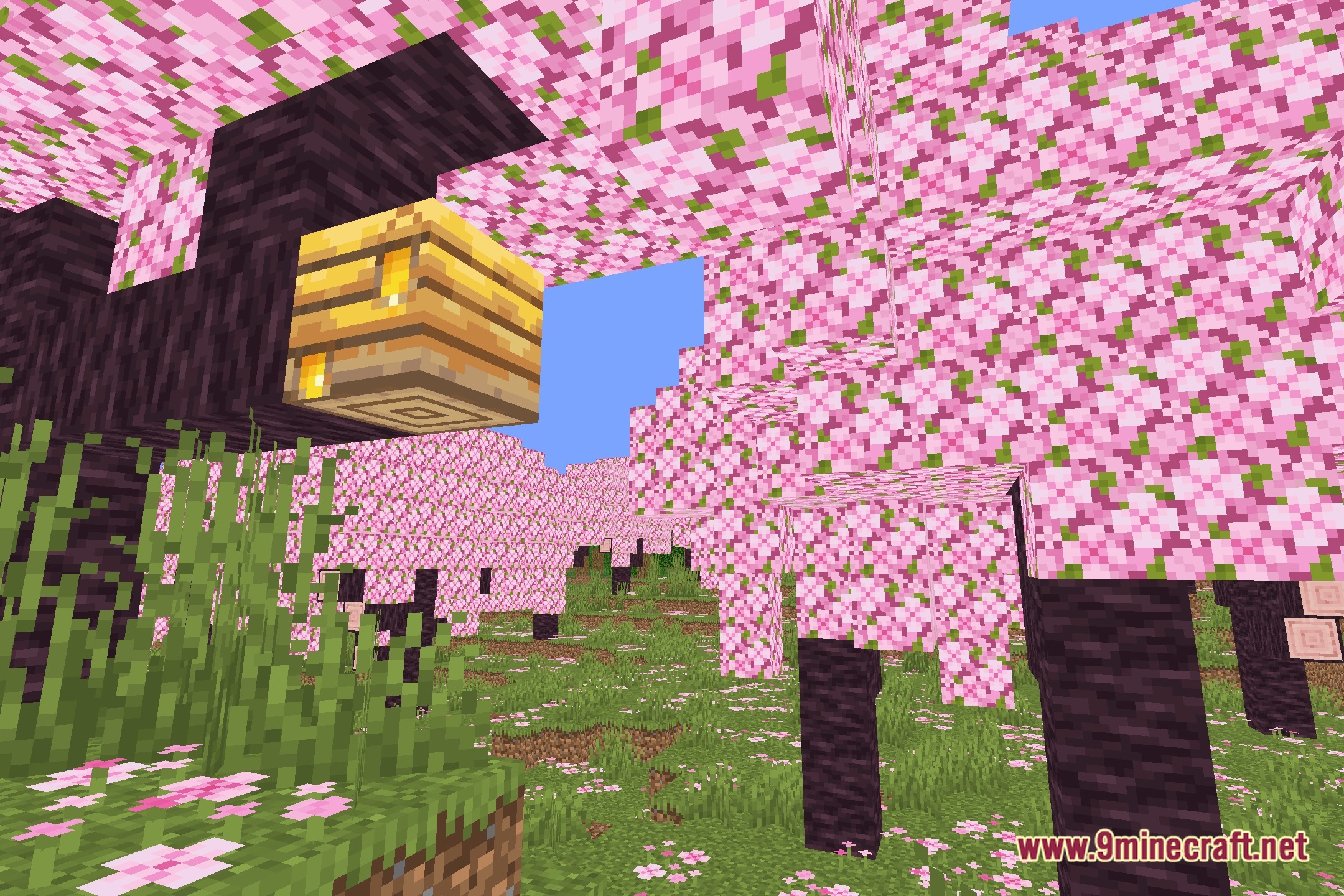
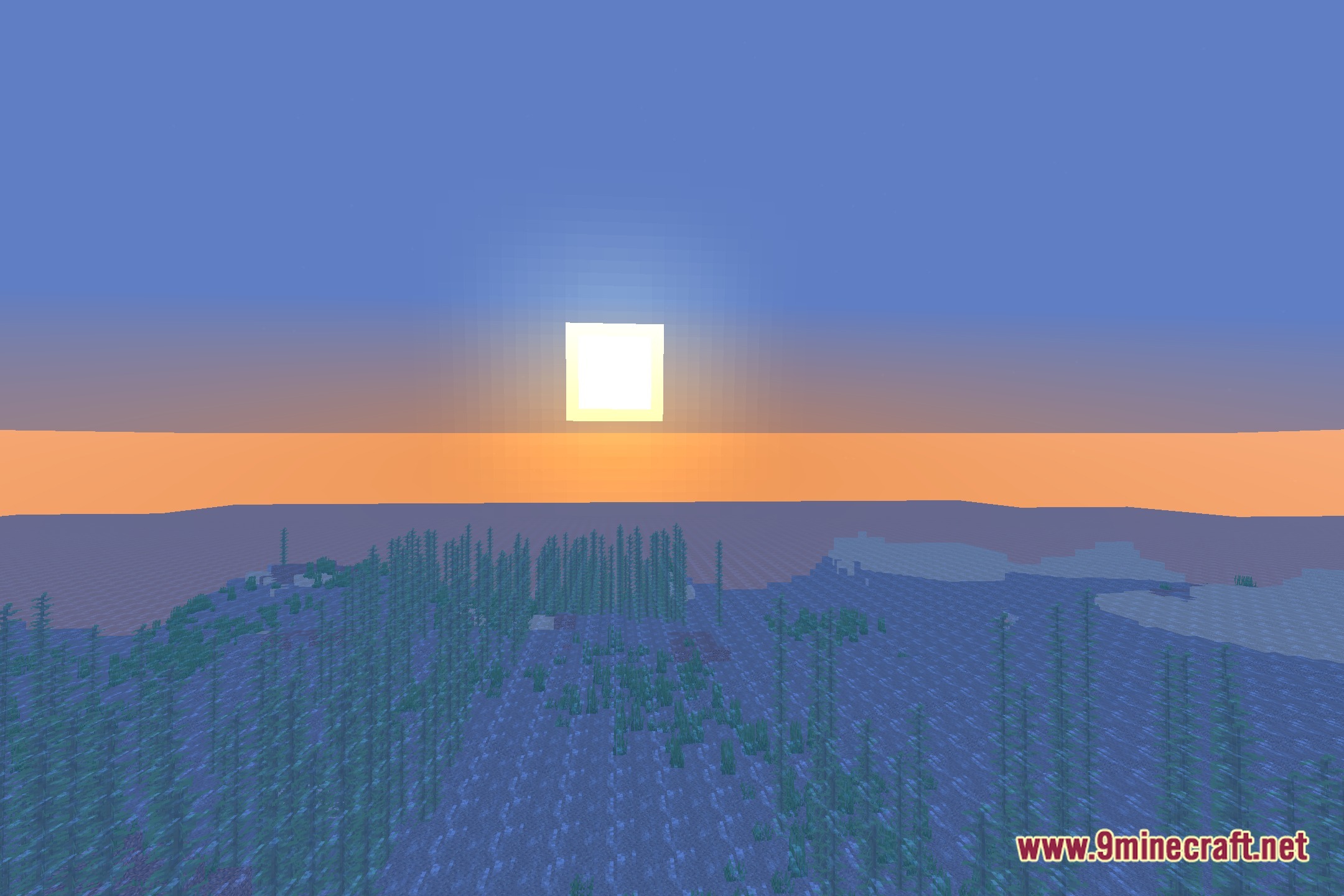
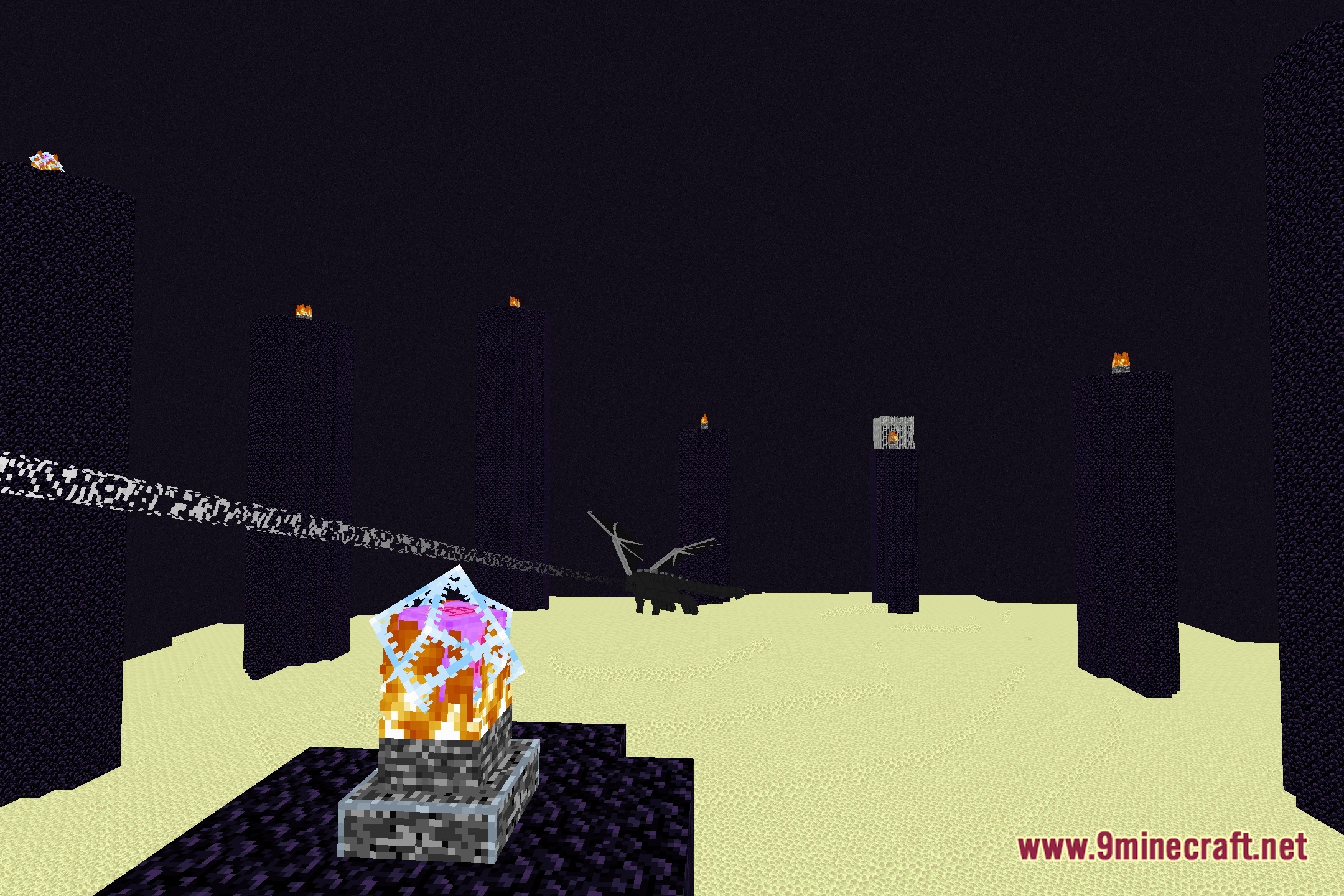
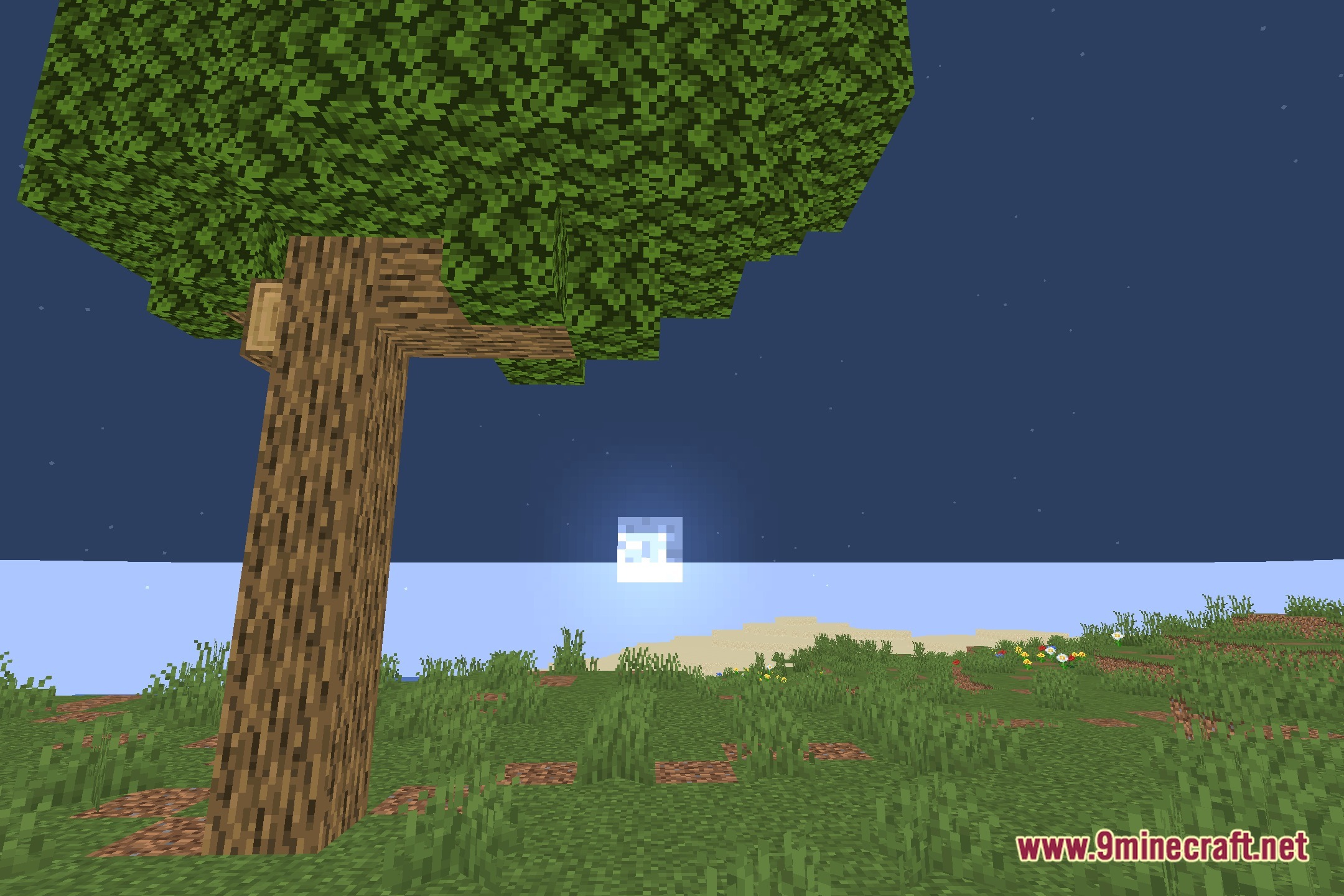
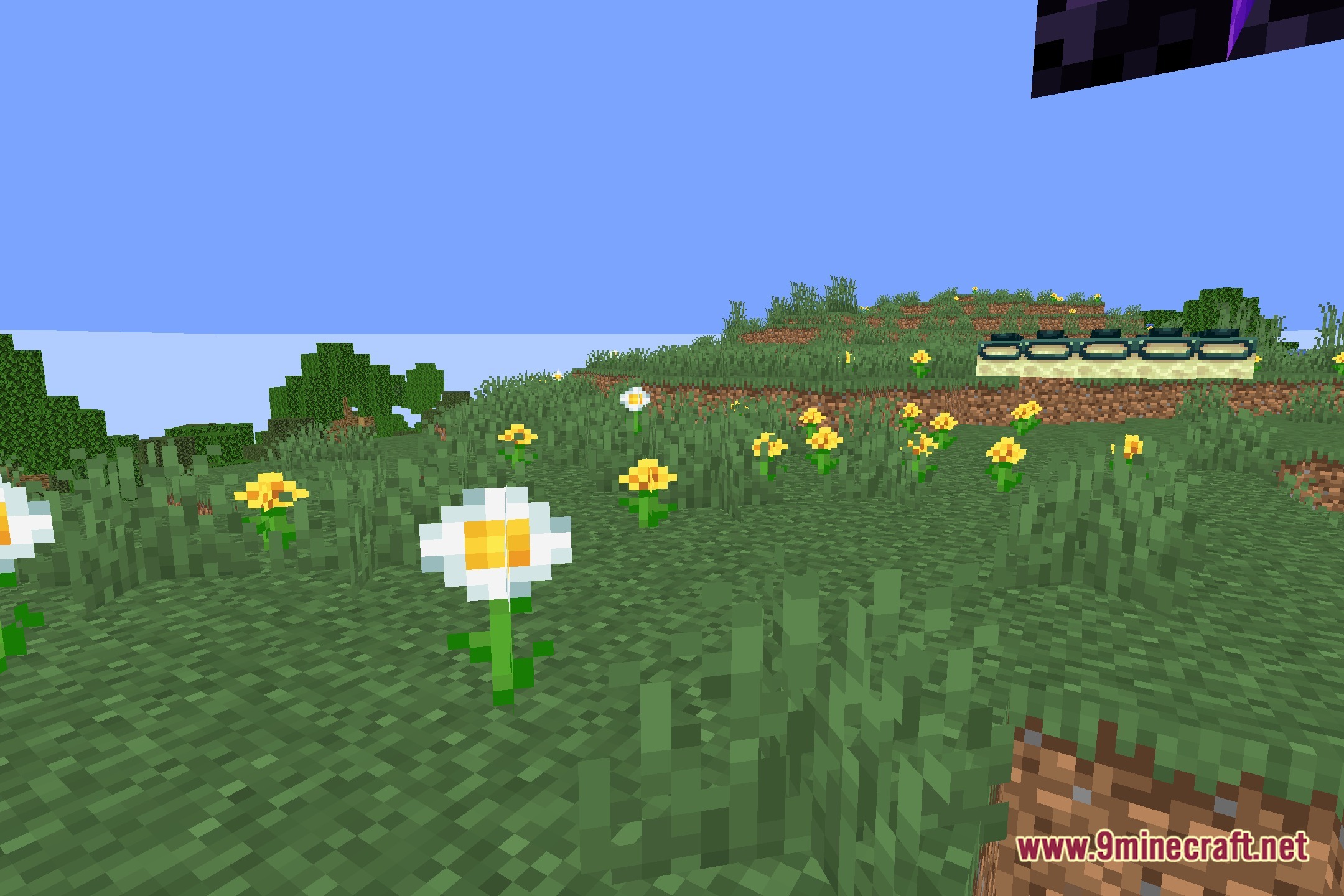
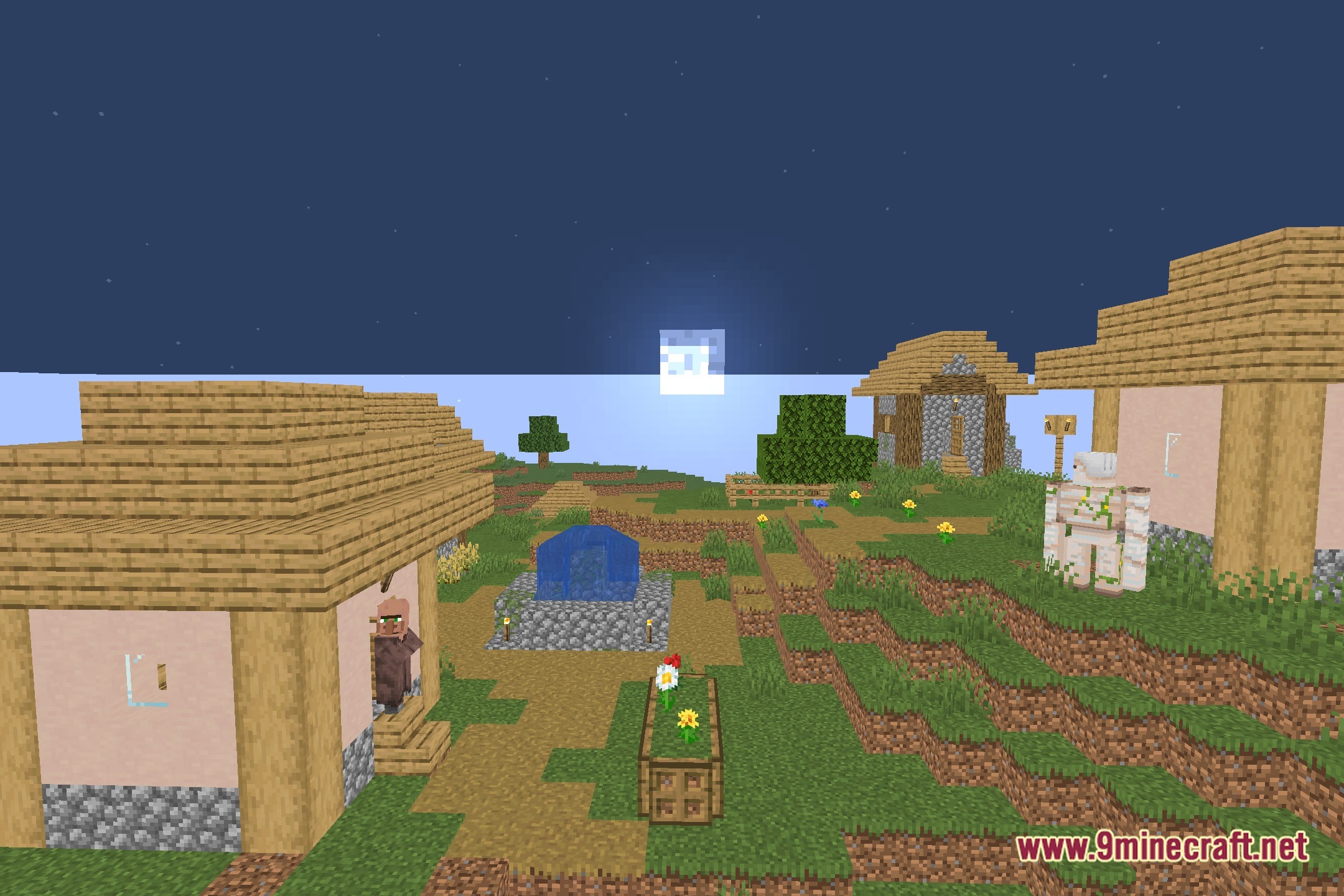
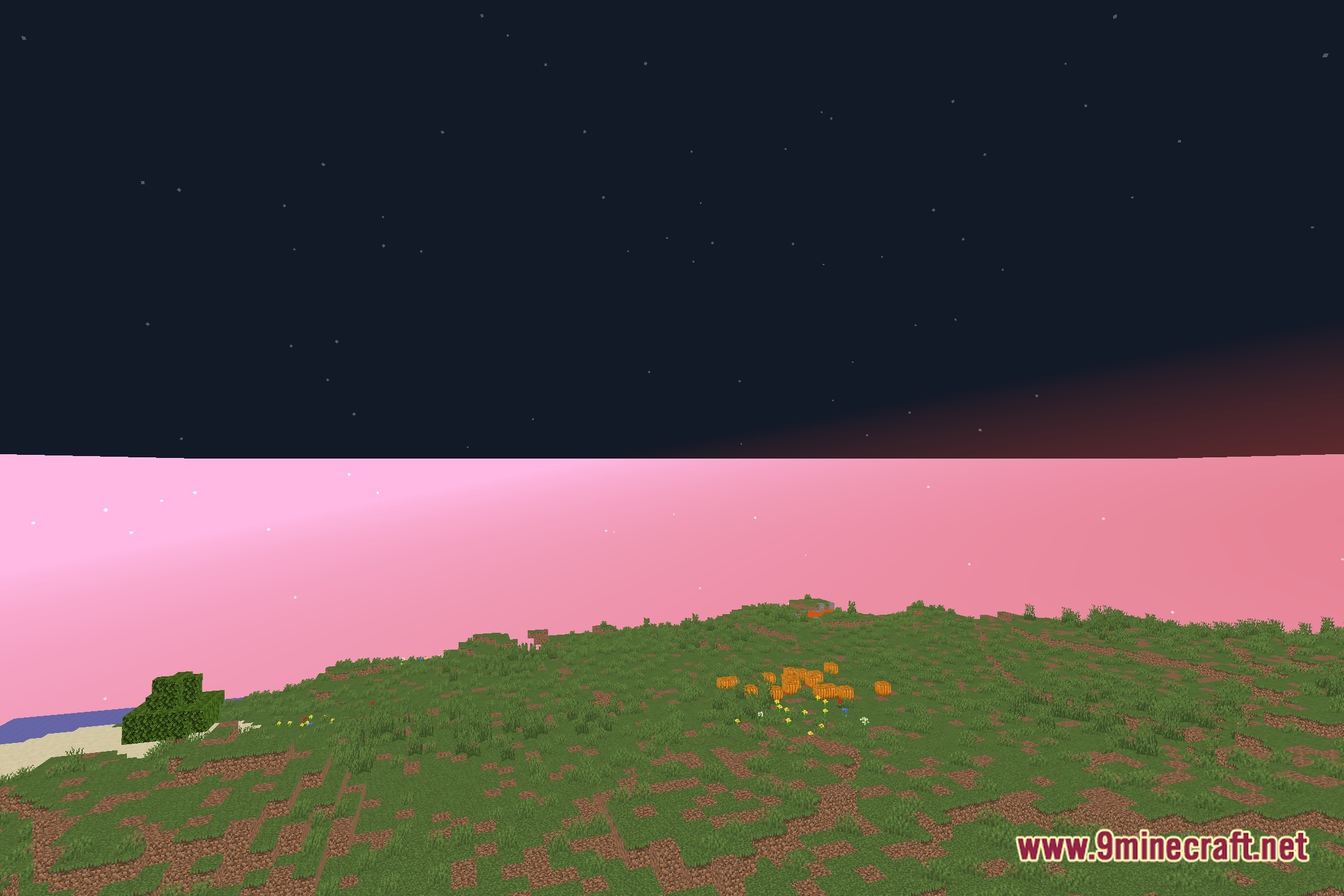
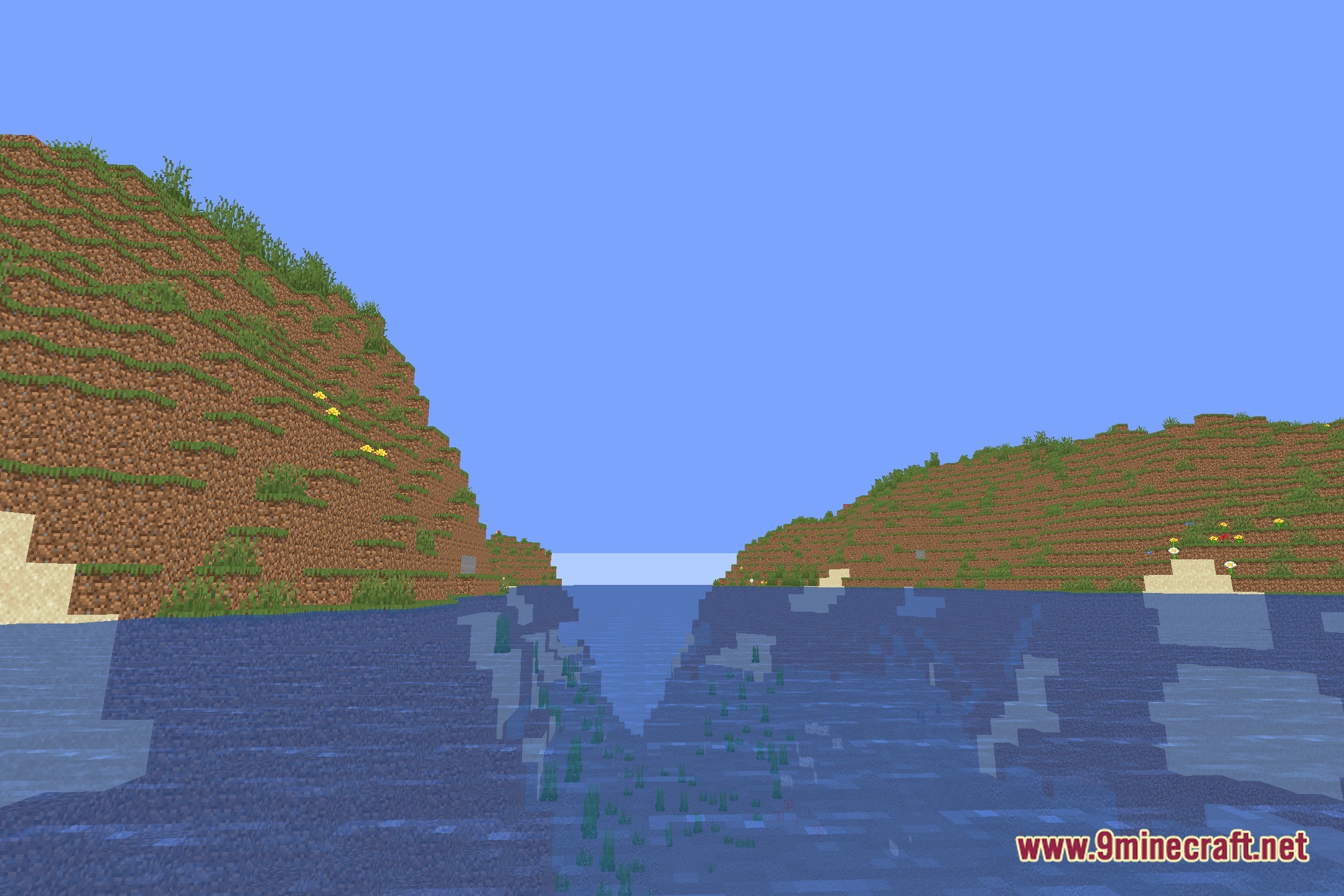
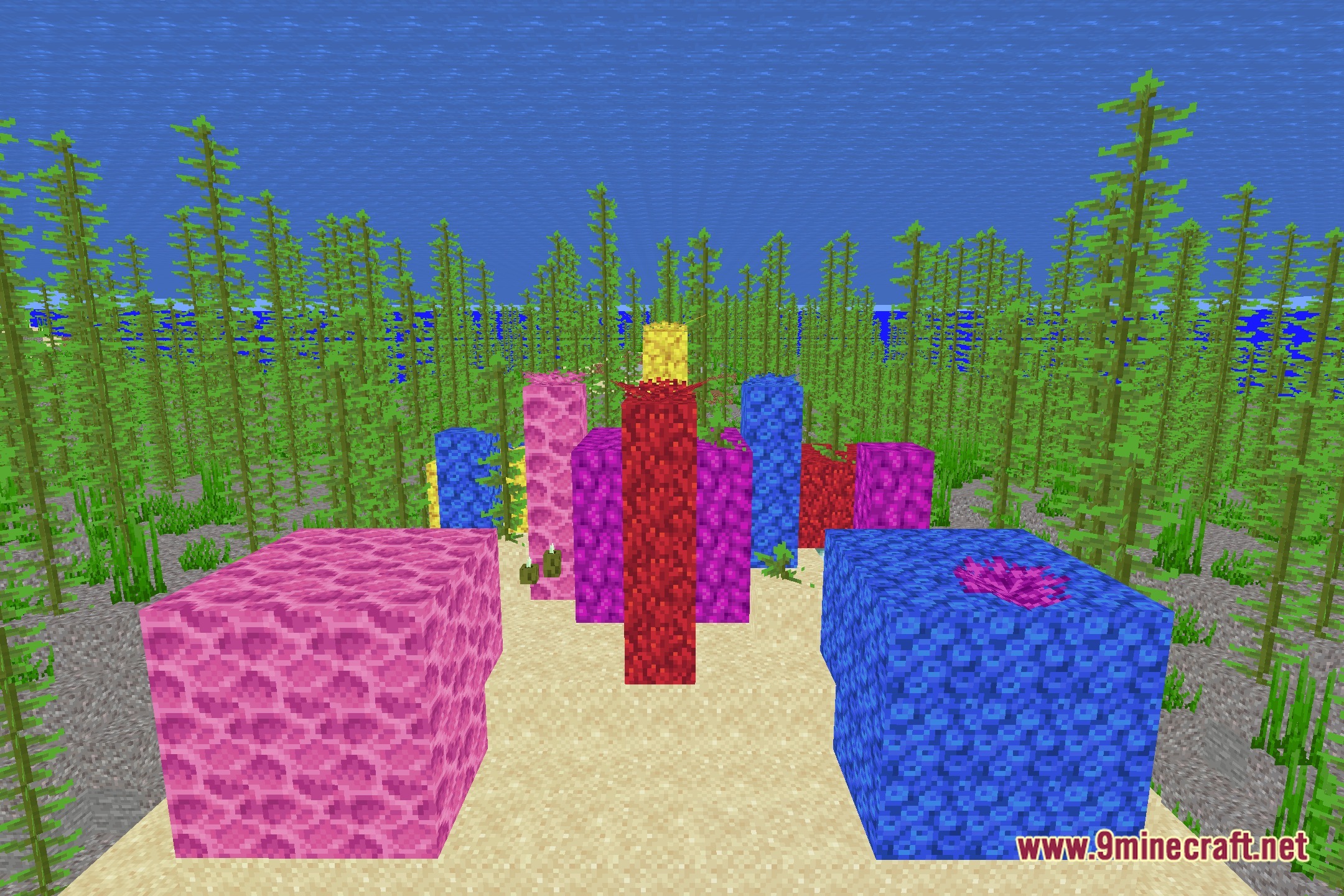
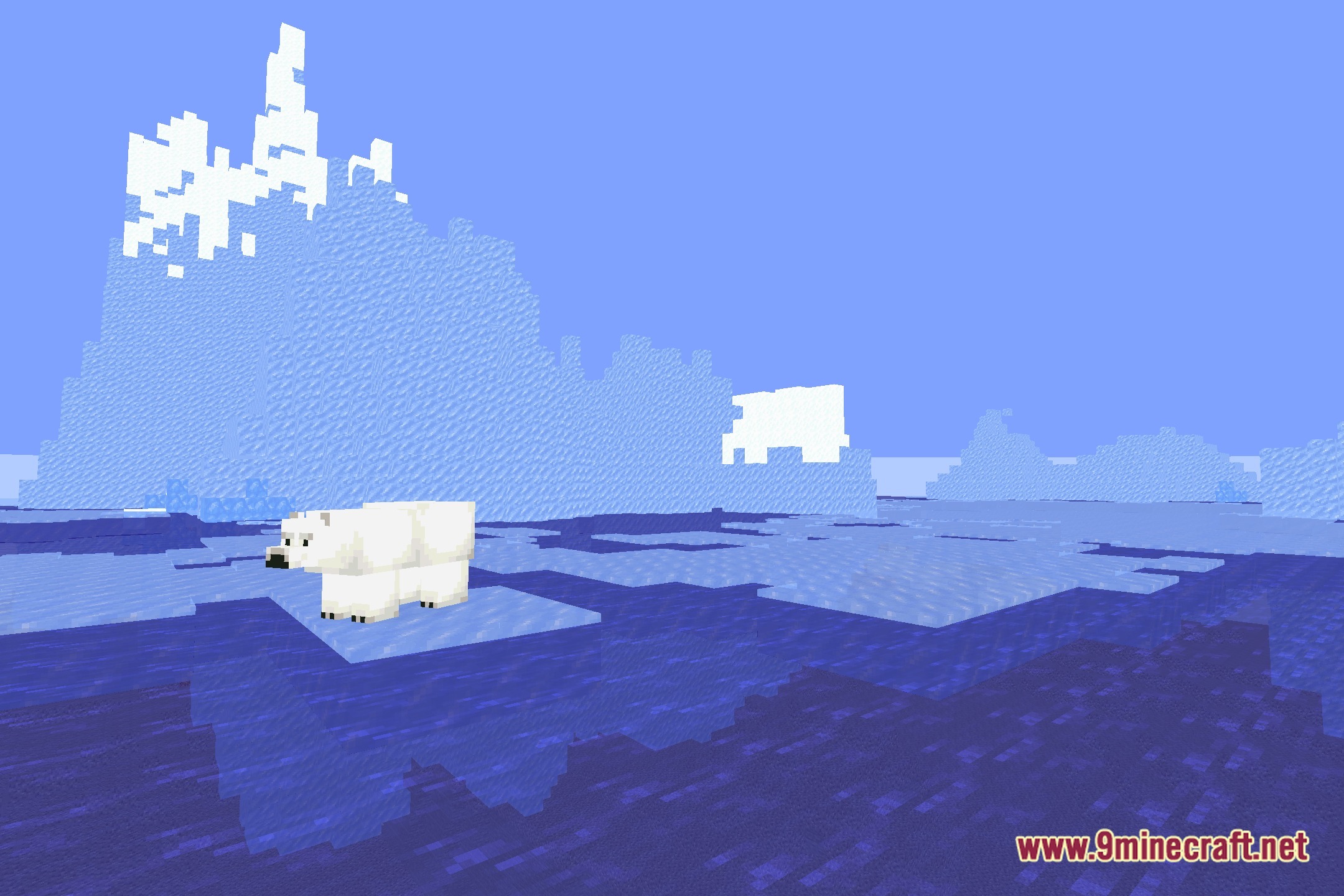
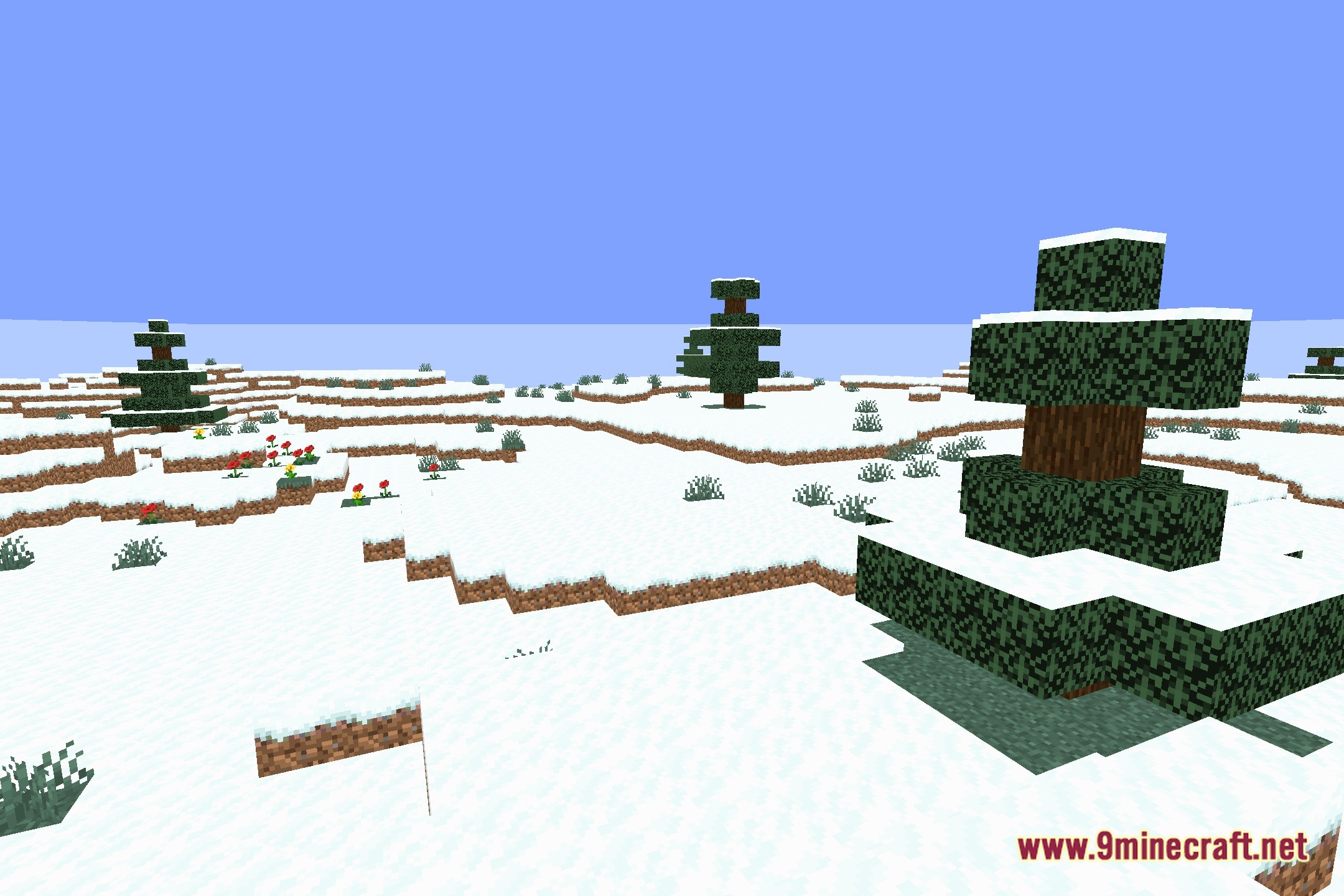
12 images from the Simply Shaded Shaders page.
You May Also Like
Wikis that share the most with this one
Wikis on the same theme: light
More shader wikis on the site
 Simple Brightness Shaders
The most downloaded mods that have a wiki here