

 DownloadSilver Frame Cinema Shaders
Get the files on 9Minecraft
Guides
Step-by-step, in-game.
Adjust Lighting Intensity for Better Visibility at NightAccess Shader Settings Open the shader options menu while in-game by pressing the designated shader menu key…Enhance Contrast Between Day and Night CyclesLocate Time-of-Day Lighting Controls Open your shader settings and find options related to day/night balance or…Optimize Performance on Lower-End SystemsCheck Current Performance Impact Before adjusting settings, launch your world and note your current framerate using…Reduce Color Grading to Keep Vanilla Block Colors AccurateOpen Shader Configuration Access your shader settings menu in-game and select Silver Frame Cinema. Look for color…
Frequently asked questions
How do I turn on the shader after installing it?
Open your Options menu in-game, go to Video Settings, then find Shaders. Select Silver Frame Cinema from the list and apply. You should see the cinematic lighting take effect immediately in your world.
Why do my blocks look washed out or too dark?
This is usually caused by color grading being too strong. Check the shader settings menu (usually accessible by pressing a key like Shift+O or through Video Settings) and look for Color Grading or Saturation sliders—reduce these to keep your vanilla block colors more visible.
Can I use this shader with other mods that change lighting?
Silver Frame Cinema works best as your primary lighting solution. Using it alongside other lighting or shader mods may cause conflicts or visual glitches; if you want additional features, check the shader's own settings first before adding other mods.
My FPS dropped a lot after installing this. How do I fix it?
Try lowering shadow quality or disabling advanced lighting features in the shader settings. If that doesn't help enough, reduce your render distance or lower other video settings like clouds and particles, since shaders are most demanding at high distances.
See all 10 Silver Frame Cinema Shaders questions ›
Gallery
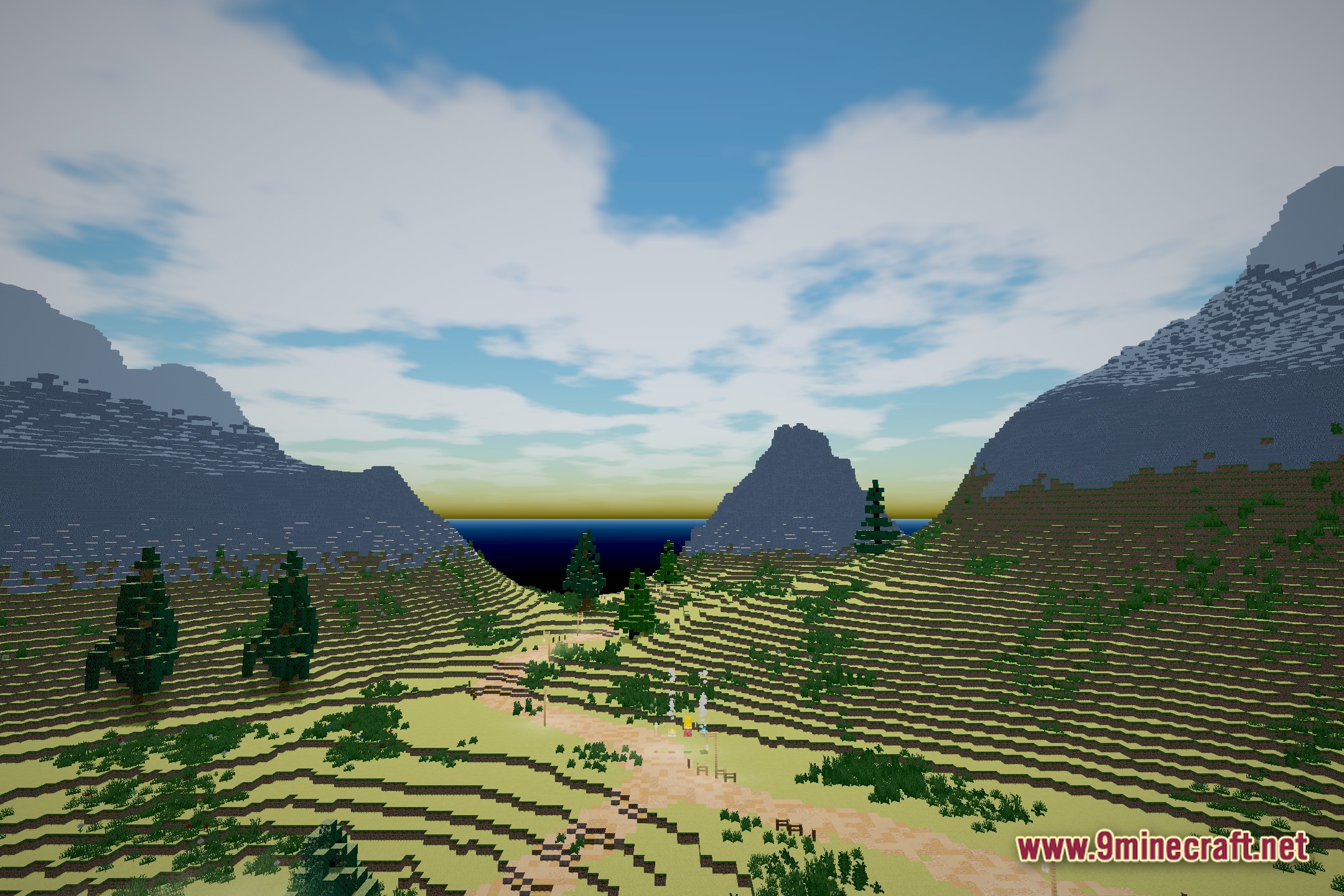
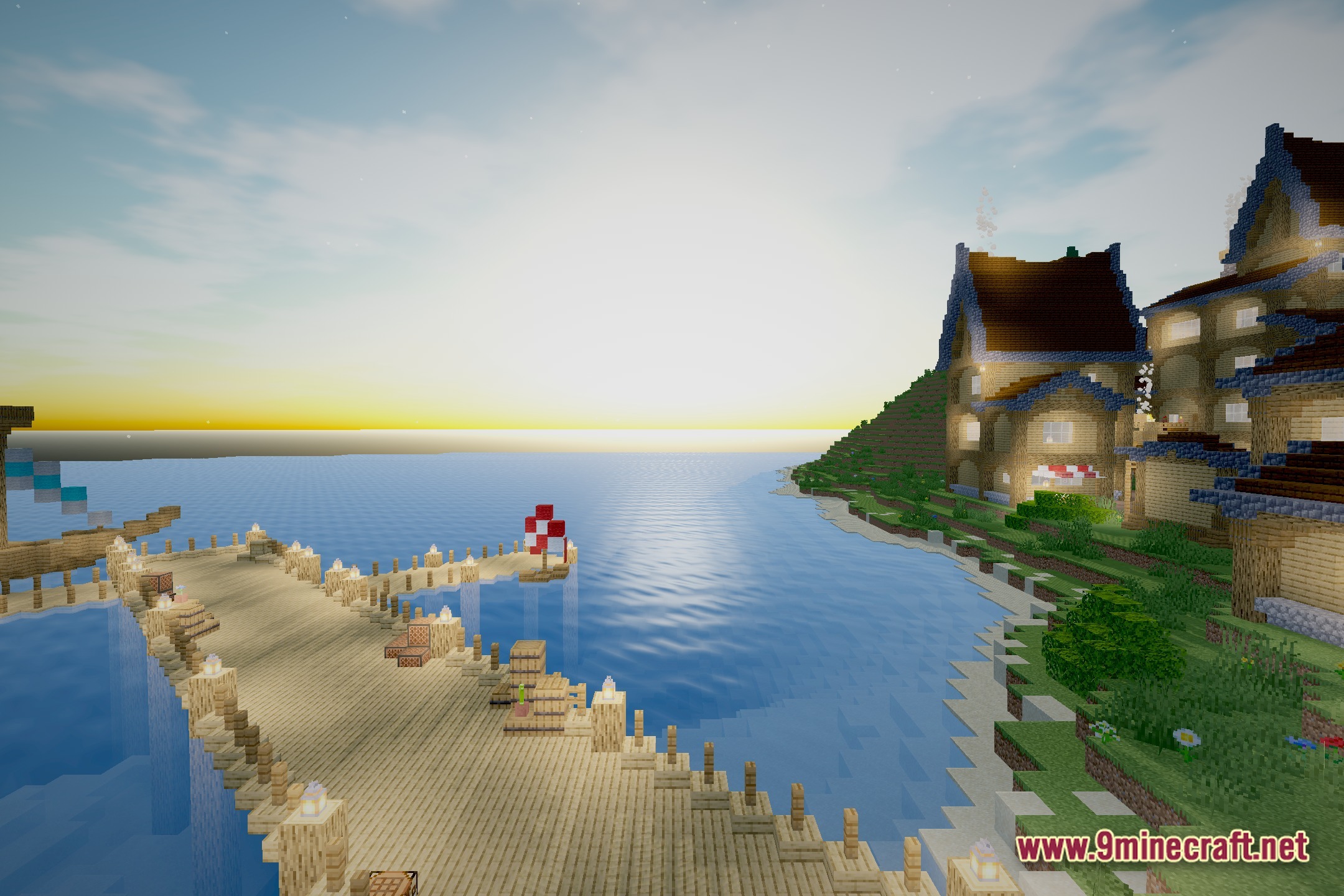
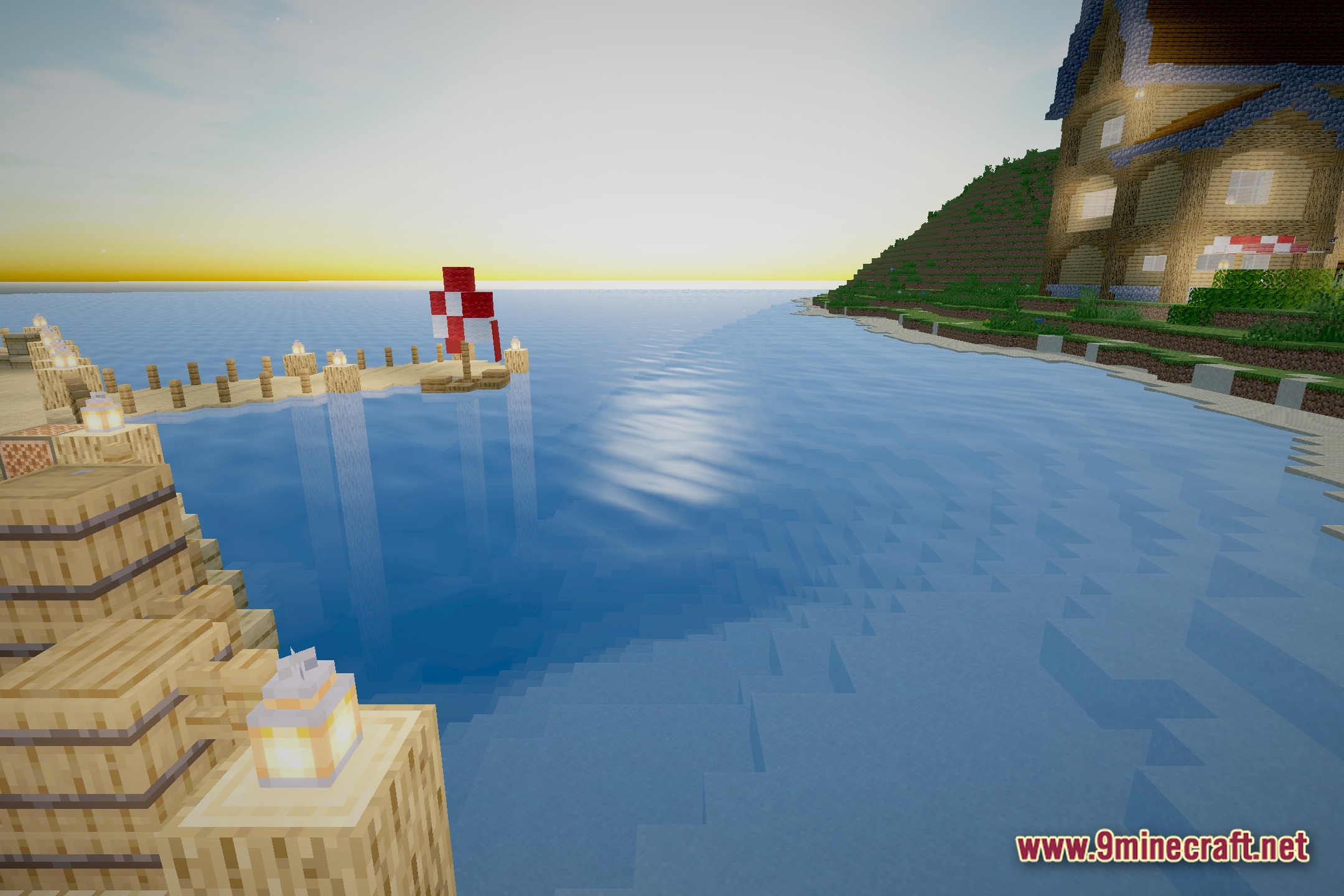
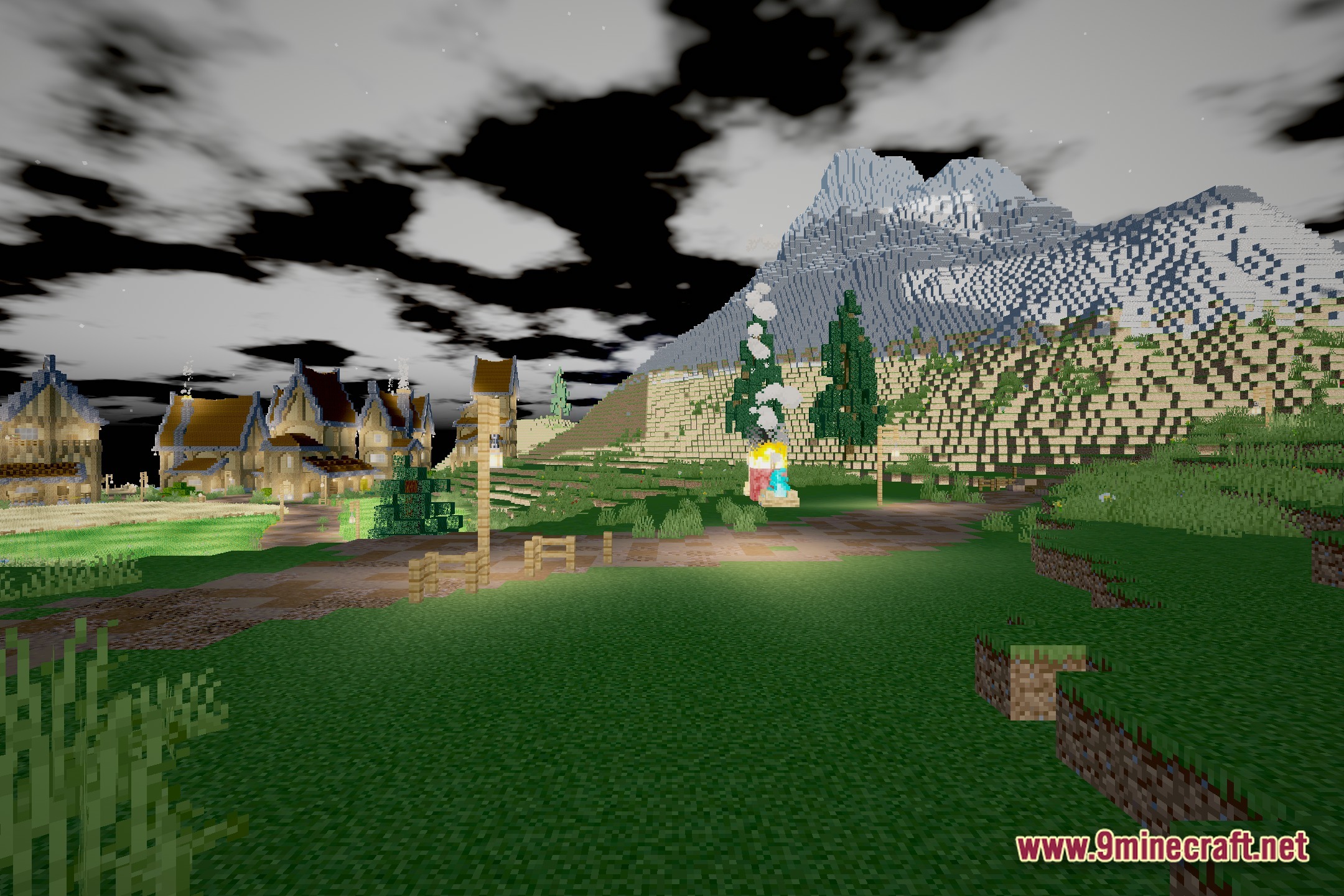
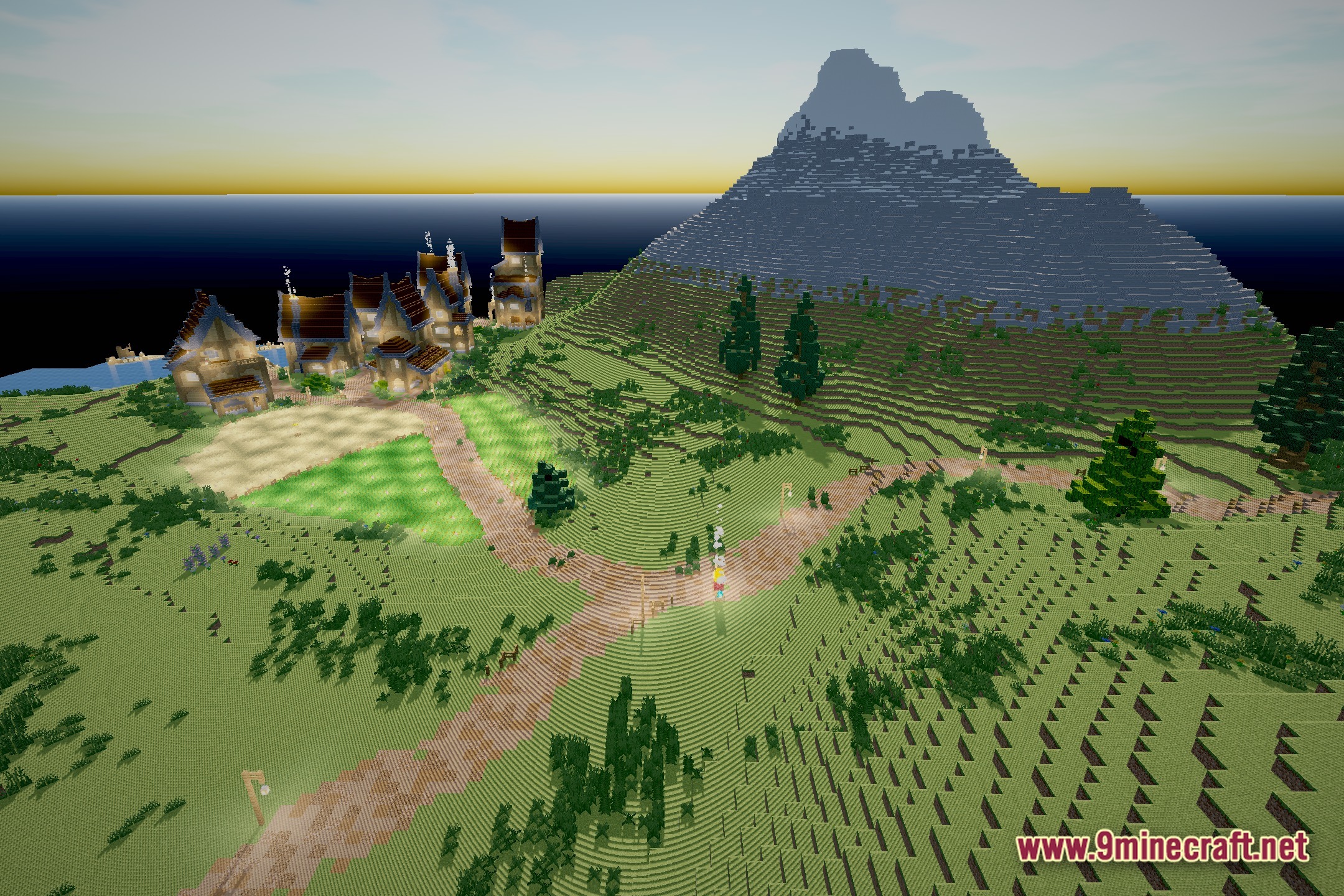
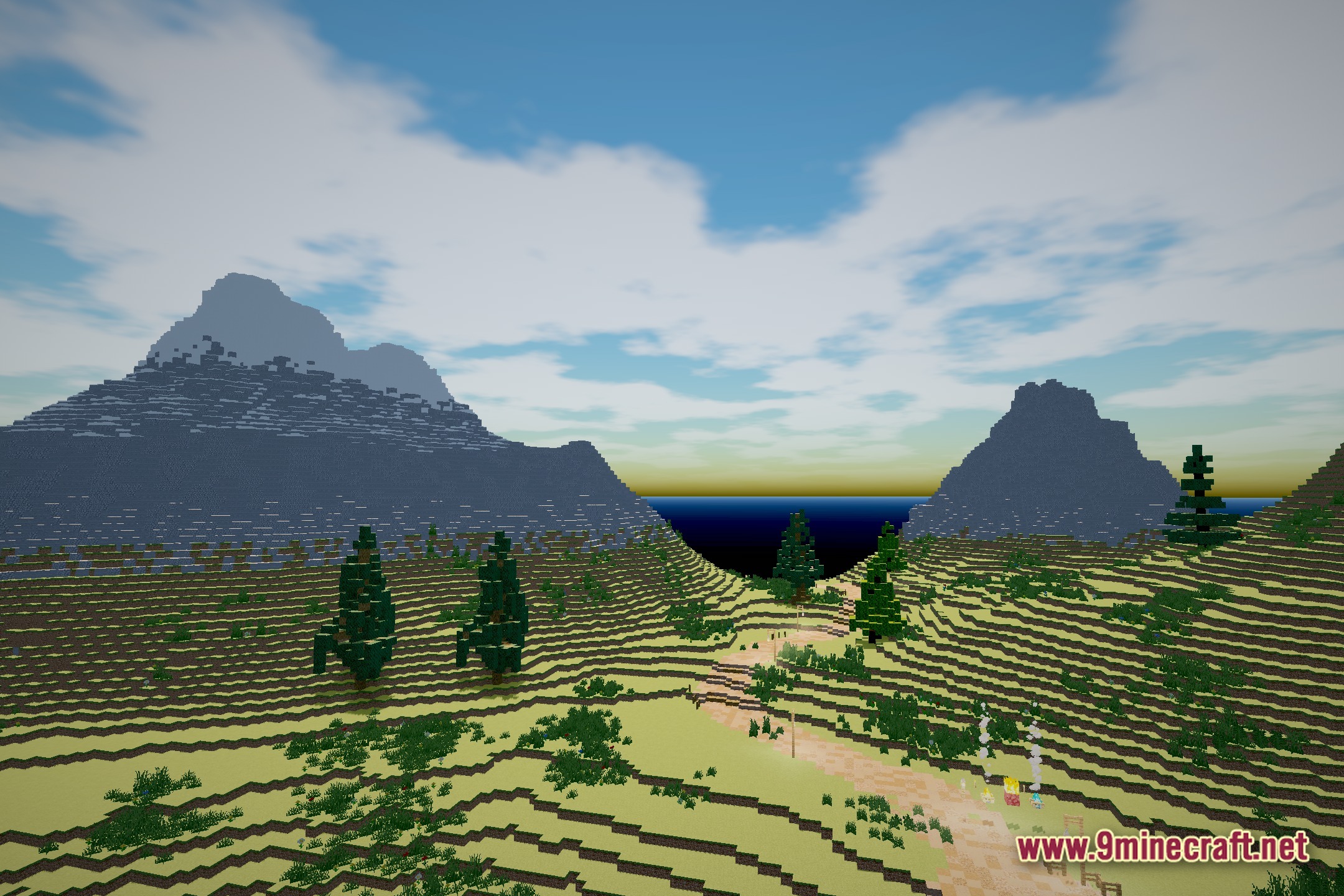
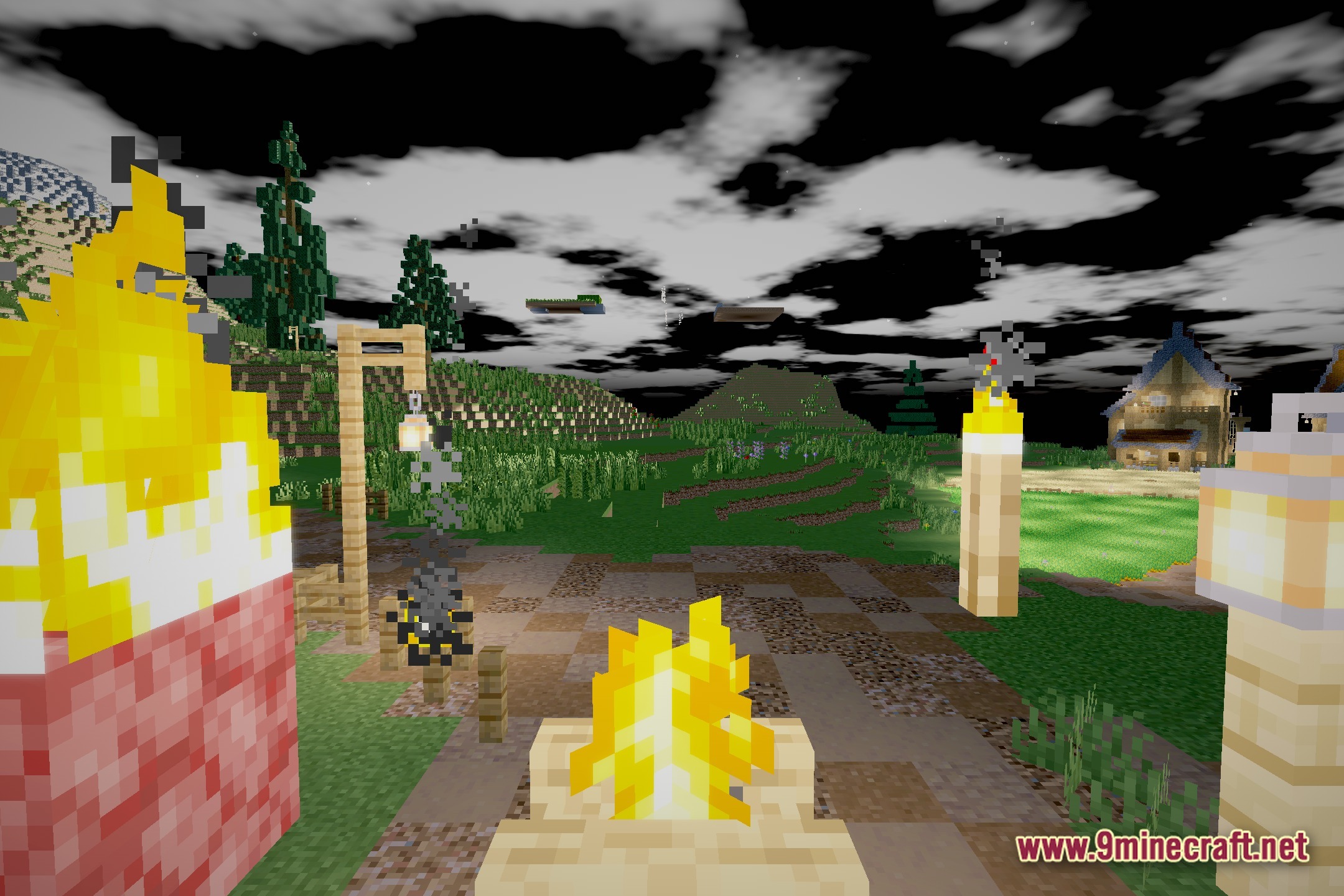
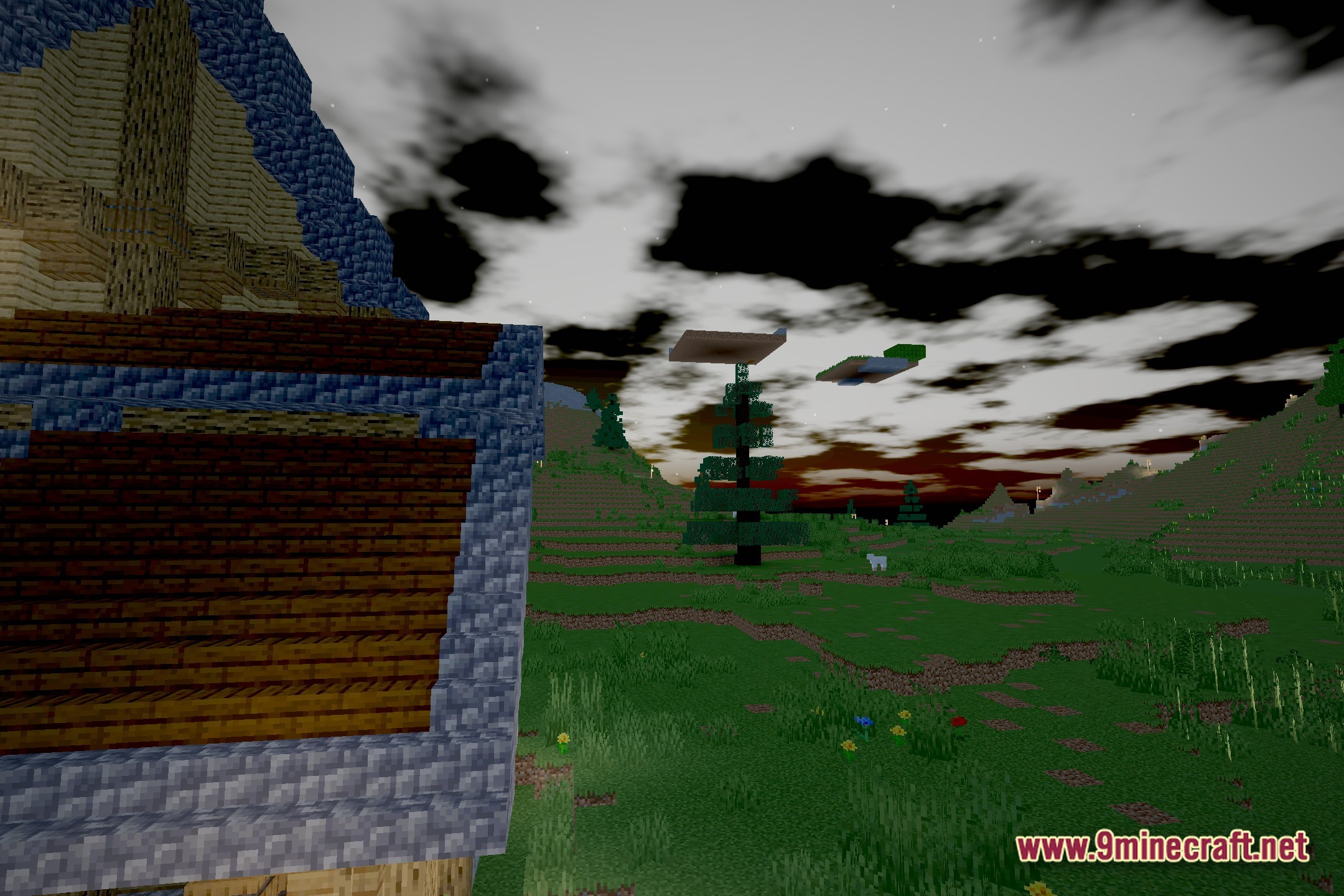
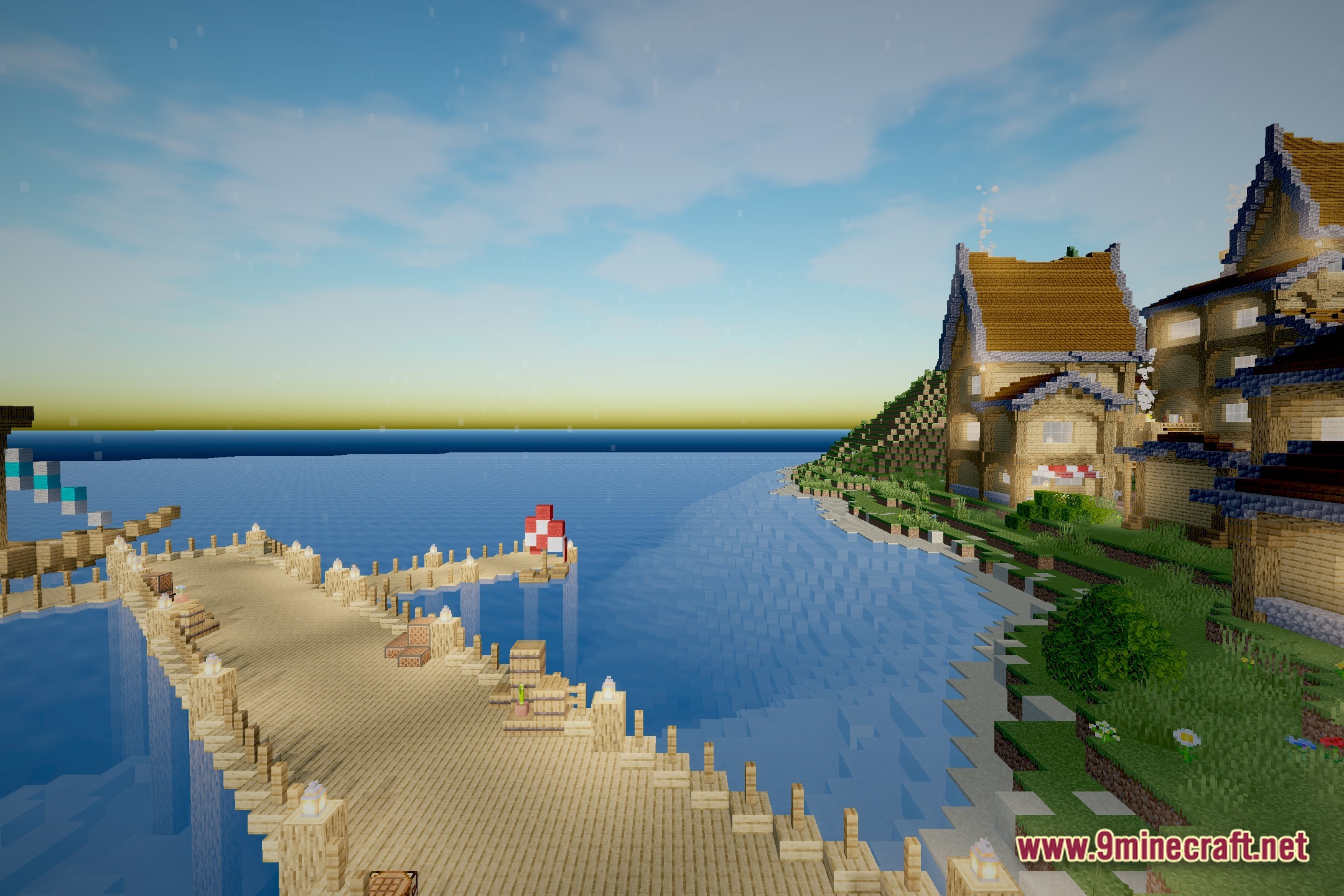
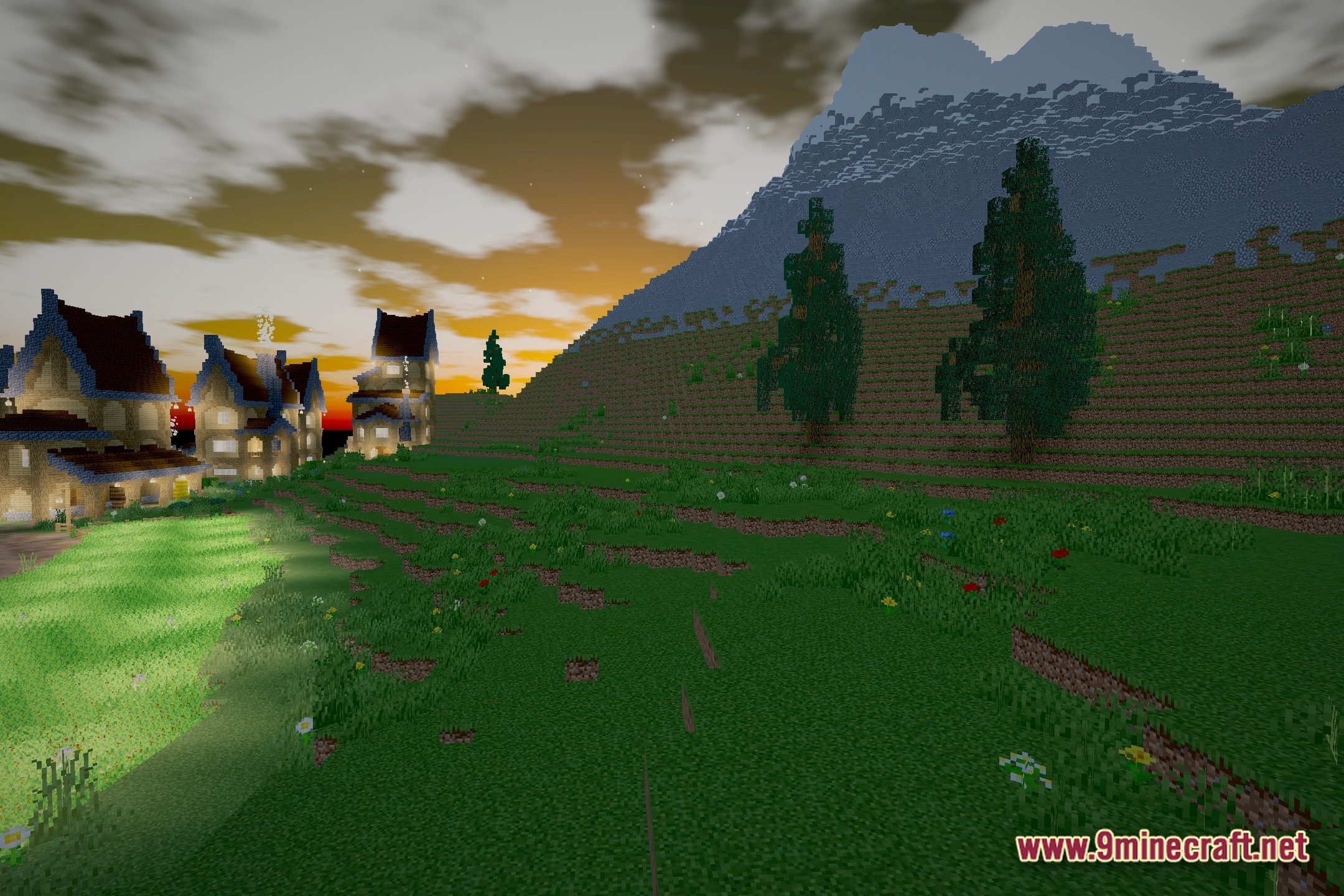
12 images from the Silver Frame Cinema Shaders page.


You May Also Like
Wikis that share the most with this one
Wikis on the same theme: light
More shader wikis on the site
The most downloaded mods that have a wiki here