

 DownloadPS FPS Shaders
Get the files on 9Minecraft
Guides
Step-by-step, in-game.
Improve Nighttime Visibility Without CheatingUnderstand Night Lighting PS FPS Shaders improves nighttime visibility through shader-level adjustments rather than…Maintain Vanilla Aesthetics While Using ShadersUnderstand PS FPS Shaders' Design Philosophy This shader is specifically built to preserve Minecraft's classic look.…Optimize Shadows for Your SystemLocate Shadow Settings Open the shader configuration menu (default: K) and find the shadow-related options. These…Switch Between Performance PresetsAccess Shader Settings Press the shader configuration key (default: K) while in-game to open the shader menu. This…
Frequently asked questions
How do I enable the shader after installing it?
Open your Options menu in-game, go to Video Settings, then select Shaders. Find PS FPS Shaders in the list and click it to activate. You'll see the visual changes take effect immediately.
Which preset should I use if my computer is old or slow?
Start with the Low preset, which disables heavy features like shadow rendering to keep frame rates stable. You can always increase the preset later if your system handles it well.
Why does my game look too bright during the day?
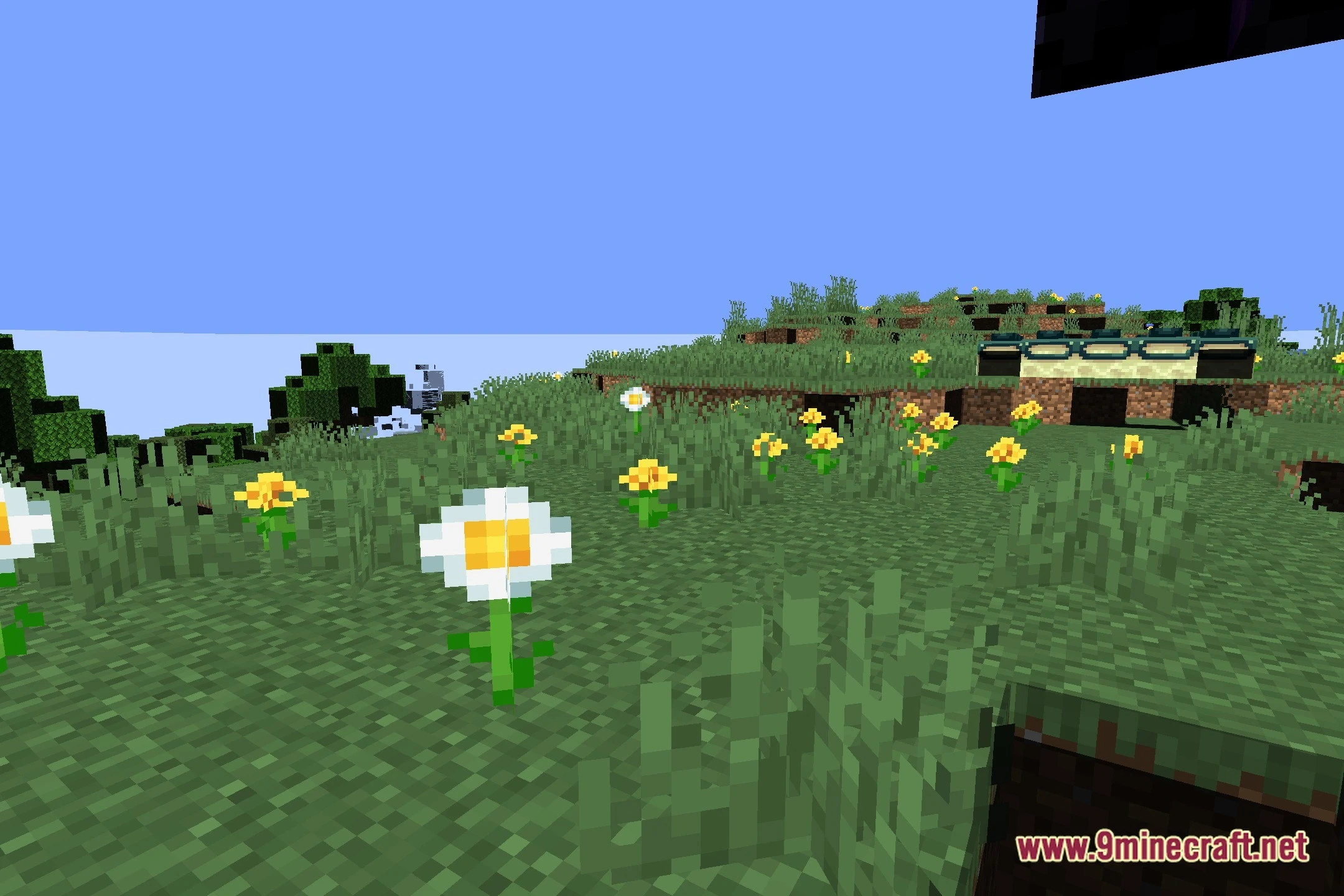
The shader automatically adjusts daytime lighting to reduce harsh brightness. If it's still too bright, lower your Video Brightness setting in Options, or try a lower performance preset which uses simpler lighting calculations.
Can I see better at night without using commands or mods?
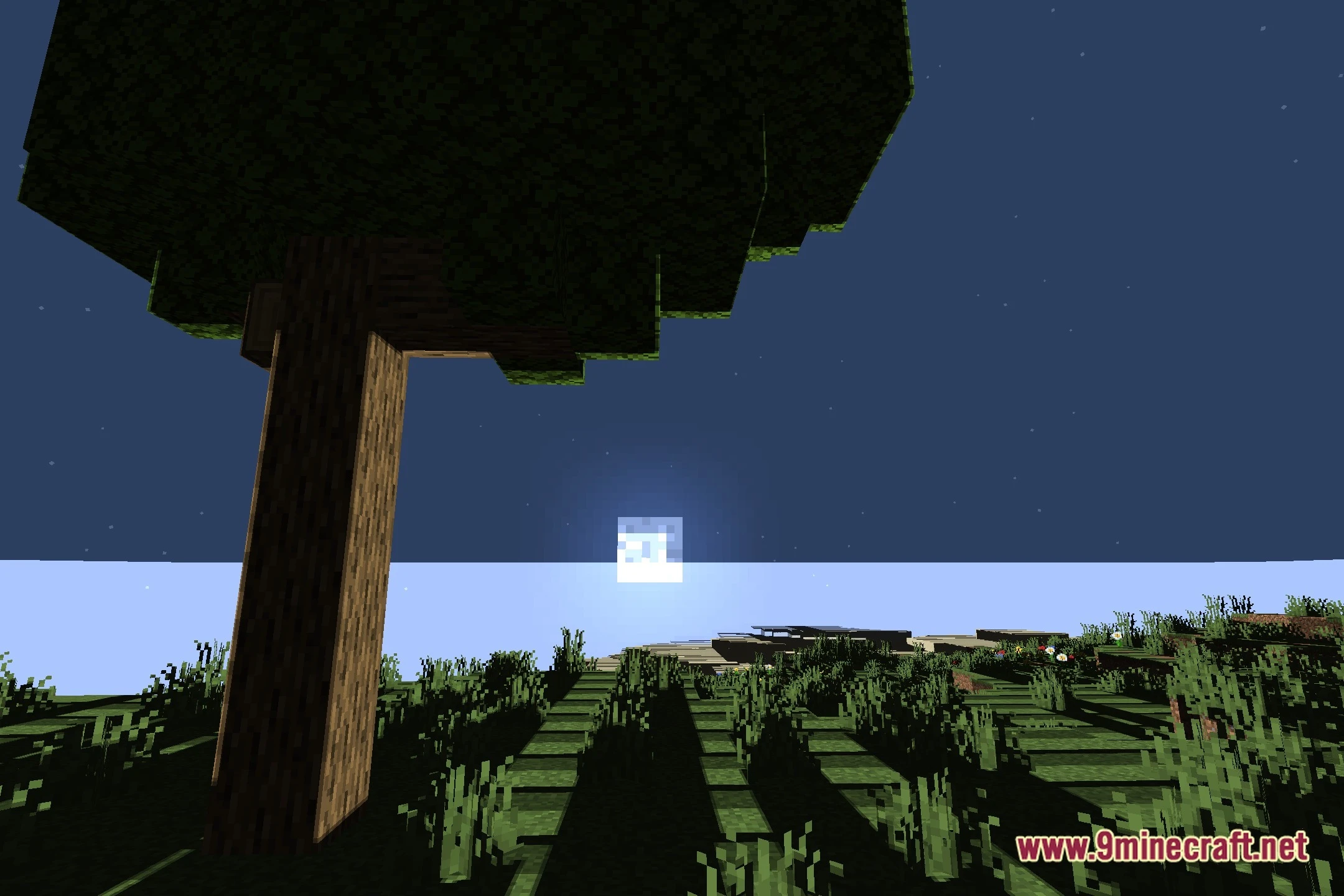
Yes—the shader improves nighttime visibility by enhancing how moonlight and starlight illuminate your world, making caves and dark areas easier to navigate without artificial brightness.
See all 10 PS FPS Shaders questions ›
Gallery
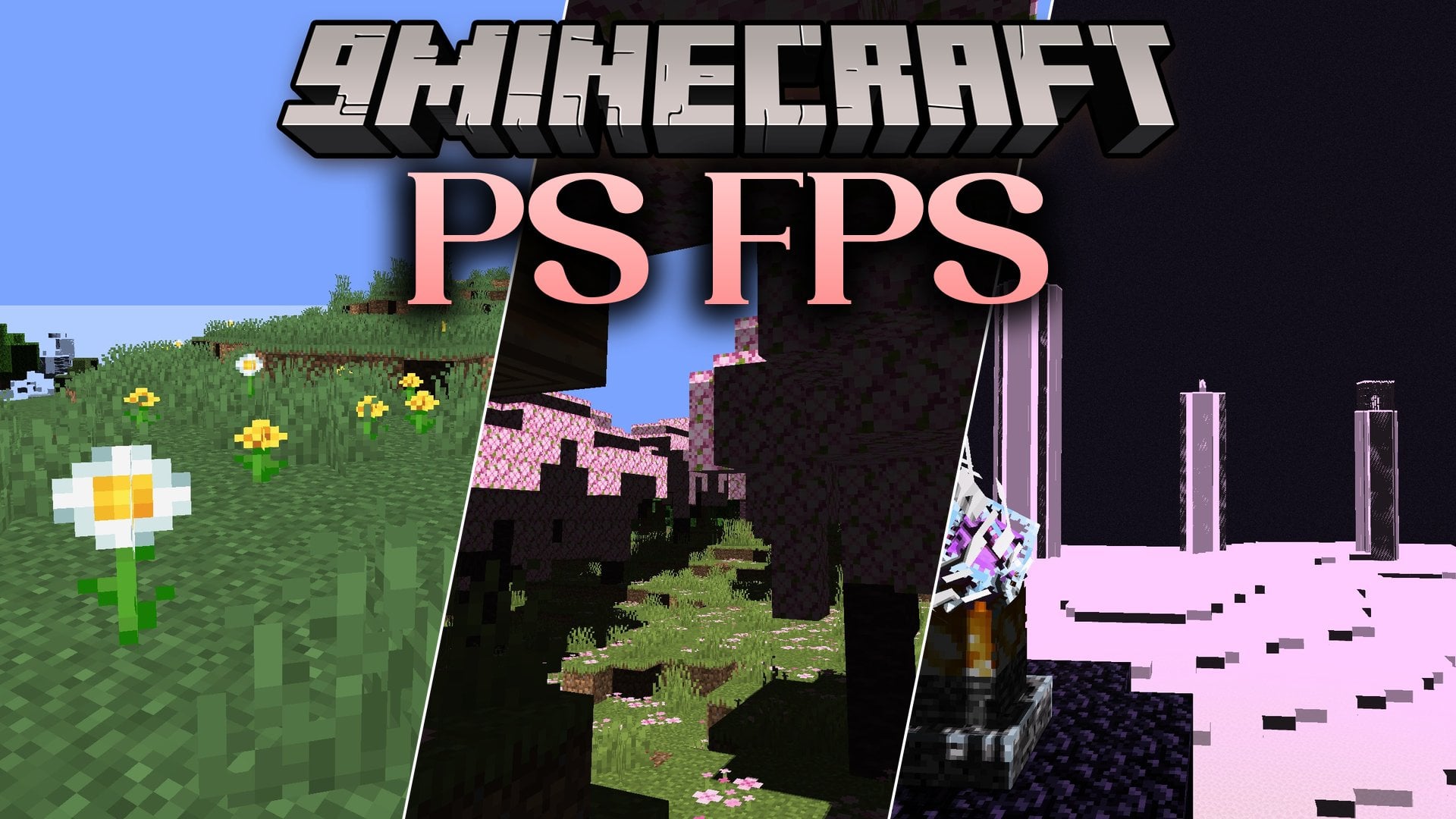
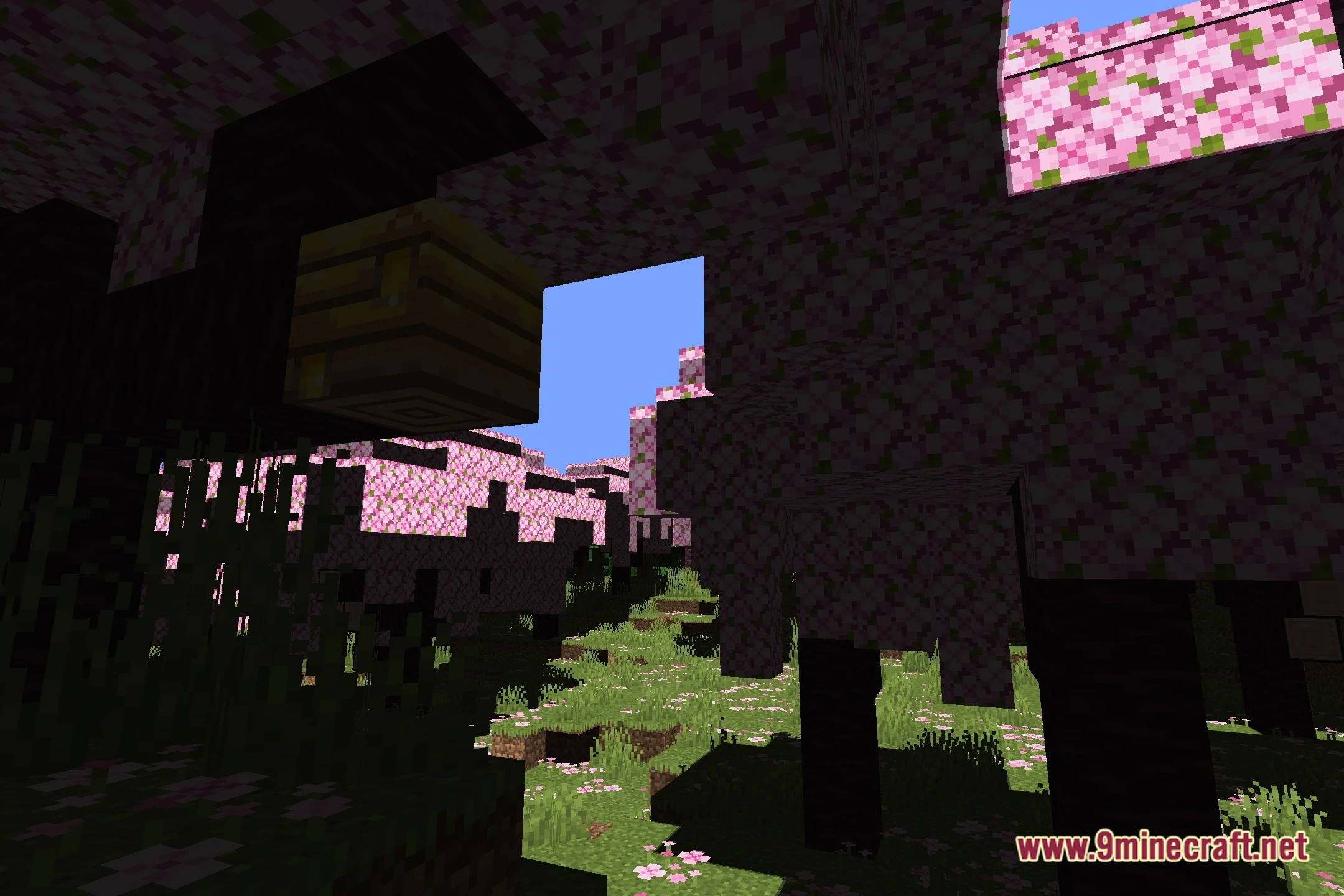
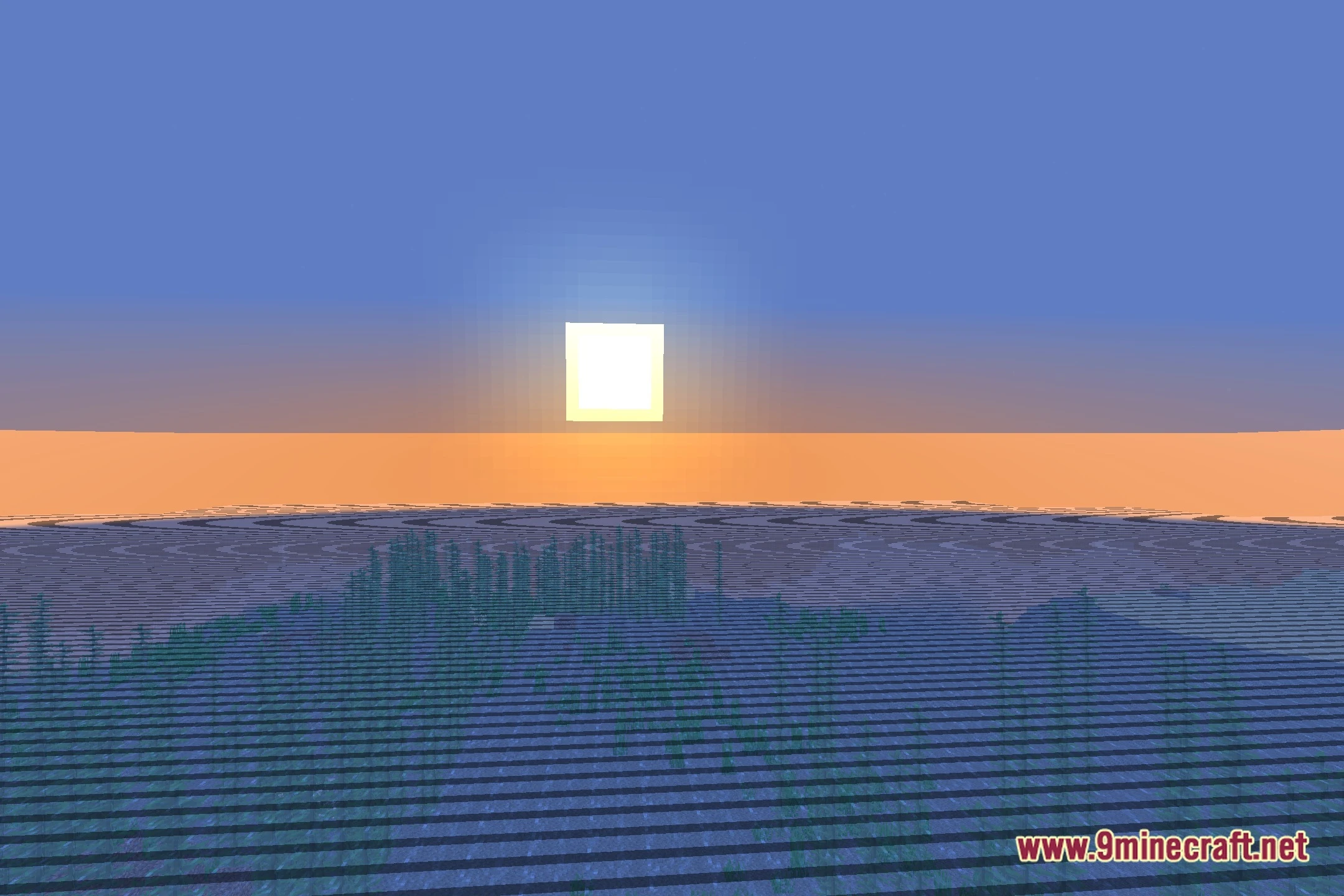
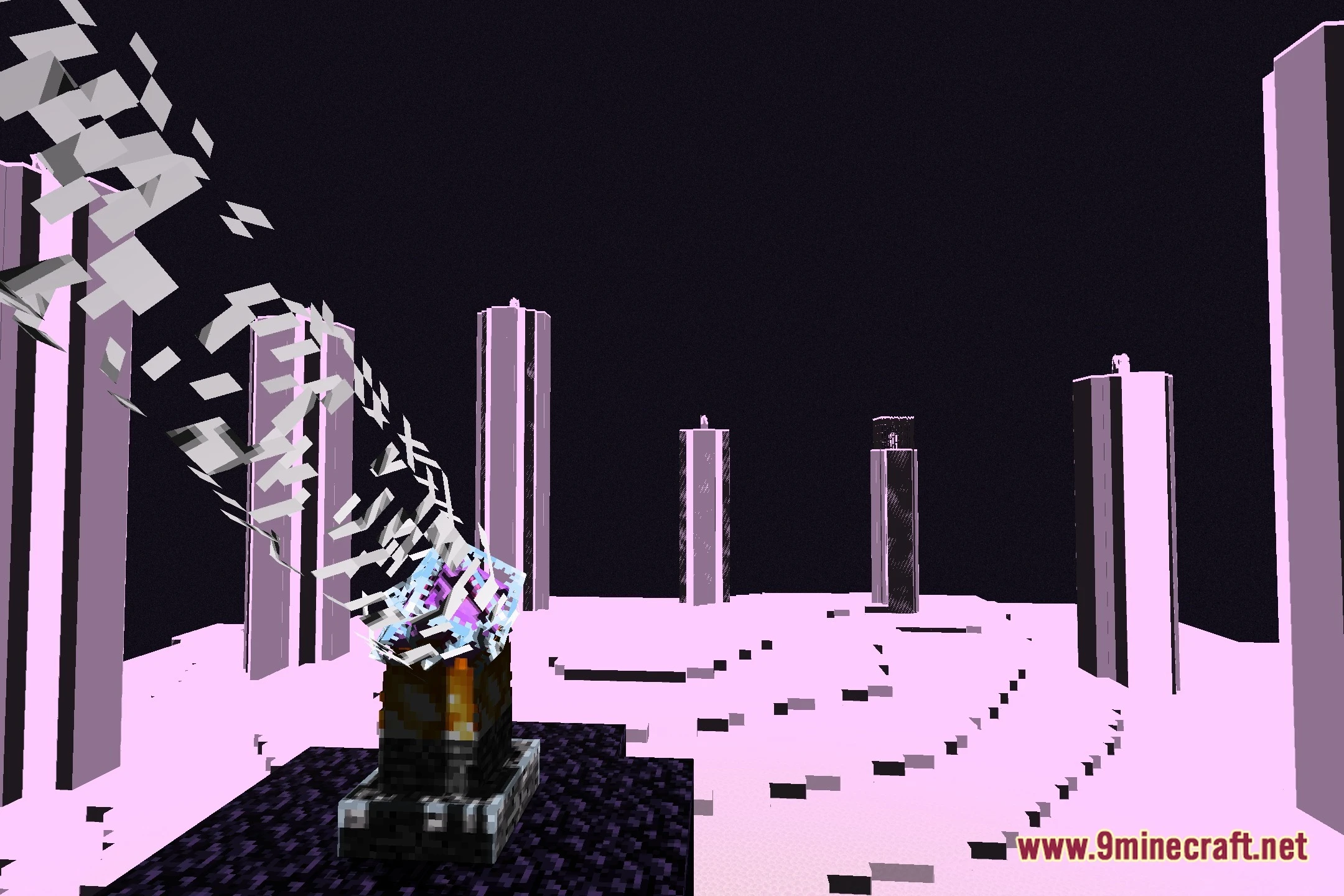
12 images from the Ps Fps Shaders page.


You May Also Like
Wikis that share the most with this one
 Prism Skies Shaders
 Project Shaders
 PS Vibe Shaders
More shader wikis on the site
The most downloaded mods that have a wiki here