

 DownloadPureCraft Shaders
Get the files on 9Minecraft
Guides
Step-by-step, in-game.
Adjust Shader Intensity and Visual EffectsAccess Shader Settings Open your in-game options menu and look for the Shaders or Graphics settings panel. PureCraft…Capture Better Screenshots with PureCraft ShadersChoose the Right Time and Place PureCraft Shaders excels at specific lighting conditions. Take screenshots during:…Optimize PureCraft Shaders on Low-End HardwareCheck Your Current Performance Load a world and open the debug screen (F3 on most systems) to monitor your framerate.…Troubleshoot Visual Glitches and ArtifactsIdentify Common Issues Flickering or strobing : Often caused by antialiasing or bloom conflicts. Try lowering…
Frequently asked questions
How do I turn on PureCraft Shaders after installing it?
Launch Minecraft, go to Options > Video Settings > Shaders, then select PureCraft Shaders from the list and click Apply. You'll see the changes take effect immediately in your world.
My game is running slow with PureCraft Shaders enabled. What should I do?
Lower the shader intensity in the shader settings menu, disable optional effects like camera focus or enhanced weather, and ensure your render distance isn't set too high. PureCraft is designed to run on older hardware, but very high settings still require decent specs.
Can I use PureCraft Shaders with other mods?
Yes, PureCraft Shaders works with most mods, but visual mods that change lighting or sky rendering may conflict. Test your mod combination in a test world first to catch any compatibility issues.
Why do my screenshots look washed out or too bright?
Adjust the shader intensity or brightness settings in the shader options menu to find a balance that works for your screenshots. You can also tweak individual effects like cloud brightness or shadow strength to get the look you want.
See all 10 PureCraft Shaders questions ›
Gallery
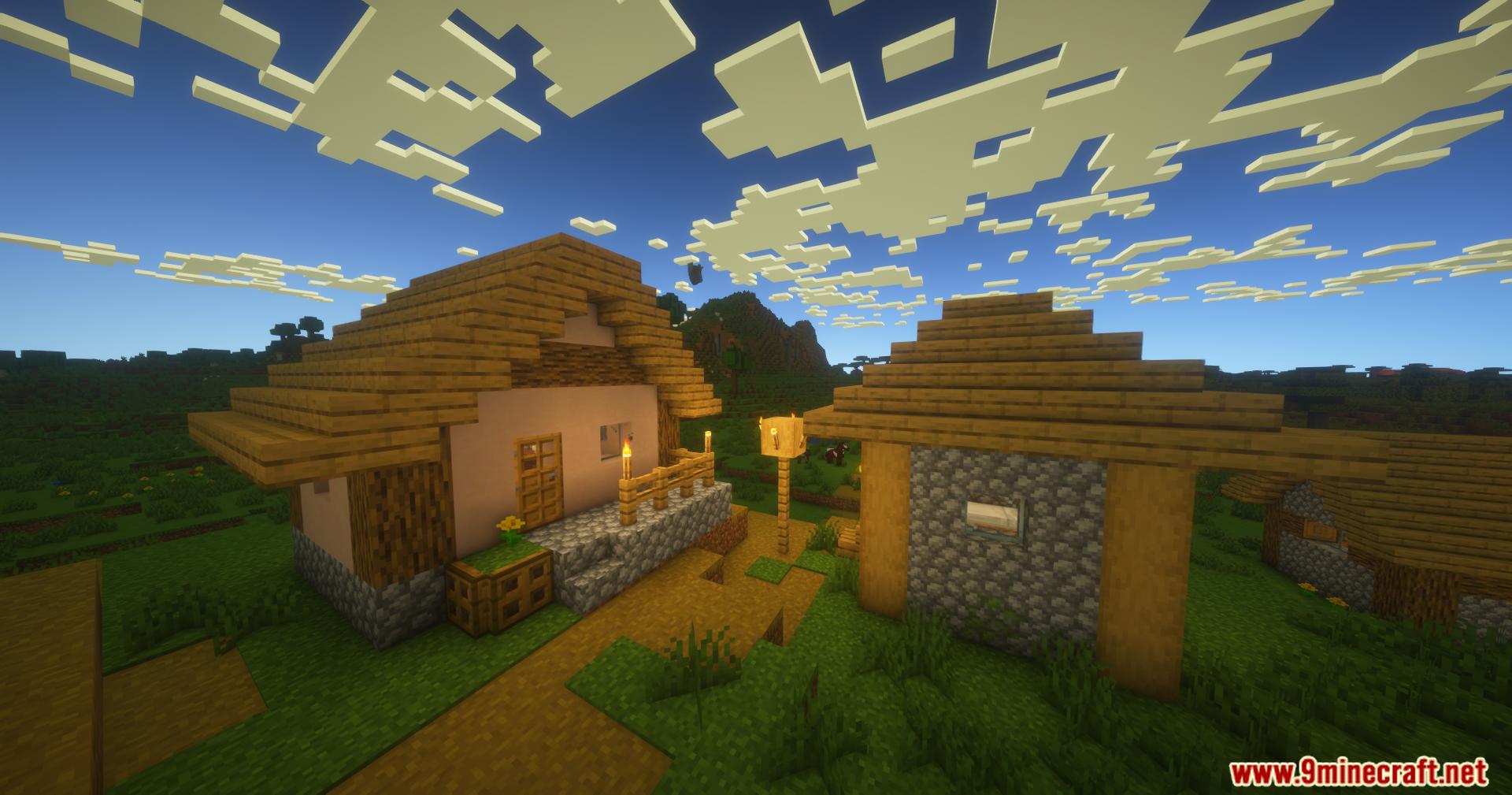
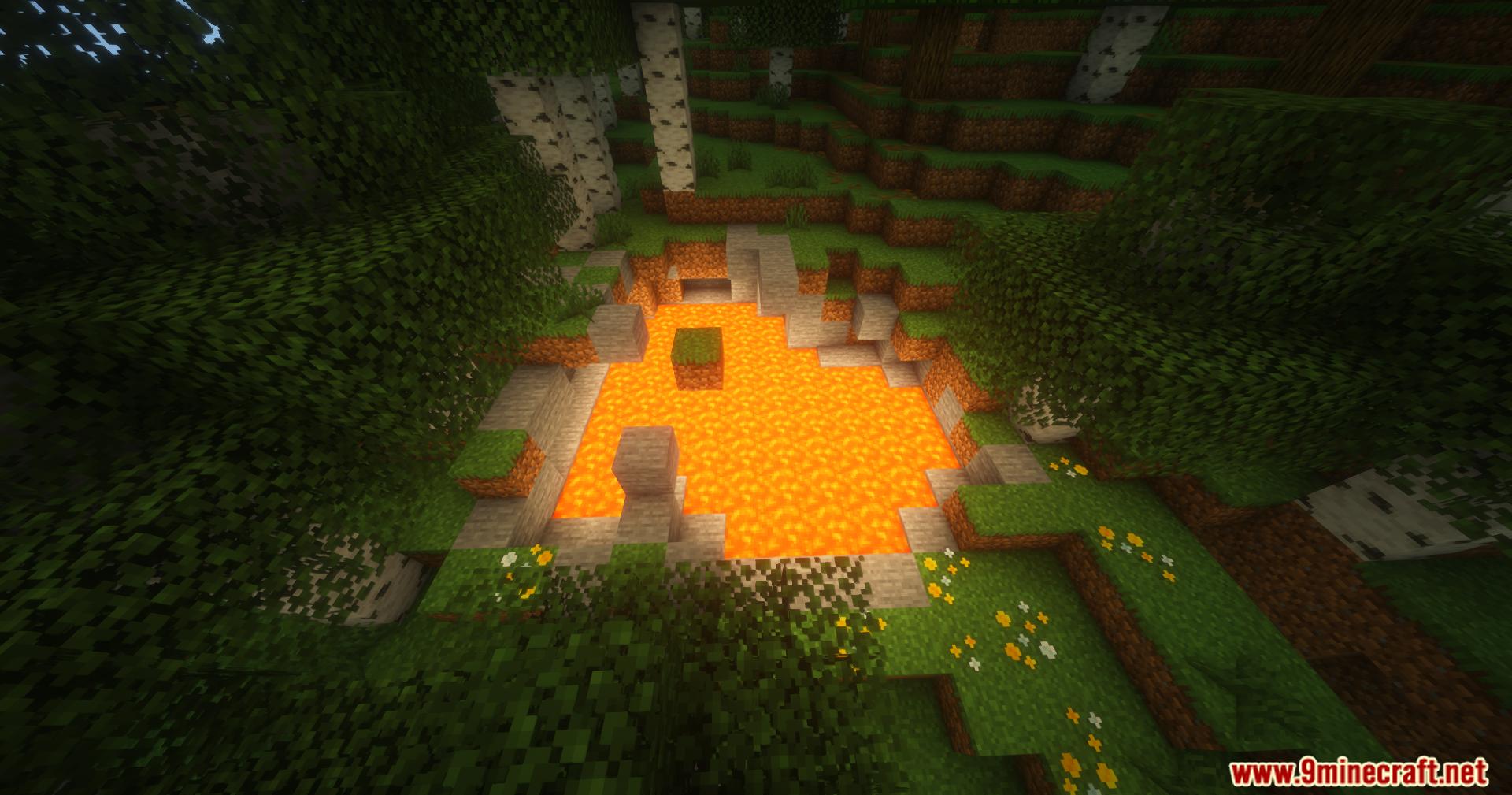
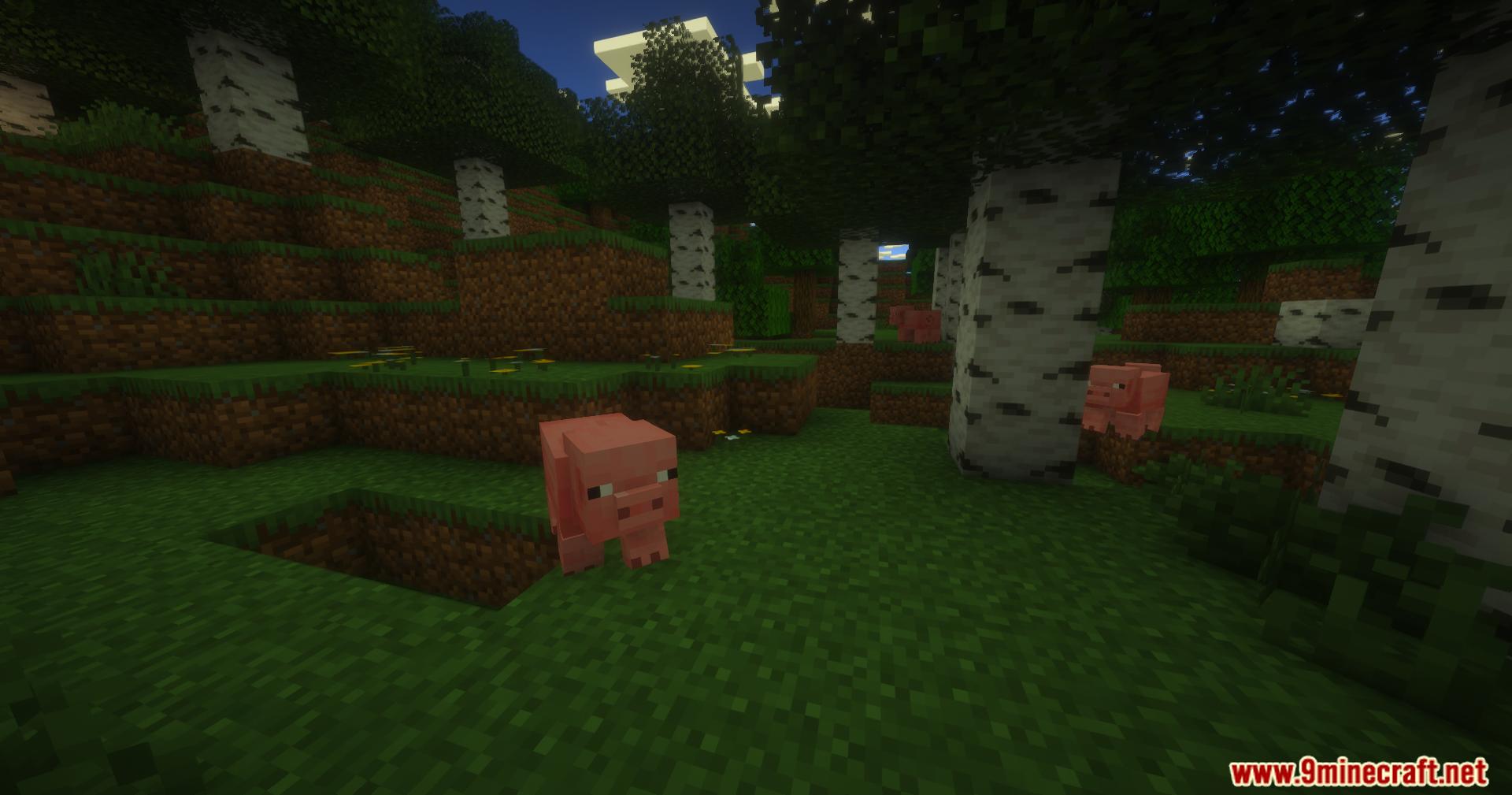
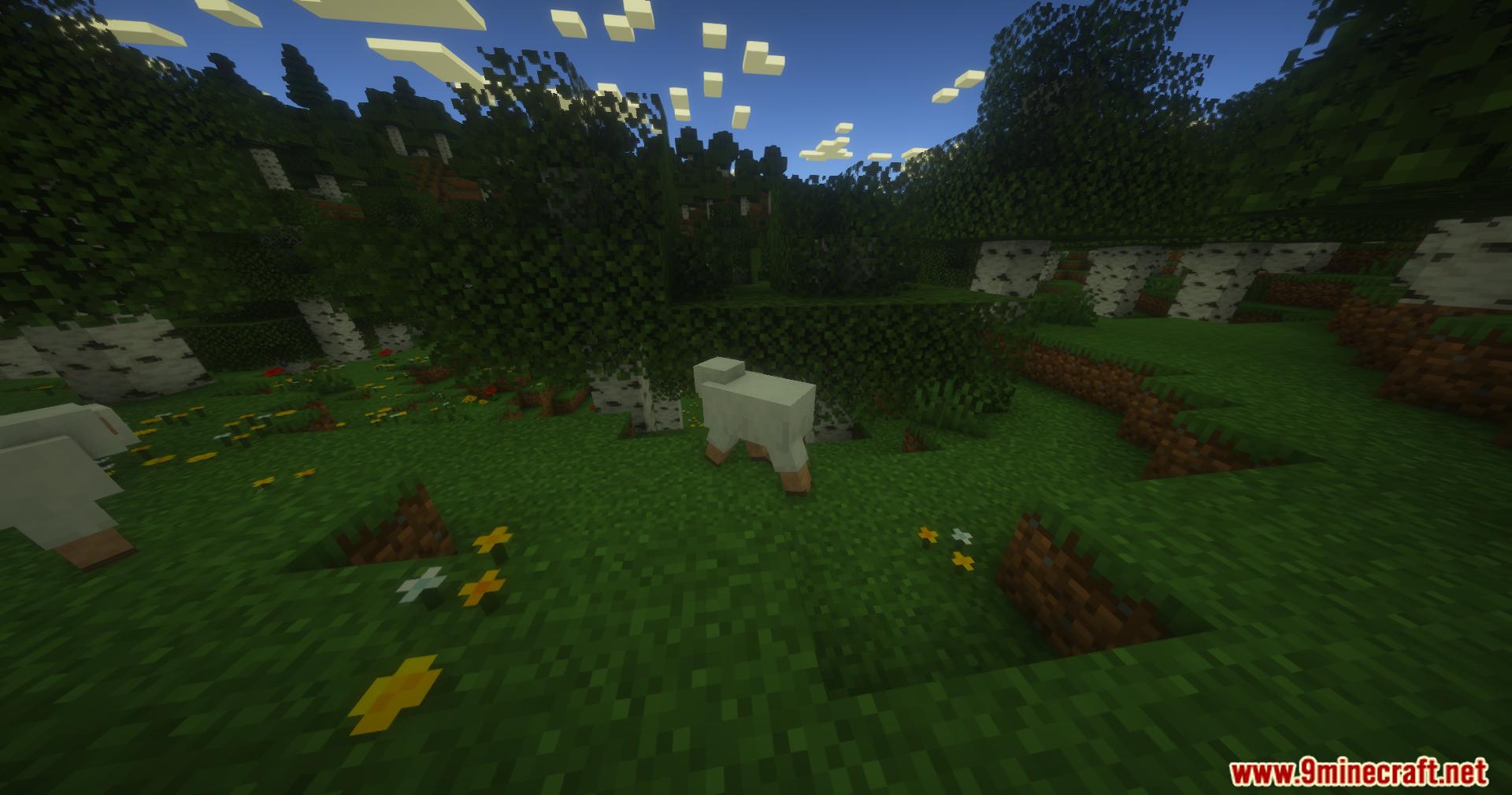
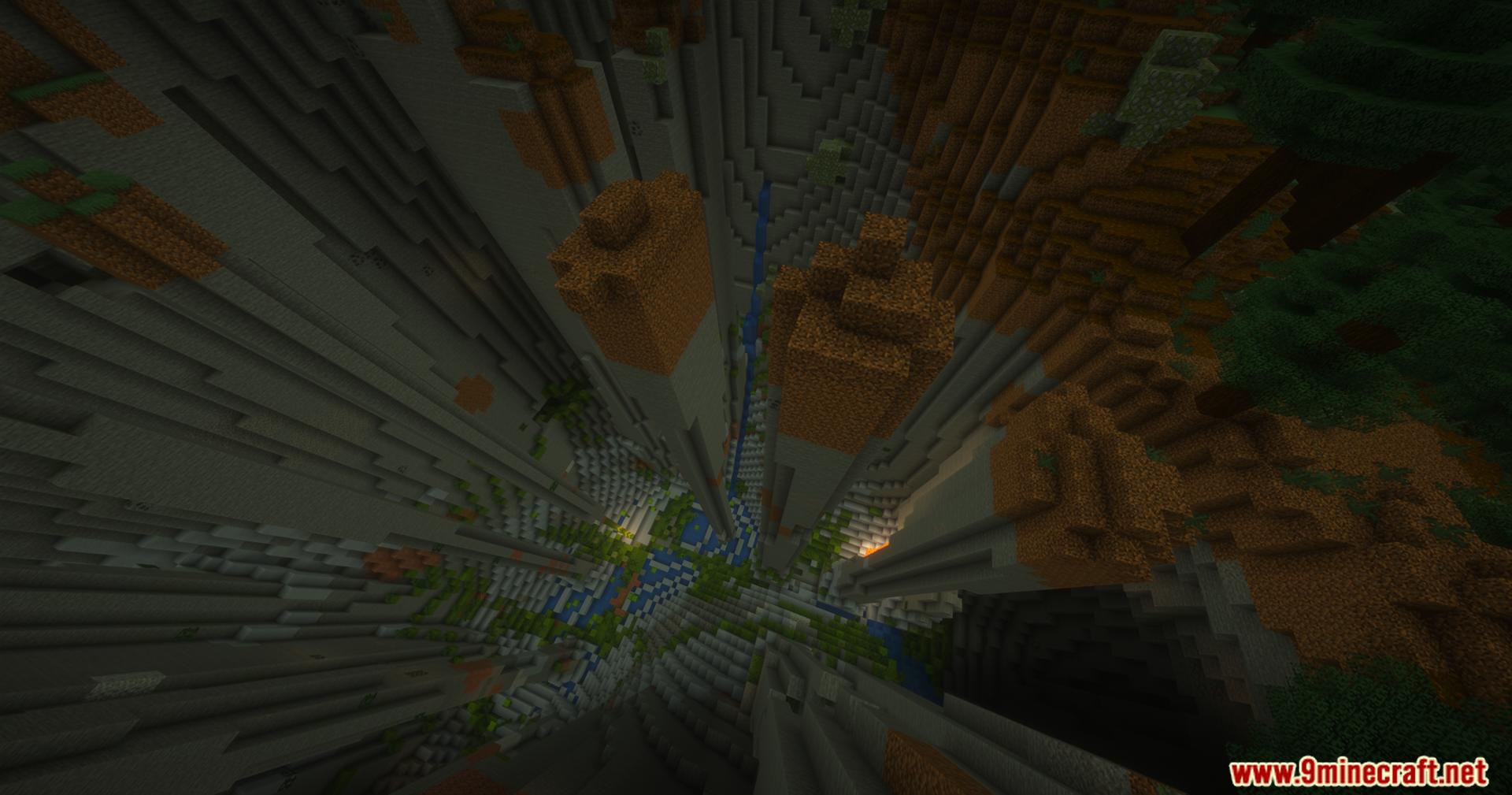
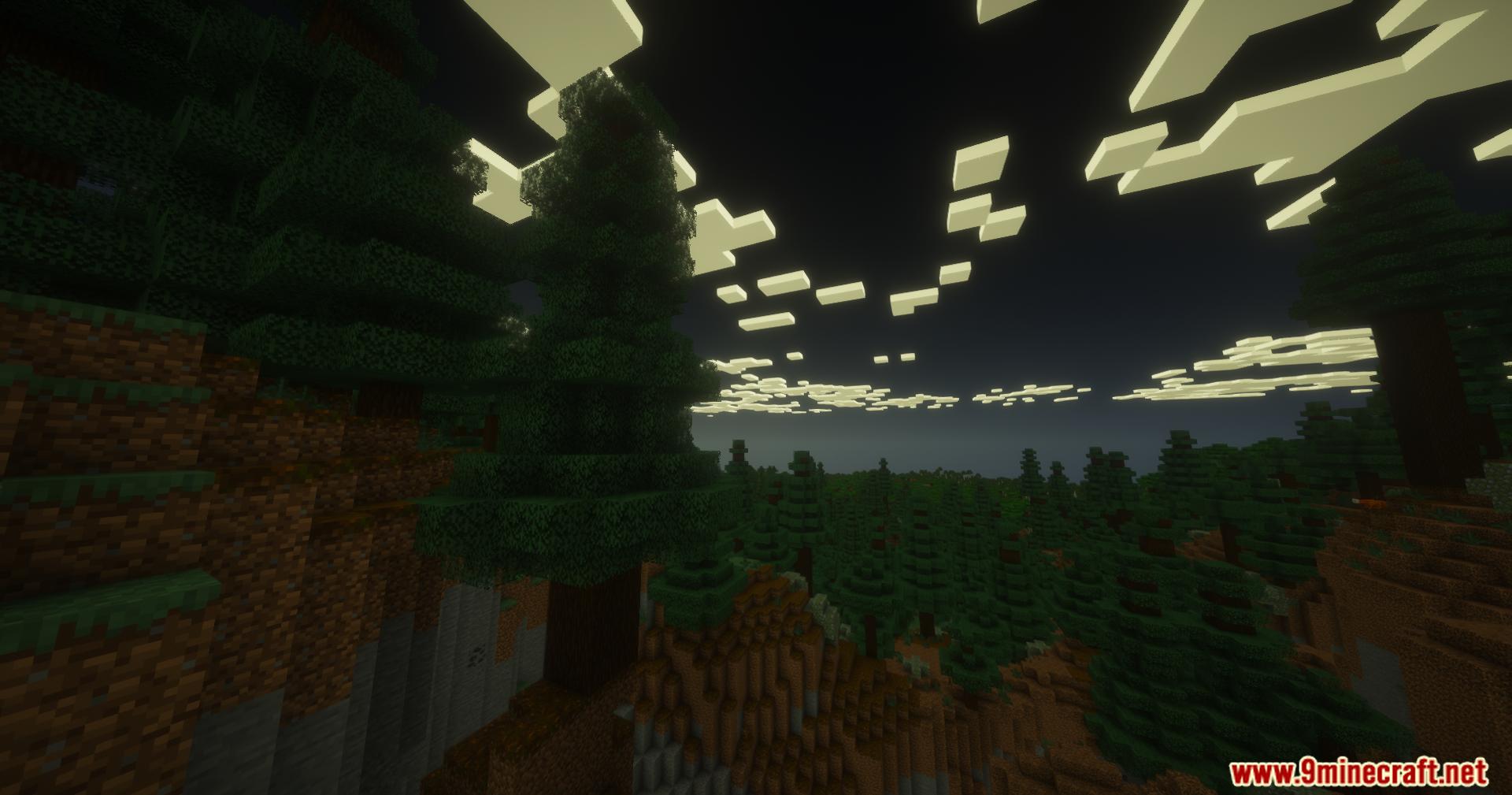
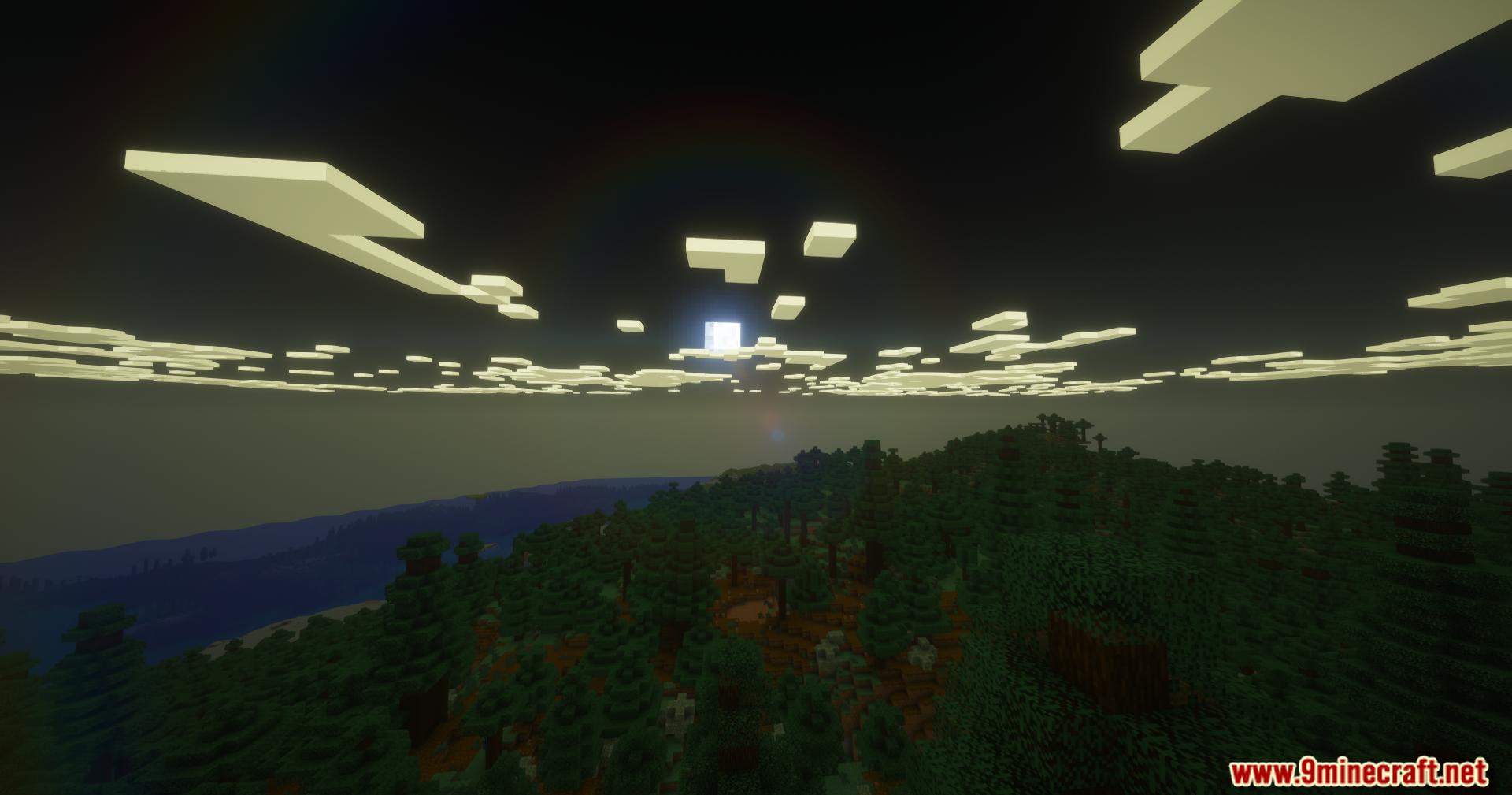
11 images from the Purecraft Shaders page.
You May Also Like
Wikis that share the most with this one
Wikis on the same theme: light
More shader wikis on the site
 PS Vibe Shaders
 Project Shaders
 Prism Skies Shaders
The most downloaded mods that have a wiki here