

 DownloadPrizm Shaders
Get the files on 9Minecraft
Guides
Step-by-step, in-game.
Adjust Water Clarity and Reflection IntensityAccess Shader Settings Open the Shader Options menu while in-game by pressing the designated key (usually found in…Enhance Night Vision Without Losing AtmosphereAccess Lighting Controls Open Shader Options and find the nighttime or ambient lighting section. Prizm Shaders…Optimize Lighting for Your Computer's PerformanceOpen Performance Settings Access the Shader Options menu and navigate to the performance or quality tier section.…Reduce Lag Spikes During Sunset and SunriseIdentify the Problem Sunset and sunrise cause intensive lighting recalculations as the sun moves across the sky. This…
Frequently asked questions
How do I turn on Prizm Shaders after installing it?
Open your video settings in-game, go to Shaders, and select Prizm Shaders from the list. The shaders will activate immediately when you confirm the selection.
Why does my game look washed out or too bright with these shaders?
Check your in-game brightness and gamma settings—shader packs can interact with these values differently. You may also need to adjust the shader's own brightness slider in the shader options menu.
Can I use Prizm Shaders with resource packs?
Yes, Prizm Shaders works with most resource packs. Load your resource pack normally through the resource pack menu, and the shaders will layer on top of it.
My water looks flat or doesn't have reflections—what's wrong?
Open the shader options menu (usually Shift+R or through video settings) and look for water reflection or wave settings; make sure they're enabled and not set to minimum values.
See all 10 Prizm Shaders questions ›
Gallery
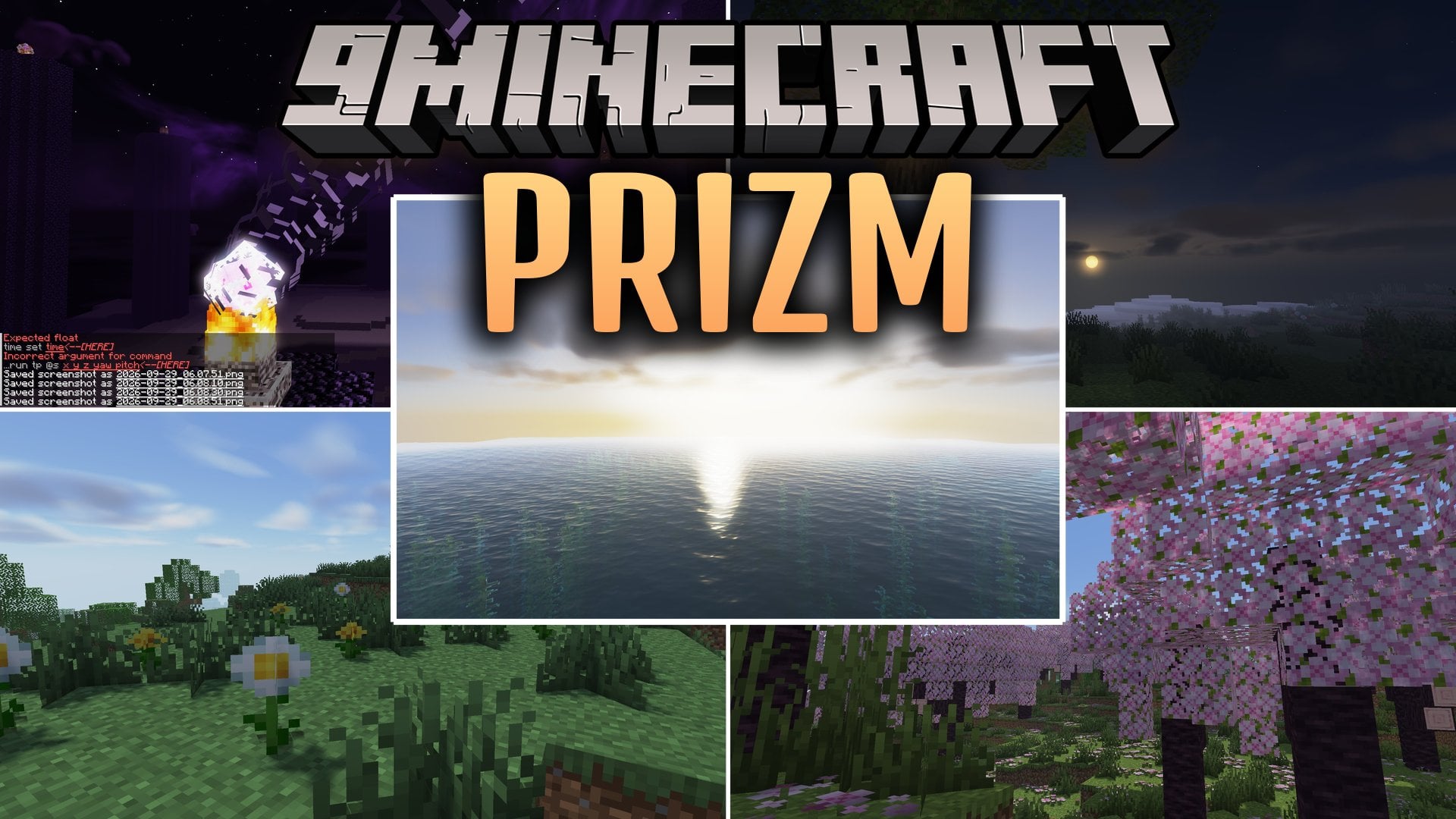
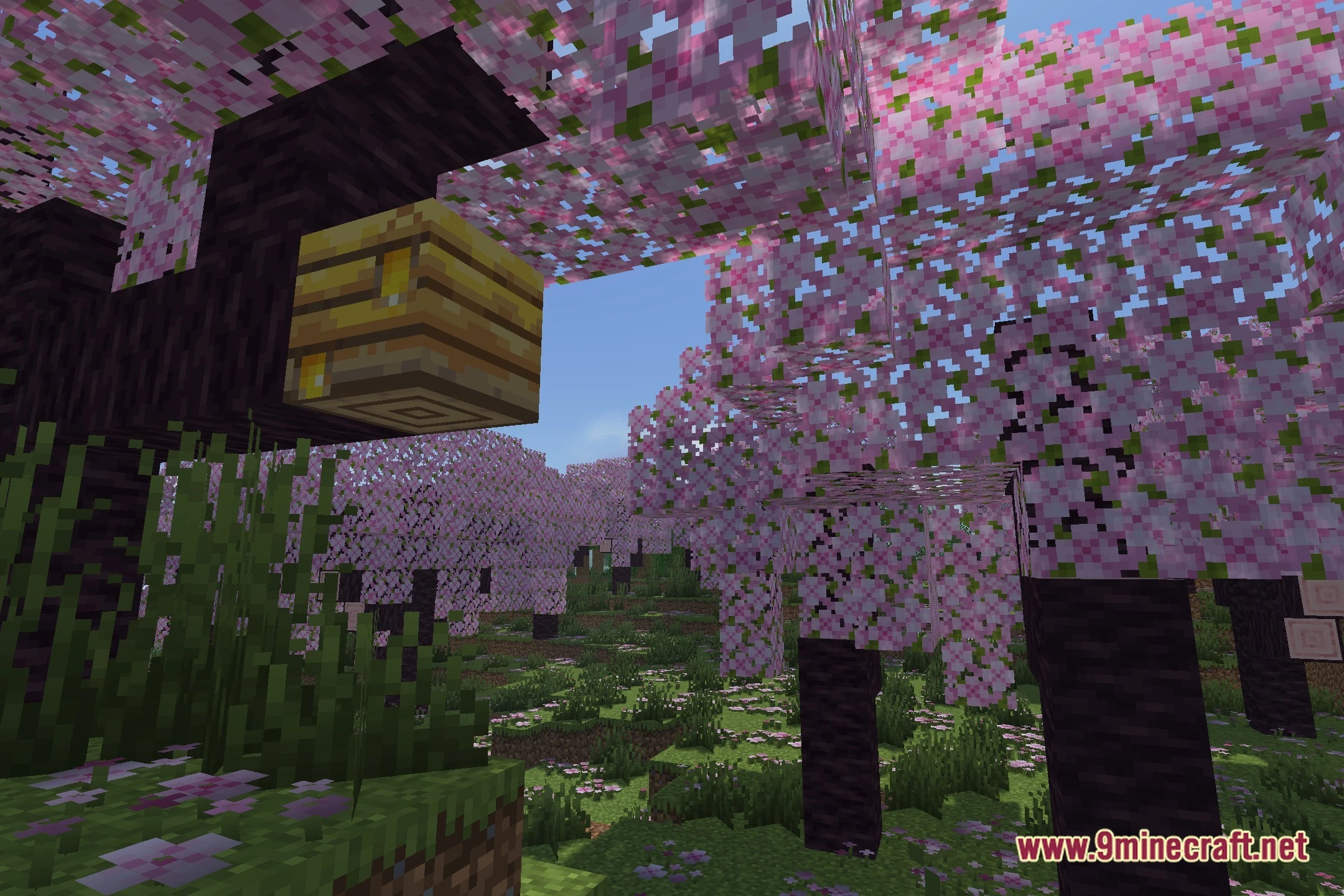
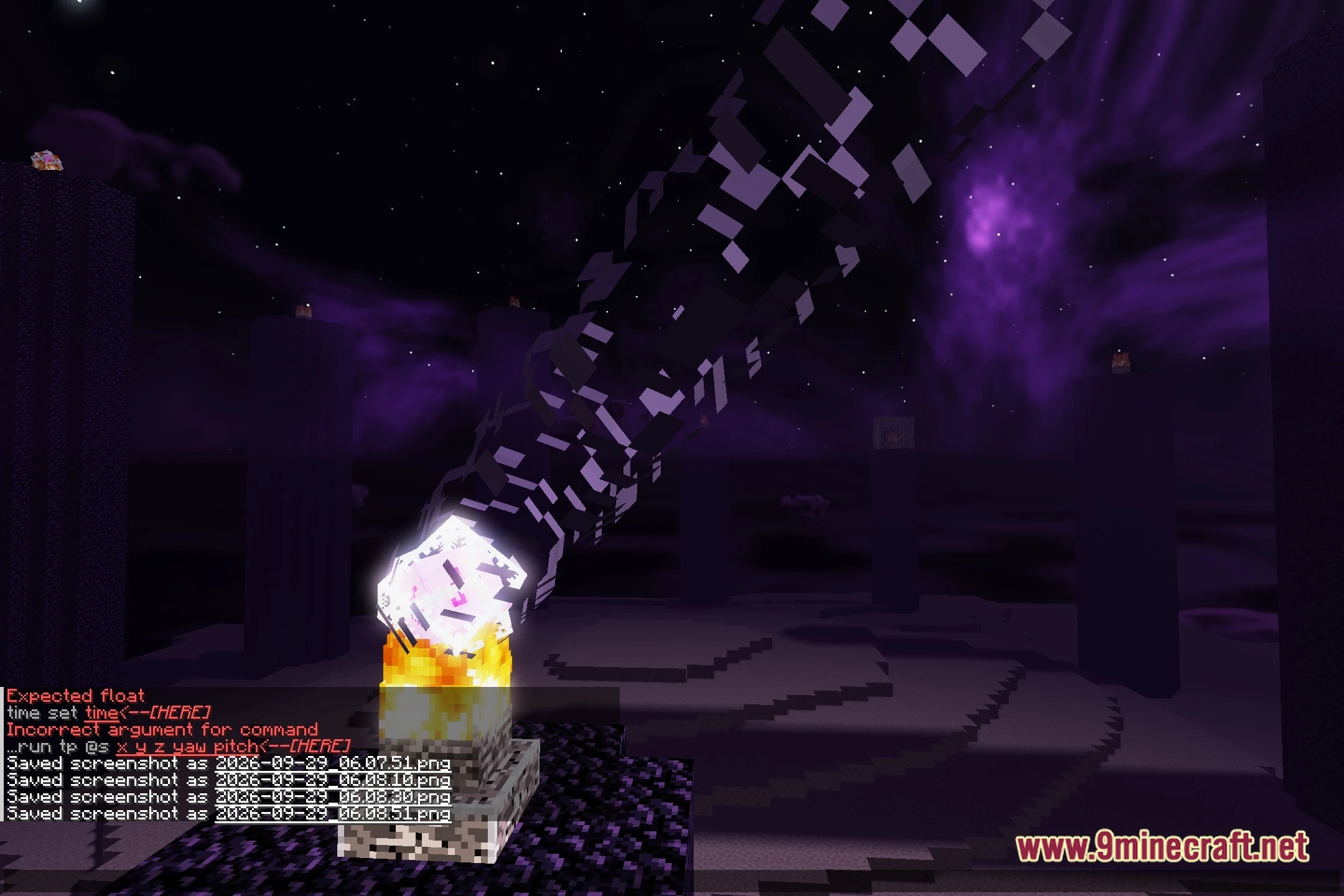
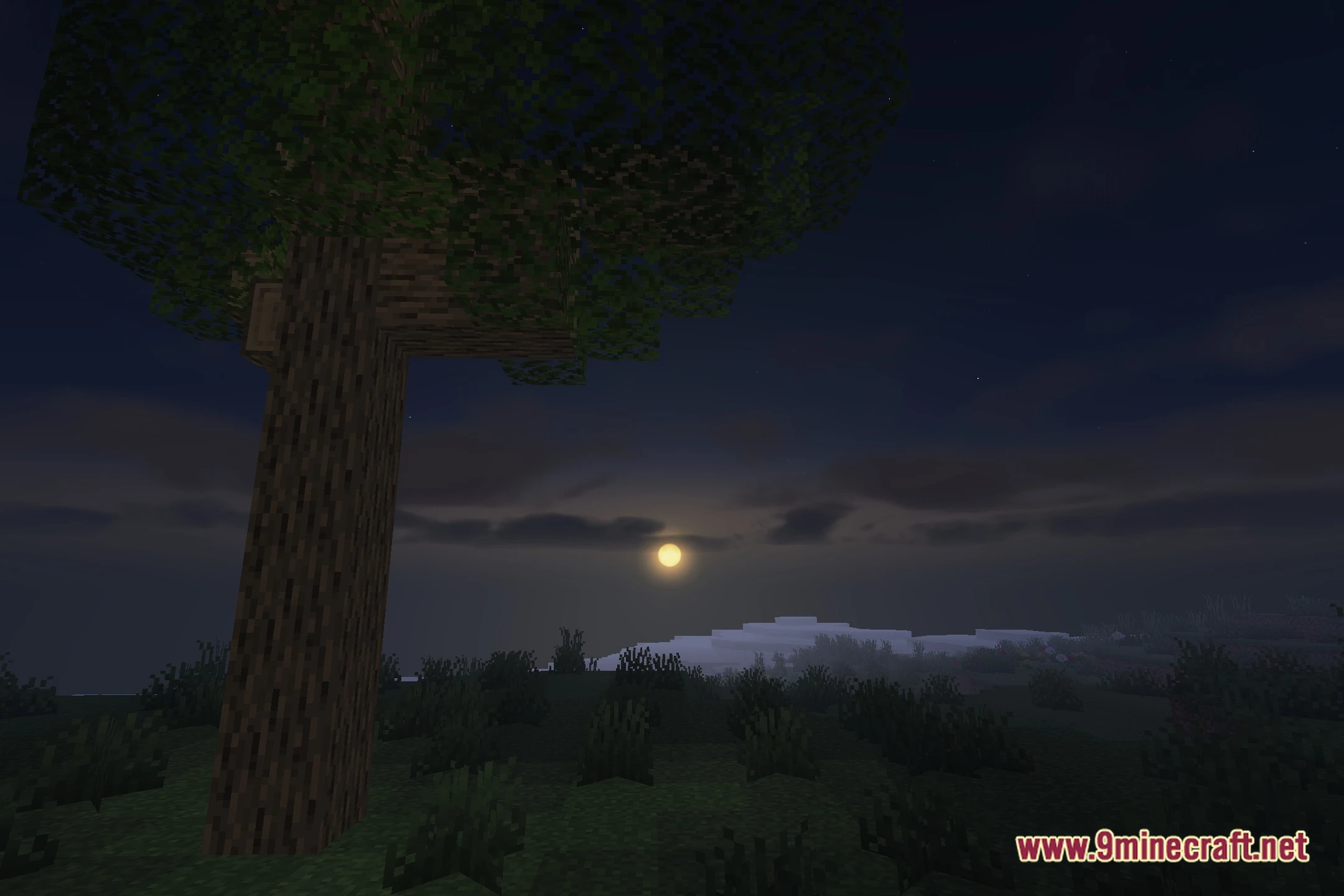
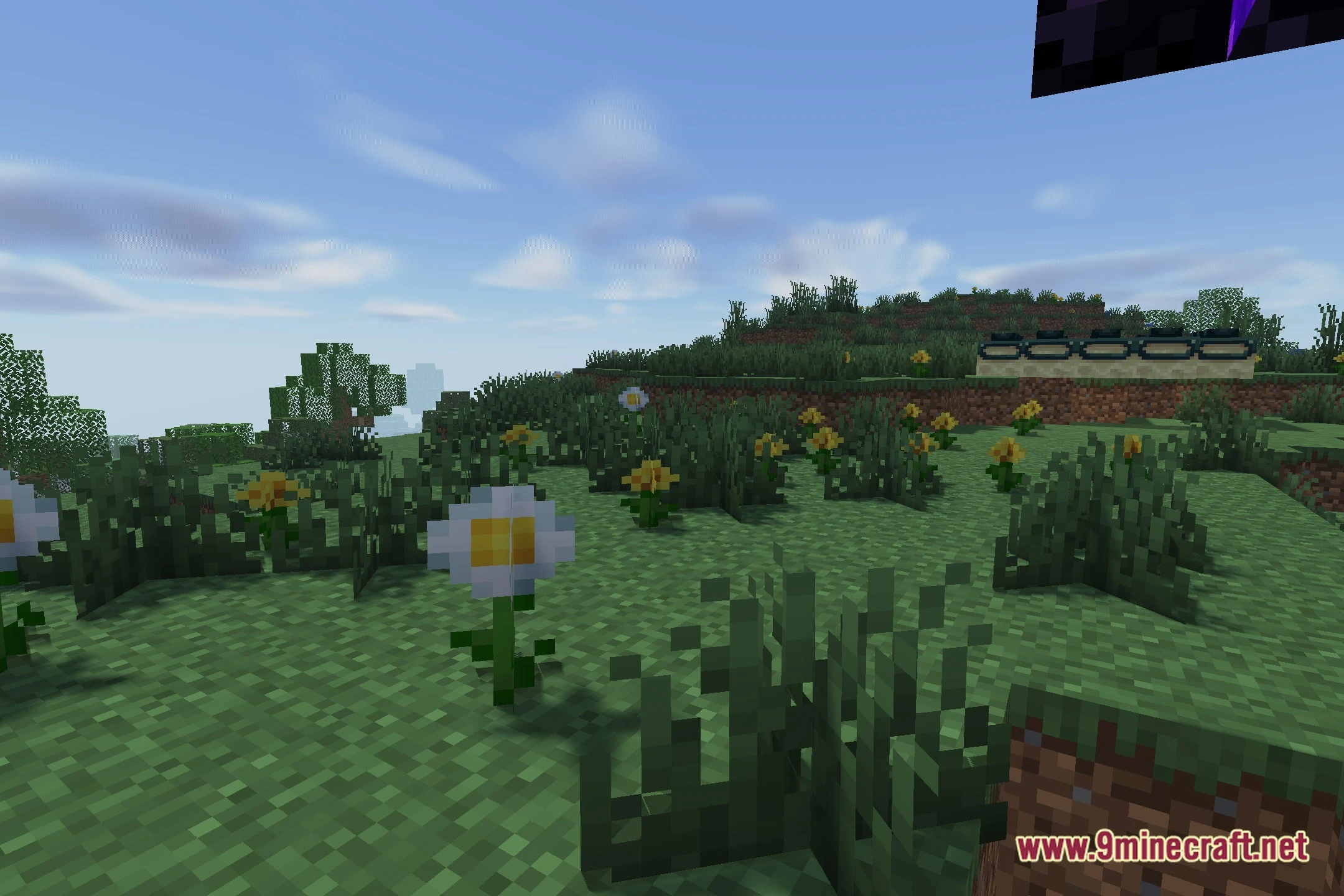
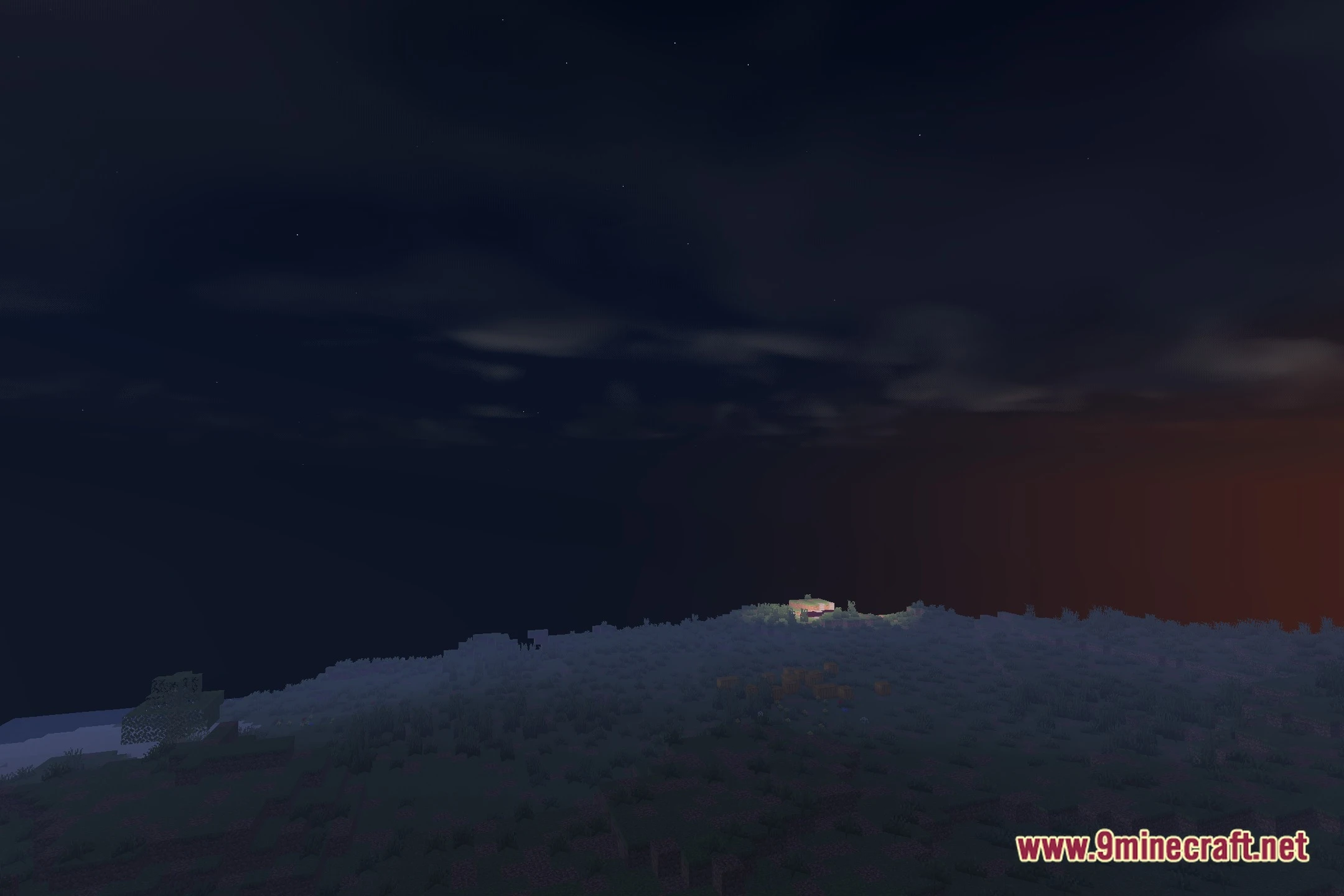
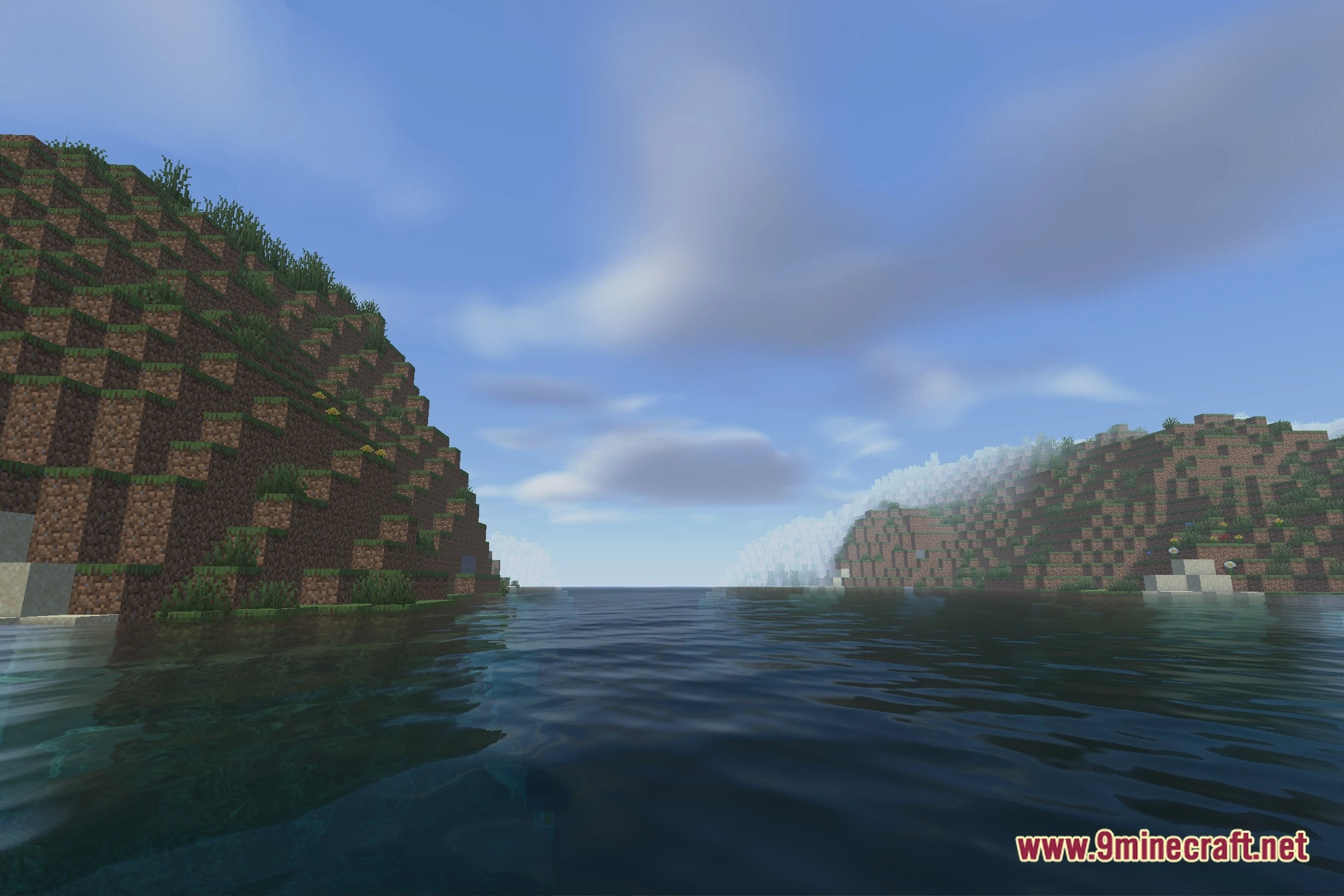
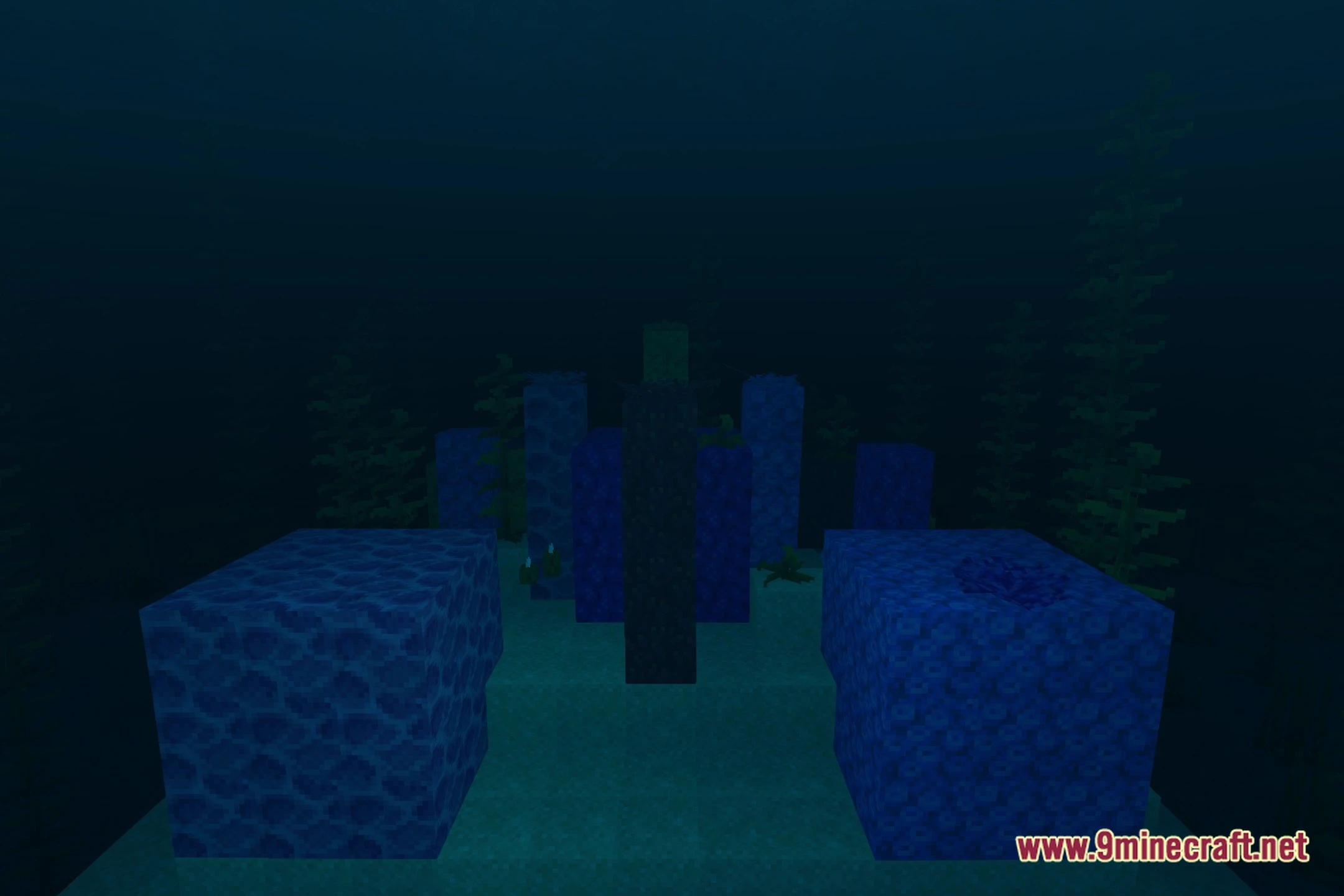
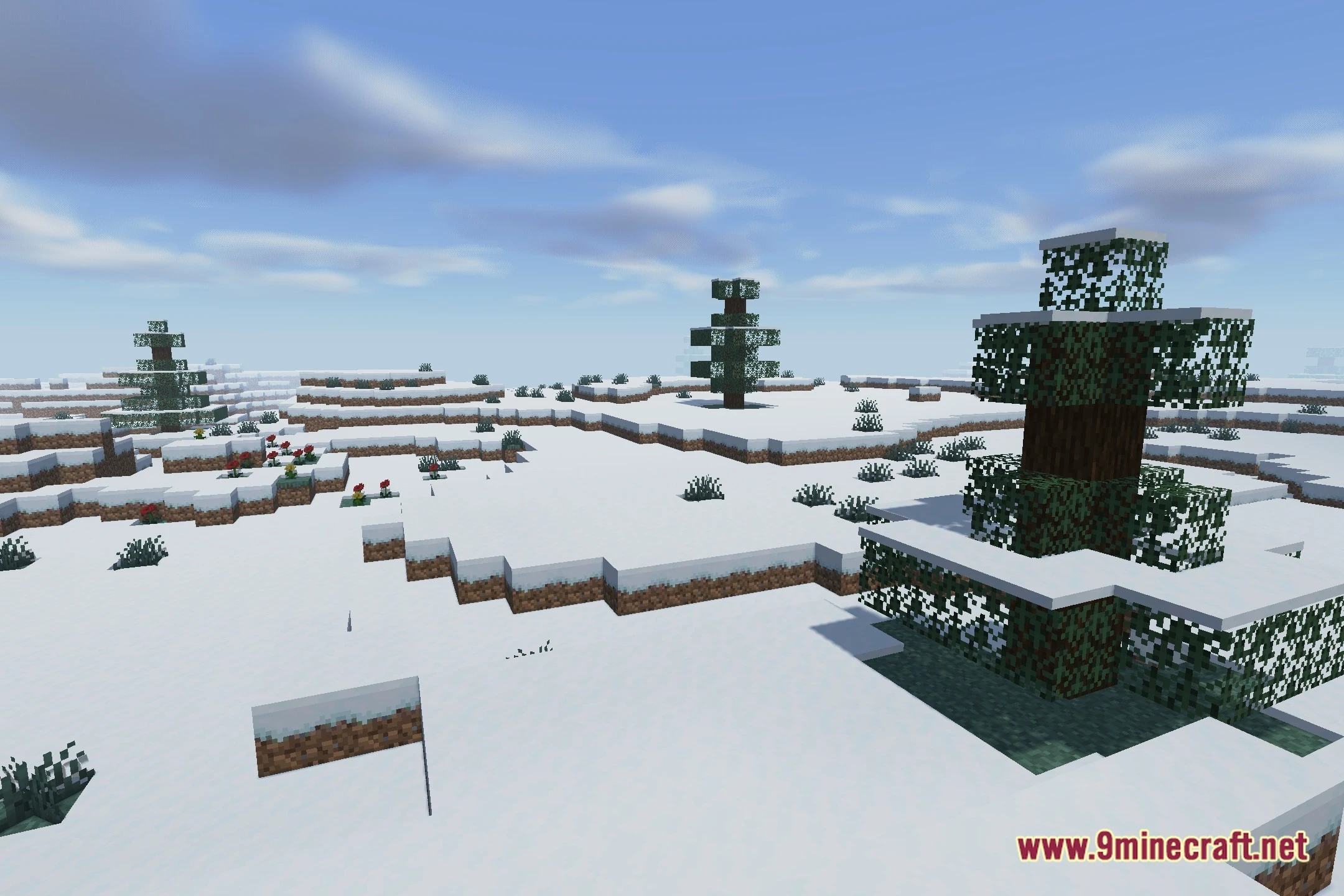
12 images from the Prizm Shaders page.



You May Also Like
Wikis that share the most with this one
Wikis on the same theme: light
More shader wikis on the site
 Prism Skies Shaders
The most downloaded mods that have a wiki here