

 DownloadOld Doggo Shaders
Get the files on 9Minecraft
Guides
Step-by-step, in-game.
Adjust Brightness and Contrast for Your DisplayAccess Shader Settings Open your pause menu while in-game, then navigate to Options → Video Settings → Shaders .…Fix Color Banding or Posterization IssuesUnderstand Color Banding in Cartoon Shaders Old Doggo Shaders' bright, simplified lighting can sometimes create…Make Water and Reflections Look BetterAccess Water Settings Open the Old Doggo Shaders configuration panel via Options → Video Settings → Shaders and look…Optimize Performance on Low-End HardwareReduce Render Distance Old Doggo Shaders is designed for weak hardware, but you can squeeze out more frames by…
Frequently asked questions
How do I enable Old Doggo Shaders after installing it?
Launch Minecraft, go to Options > Video Settings > Shaders, then select Old Doggo Shaders from the list and click Apply. The shader will activate immediately on your next load.
Why does my game look washed out or too bright?
Use the brightness and contrast adjustment guide to fine-tune your display settings. Start by lowering brightness slightly and increasing contrast to find a balance that works for your monitor.
Can I use Old Doggo Shaders with other mods?
Yes, it works cleanly with Fabric mods and most content packs. Avoid using multiple shader packs at once, and test compatibility with heavy mods like those adding new dimensions or complex rendering.
My FPS dropped after installing the shader. How do I fix it?
Follow the performance optimization guide for low-end hardware—disable shadow rendering or reduce render distance in shader settings. If your computer is very old, consider lowering your base game render distance as well.
See all 10 Old Doggo Shaders questions ›
Gallery
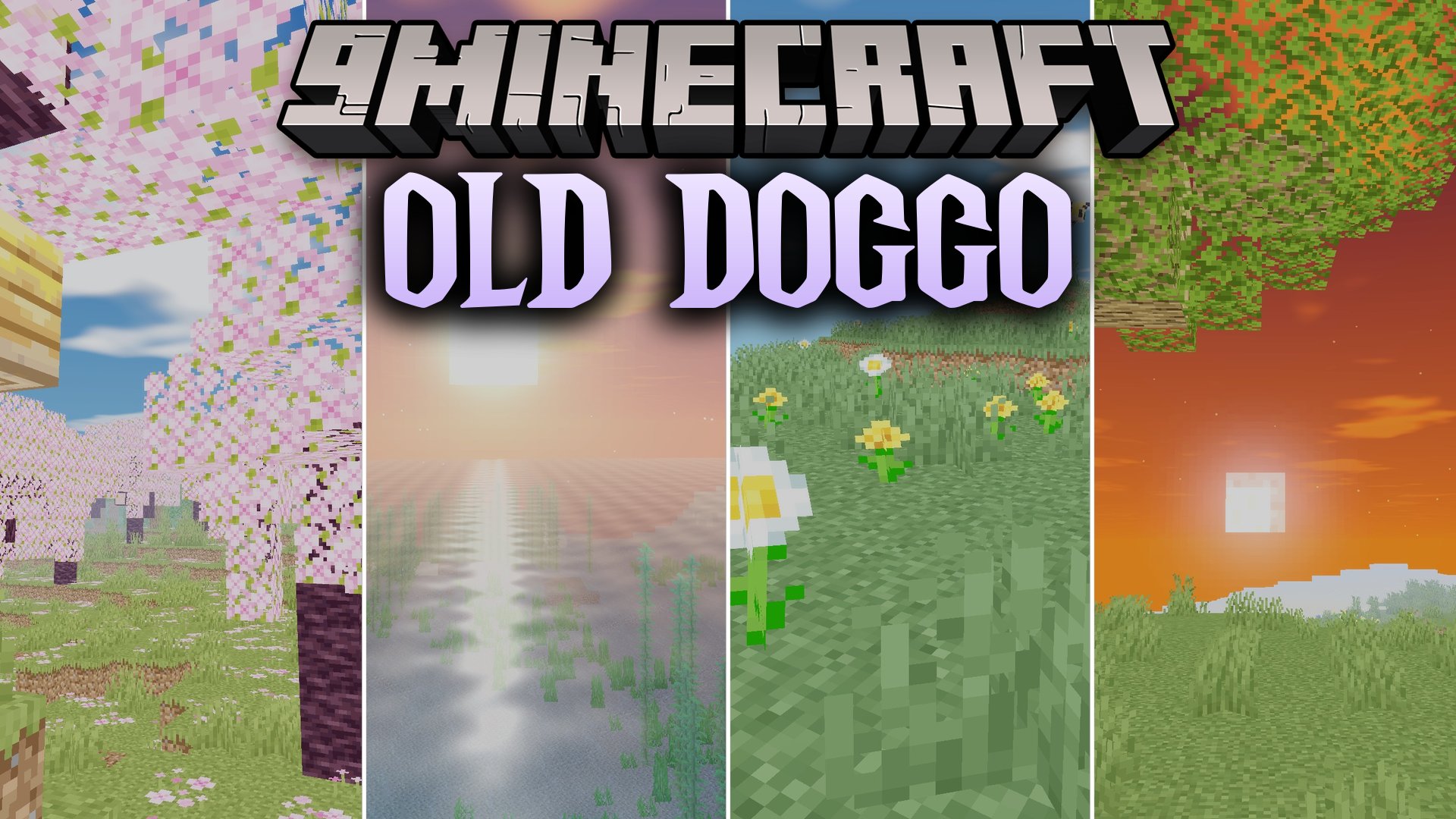
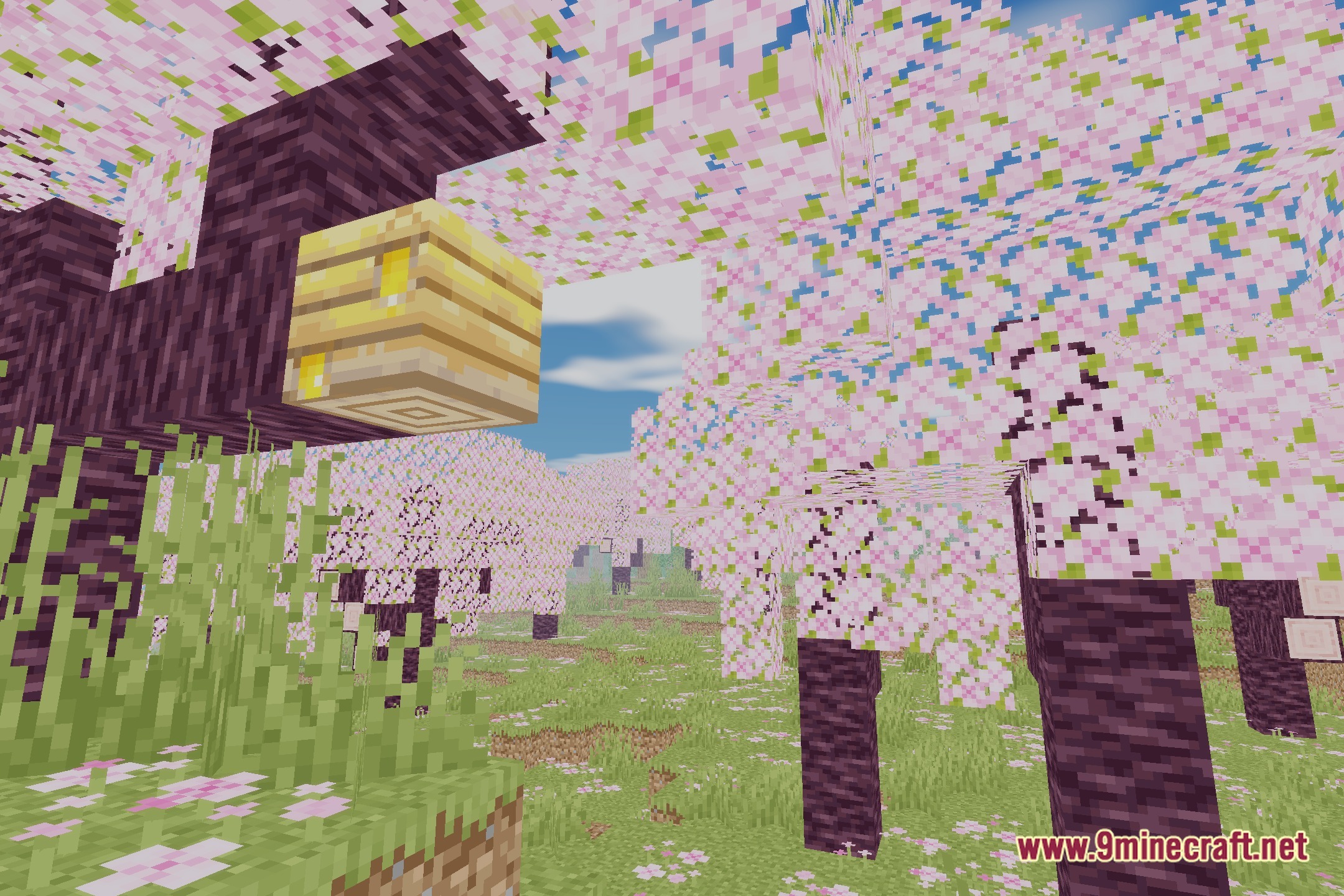
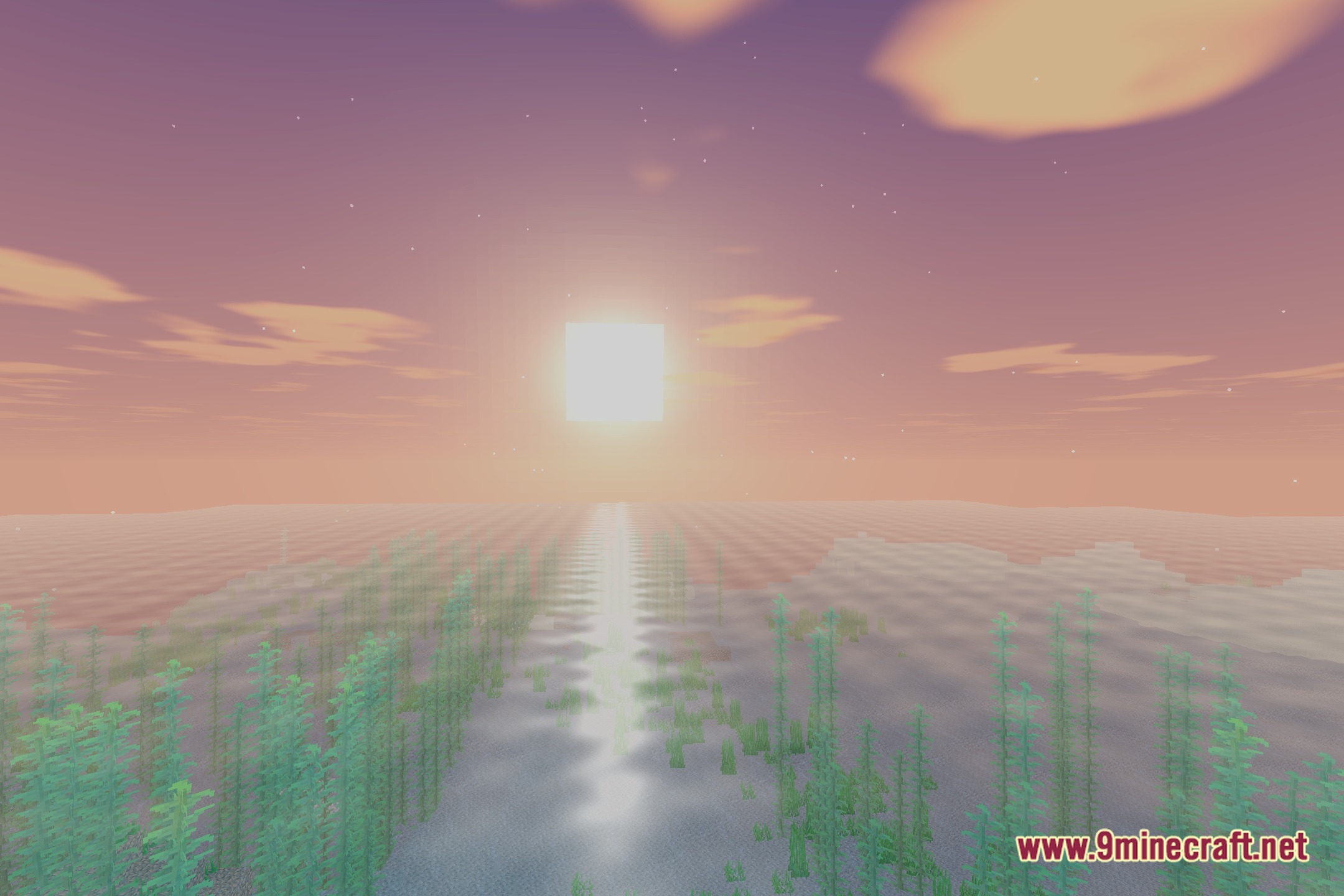
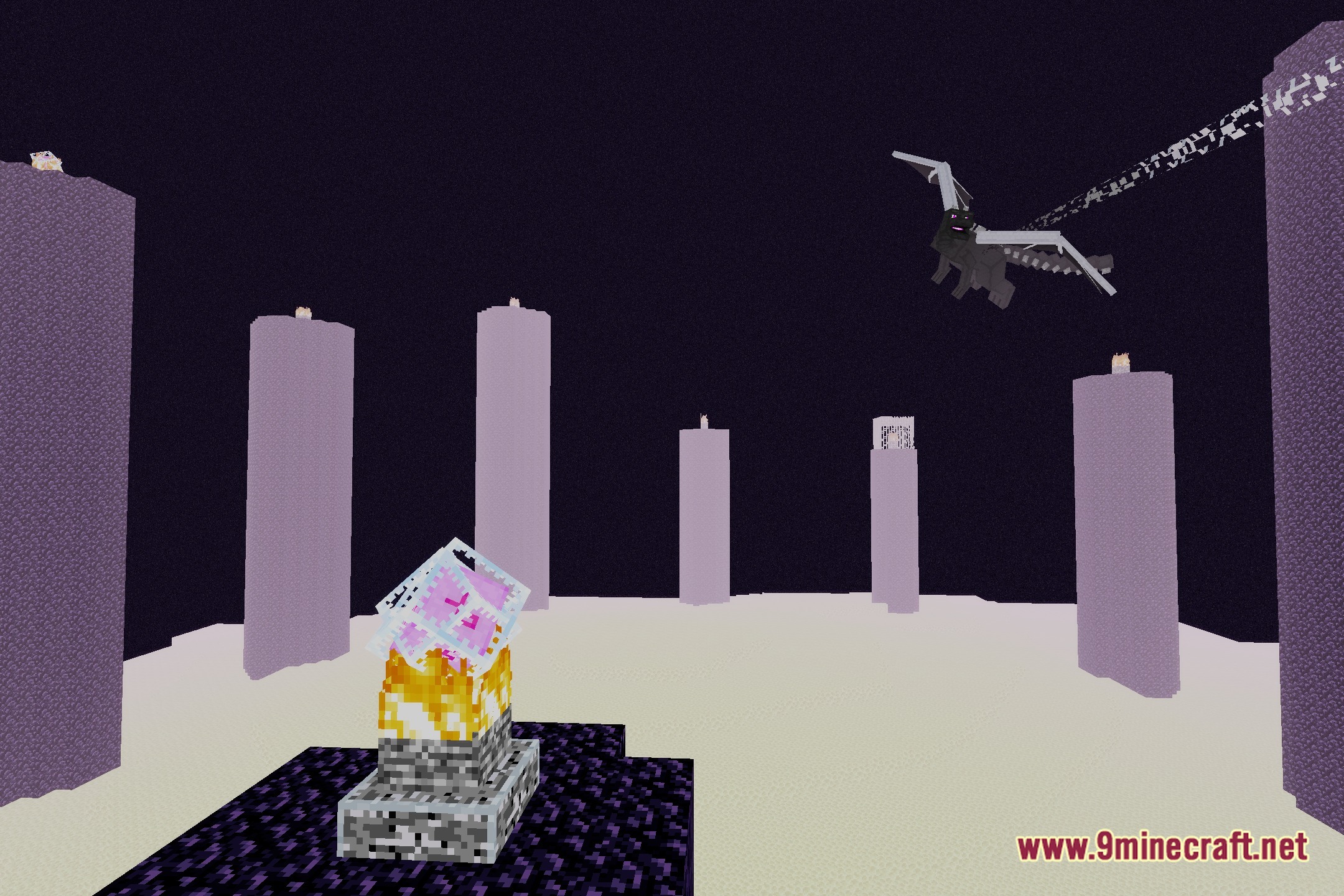
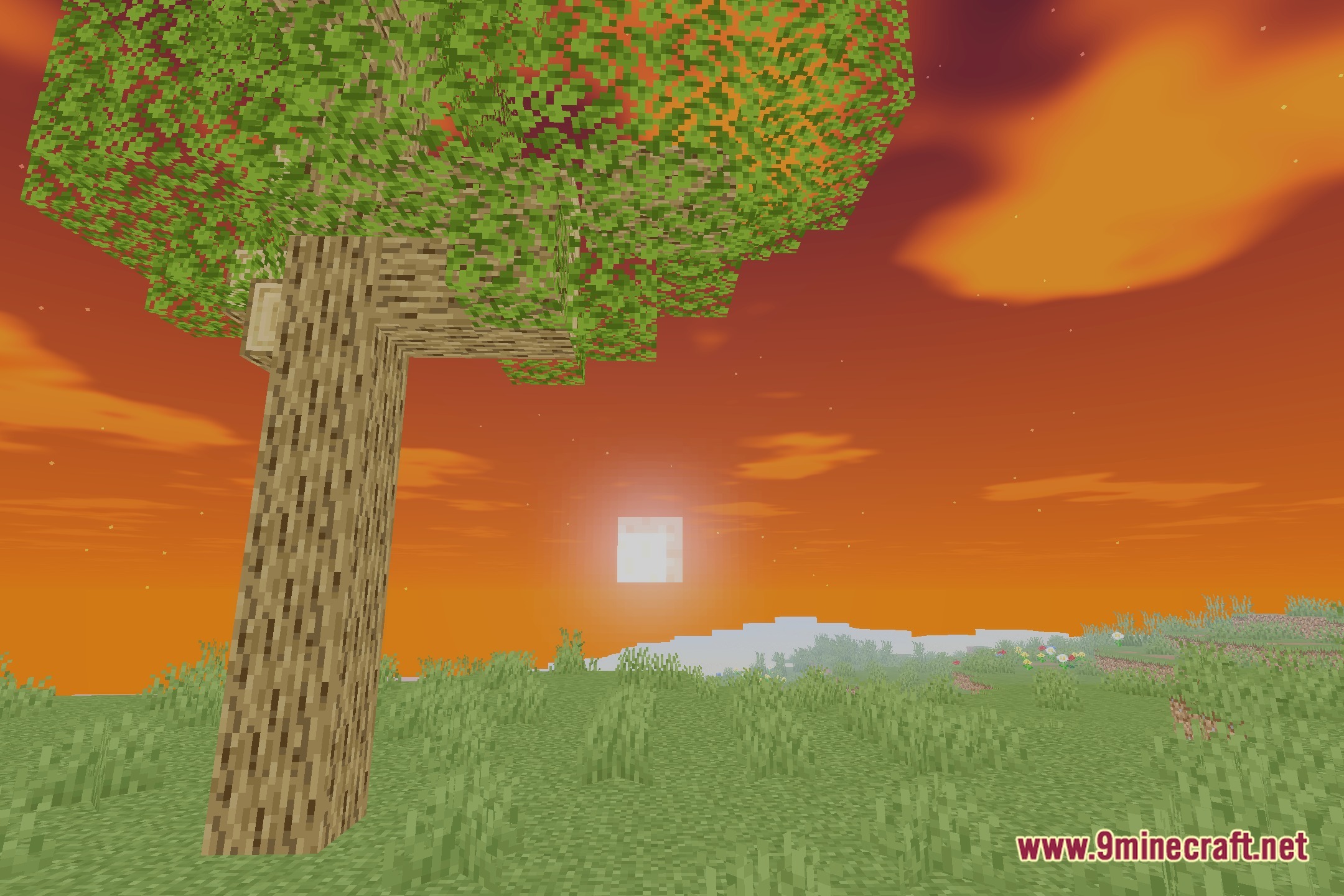
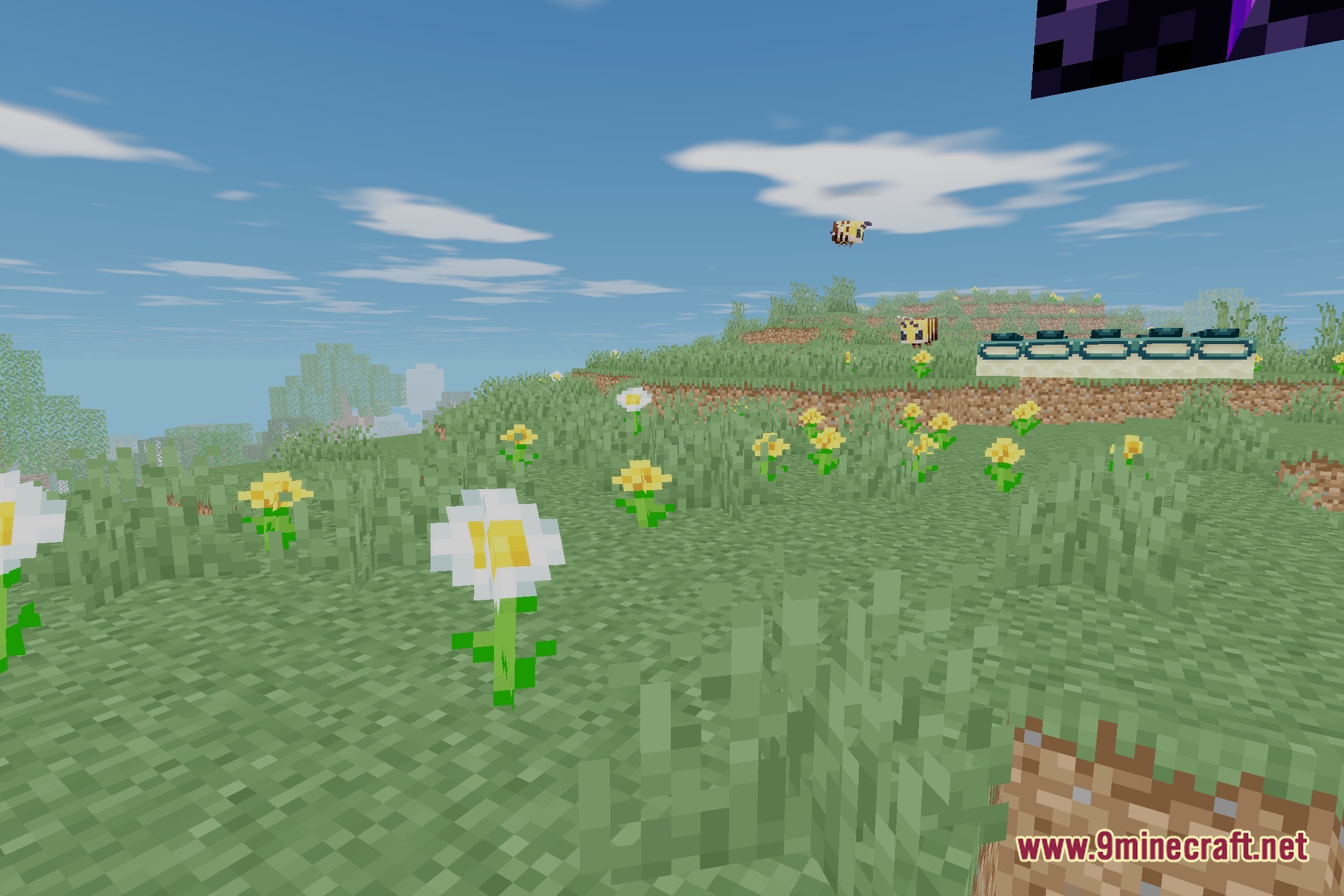
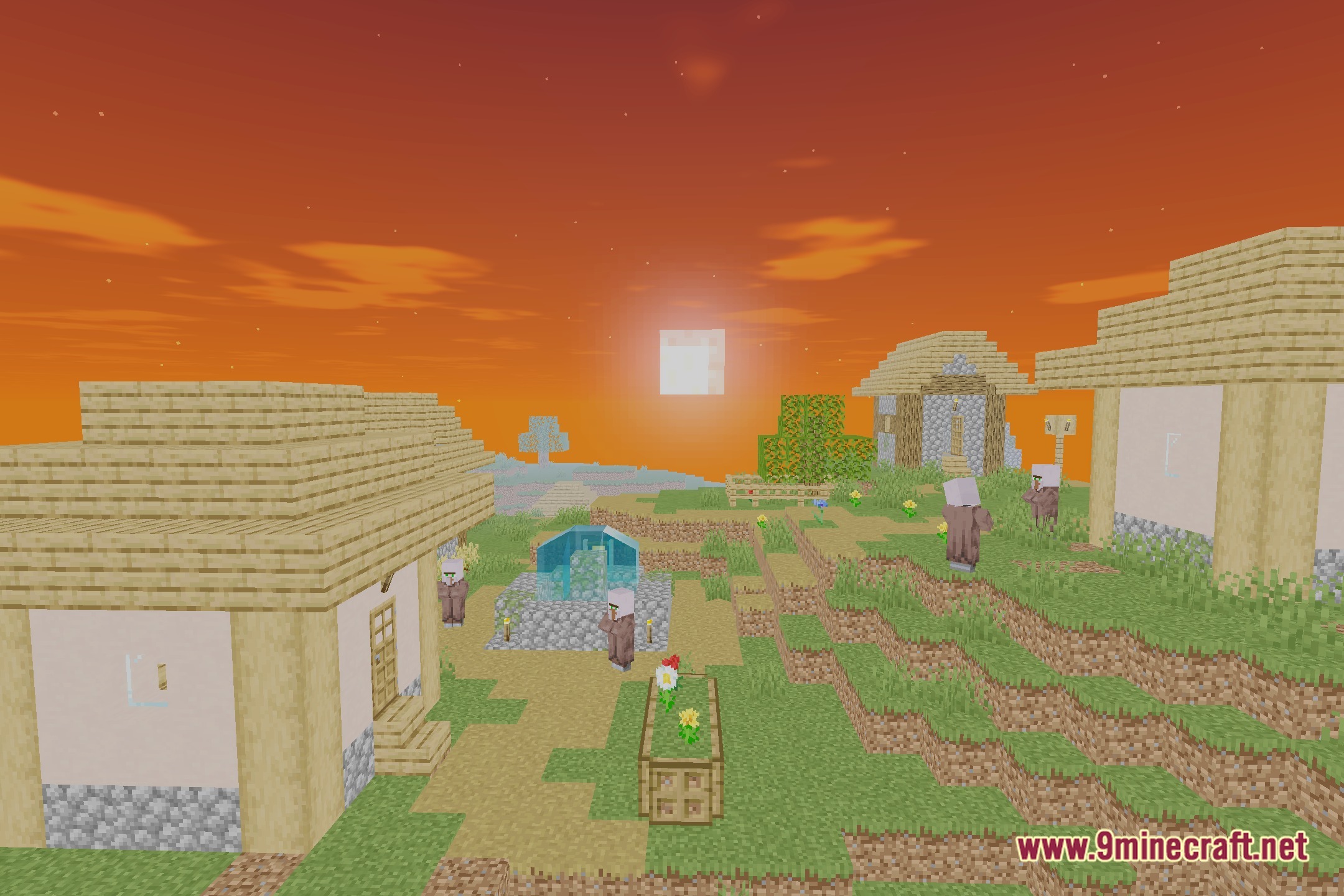
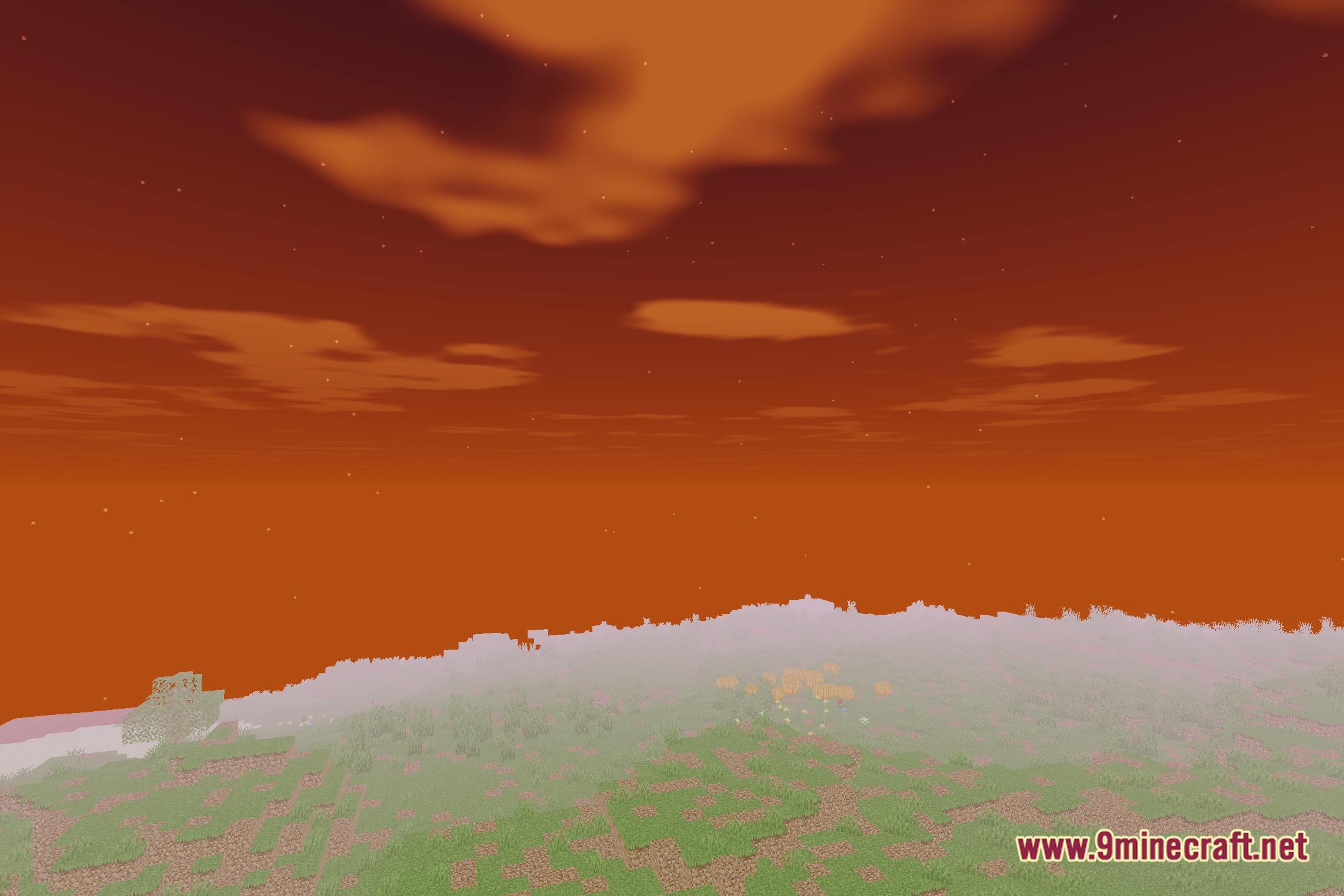
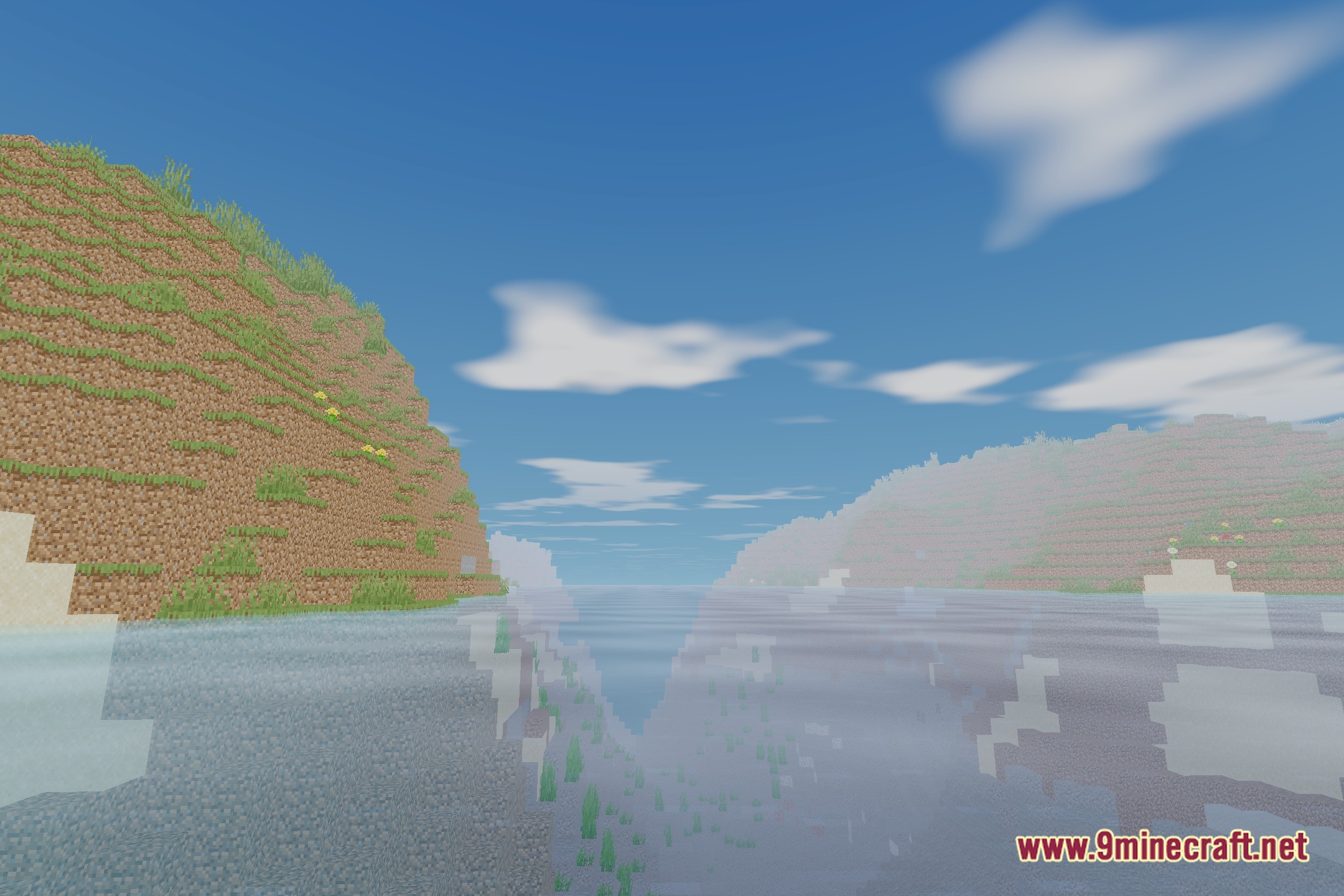
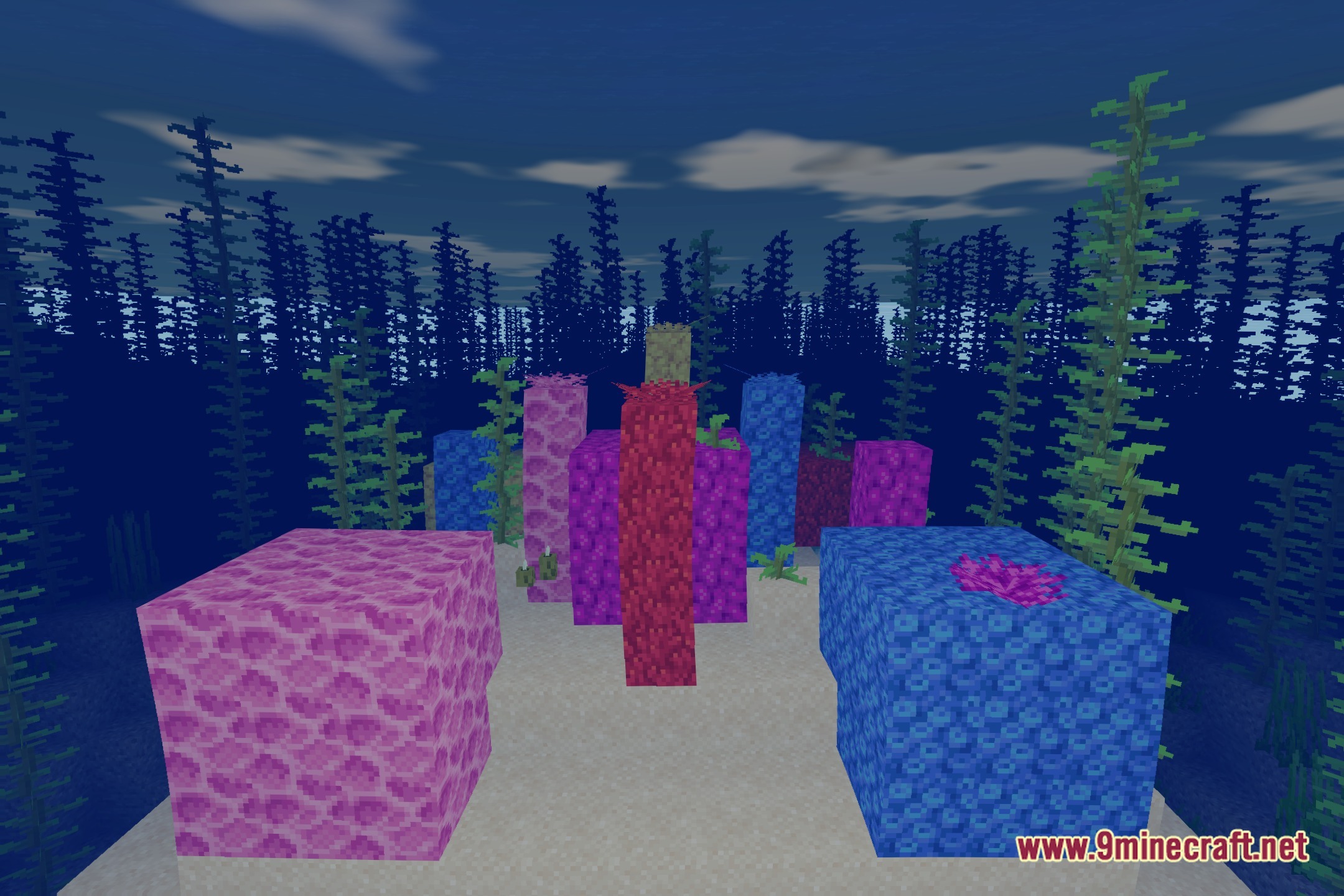
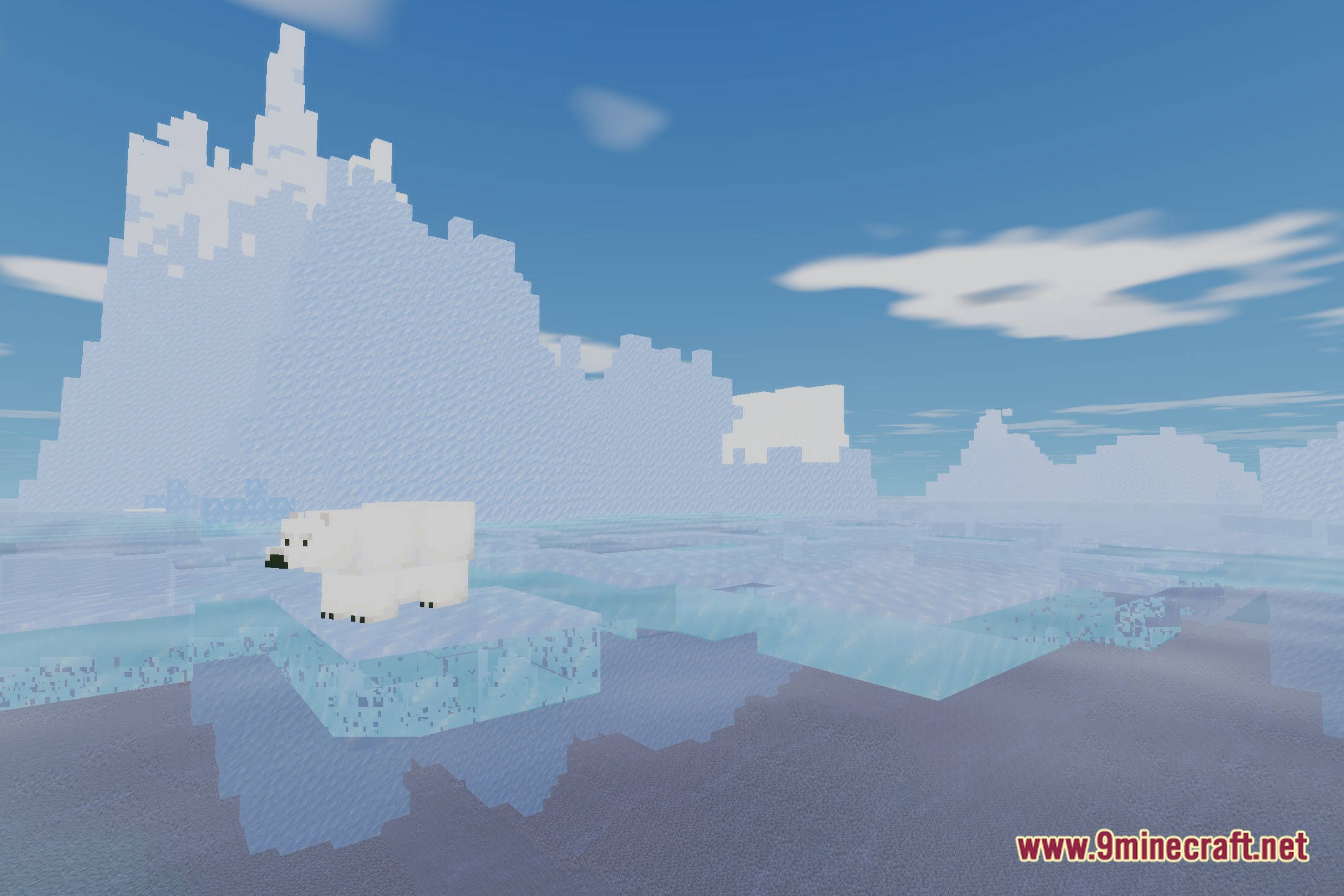
12 images from the Old Doggo Shaders page.
You May Also Like
Wikis that share the most with this one
Wikis on the same theme: dog
More shader wikis on the site
 Obsidian Shaders
The most downloaded mods that have a wiki here