

 DownloadOld TV Shaders
Get the files on 9Minecraft
Guides
Step-by-step, in-game.
Adjust Scanline Intensity to Reduce Eye StrainAccess Shader Settings Open the shader options menu while in-game by pressing the designated shader menu key…Combine Old TV Shaders with Other Visual ModsUnderstand Shader Compatibility Old TV Shaders works as a visual filter applied over your world rendering. It's…Enable or Disable Color Distortion EffectsOpen Shader Configuration Access the Old TV Shaders settings menu from your in-game video or shader options. The…Reduce Screen Curvature for Gameplay ClarityAccess Shader Options Open the Old TV Shaders settings menu from your in-game graphics or shader configuration panel.…
Frequently asked questions
How do I turn on Old TV Shaders?
Open your shader settings menu in-game, navigate to the shader pack list, and select Old TV Shaders from your installed packs. The effects will apply immediately to your world.
Why does everything look blurry with this shader?
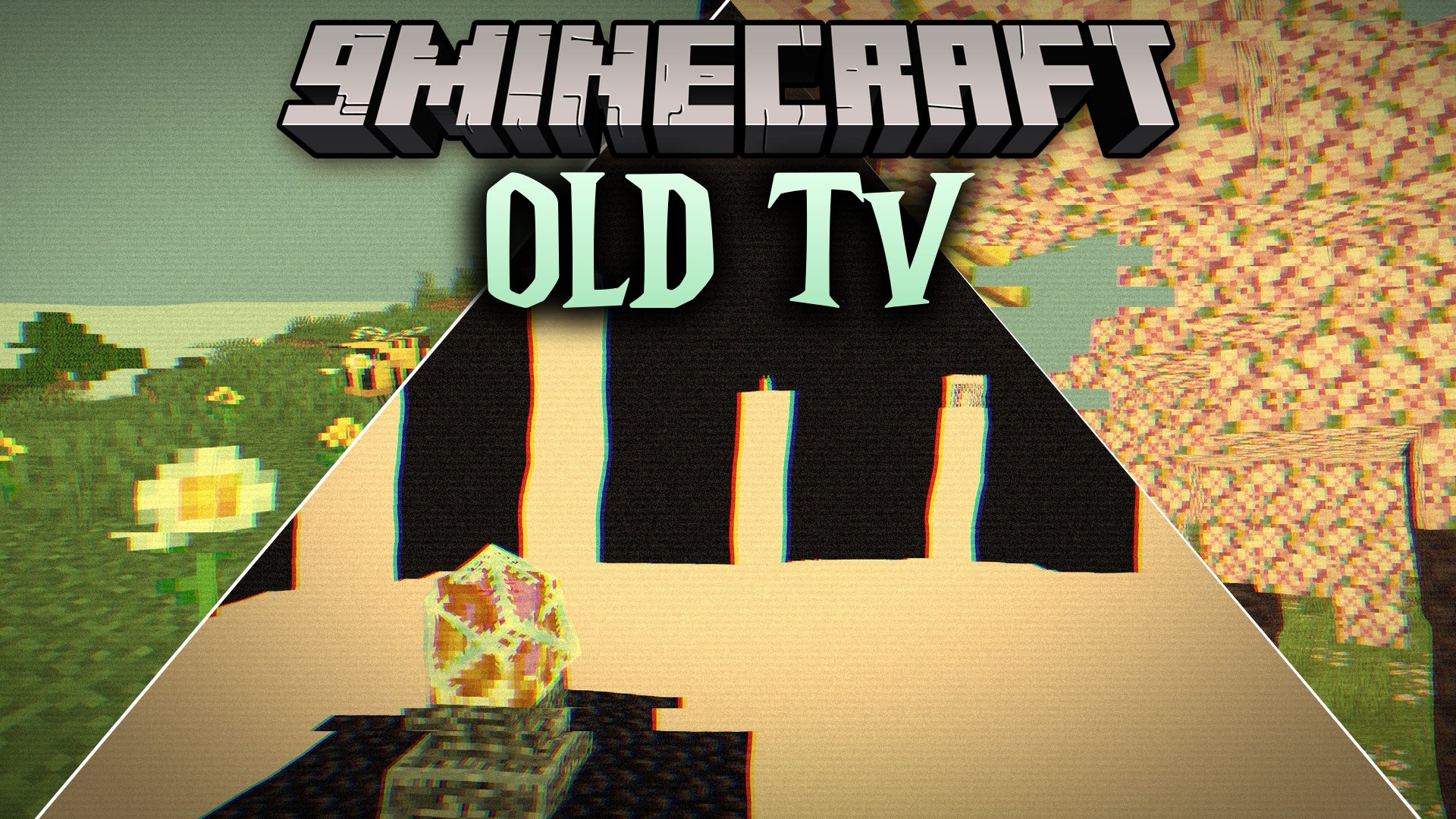
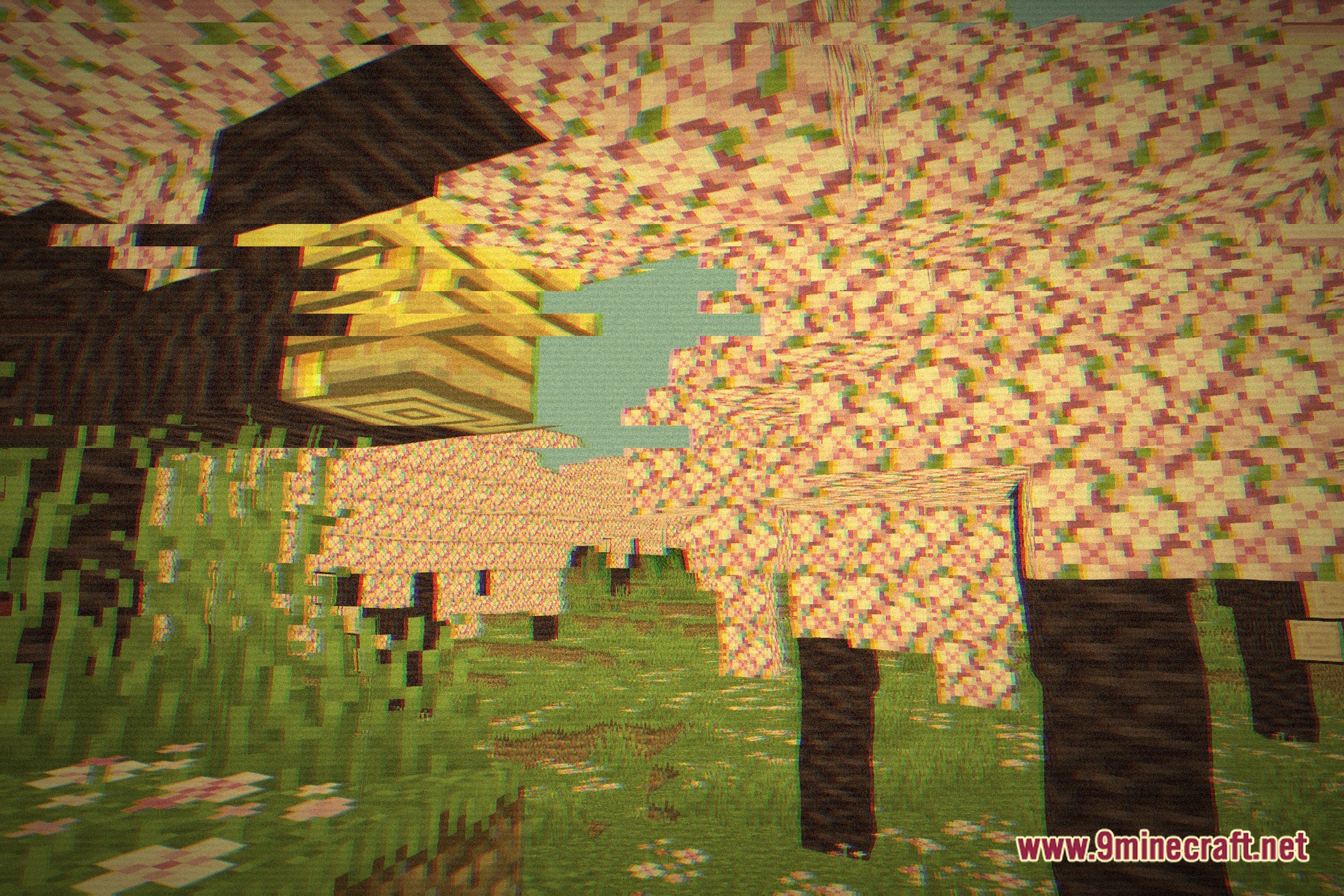
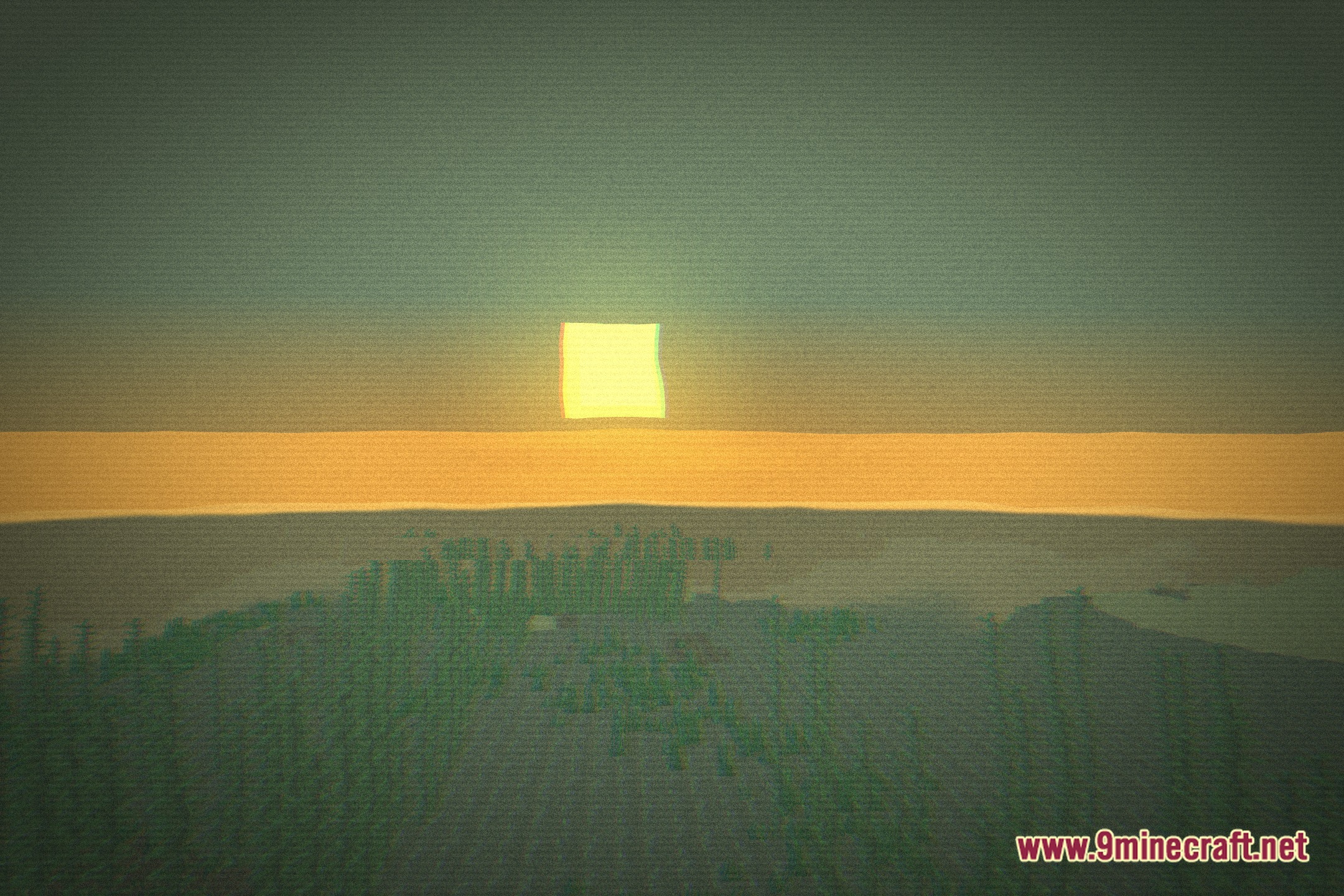
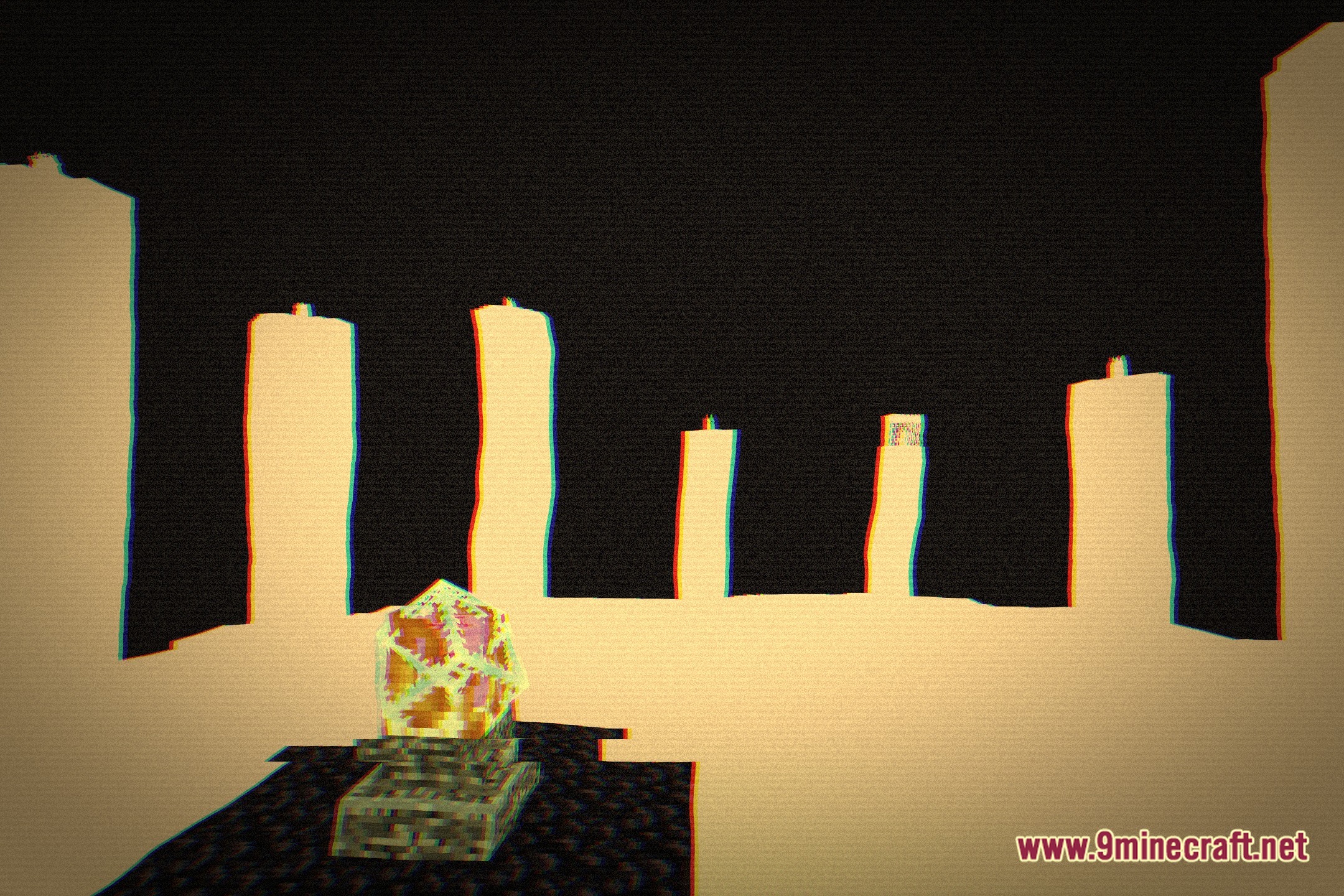
The scanlines and screen curvature can create a soft appearance; try reducing the screen curvature setting in the shader options for sharper visuals, or lower the scanline intensity if it's causing the blur effect.
Can I use Old TV Shaders with other shader packs?
No, you can only have one shader pack active at a time in Minecraft. However, you can combine Old TV Shaders with visual mods like custom resource packs or lighting mods that don't conflict with shaders.
Does Old TV Shaders affect performance?
Yes, shader packs require GPU processing and will reduce frame rates depending on your hardware; if you experience lag, try disabling color distortion effects or reducing scanline intensity to improve performance.
See all 10 Old TV Shaders questions ›
Gallery
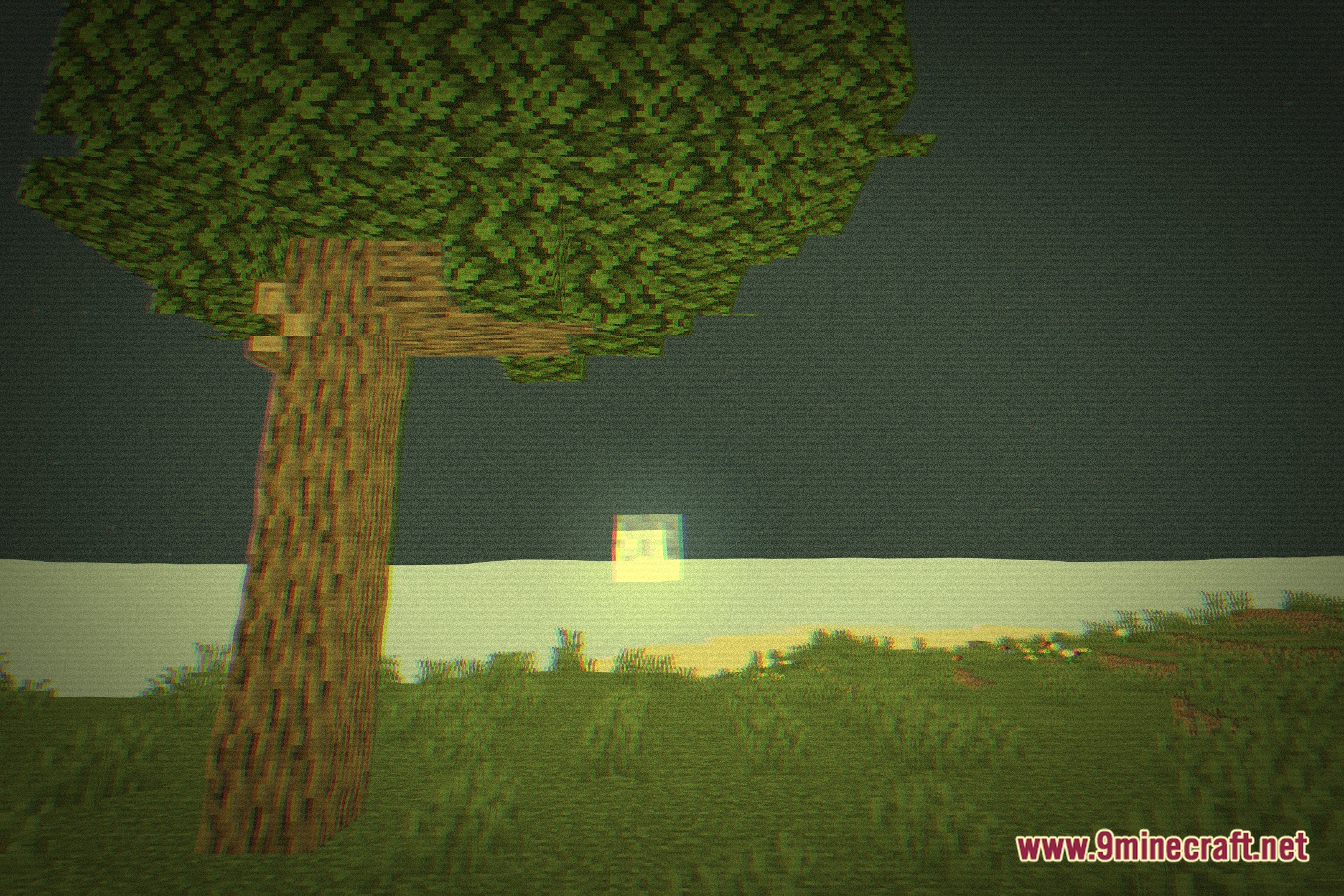
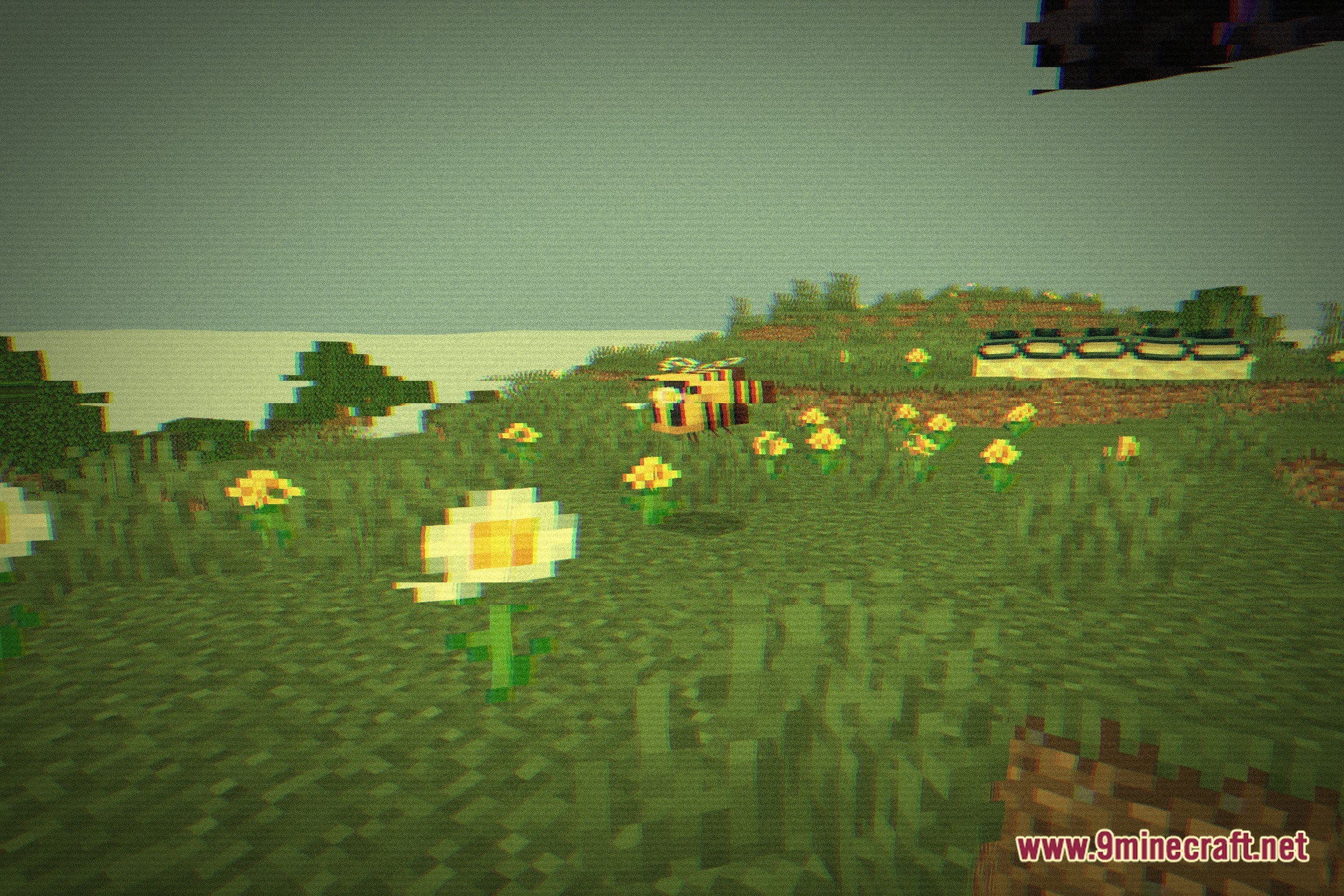
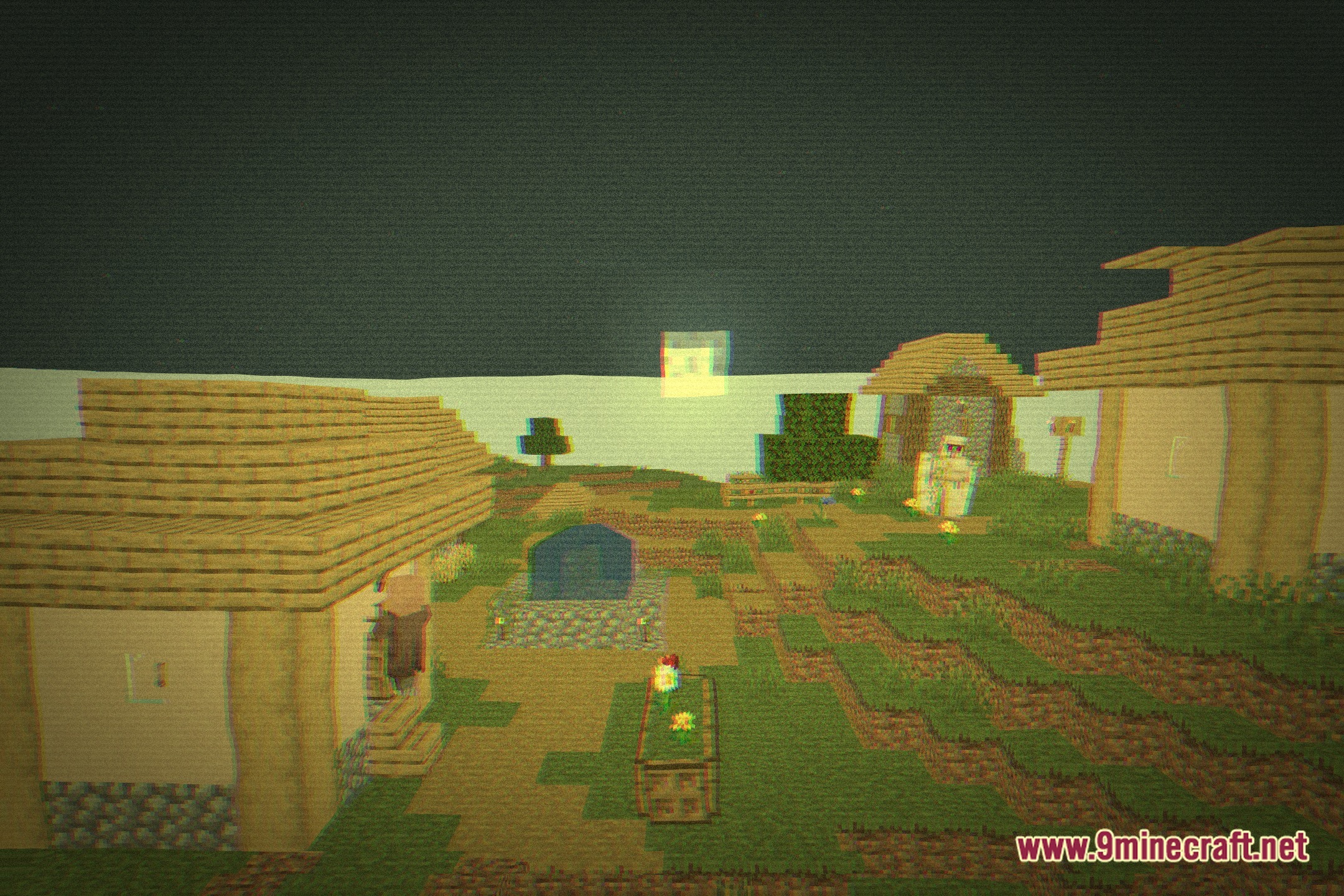
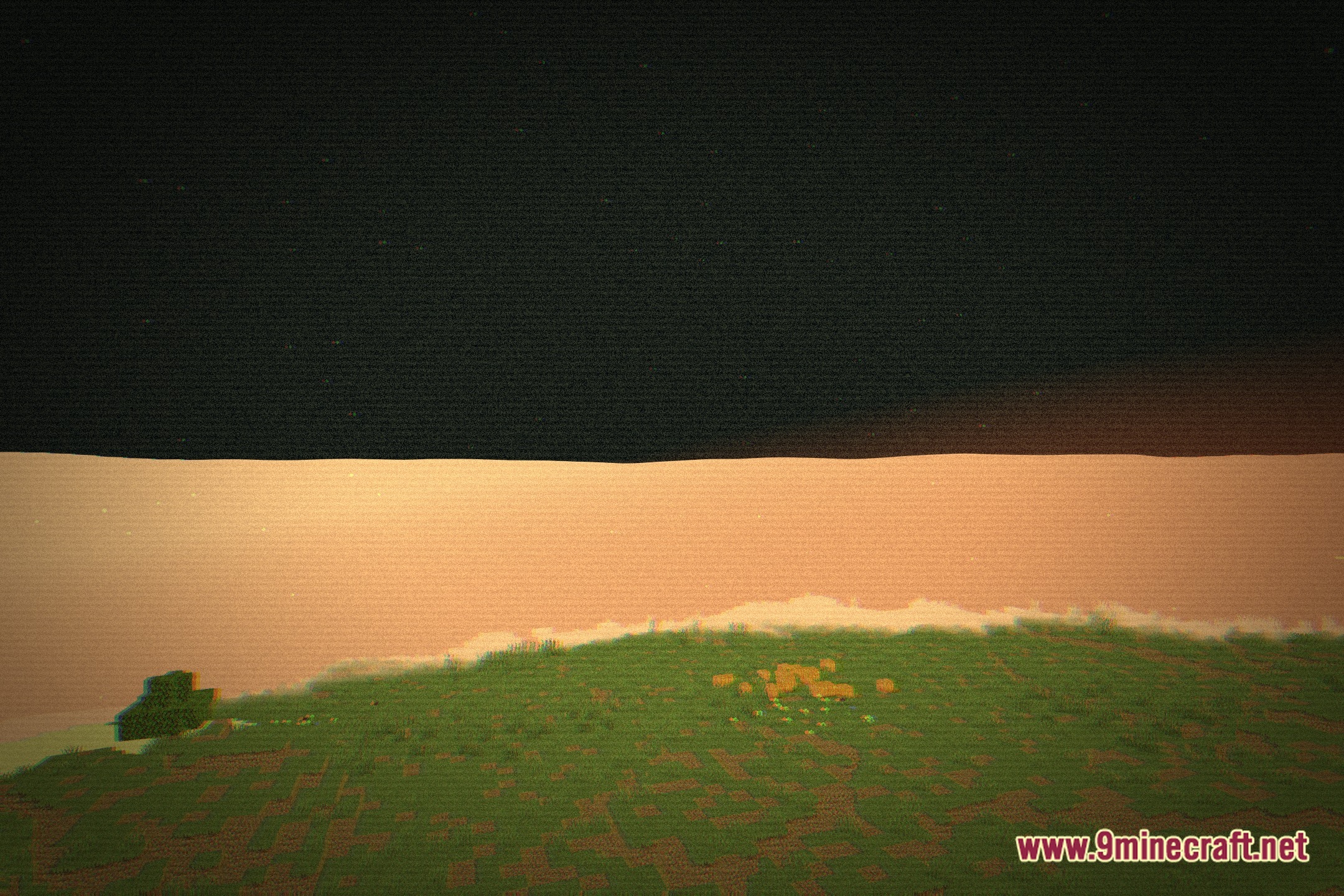
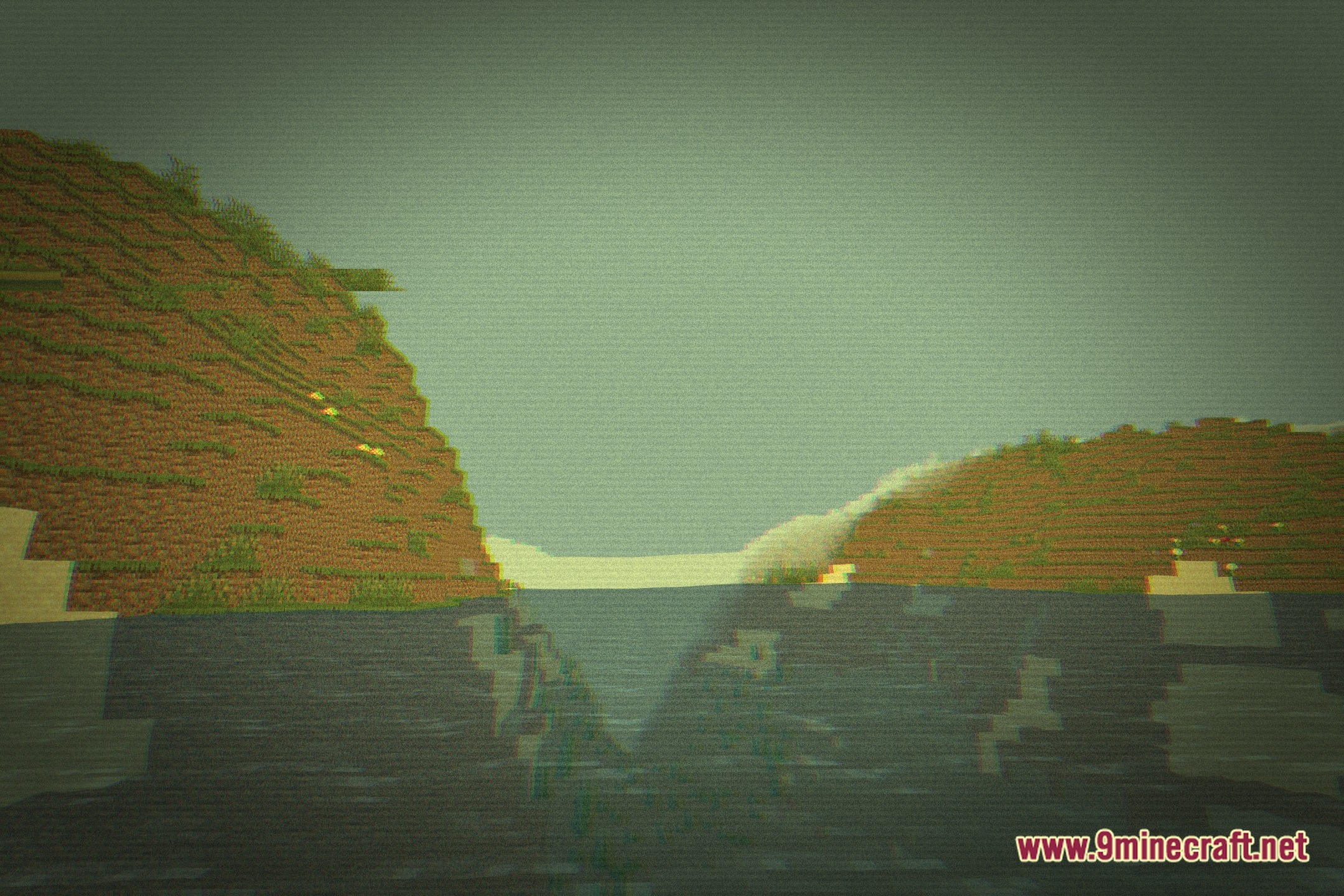
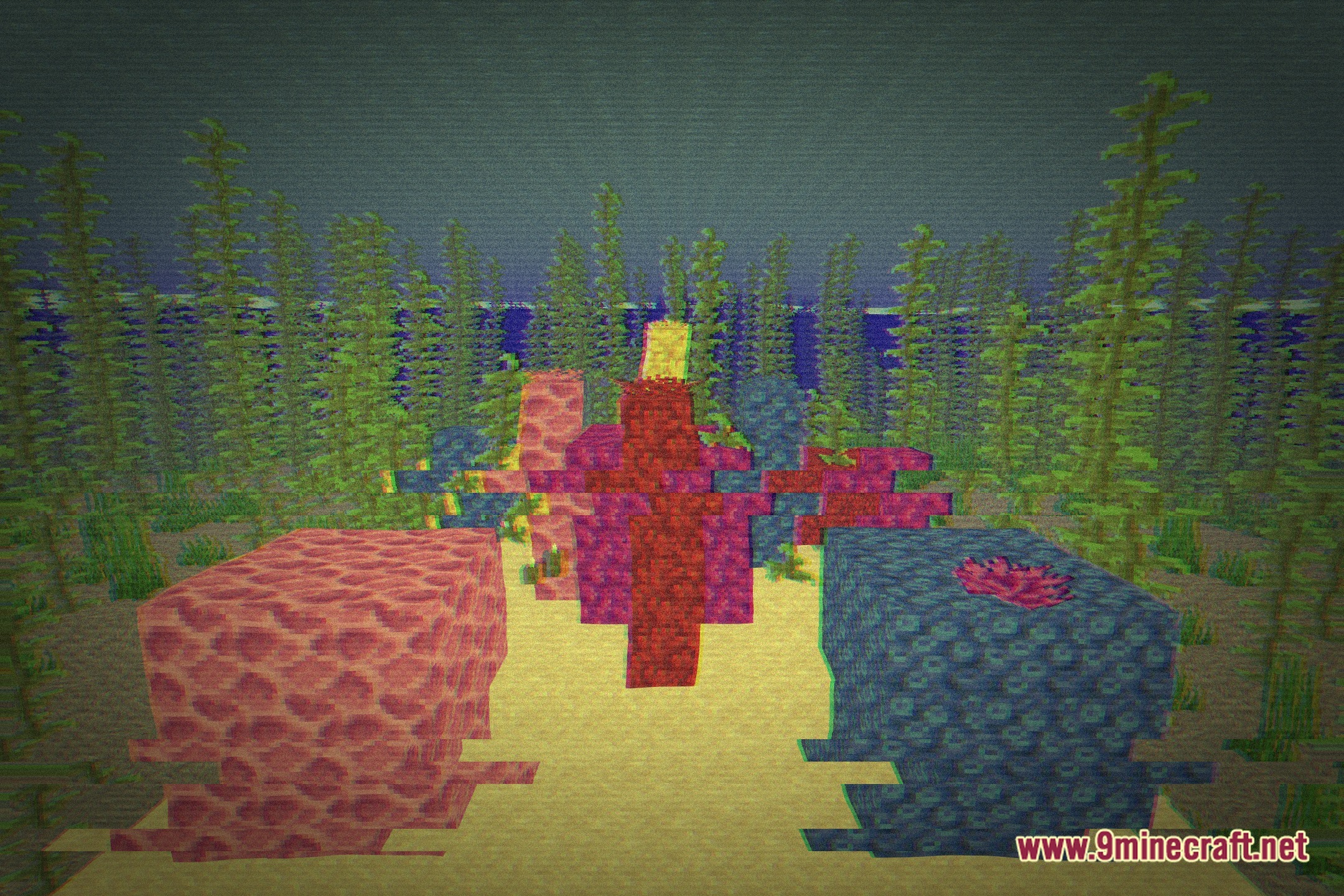
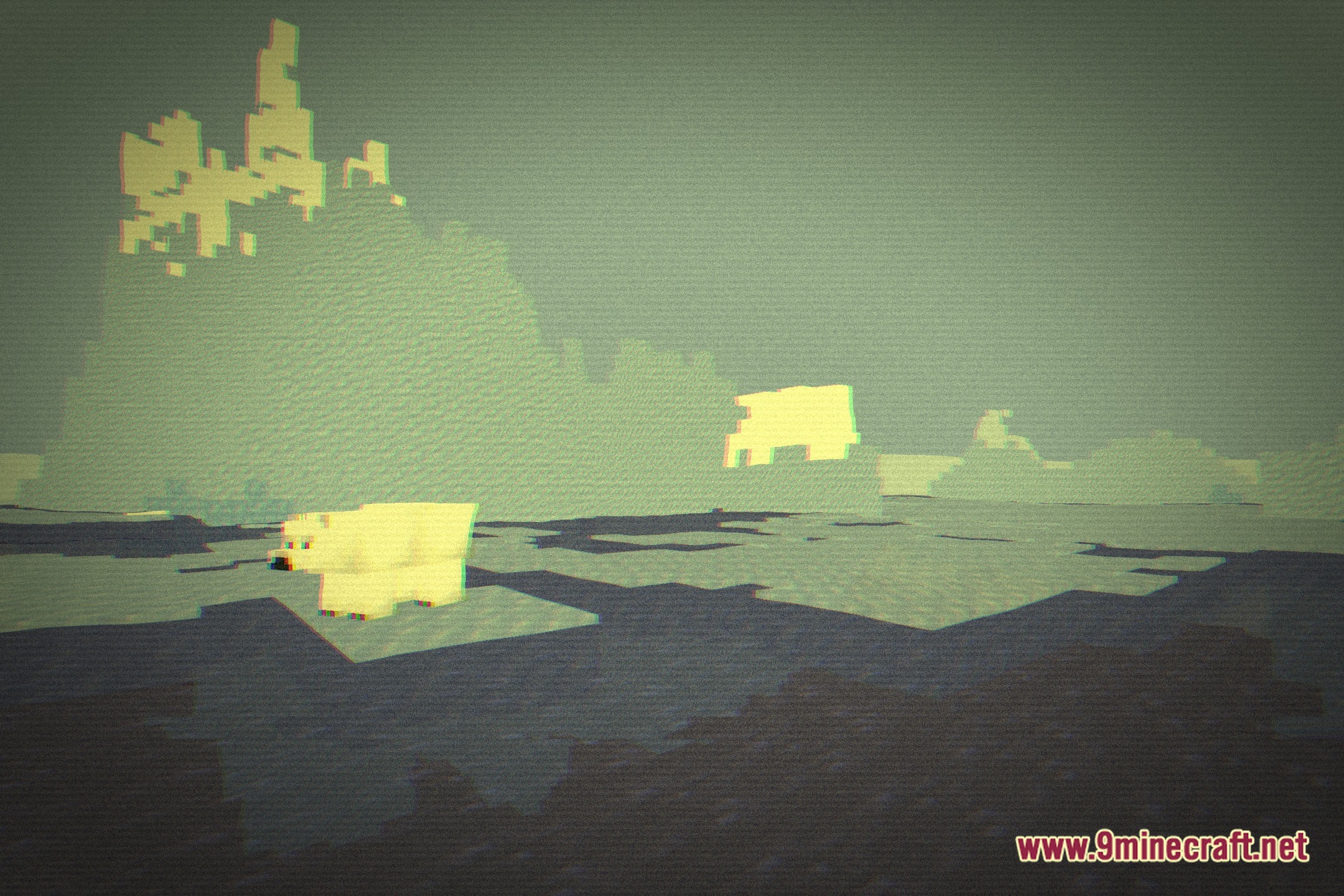
12 images from the Old Tv Shaders page.
You May Also Like
Wikis that share the most with this one
 Obsidian Shaders
More shader wikis on the site
 NoShadow Shaders
The most downloaded mods that have a wiki here