

 DownloadOptimize Shaders
Get the files on 9Minecraft
Guides
Step-by-step, in-game.
Enable Colored Lighting in Your WorldActivate the Shader Pack Once Optimize Shaders is installed, you need to select it as your active shader pack. Open…Maximize Performance on Low-End HardwareWhy Optimize Shaders Runs Smoothly This shader pack achieves high frame rates by removing shadow calculations—the…Preserve Vanilla Aesthetics While Adding Visual FlairKeep the Classic Blocky Look Optimize Shaders enhances your world without replacing its fundamental appearance.…Use Optimize Shaders with Fabric and IrisInstall Iris Shader Support Optimize Shaders works cleanly with Iris, the shader loader for Fabric. Make sure you…
Frequently asked questions
How do I turn on colored lighting?
Colored lighting is enabled by default when you install Optimize Shaders. If you don't see colored glows from torches and light sources, check that the shader pack is actually selected in your video settings and that you're using Iris on Fabric.
Why is my game still laggy with Optimize Shaders?
This shader pack is optimized for low-end hardware, but extreme lag usually means your render distance is too high or you have other mods conflicting. Try lowering render distance to 8-12 chunks and disabling any heavy visual mods you're running alongside it.
Does Optimize Shaders work with OptiFine?
No, Optimize Shaders is built for Iris on Fabric loaders and is not compatible with Optifine. You'll need to use Fabric with Iris installed instead.
Can I use this on a server?
Shaders are client-side only, so you can use Optimize Shaders on any server without needing the server to have it installed. Only your game client will render the colored lighting effects.
See all 10 Optimize Shaders questions ›
Gallery
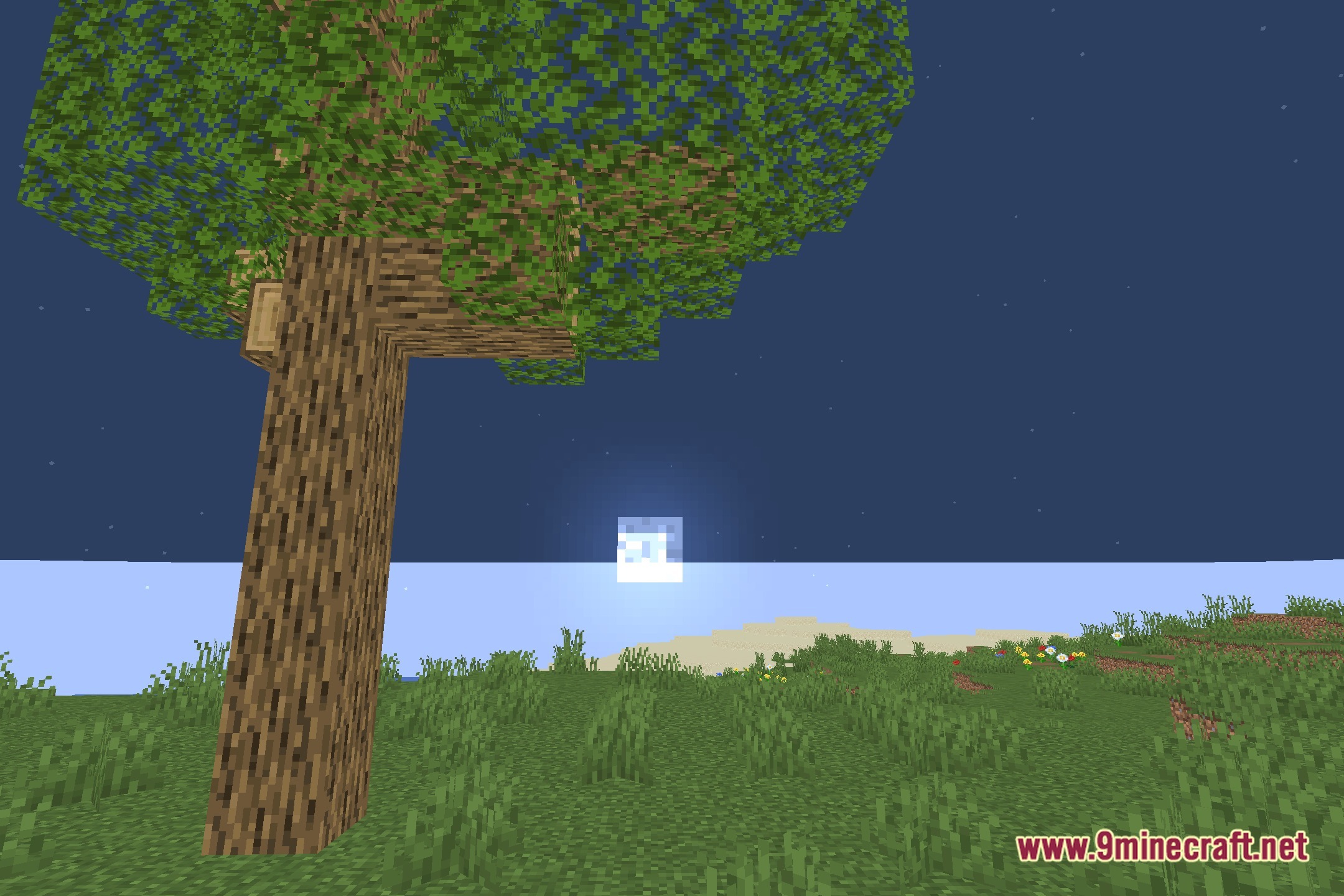
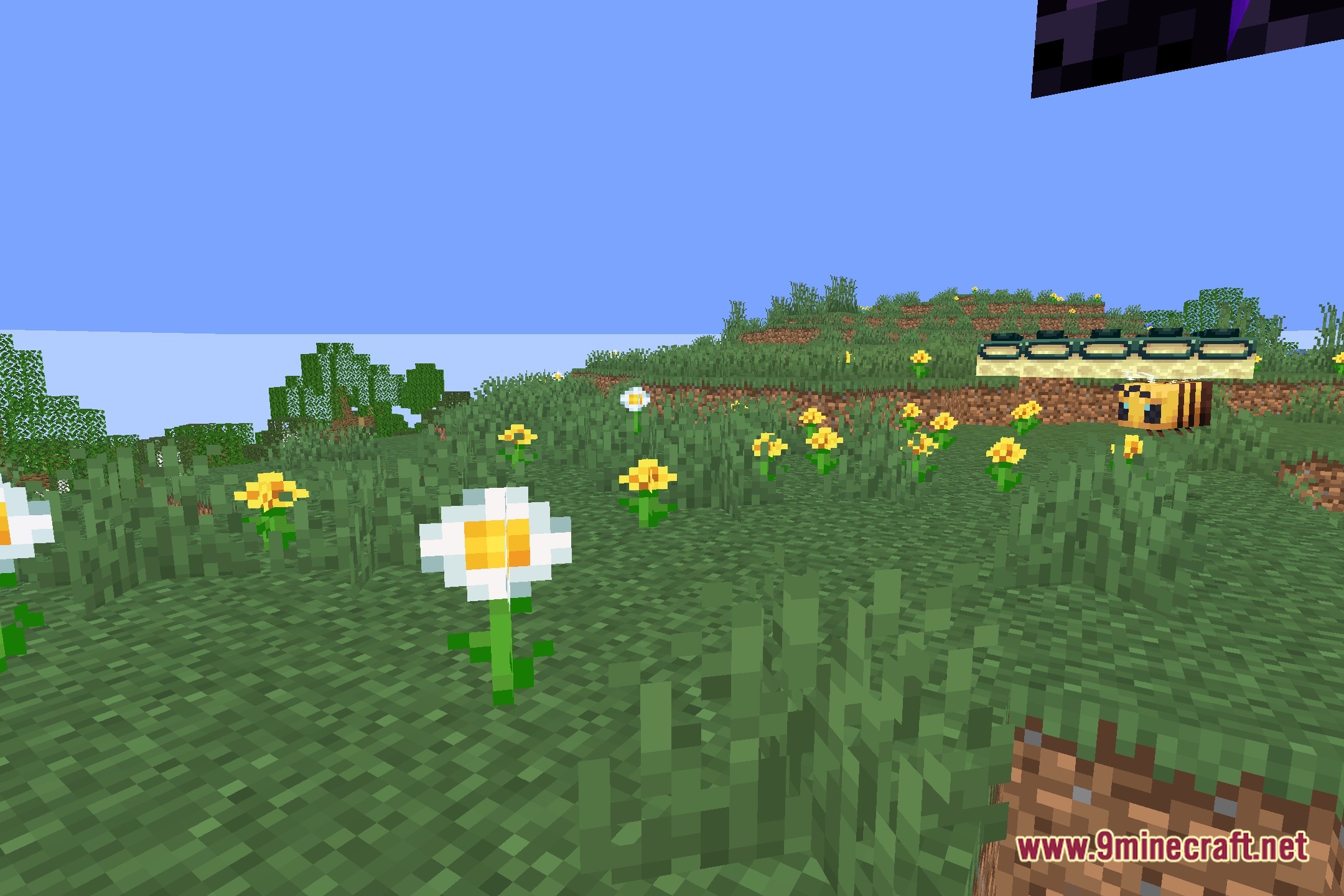
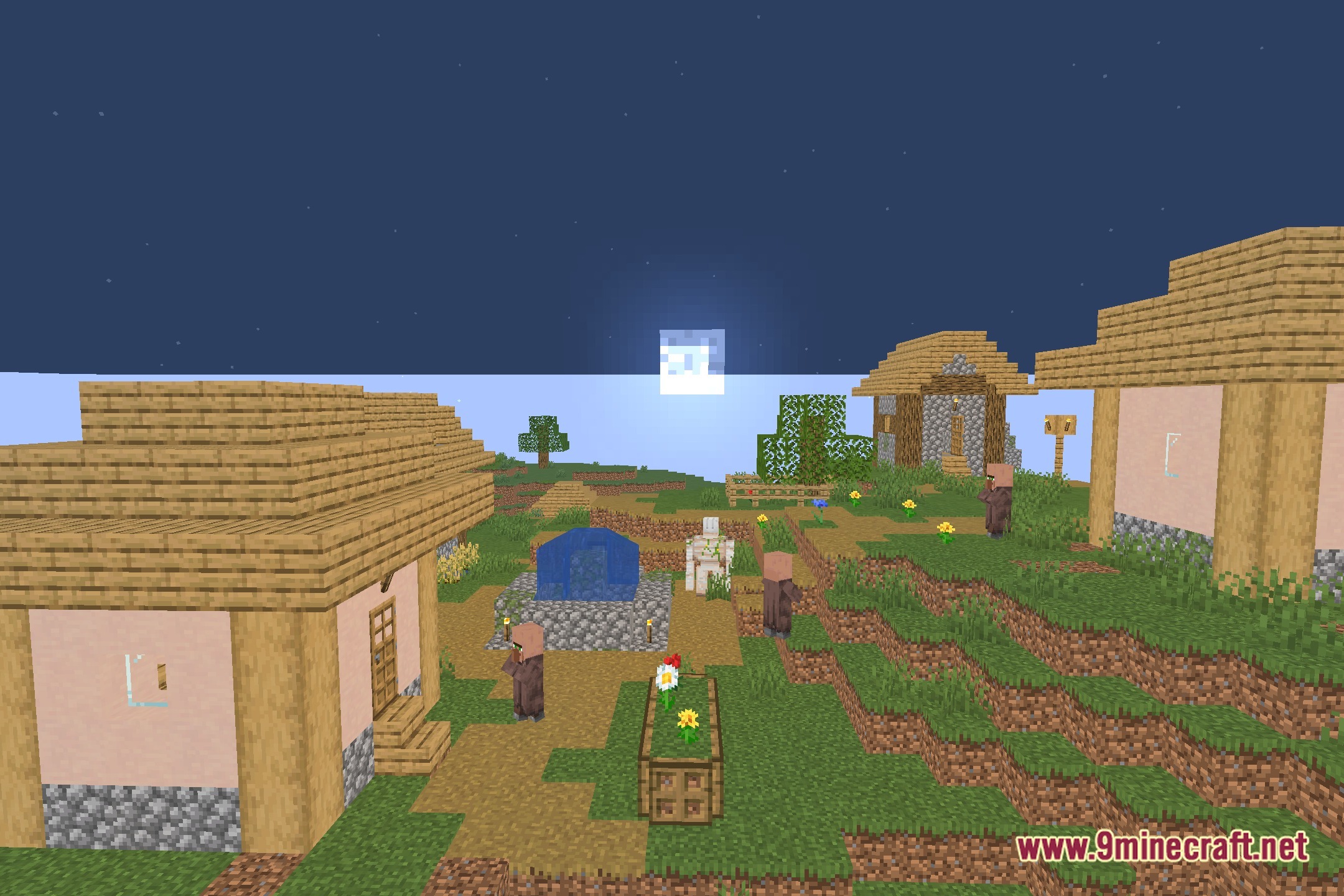
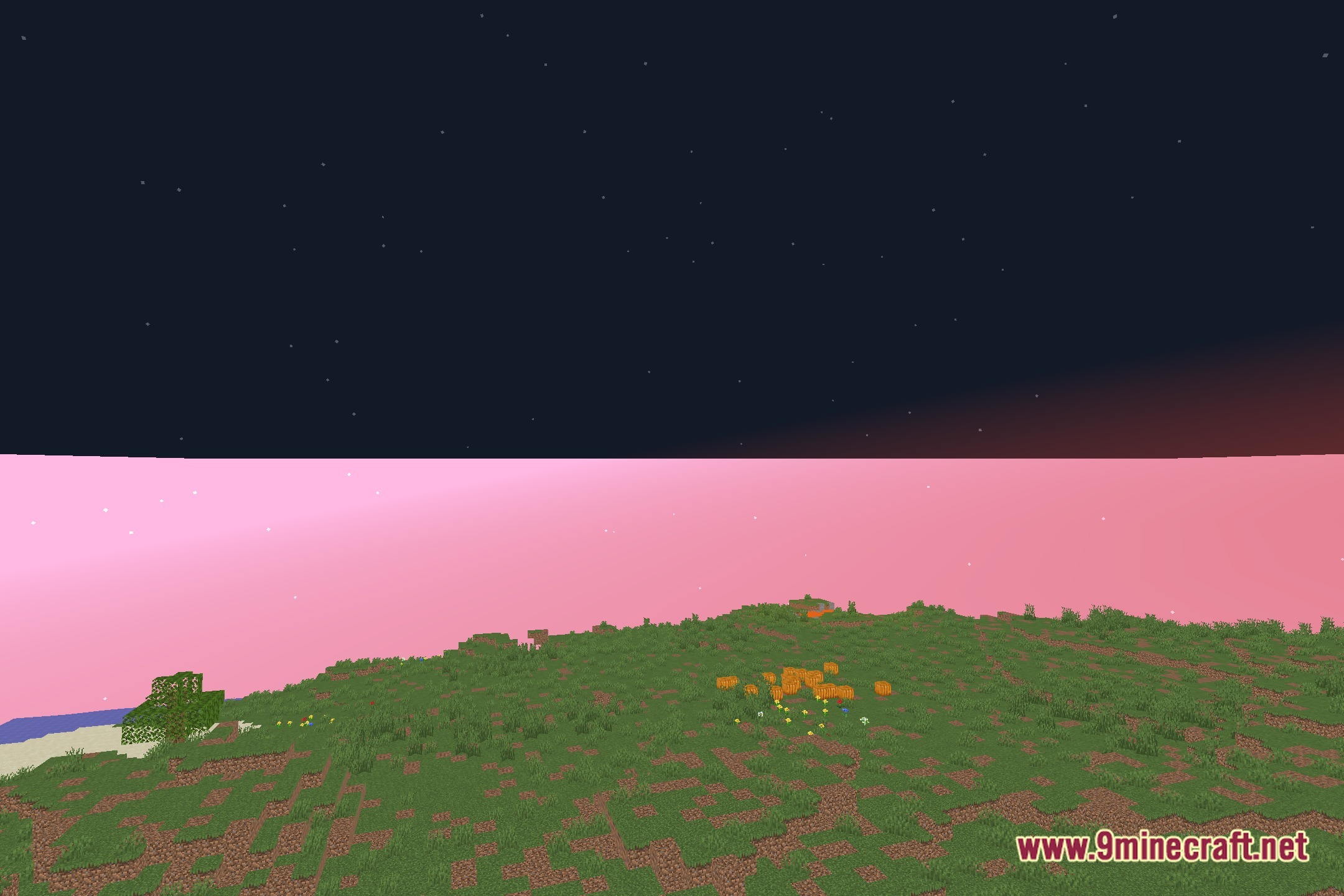
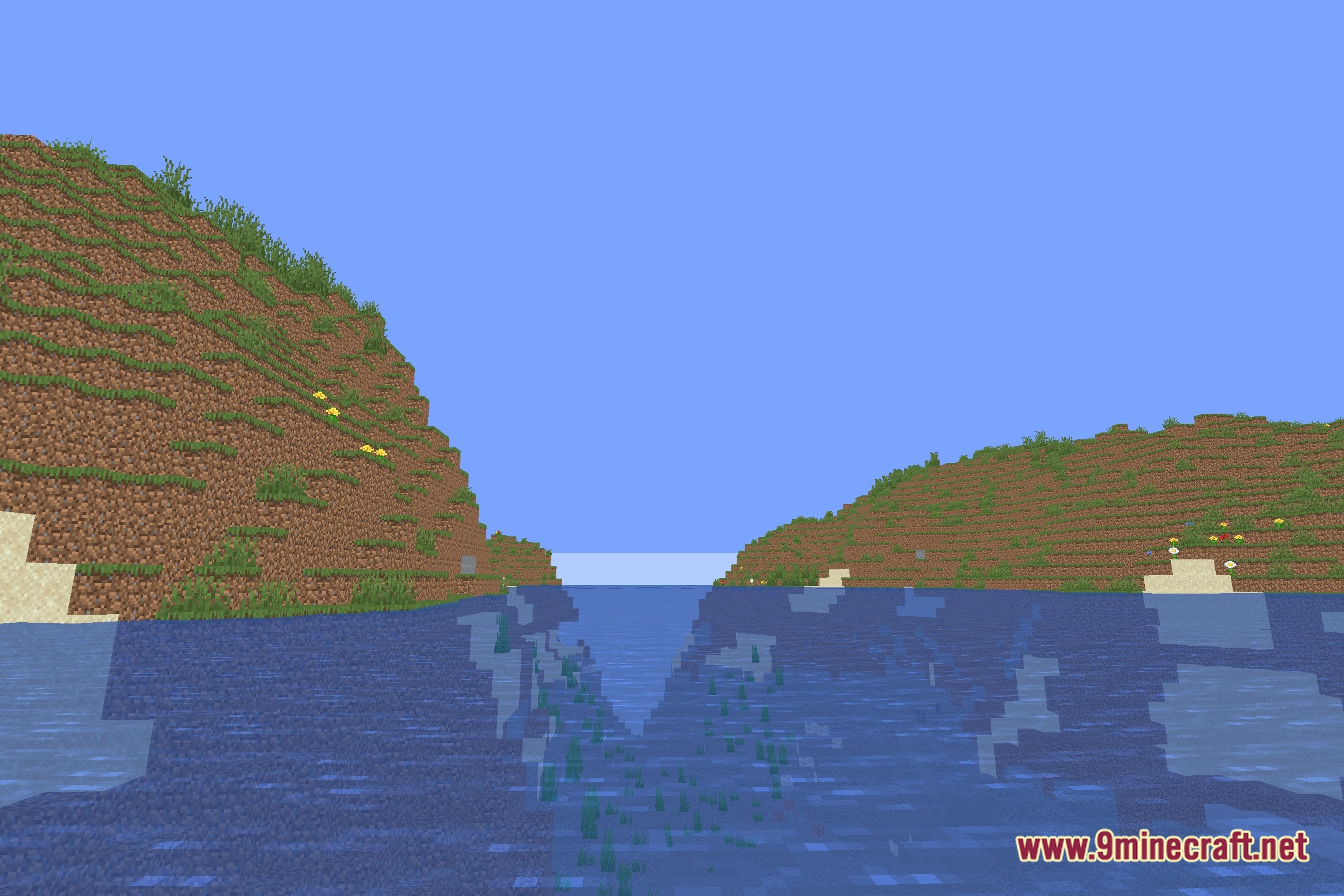
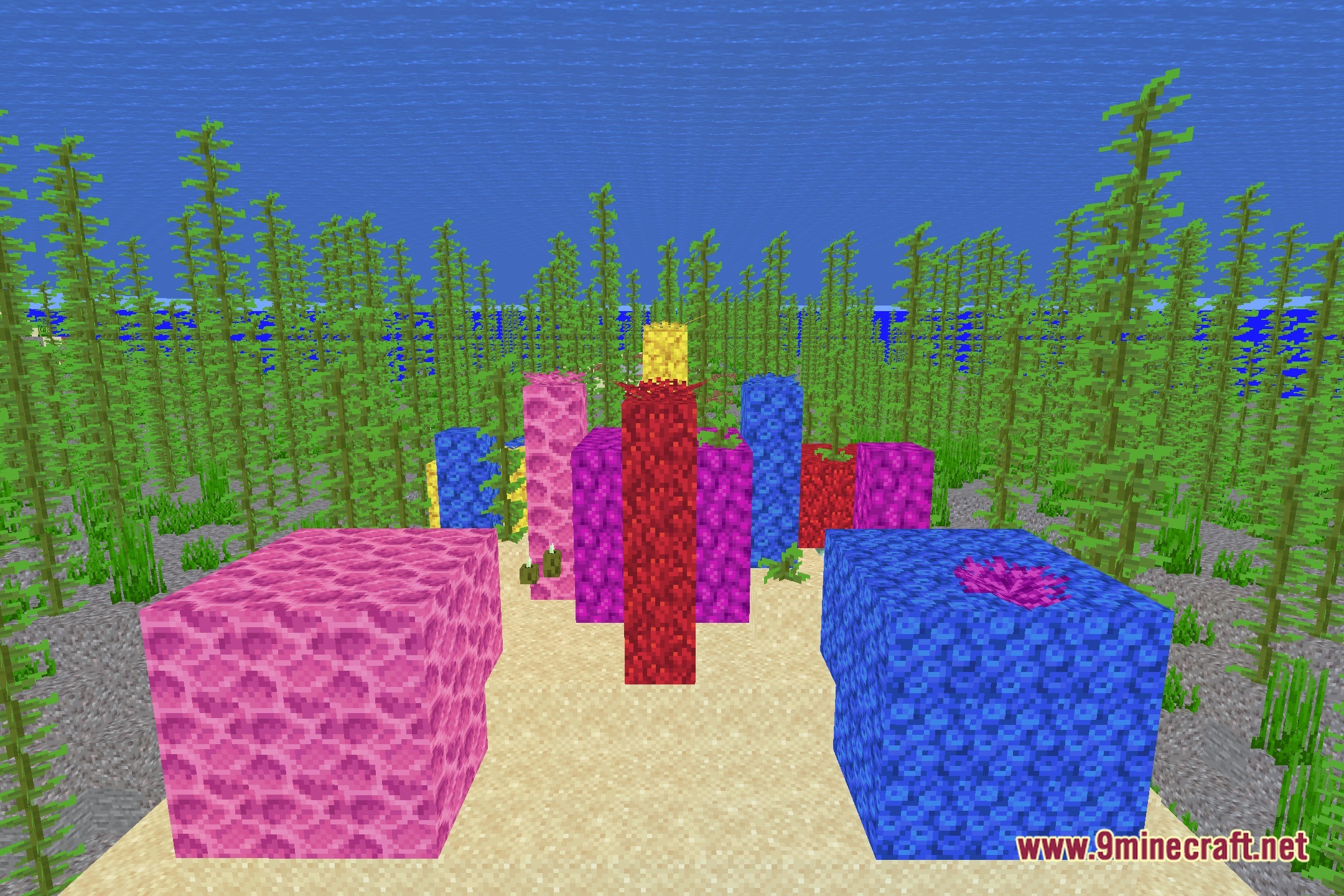
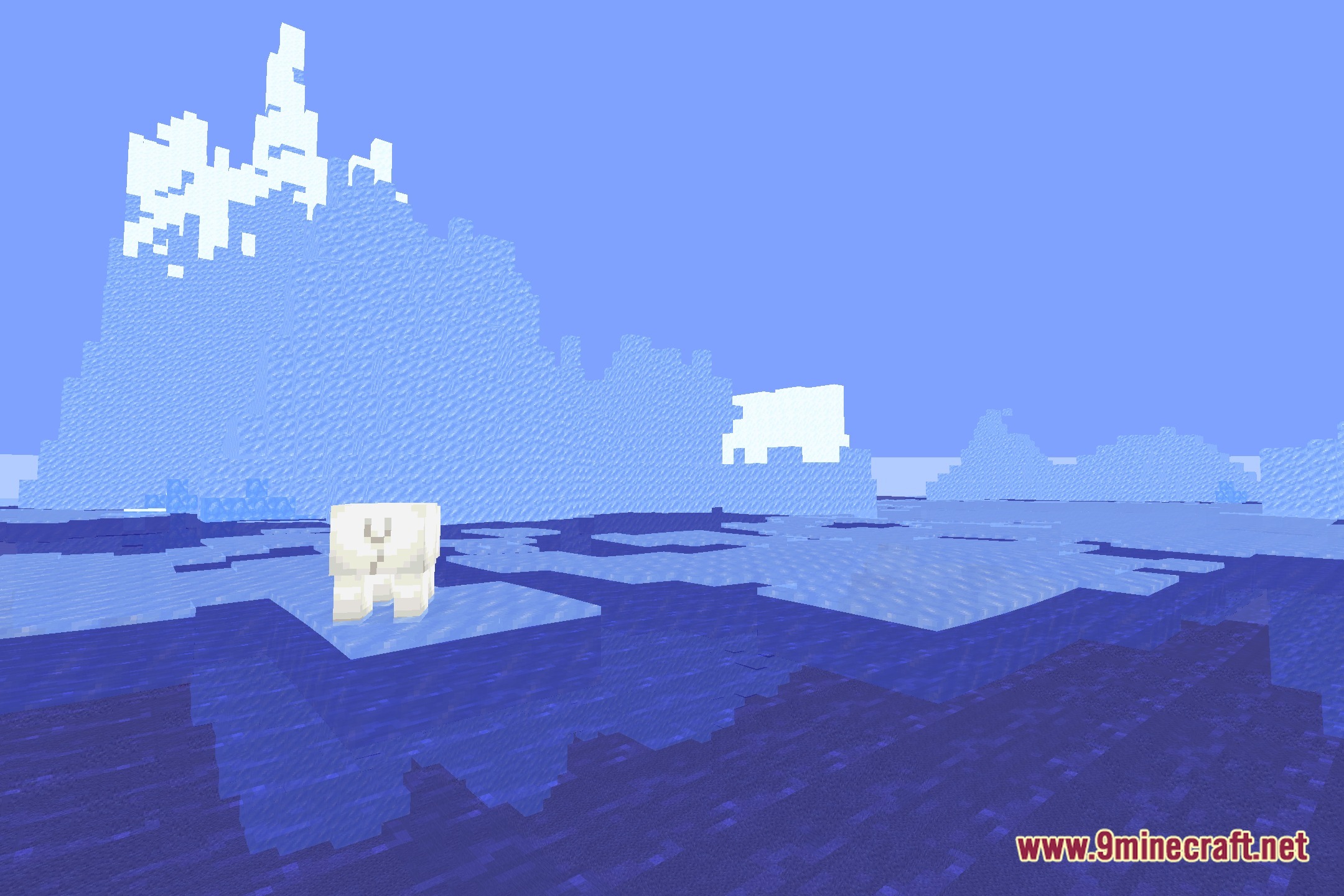
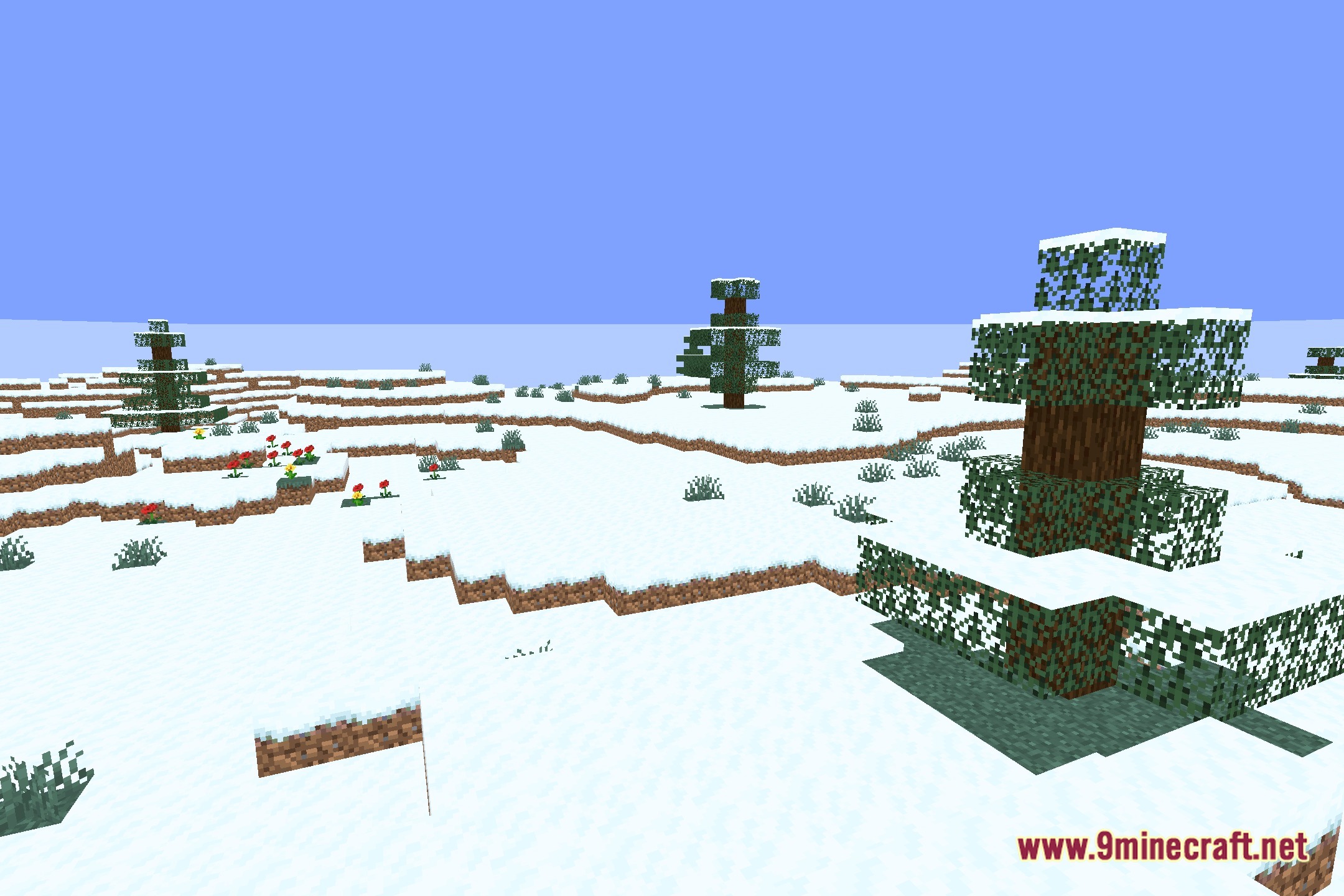
12 images from the Optimize Shaders page.
You May Also Like
Wikis that share the most with this one
More shader wikis on the site
 Obsidian Shaders
The most downloaded mods that have a wiki here