

 DownloadMinecraft SSR Shaders
Get the files on 9Minecraft
Guides
Step-by-step, in-game.
Adjust Reflection Appearance and BehaviorFine-Tune Reflection Settings Open shader options and locate advanced reflection controls. Many versions allow you to…Enable Screen-Space Reflections on Your WaterAccess Shader Settings Once SSR Shaders is loaded through OptiFine or Iris, open the shader options menu in-game.…Optimize Performance While Using SSR ShadersLower Reflection Quality Screen-space reflections are computationally expensive. If you experience frame rate drops,…Troubleshoot Missing or Broken ReflectionsVerify Shader Installation Confirm that SSR Shaders is properly loaded. Check your shader pack folder in OptiFine or…
Frequently asked questions
How do I turn on reflections after installing the shader?
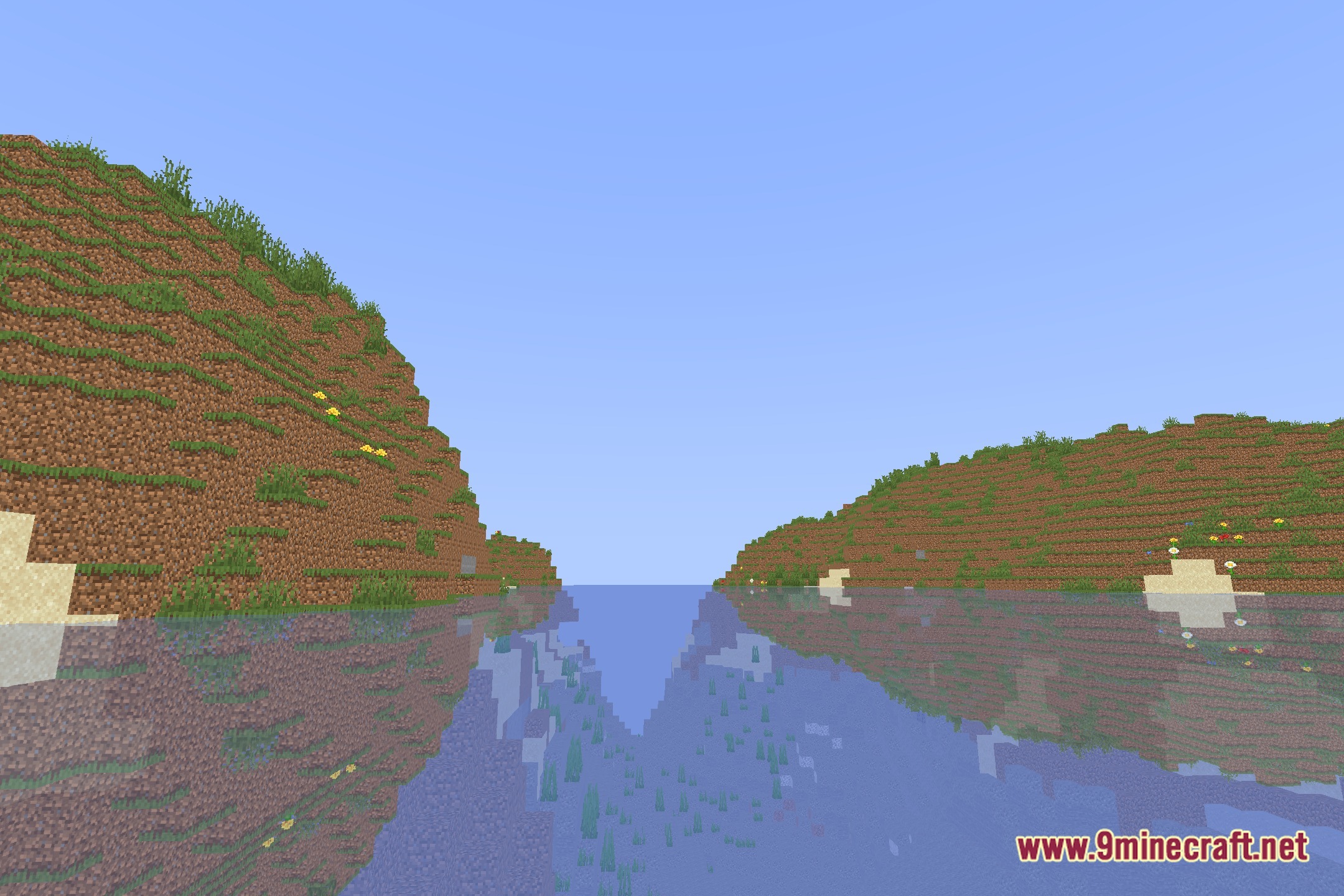
Load into a world with the shader active, then open the shader options menu (usually Shift + O in OptiFine or through Iris settings). Look for Screen-Space Reflections or SSR settings and enable them. You should see water start reflecting the sky and nearby terrain immediately.
Why do my reflections look broken or cut off?
Screen-space reflections only show what's currently visible on your screen—objects outside your view won't reflect. If reflections seem incomplete, try increasing your render distance or adjusting the reflection distance setting in shader options to capture more of the scene.
Does this work with OptiFine and Iris or just one?
The shader works with both OptiFine and Iris. You can use whichever shader loader you prefer; the reflection quality and behavior will be similar on both.
My FPS dropped a lot after enabling SSR. How do I fix it?
Screen-space reflections are performance-intensive. Try lowering the reflection quality or distance in shader settings, reducing render distance, or disabling reflections on distant water. Check the performance optimization guide for more detailed tuning options.
See all 10 Minecraft SSR Shaders questions ›
Gallery
12 images from the Minecraft Ssr Shaders page.
You May Also Like
Wikis that share the most with this one
Wikis on the same theme: space
More shader wikis on the site
 Minecraft Oceano Project Shaders
 Minecraft Expofog Shaders
The most downloaded mods that have a wiki here