

 DownloadNolantic Shaders
Get the files on 9Minecraft
Guides
Step-by-step, in-game.
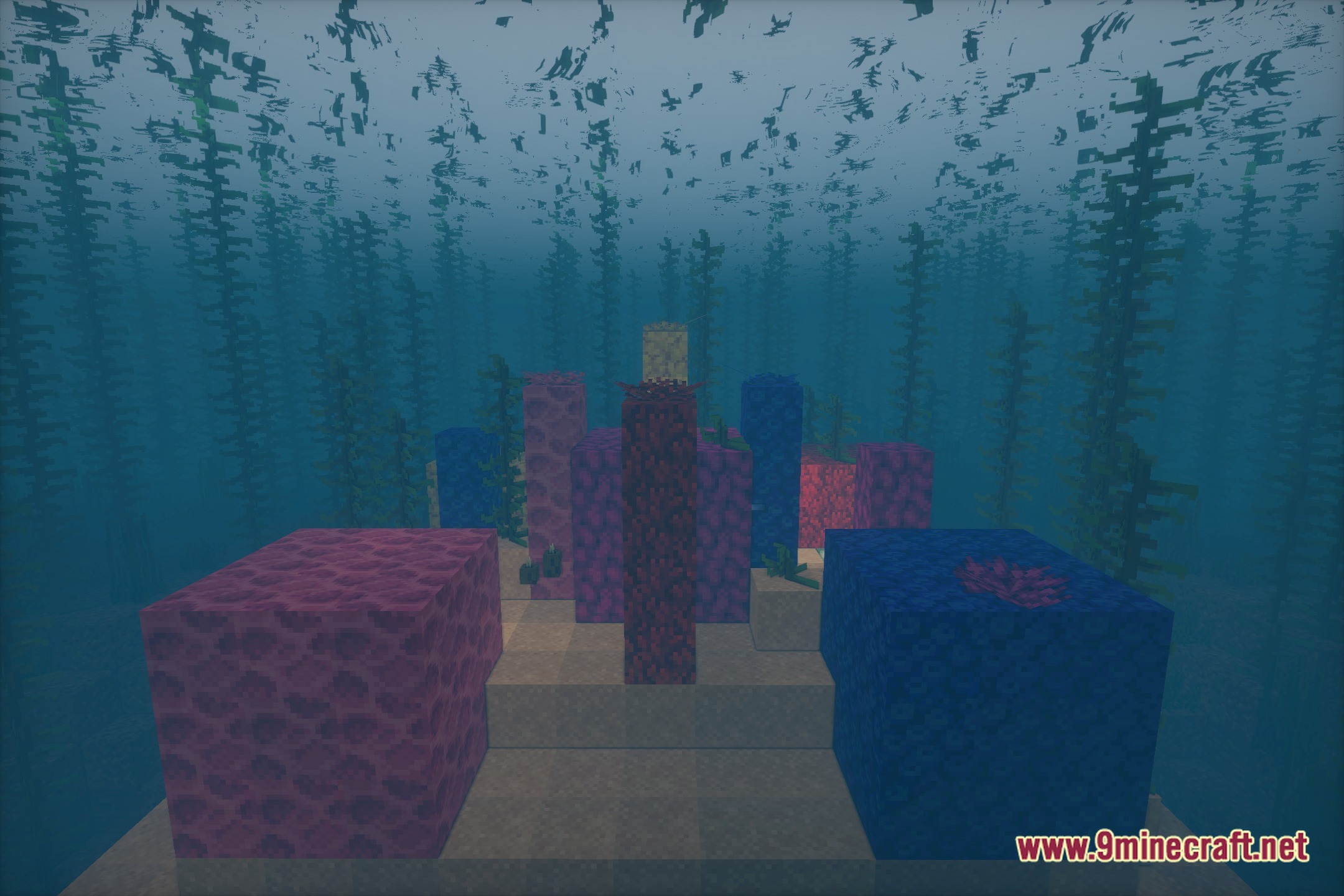
Adjust Color Tone and Saturation for Your PlaystyleAccess Shader Settings Nolantic Shaders includes customizable color and lighting parameters. Open the shader options…Enhance Biome Appearance with Nolantic's Color SystemUnderstand Biome-Specific Coloring Nolantic applies unique color palettes to different biomes. Desert biomes receive…Make Water Look More Realistic and ReflectiveAccess Water-Specific Settings Nolantic includes dedicated water rendering options. Open the shader configuration…Optimize Performance While Keeping Visual QualityIdentify Performance Bottlenecks Nolantic's sun rays and soft lighting can impact frame rate on lower-end systems.…
Frequently asked questions
How do I enable Nolantic Shaders after installing it?
Open your Video Settings in-game, navigate to Shaders, and select Nolantic from the available shader packs list. Apply the changes and the shader will activate immediately.
Why does my game look washed out or too dark with Nolantic?
Adjust the color tone and saturation settings in the shader options menu to match your preference—Nolantic includes sliders to brighten or deepen colors depending on your monitor and playstyle.
Can I use Nolantic with other visual mods like texture packs?
Yes, Nolantic works alongside texture packs and most visual mods, though very bright or saturated texture packs may clash with Nolantic's color system—test combinations to find what looks best.
Does Nolantic support fantasy color modes for different biomes?
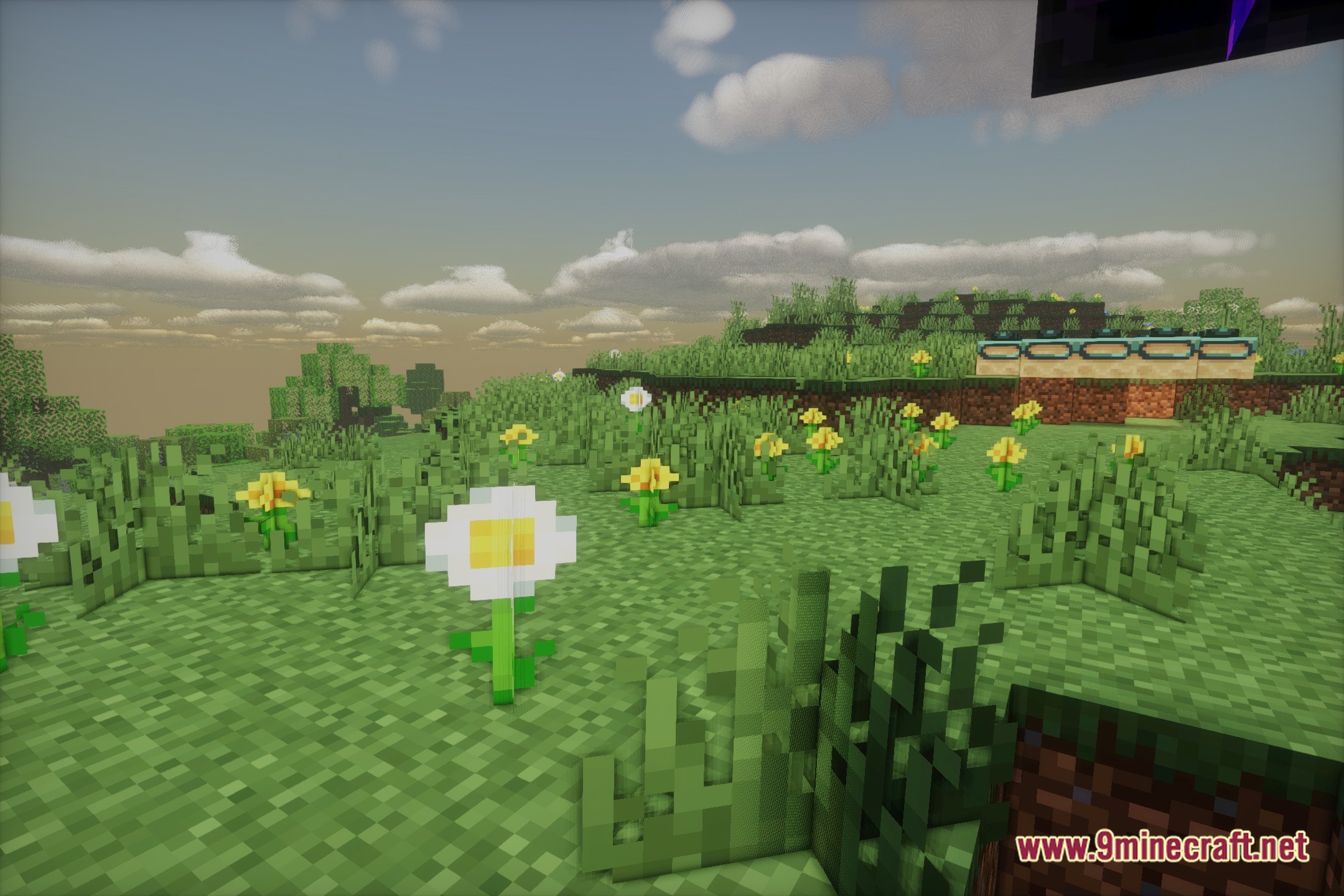
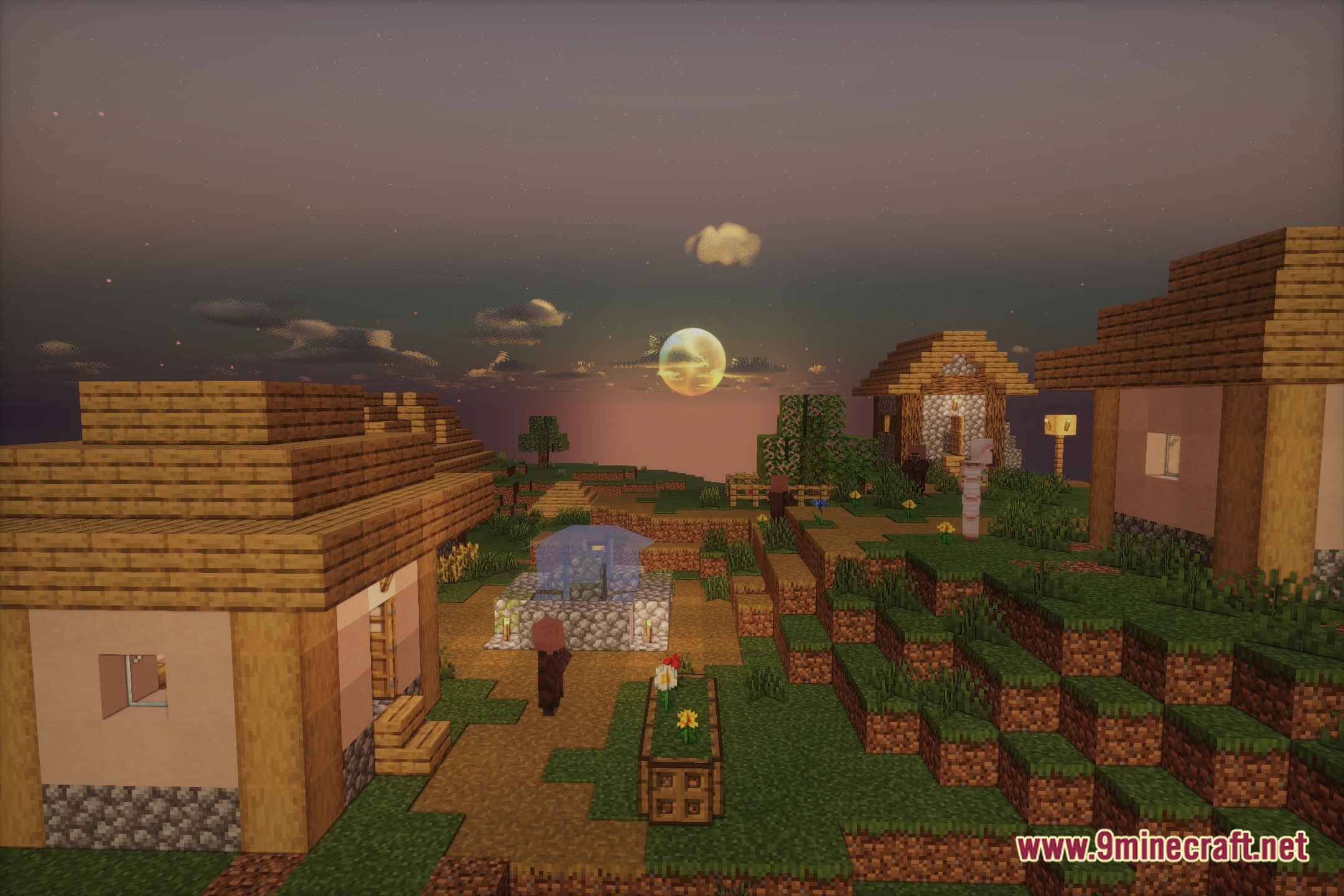
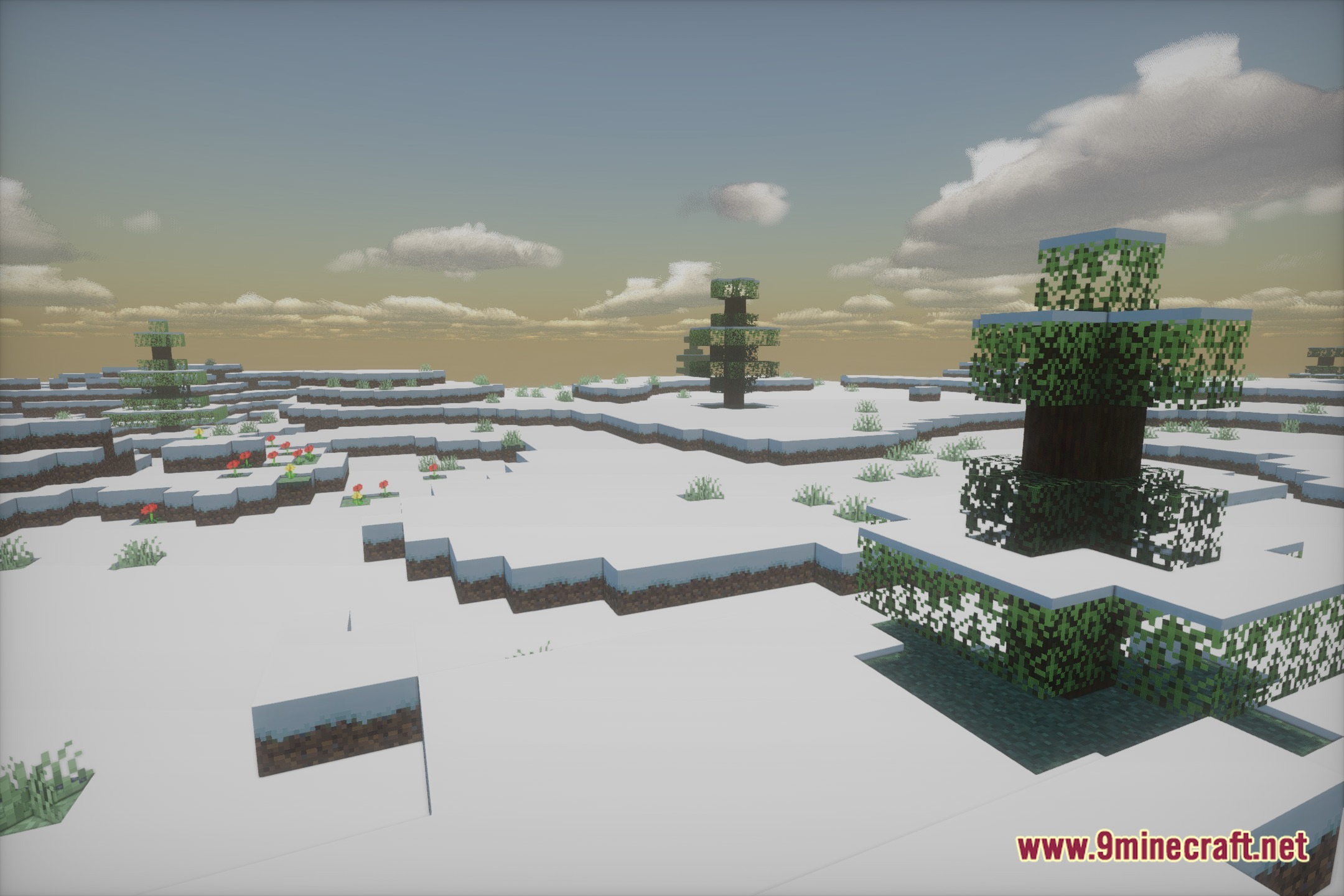
Nolantic applies its fantasy color system across all biomes automatically, enhancing skies and terrain with rich tones; you can fine-tune how pronounced these colors appear in the shader settings.
See all 10 Nolantic Shaders questions ›
Gallery
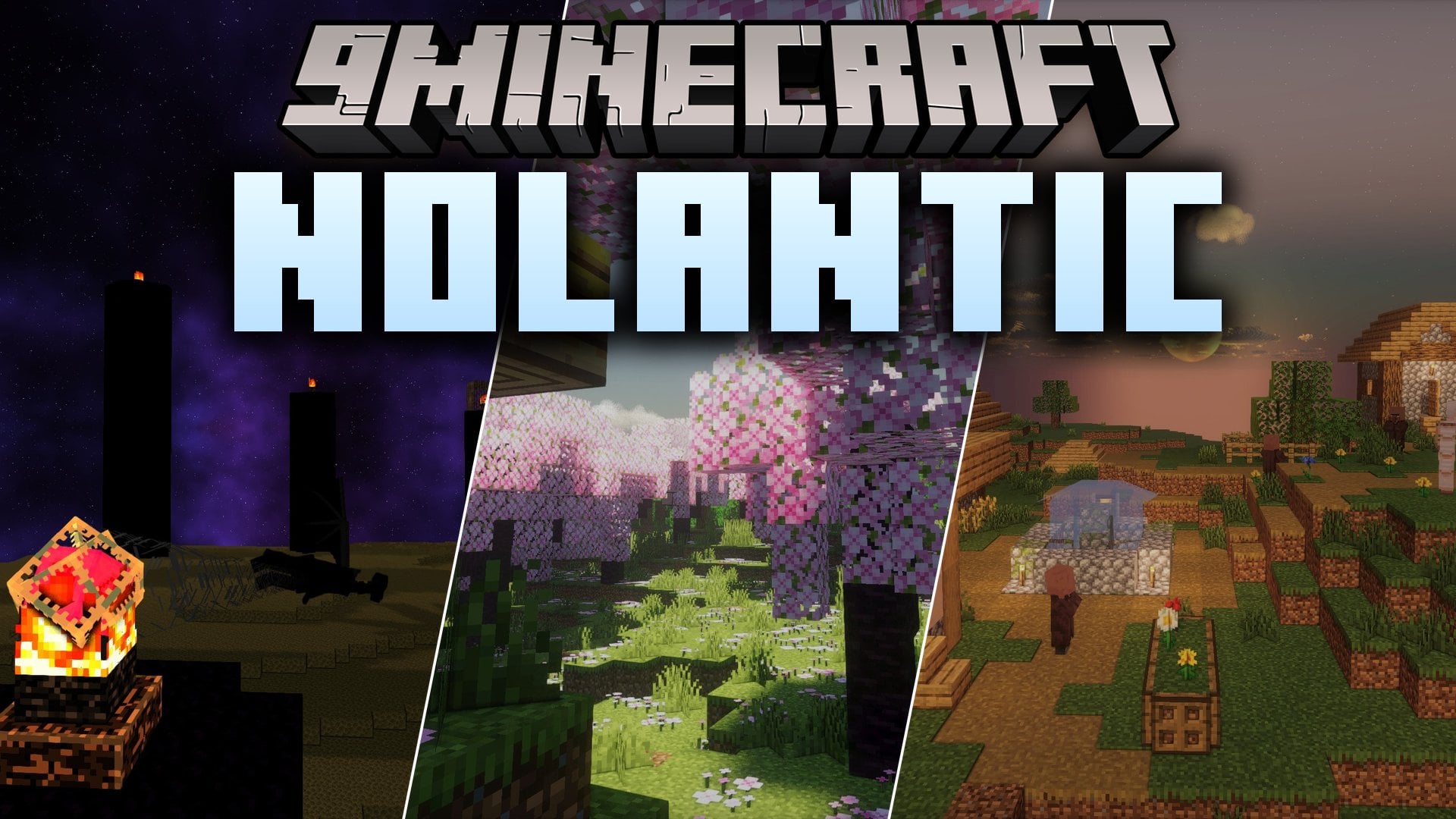
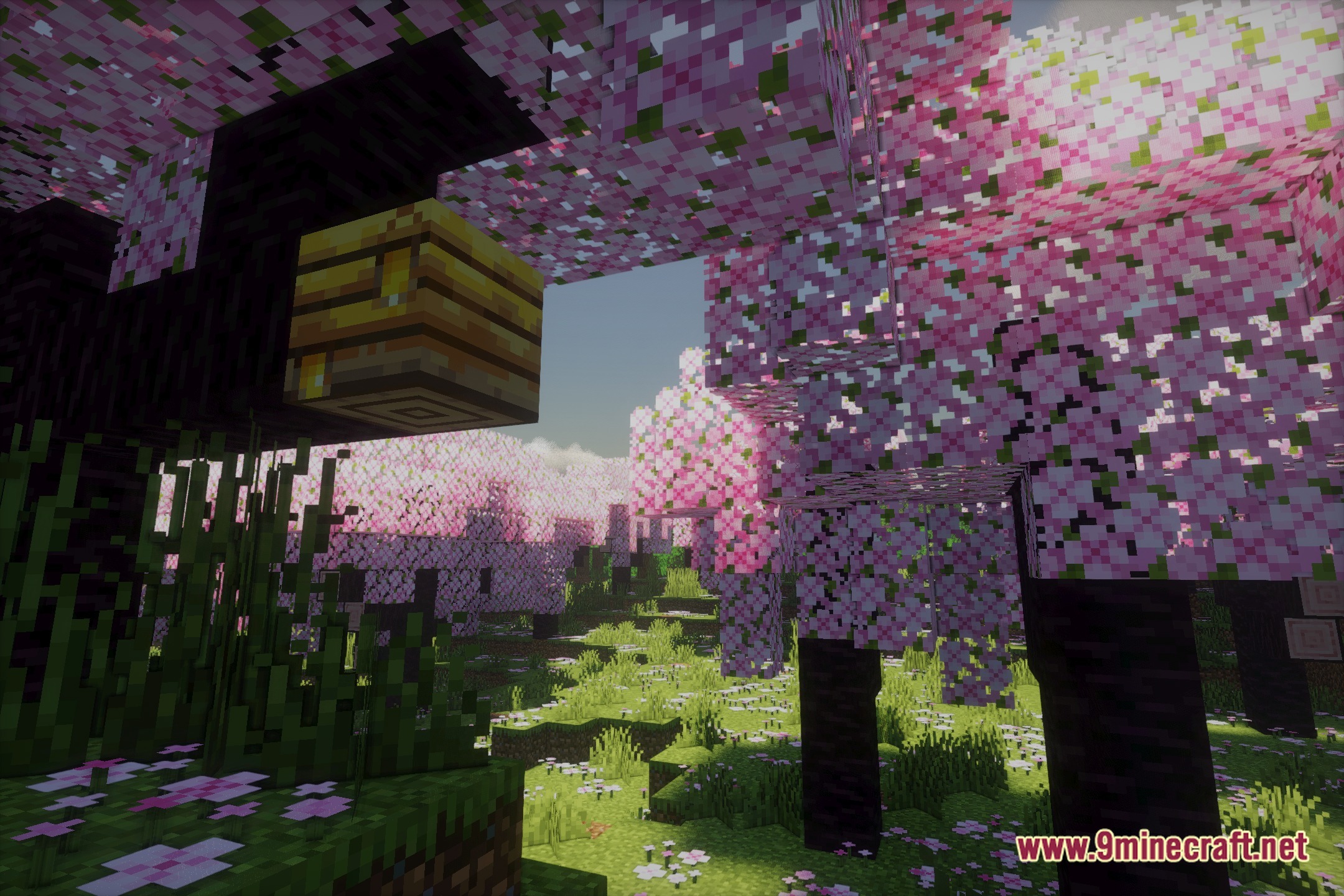
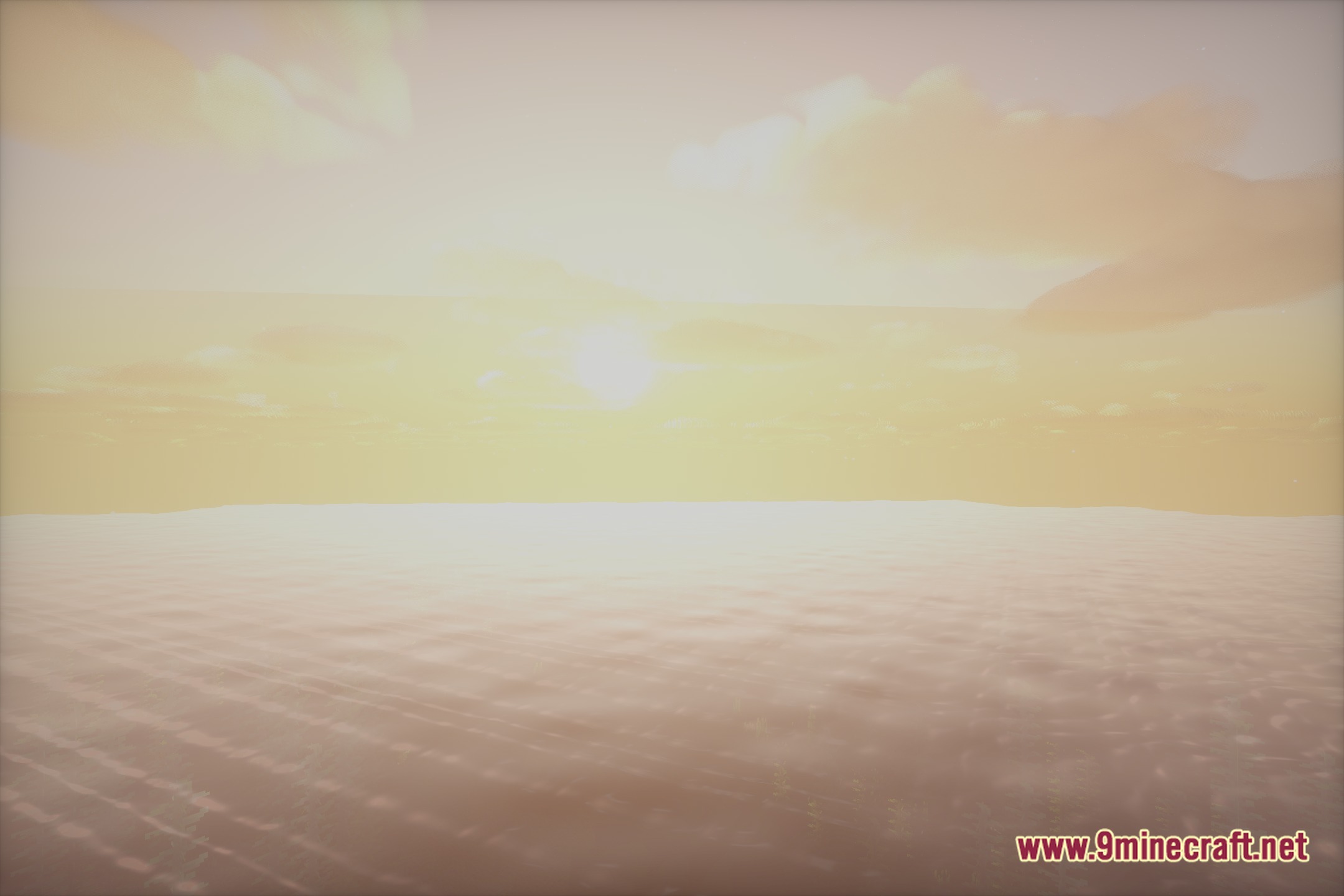
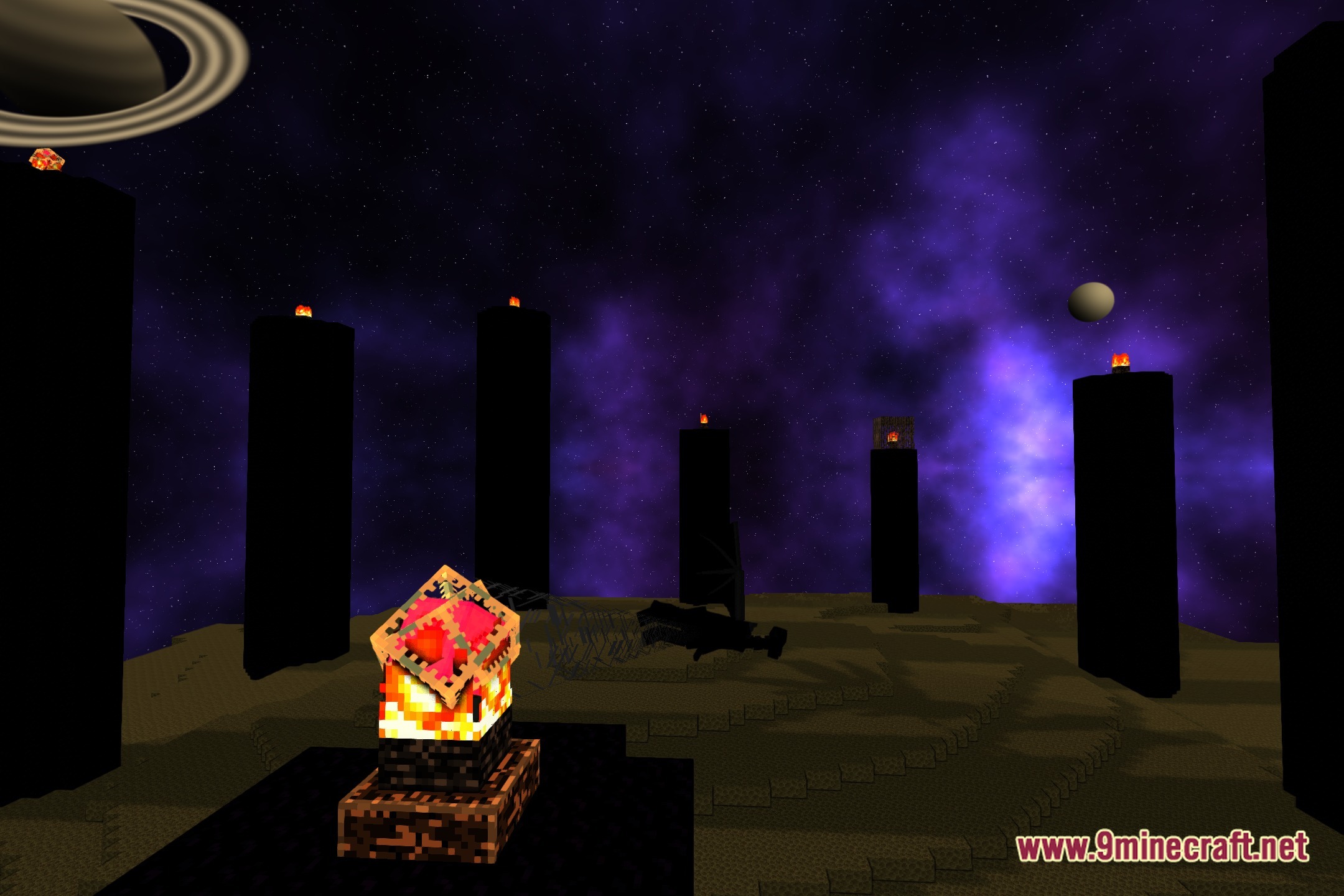
12 images from the Nolantic Shaders page.

You May Also Like
Wikis that share the most with this one
Wikis on the same theme: light
More shader wikis on the site
 No More Brightness Shaders
The most downloaded mods that have a wiki here