

 DownloadMiniatureXL Shaders
Get the files on 9Minecraft
Guides
Step-by-step, in-game.
Adjust Colored Lighting IntensityAccess Shader Settings Open the shader options menu while in-game by pressing the designated shader menu key…Enable or Disable SunraysOpen Shader Configuration Access your shader settings menu in-game. Navigate to the Visual Effects , Atmosphere , or…Enhance Emissive Block GlowIdentify Emissive Blocks Emissive blocks in MiniatureXL Shaders include glowstone, lanterns, amethyst clusters, soul…Optimize Shader Performance on Low-End PCsDisable Expensive Effects MiniatureXL Shaders is designed for weak computers, but you can optimize further. Open…
Frequently asked questions
How do I turn on MiniatureXL Shaders after installing it?
Open your shader settings menu in-game, navigate to the shader pack selection screen, and choose MiniatureXL Shaders from the list. The shader will activate immediately and you'll see the colored lighting and bloom effects take effect.
Why do my emissive blocks not look glowing?
Make sure you're using texture packs that include emissive texture definitions, as MiniatureXL Shaders requires compatible textures to display the glow effect. Check your shader settings to confirm emissive block glow is enabled in the options menu.
Can I use MiniatureXL Shaders with Voxy at the same time?
Yes, MiniatureXL Shaders is designed to work alongside Voxy without conflicts. Both mods can run together to enhance your rendering without compatibility issues.
My FPS dropped after installing the shader. How do I fix it?
Try disabling sunrays or reducing colored lighting intensity through the shader settings menu, as these are the most performance-intensive features. You can also lower your render distance or disable foliage movement to regain performance on low-end systems.
See all 10 MiniatureXL Shaders questions ›
Gallery
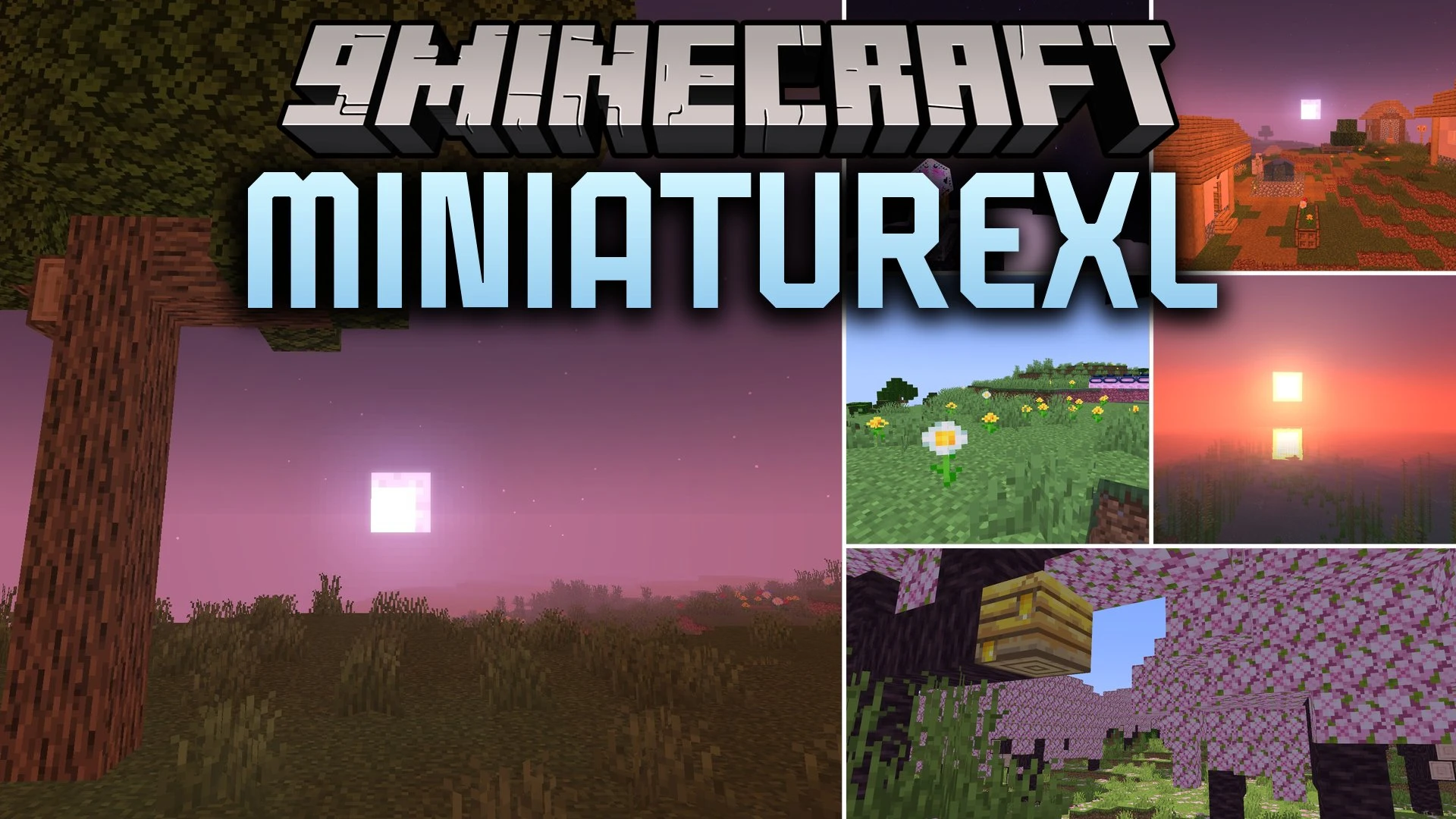
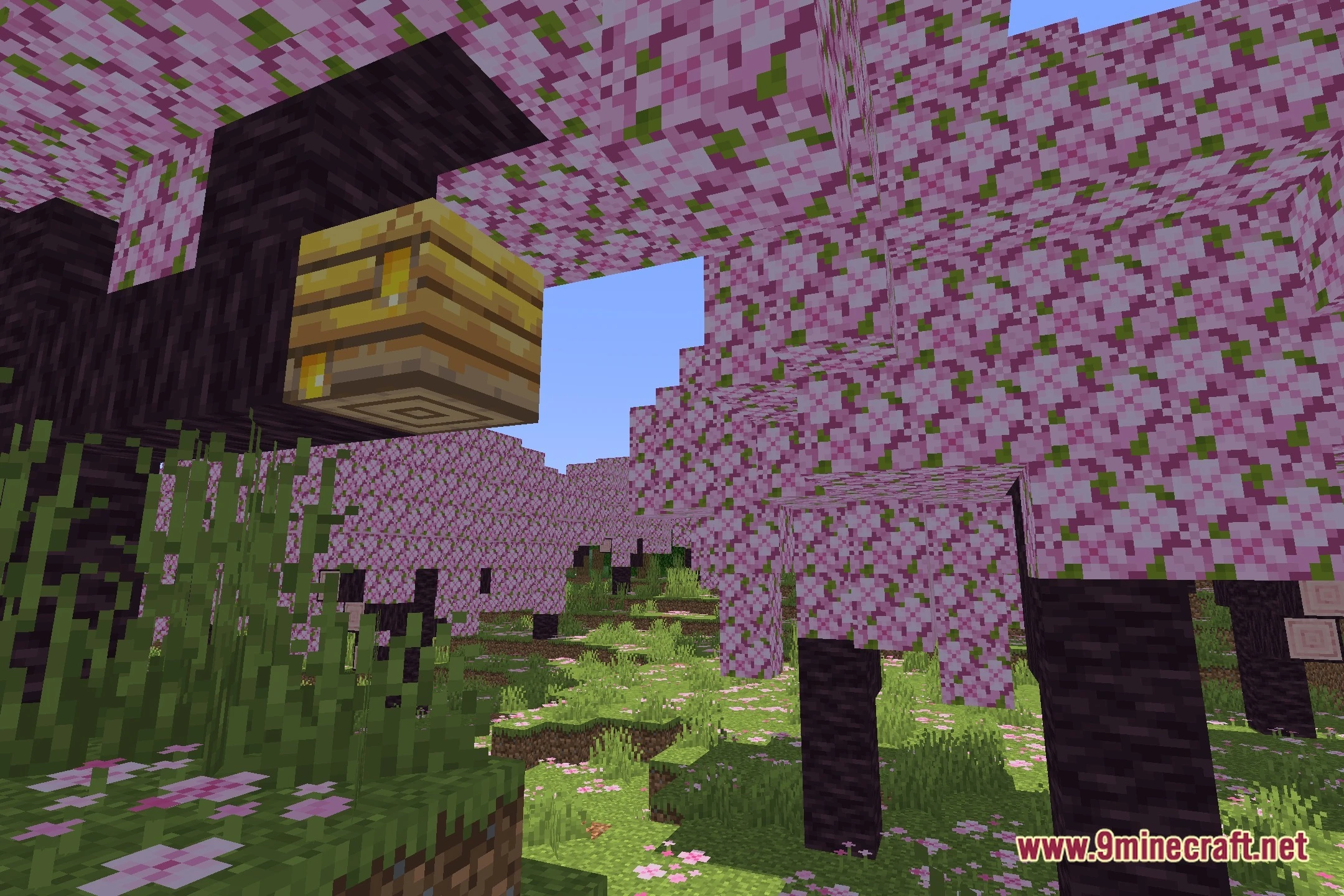
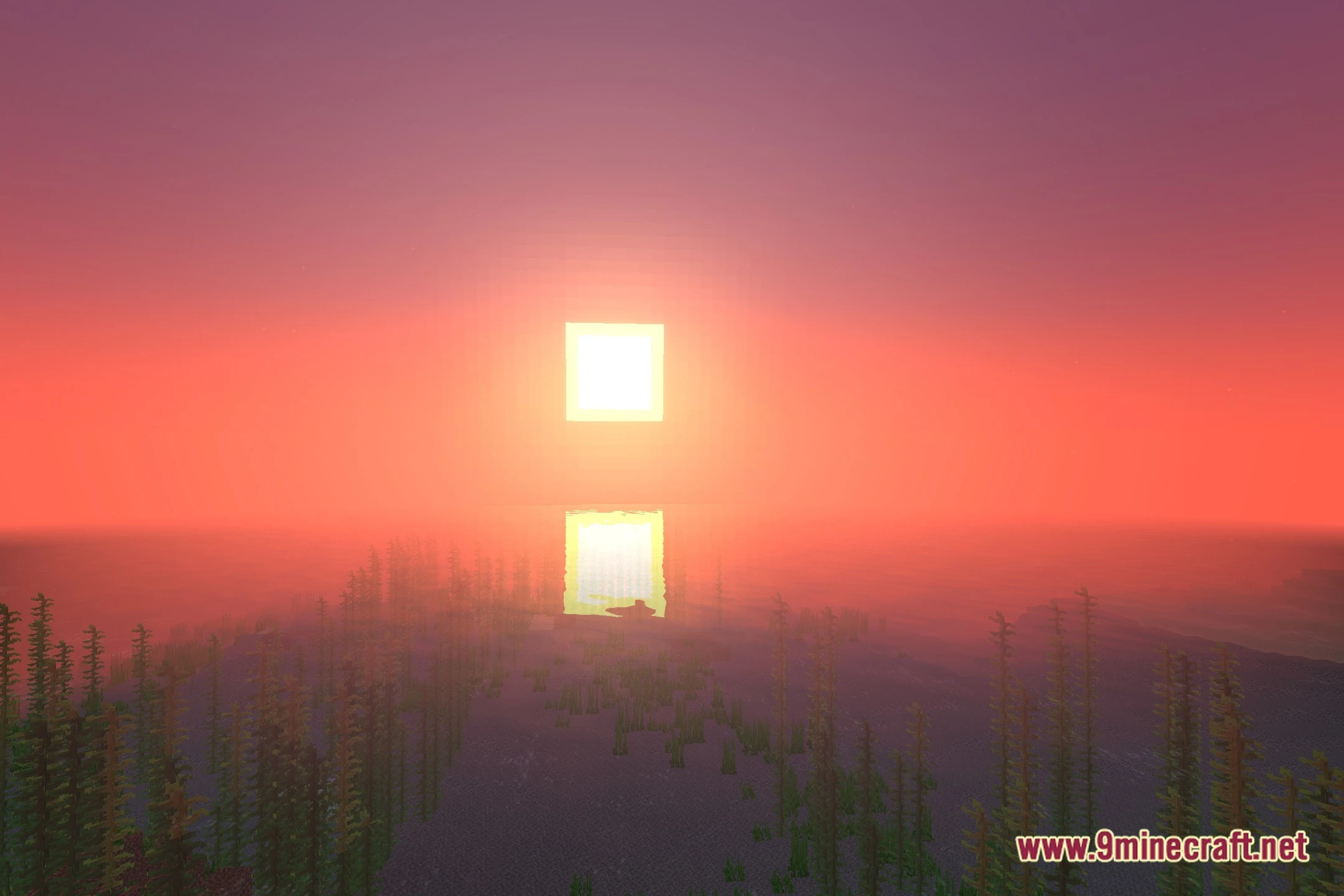
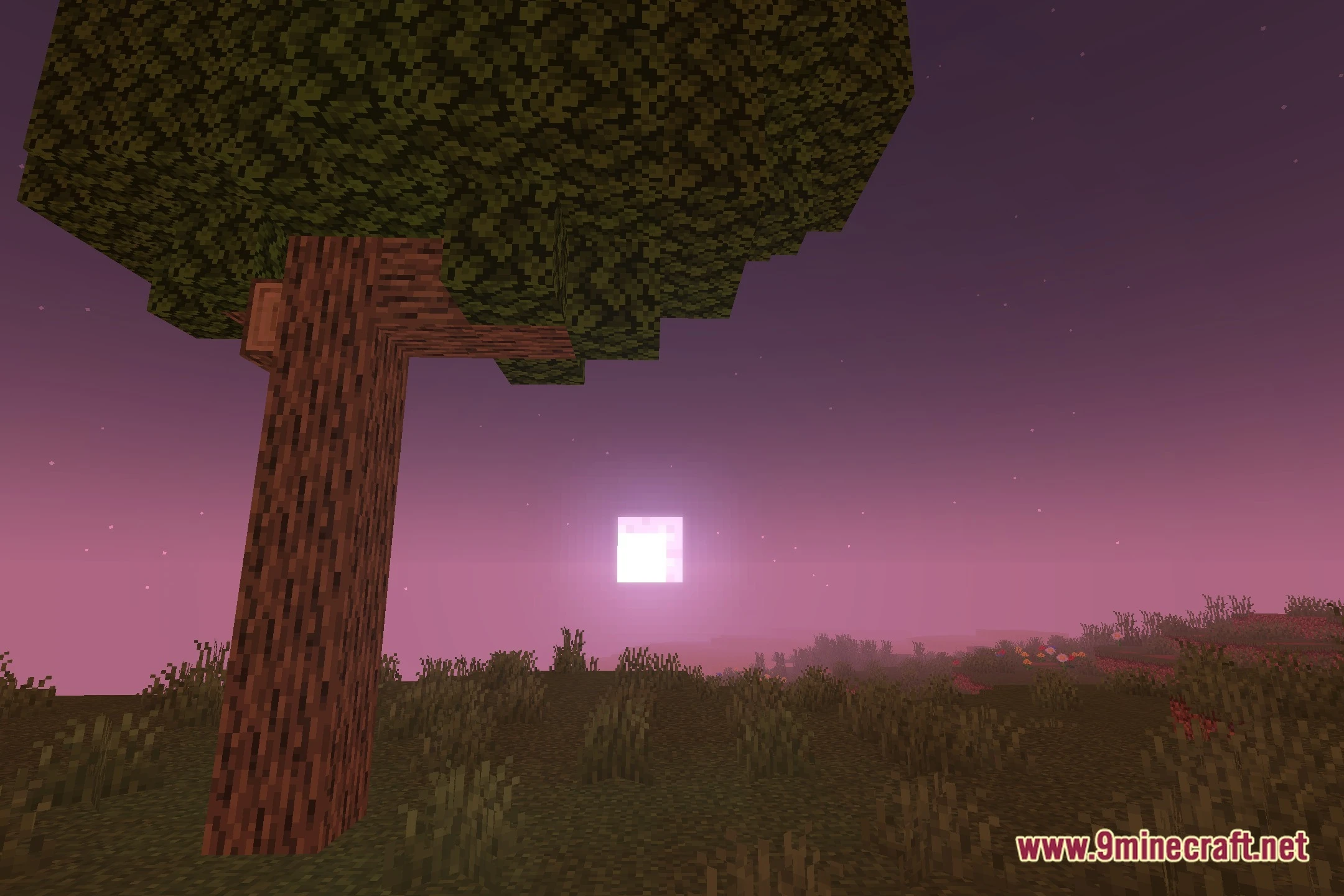
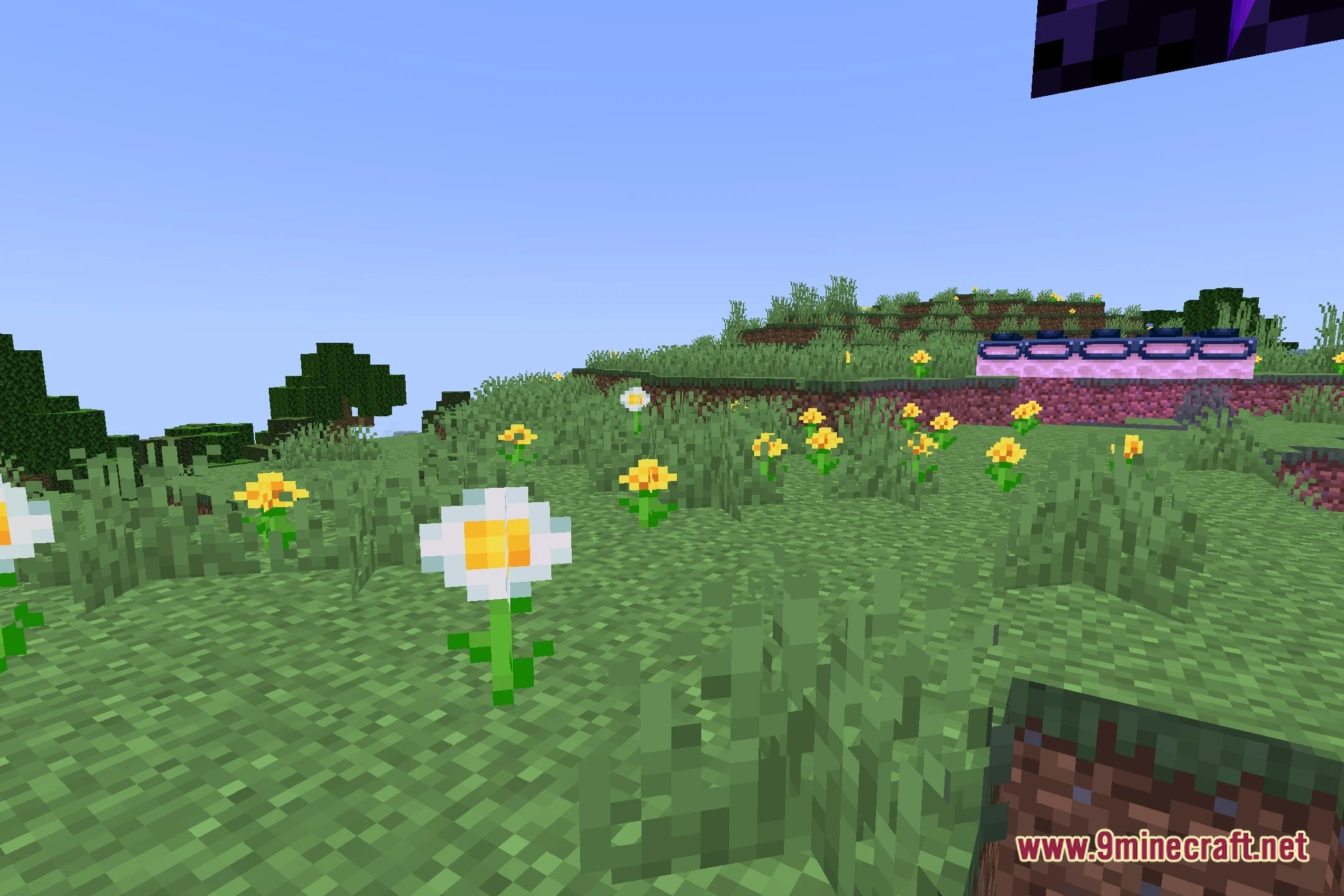
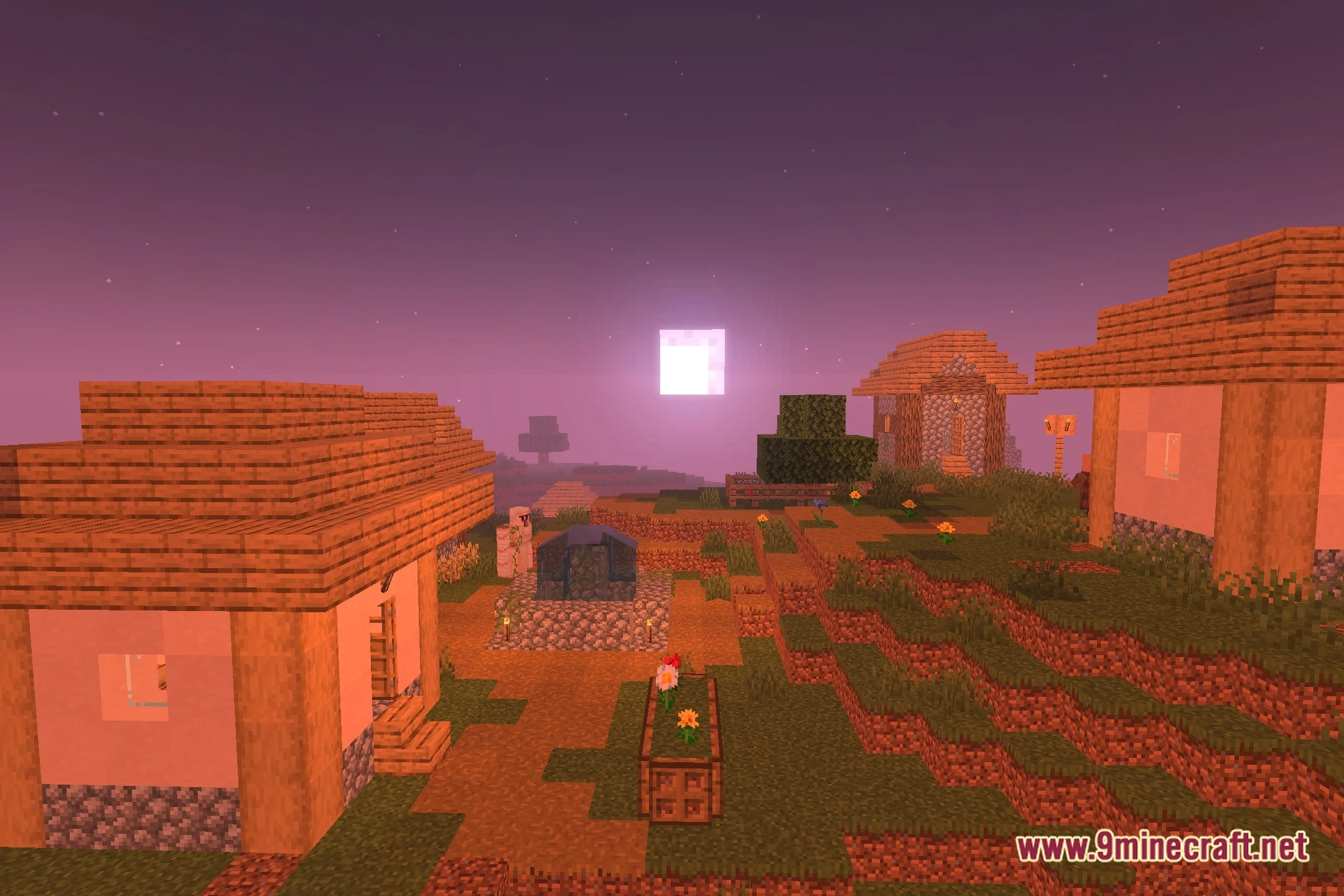
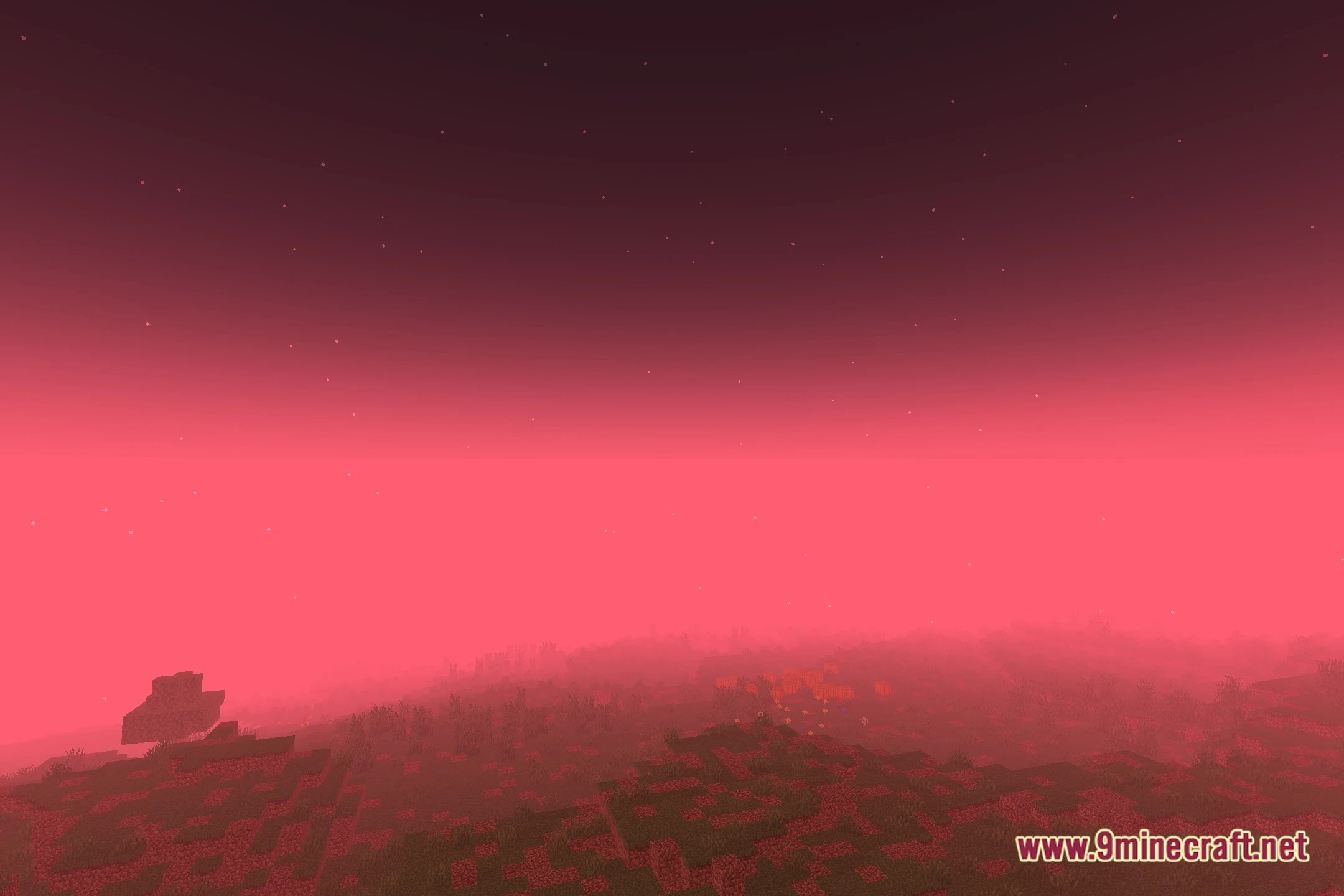
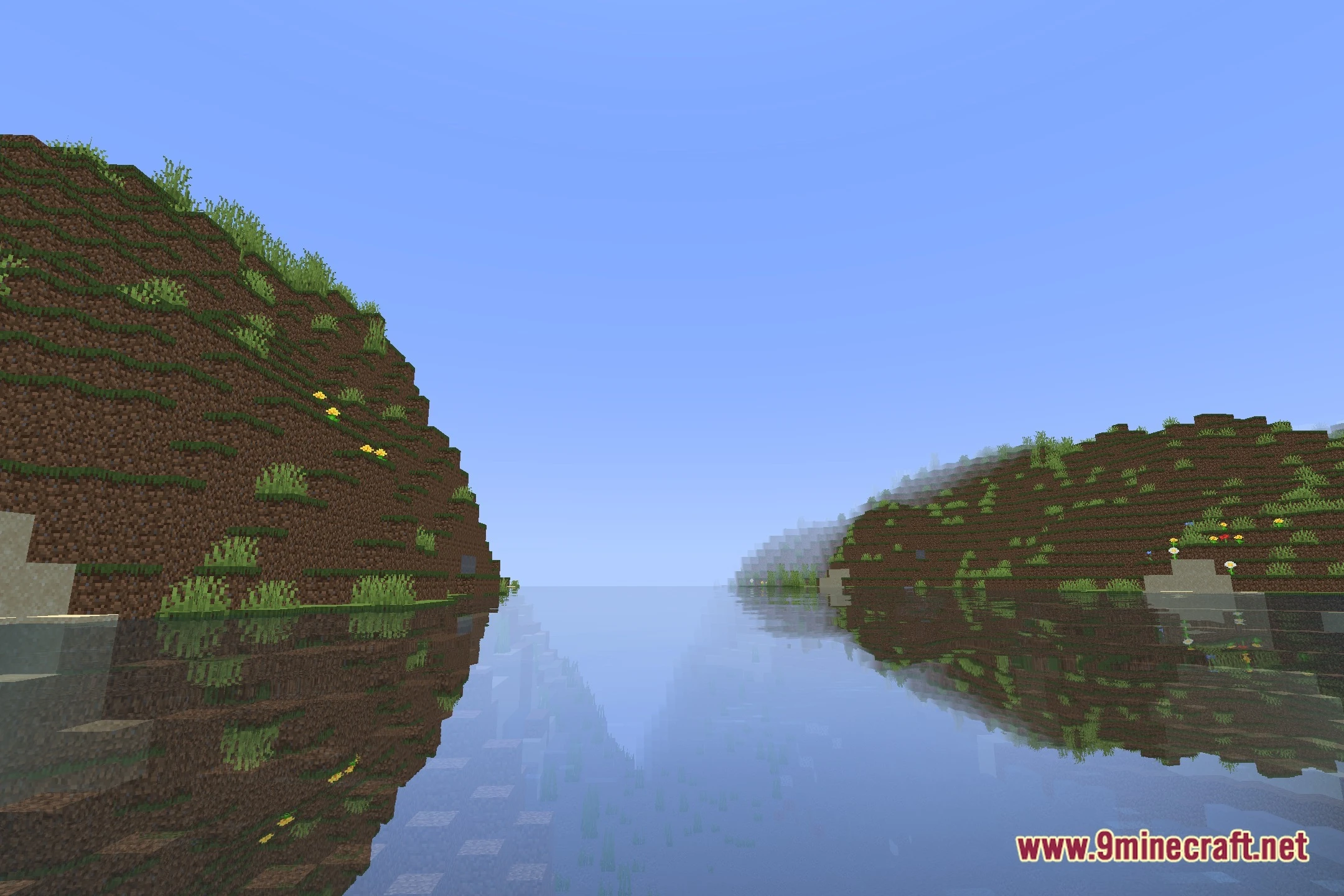
12 images from the Miniaturexl Shaders page.


You May Also Like
Wikis that share the most with this one
Wikis on the same theme: light
More shader wikis on the site
 Minecraft Oceano Project Shaders
 Minecraft Expofog Shaders
The most downloaded mods that have a wiki here