

 DownloadLuster Shaders
Get the files on 9Minecraft
Guides
Step-by-step, in-game.
Adjust Lighting Intensity for Your PlaystyleAccess Shader Settings Open the shader options menu while in-game by pressing the key bound to shader settings…Enhance Water Appearance and ReflectionsEnable PBR Water Rendering In shader options, confirm that PBR (physically-based rendering) water is enabled. This…Optimize Performance While Maintaining Visual QualityReduce Volumetric Cloud Complexity In shader settings, locate cloud quality or volumetric density options. Lowering…Troubleshoot Flickering or Unstable LightingCheck Temporal Stability Settings Flickering often comes from frame-to-frame inconsistency in path tracing. Look for…
Frequently asked questions
How do I enable Luster Shaders after installing it?
Open your Video Settings in-game, navigate to Shader Packs, and select Luster from the list. The shaders will activate immediately, though you may need to restart your world for all effects to load properly.
Why does my lighting look flickering or unstable?
Flickering often occurs when path tracing settings are too aggressive for your hardware. Lower the lighting intensity or reduce volumetric cloud quality in the shader settings menu to stabilize the effect.
Can I use Luster Shaders on Apple Silicon Macs?
Yes, Luster is optimized for Apple Silicon hardware and should run smoothly without requiring special configuration.
How do I make water look better with this shader?
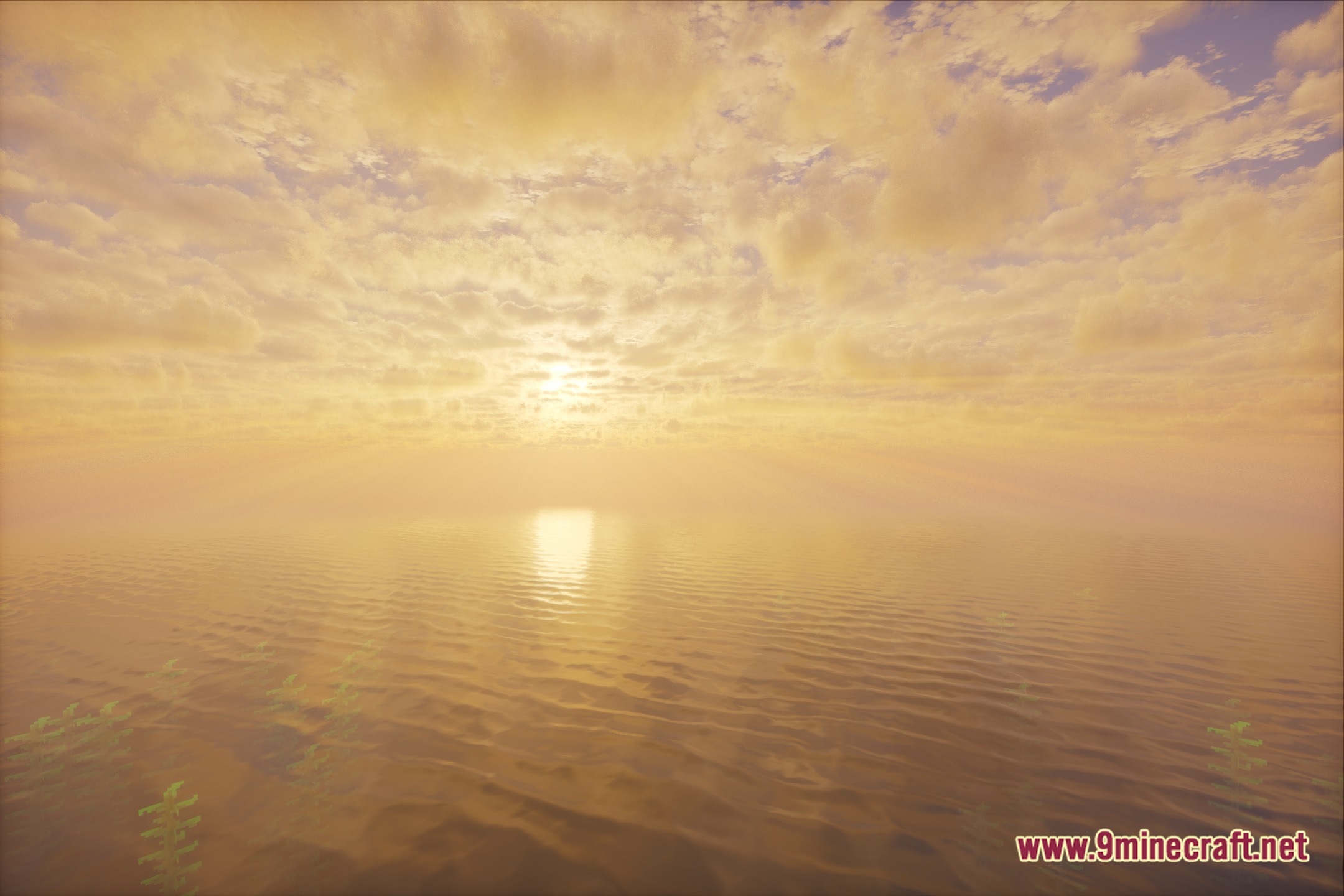
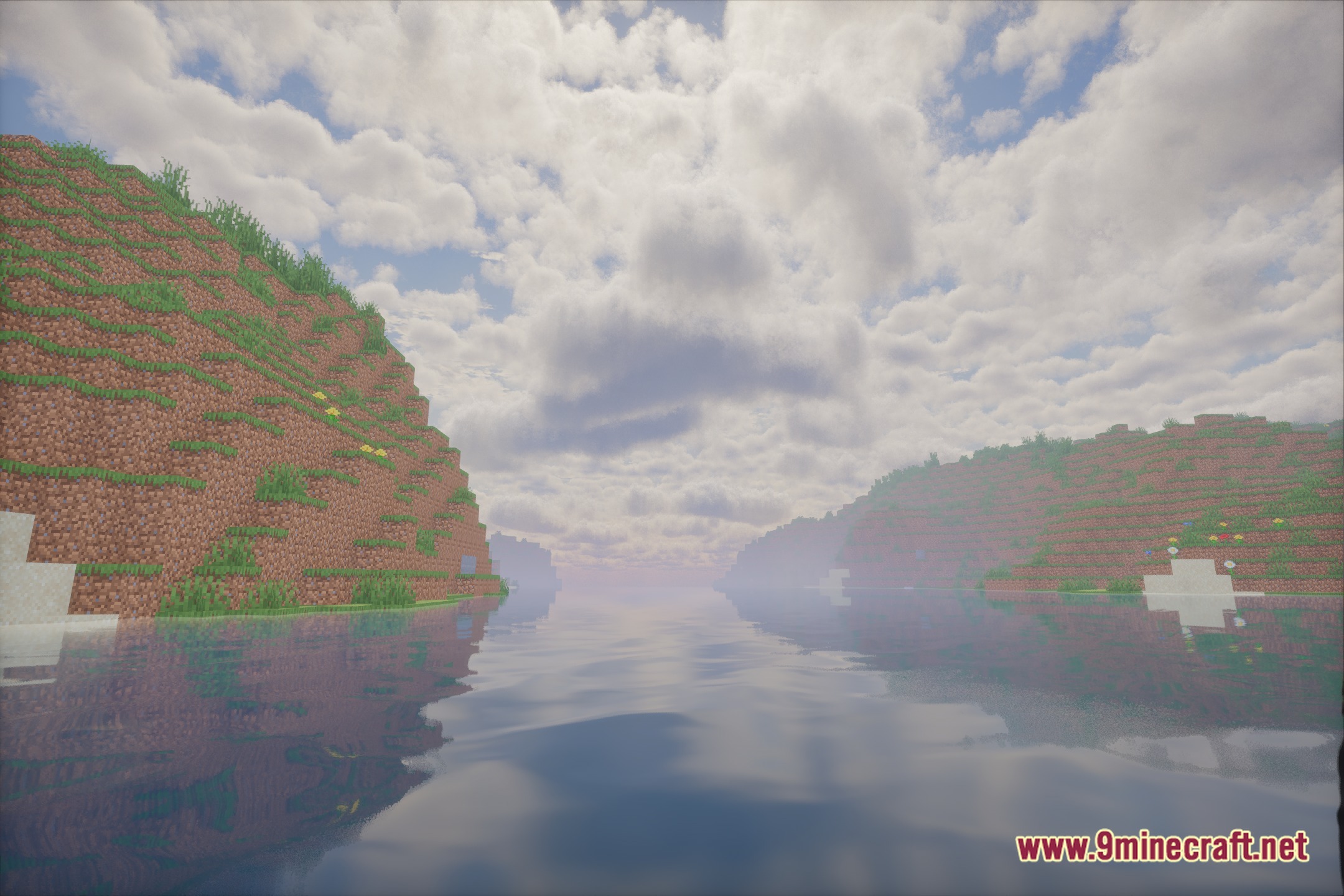
Water reflections and wave details are built into Luster by default, but you can enhance them further by adjusting the water surface quality or reflection intensity in the shader options menu.
See all 10 Luster Shaders questions ›
Gallery
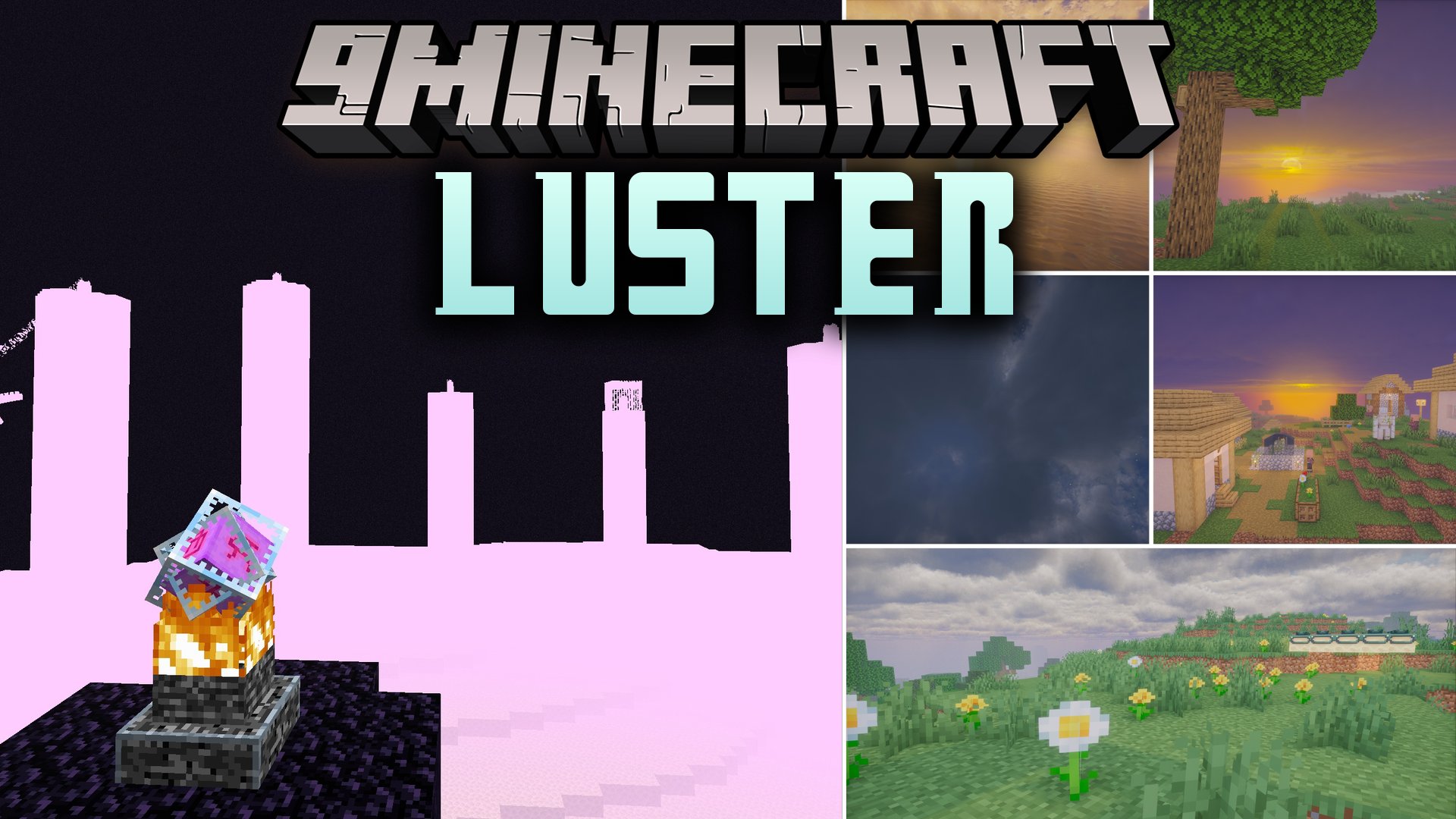
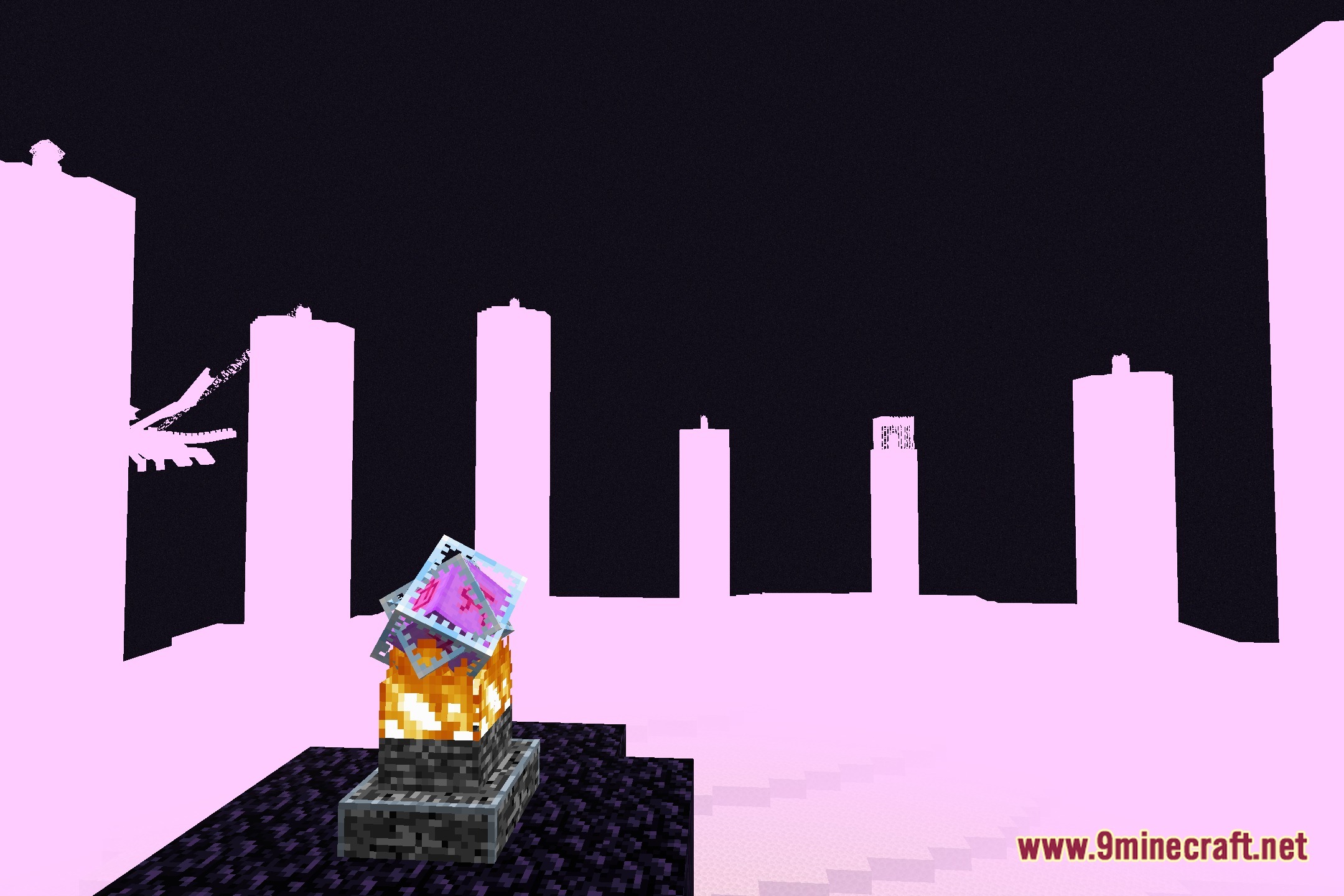
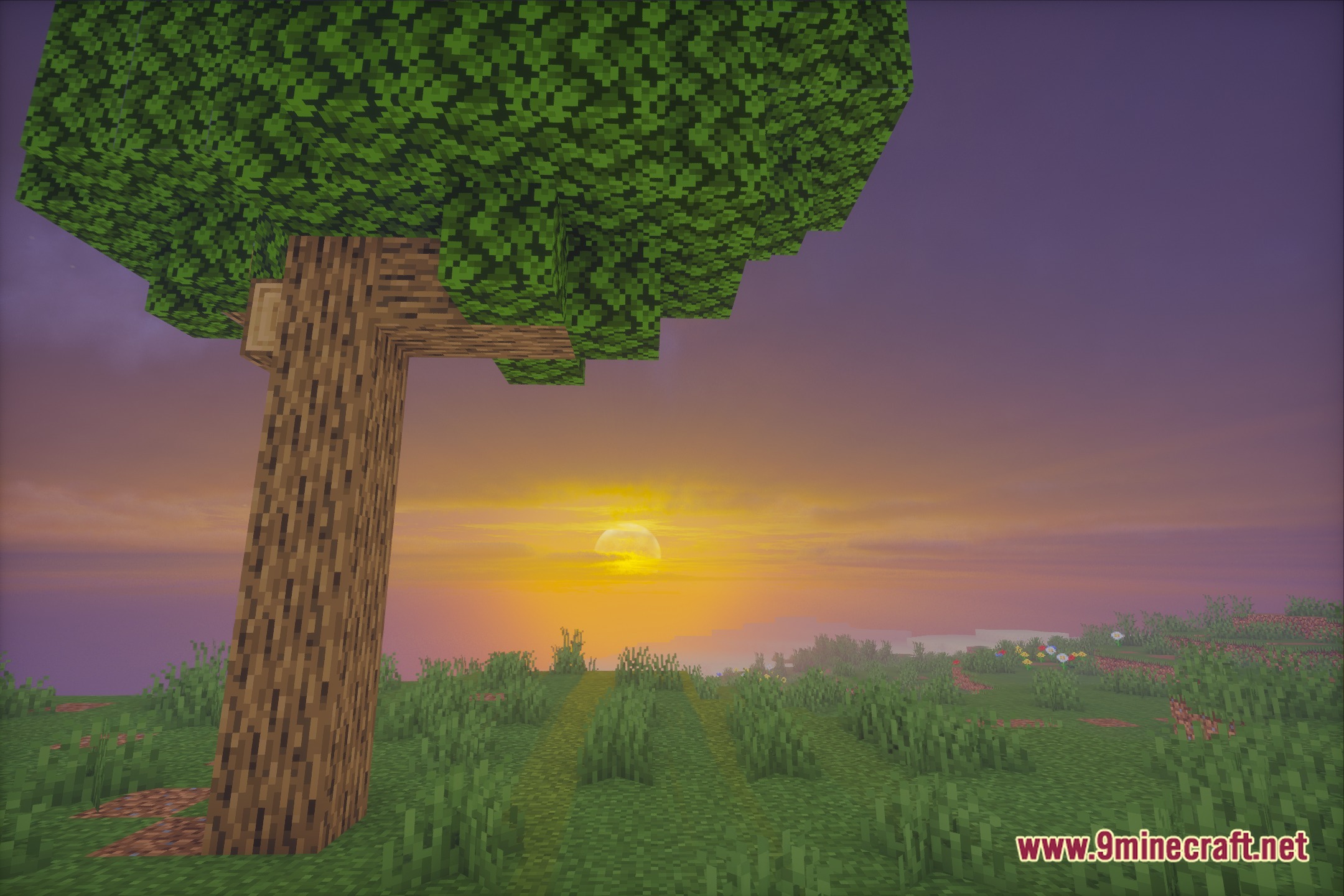
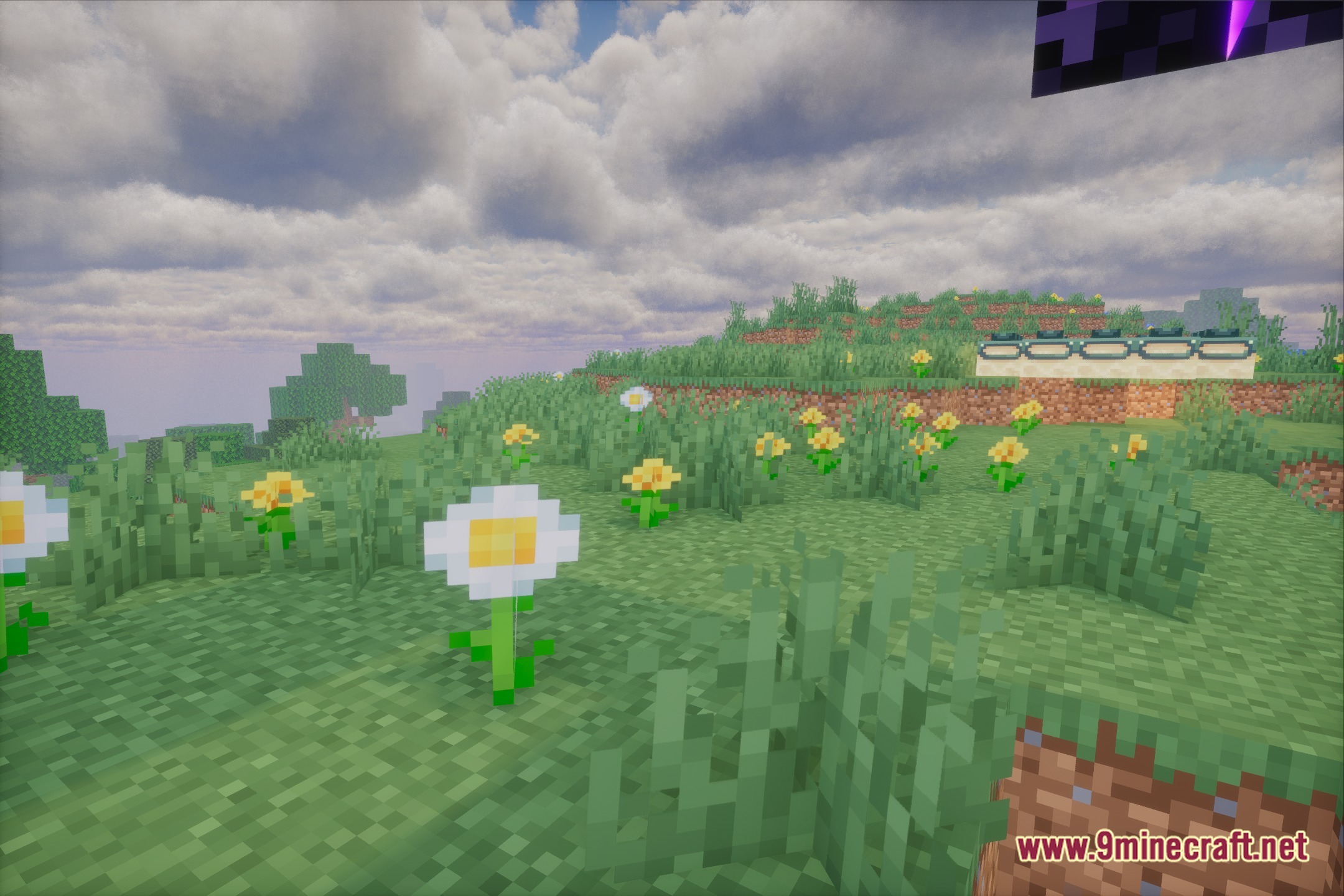
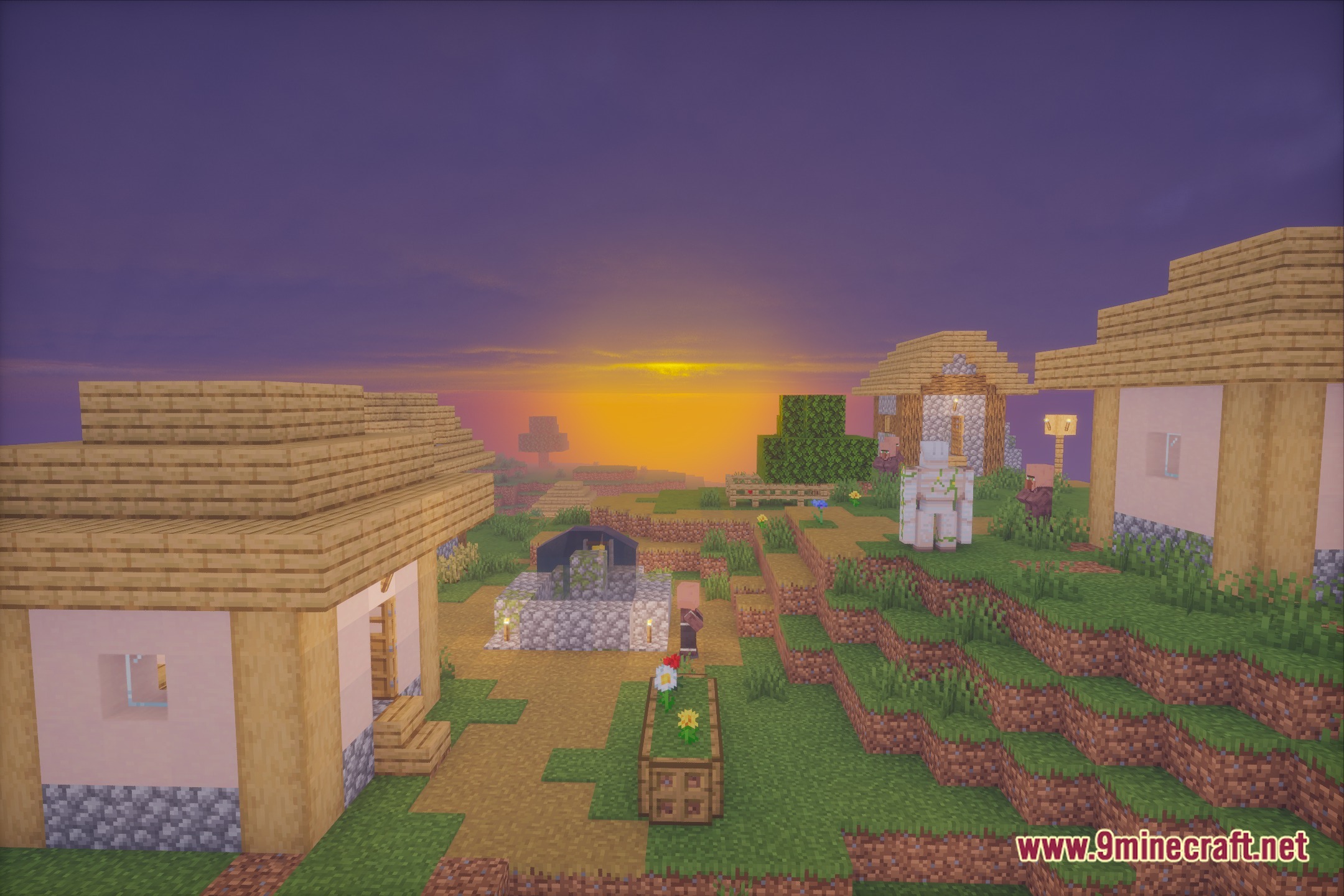
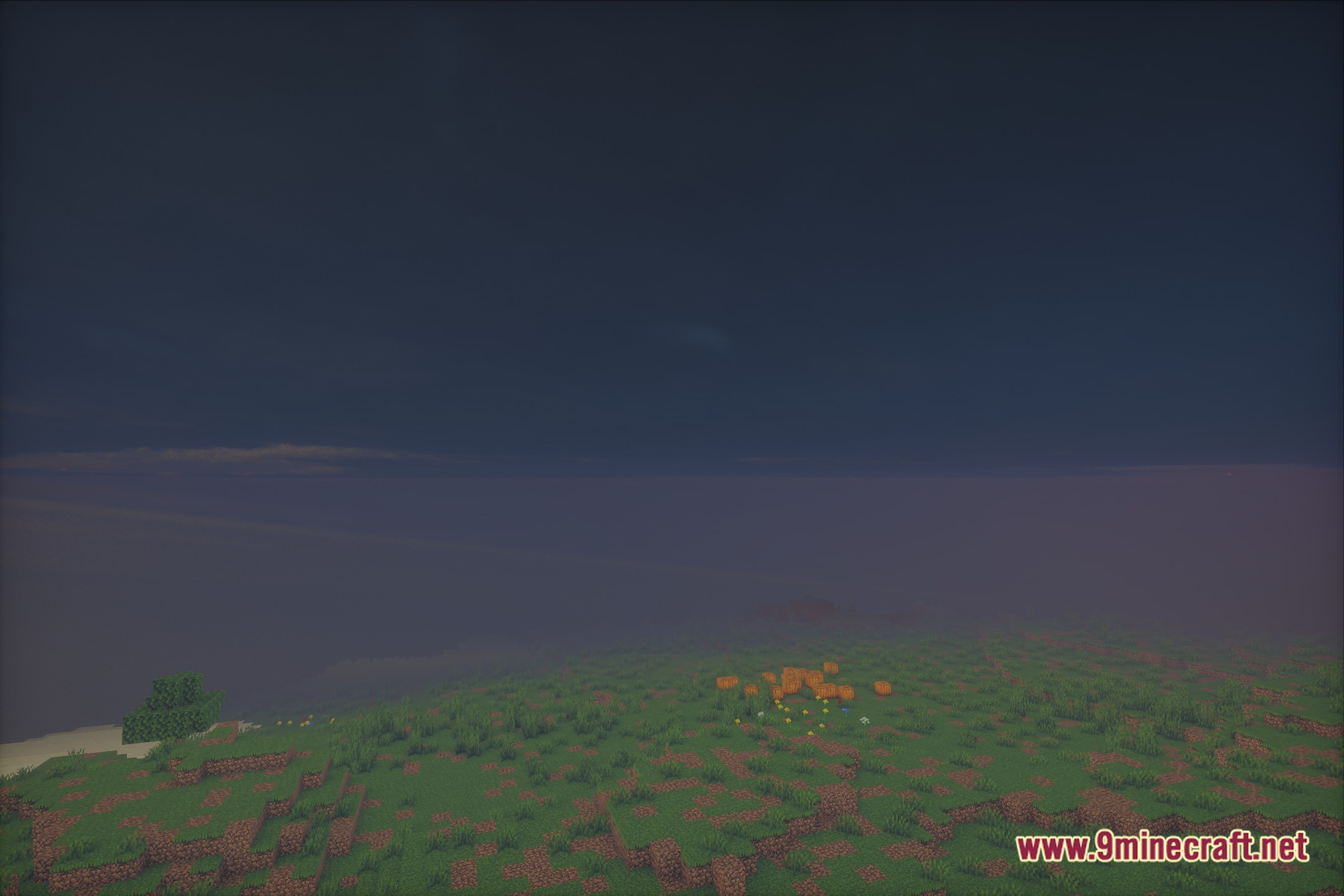
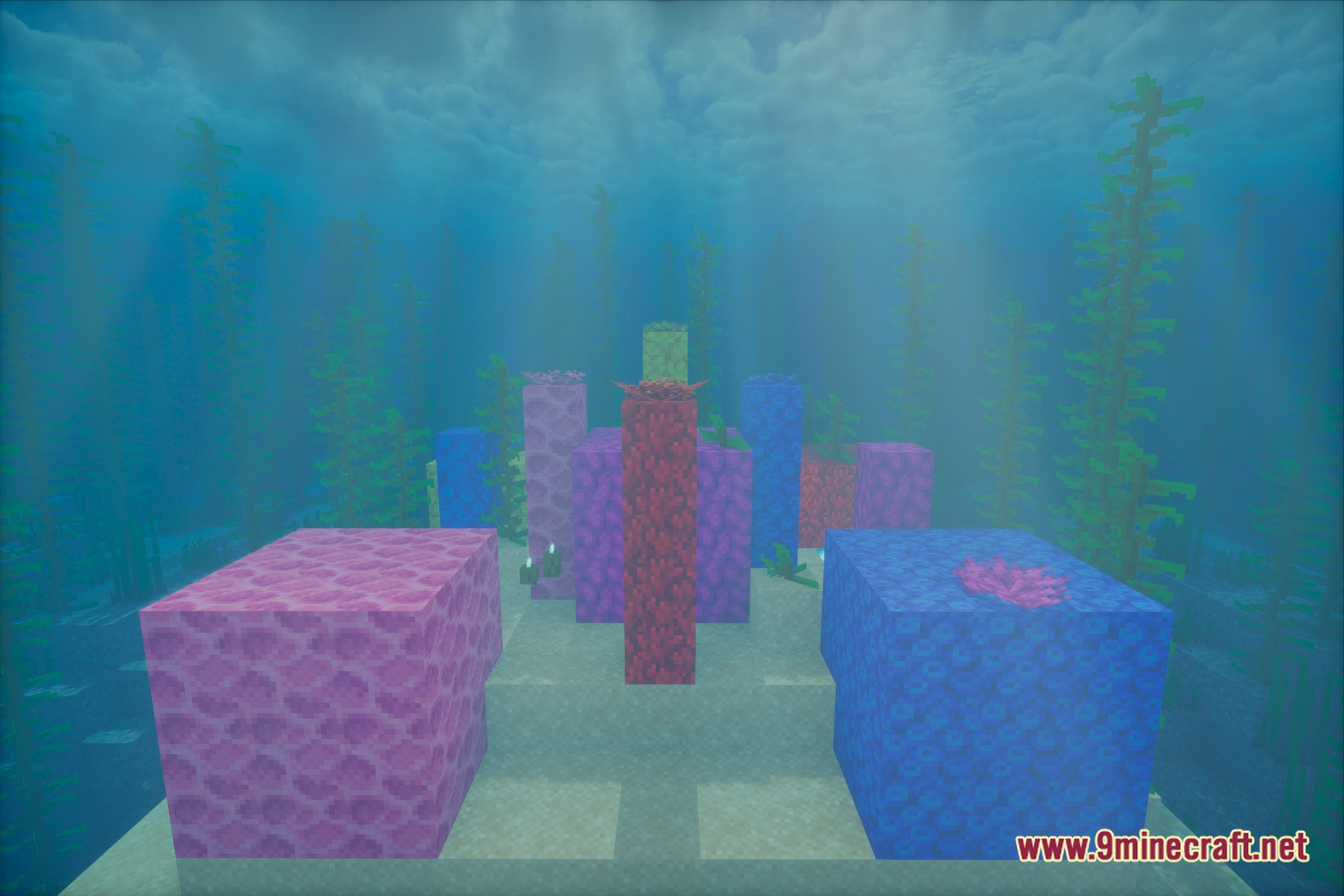
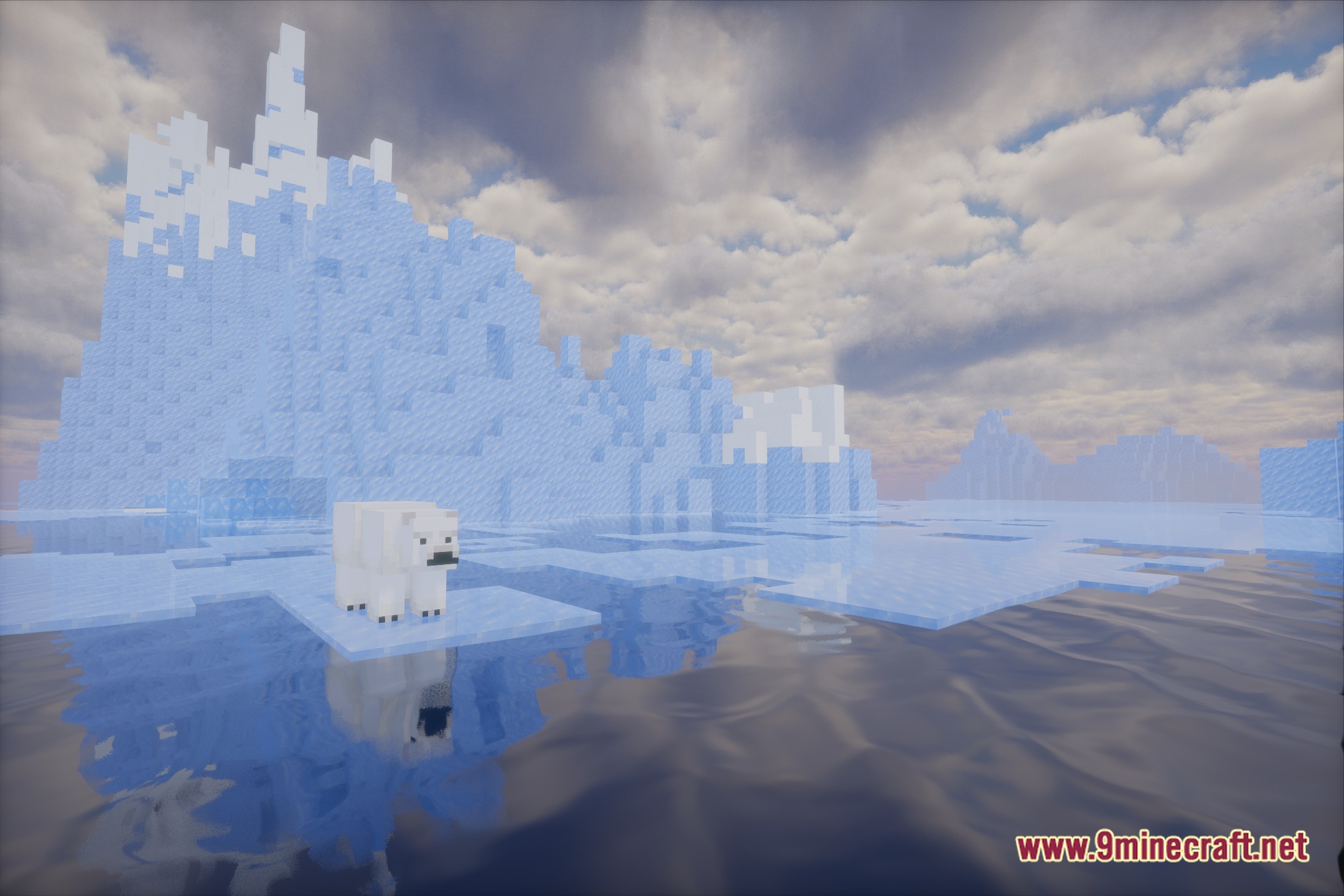
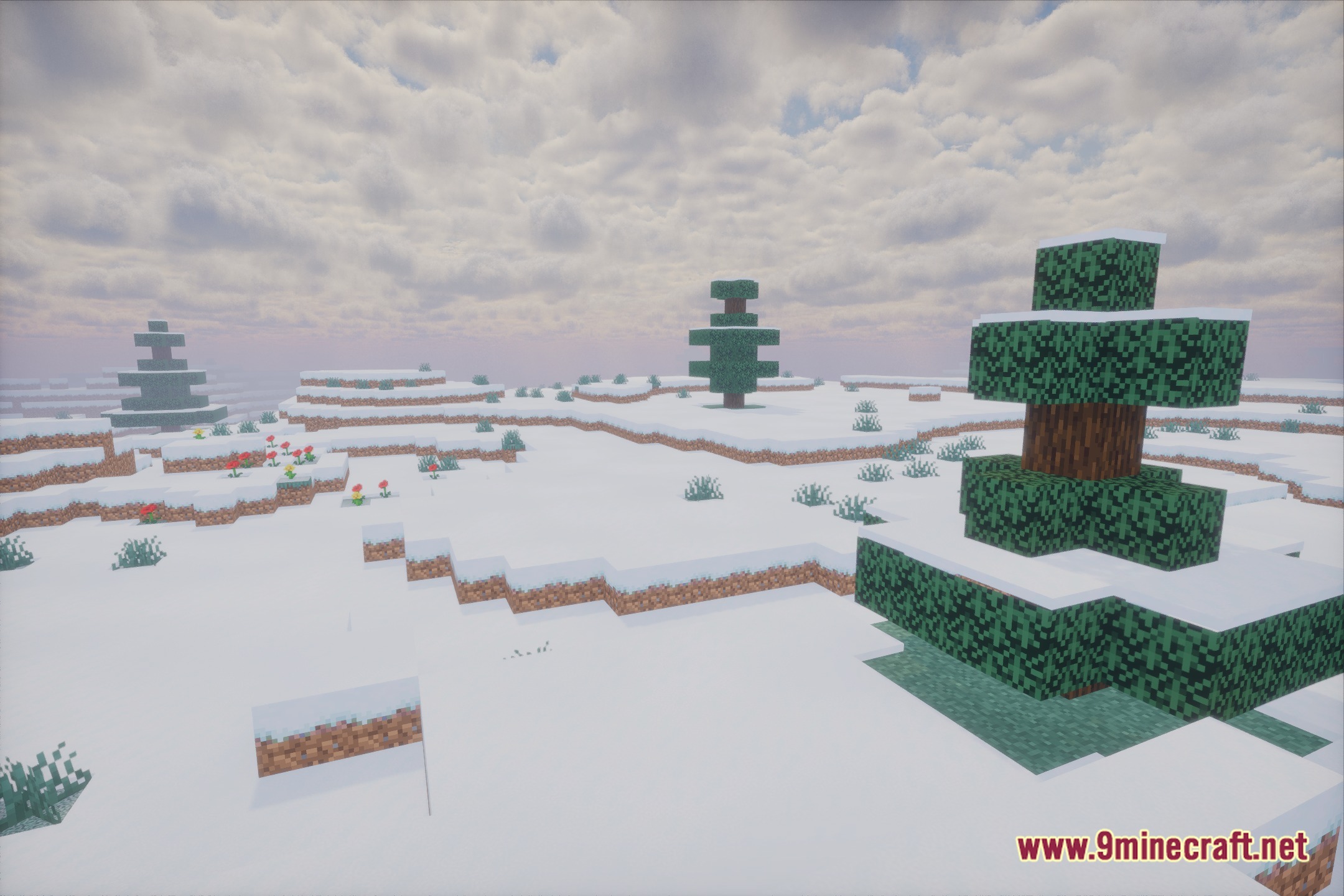
12 images from the Luster Shaders page.
You May Also Like
Wikis that share the most with this one
Wikis on the same theme: light
More shader wikis on the site
Lunaris ShadersLunacy ShadersLumora ShadersLuminous X-ray Vision ShadersLuminous Tide Reflections ShadersLuminous Swiftness ShadersLuminous Radar Rays ShadersLuminous Classic Atmosphere ShadersLuminous Cinematic Reflections ShadersLuminous Cinematic Horizon ShadersLuminous Breeze ShadersLuminous Balanced Lighting Shaders
The most downloaded mods that have a wiki here