

 DownloadLoShades Shaders
Get the files on 9Minecraft
Guides
Step-by-step, in-game.
Adjust Fog Distance and DensityAccess Shader Settings Open the shader options menu while in-game. This is typically accessed through your graphics…Enhance Visual Quality Without Losing PerformanceEnable Post-Processing Effects Access shader settings and activate post-processing features. LoShades offers subtle…Optimize Performance on Low-End HardwareReduce Post-Processing Effects Open shader settings and locate post-processing options. Disable or lower the…Troubleshoot Visual Glitches or ArtifactsCheck Shader Compatibility Ensure your graphics driver is up to date. LoShades is designed for broad compatibility,…
Frequently asked questions
How do I enable LoShades Shaders after installing it?
Launch Minecraft, go to Options > Video Settings > Shaders, then select LoShades Shaders from the list and apply. The shader will activate immediately and you should see the fog and post-processing effects take effect.
Why is my game still running slow even with LoShades?
Check that you're not running other heavy mods or resource packs alongside the shader. If performance is still low, reduce your render distance or lower other video settings like clouds and particles, as LoShades is optimized but still depends on your base game settings.
Can I use LoShades with other shader packs?
No, only one shader pack can be active at a time in Minecraft. You must disable LoShades Shaders before switching to another shader pack.
What's the difference between adjusting fog distance and fog density?
Fog distance controls how far you can see before the fog starts to obscure blocks, while density controls how thick the fog appears. Increasing distance lets you see farther, but increasing density makes the fog more opaque at any given distance.
See all 10 LoShades Shaders questions ›
Gallery
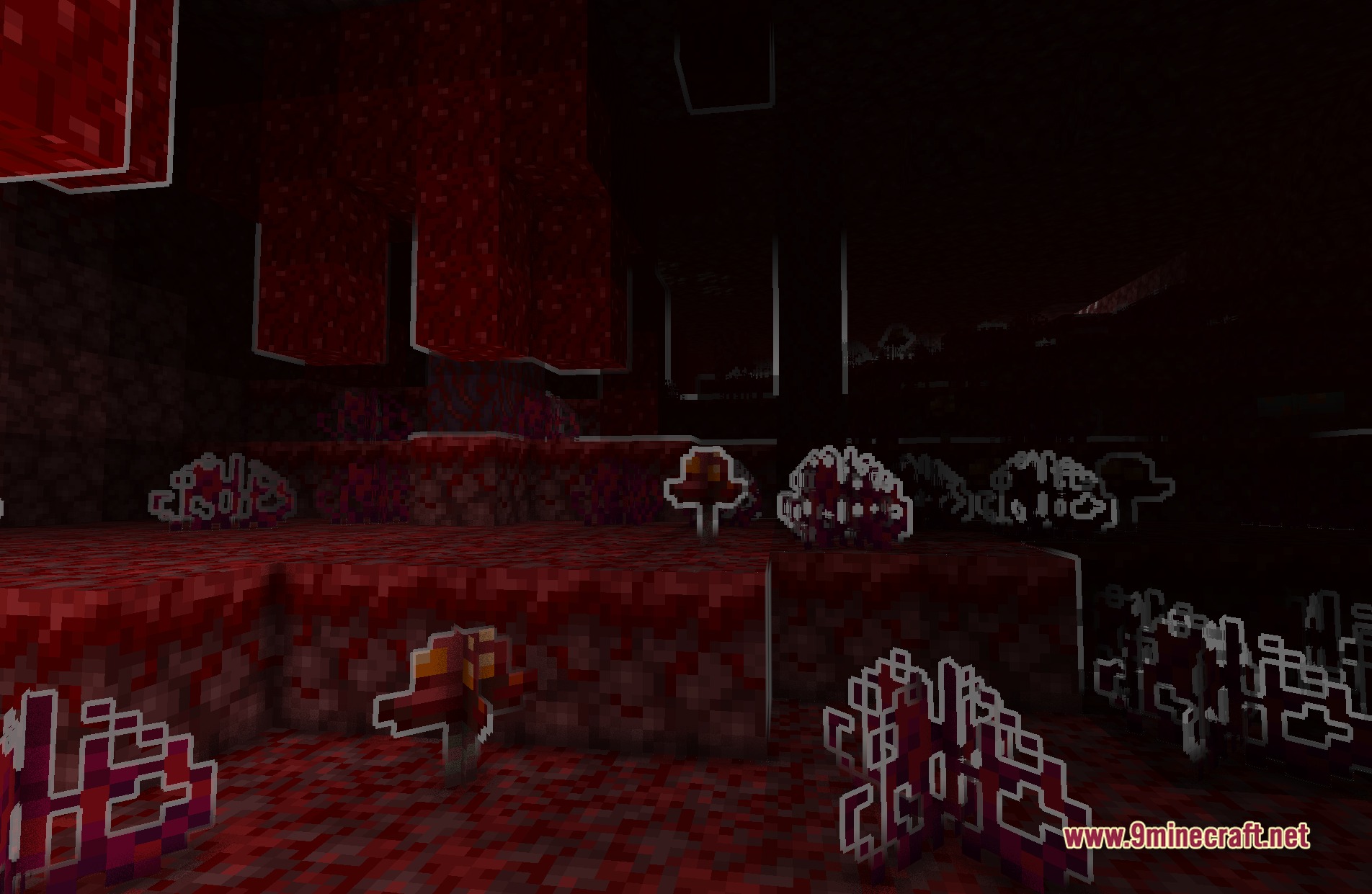
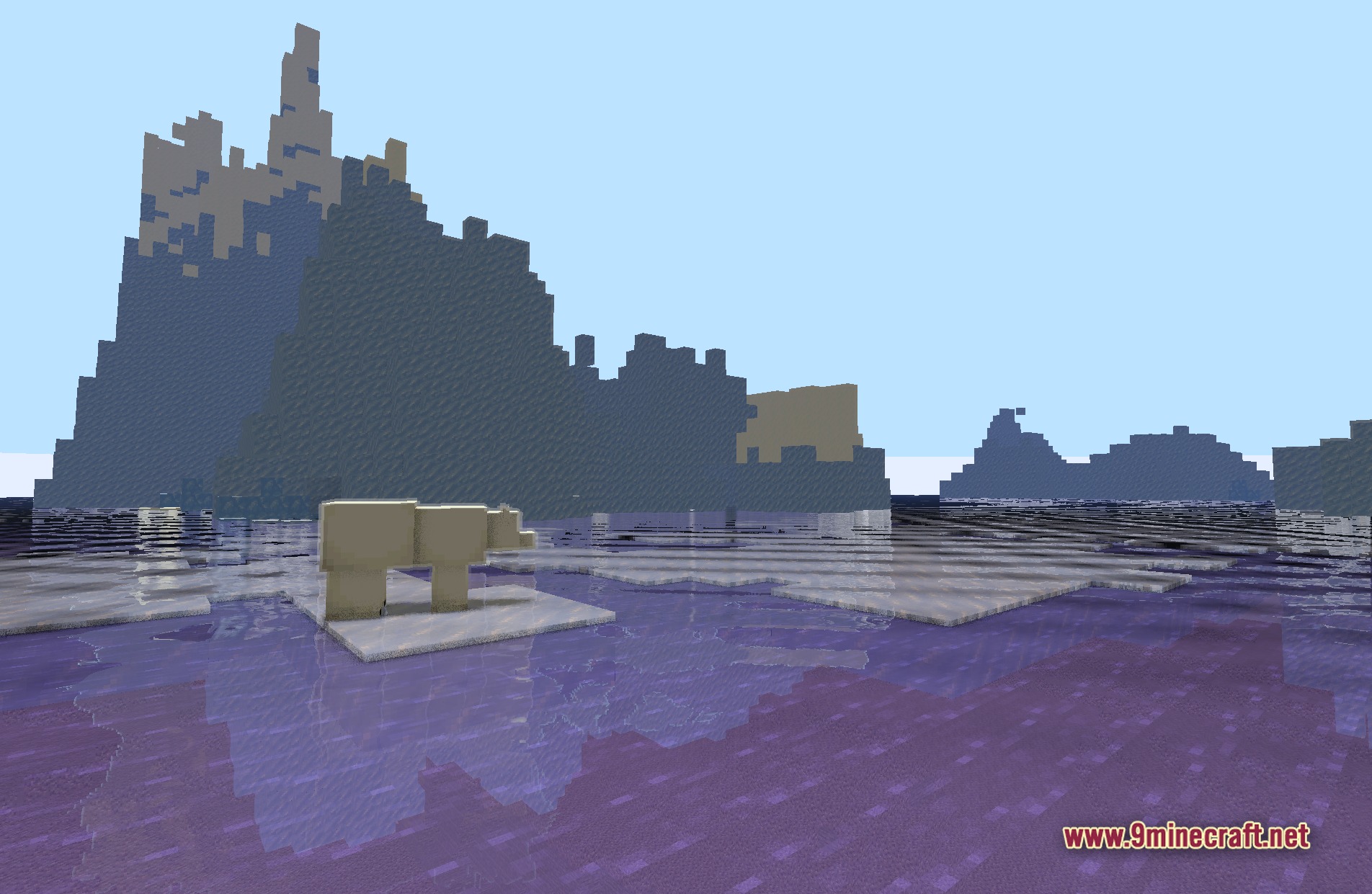
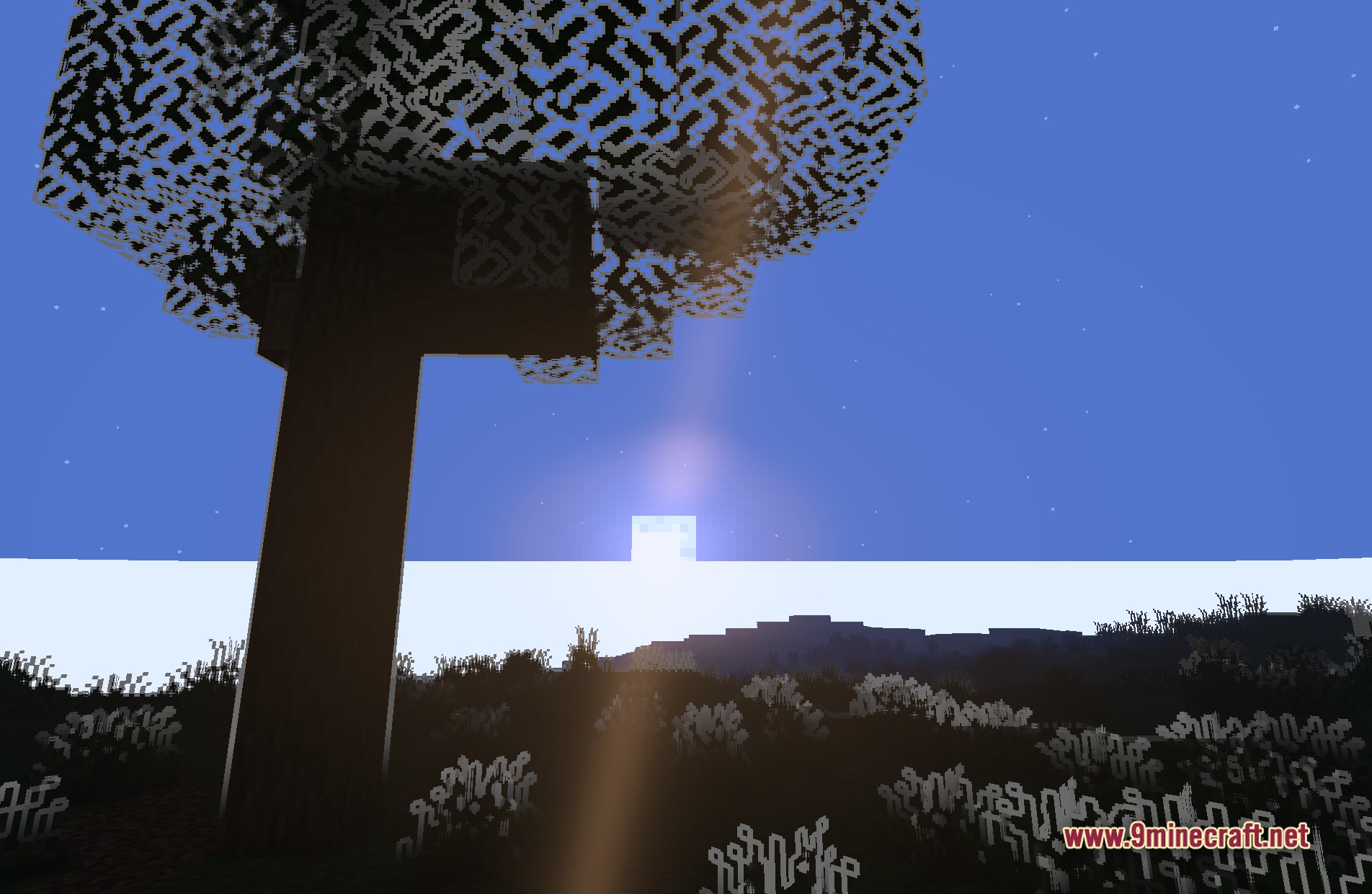
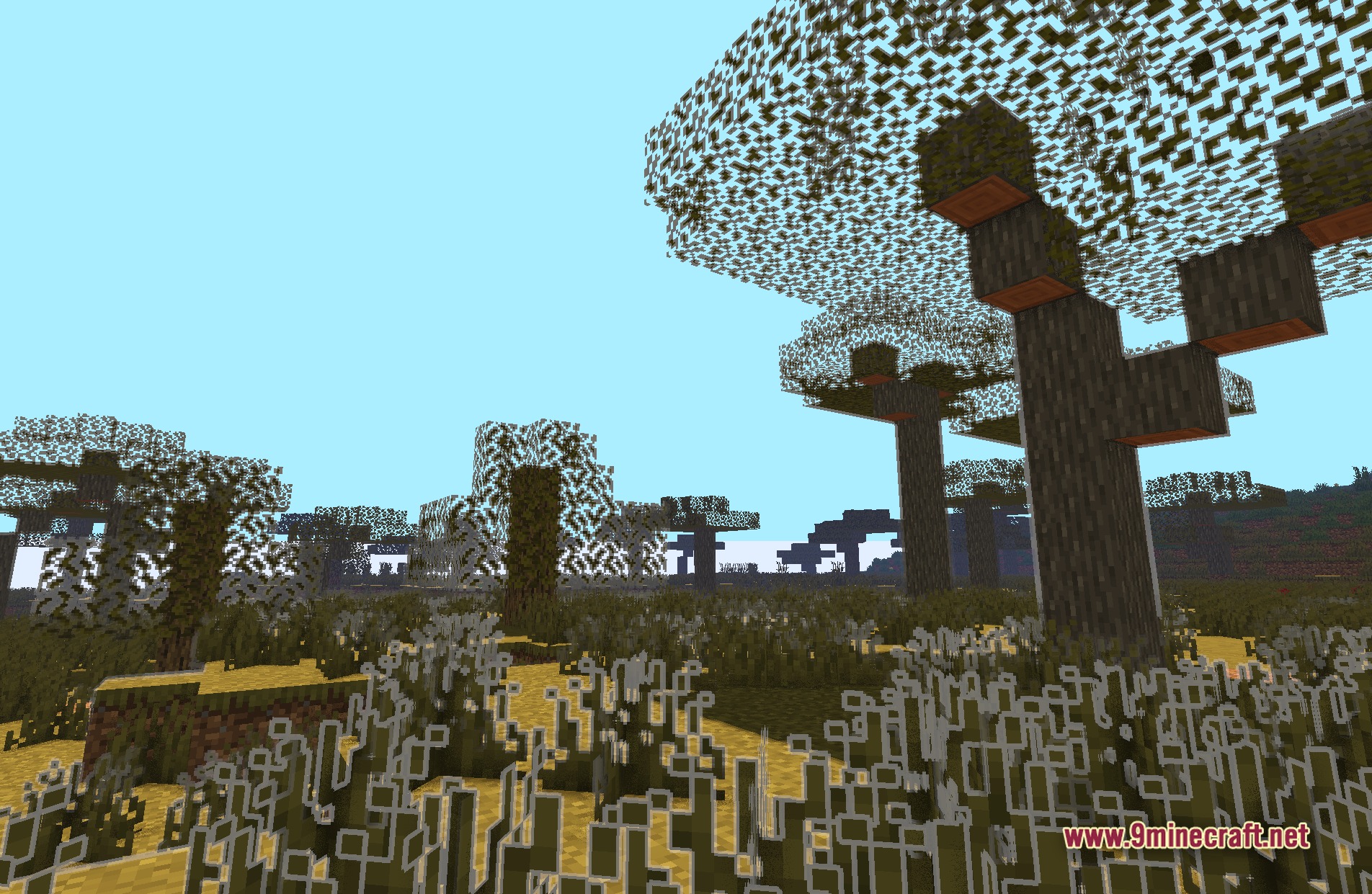
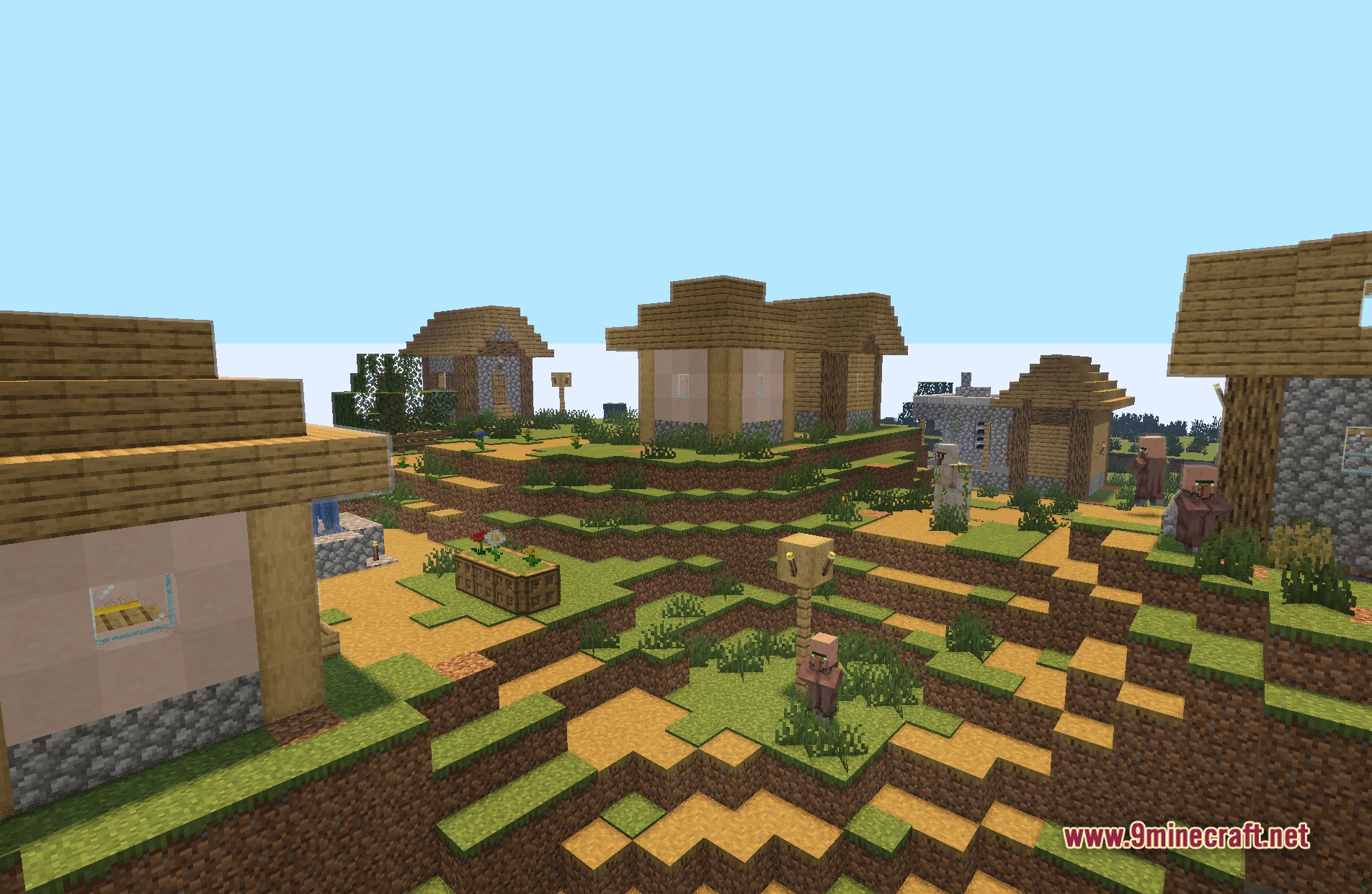
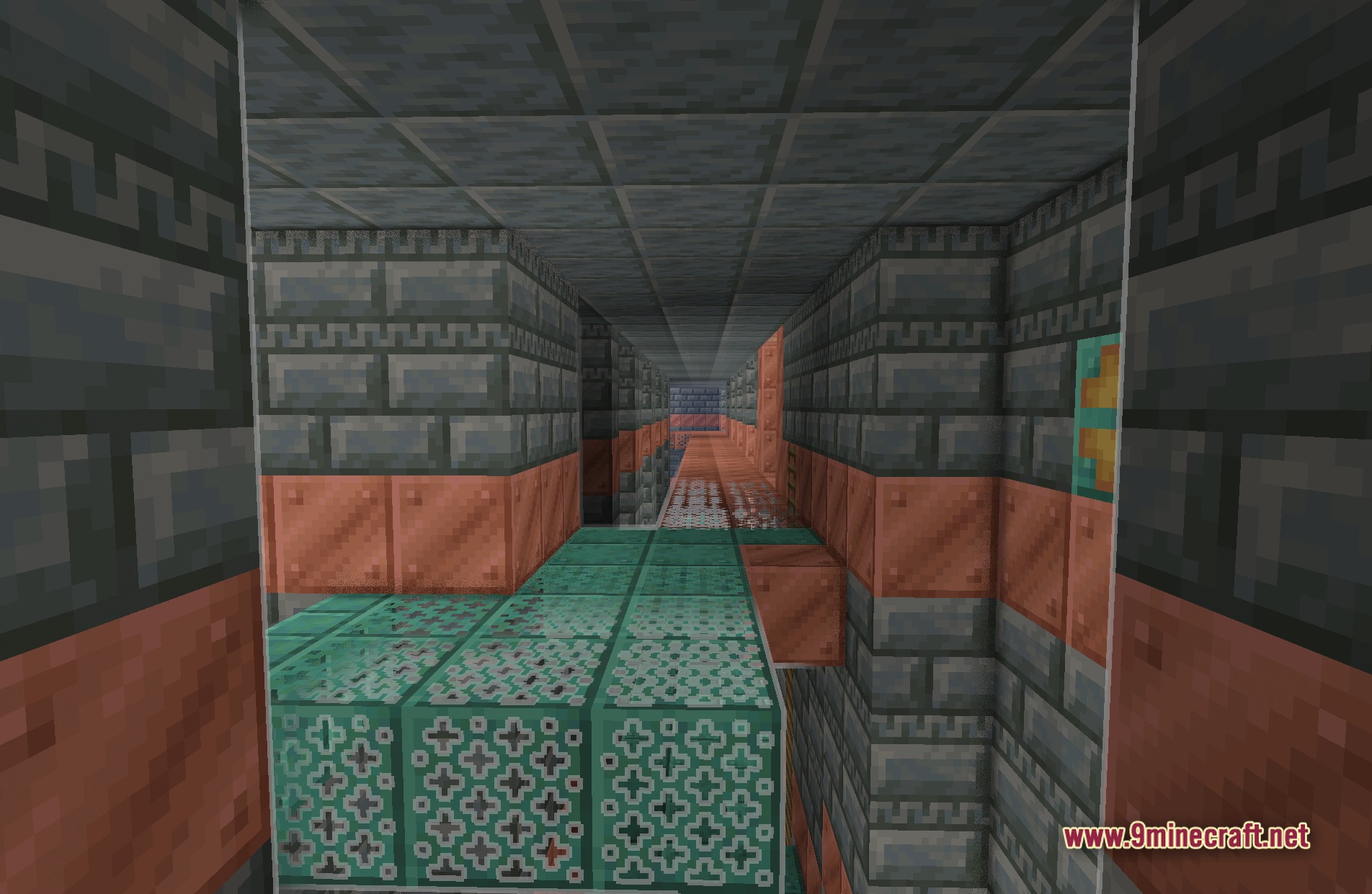
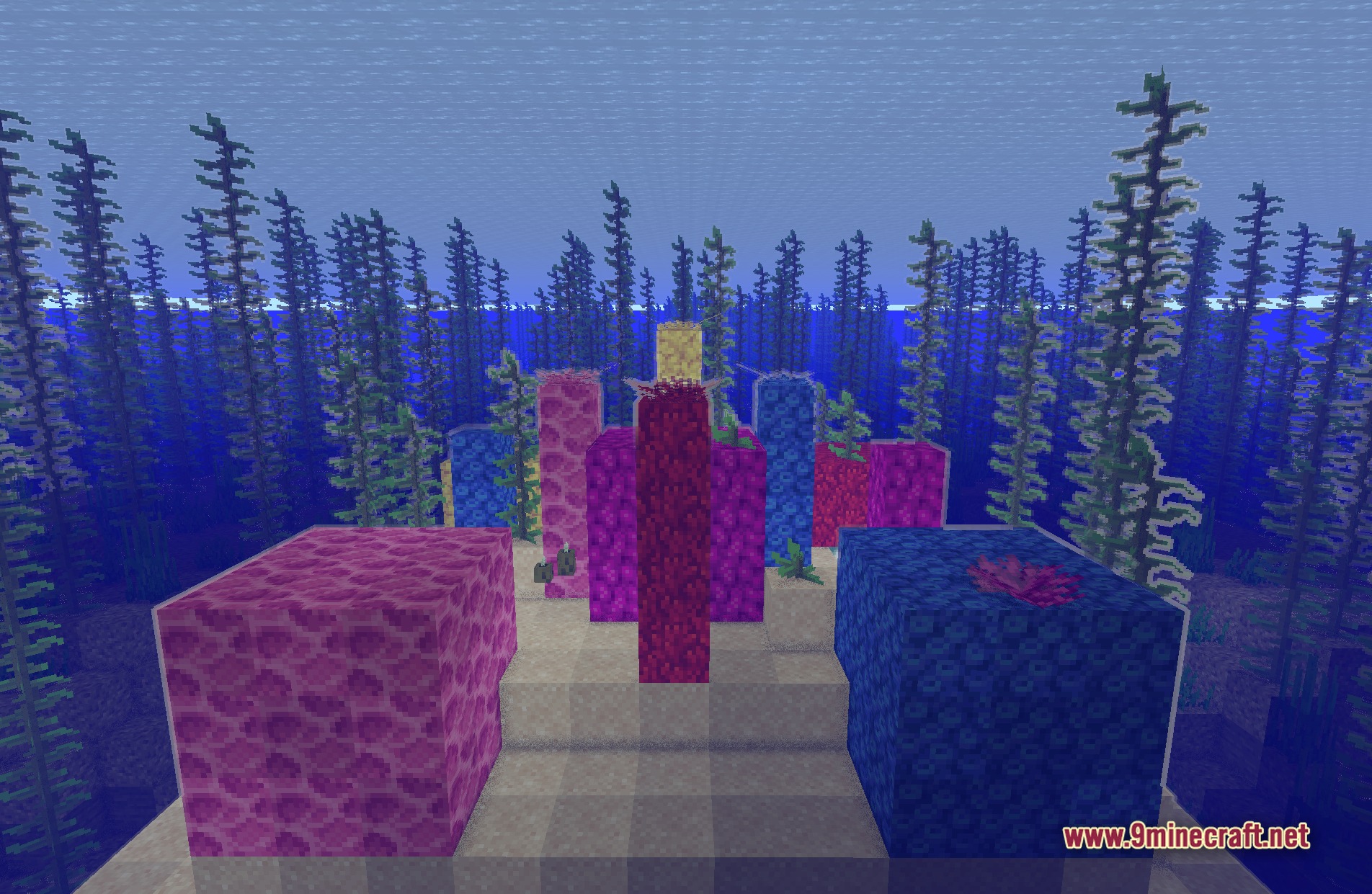
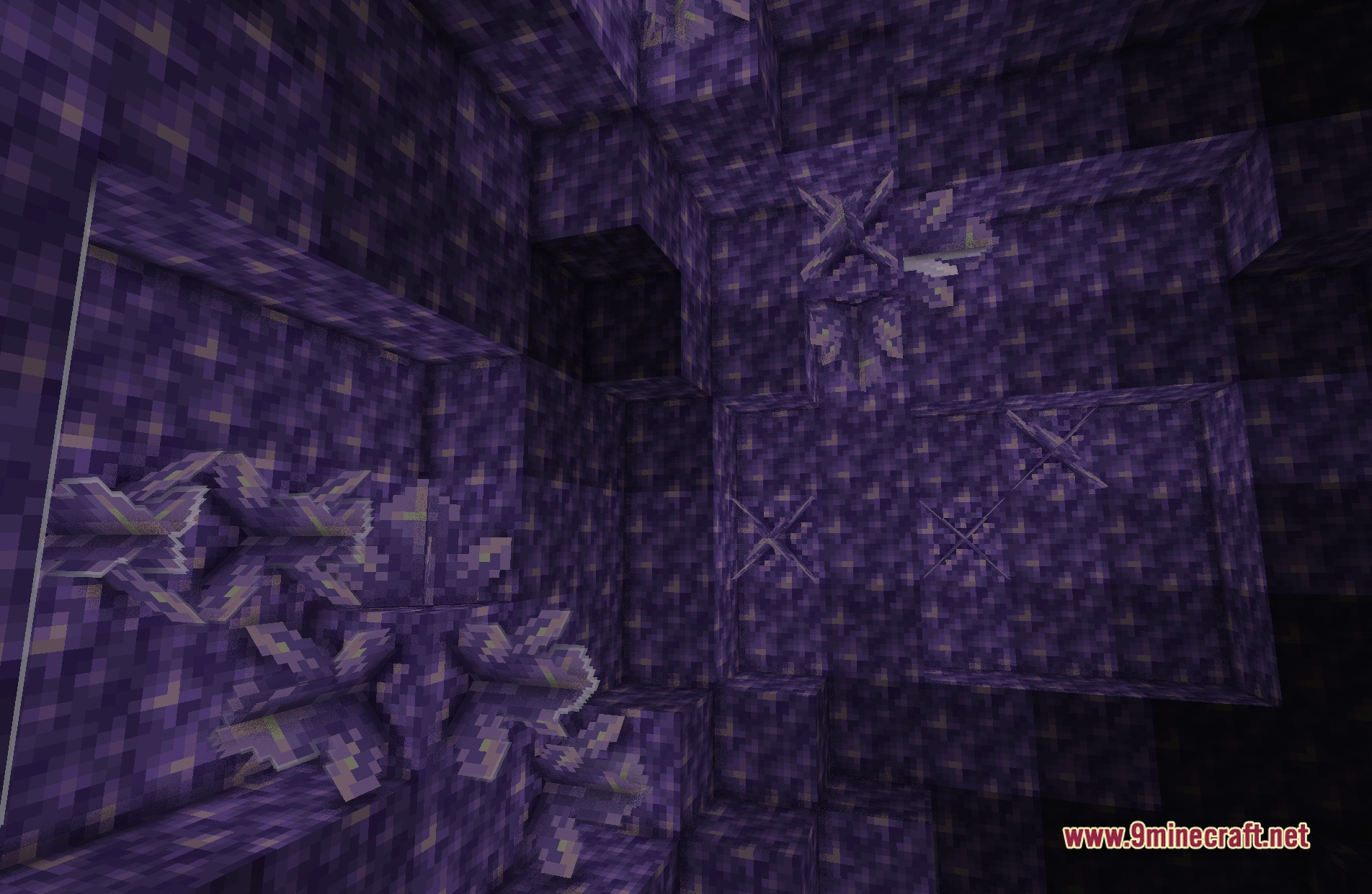
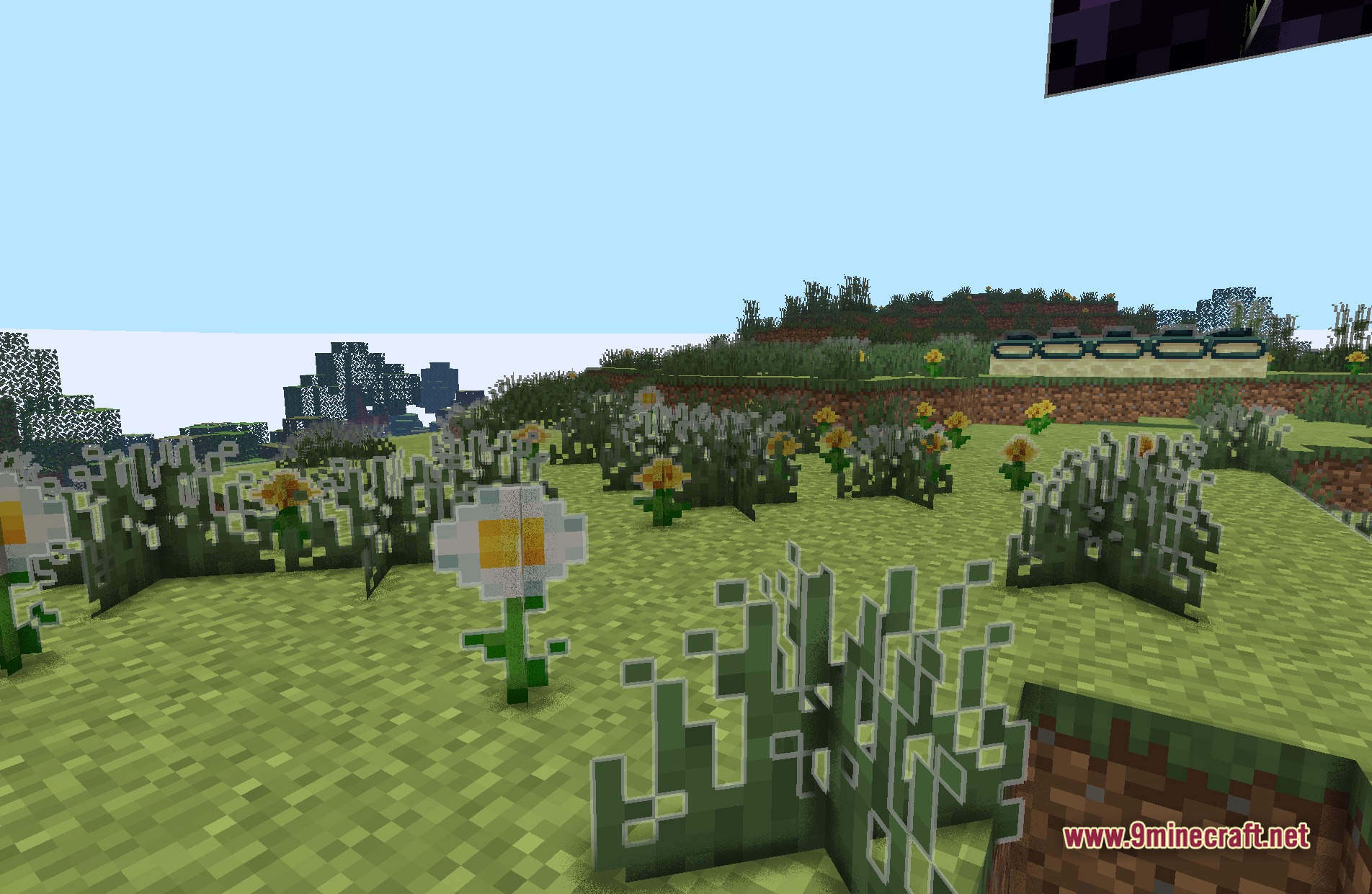
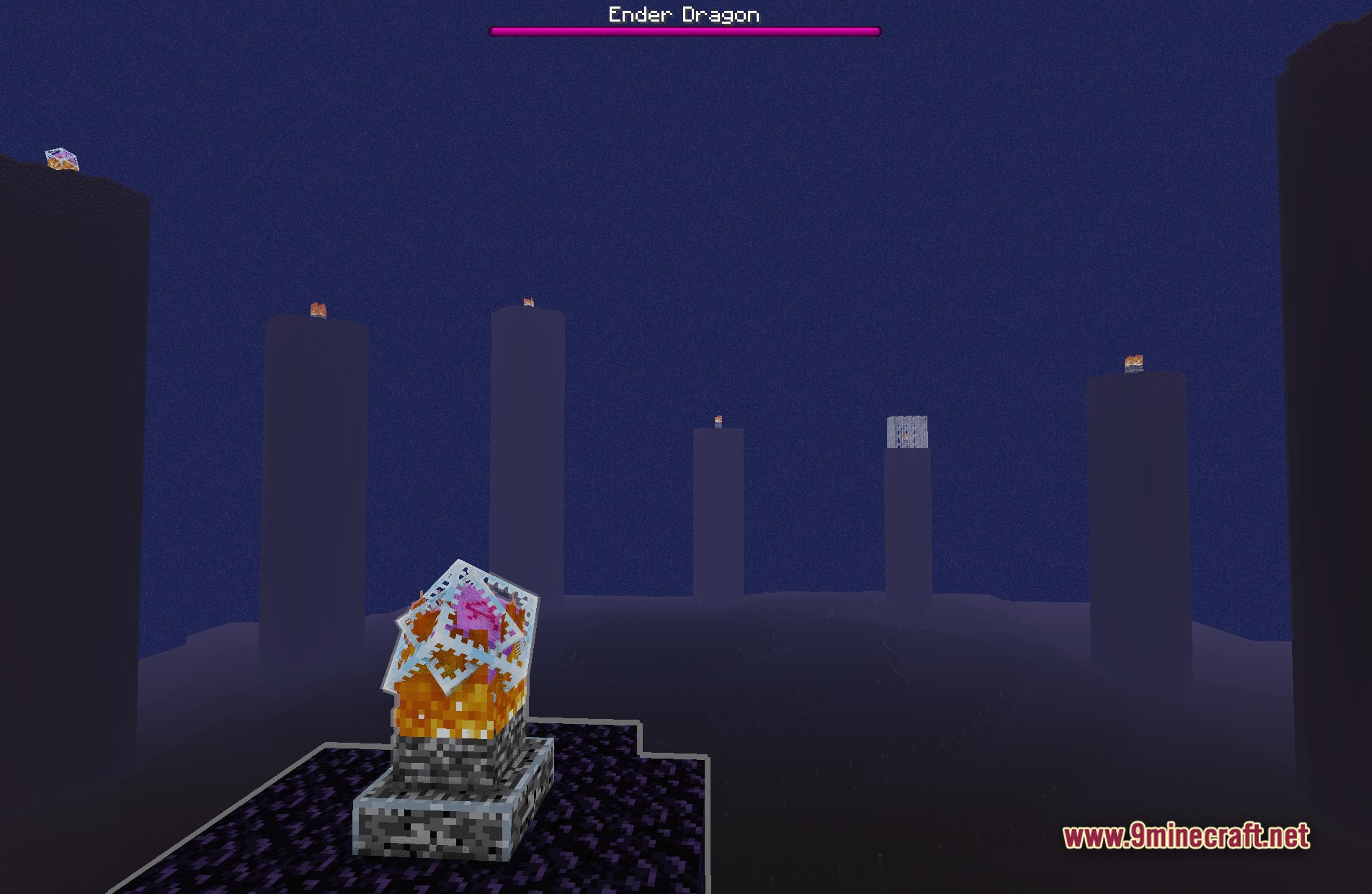
11 images from the Loshades Shaders page.
You May Also Like
Wikis that share the most with this one
Wikis on the same theme: light
More shader wikis on the site
 Loot’s Very Vanilla Shaders
 Lixexis Shaders
 LitePerf Shaders
 Lighter Game Shaders
The most downloaded mods that have a wiki here