

 DownloadLiteMc Shaders
Get the files on 9Minecraft
Guides
Step-by-step, in-game.
Adjust Shadow Intensity and SoftnessAccess Shader Settings Open the shader options menu by pressing the designated shader settings key (usually accessed…Customize Day and Night LightingOpen Lighting Configuration Access the LiteMc Shaders settings menu and locate the lighting or color section. This…Enhance Water ReflectionsAccess Reflection Settings Open the LiteMc Shaders configuration menu from your video settings. Find the water or…Optimize Performance on Low-End HardwareIdentify Performance Bottlenecks Load your world and check your frame rate using the debug screen (F3 on most…
Frequently asked questions
How do I turn on the shader after installing it?
Launch Minecraft with the mod loaded, then open Options > Video Settings and look for the Shaders or Graphics section—LiteMc Shaders should appear in the list. Select it and the effects will apply immediately to your world.
Why are my shadows too dark or too light?
Open the shader settings menu (usually accessible from Video Settings or by pressing a designated key) and adjust the Shadow Intensity slider to your preference—lower values create subtle shadows, higher values make them more pronounced.
Can I use this shader with other mods that change lighting?
LiteMc Shaders may conflict with mods that heavily modify light rendering or block properties; test compatibility by running both together in a test world, and disable one if you see visual glitches or performance drops.
My FPS dropped after installing—how do I fix it?
Try lowering Shadow Softness and Shadow Distance in the shader settings, disabling water reflections if they're intensive, or reducing your render distance—these changes preserve the shader's look while improving frame rate on low-end hardware.
See all 10 LiteMc Shaders questions ›
Gallery
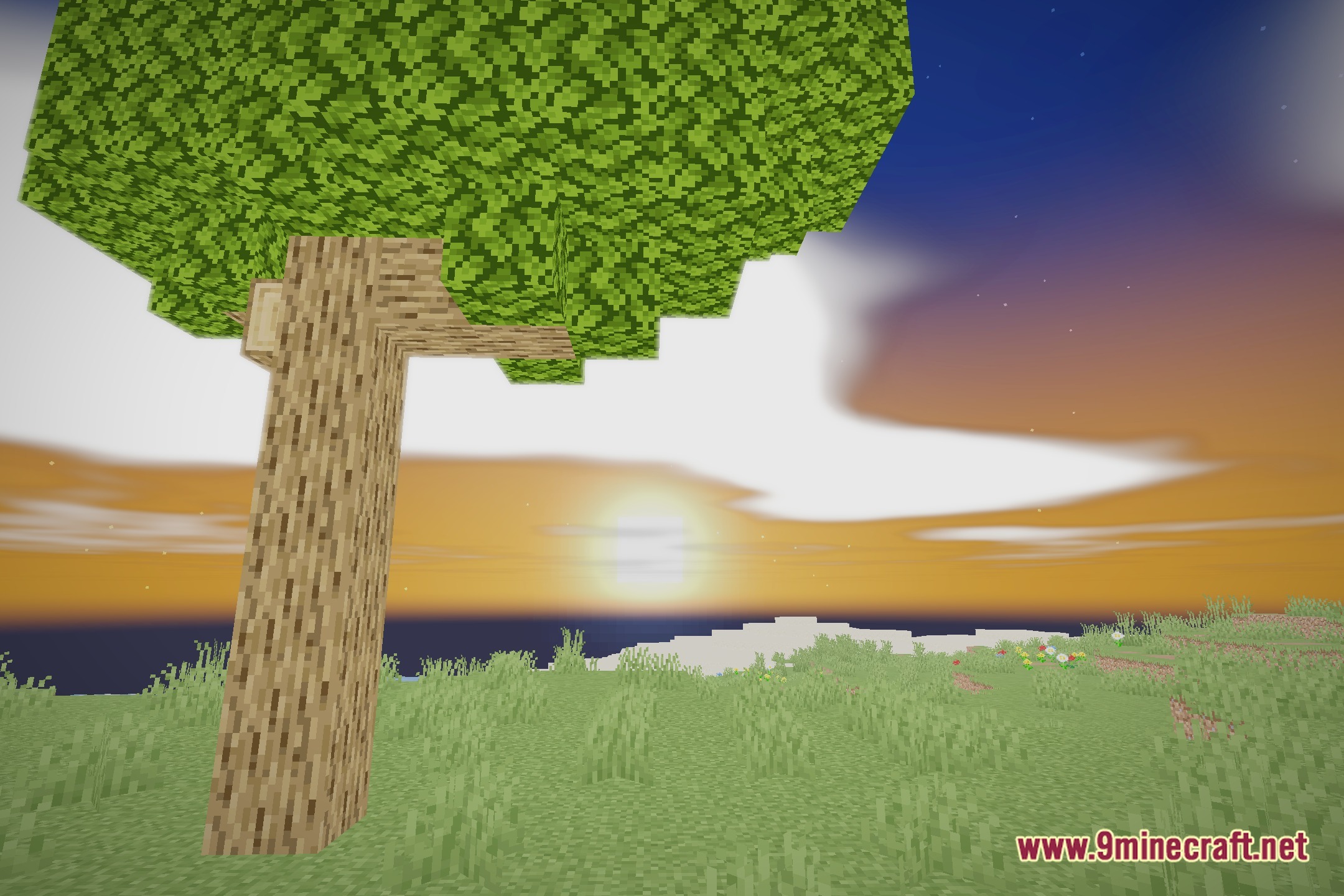
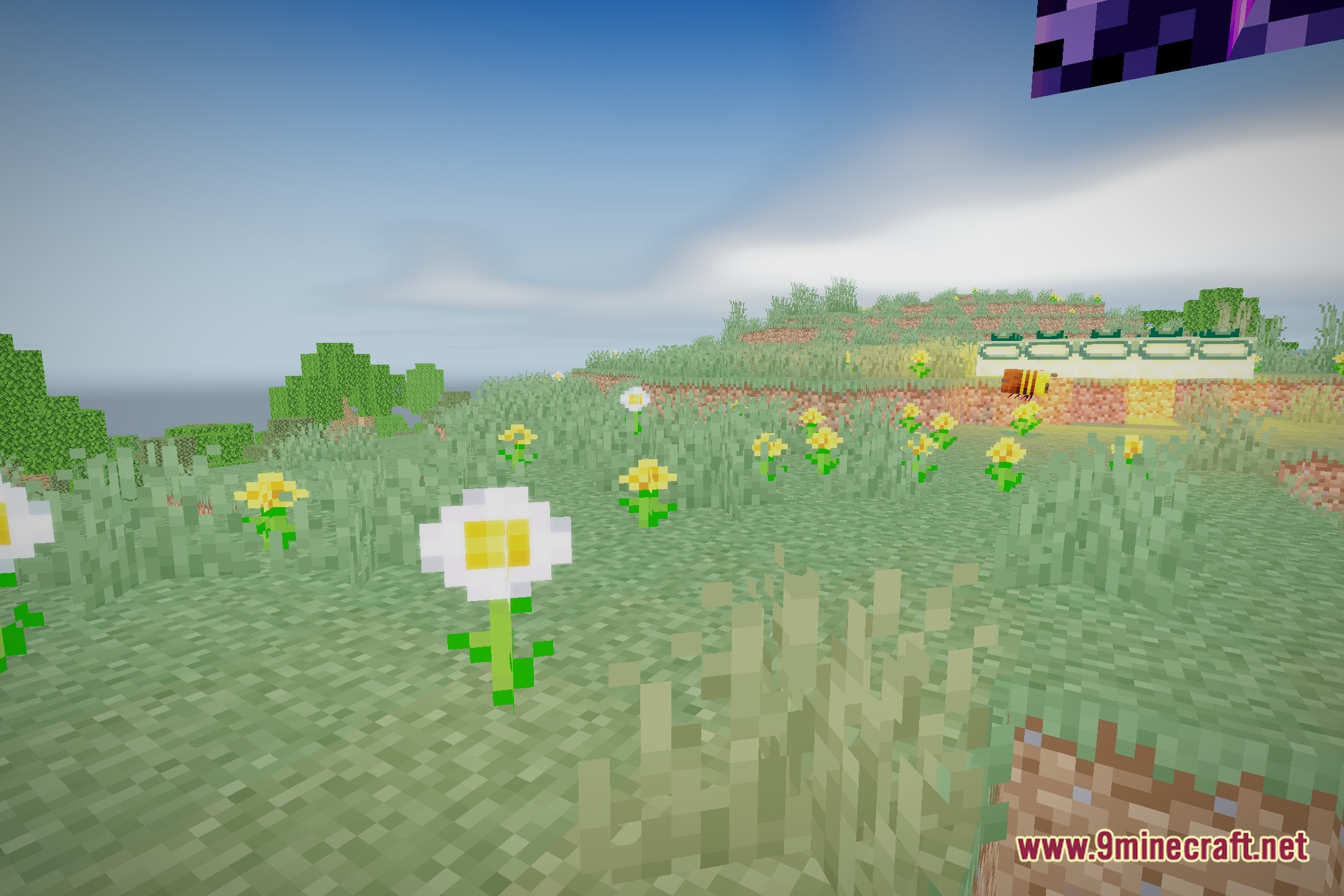
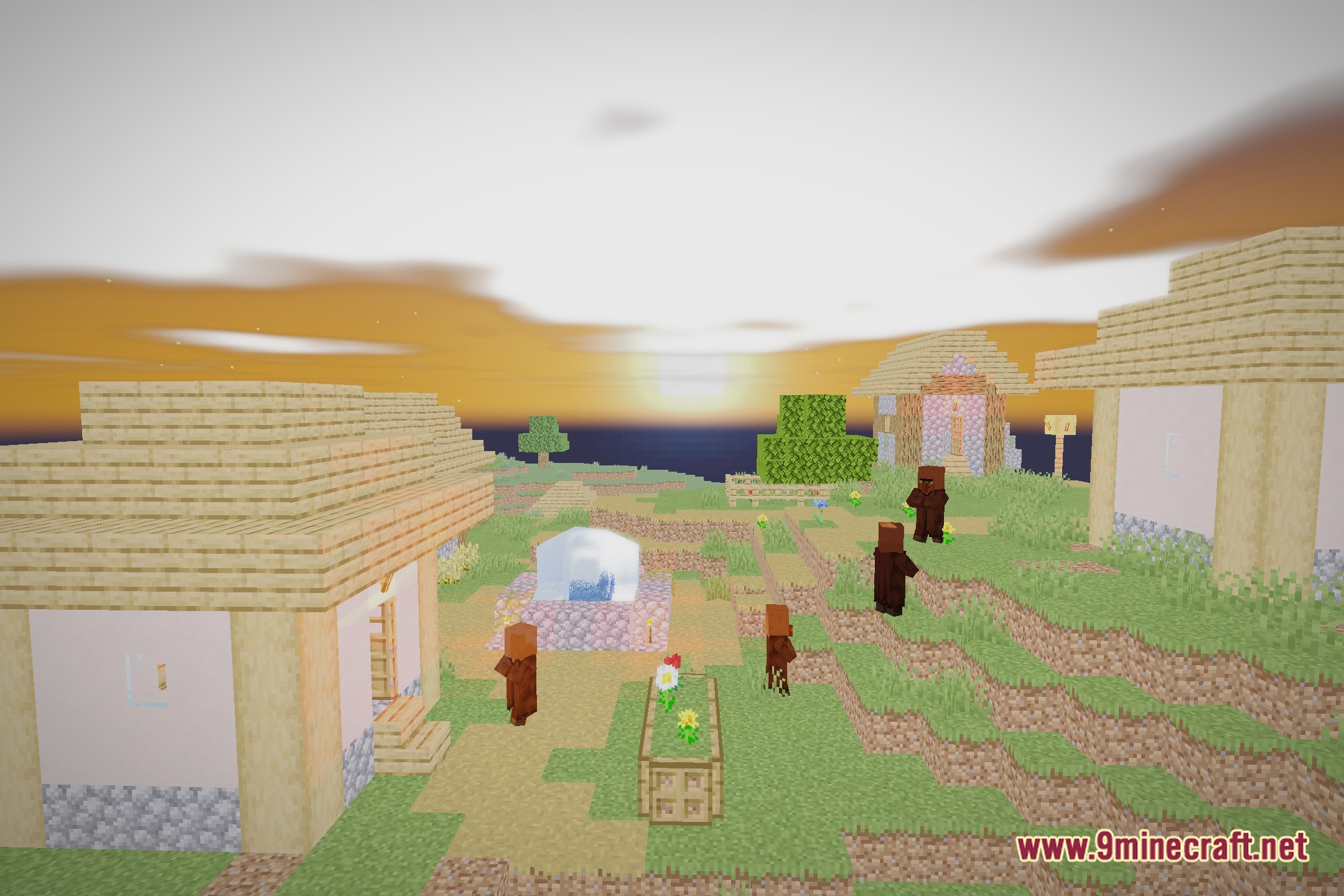
12 images from the Litemc Shaders page.
You May Also Like
Wikis that share the most with this one
Wikis on the same theme: end
More shader wikis on the site
 Lighter Game Shaders
 Lenscraft Shaders
The most downloaded mods that have a wiki here