

 DownloadLively Magic Shaders
Get the files on 9Minecraft
Guides
Step-by-step, in-game.
Create an Eerie Underground Base with Proper VisibilityBalance Darkness and Visibility The shader keeps nighttime areas visible without breaking immersion. In underground…Maximize Colored Lighting Effects in Your BuildChoose Light Sources Strategically Colored lighting is most visible when you use varied light blocks. Torches,…Reduce Frame Drops While Keeping Visual QualityUnderstand the Performance Trade-off Lively Magic Shaders is optimized for mid-range systems, but shadow quality and…Showcase Your Build Across Different BiomesUnderstand Biome-Specific Lighting Each biome receives different ambient light and shadow treatment under Lively…
Frequently asked questions
How do I enable colored lighting from torches and lanterns?
Why does my world look too dark at night even with this shader?
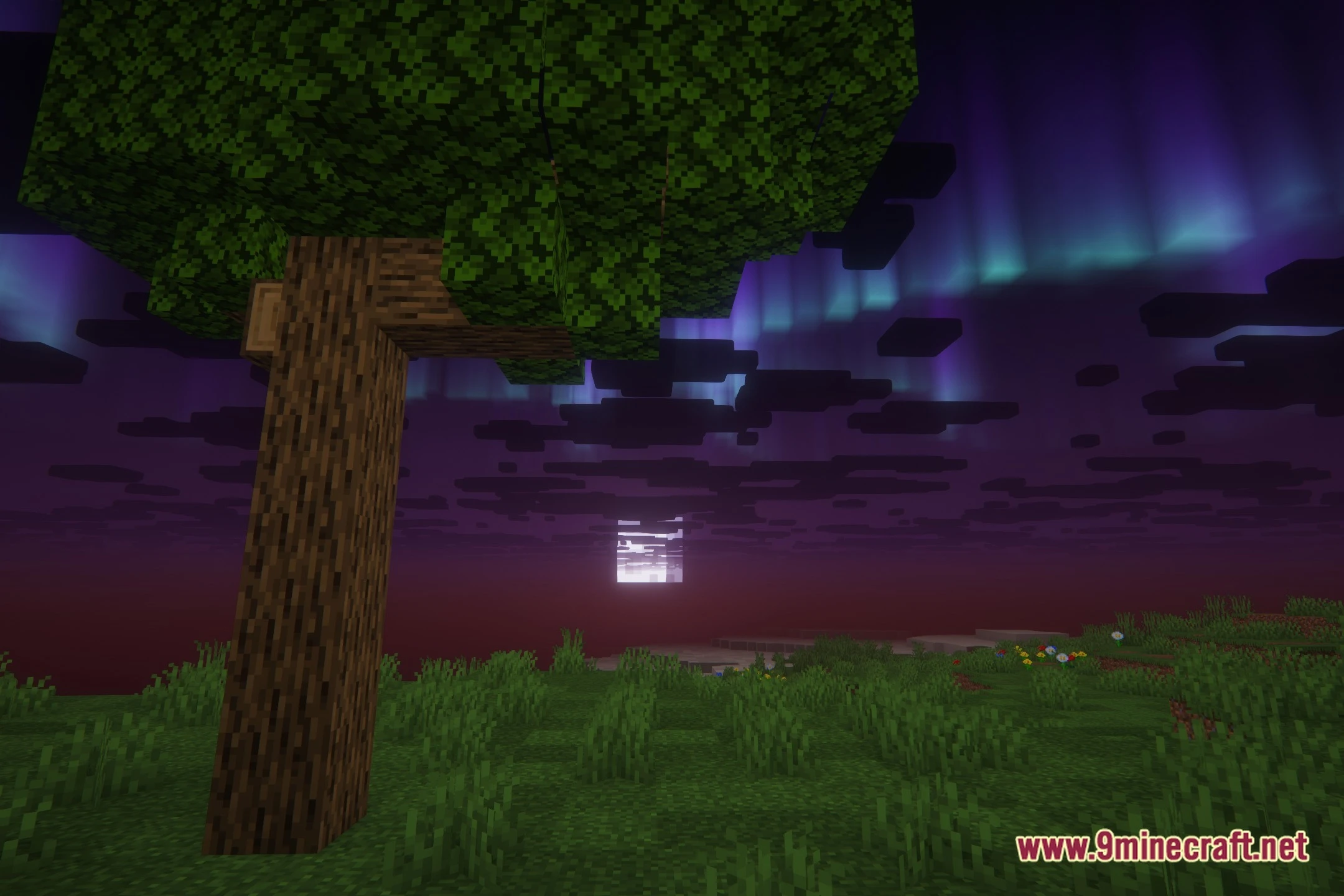
The shader is designed to keep nighttime dark and mysterious while maintaining visibility. If you can't see anything, try placing more light sources like torches or lanterns, or check that your monitor brightness isn't set too low—the shader preserves darkness intentionally.
Do I need PBR texture packs for this shader to work?
No, the shader works with any texture pack. However, PBR texture packs (those with separate normal and roughness maps) will show enhanced surface detail, shine, and depth that standard packs won't display.
How do I reduce lag without losing the eerie look?
Lower shadow quality or reduce shadow distance in the shader settings to improve frame rates while keeping the colored lighting and dark atmosphere. You can also disable PBR effects if your system struggles, though this removes some surface detail.
See all 10 Lively Magic Shaders questions ›
Gallery
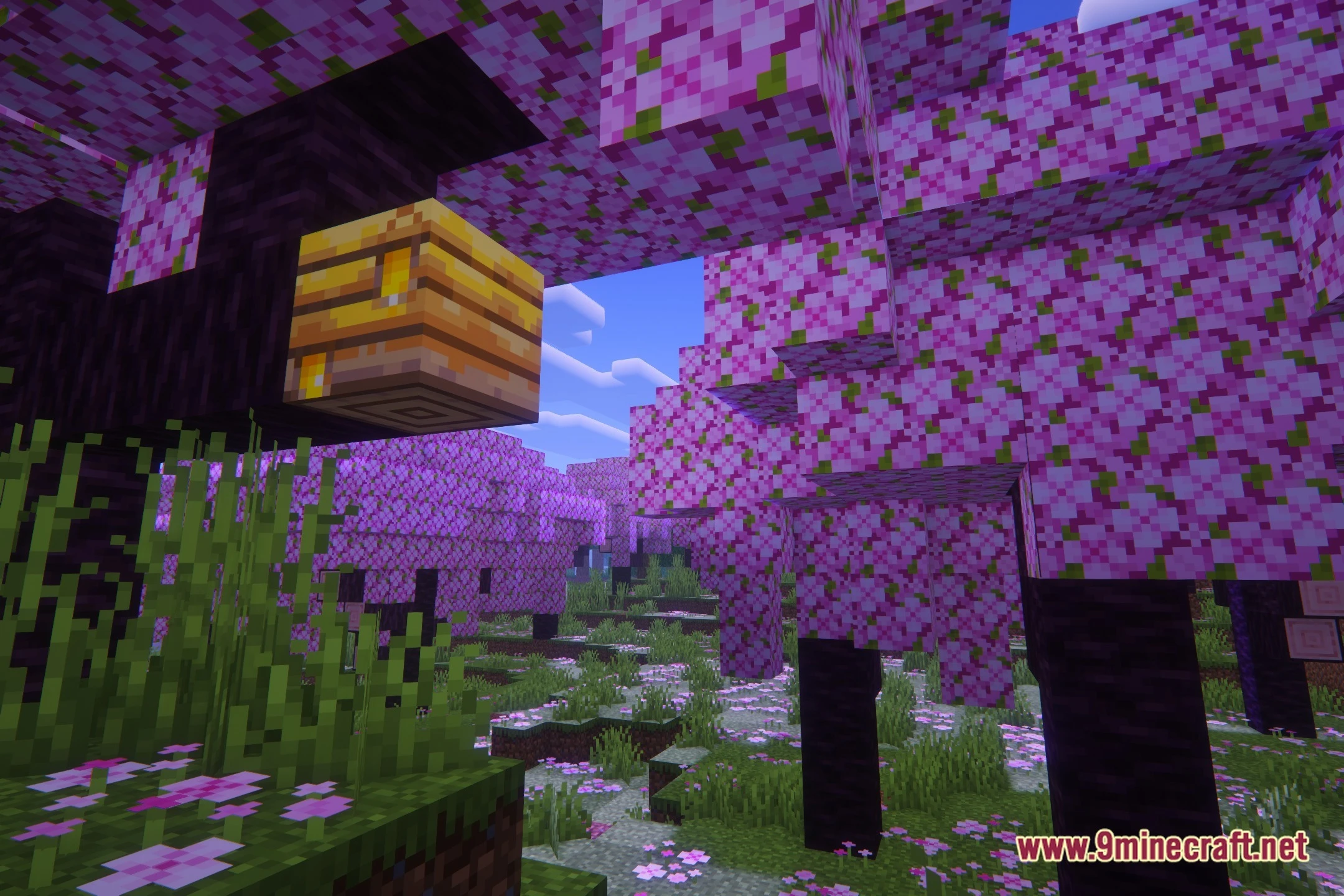
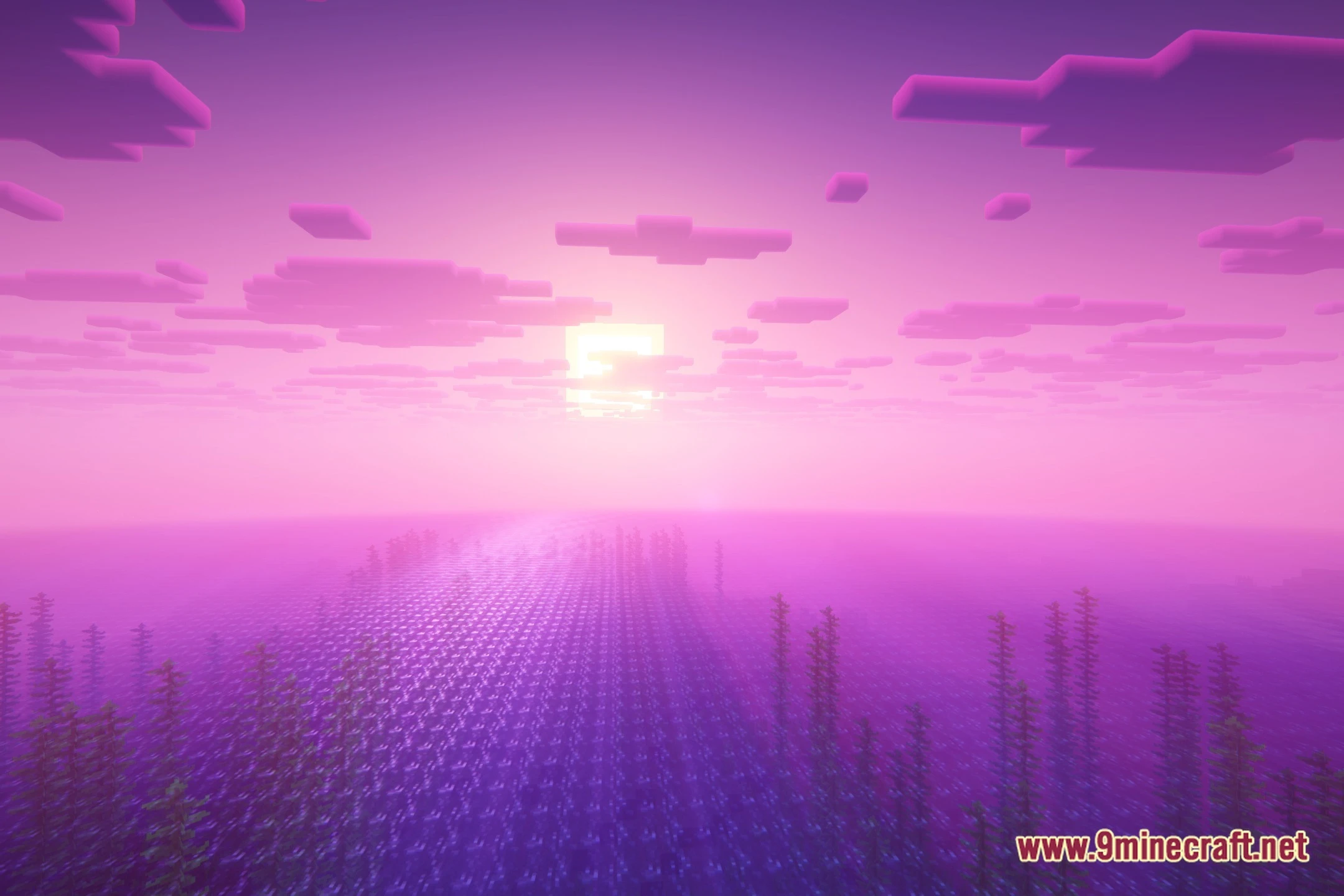
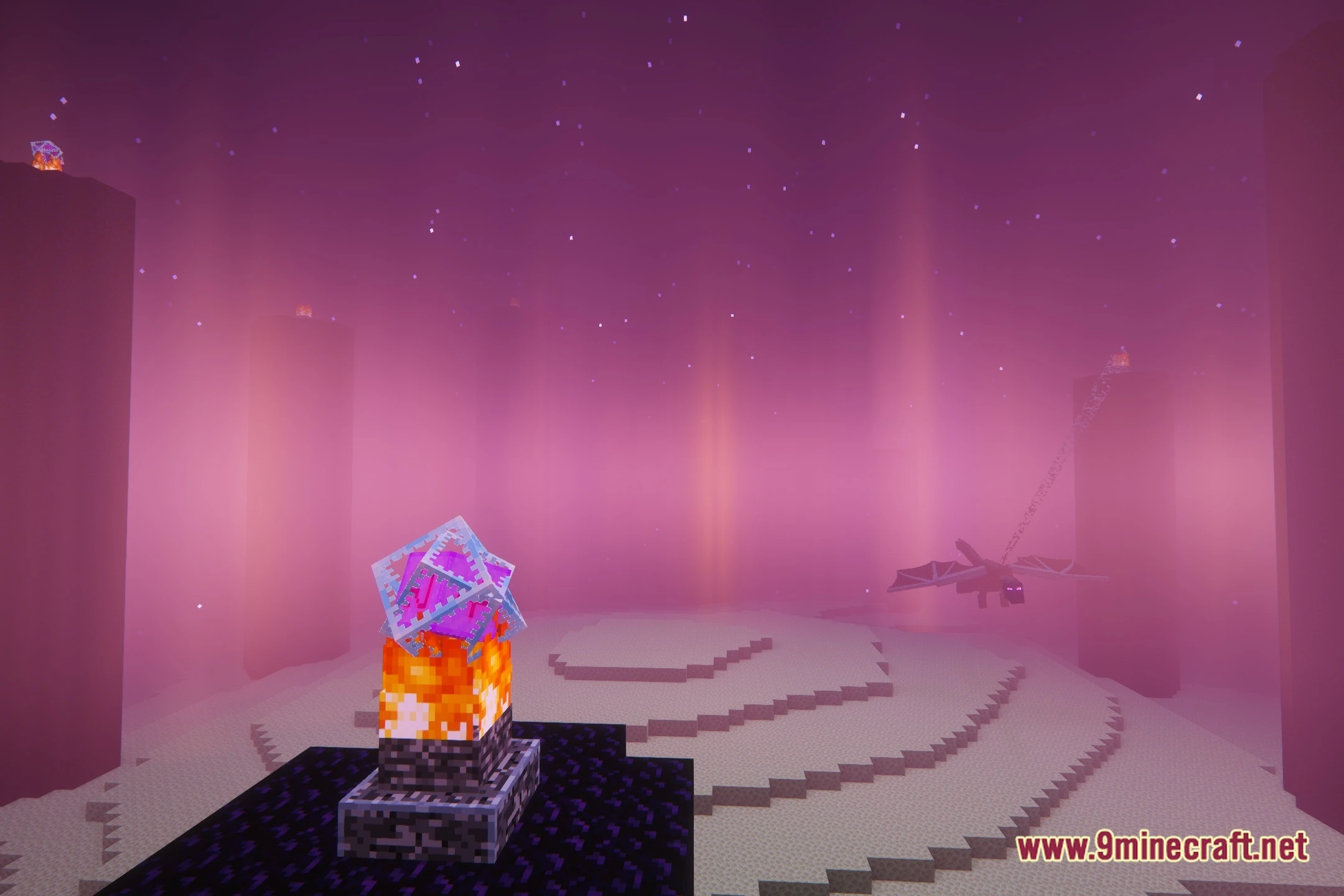
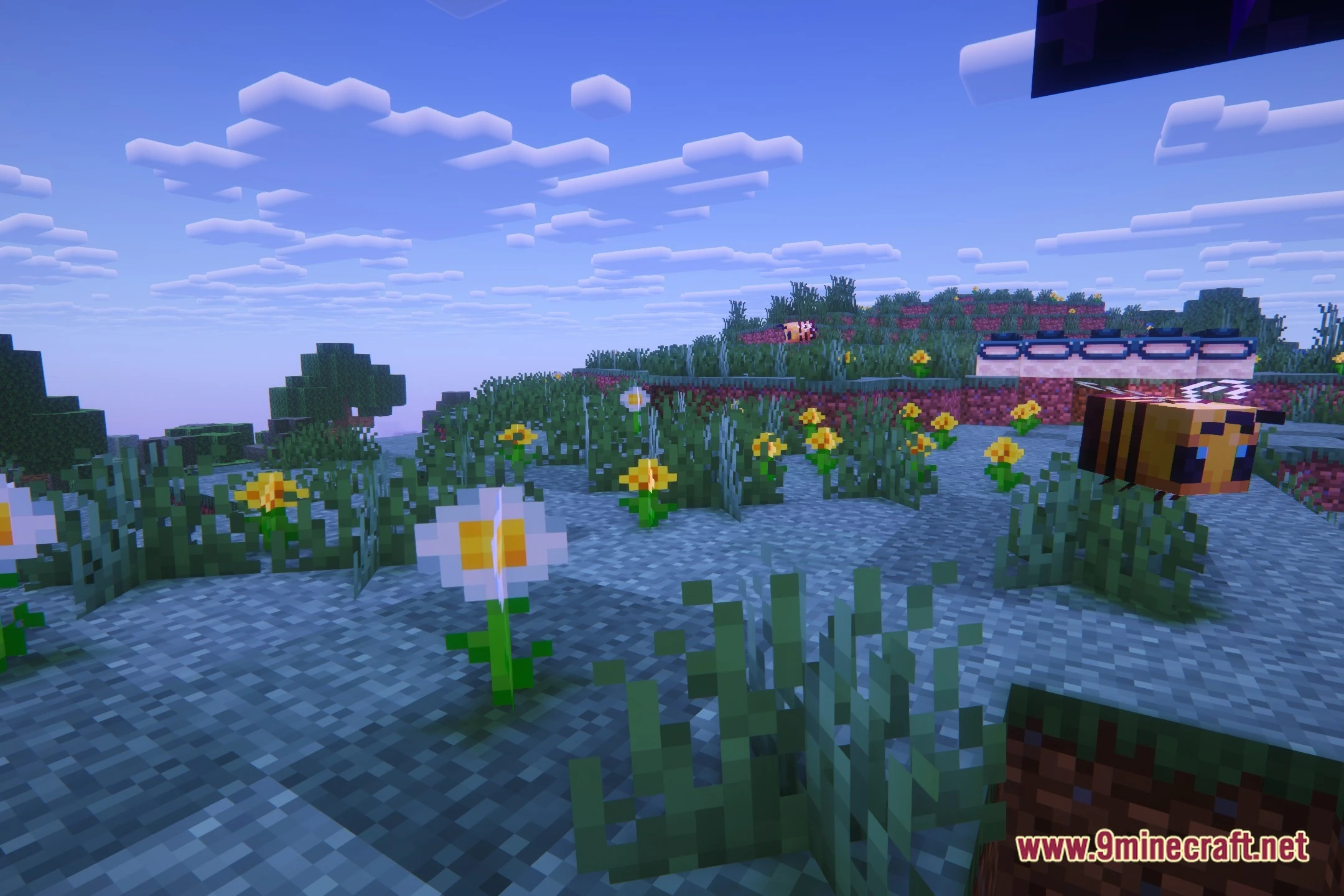
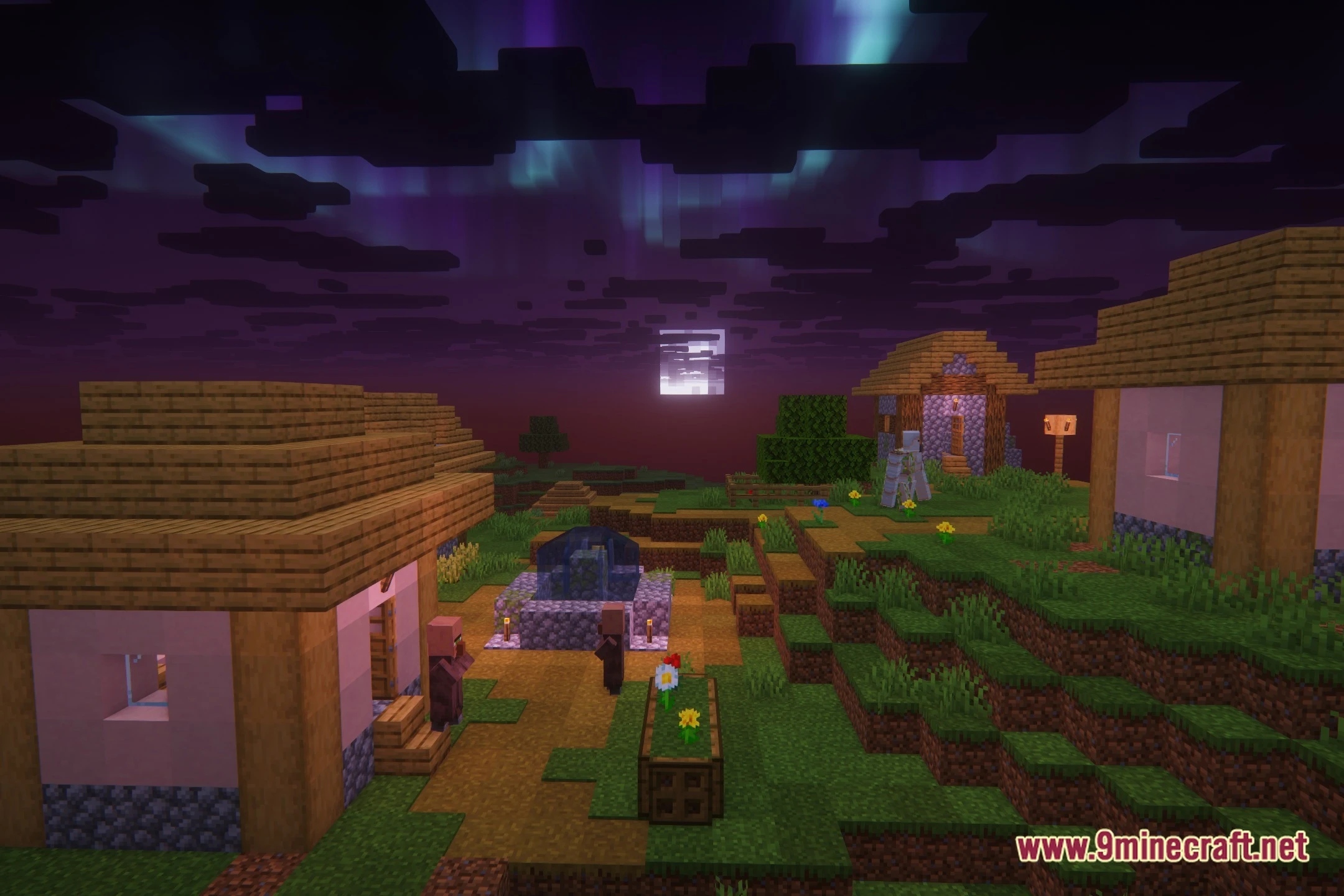
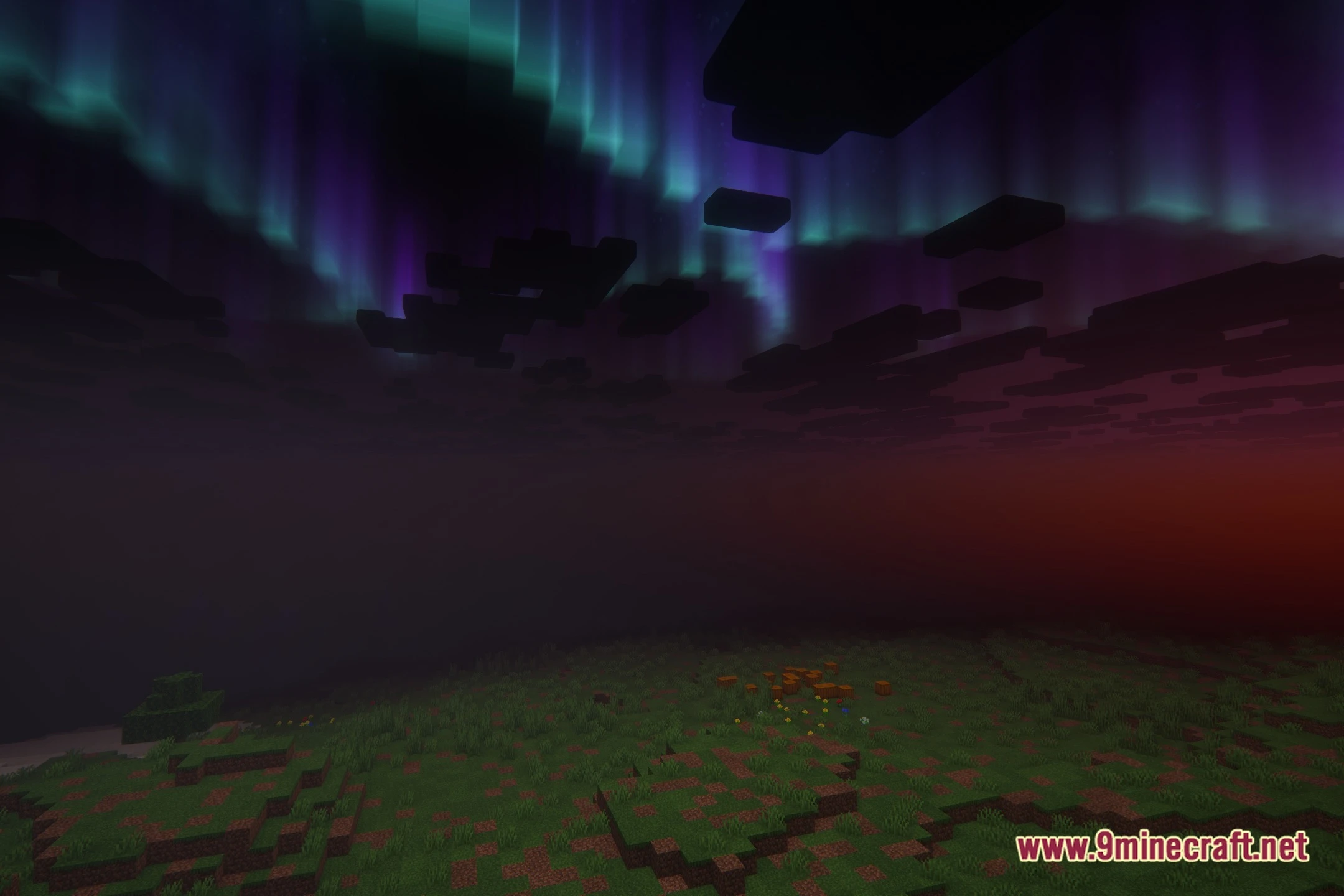
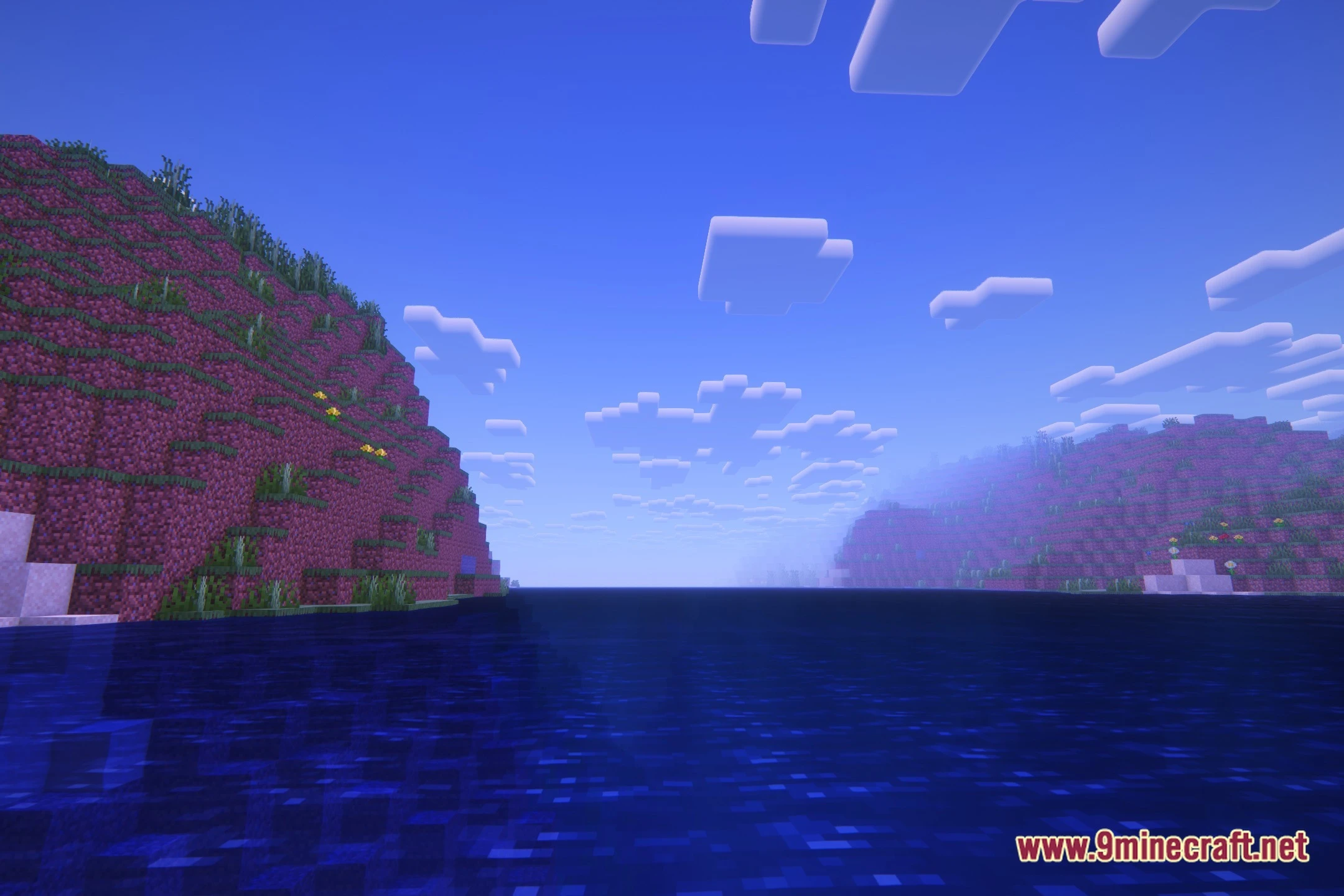
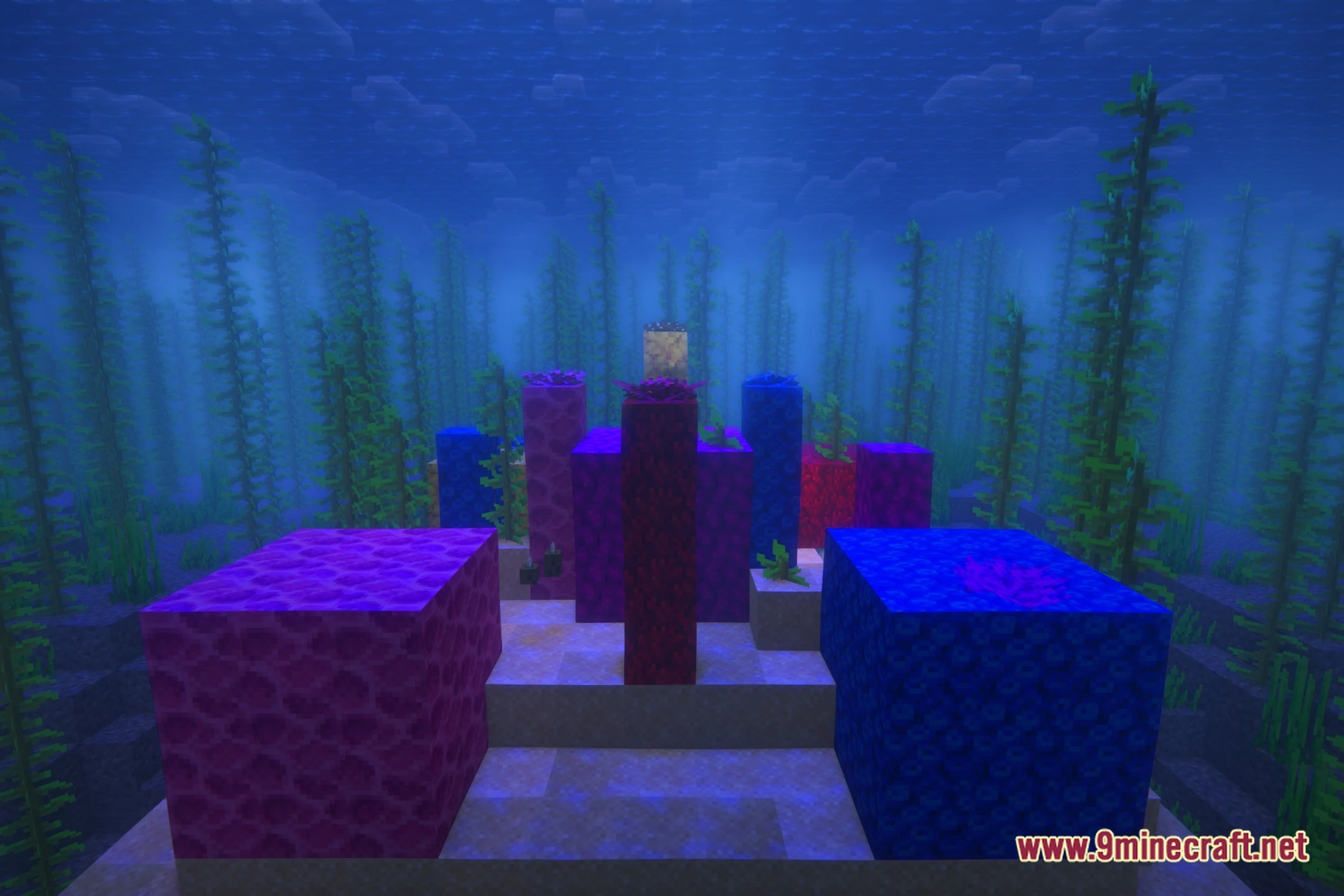
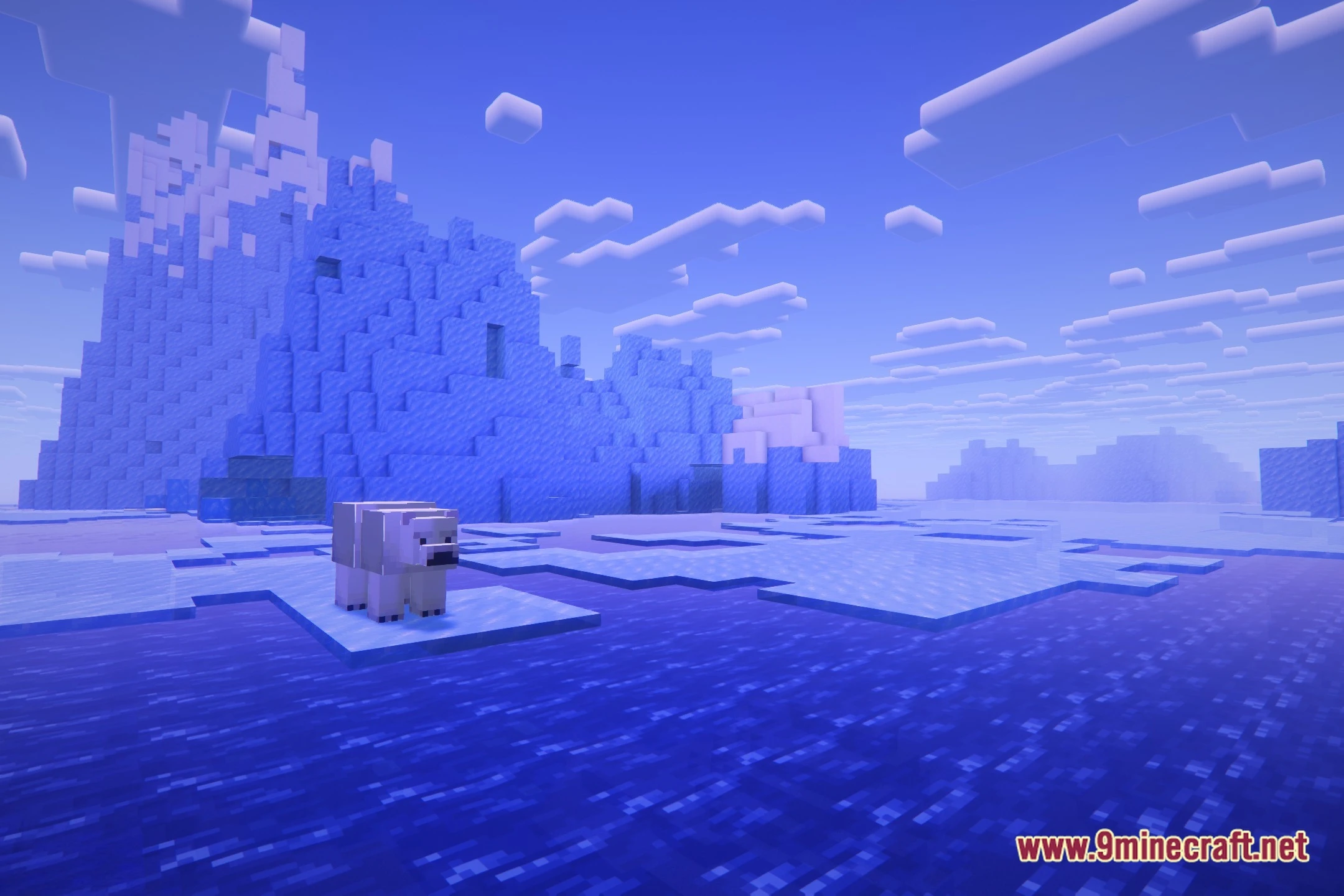
12 images from the Lively Magic Shaders page.

You May Also Like
Wikis that share the most with this one
Wikis on the same theme: magic
More shader wikis on the site
 LitePerf Shaders
 Lighter Game Shaders
 Lenscraft Shaders
The most downloaded mods that have a wiki here