

 DownloadLiteFrames Shaders
Get the files on 9Minecraft
Guides
Step-by-step, in-game.
Adjust Lighting and Shadow Colors for Your WorldAccess Shader Settings LiteFrames Shaders allows you to customize the warm tones and shadow colors that define its…Optimize LiteFrames Shaders on Low-End HardwareCheck Your Current Performance Before tweaking, launch Minecraft with LiteFrames Shaders enabled and check your frame…Preserve Vanilla Minecraft's Look While Using ShadersUnderstand LiteFrames' Design Philosophy LiteFrames Shaders is built specifically to enhance vanilla Minecraft…Troubleshoot Visual Glitches or Unexpected BehaviorIdentify the Problem Common issues include: Flickering or strobing : Often caused by conflicting settings or driver…
Frequently asked questions
How do I enable LiteFrames Shaders after installing it?
Open your Video Settings, navigate to Shaders, and select LiteFrames Shaders from your shader pack folder. The shader will apply immediately to your world.
Why does my world look washed out or too bright with this shader?
Adjust the brightness and contrast settings in the shader options menu, or check that your monitor's brightness isn't set too high. You can also tweak the lighting and shadow colors through the shader's configuration to match your preference.
Can I use LiteFrames Shaders with resource packs?
Yes, LiteFrames Shaders works with most resource packs, though some texture packs designed for specific shaders may look different. Test your preferred resource pack combination to ensure the visuals match what you want.
My FPS dropped significantly after installing this shader. What should I do?
Check the shader settings for performance options like shadow distance or lighting quality, and lower them if available. If performance is still poor, refer to the low-end hardware optimization guide to adjust your world and game settings.
See all 10 LiteFrames Shaders questions ›
Gallery
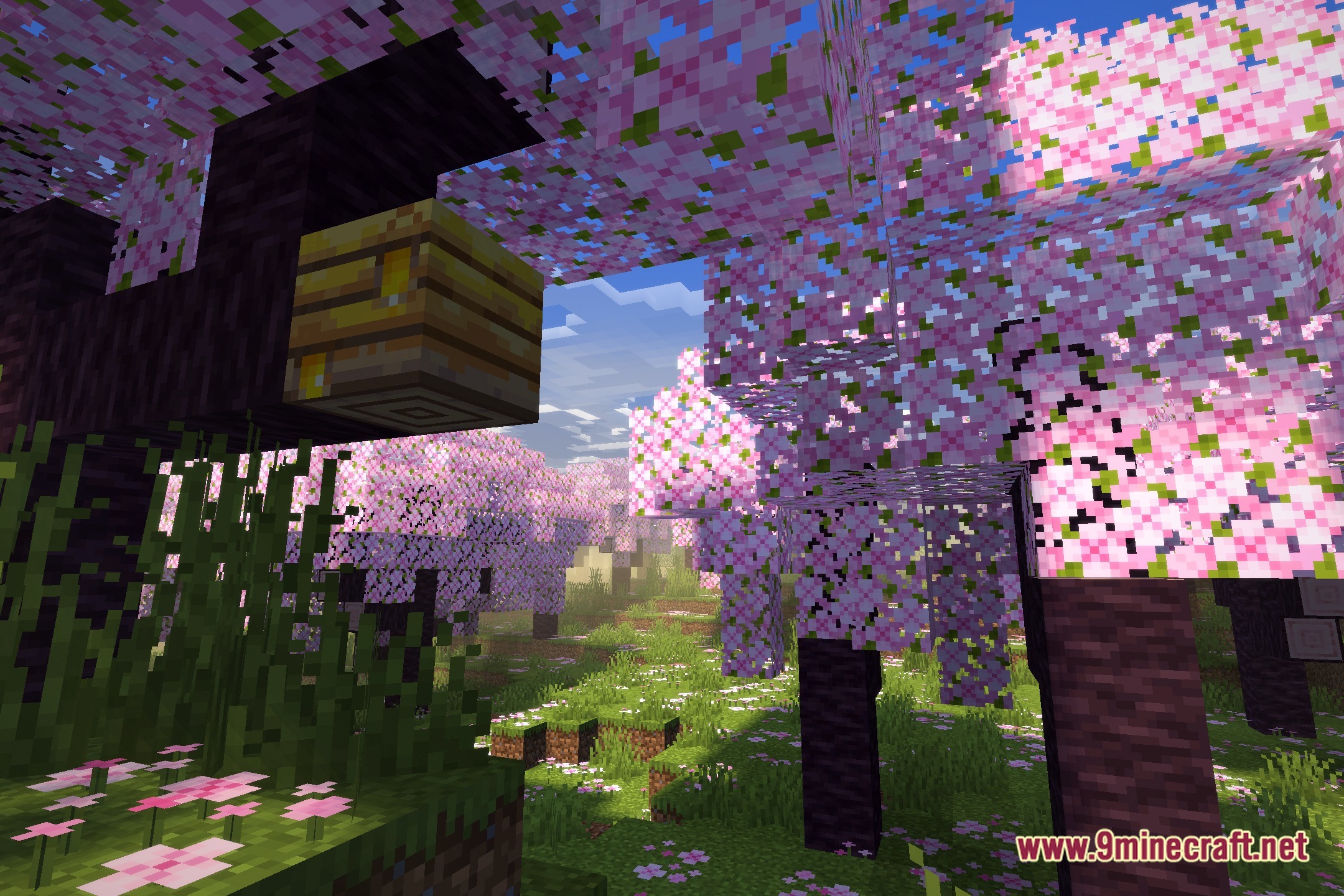
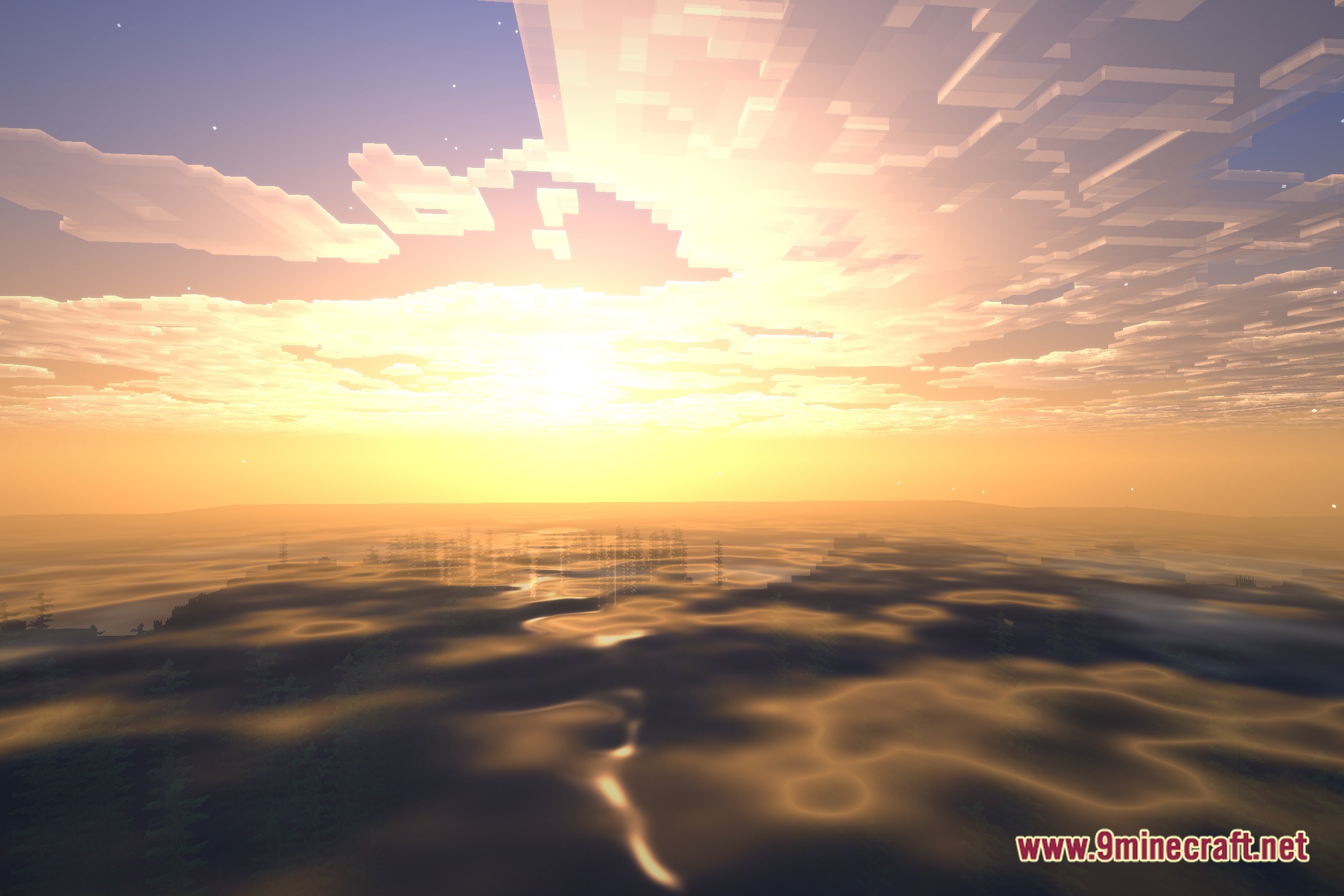
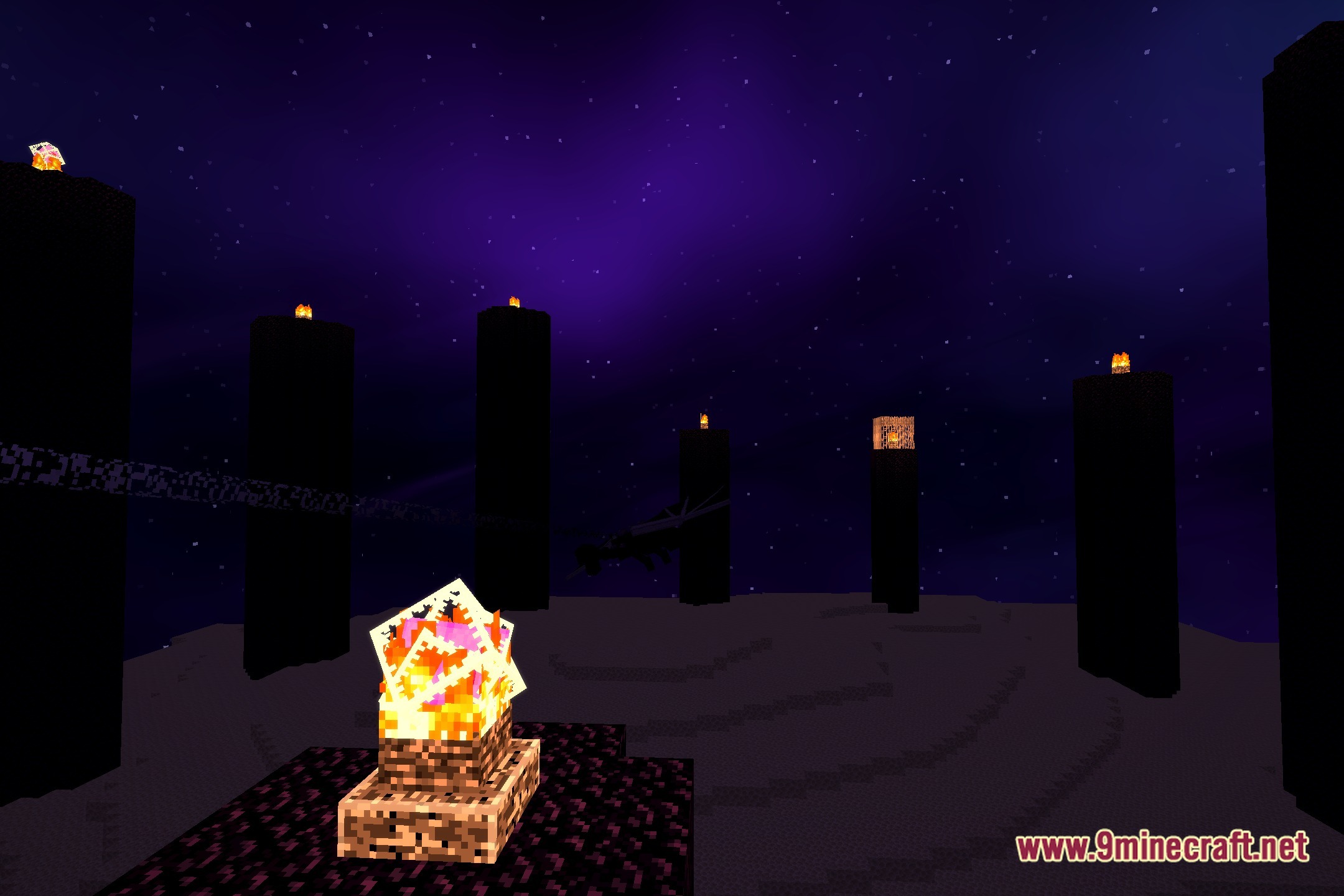
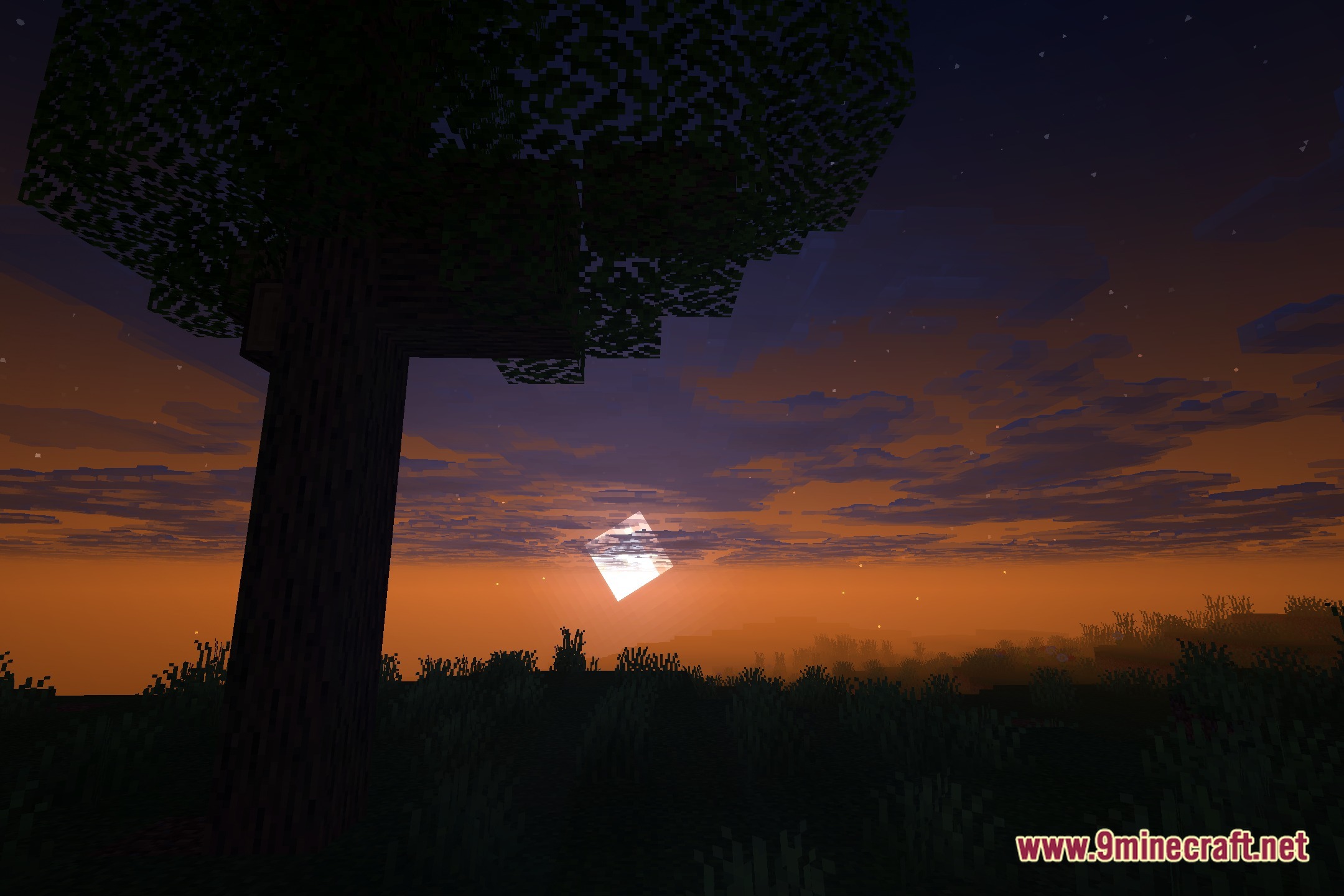
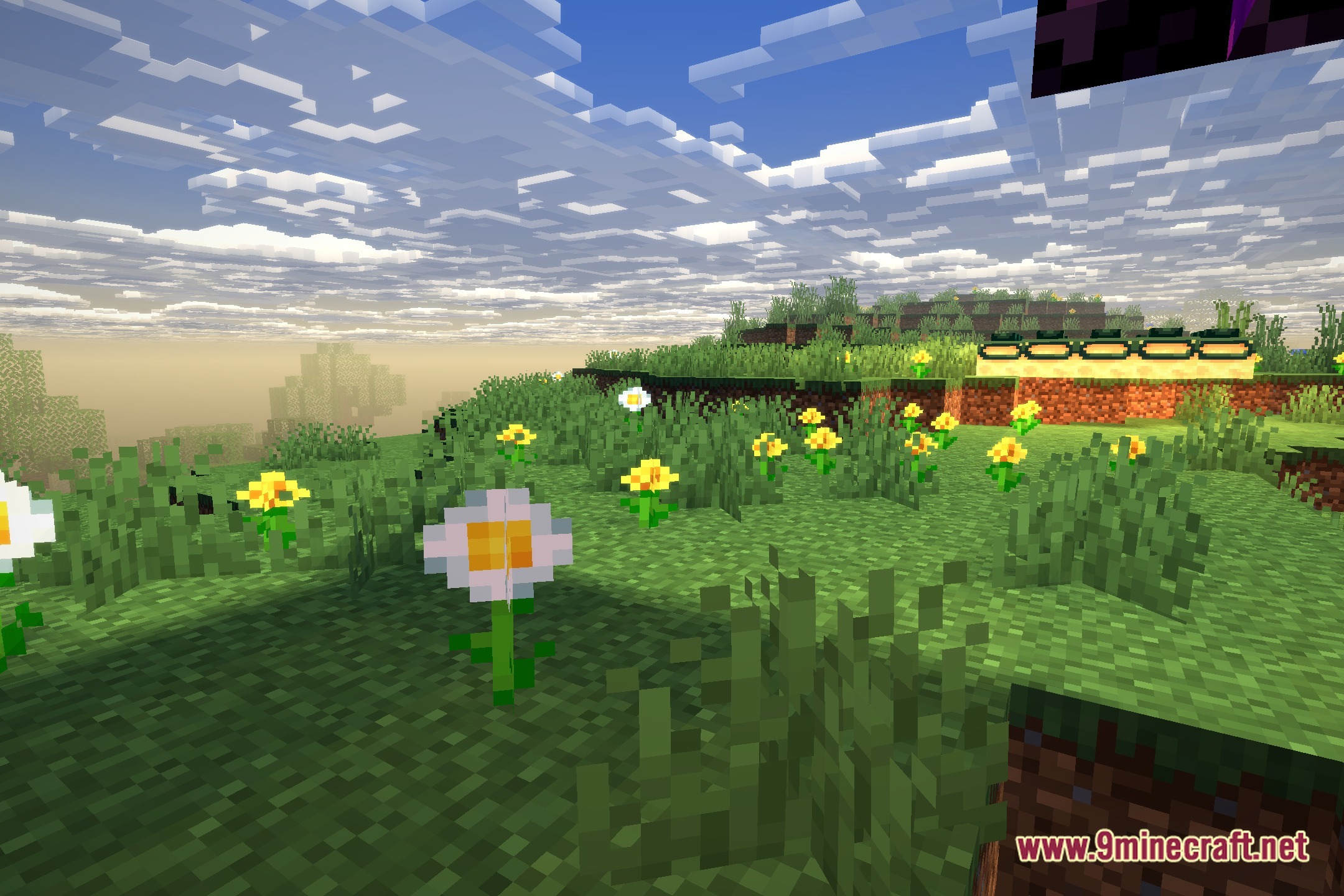
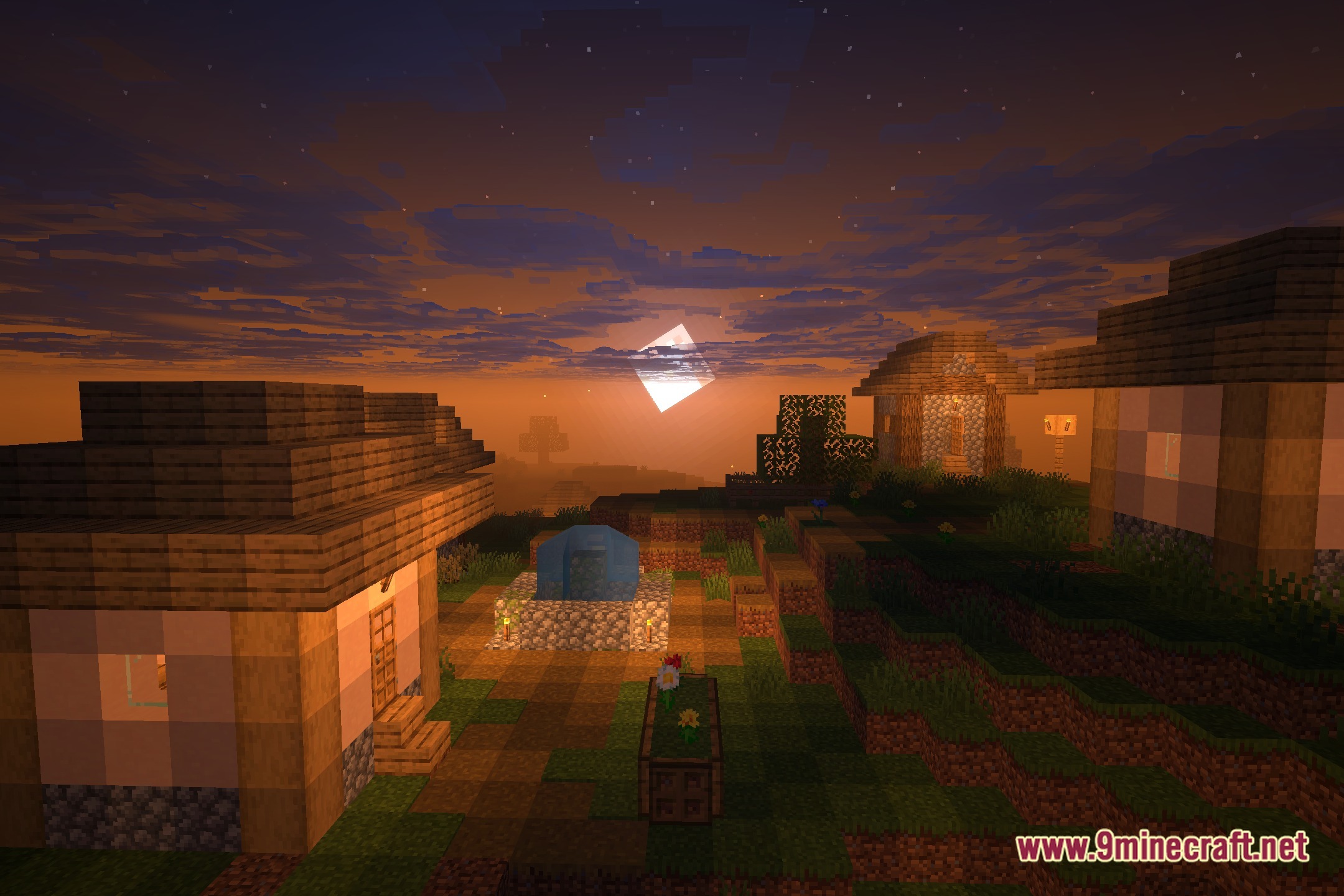
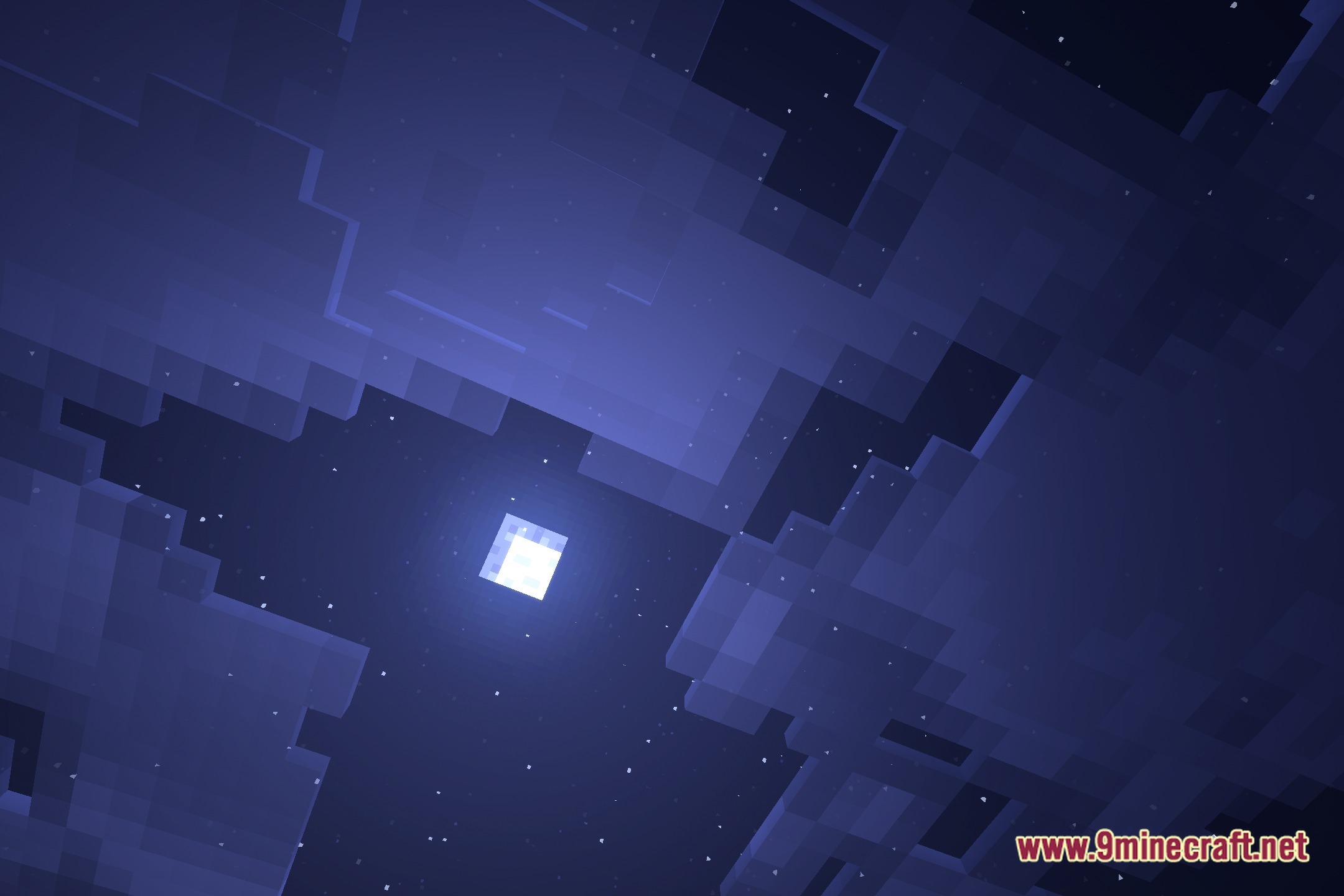
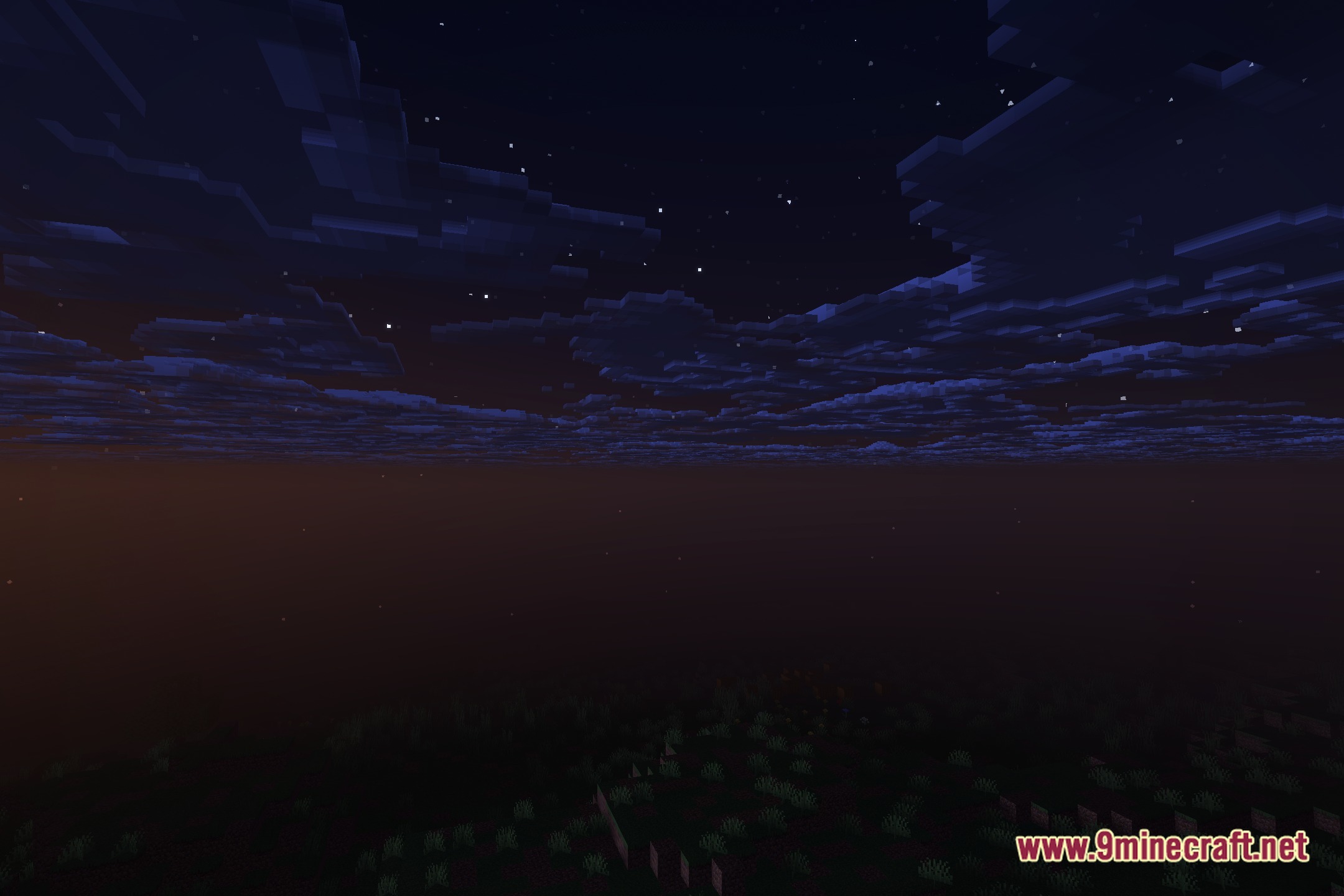
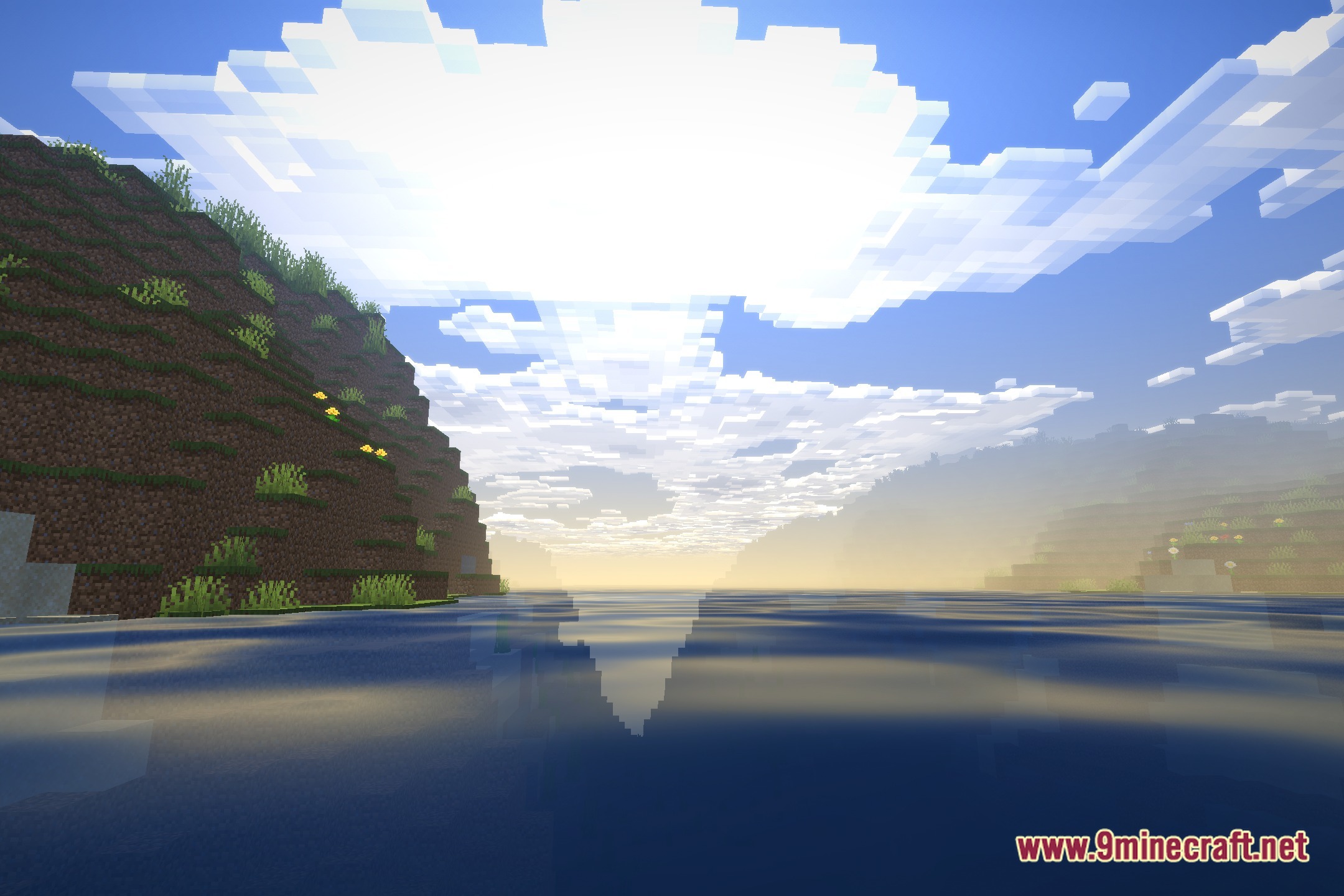
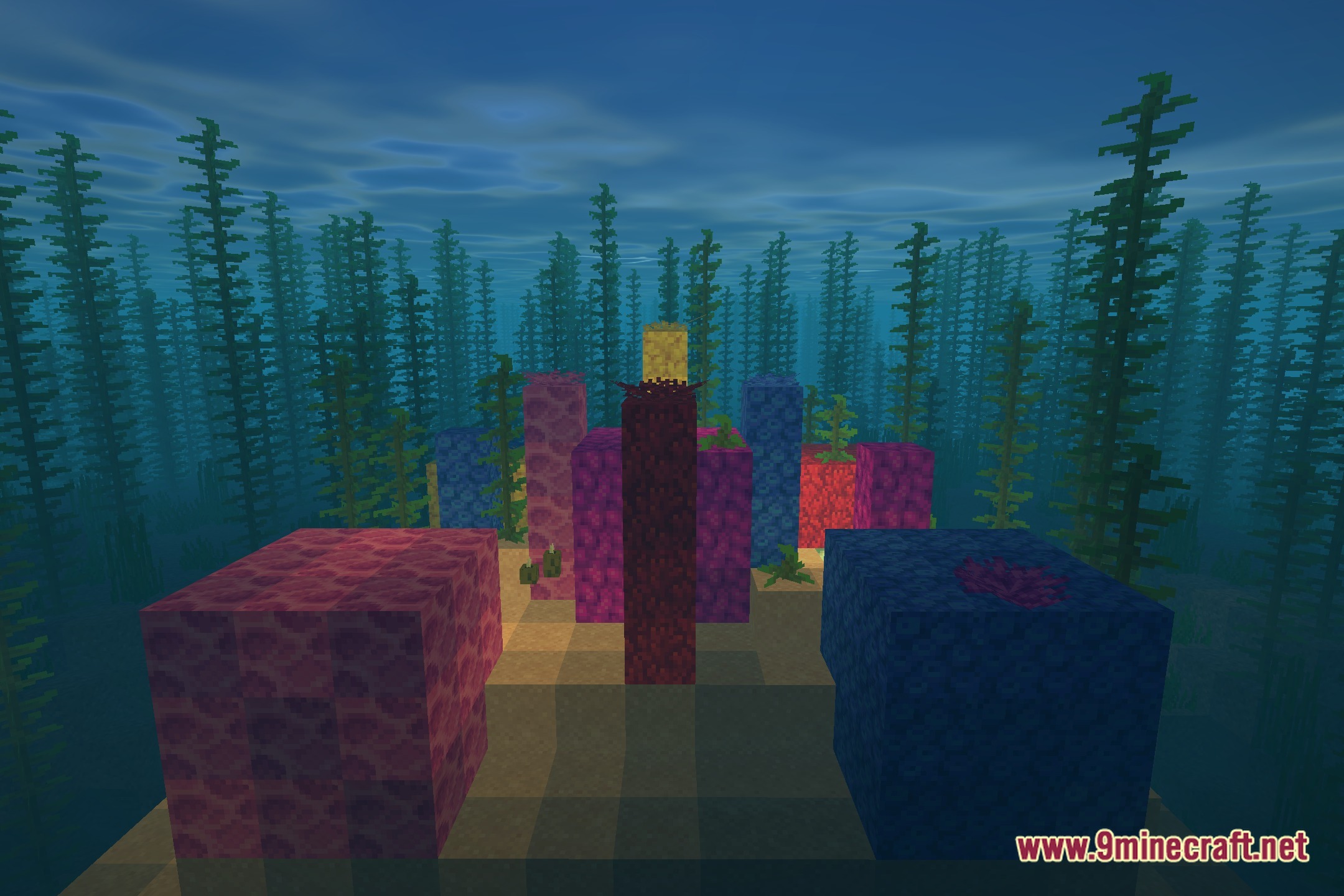
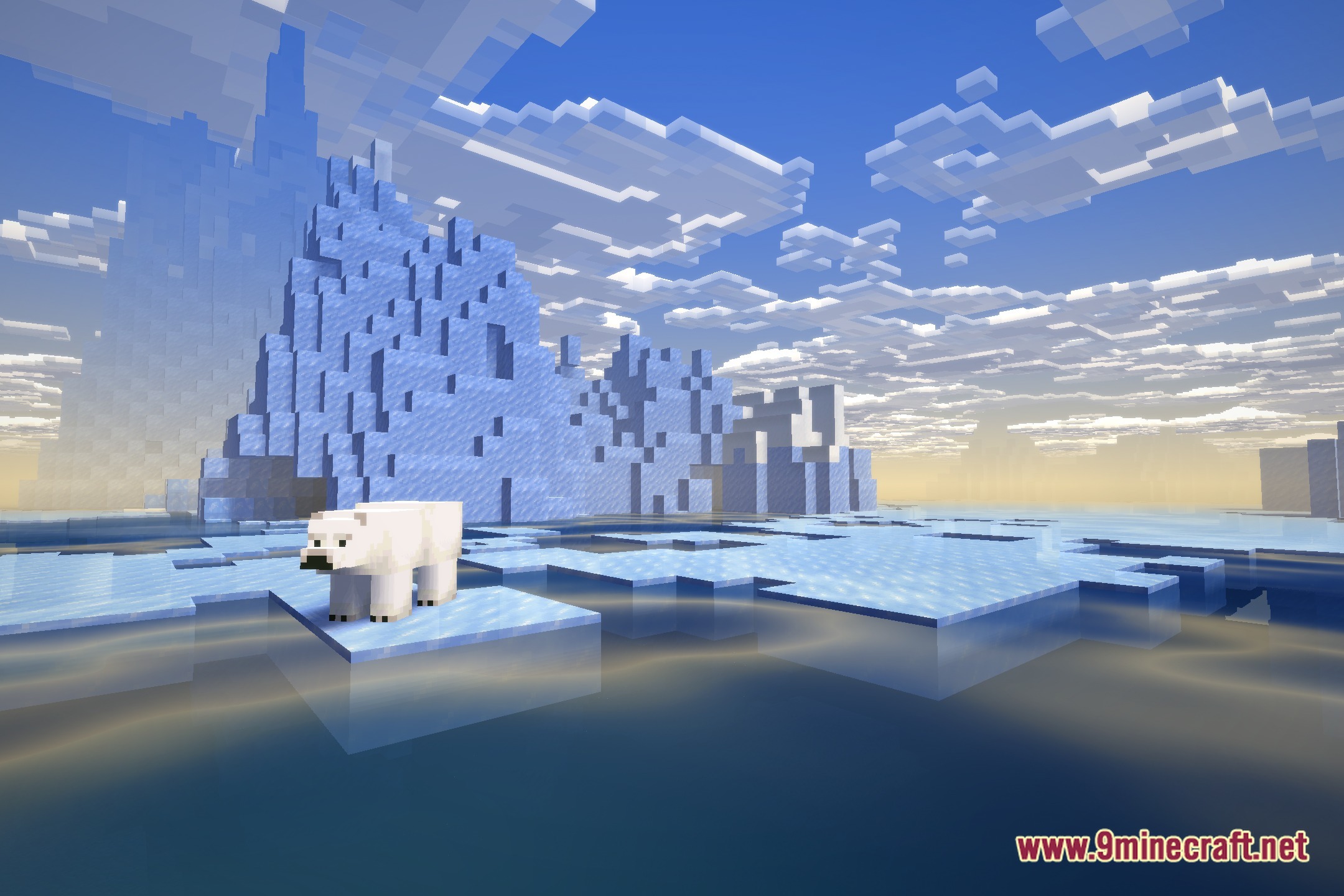
12 images from the Liteframes Shaders page.
You May Also Like
Wikis that share the most with this one
Wikis on the same theme: light
More shader wikis on the site
 Lighter Game Shaders
 Lenscraft Shaders
The most downloaded mods that have a wiki here