

 DownloadLantern Shaders
Get the files on 9Minecraft
Guides
Step-by-step, in-game.
Adjusting Shadow Intensity and SoftnessAccess Shader Settings Open the shader options menu while in-game by pressing the designated key (usually found in…Enhancing Nighttime Visibility Without Losing AtmosphereAccess Lighting Controls Open shader settings and find the night lighting or ambient light section. Lantern Shaders…Optimizing Performance on Low-End HardwareStart with Shader Distance Settings Open shader options and reduce render distance for shadows and lighting effects.…Reducing Bloom Effect Around Light SourcesOpen Shader Configuration Access the shader settings menu in-game. Navigate to the visual effects or lighting section…
Frequently asked questions
How do I turn on Lantern Shaders after installing it?
Open your Video Settings in-game, go to Shaders, and select Lantern Shaders from the list. The shader will apply immediately to your world.
Why do my shadows look blocky and pixelated?
That's the intended design of Lantern Shaders—pixelated shadows match Minecraft's vanilla aesthetic. If you want softer shadows, you can adjust the shadow softness in the shader settings.
Can I use Lantern Shaders with resource packs?
Yes, Lantern Shaders works with most resource packs. Some packs may interact differently with the lighting and bloom effects, so test your favorite pack to see how it looks.
My FPS dropped after installing the shader. How do I fix it?
Try reducing shadow quality or disabling bloom in the shader options menu. You can also lower your render distance or turn off other visual enhancements to regain performance.
See all 10 Lantern Shaders questions ›
Gallery
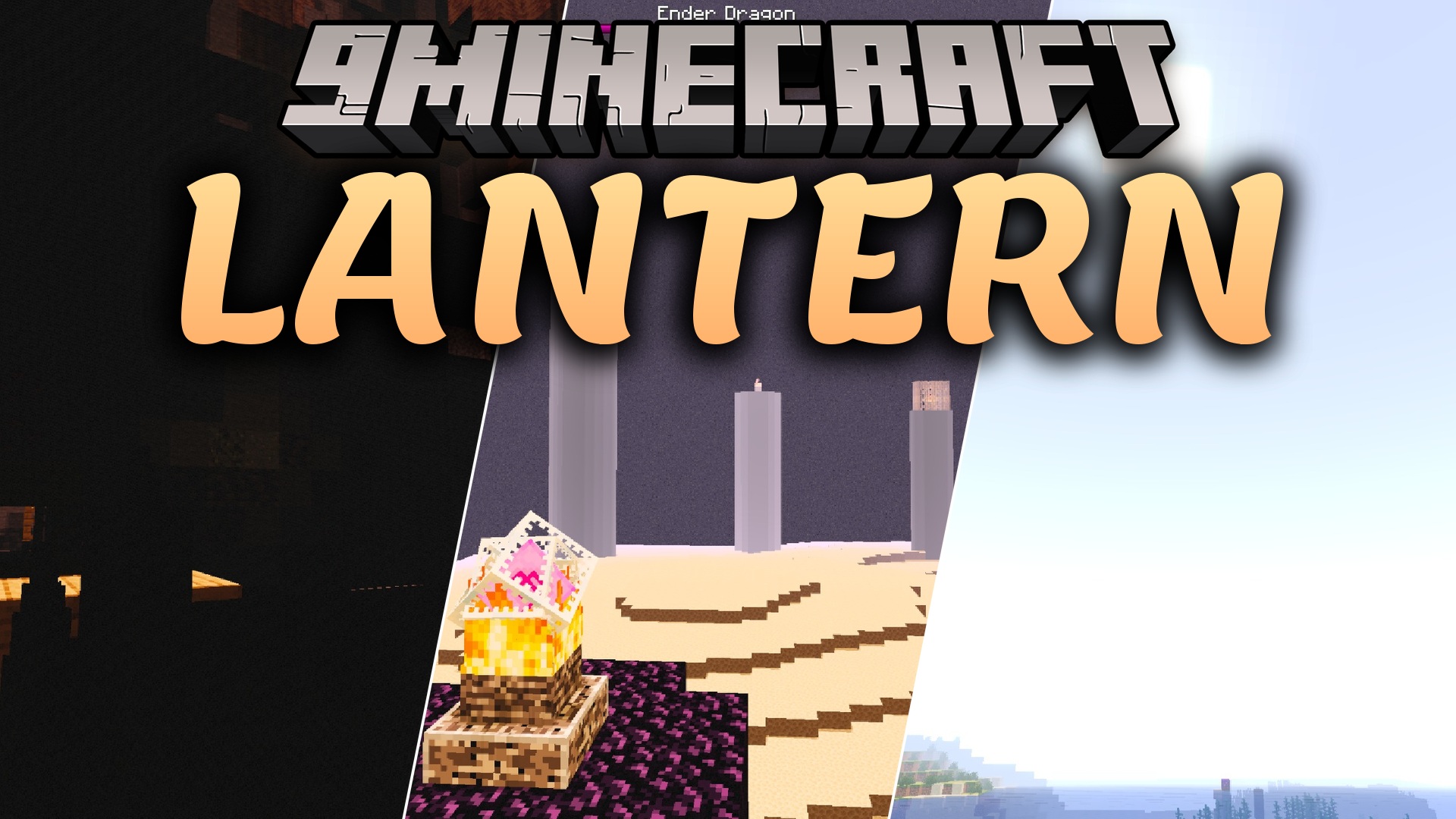
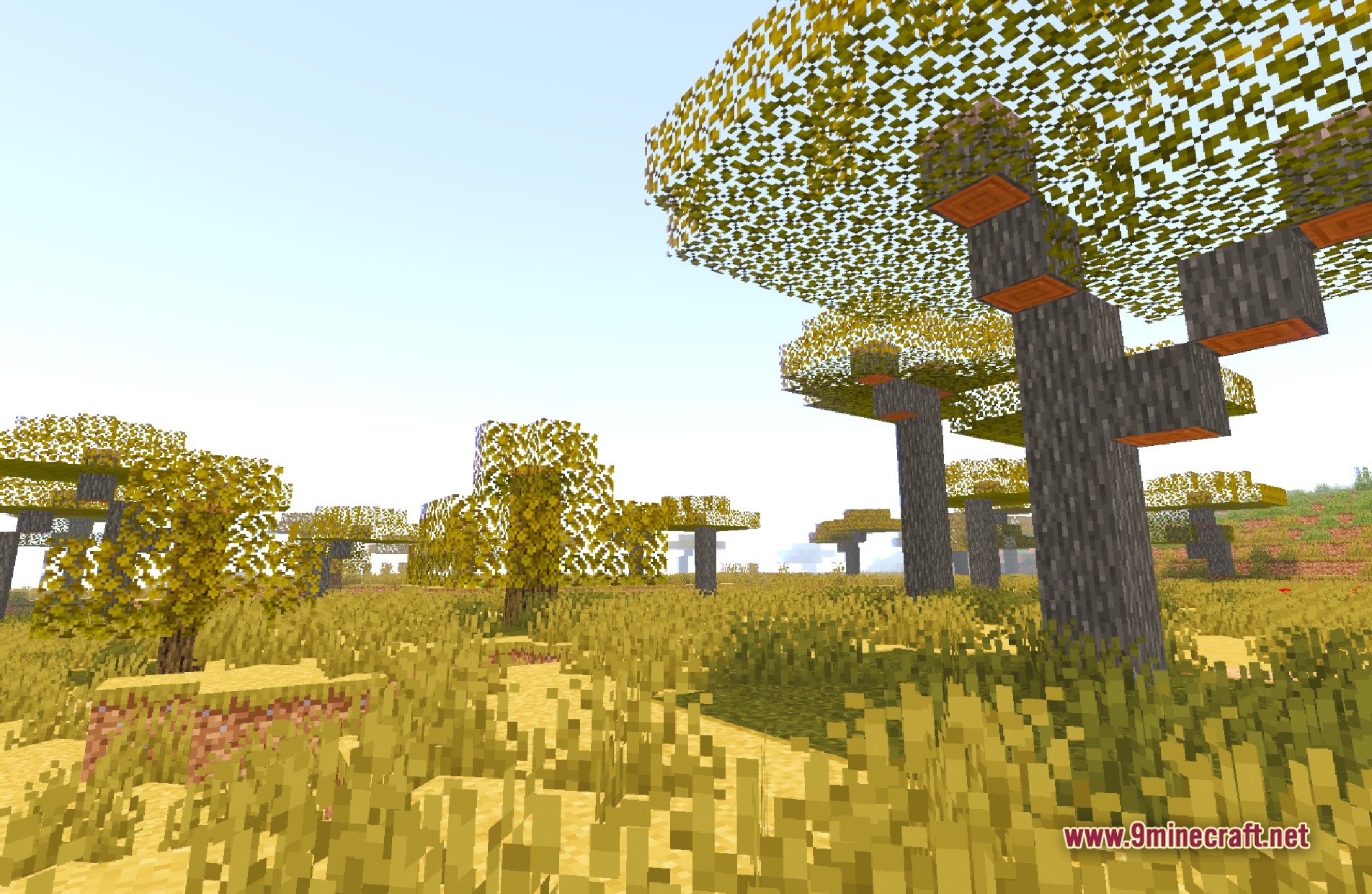
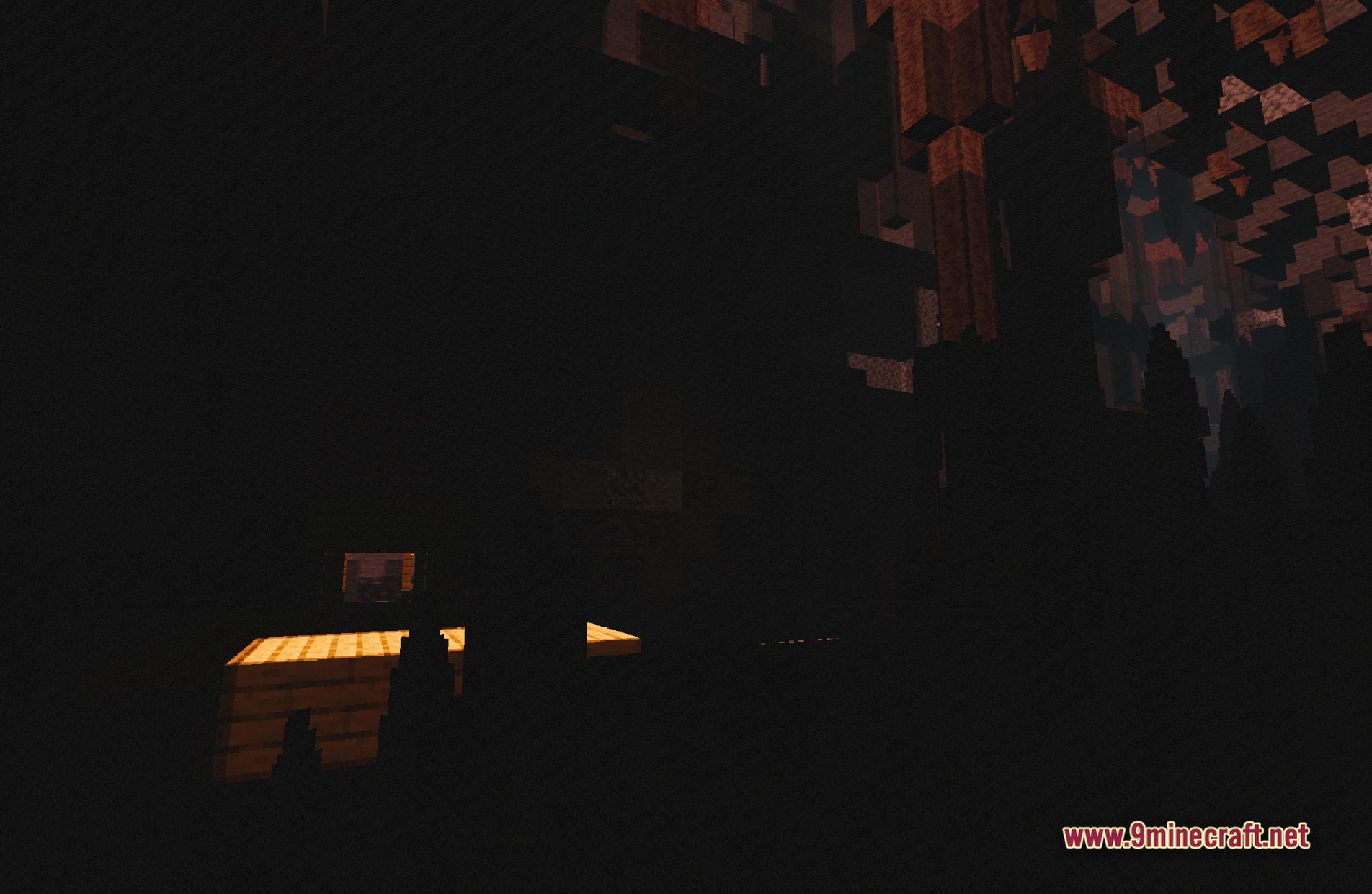
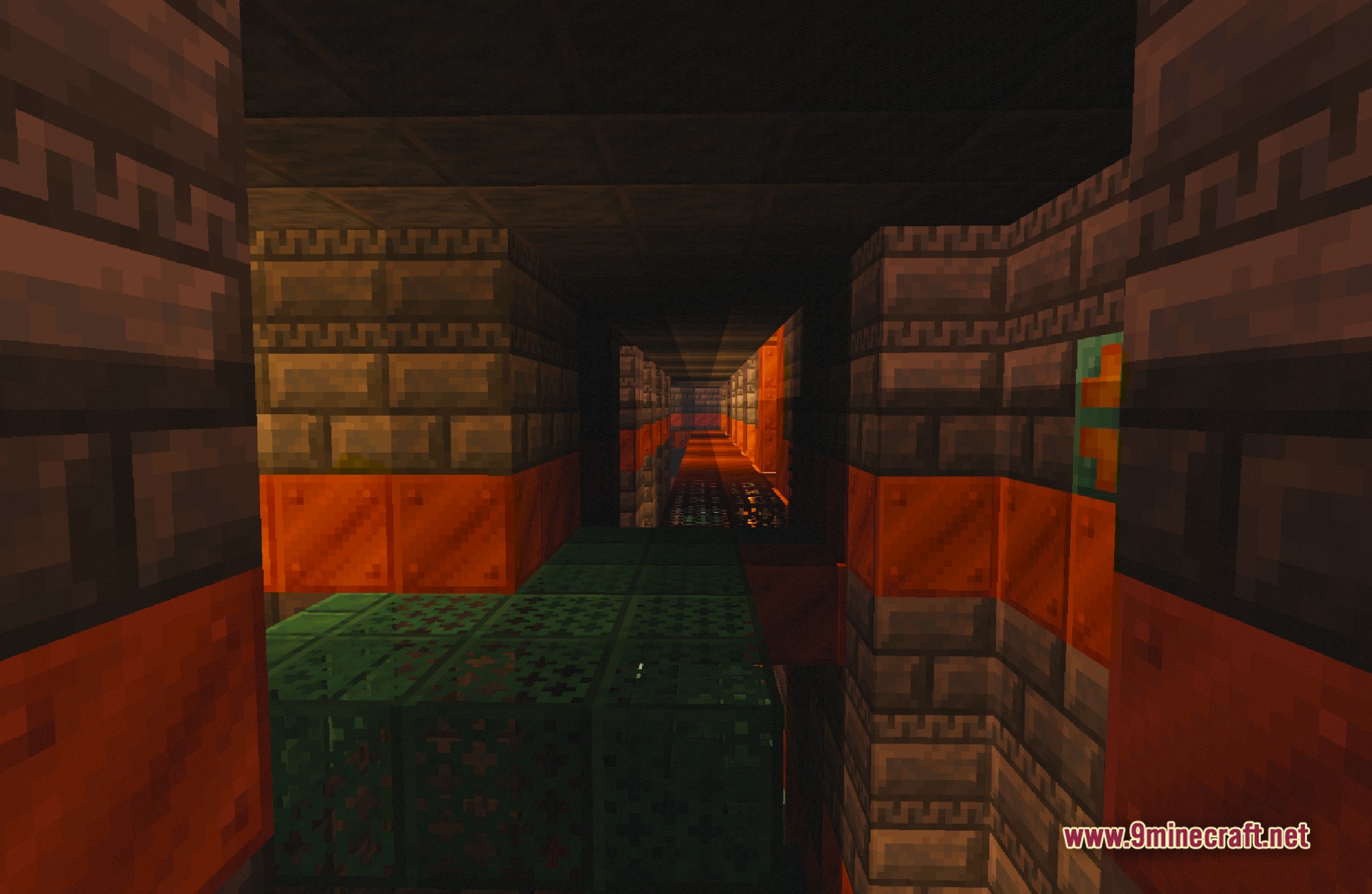
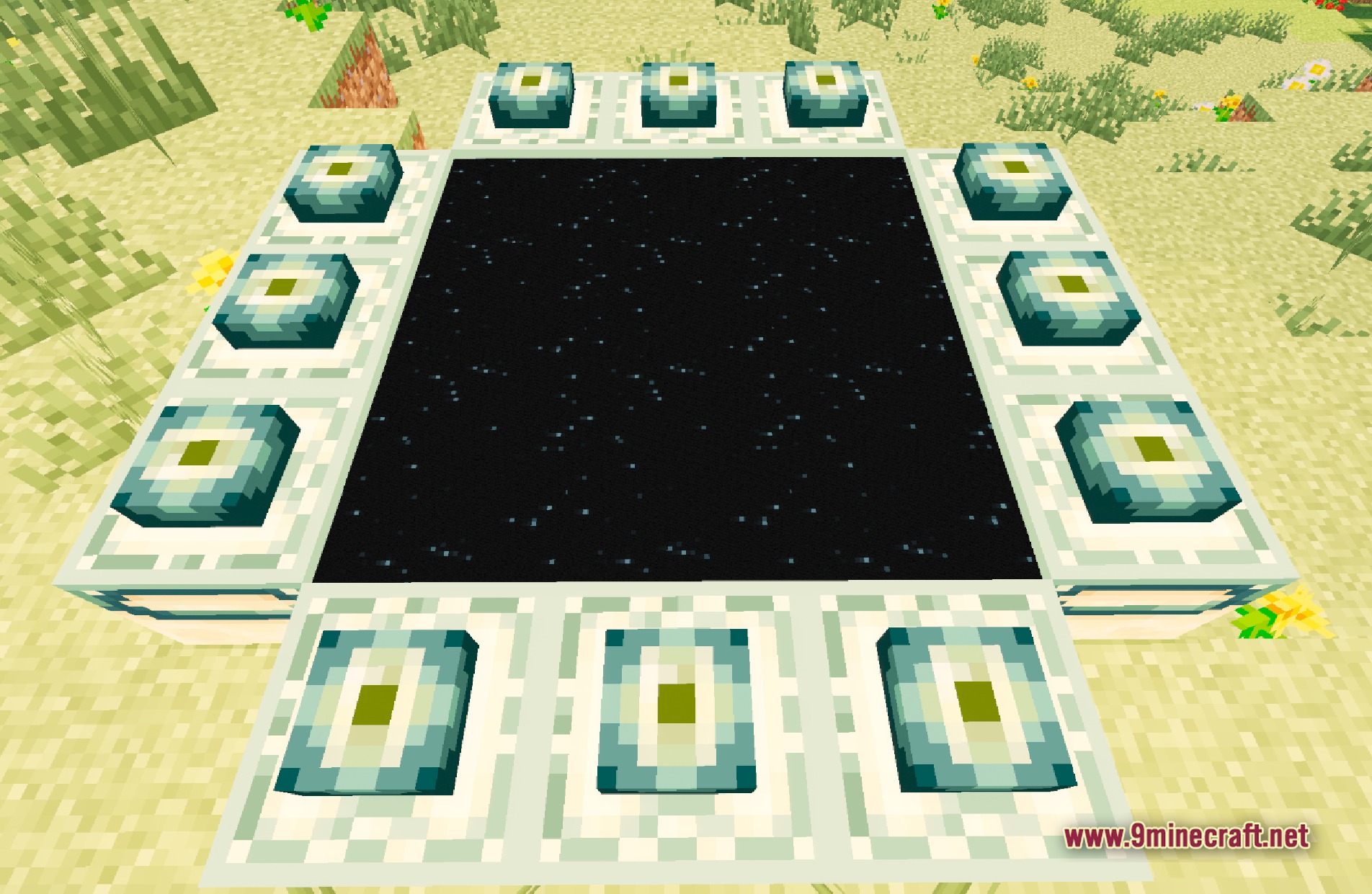
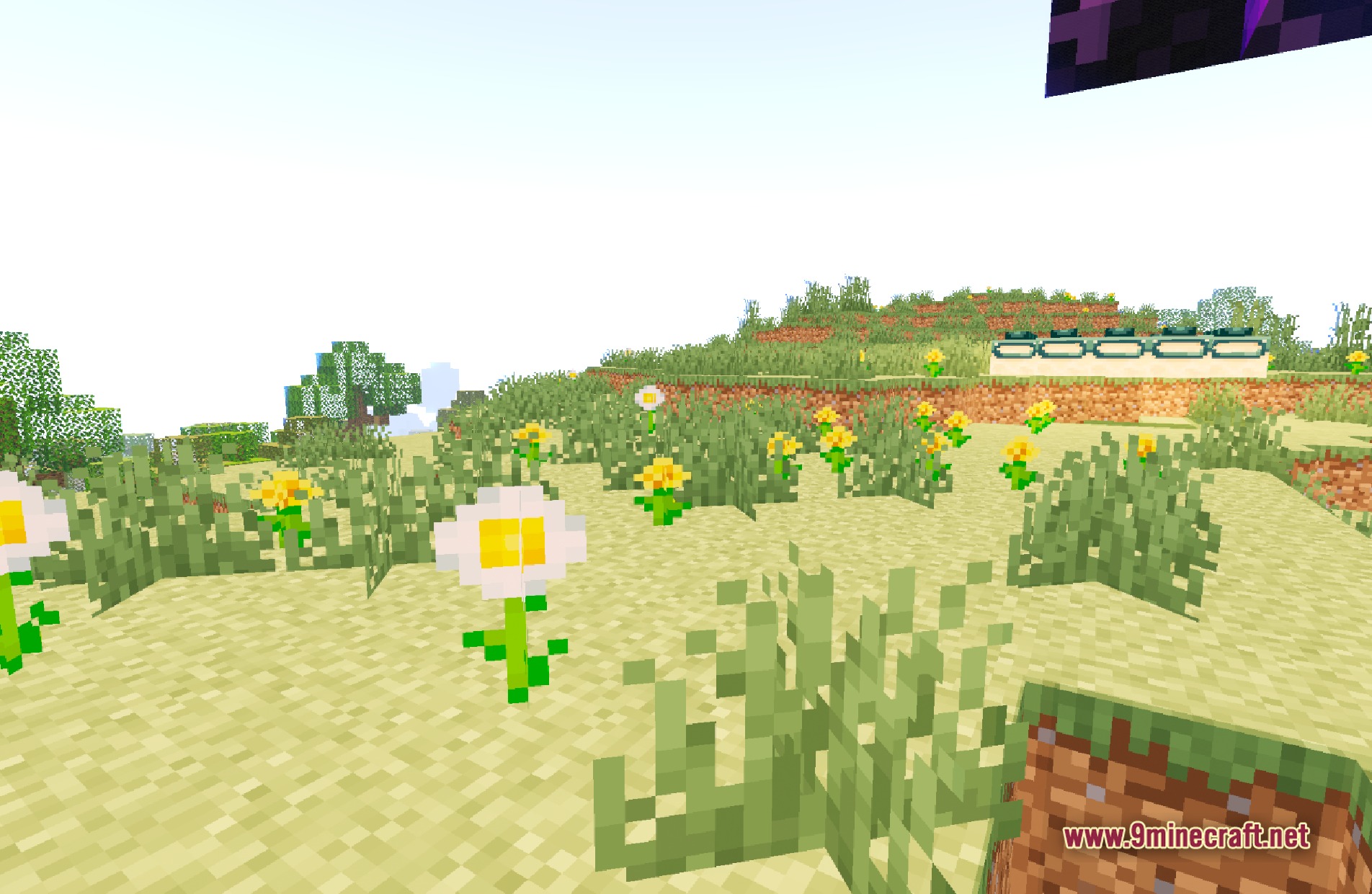
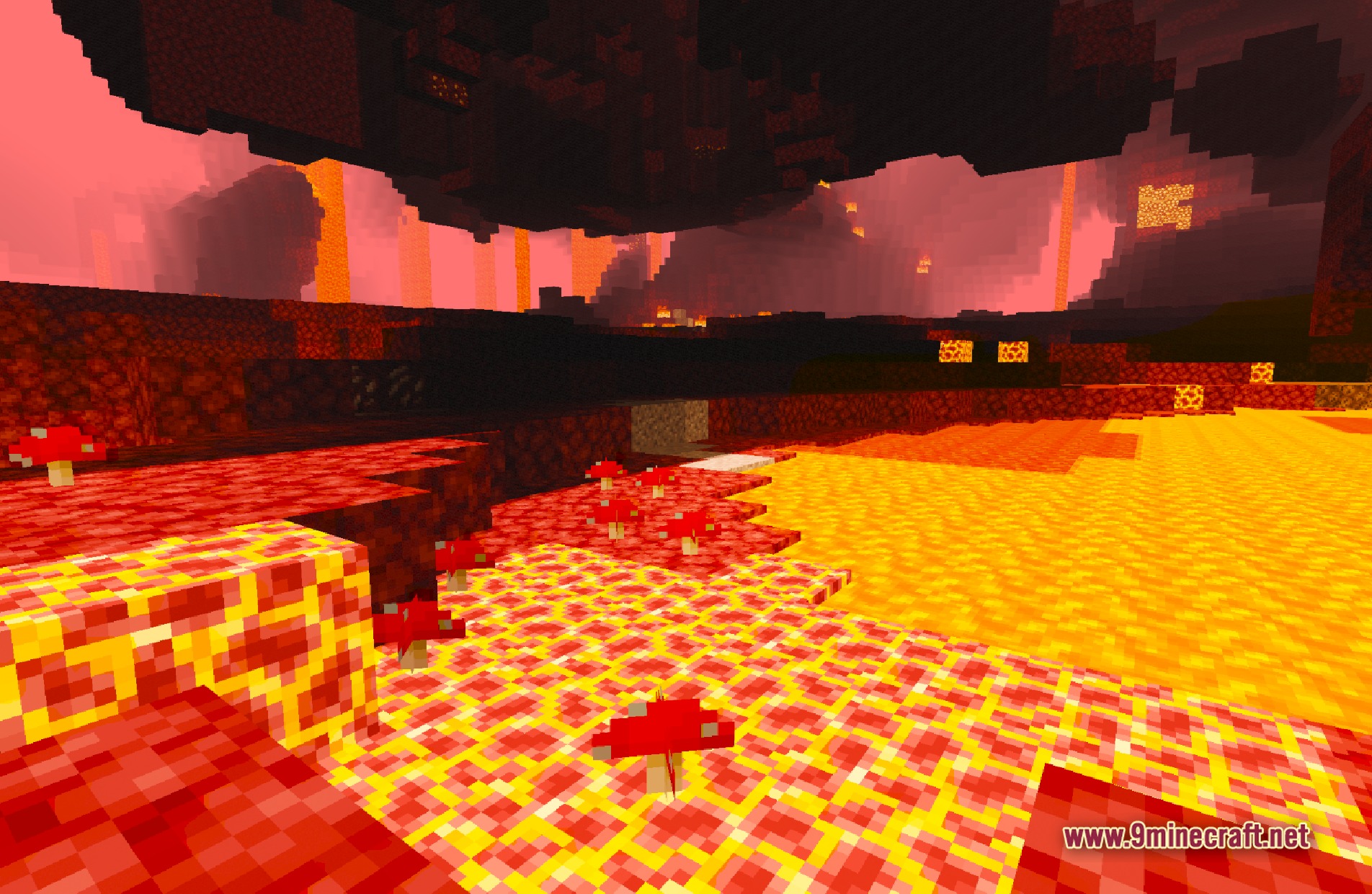
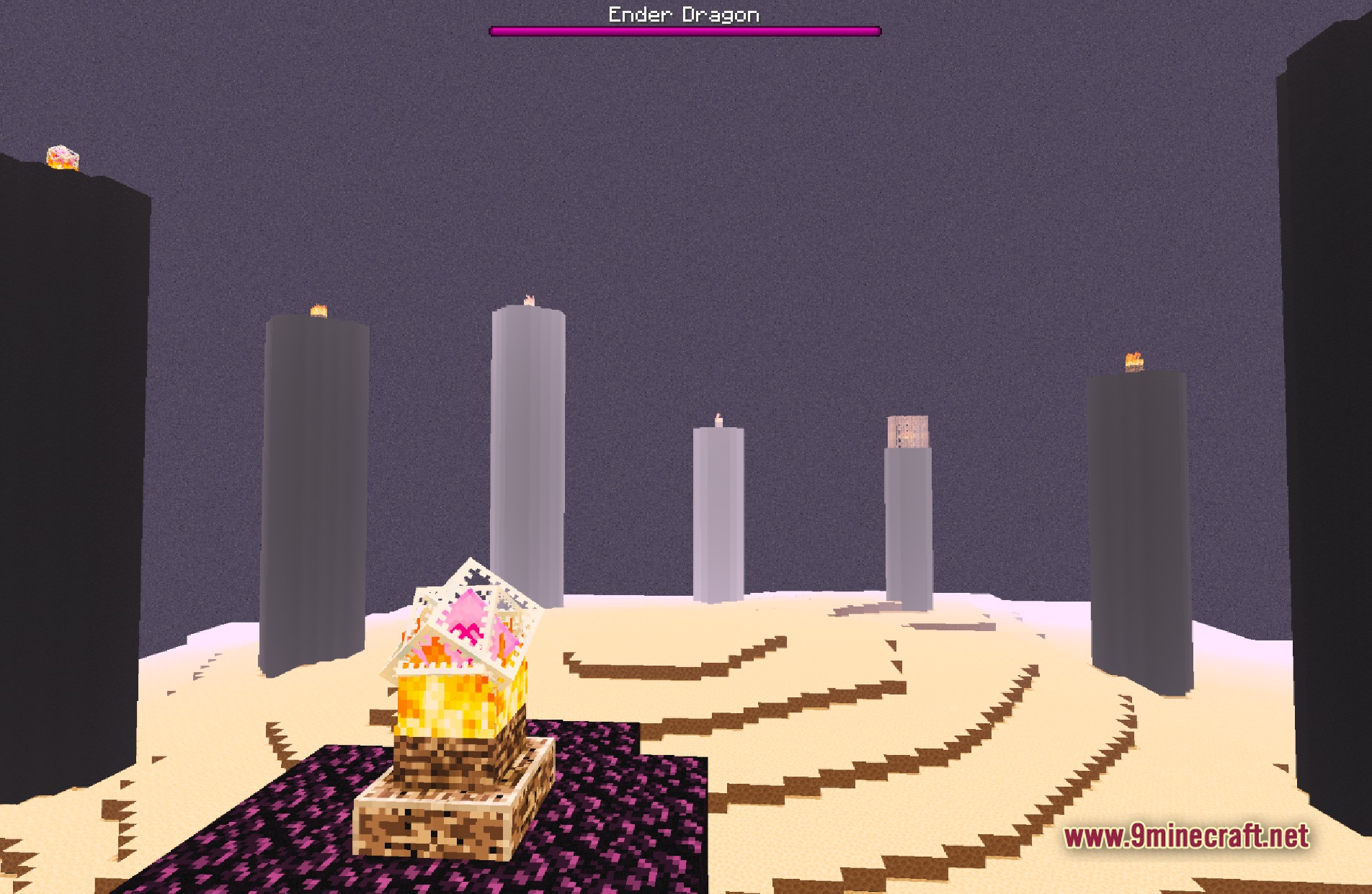
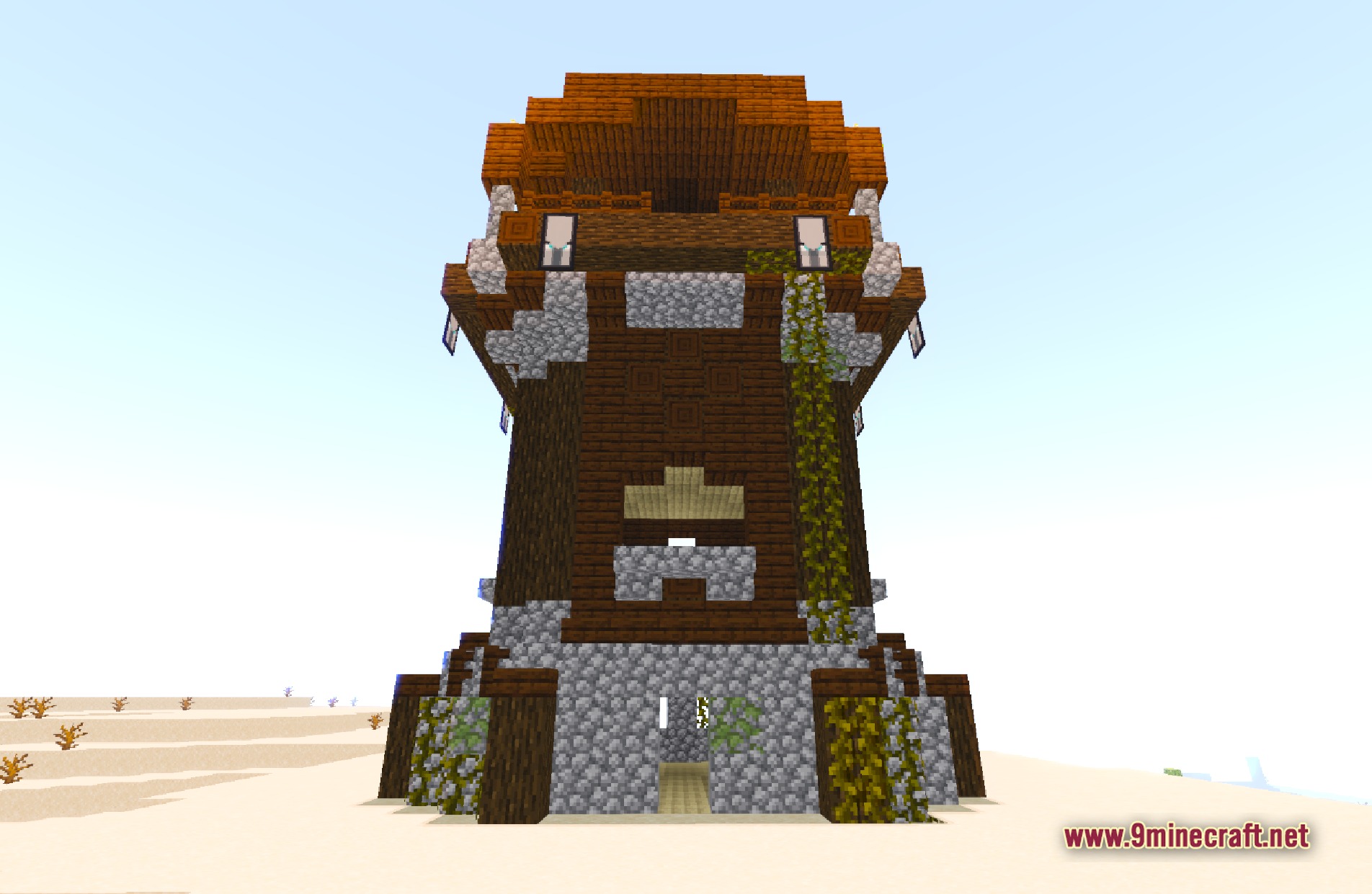
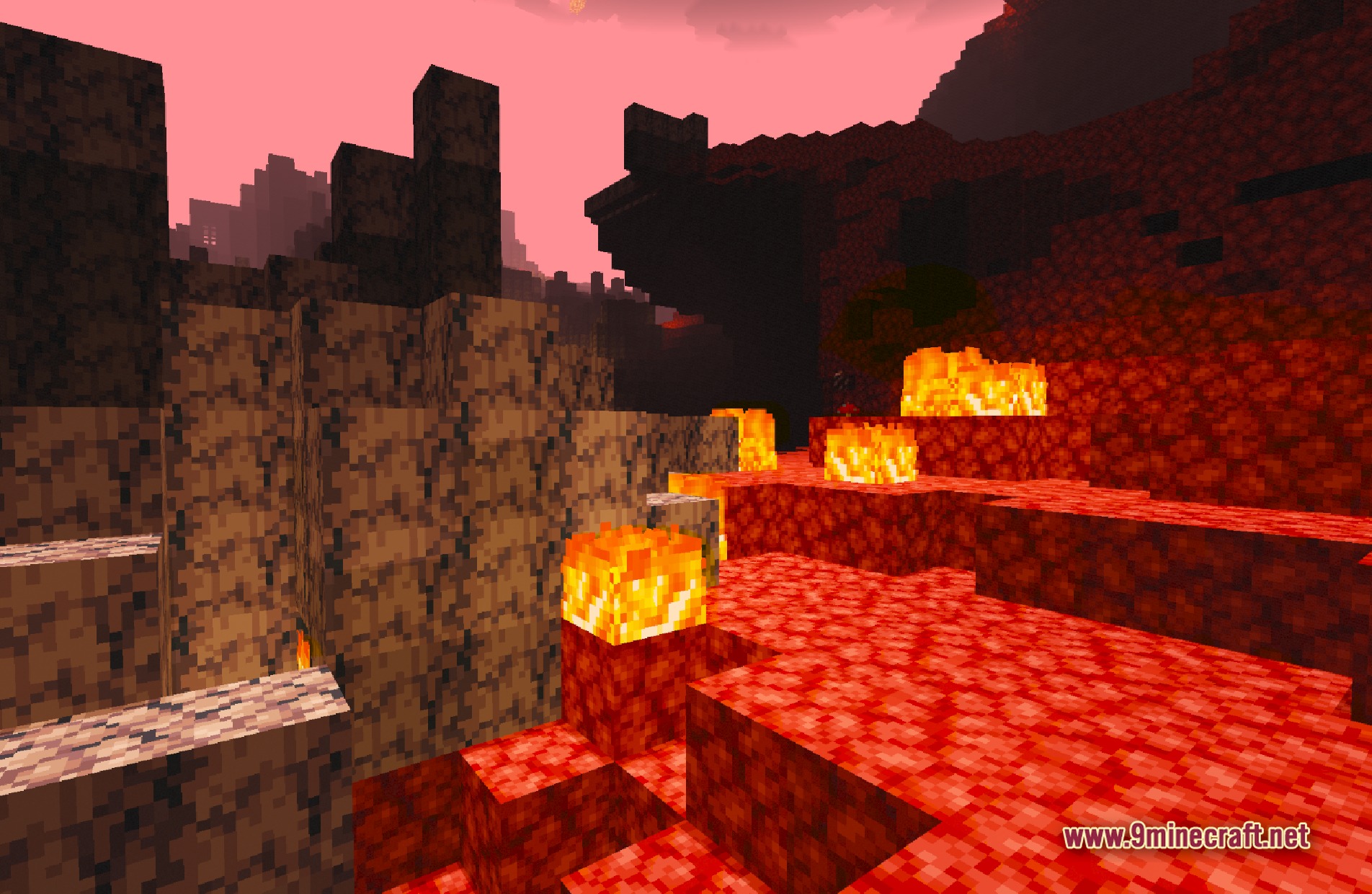
11 images from the Lantern Shaders page.
You May Also Like
Wikis that share the most with this one
Wikis on the same theme: light
More shader wikis on the site
The most downloaded mods that have a wiki here