

 DownloadLemony Shaders
Get the files on 9Minecraft
Guides
Step-by-step, in-game.
Adjust Water and Liquid ReflectionsWater Reflection Behavior Lemony Shaders creates clear, visible reflections on water surfaces by default. The shader…Enable PBR Material Reflections on Custom BlocksUnderstanding Material Properties Lemony Shaders uses PBR (Physically Based Rendering) to determine how blocks…Maintain Vanilla Aesthetics While Using ShadersPreserving the Classic Look Lemony Shaders is built to enhance vanilla Minecraft without drastically changing its…Optimize Lemony Shaders on Low-End ComputersWhy Single-Pass Matters Lemony Shaders is designed as a single-pass shader pack, meaning it processes all lighting…
Frequently asked questions
How do I turn on shaders after installing Lemony Shaders?
Load into a world, open your graphics settings, and select Lemony Shaders from the shader pack dropdown menu. The shaders will apply immediately and you'll see reflections on water and smooth surfaces right away.
Why do my custom blocks not have reflections?
Custom blocks need PBR material data to reflect light properly. Check the mod's documentation for how to add material properties (like smoothness and metallic values) to your custom block textures so they respond to the shader.
Can I use Lemony Shaders on my old laptop?
Yes—Lemony Shaders is designed as a single-pass shader specifically for low-end computers. It should run on older hardware, but if you experience lag, try lowering your render distance or disabling other resource-heavy mods.
How do I make water look less shiny or more reflective?
Open the shader settings in-game (usually with a hotkey like Right Shift) and look for water or reflection intensity sliders. Adjust these values to control how much light bounces off liquid surfaces.
See all 10 Lemony Shaders questions ›
Gallery
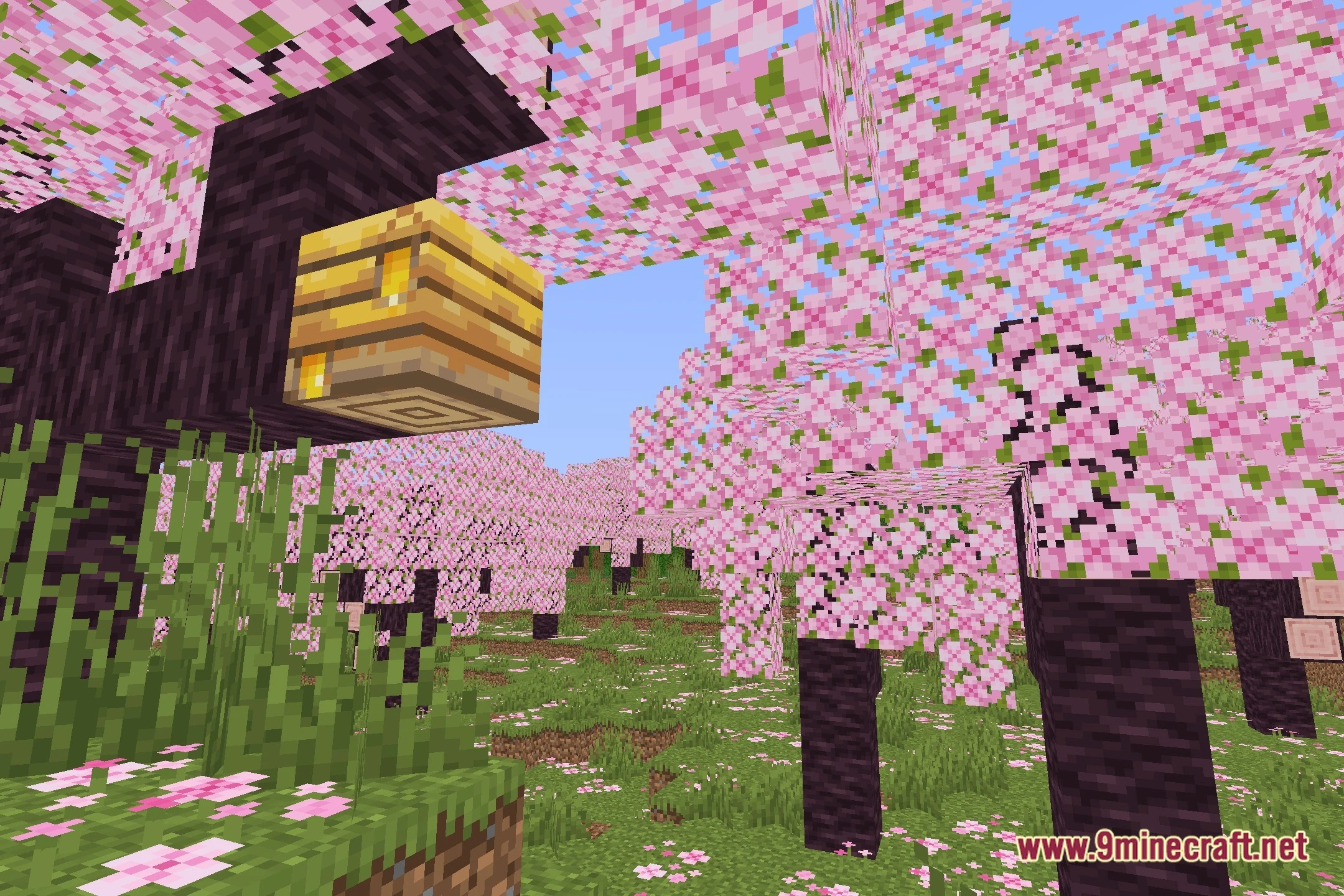
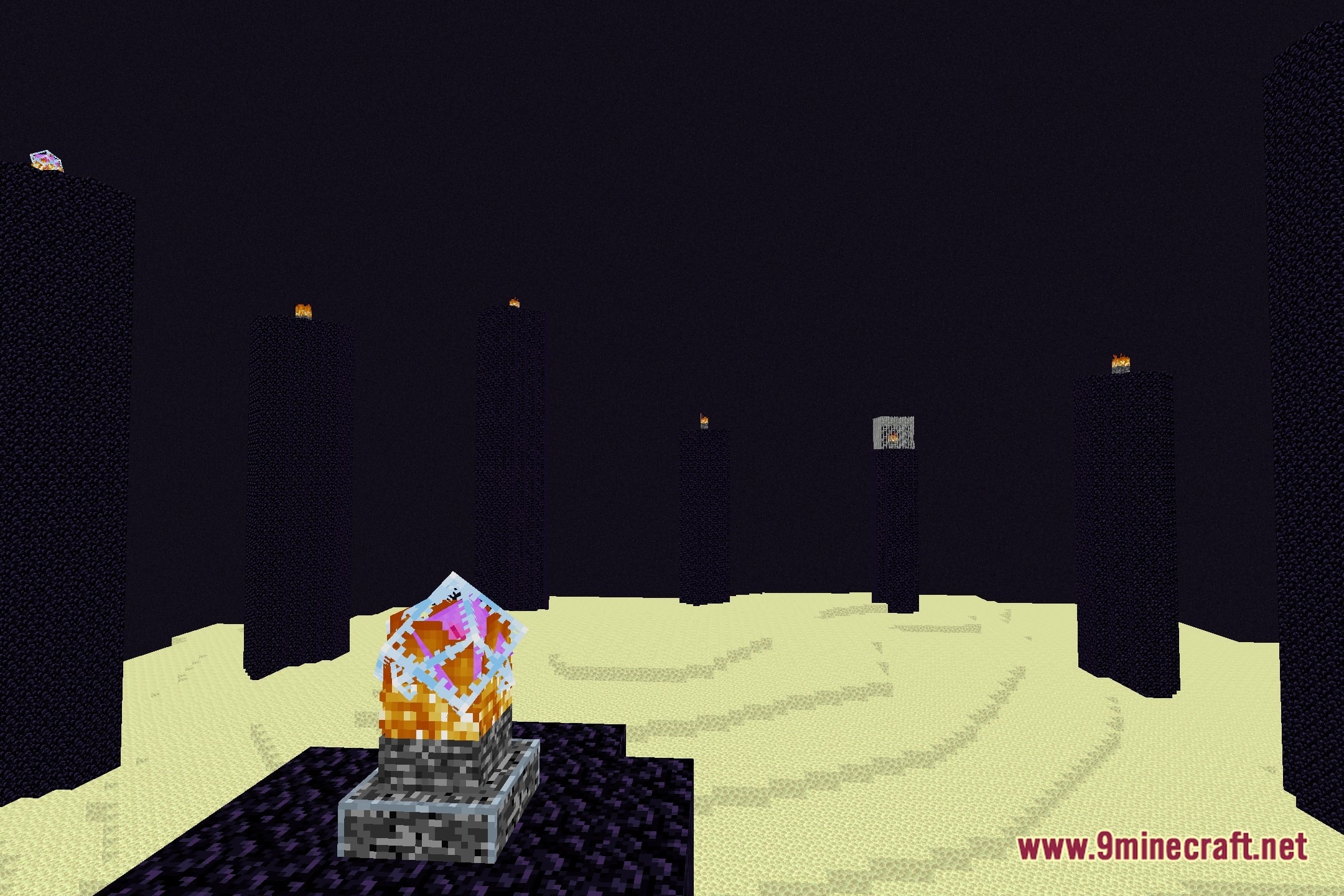
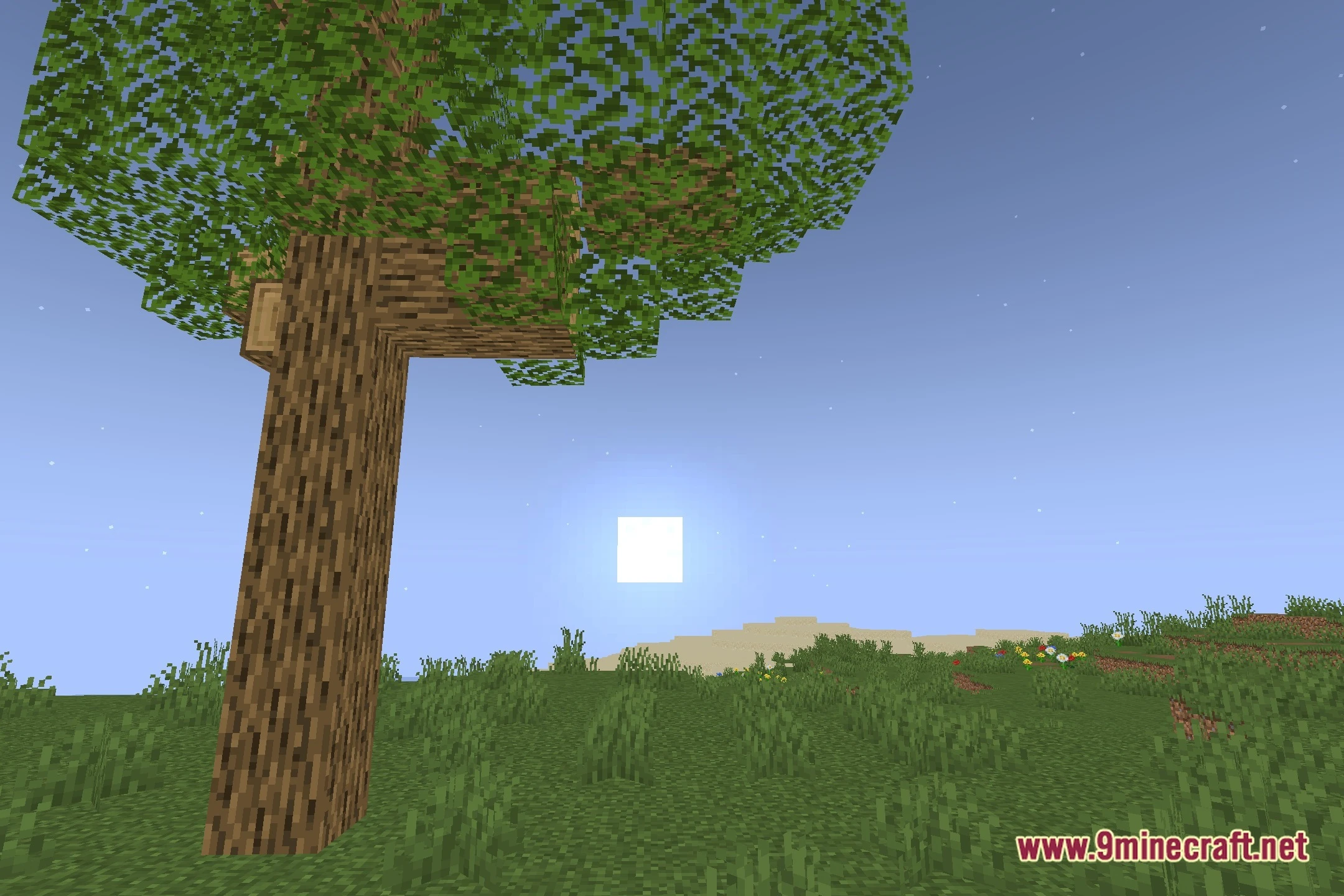
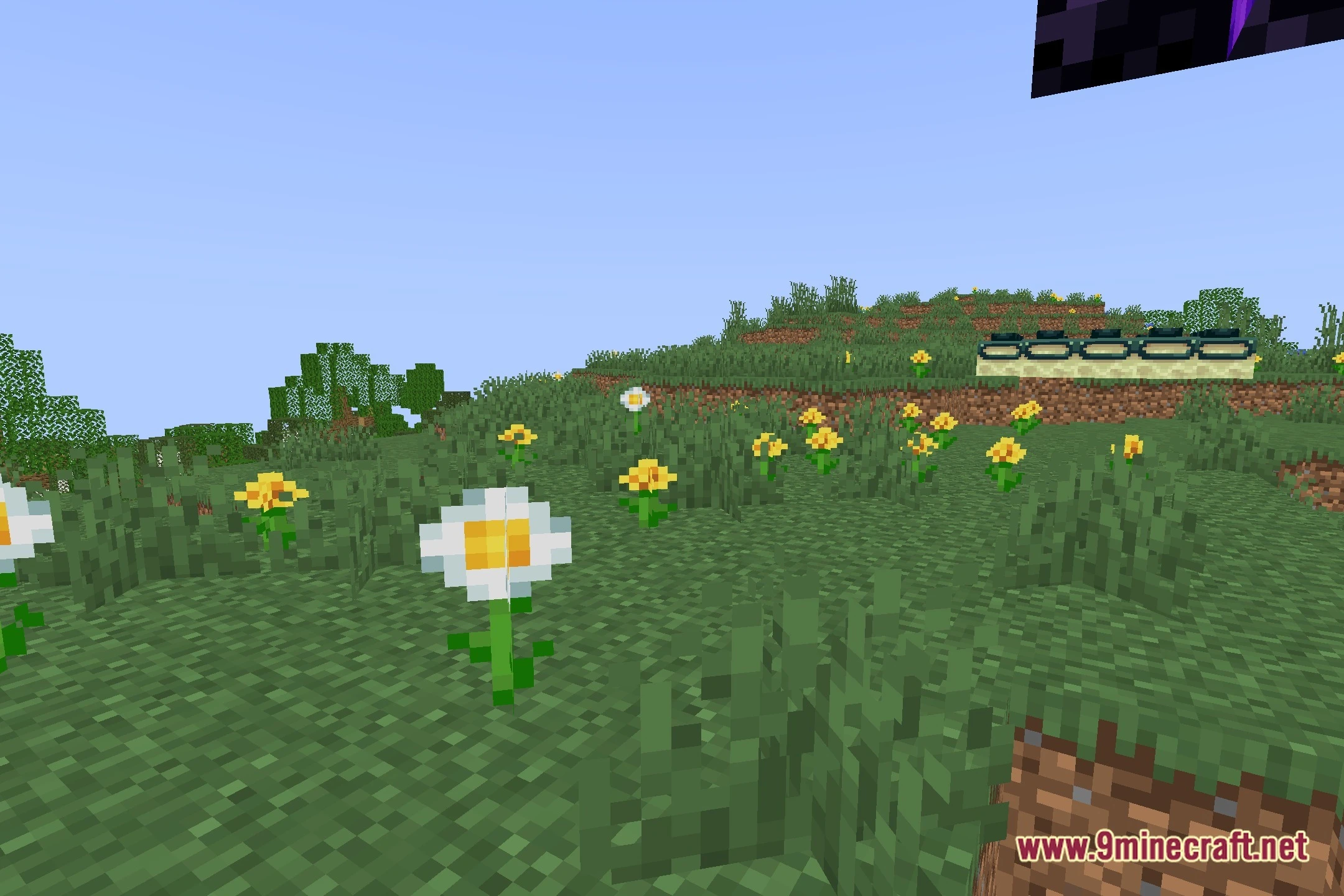
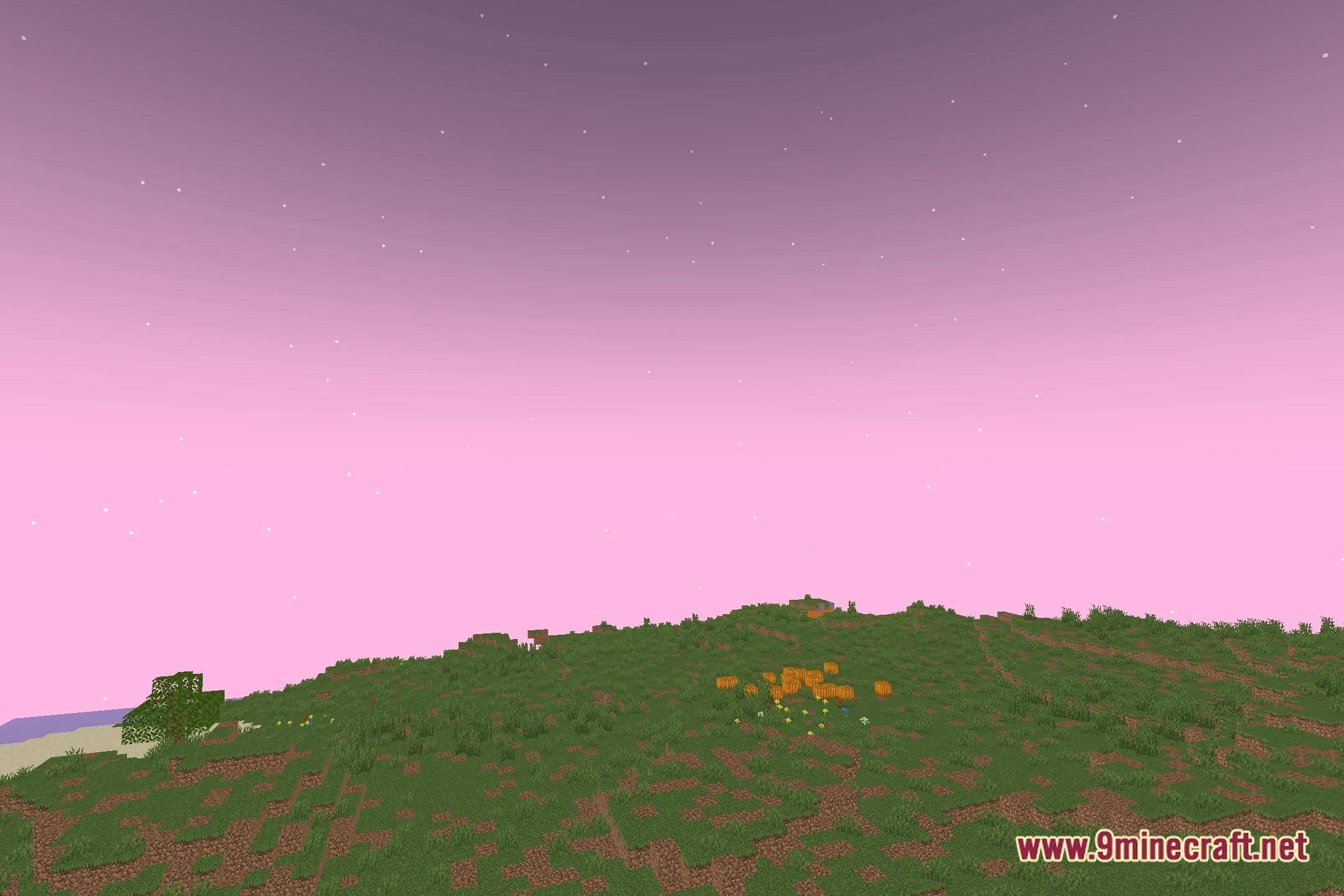
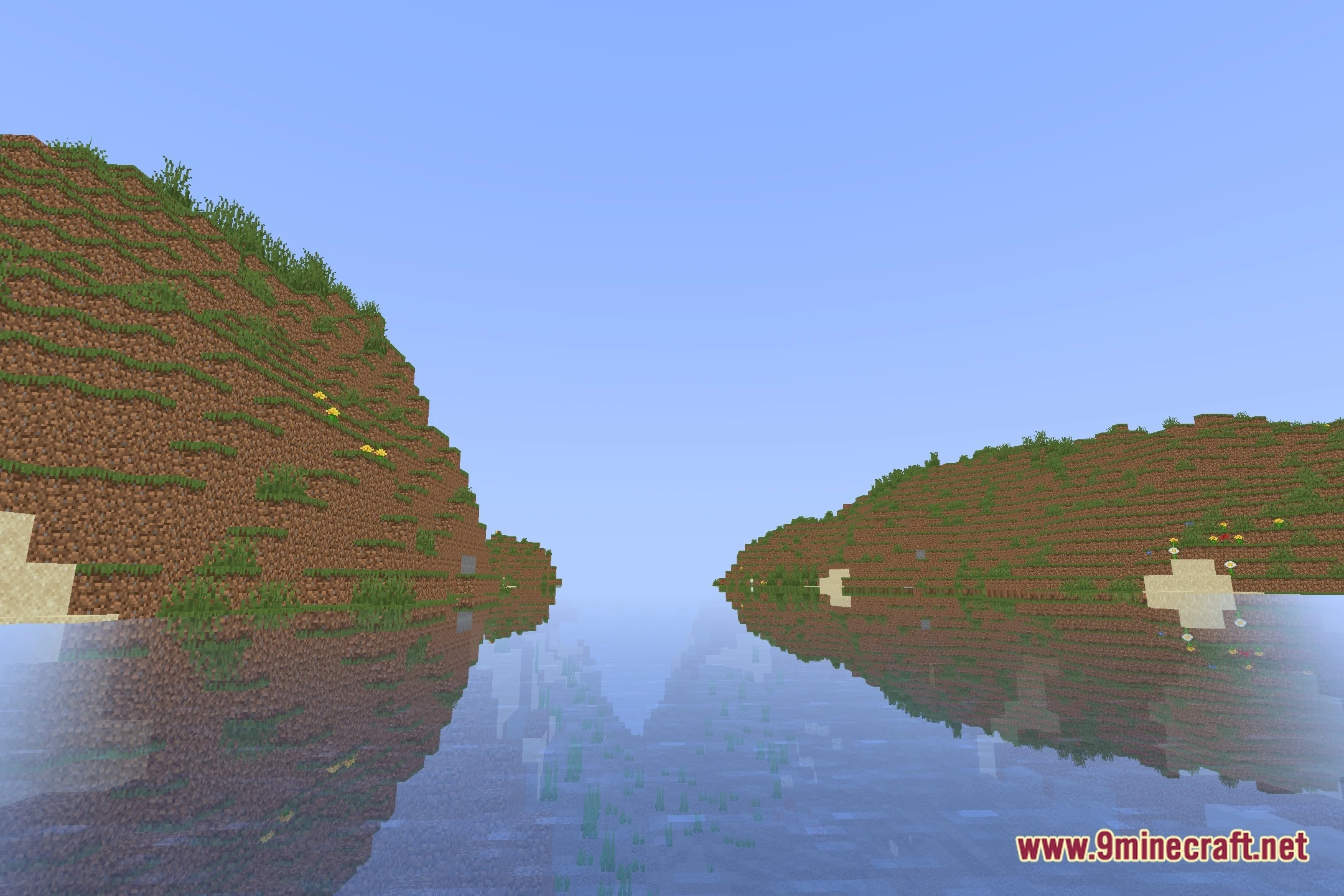
12 images from the Lemony Shaders page.



You May Also Like
Wikis that share the most with this one
Wikis on the same theme: light
More shader wikis on the site
The most downloaded mods that have a wiki here