

 DownloadISKRA Shaders
Get the files on 9Minecraft
Guides
Step-by-step, in-game.
Adjust Color Grading and Warm Tones to Match Your PreferenceAccess Shader Settings Open the shader options menu while in-game by pressing the designated key (usually accessed…Capture Rain Ripples and Weather EffectsRain ripples display automatically during thunderstorms and rain. If you want to see them immediately without…Maximize Water Visuals: Caustics, Foam, and ClarityUnderstand Water Features ISKRA enhances water with three main visual upgrades: shoreline foam that appears where…Optimize ISKRA for Your System's PerformanceIdentify Your System Tier ISKRA is built to run on low-end and mid-range computers, but optimization depends on your…
Frequently asked questions
How do I turn on ISKRA Shaders after installing?
Open Options > Video Settings > Shaders, then locate and select ISKRA from your shader list. Click Apply and the shaders will activate immediately in your world.
Why does my game look too dark or too bright with ISKRA?
ISKRA applies warm color grading that can shift brightness perception. Adjust your monitor's brightness or use the shader's built-in color grading settings to find a balance that works for your display.
Can I see water caustics underwater?
Yes—water caustics project animated light patterns onto blocks beneath the water surface. They're most visible in clear water during daytime; try looking at the ocean floor or the bottom of lakes to see the effect clearly.
How do I make rain ripples show up on the ground?
Rain ripples appear automatically during rain and thunderstorms on wet surfaces like dirt, grass, and stone. Make sure rain is falling in your world and look at the ground to see the subtle ripple animation.
See all 10 ISKRA Shaders questions ›
Gallery
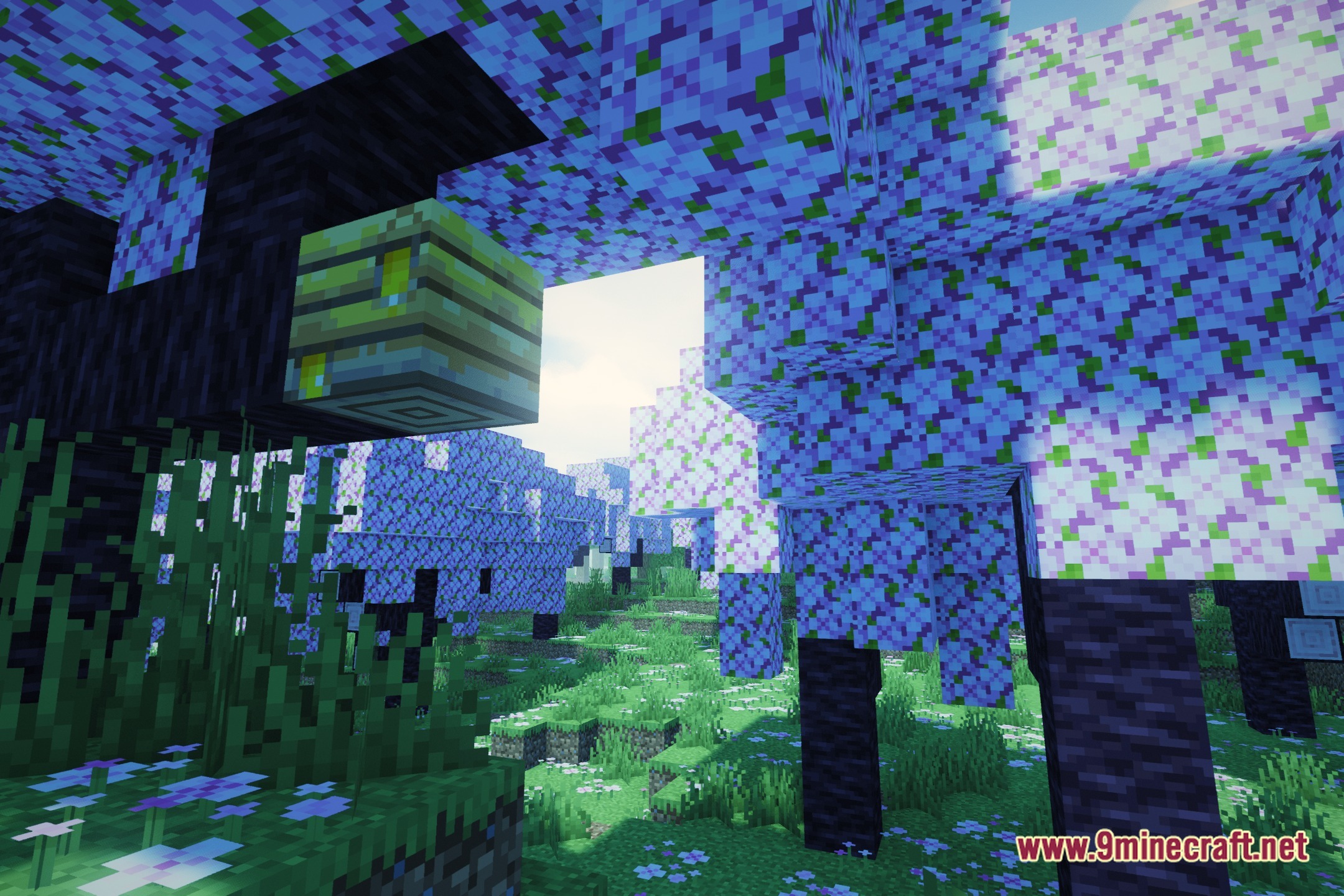
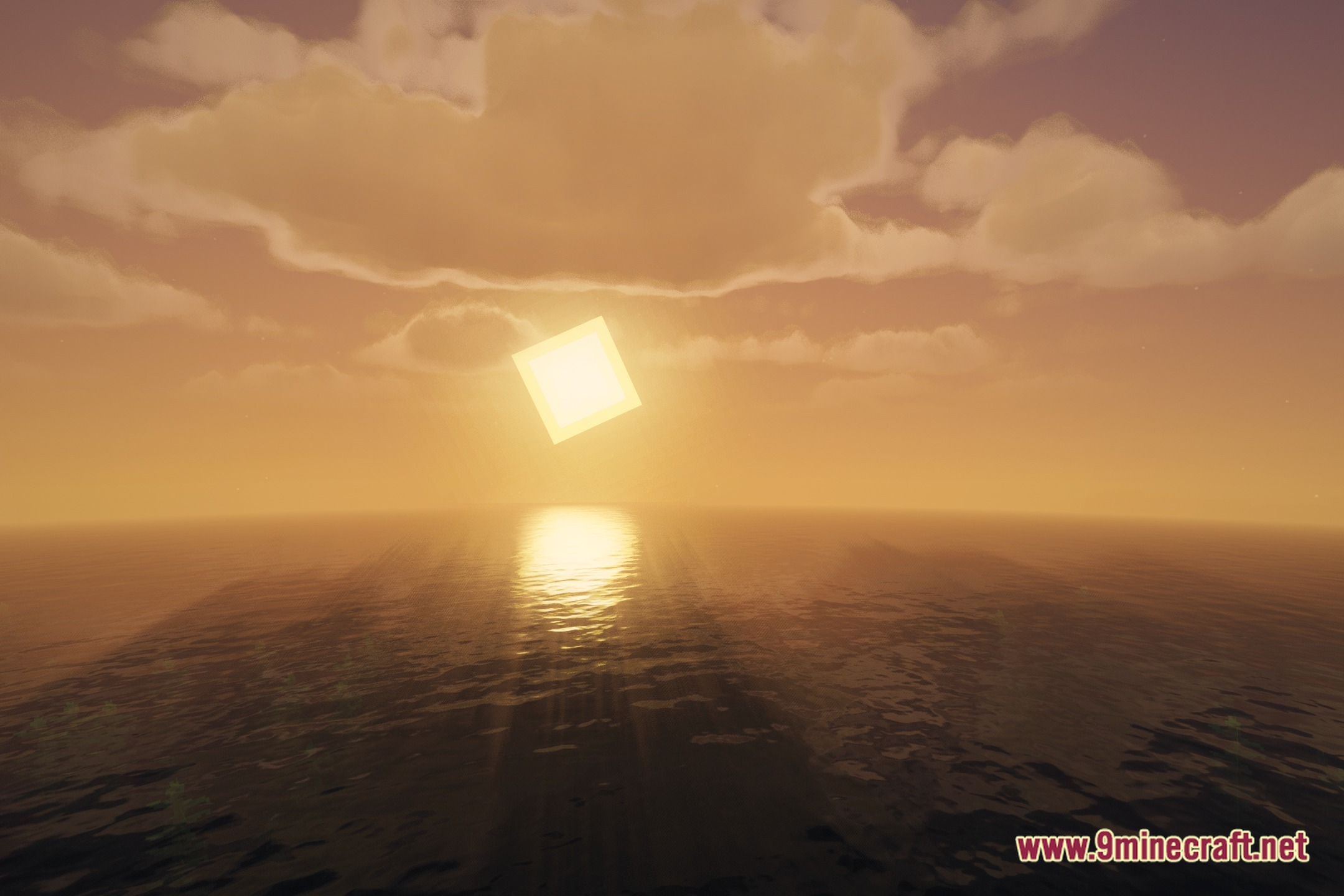
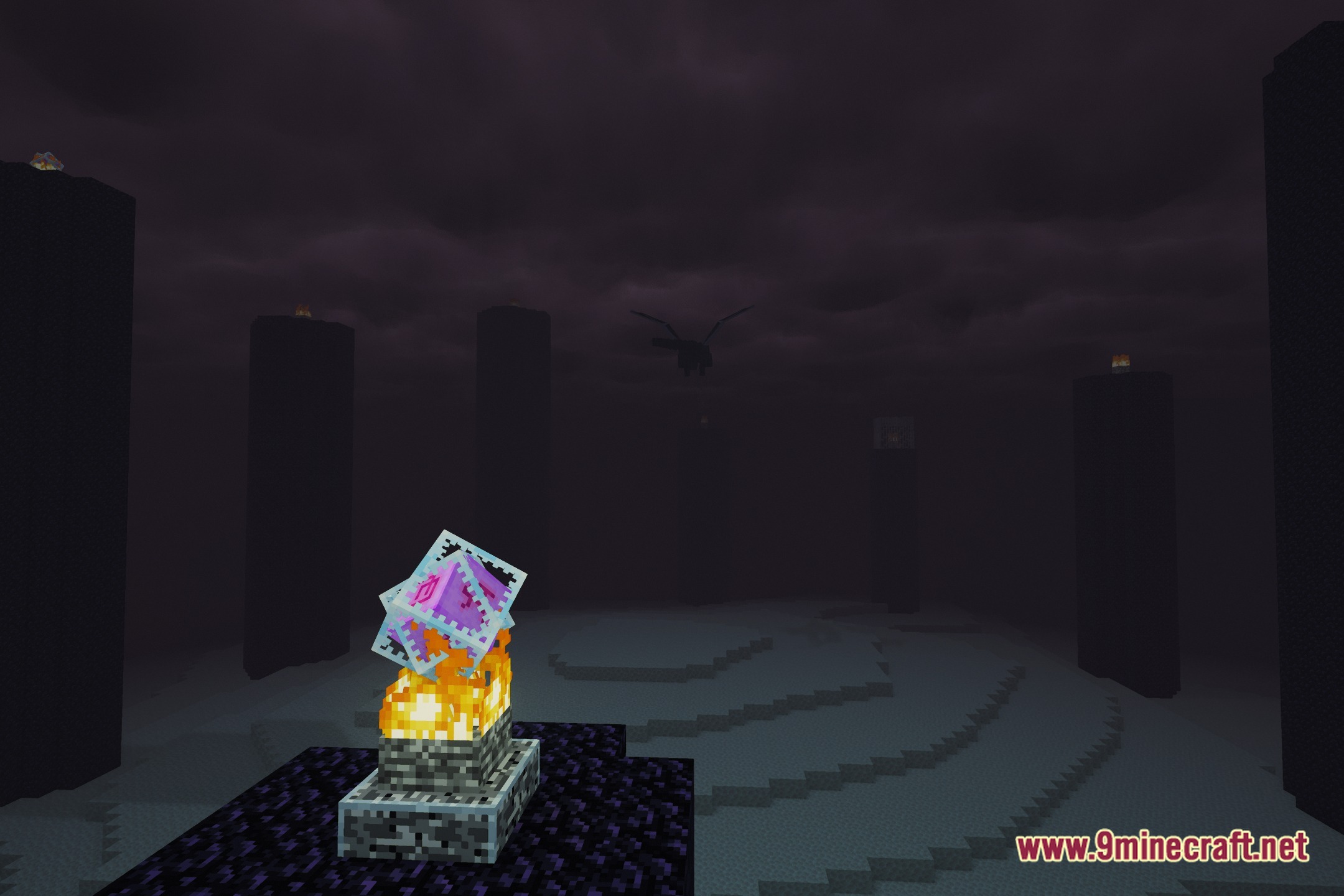
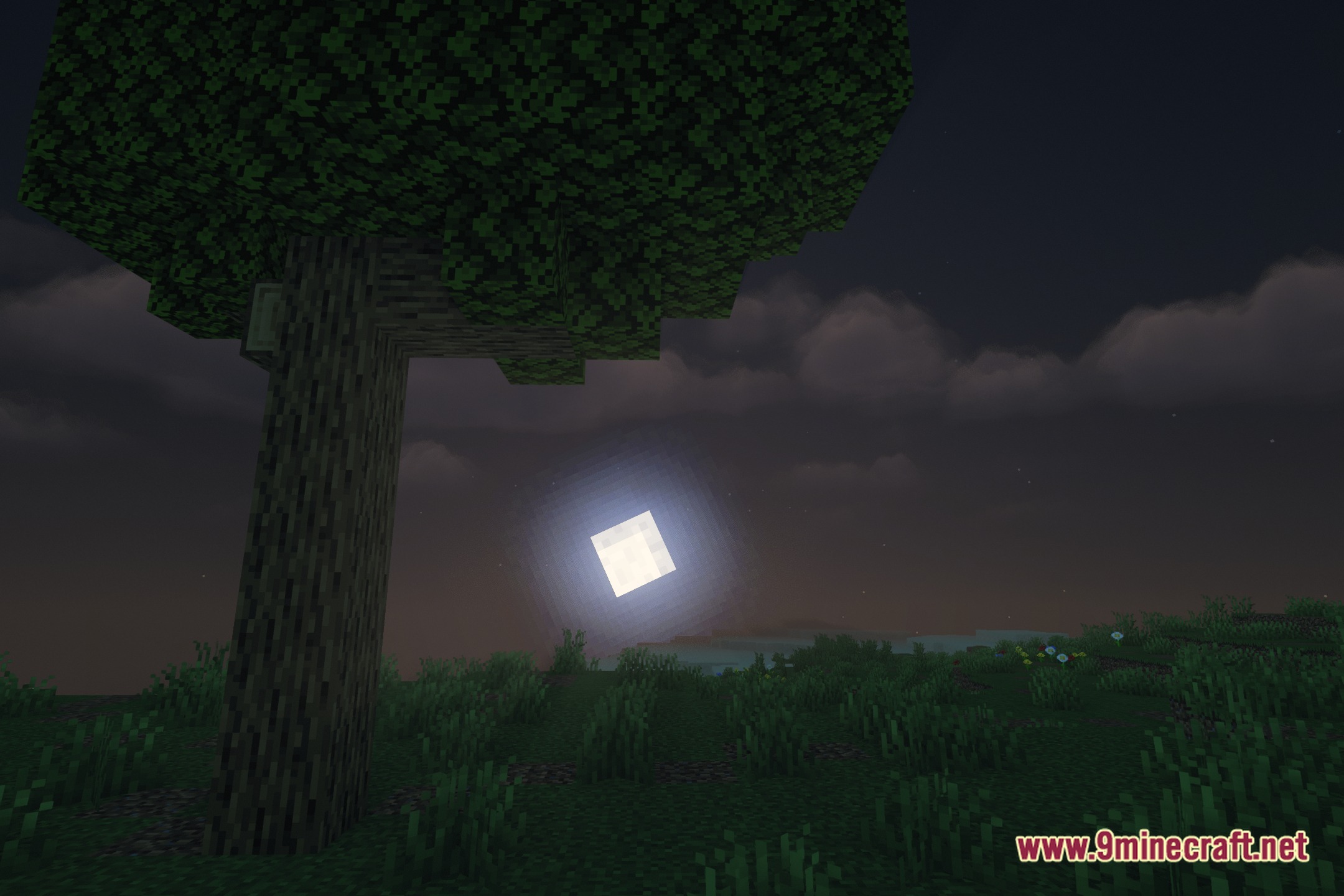
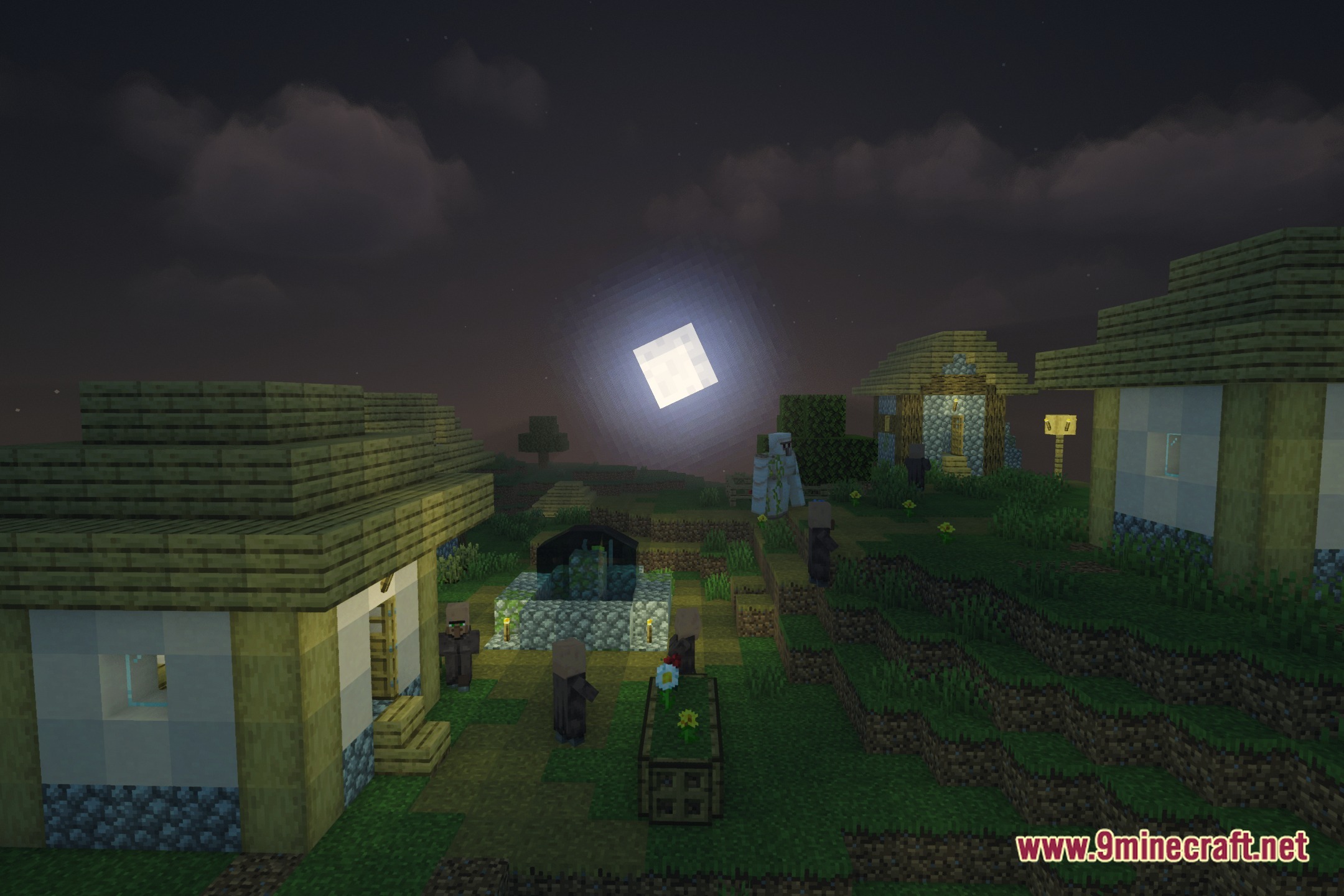
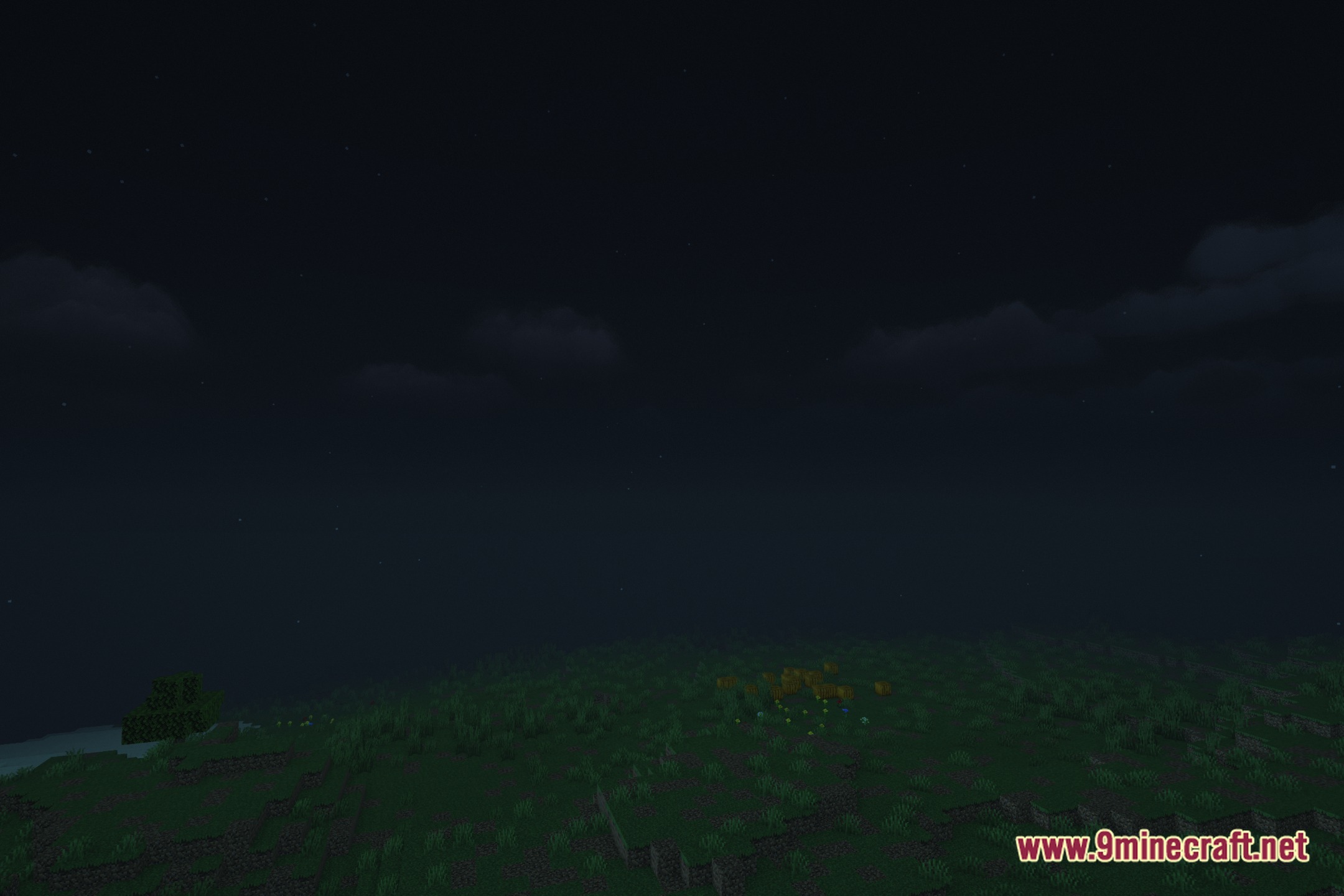
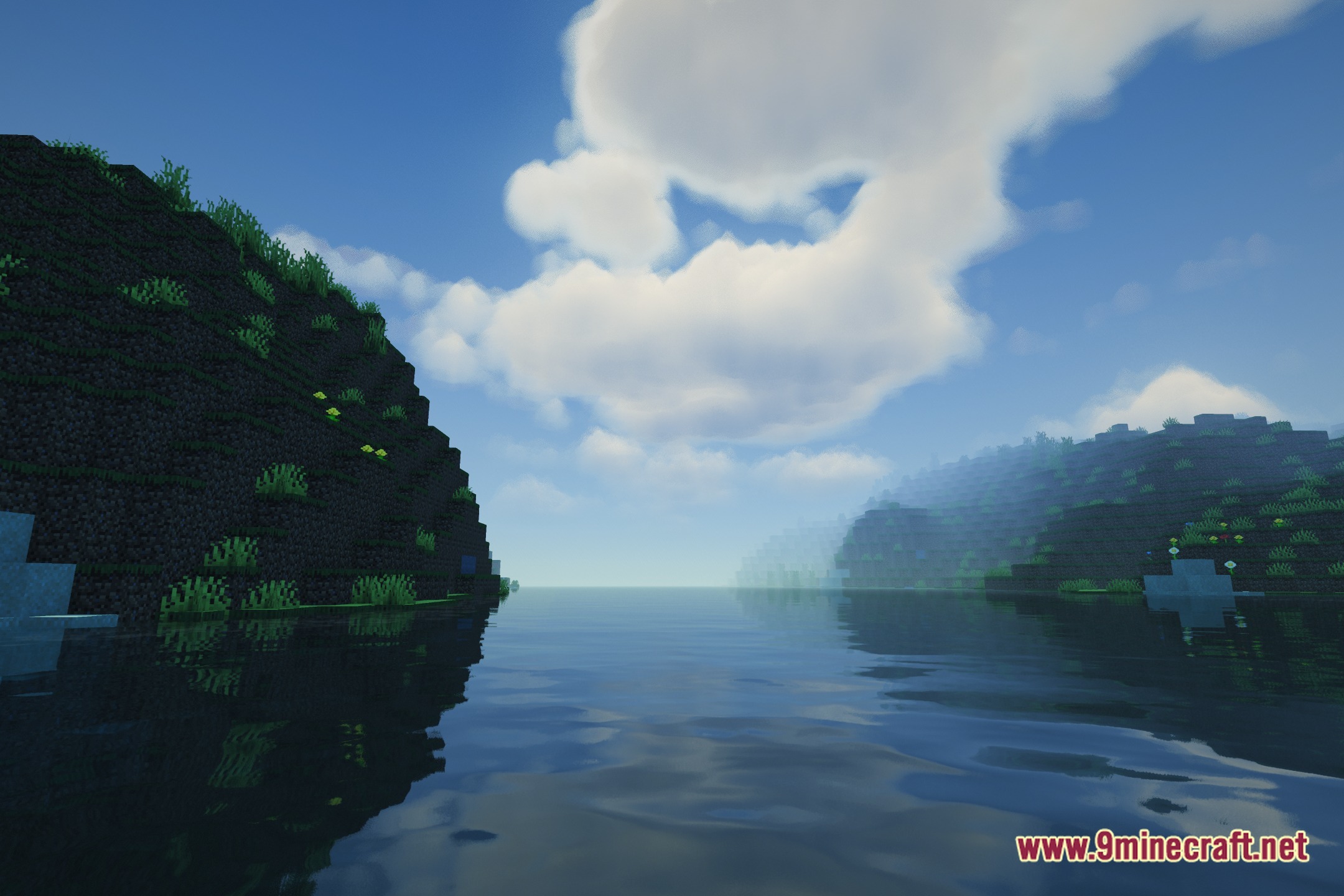
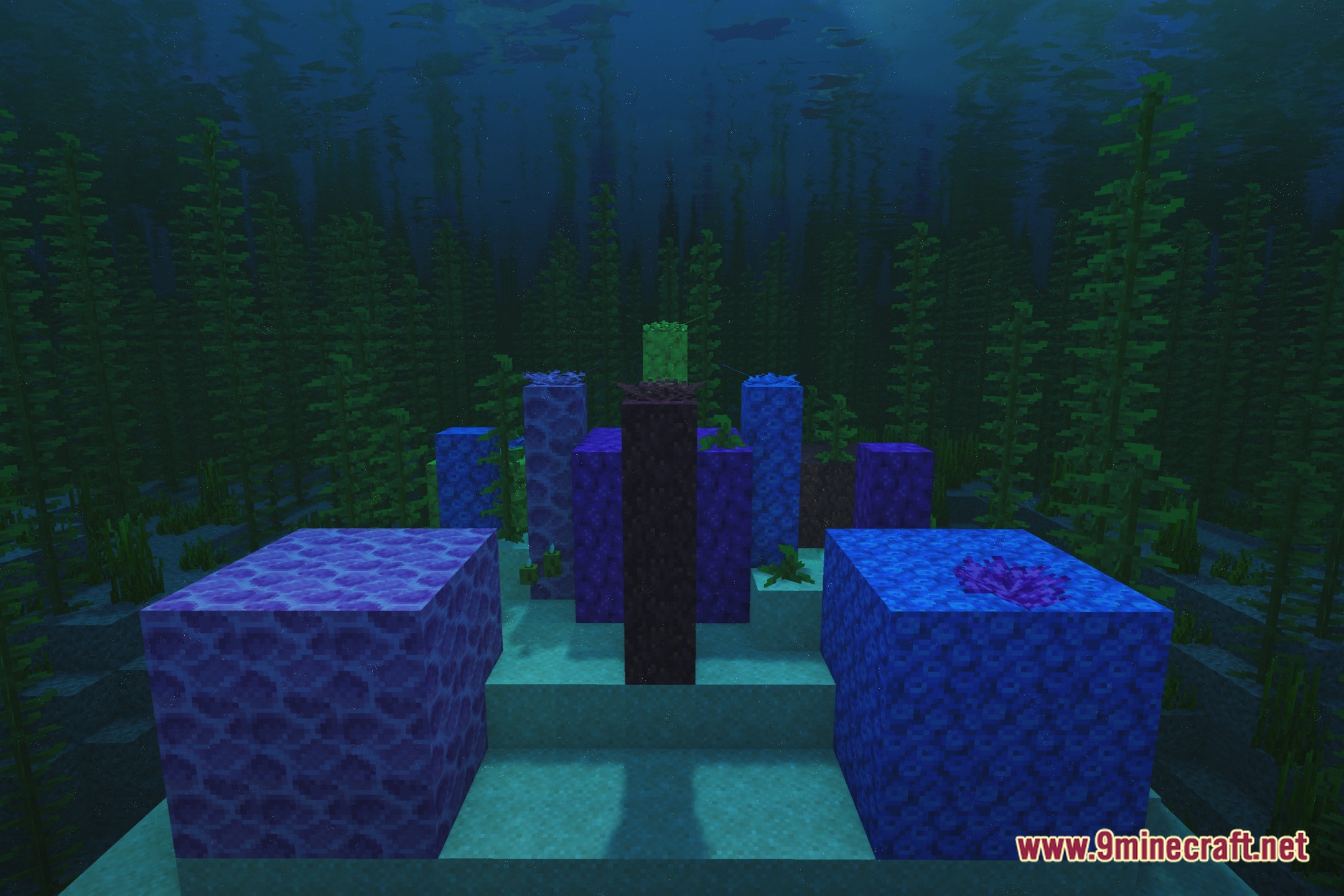
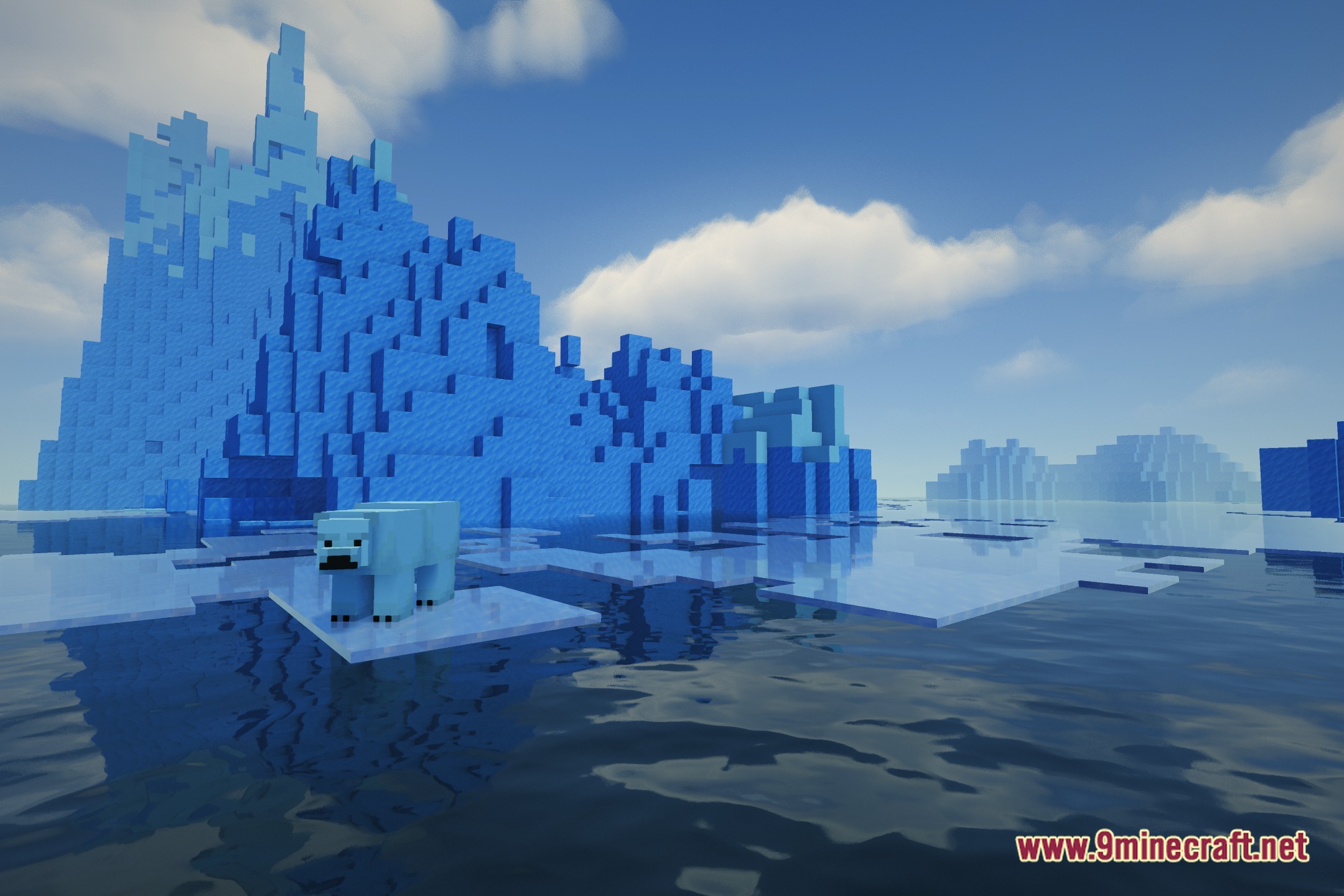
12 images from the Iskra Shaders page.



You May Also Like
Wikis that share the most with this one
More shader wikis on the site
The most downloaded mods that have a wiki here