

 DownloadHalcyon Shaders
Get the files on 9Minecraft
Guides
Step-by-step, in-game.
Adjust Shader Intensity and WarmthAccess Shader Settings Open the Shader Options menu by pressing Shift + O while in-game (or through Video Settings >…Create Cohesive Lighting Across Multiple BiomesUnderstand Biome-Specific Lighting Halcyon Shaders applies warm, golden tones universally, but biome colors and…Enhance Water Visuals for Lakes and RiversLocate Water-Specific Shader Settings Open Shader Options and find the Water section. Halcyon Shaders includes…Optimize Performance While Using Halcyon ShadersCheck Your Current Frame Rate Enable the debug screen ( F3 ) to monitor FPS. Halcyon Shaders is lightweight compared…
Frequently asked questions
How do I turn on Halcyon Shaders after installing it?
Open your Video Settings in-game, go to Shaders, and select Halcyon Shaders from the list. Apply the changes and the shader will activate immediately.
Why does my game run slowly with this shader?
Halcyon Shaders adds lighting calculations that demand more GPU power. Try lowering your render distance, disabling clouds, or reducing other graphics settings like shadows or reflections in the shader options.
Can I use Halcyon Shaders with other mods?
Yes, Halcyon Shaders works with most mods, but mods that heavily modify lighting, water, or the sky may conflict. Test compatibility by enabling the shader with your mod list and checking for visual glitches.
How do I make the sunset colors less intense?
Open the Shader Options menu (usually Shift+O in-game) and look for settings like Warmth, Saturation, or Sunset Intensity to dial back the golden tones to your preference.
See all 10 Halcyon Shaders questions ›
Gallery
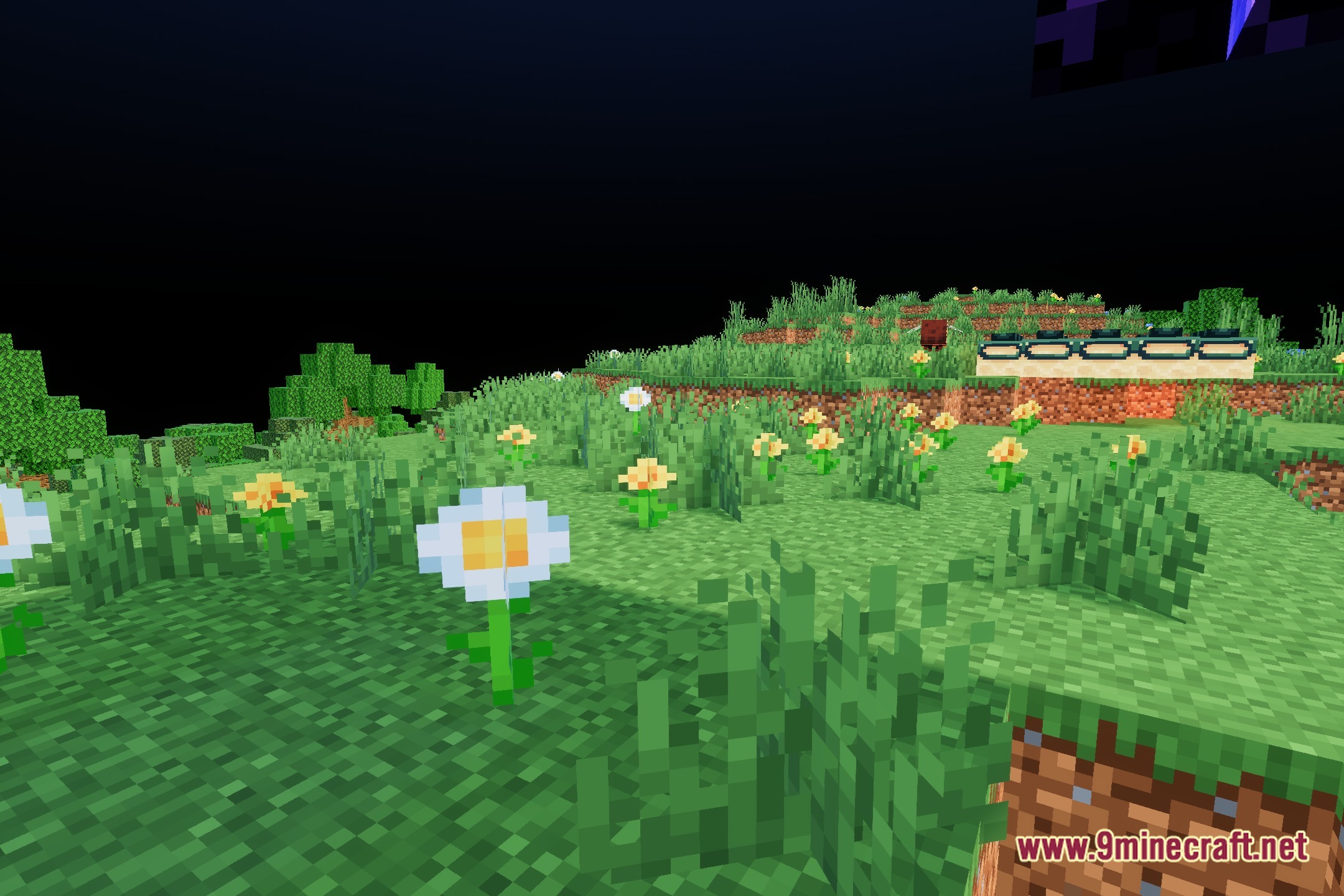
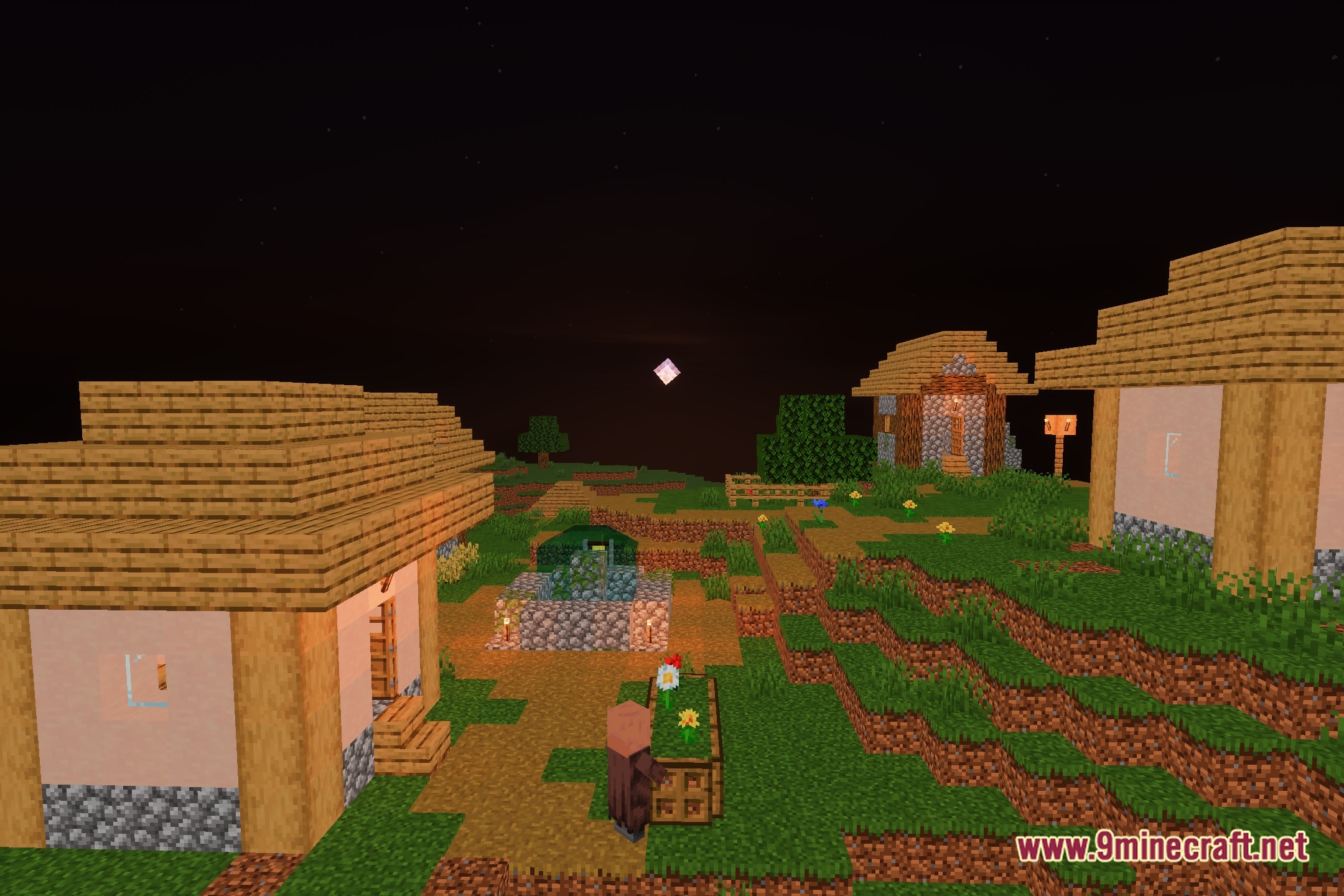
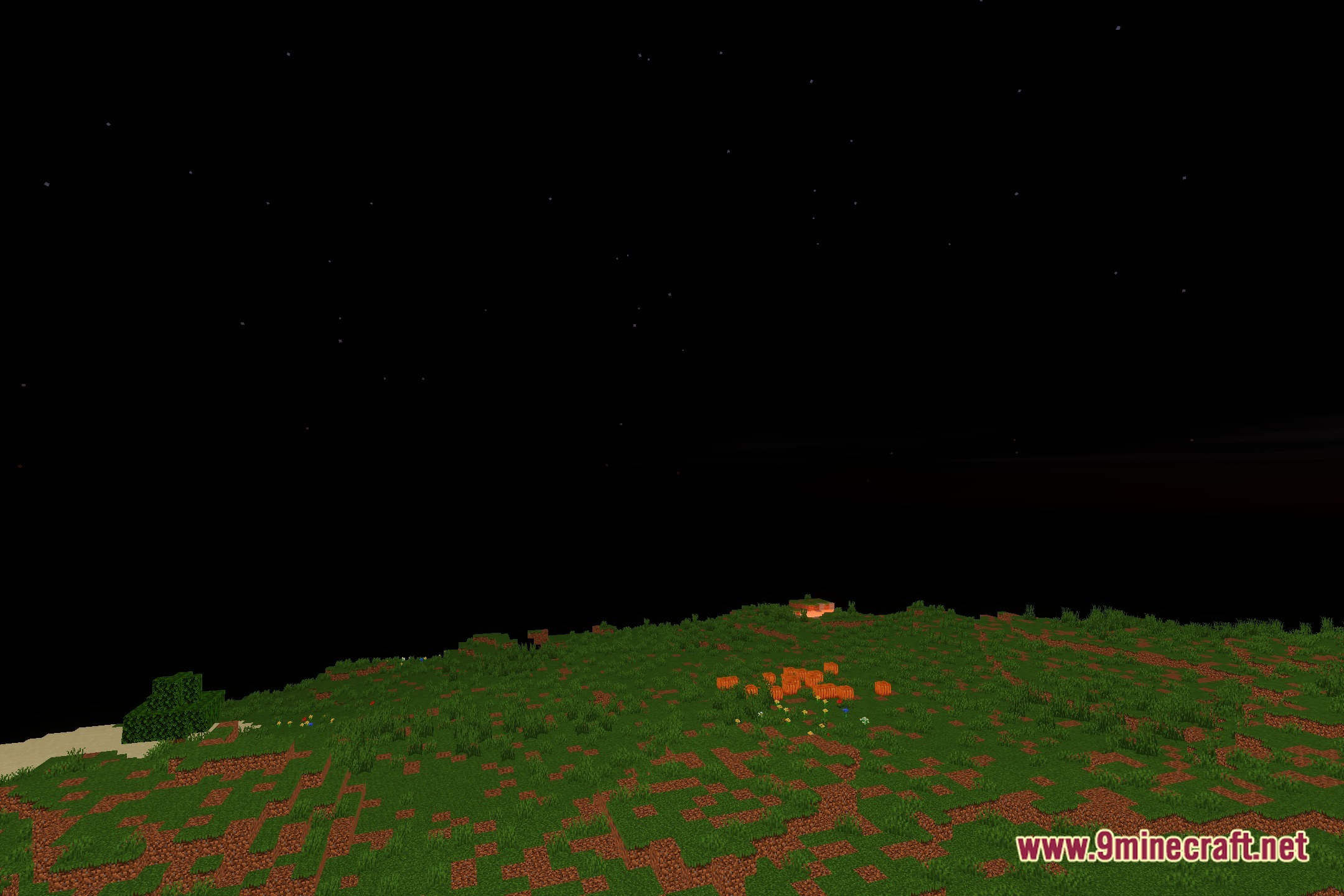
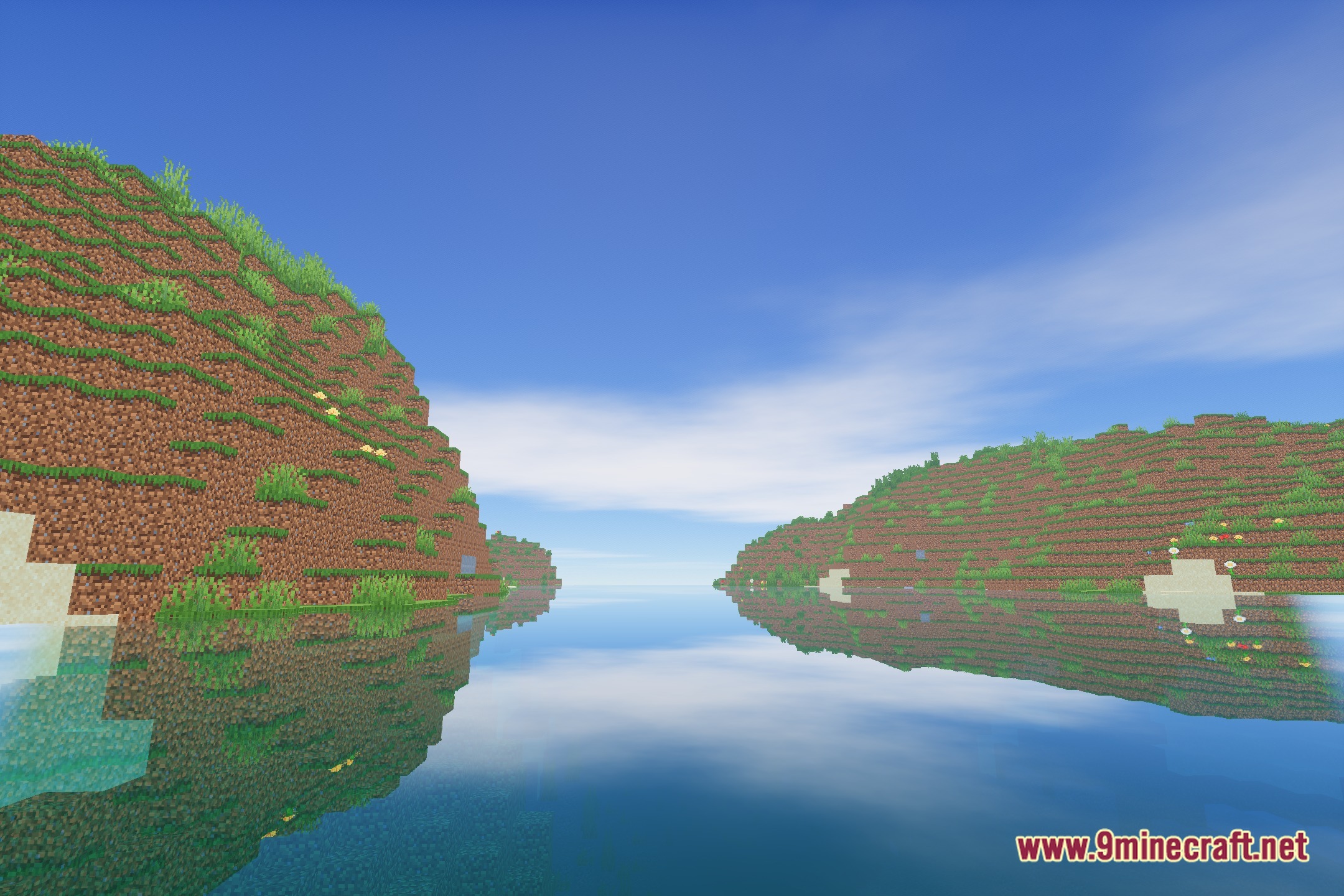
12 images from the Halcyonshaders Shaders page.

You May Also Like
Wikis that share the most with this one
 HalcyonDrift Shaders
 Hallucination Shader
More shader wikis on the site
The most downloaded mods that have a wiki here