

 DownloadEzSaturation Shaders
Get the files on 9Minecraft
Guides
Step-by-step, in-game.
Adjust Saturation to Match Your MonitorFinding the Saturation Slider Open your Video Settings and look for the EzSaturation Shaders options. The saturation…Boost Colors in Dim or Dull BiomesWhy Some Biomes Look Flat Certain biomes—like swamps, dark forests, or underground areas—naturally have muted colors.…Reduce Saturation to Prevent Eye StrainWhy Desaturation Helps If you play for long sessions, highly saturated colors can cause eye fatigue, especially on…Use EzSaturation Shaders on Low-End HardwareWhy This Shader Works on Weak Systems Unlike heavy shader packs that add complex lighting, shadows, and…
Frequently asked questions
Where do I find the saturation slider?
Open Video Settings from the main menu or pause screen, and look for the saturation slider in the graphics options. It will be clearly labeled and ready to adjust in real time.
Do I need to restart the game to see saturation changes?
No, saturation adjustments apply instantly as you move the slider, so you can preview different levels without restarting.
Will this shader pack make my game lag?
EzSaturation Shaders is designed for minimal performance impact and should run smoothly even on older or low-end hardware with virtually no frame rate drops.
Can I use this with other shader packs?
No, you can only use one shader pack at a time in Minecraft. If you want saturation control, you'll need to use EzSaturation Shaders instead of another pack.
See all 10 EzSaturation Shaders questions ›
Gallery
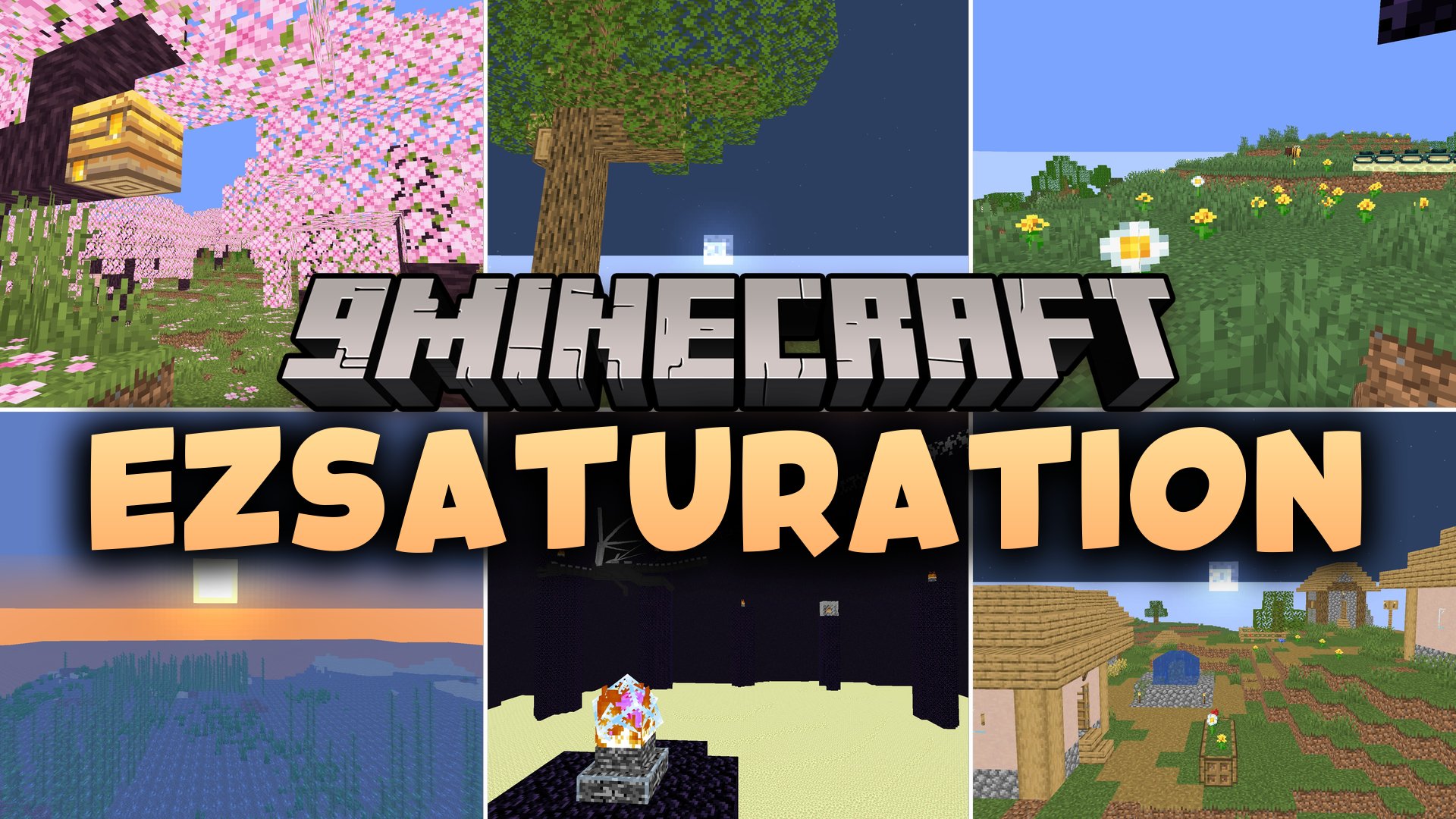
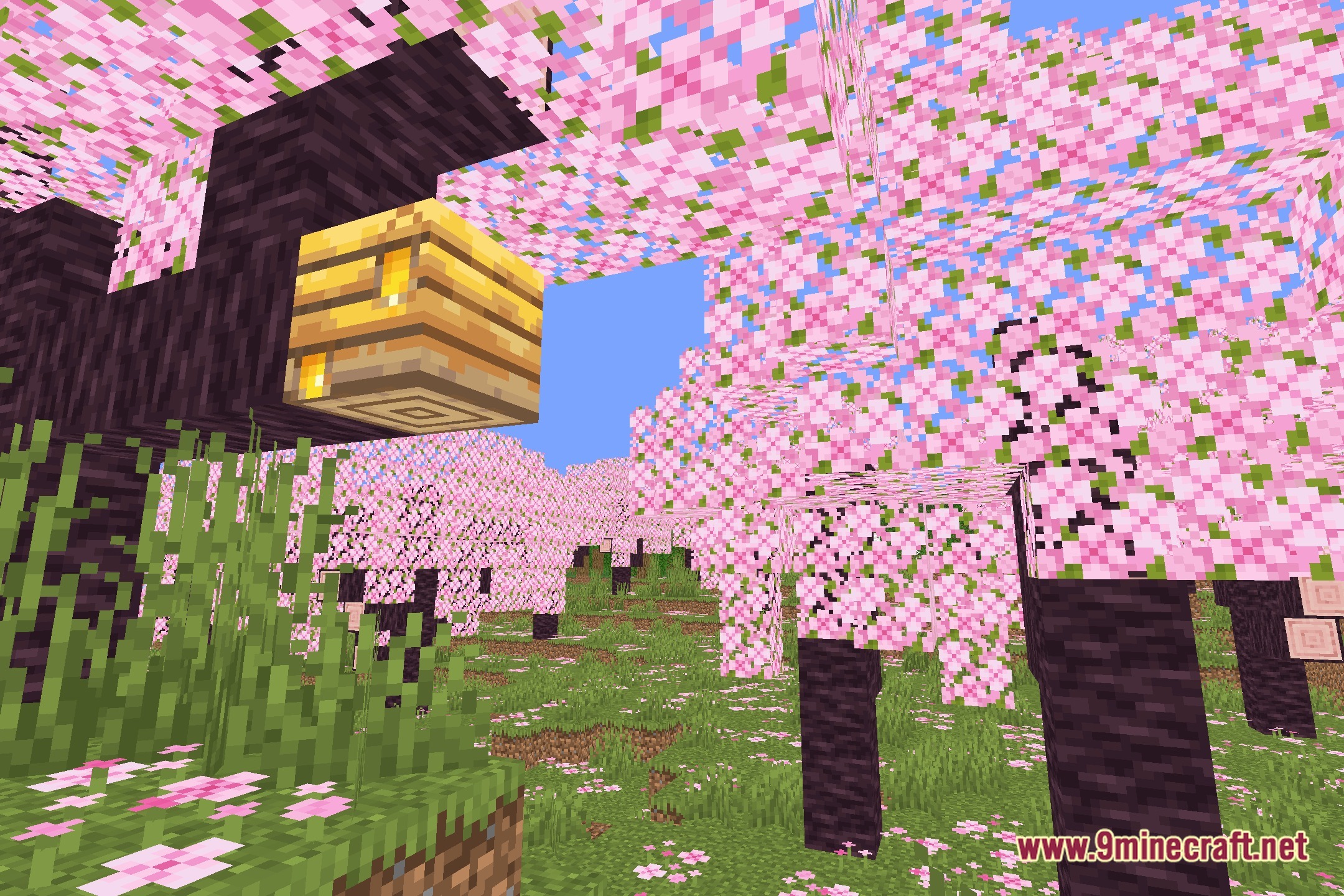
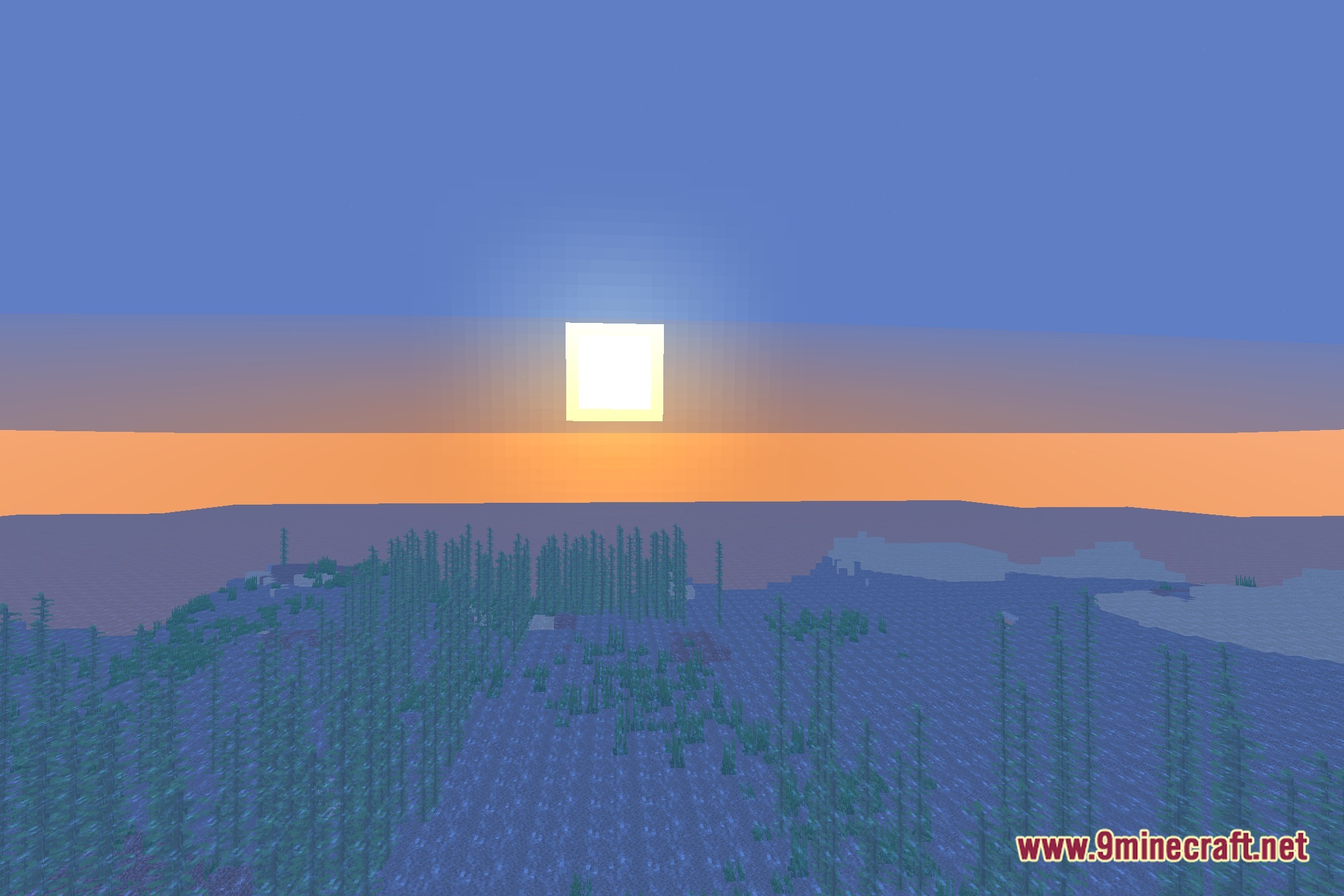
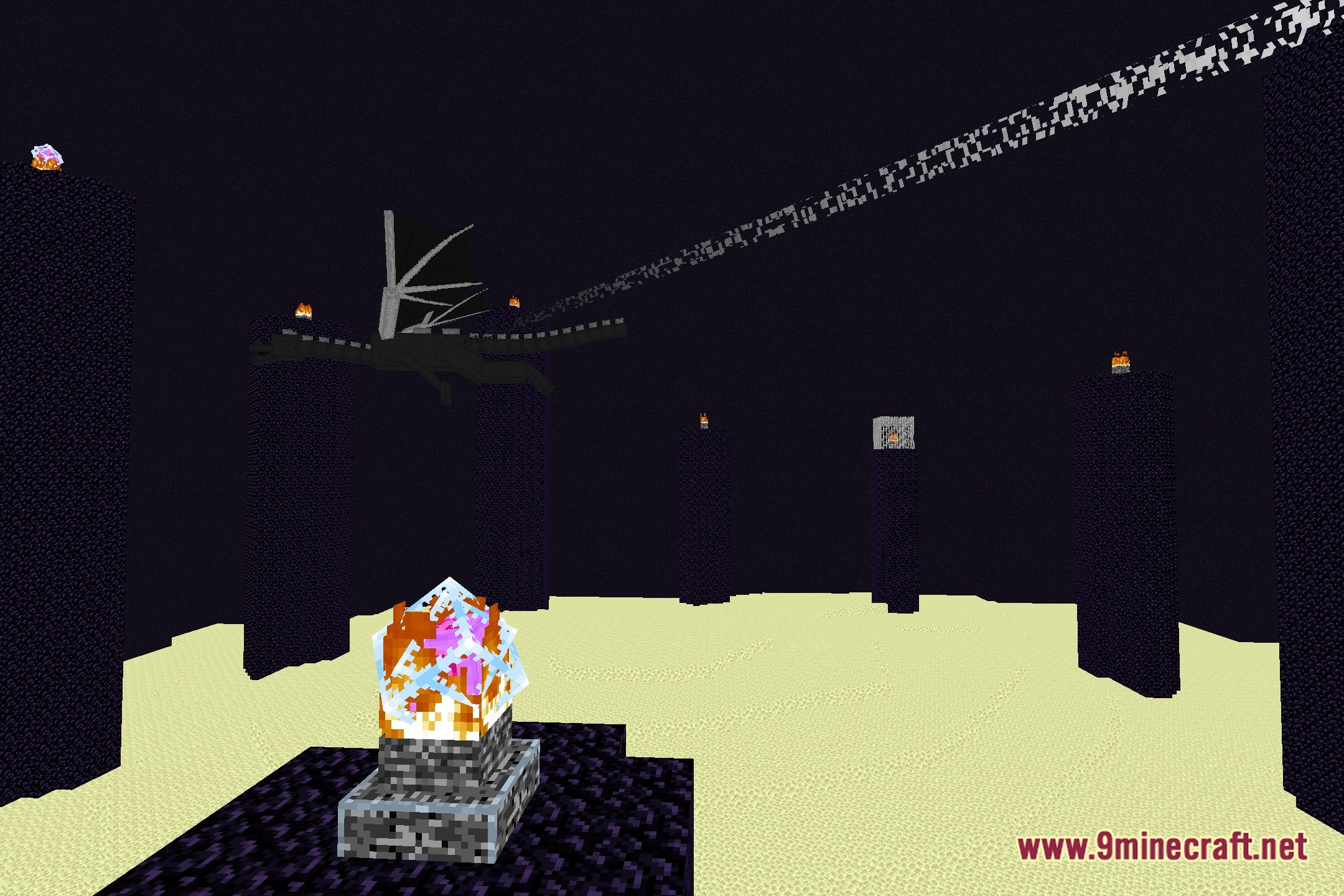
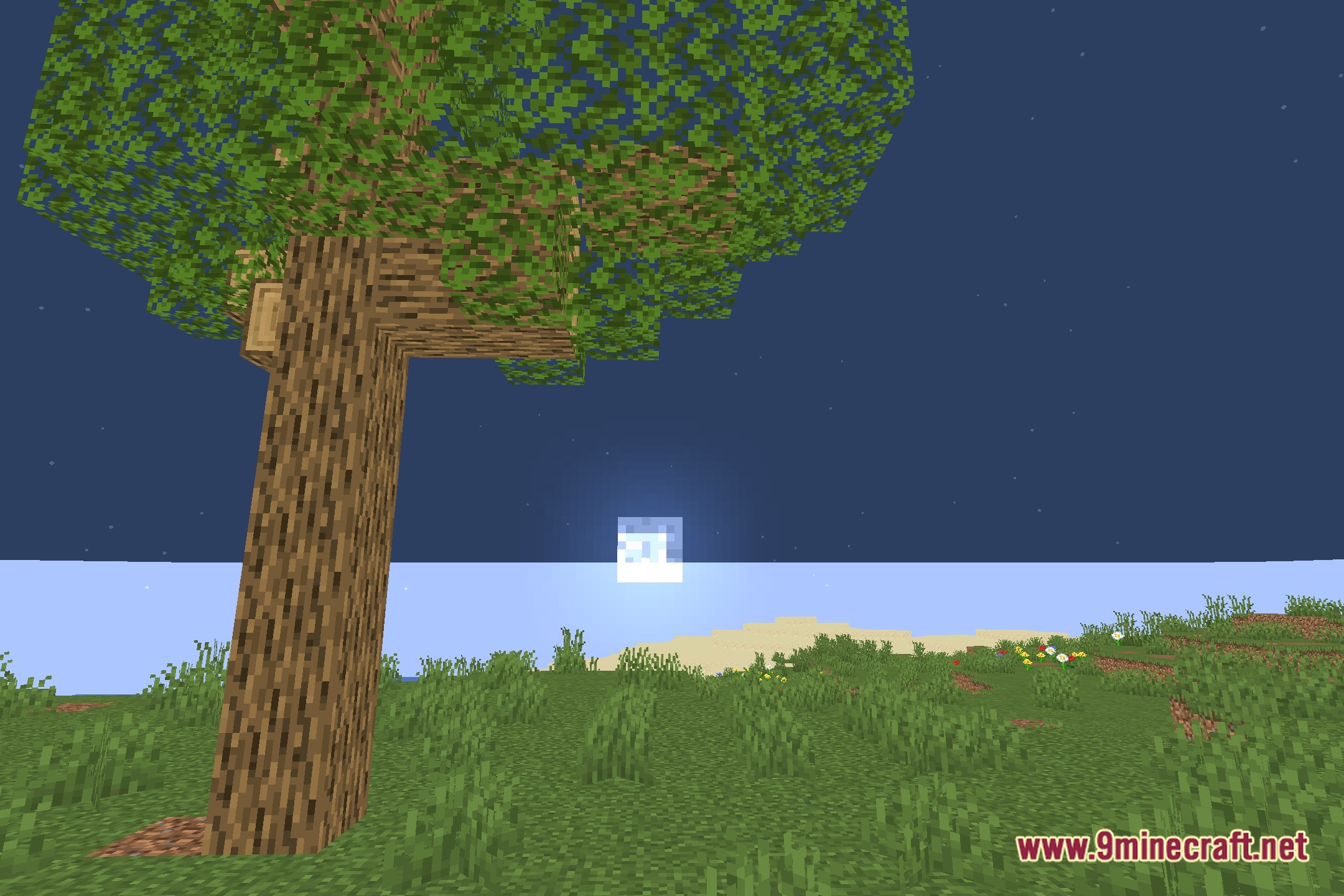
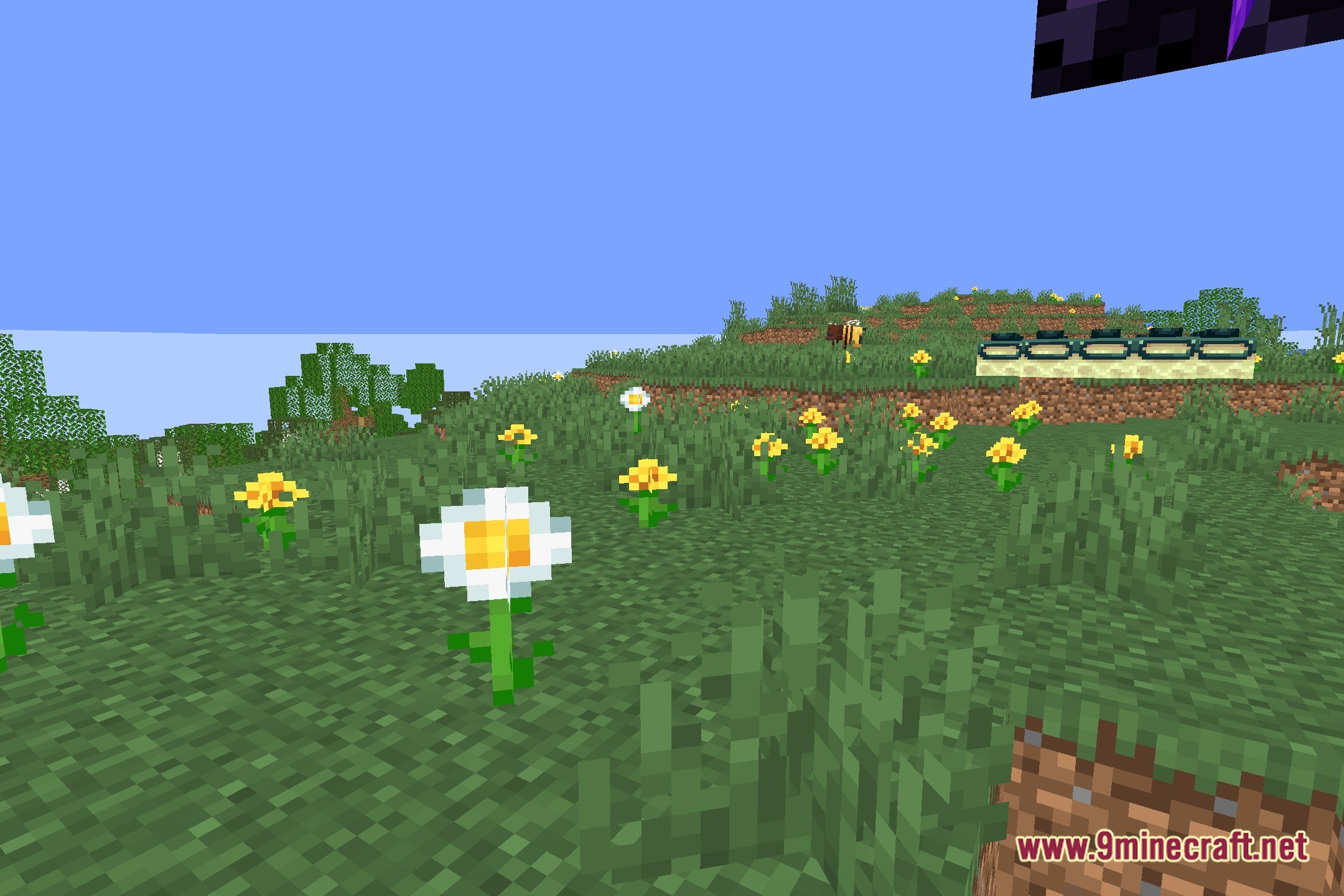
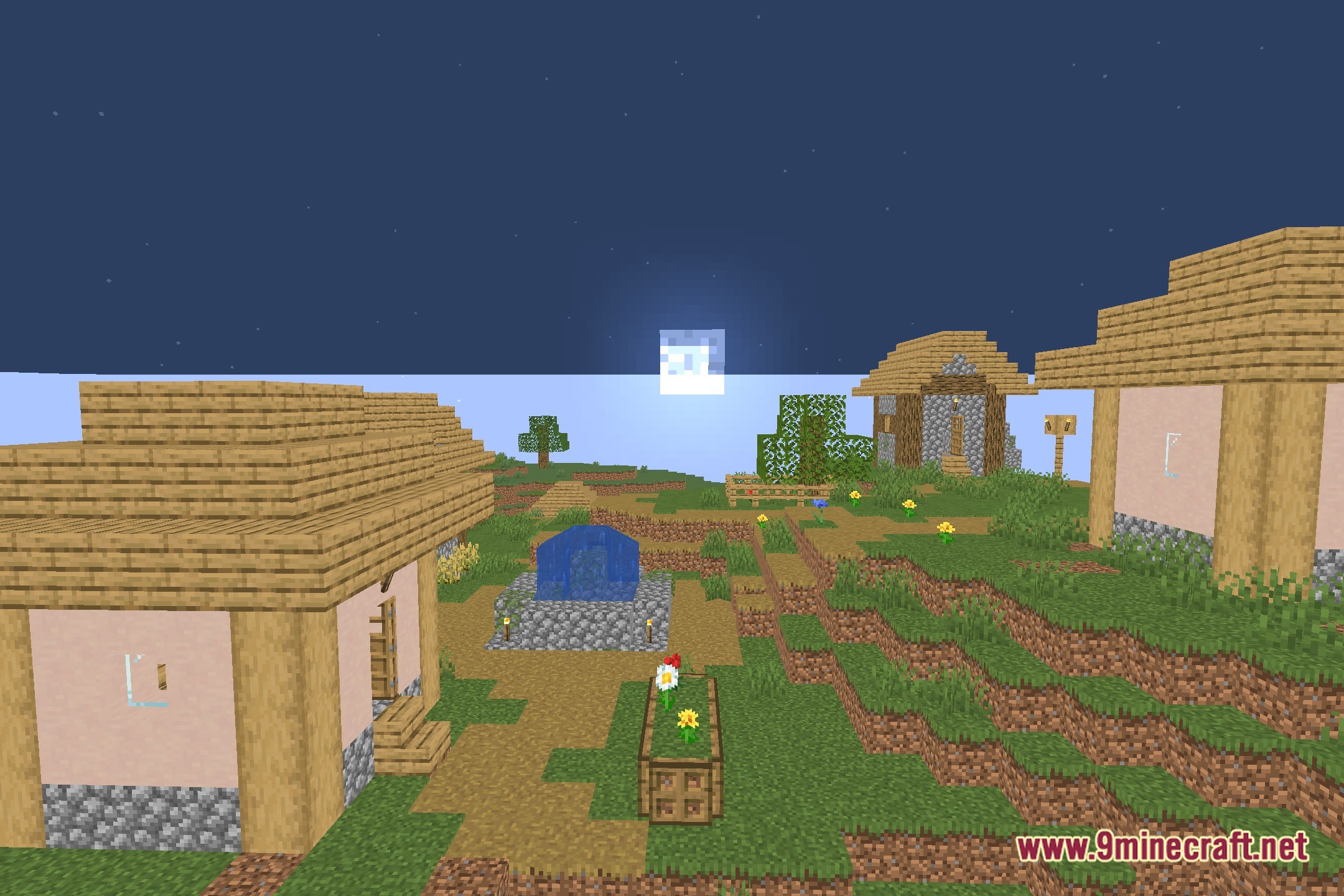
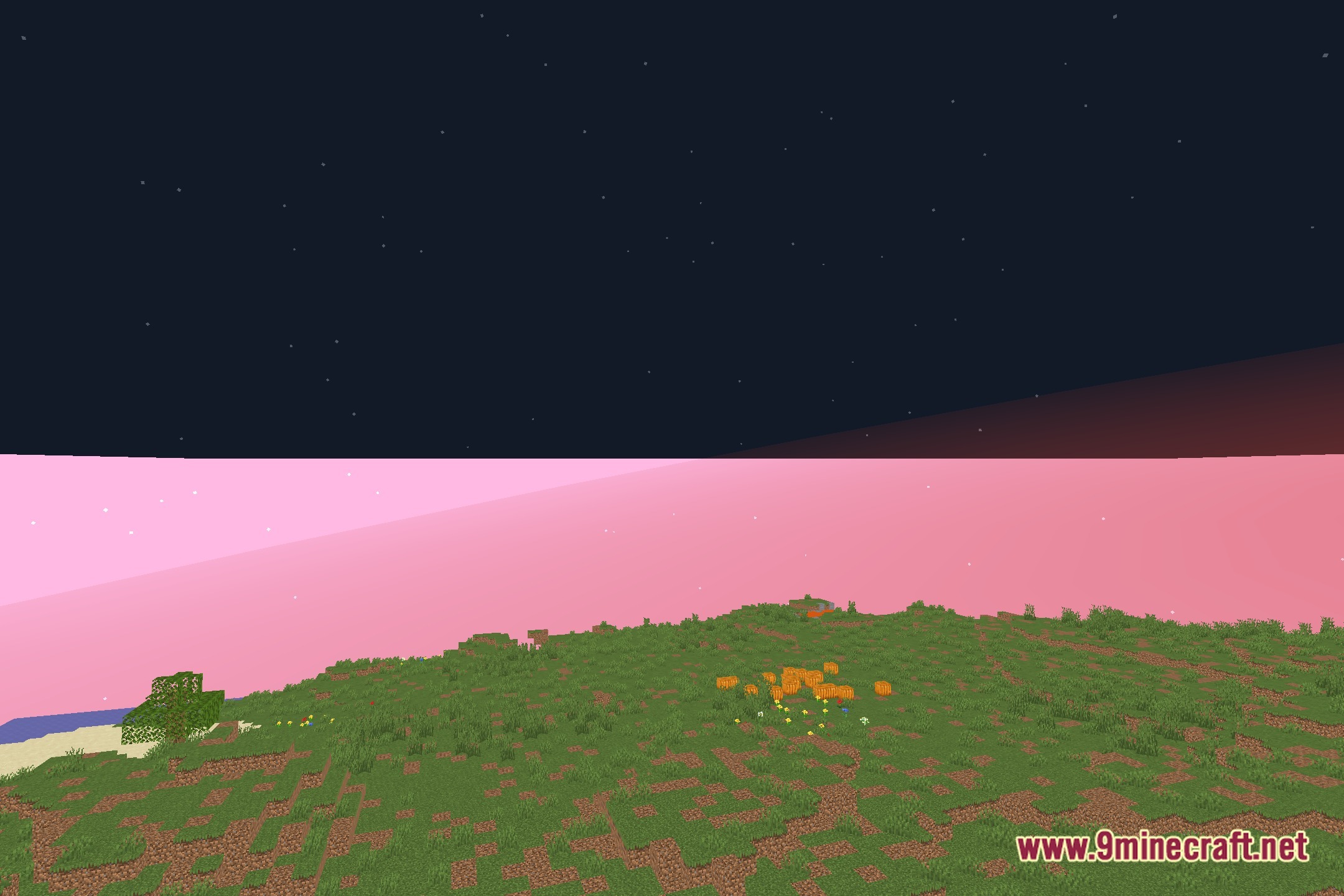
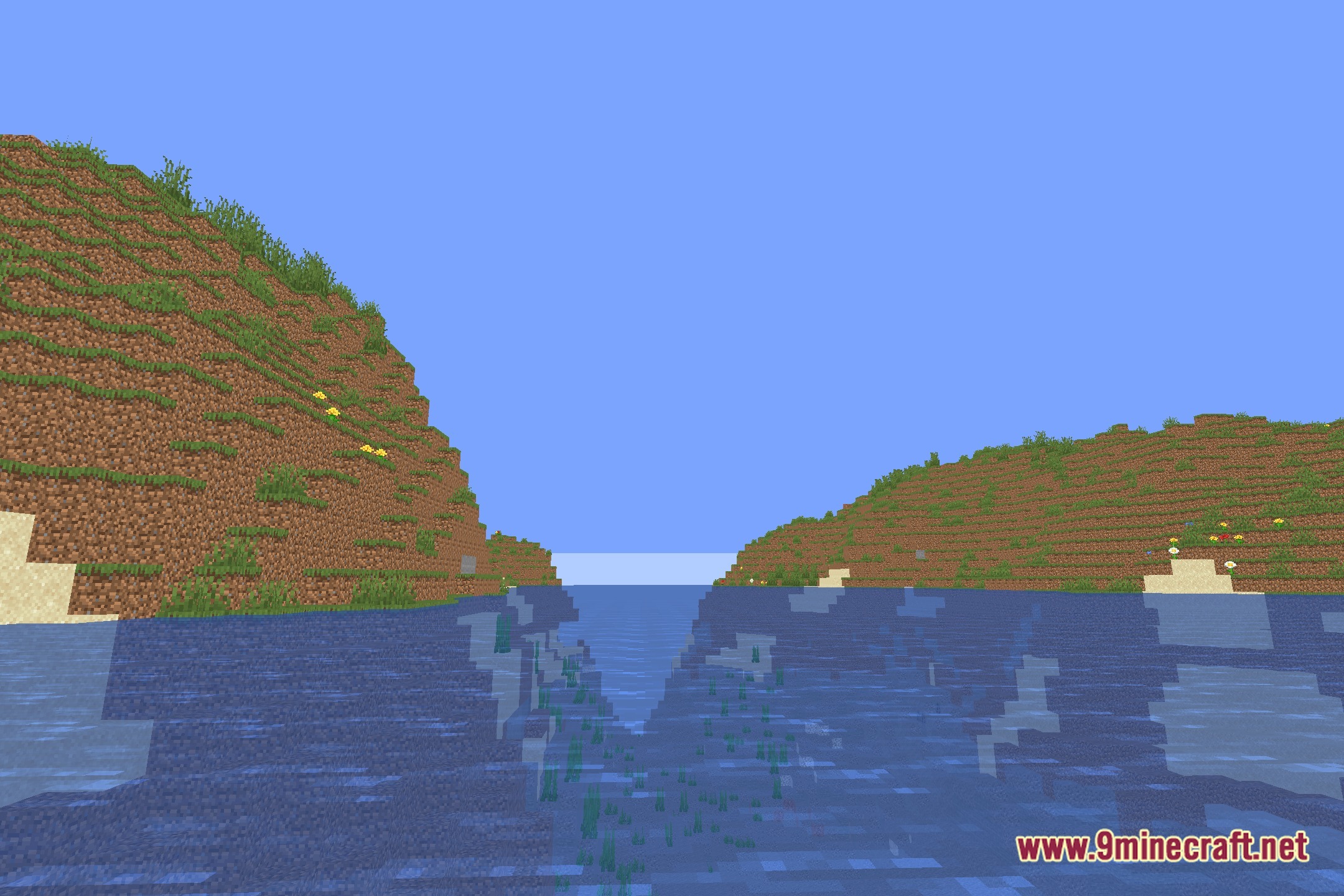
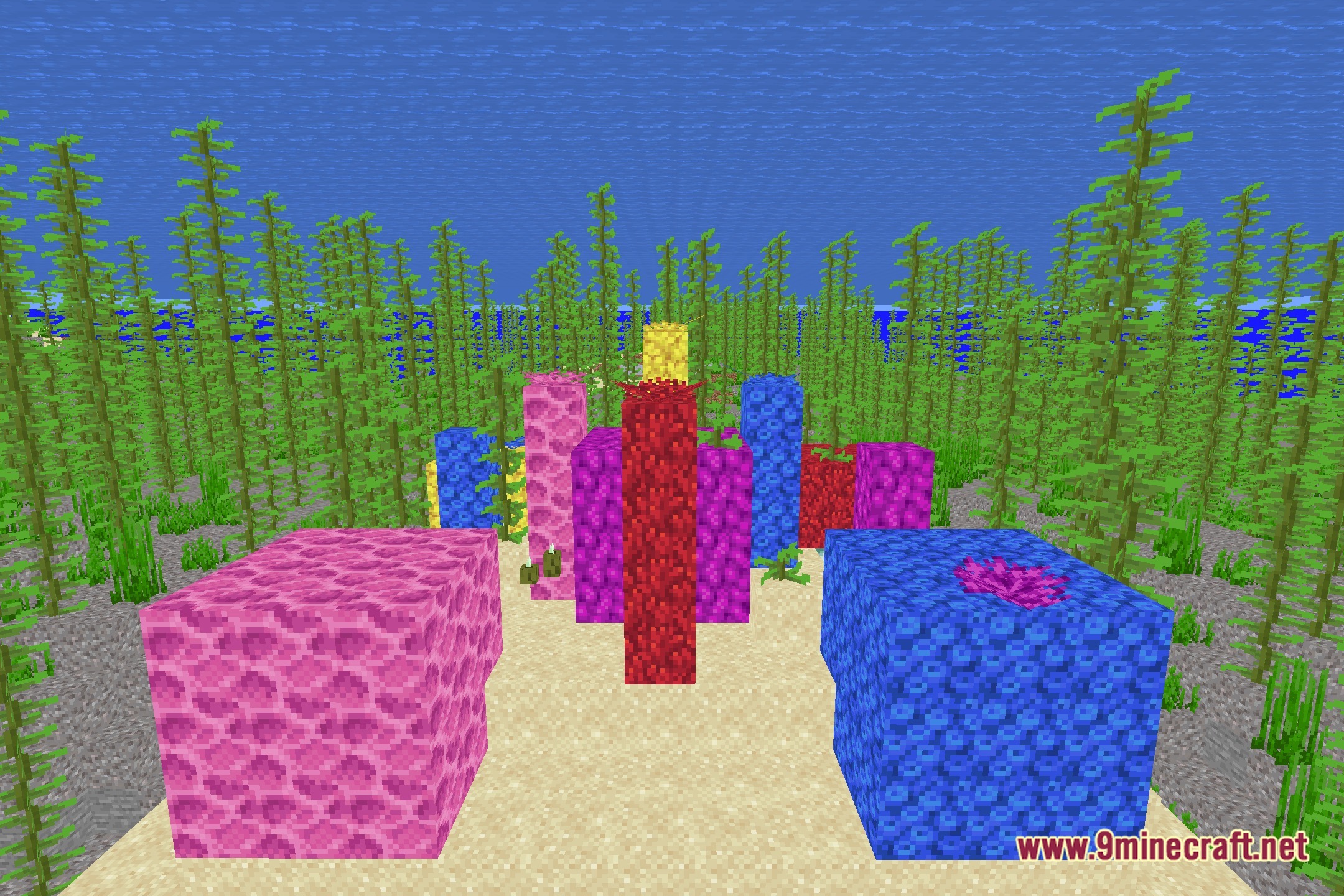
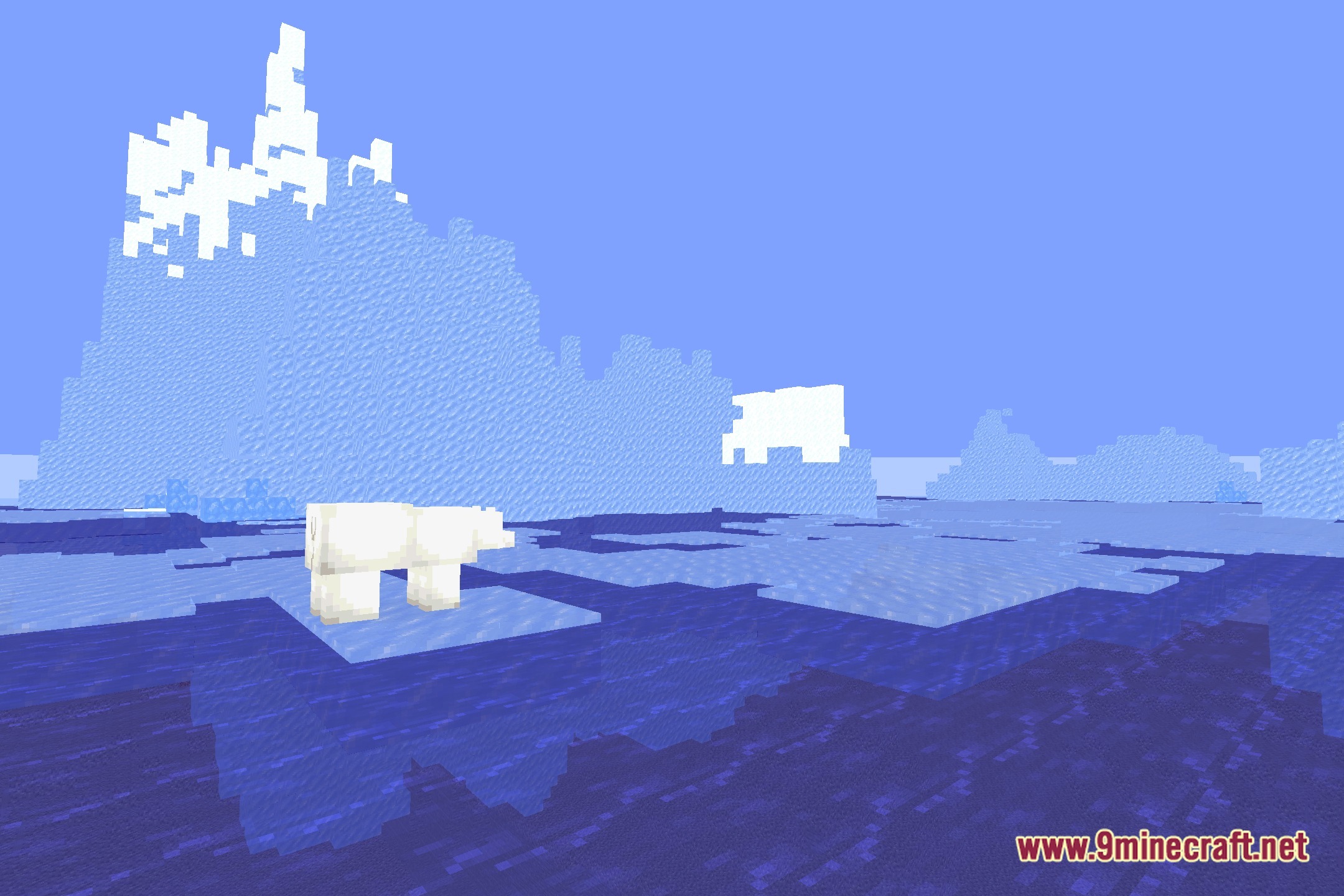
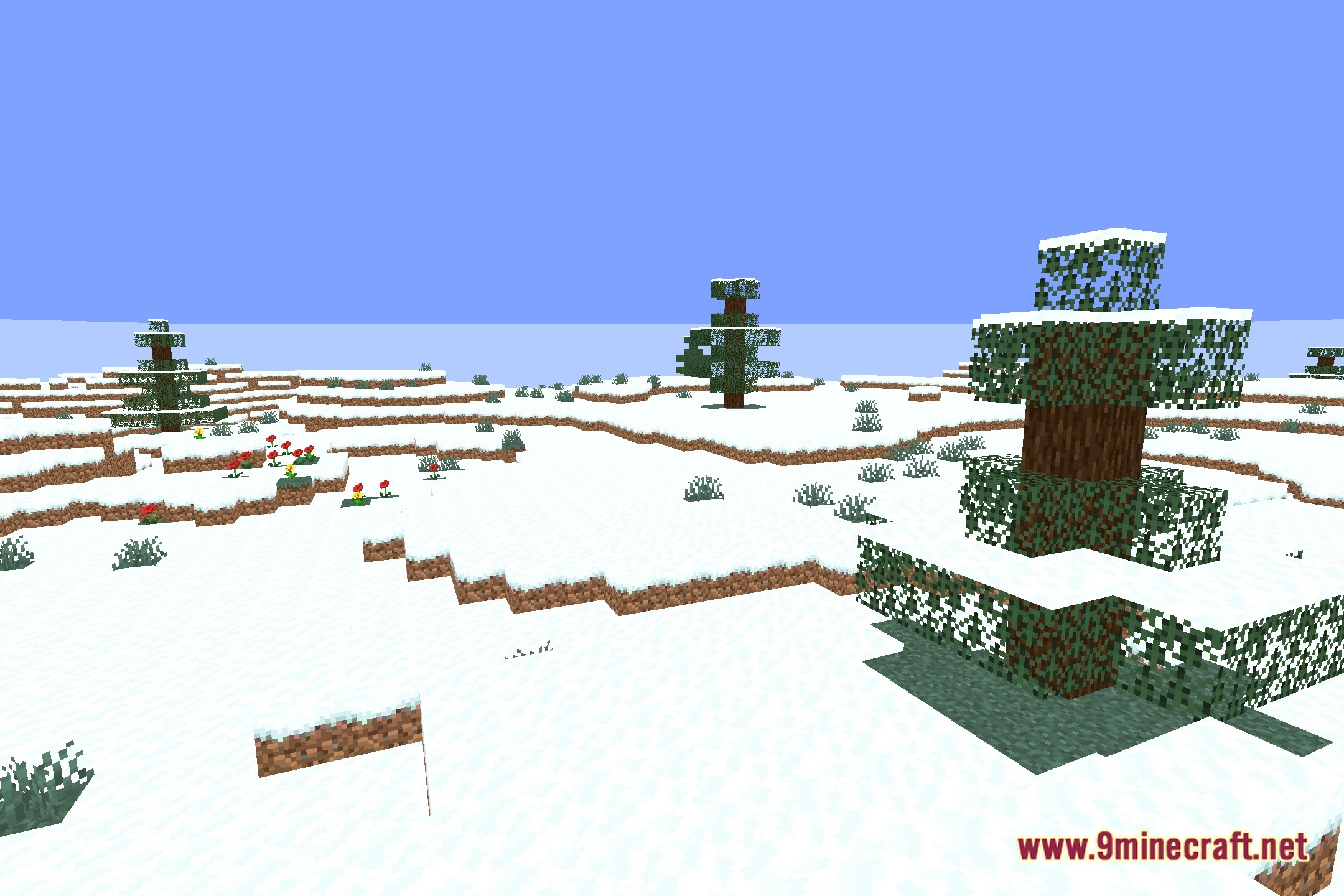
12 images from the Ezsaturation Shaders page.
You May Also Like
Wikis that share the most with this one
More shader wikis on the site
 Epic Shaders All The Shaders Modpack
The most downloaded mods that have a wiki here