

 DownloadFantasy Unbound Shaders
Get the files on 9Minecraft
Guides
Step-by-step, in-game.
Adjust Bloom Intensity to Reduce Eye StrainAccess Shader Settings Open the shader options menu while in-game by pressing the designated key (usually found in…Configure Colored Lighting for Specific BiomesAccess Colored Lighting Options Open the shader settings and locate the colored lighting or dynamic lighting section.…Enhance Foliage Movement and Wind EffectsFind Wind and Animation Settings Open the shader options menu and search for wind, animation, or foliage movement…Optimize Water Reflections for Better PerformanceLocate Water Reflection Settings Access the shader configuration menu and find the water or reflection quality…
Frequently asked questions
How do I turn on the shader after installing it?
Open Options > Video Settings > Shaders, then locate and select Fantasy Unbound Shaders from the list. Click Apply and the shader will activate immediately in your world.
The bloom effect is too bright and hurts my eyes. How do I fix this?
Open the shader settings (usually by clicking the Shaders button in Video Settings), find the Bloom Intensity slider, and reduce it to a lower value that feels comfortable for you.
Why is my water not showing reflections?
Make sure reflections are enabled in the shader options—check the Water Reflections setting and confirm it's turned on. If your FPS drops significantly when enabling reflections, try the "Optimize Water Reflections for Better Performance" guide to find a balance.
Can I use this shader with other mods like Optifine or Sodium?
Fantasy Unbound Shaders works with Iris (the shader loader for Sodium), but may conflict with Optifine. Use Iris + Sodium for best compatibility and performance.
See all 10 Fantasy Unbound Shaders questions ›
Gallery
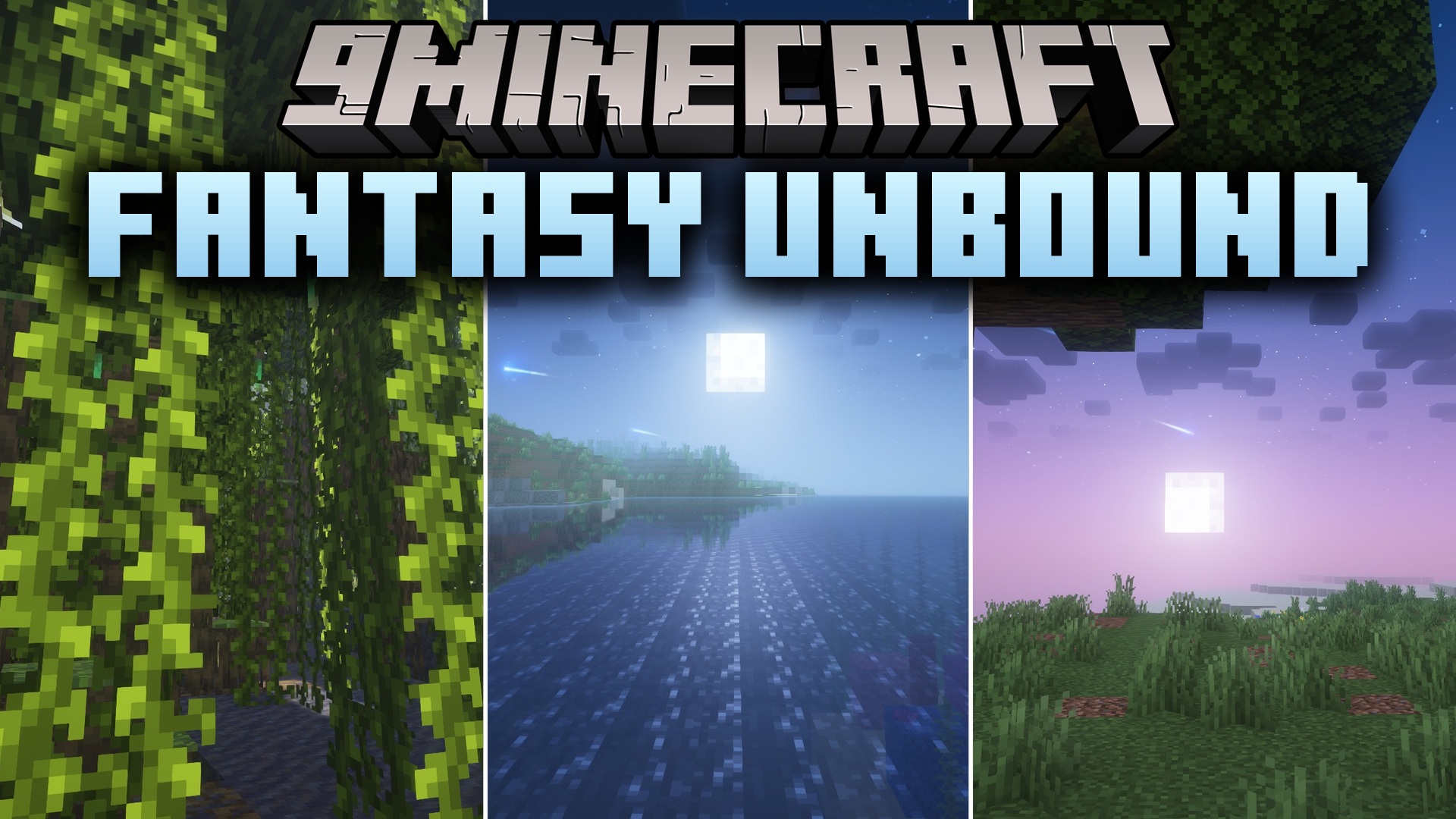
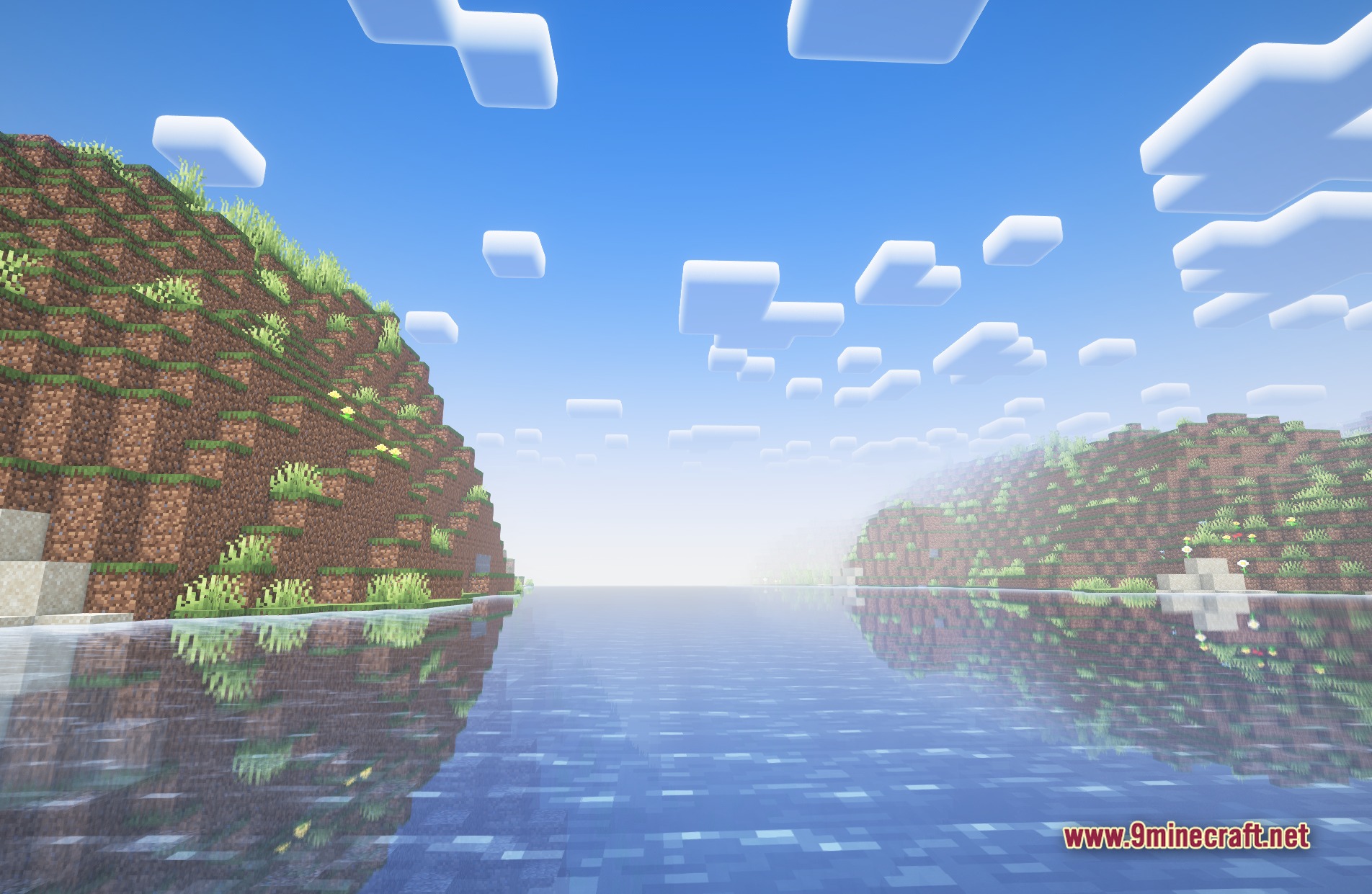
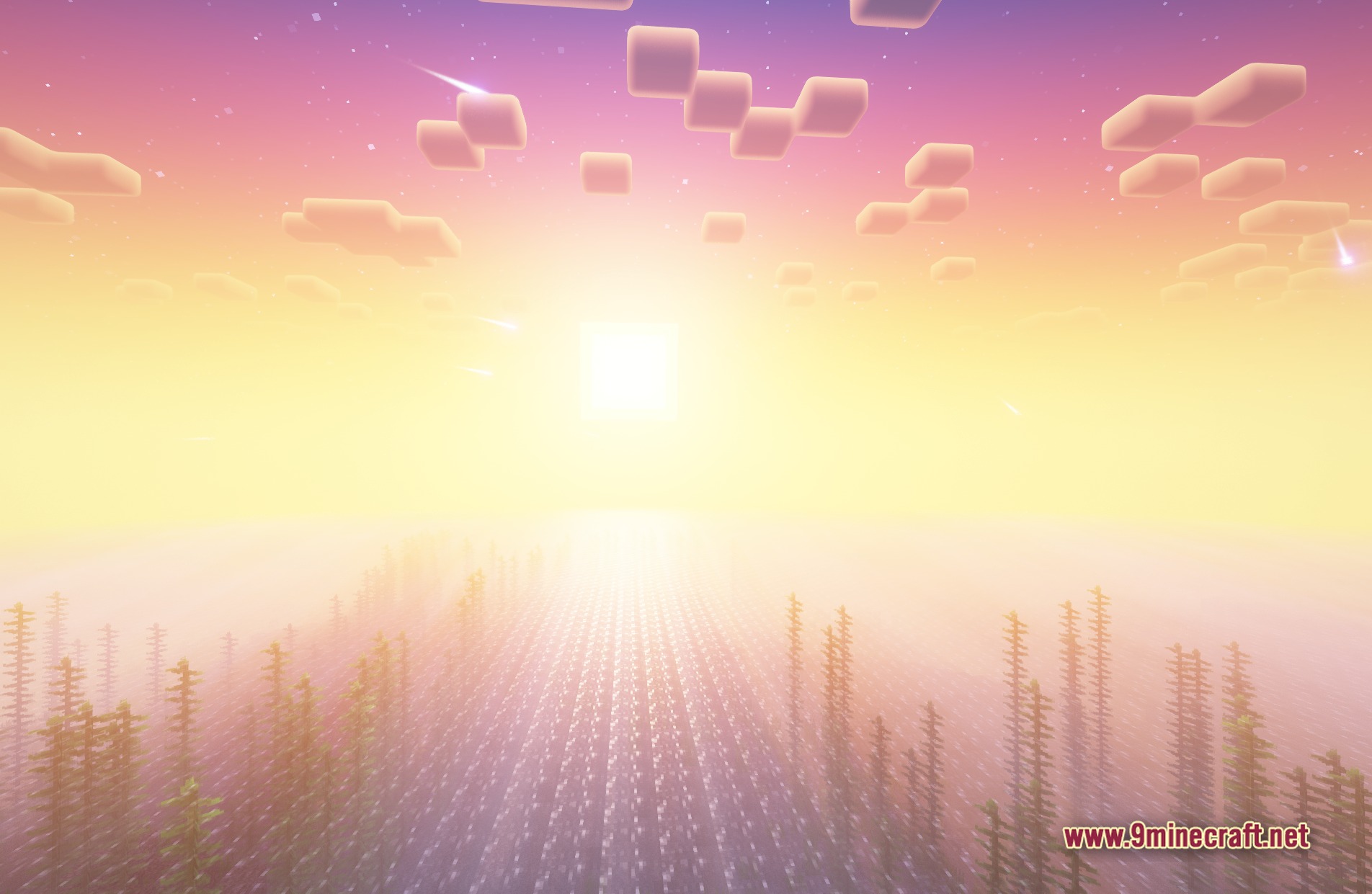
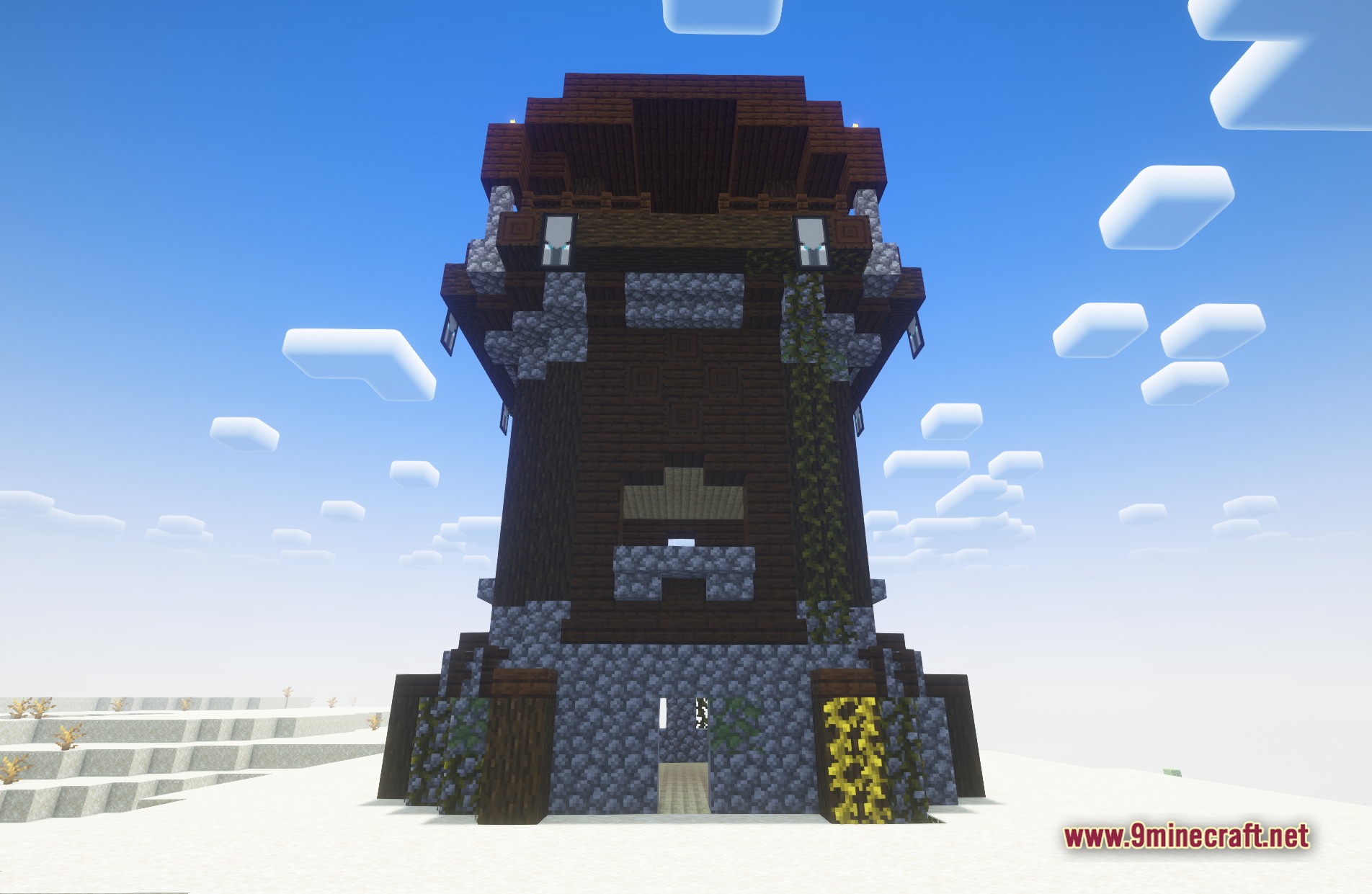
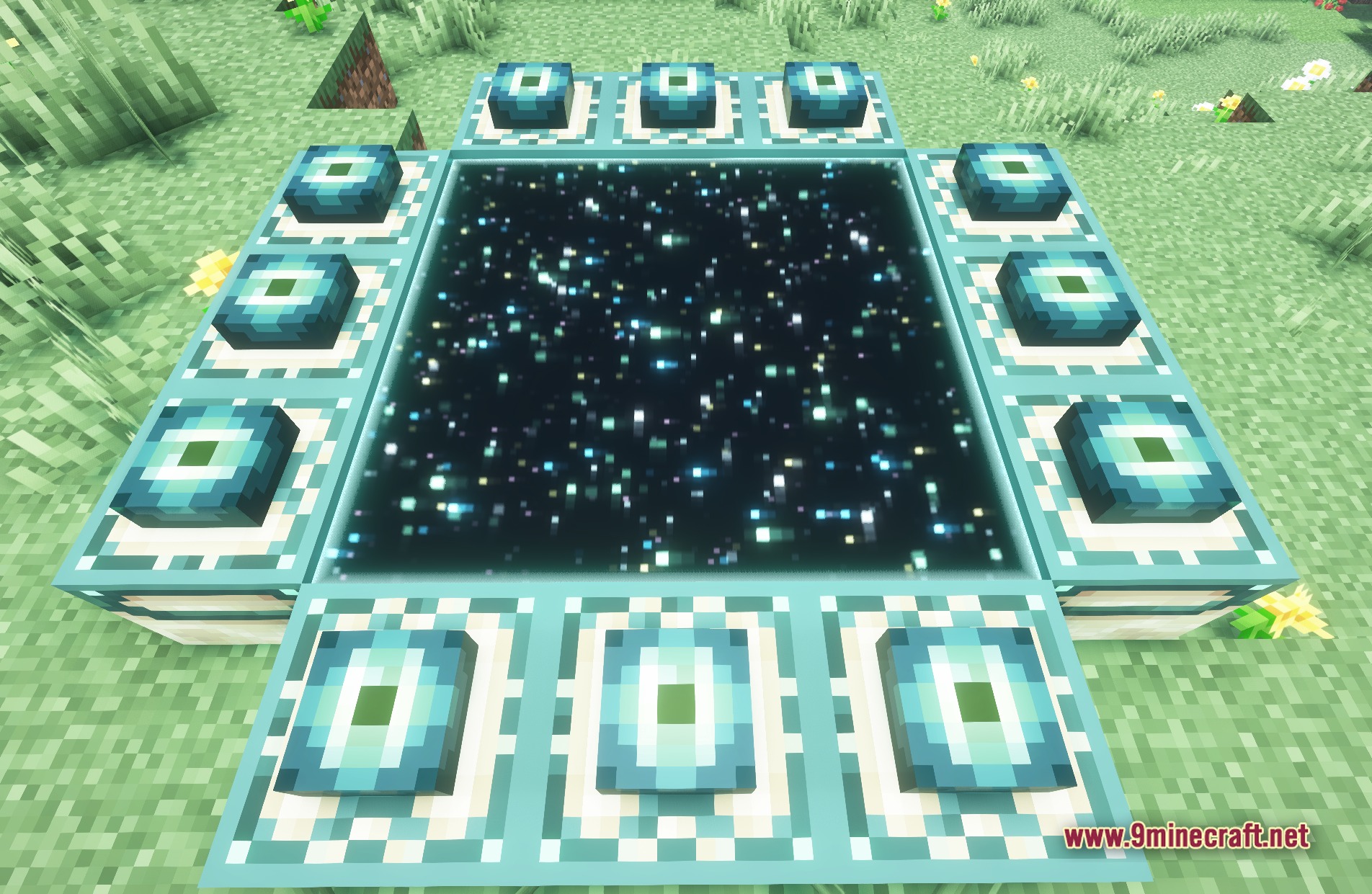
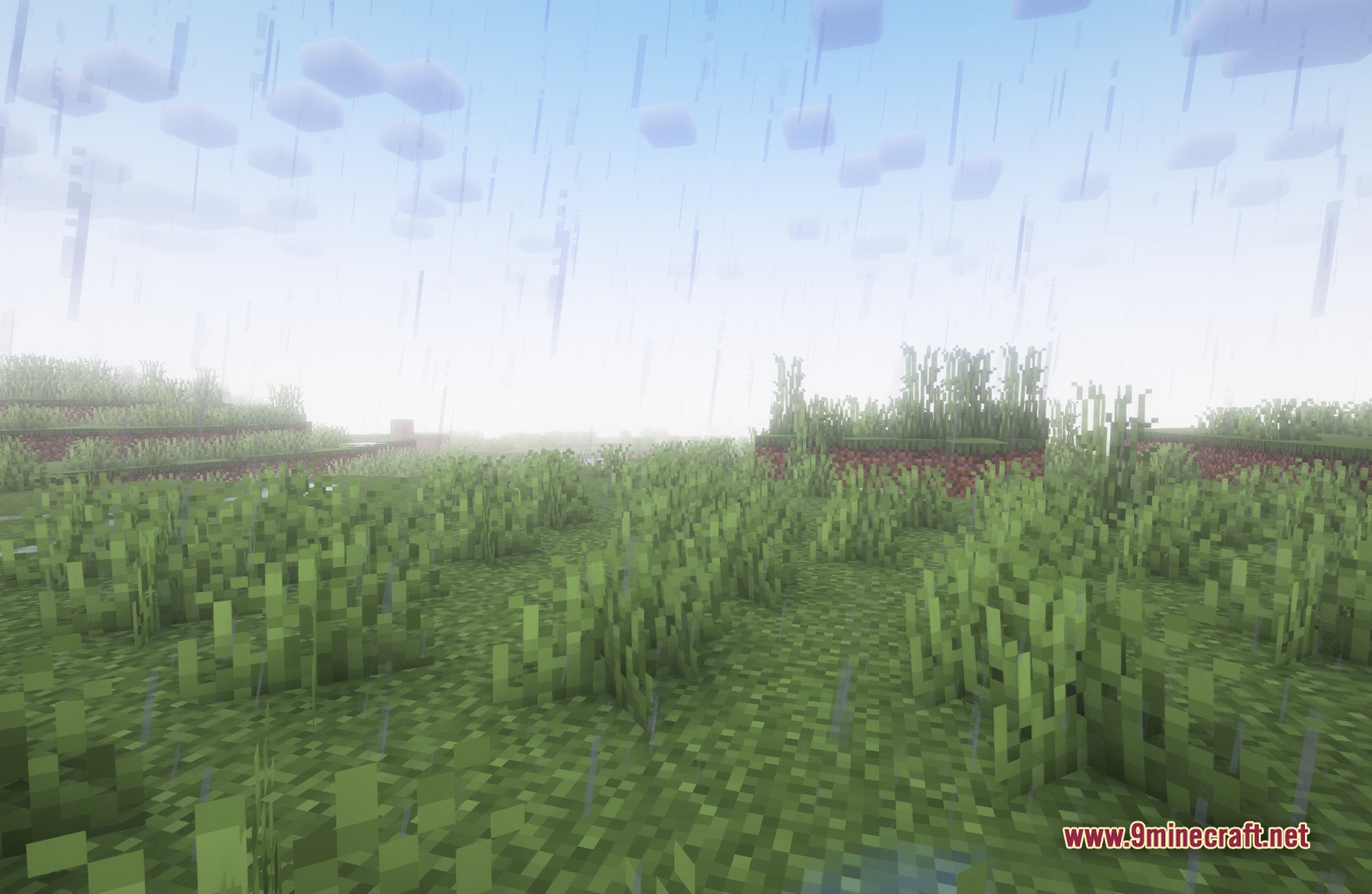
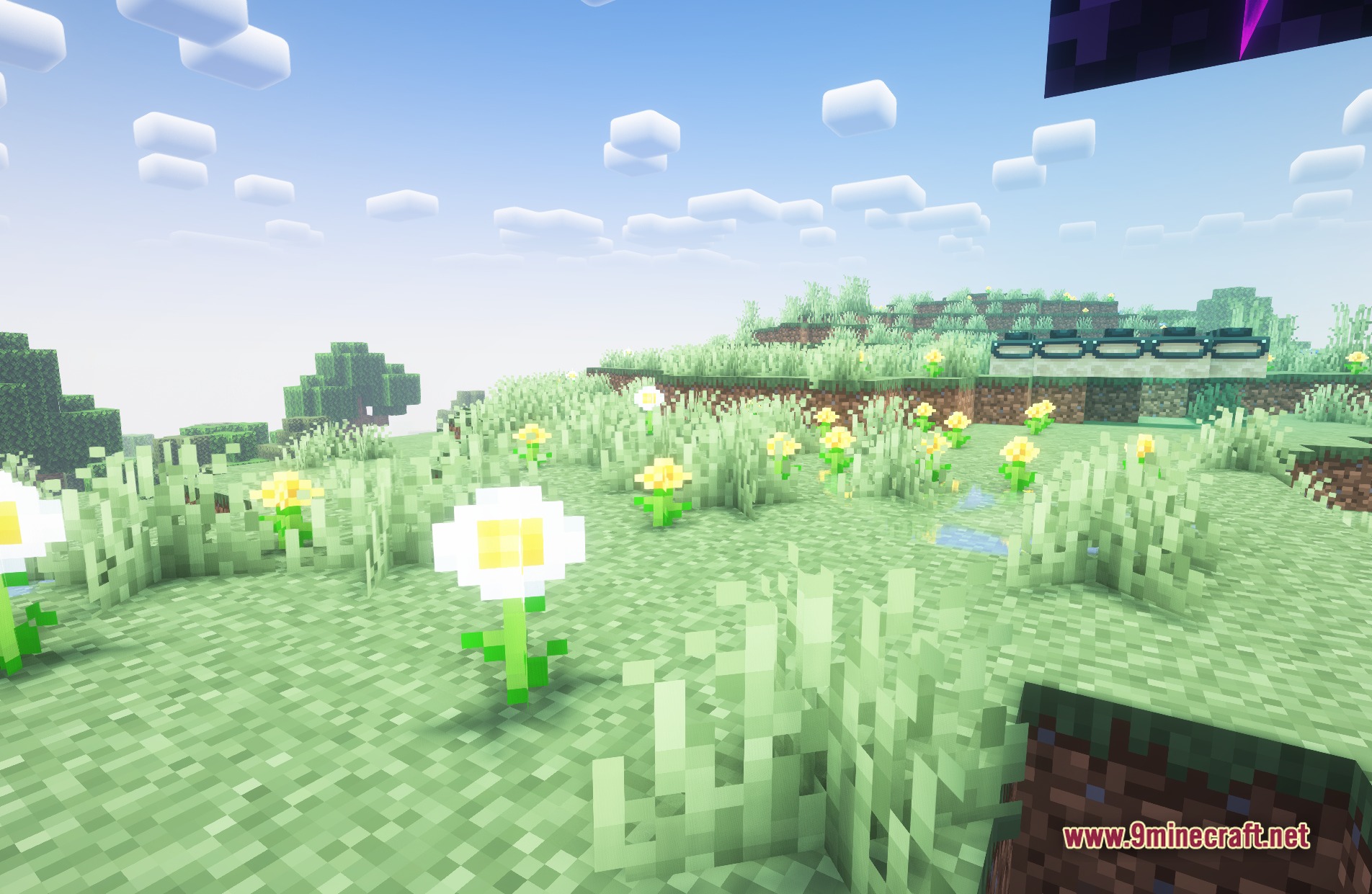
11 images from the Fantasy Shaders Unbound Shaders page.
You May Also Like
Wikis that share the most with this one
Wikis on the same theme: fantasy
More shader wikis on the site
The most downloaded mods that have a wiki here